 GameWiki
GET YOUR BEARINGS
About Mini Airways - ATC simulator
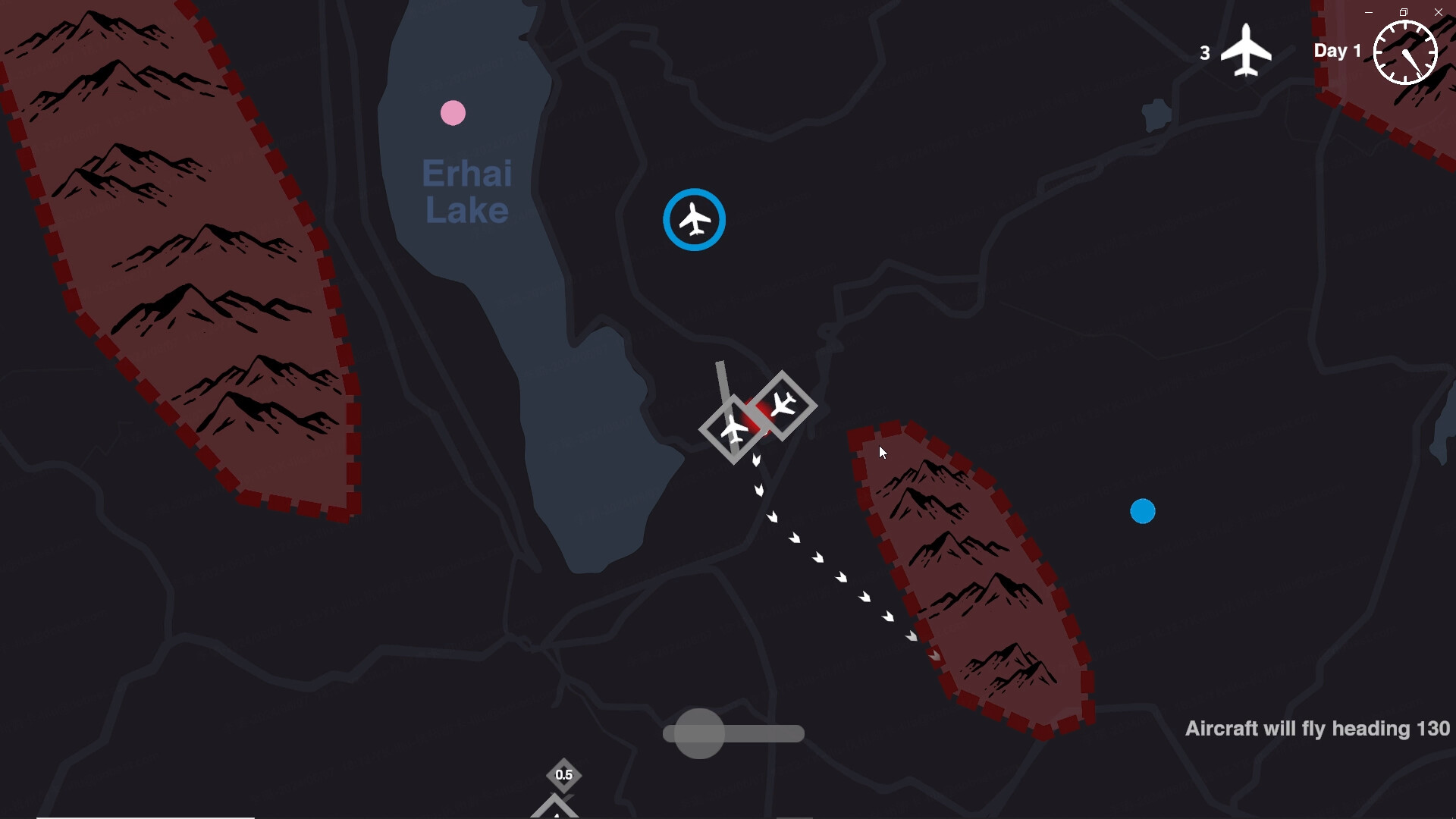
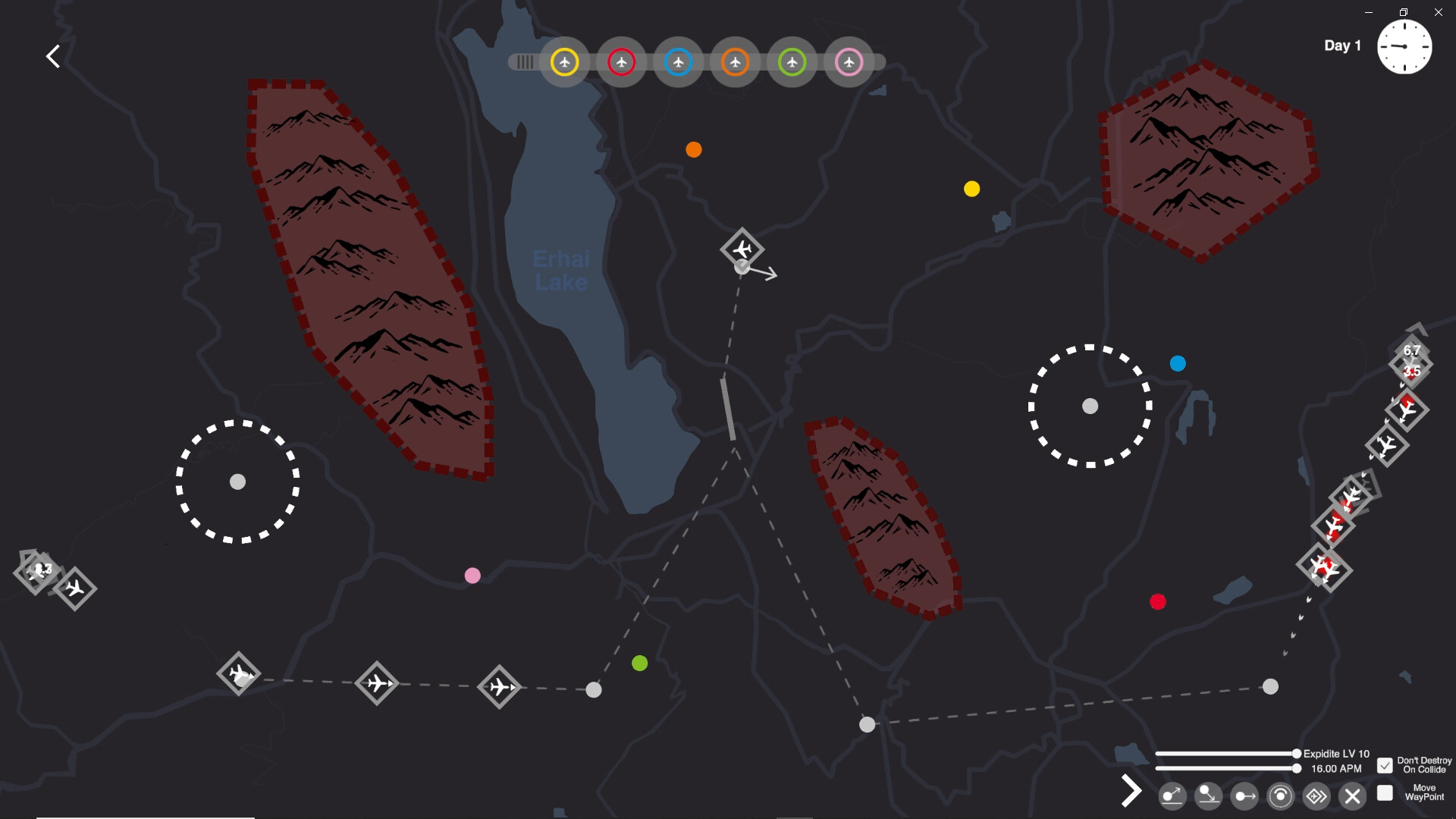
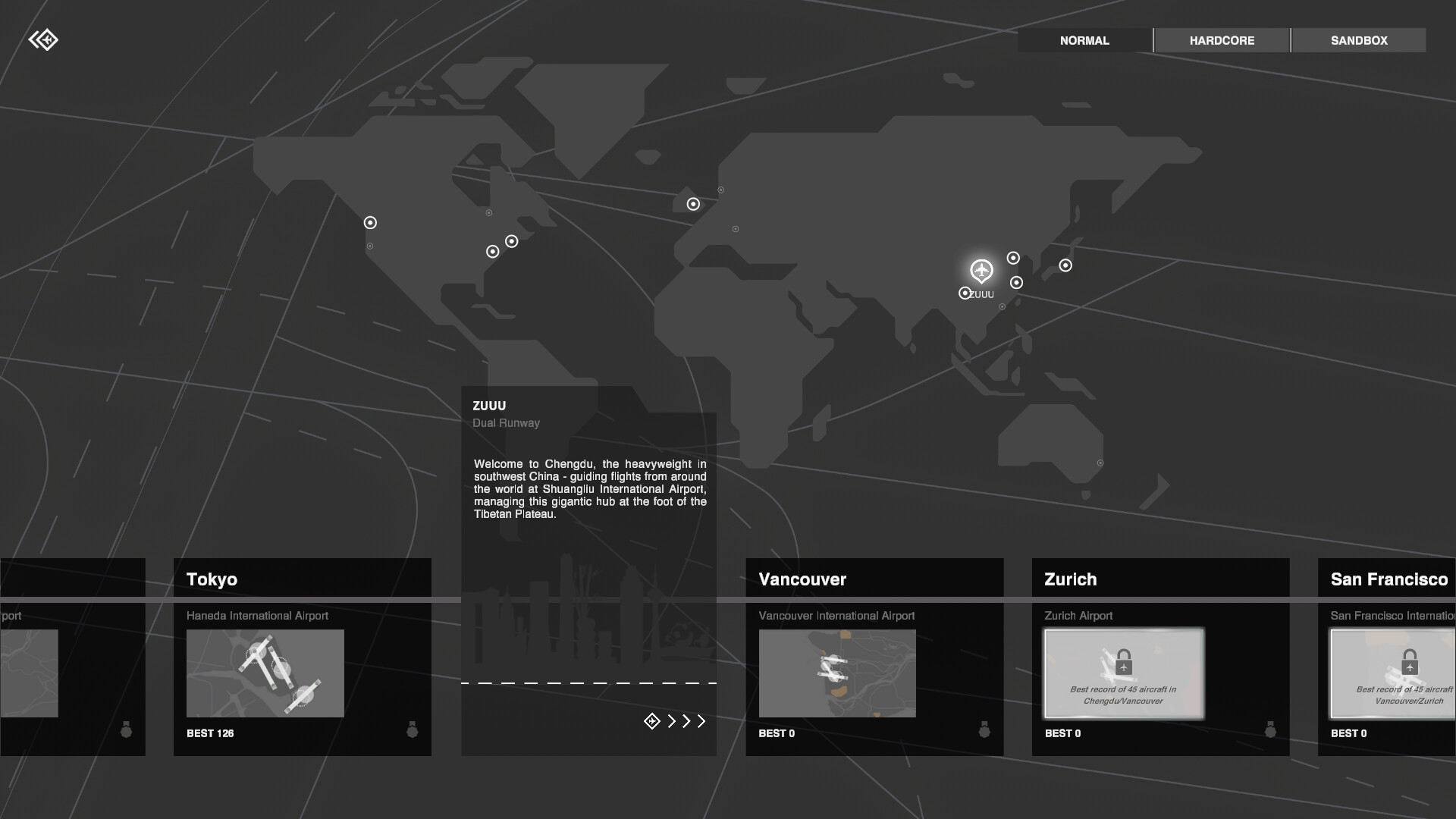
Mini Airways is a real‑time management game that puts you in the role of an air‑traffic controller. You direct take‑offs and landings, clear airspace, and avoid crashes while handling mountains, no‑fly zones, and peak traffic periods. The game offers three modes—Classic, Hardcore and Sandbox—plus multiplayer for up to four online players and full Steam Workshop support for custom maps and mods. Upgrades unlock after each day, expanding airspace, adding waypoints and improving holding patterns across 19 real‑world airport maps.
01 / THE GUIDE
Game Modes
Mini Airways provides three distinct play styles. Classic offers a balanced experience, Hardcore removes the pause function to mimic real ATC operations, and Sandbox grants full control over waypoints, props and landing intensity for testing maximum flight density. Each mode shares the core task of managing take‑offs and landings, but they differ in how much freedom or pressure the player faces, allowing both casual and hardcore enthusiasts to find a suitable challenge.
- Try Classic first to learn basic controls before moving to Hardcore.
- Use Sandbox to experiment with custom waypoints before applying them in multiplayer.
02 / THE GUIDE
Multiplayer Co‑op
Up to four players can join the same airport online, sharing the responsibility of clearing planes and preventing near‑misses. Cooperative play reduces the impact of individual mistakes and enables higher scores through coordinated management. The multiplayer experience works with any map that supports the Steam Workshop, so custom or official airports can be tackled together, fostering teamwork and shared strategy.
- Communicate waypoint assignments early to avoid overlapping commands.
- Assign one player to monitor incoming traffic while another handles departures.
03 / THE GUIDE
Upgrades & Customisation
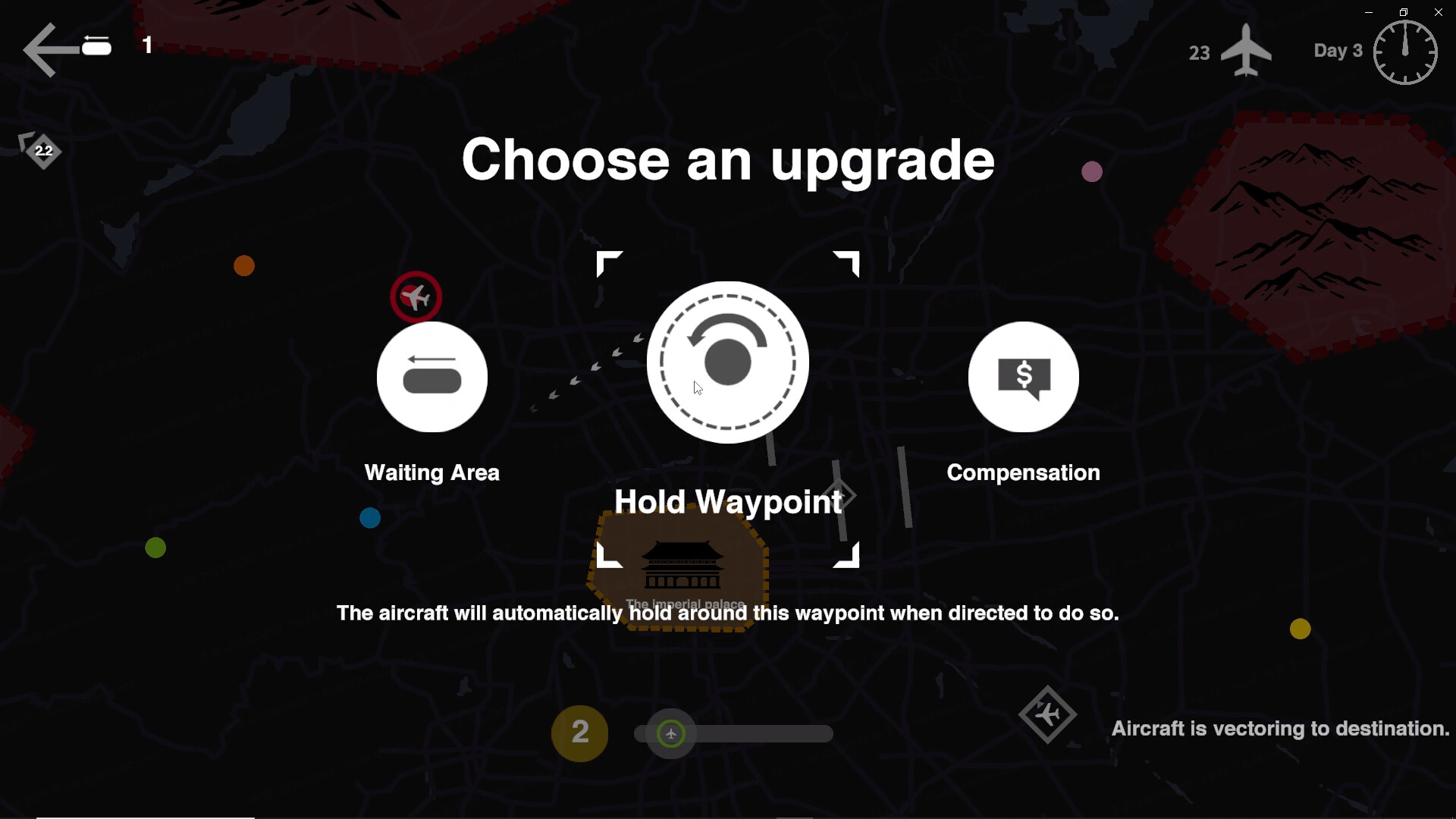
After completing a day’s management you select an upgrade such as auto holding, accelerating turns, increased airspace or new waypoints. These upgrades smooth traffic flow and allow denser flight schedules. Customisation extends to the Steam Workshop where players can import map assets, configure runways, restricted zones and terrain, tailoring each airport to personal preferences or challenges.
- Prioritise auto‑holding upgrades early to reduce congestion.
- Experiment with waypoint placement in Sandbox before committing to a map.
04 / THE GUIDE
Maps & Random Events
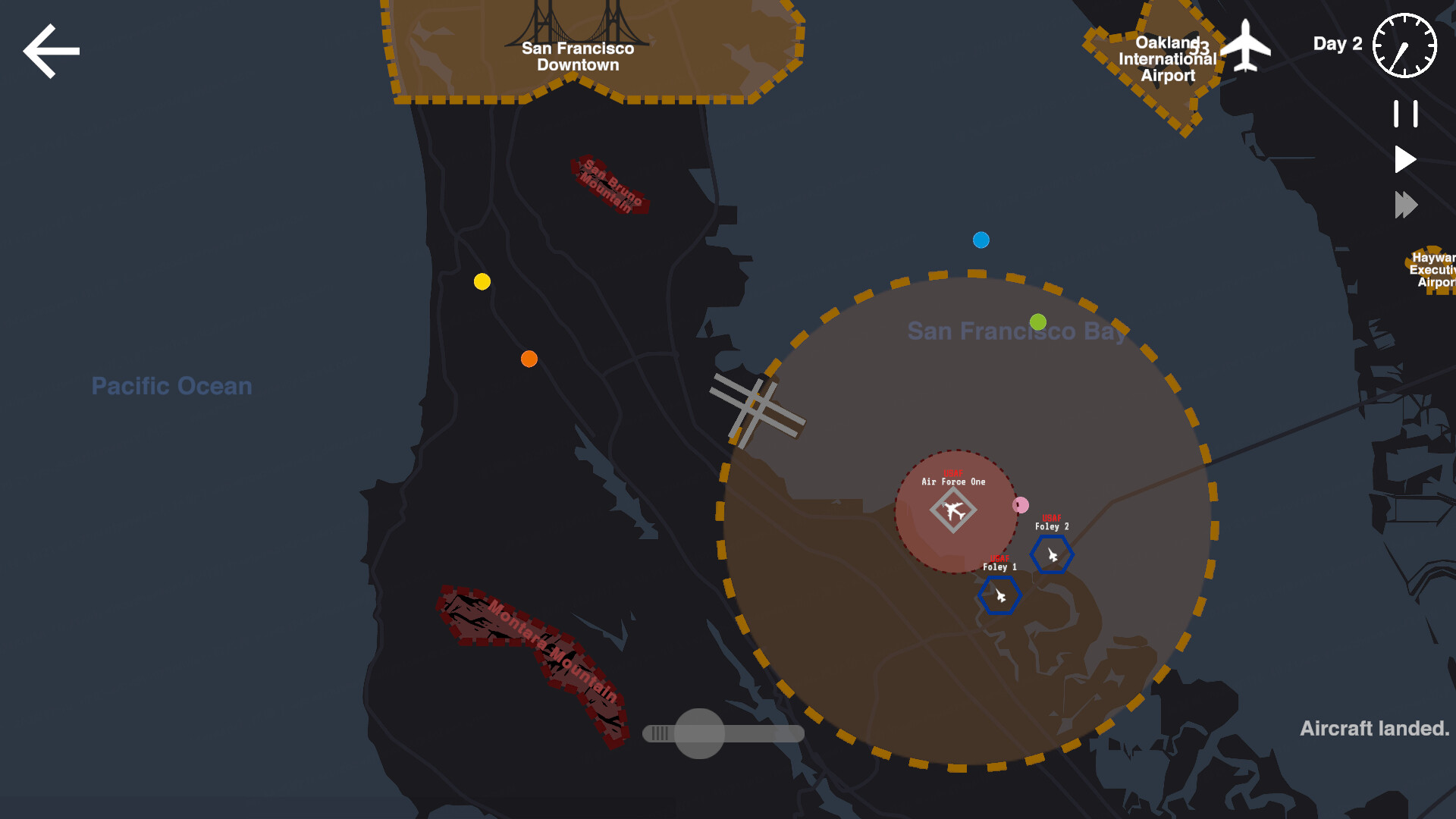
Mini Airways unlocks 19 airspace maps based on real‑world airports, ranging from Beijing Capital to London. Certain maps trigger random events like a Hudson River miracle landing, Air Force One crossings or high‑priority emergencies, adding narrative flair. These events appear under specific map and condition combinations, offering surprise challenges that test your adaptability without altering core mechanics.
- Familiarise yourself with a map’s terrain before tackling its random events.
- Use the event‑free periods to practice optimal runway sequencing.
05 / THE GUIDE
Platform & Accessibility Features
Mini Airways runs on Windows, macOS and Linux, supporting both single‑player and online co‑op. It includes a Mouse Only option, custom volume controls, Steam Cloud saves and the ability to save anytime, ensuring flexible play sessions. Steam achievements, trading cards and leaderboards are also integrated, providing extra goals for competitive players while the level editor empowers creators to design new scenarios.
- Enable the Mouse Only option if you prefer point‑and‑click over keyboard shortcuts.
- Take advantage of Steam Cloud to keep progress across multiple devices.
COMMUNITY
Player discussion