 GameWiki
GET YOUR BEARINGS
About Mineral Defense
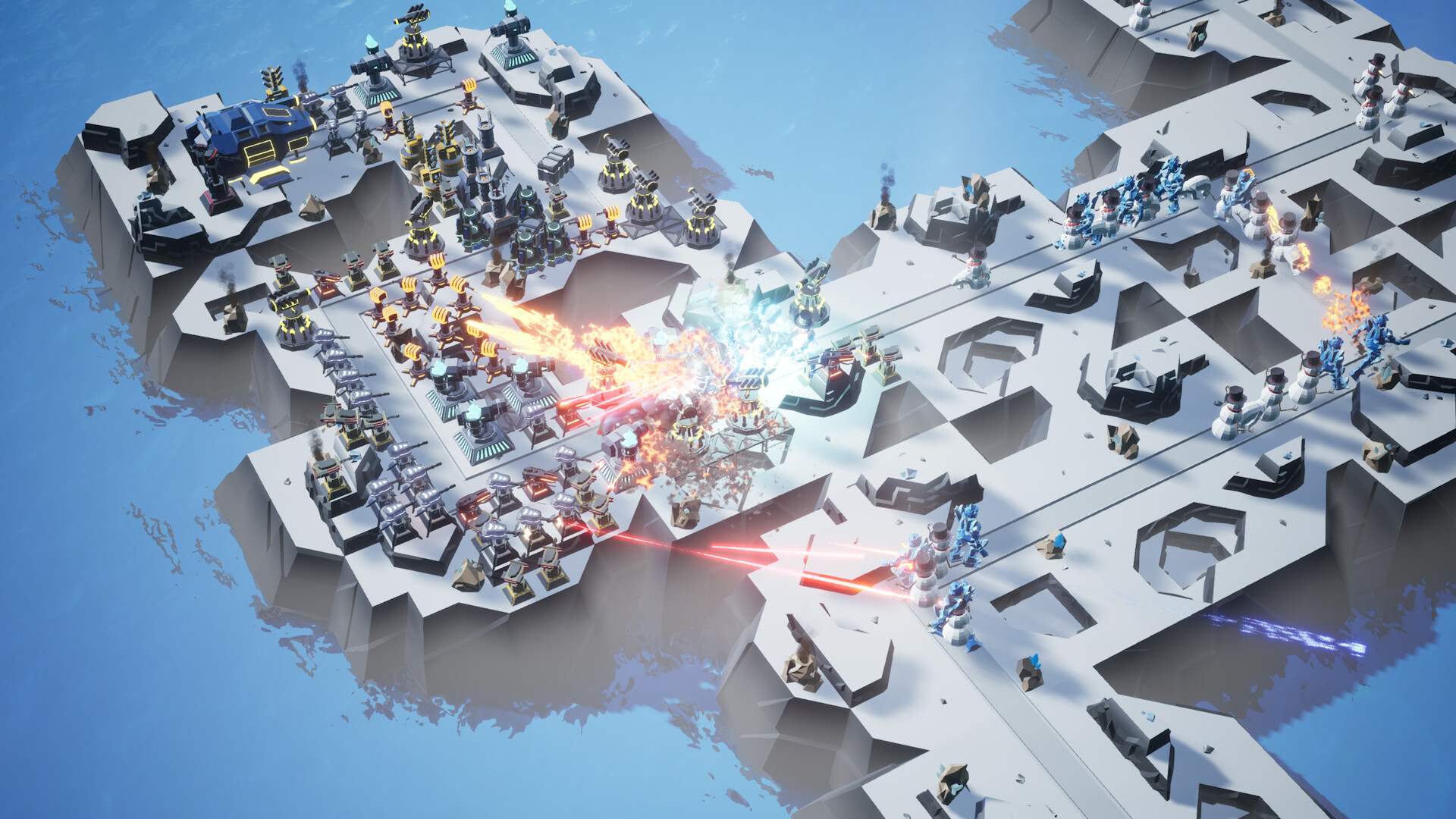
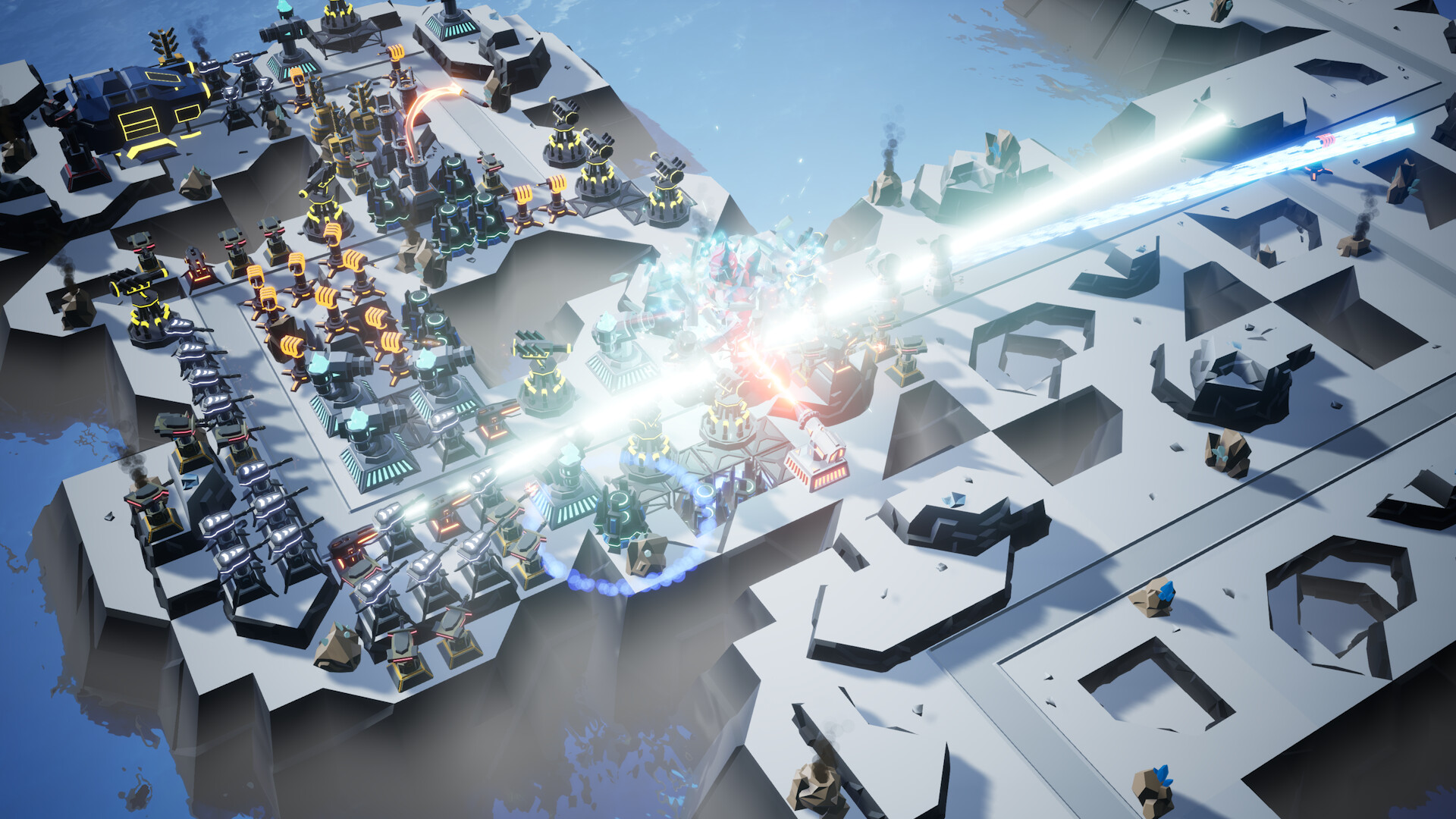
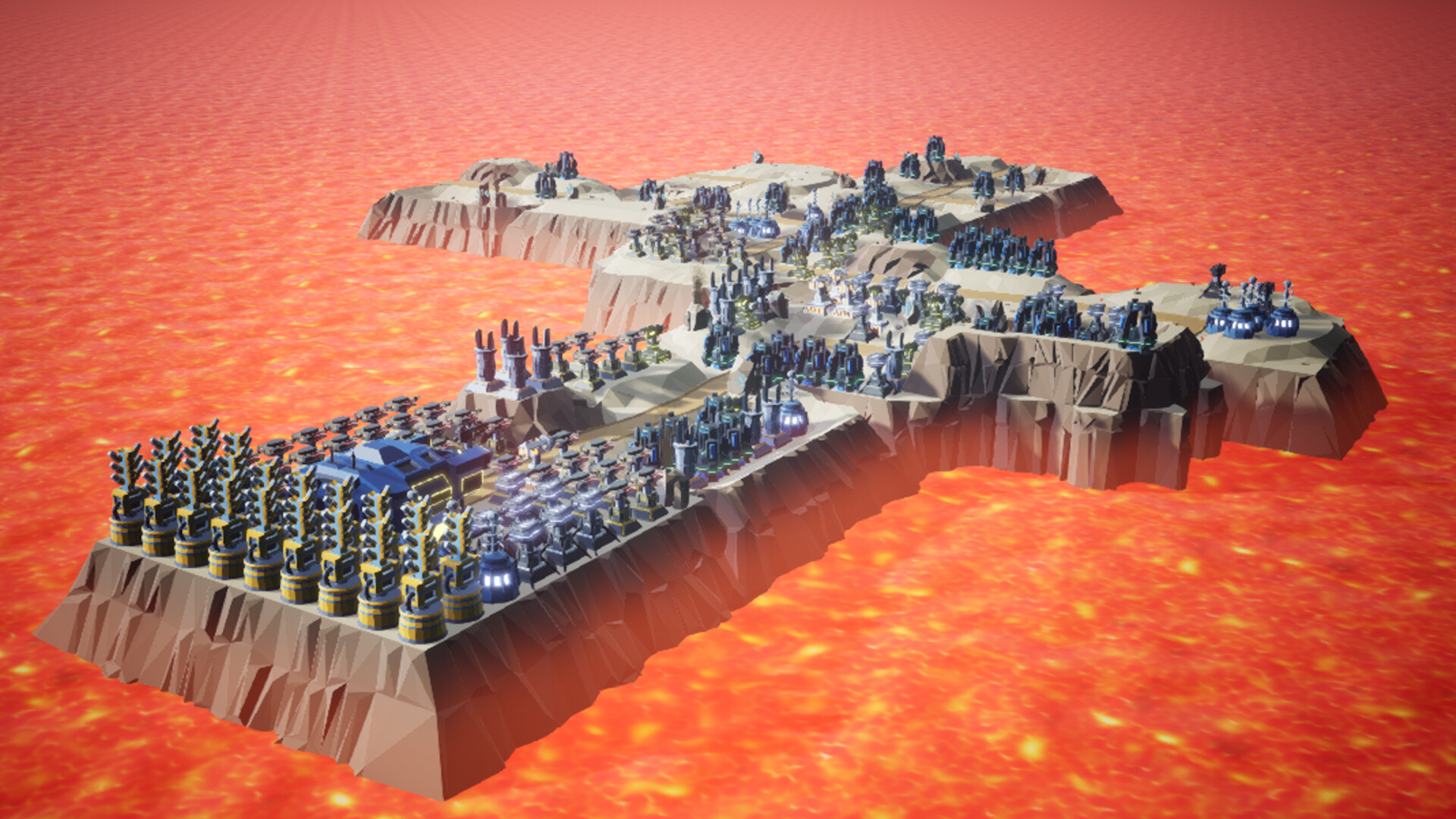
Mineral Defense mixes tower‑defense layout with roguelite progression, letting players unlock tiles to shape enemy paths. By arranging intersections and bottlenecks you can direct foes into optimal kill zones.
The game rewards strategic play with card‑draw upgrades, research points for new technologies, and automatic saves after each wave. Four speed settings let you fit sessions into any schedule, and a lively Discord community offers a place to discuss tactics.
01 / THE GUIDE
Gameplay Mechanics
The core loop revolves around unlocking tiles to create a battlefield layout. Each wave ends with an automatic save, letting you resume later without losing progress.
Four adjustable game speeds let you control how quickly waves unfold, accommodating both short bursts and longer sessions.
- Experiment with different tile layouts to discover natural choke points.
- Try a slower speed when testing new tower combos for clearer feedback.
02 / THE GUIDE
Tower & Ability Variety
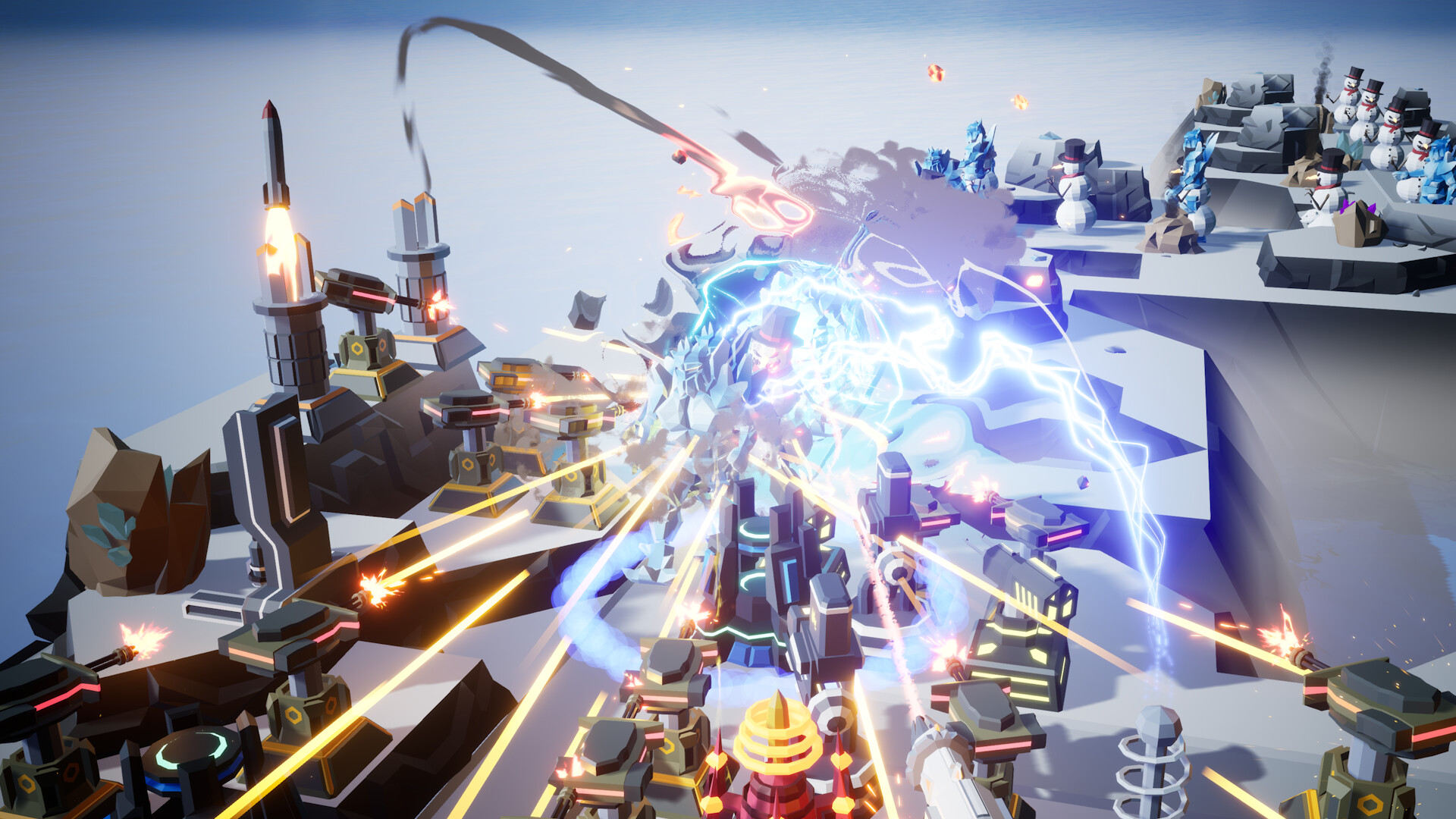
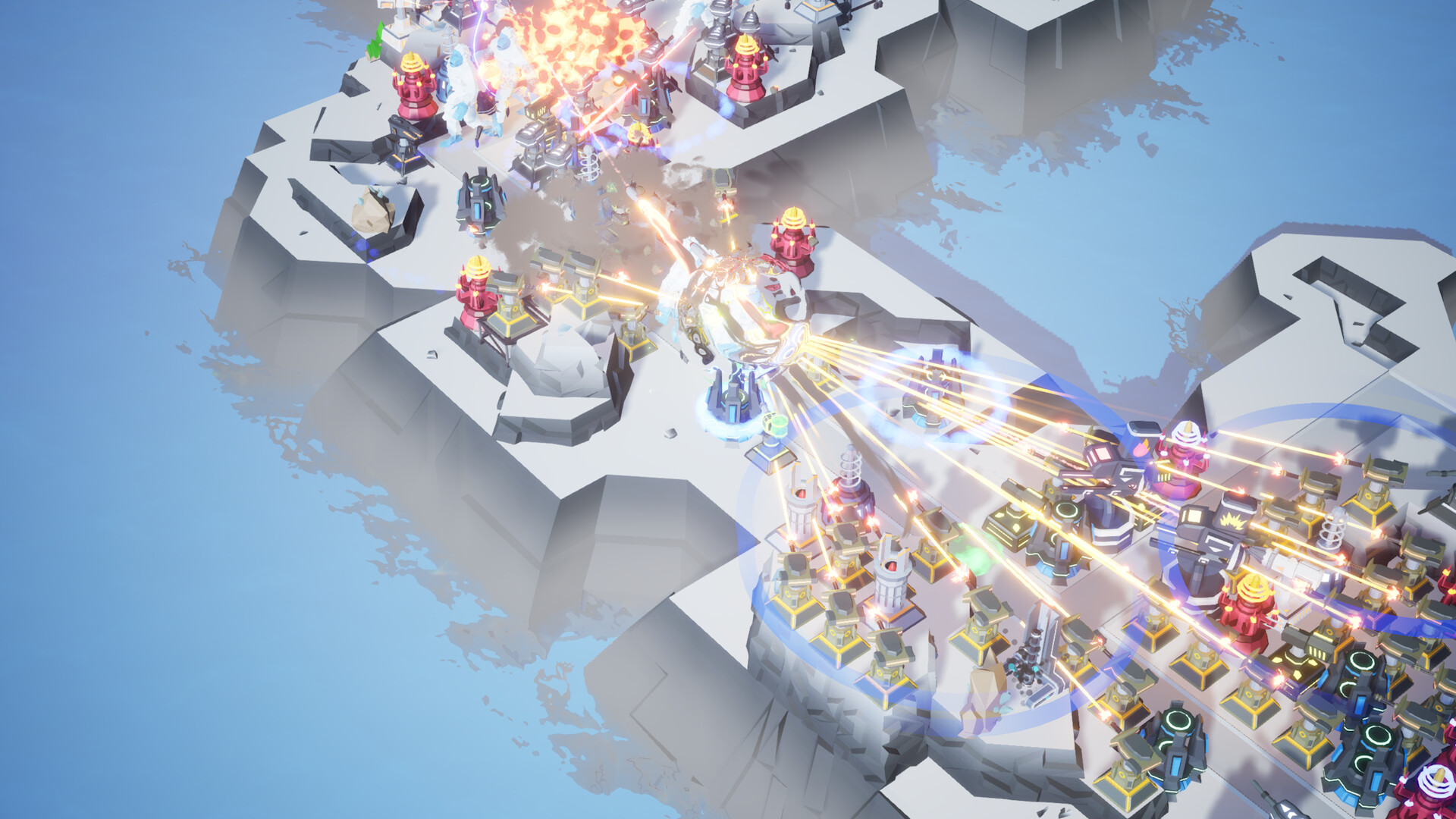
A range of damaging and support towers is available, allowing combinations such as slowing enemies, reducing resistance, acid damage, and missile explosions. These interactions let you craft personalized strategies.
Cards drawn after rounds can unlock new structures or abilities, expanding the tactical toolbox each playthrough.
- Pair a slowing tower with a high‑damage missile tower for maximum burst.
- Use support towers to weaken enemies before applying heavy damage.
03 / THE GUIDE
Research & Upgrades
Collected research points unlock 184 unique technology entries, adding powerful structures, risky catalysts, and new abilities. This system deepens long‑term progression beyond individual waves.
Drawing cards after each round also grants powerful upgrades, giving immediate tactical options alongside the slower research path.
- Prioritize research that complements your current tower layout.
- Balance immediate card upgrades with longer‑term research goals.
04 / THE GUIDE
Save & Speed Options
The game automatically saves at the end of every wave, allowing you to pick up exactly where you left off. This eliminates the need for manual checkpoints.
Four adjustable speeds let you tailor the pacing, making the experience flexible for varying daily time constraints.
- Use the fastest speed for quick practice runs.
- Switch to a slower speed when learning a new tower synergy.
05 / THE GUIDE
Community & Platform Support
Mineral Defense runs on Windows and Linux, supporting single‑player mode, Steam Achievements, Steam Cloud, Stats, and Family Sharing. These features integrate the game into the broader Steam ecosystem.
An active Discord server provides a venue for sharing ideas, reporting bugs, and socializing with other players, fostering a supportive community around the title.
- Check the Discord for community‑tested tile layouts.
- Enable Steam Cloud to keep your progress synced across devices.
COMMUNITY
Player discussion