 GameWiki
GET YOUR BEARINGS
About Mimic Party
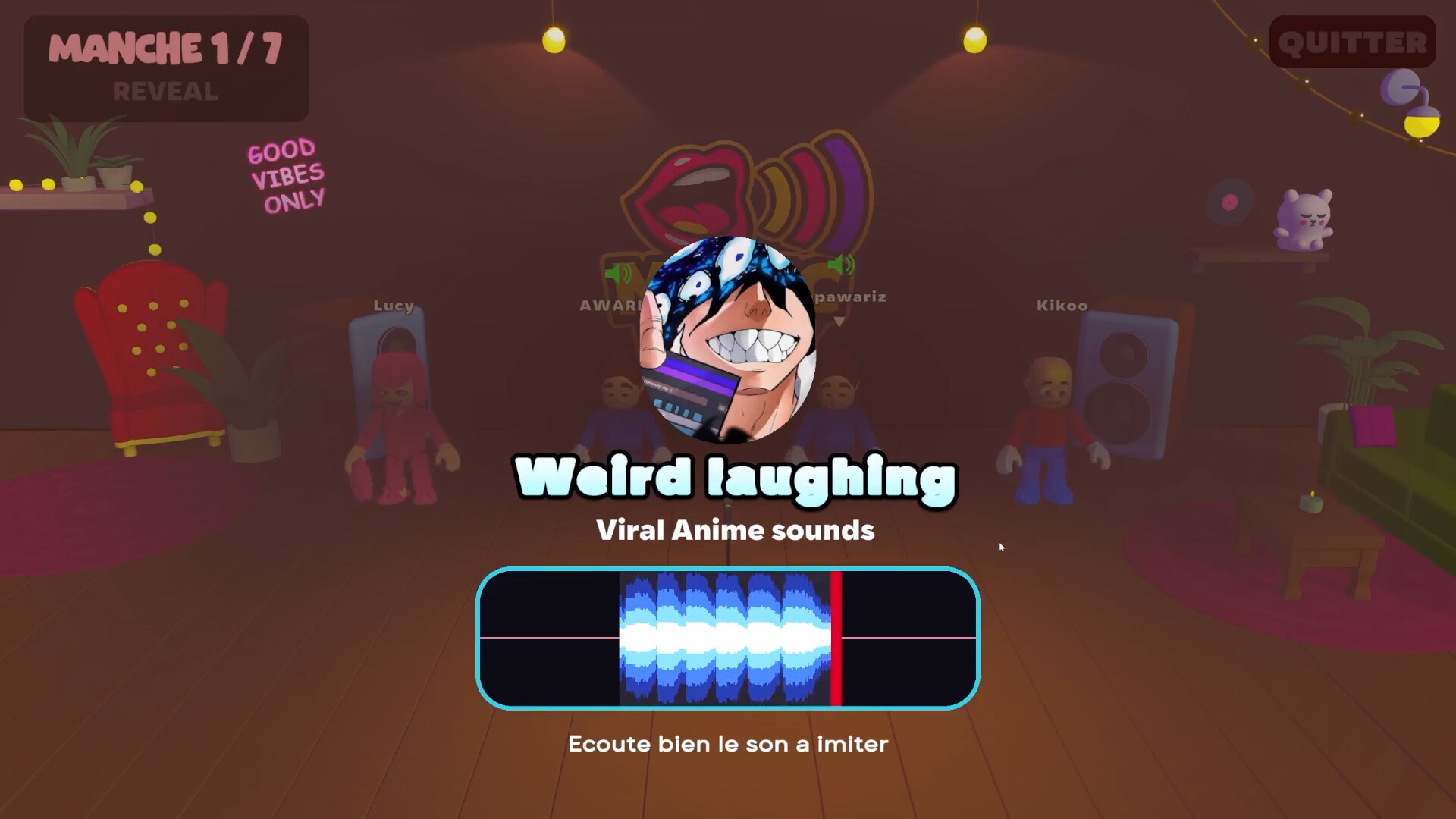
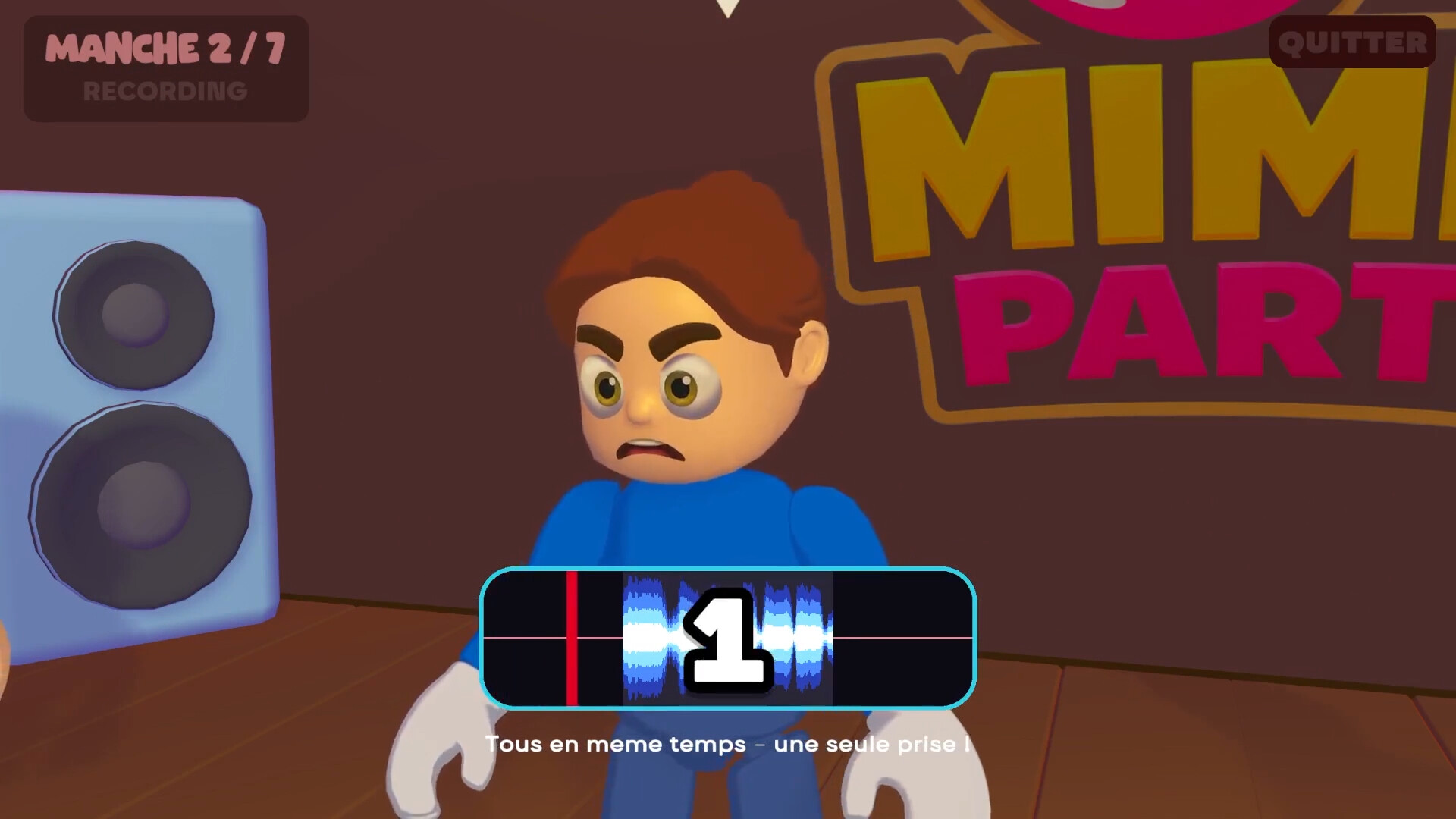
Mimic Party is an online voice‑based party game for one to five players. Each round reveals a reference sound to the whole table, then a countdown starts and everyone records a single take. The game runs about ten minutes and offers no retries or undo.
After each take the local AI scores melody shape, rhythm and attack patterns. Between rounds a shared wheel spins, handing out points, multipliers or sabotages such as saturation, echo, pitch shift, chopped audio or a replacement fart sound. Themed sound packs are supplied via Steam Workshop.
01 / THE GUIDE
Game Basics
Mimic Party supports one to five players online. At the start of a round a reference sound is shown to all participants at once, and a countdown begins for everyone to record their take simultaneously.
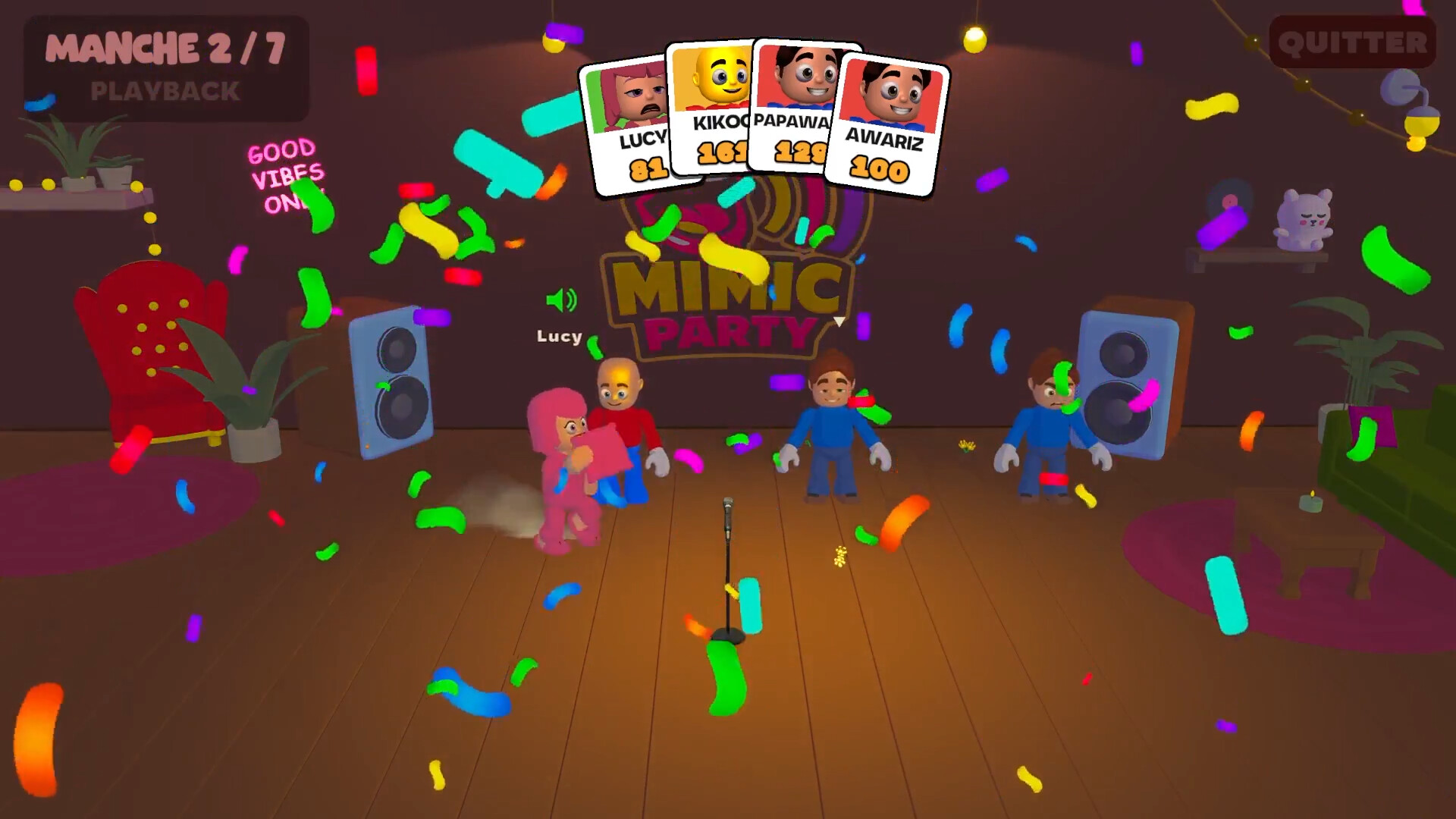
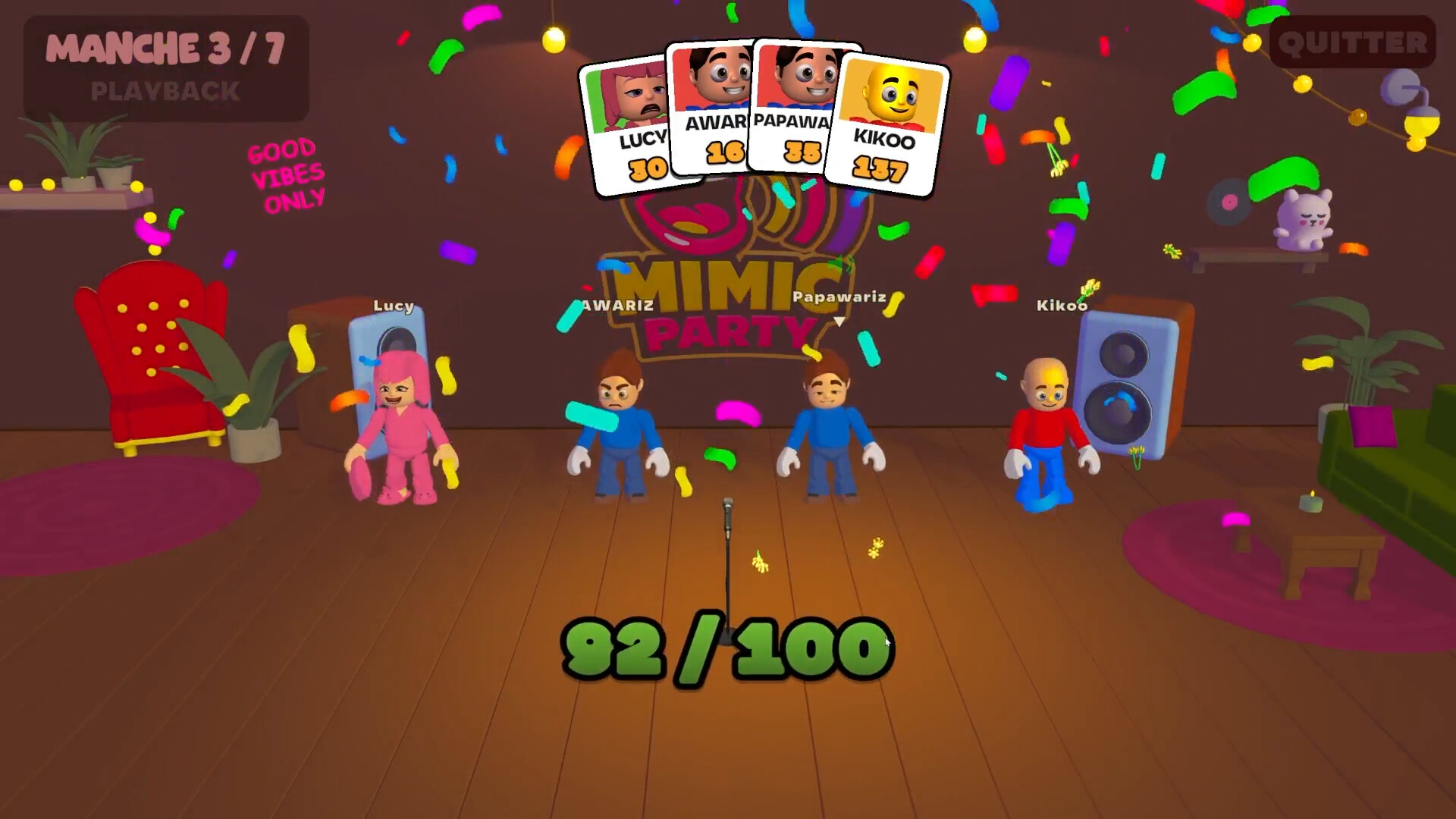
When recordings finish, each take is played back in sequence while the room’s voice chat mutes, ensuring that all players hear the same audio without interference. After playback the microphones reopen for reactions.
- Make sure your microphone is unmuted before the countdown begins.
- Listen to the reference sound fully; you have only one chance to record.
02 / THE GUIDE
Scoring System
A local AI grades each imitation on three criteria: melody shape, rhythm timing, and attack patterns. The AI ignores the natural timbre of the player’s voice, so pitch differences do not affect the score.
Scores add to each player’s point total, which can later be modified by bonuses or sabotages from the wheel. Because the AI focuses on melodic curve and rhythm, consistent timing matters more than vocal quality.
- Match the contour of the melody rather than trying to copy the exact voice.
- Pay close attention to the rhythm and attack timing for higher scores.
03 / THE GUIDE
The Wheel
Between rounds the wheel spins for all players at once. It can award points, apply multipliers, or assign sabotages that affect the next take of a chosen victim.
Sabotages include saturation, echo, pitch shift, chopped audio, or a complete replacement with a fart sound. The victim discovers who targeted them only when the sabotaged take plays, and the sabotage also deducts points from the victim.
- Watch the wheel outcomes to know which bonuses or sabotages are in play.
- Note which players receive sabotages, as they may affect the next round’s recordings.
04 / THE GUIDE
Voice Chat Mechanics
Voice chat stays active throughout the game except during playback. When a take starts, the entire table is muted so the audio plays without competing voices.
The mute ends the instant the take finishes, reopening microphones for immediate reactions. This brief mute period defines the timing of each round and ensures all players experience the same sound.
- Keep your mic ready; it will unmute automatically after each playback.
- Minimize background noise during the short open window.
05 / THE GUIDE
Sound Packs & Workshop
Sound packs provide themed reference sounds such as animals, machines, or voices. Players can create, publish, and share custom packs via the Steam Workshop with a few clicks.
All participants must have the same pack downloaded before a game can start; the lobby indicates who is still downloading. Community‑made packs expand the variety of sounds available for each session.
- Subscribe to popular packs before gathering a group to avoid download delays.
- Create a simple pack to test the sharing workflow.

COMMUNITY
Player discussion