 GameWiki
GET YOUR BEARINGS
About Millennium Dream
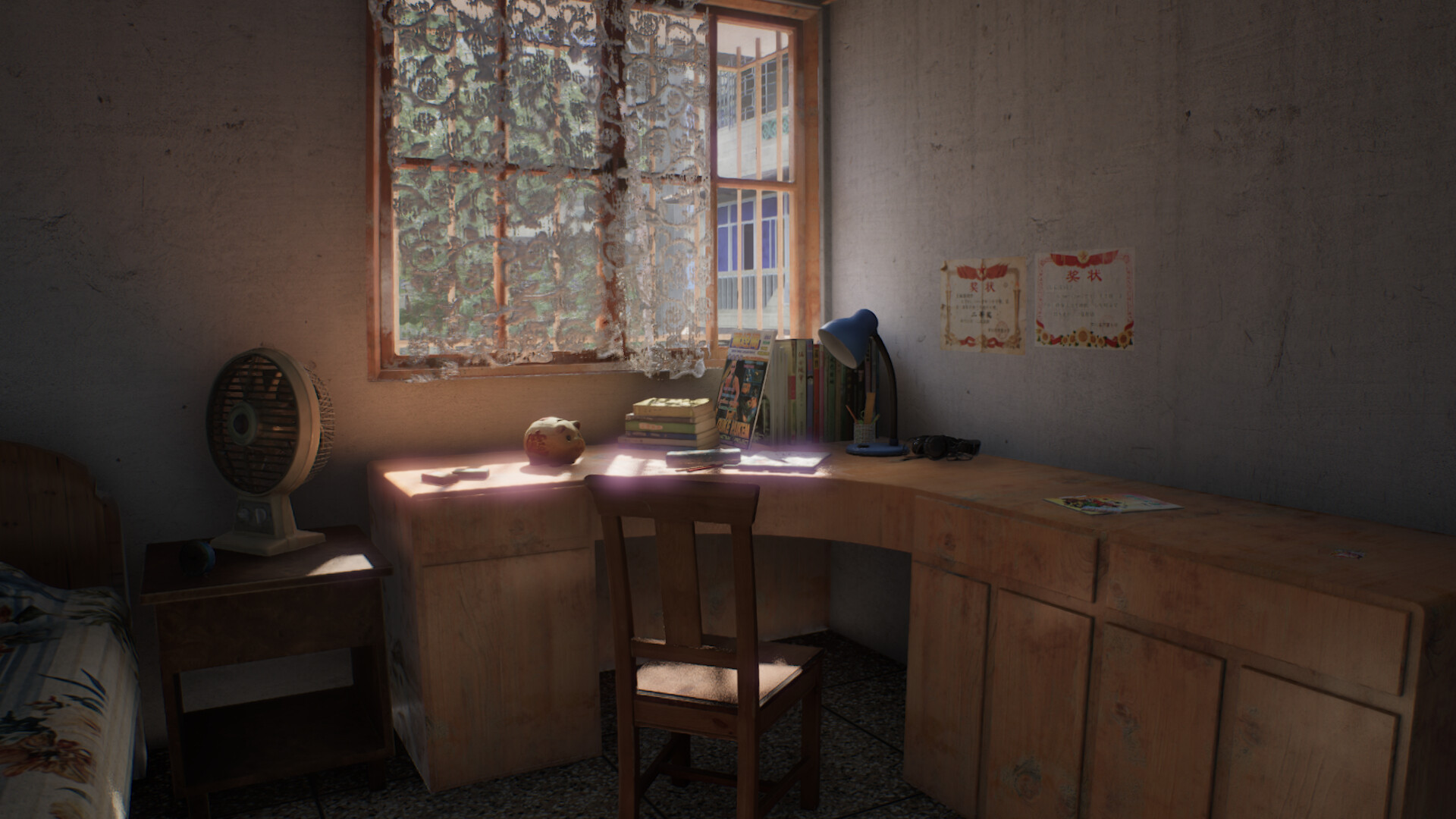
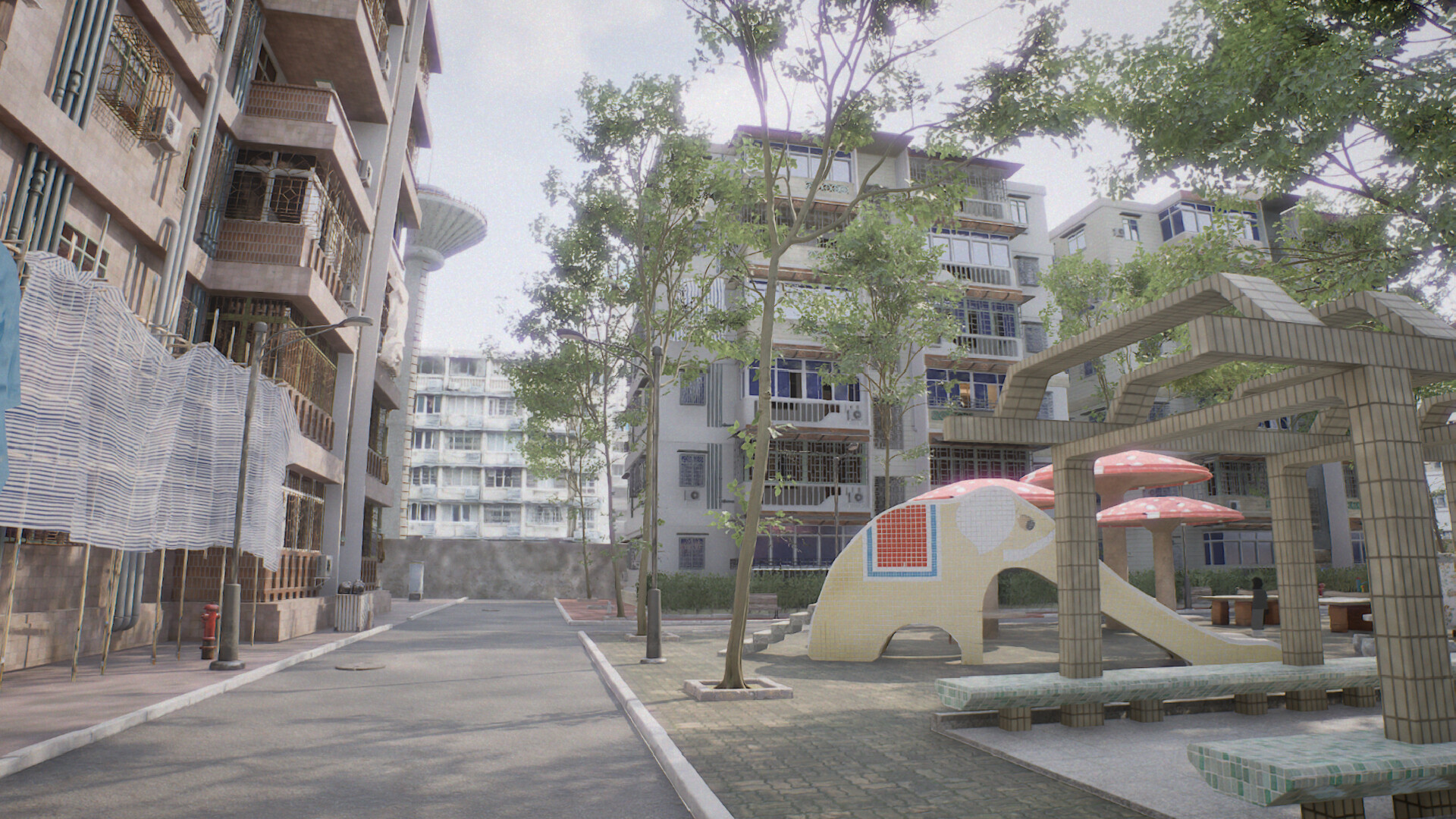
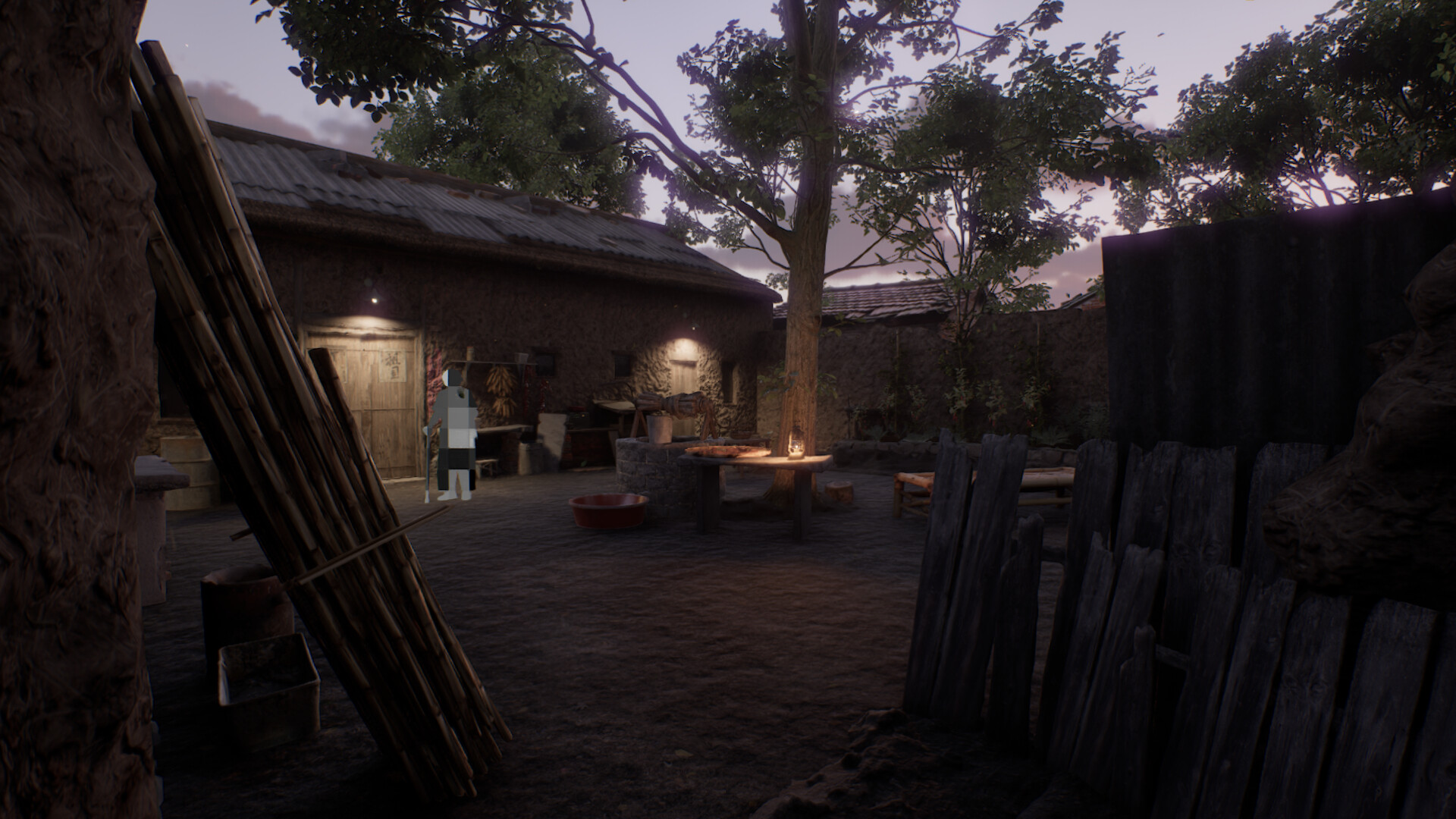
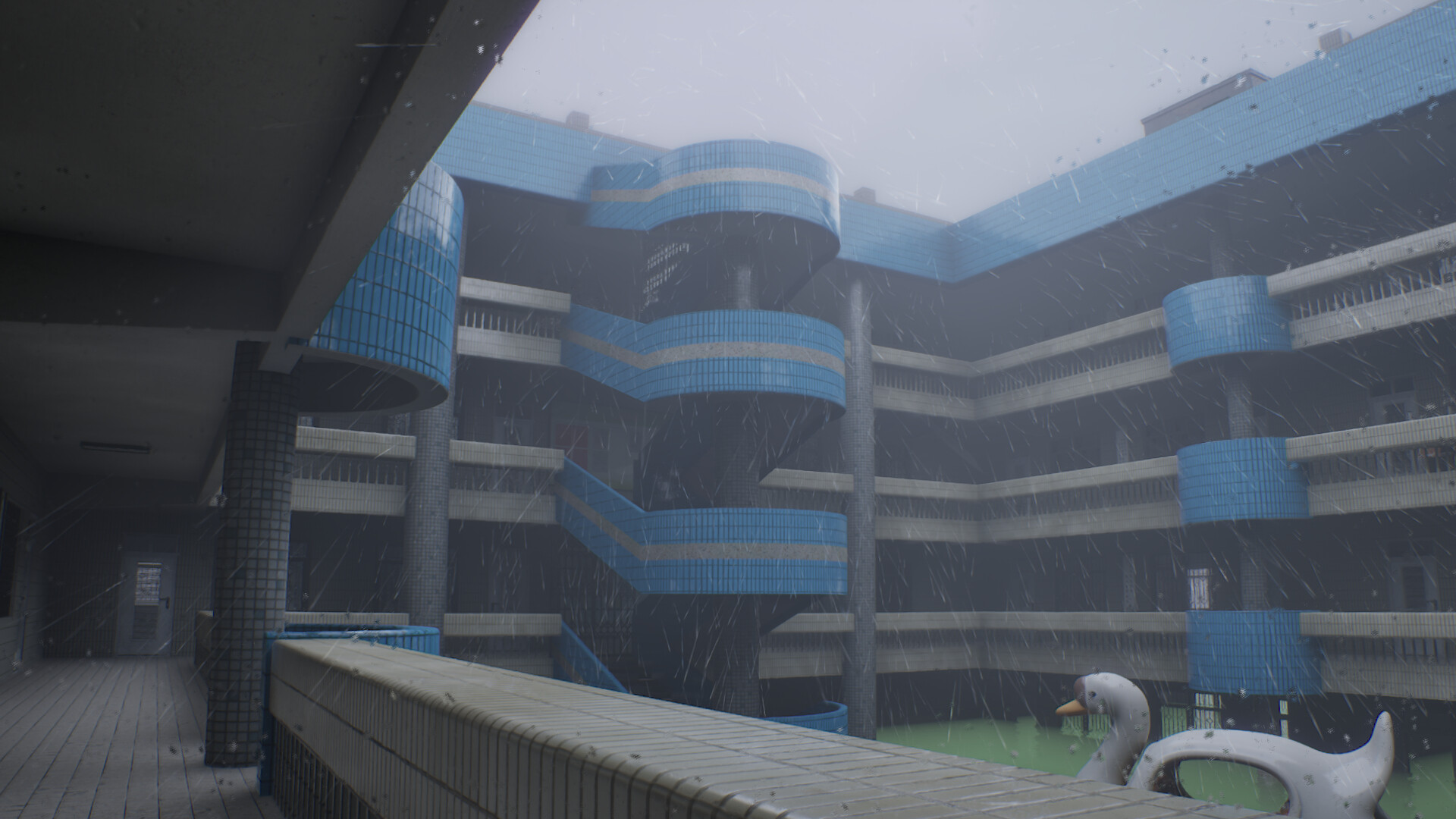
Millennium Dream is a solo‑developed walking and photography simulator that immerses players in the “Chinese Dreamcore” aesthetic. You wander through quiet, nostalgic locations—bedrooms, pedestrian streets, empty campuses—each rendered with meticulous detail and a sense of quiet unease.
The game offers hyper‑realistic dynamic weather that you can control, allowing you to capture moments with a virtual camera using various filters. Nostalgic items can be inspected, adding subtle layers of memory while the experience remains free of jump scares or explicit tasks.
01 / THE GUIDE
Dreamcore Environments
The levels are built around “Chinese Dreamcore” aesthetics, presenting familiar yet alien spaces stripped of crowds. You move alone through places that feel like a childhood home while also feeling foreign.
These environments are designed to evoke quiet nostalgia and a slightly unsettling atmosphere, encouraging players to explore at their own pace without imposed objectives.
- Take time to observe small details; the ambience often reveals the mood of the space.
- Compare different locations to notice how each reflects a distinct memory fragment.
02 / THE GUIDE
Dynamic Weather Control
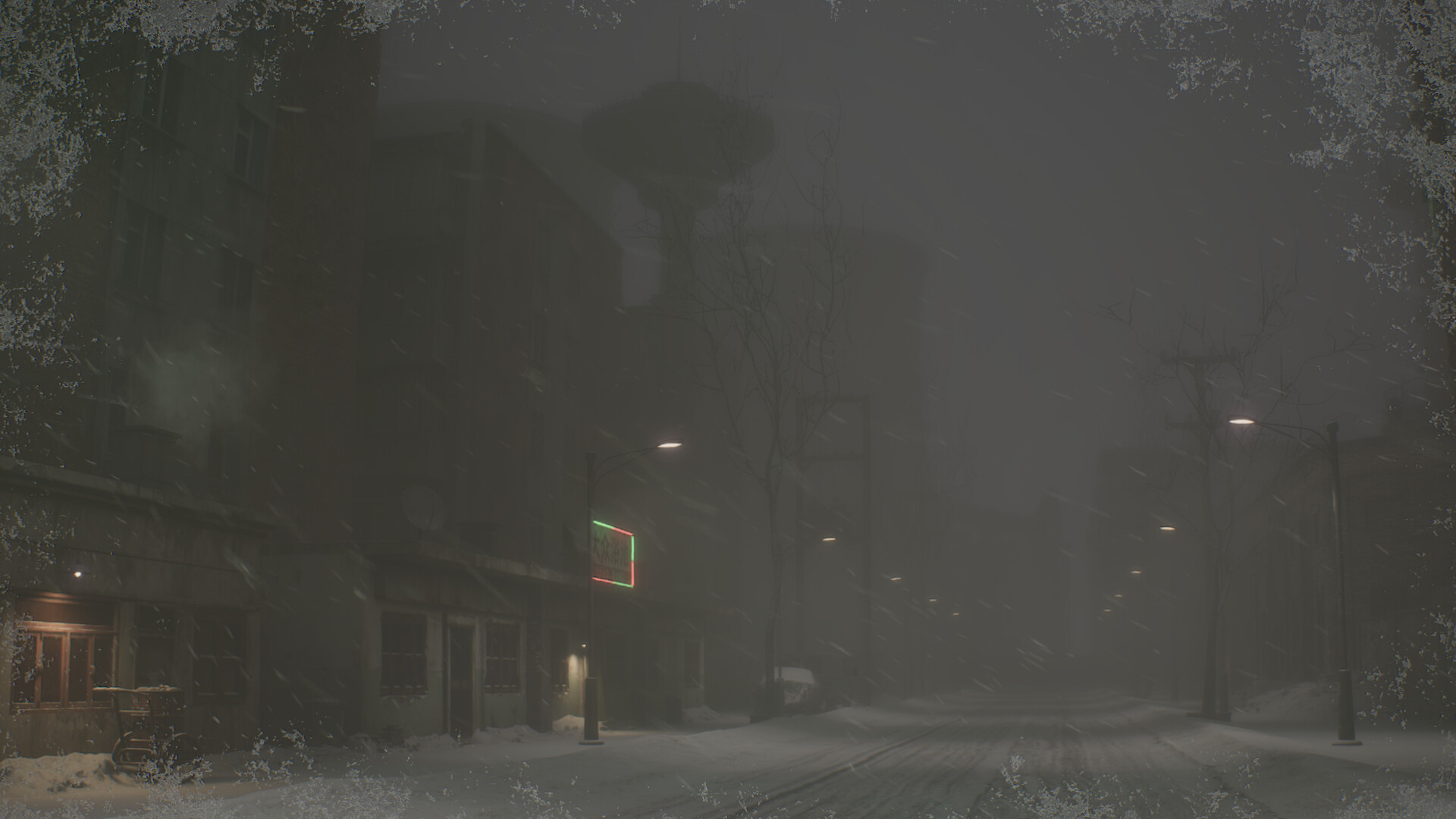
Every scene features dynamic weather that can shift instantly—cicada‑filled afternoons can become heavy snow, rain can turn into misty mornings. You can freely control rain, snow, dawn, and dusk cycles.
This system lets you select the moment that best matches your current mood, adding a layer of personal expression to each exploration.
- Experiment with weather changes to see how lighting alters the scene’s tone.
- Use the weather cycles to set up preferred conditions for photography.
03 / THE GUIDE
Photography Tools
A virtual camera is provided for documenting your journey. You can apply a grainy mobile‑phone filter or a high‑contrast black‑and‑white film to capture textures and light.
These tools serve as a bridge between the player and the dream, allowing personal interpretation of each scene through visual capture.
- Try different filters on the same scene to compare mood effects.
- Save screenshots that resonate with you; they become personal mementos.
04 / THE GUIDE
Nostalgic Items
Scattered throughout the world are items like a puppy clock or a tin frog. Rotating and inspecting them reveals traces of time, hinting at personal memories.
Interacting with these objects adds subtle narrative depth, encouraging reflection on past experiences without explicit storytelling.
- Inspect each item closely; small details often convey the most nostalgia.
- Notice the traces of time etched upon each item to enhance immersion.
05 / THE GUIDE
Accessibility Features
The game supports full controller input, allows saving at any time, includes subtitle options, and provides stereo sound. Steam Cloud and family sharing are also supported.
These features ensure the experience can be tailored to various player preferences and hardware setups, emphasizing a relaxed, uninterrupted exploration.
- Enable subtitles if you prefer textual cues alongside ambient sounds.
- Use the save‑anytime option to pause and resume whenever you wish.
COMMUNITY
Player discussion