 GameWiki
GET YOUR BEARINGS
About Midnight Moments
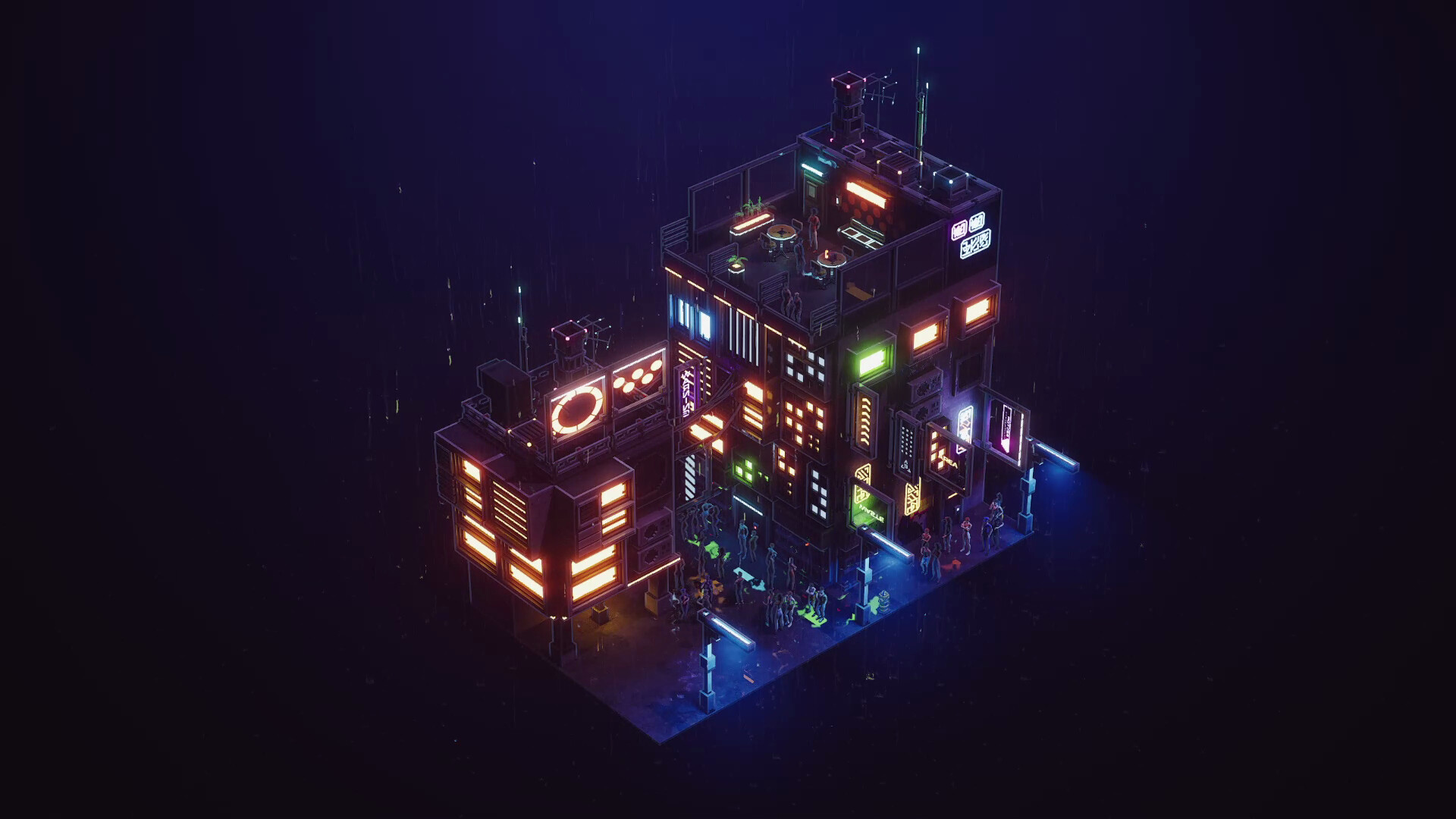
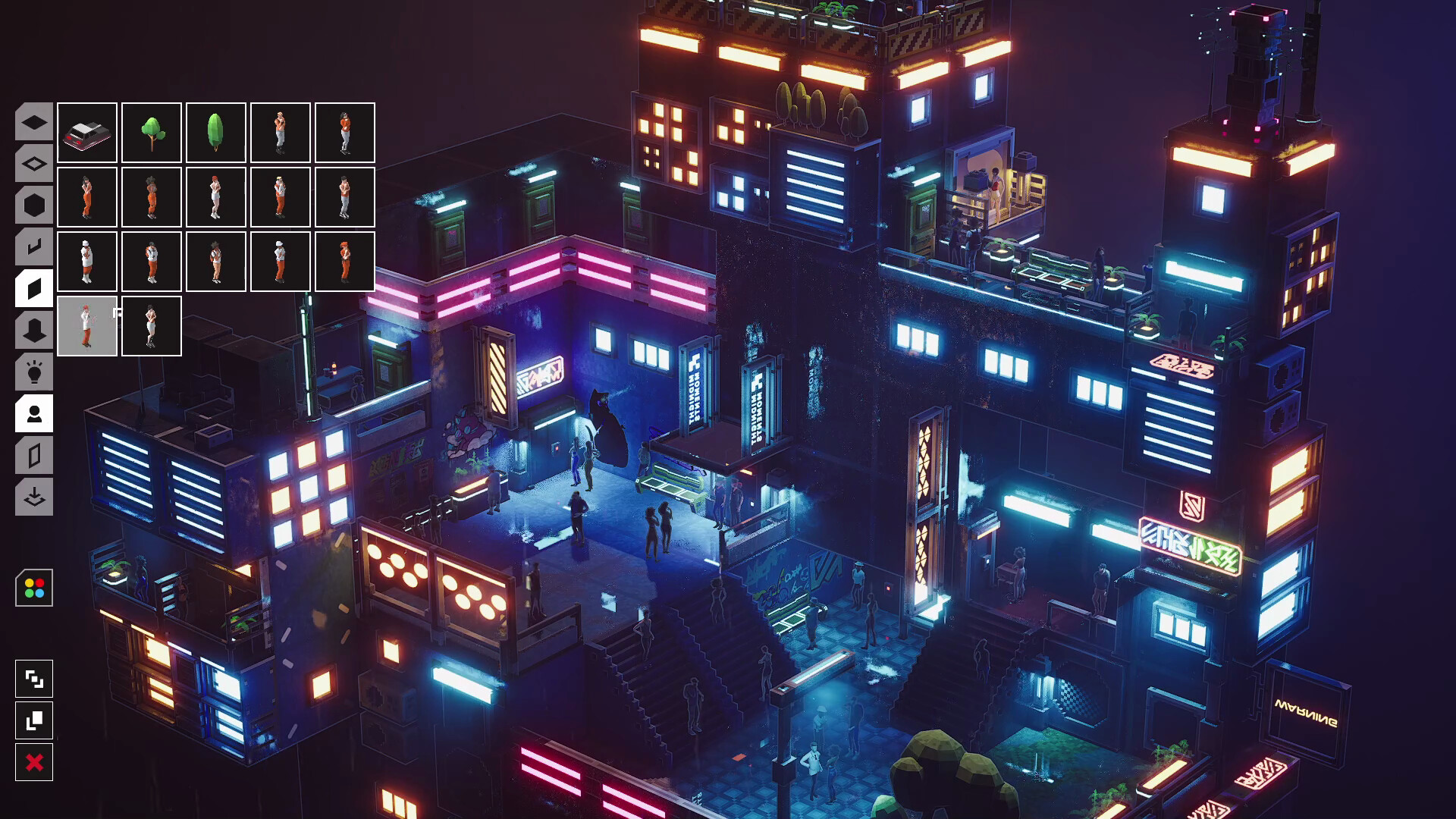
Midnight Moments is a small cyber‑punk diorama‑building game where you arrange rain‑soaked backstreets, single buildings, or whole neighborhood corners. You stack structures, thread alleys, dress rooftops, and hang neon signs, then watch rain streak down neon‑lit facades. The experience has no objectives, timers, or pressure, letting you create and admire your district at your own pace. It is designed as a relaxing, casual sandbox for unwinding.
01 / THE GUIDE
World Building
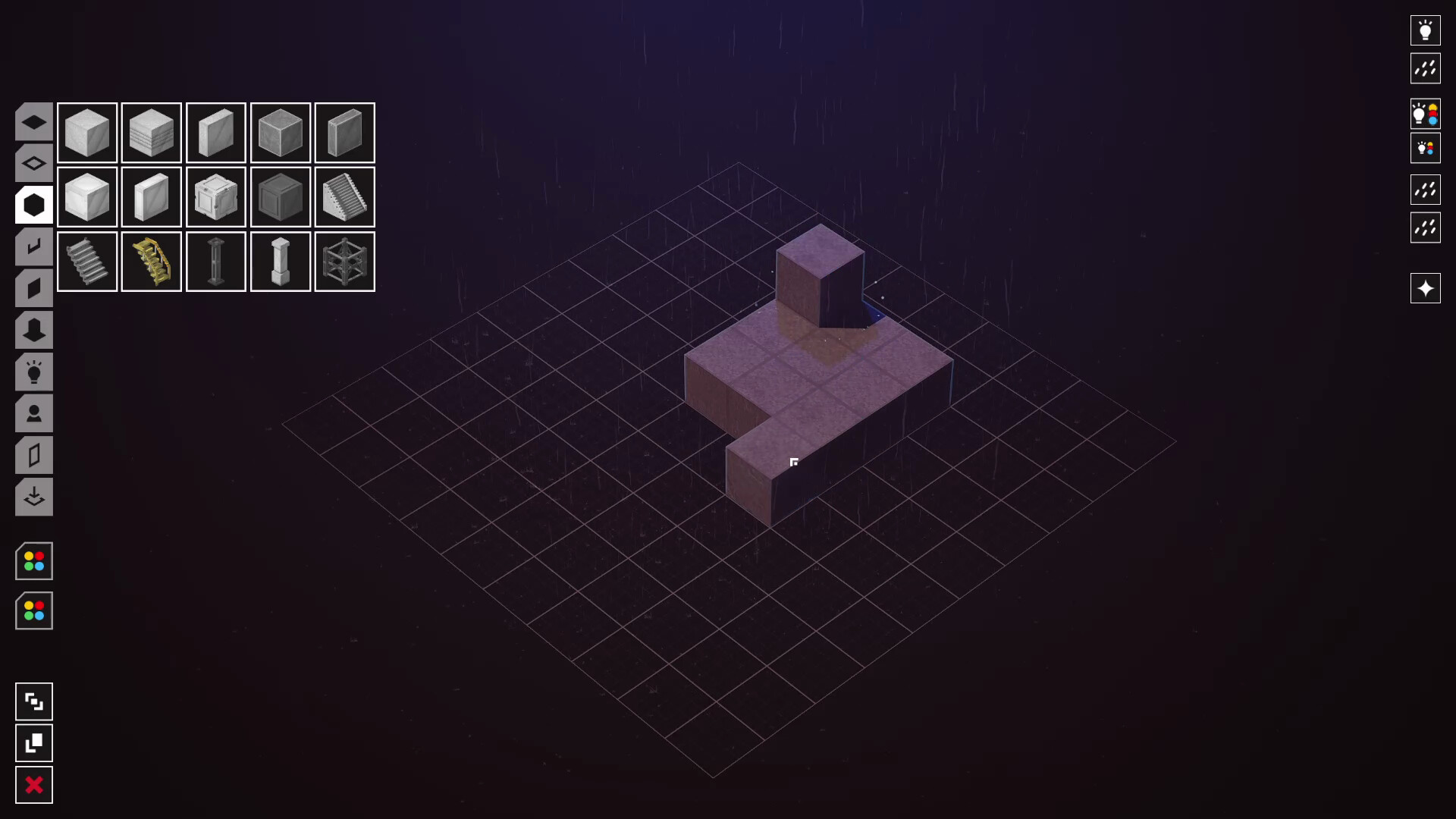
The core activity is arranging buildings, alleyways, rooftops, antennae, garden plots, and neon signs to form a cohesive district. You can place props and citizens until the scene matches your imagination. This sandbox approach lets you design anything from a single soaked storefront to an entire corner of a cyber‑punk city. The game encourages you to zoom in, fill details, then step back to view the whole composition.
- Try starting with a single building and expand outward to keep the layout manageable.
- Use the alley‑threading tool to create natural flow between structures.
02 / THE GUIDE
Visual Atmosphere
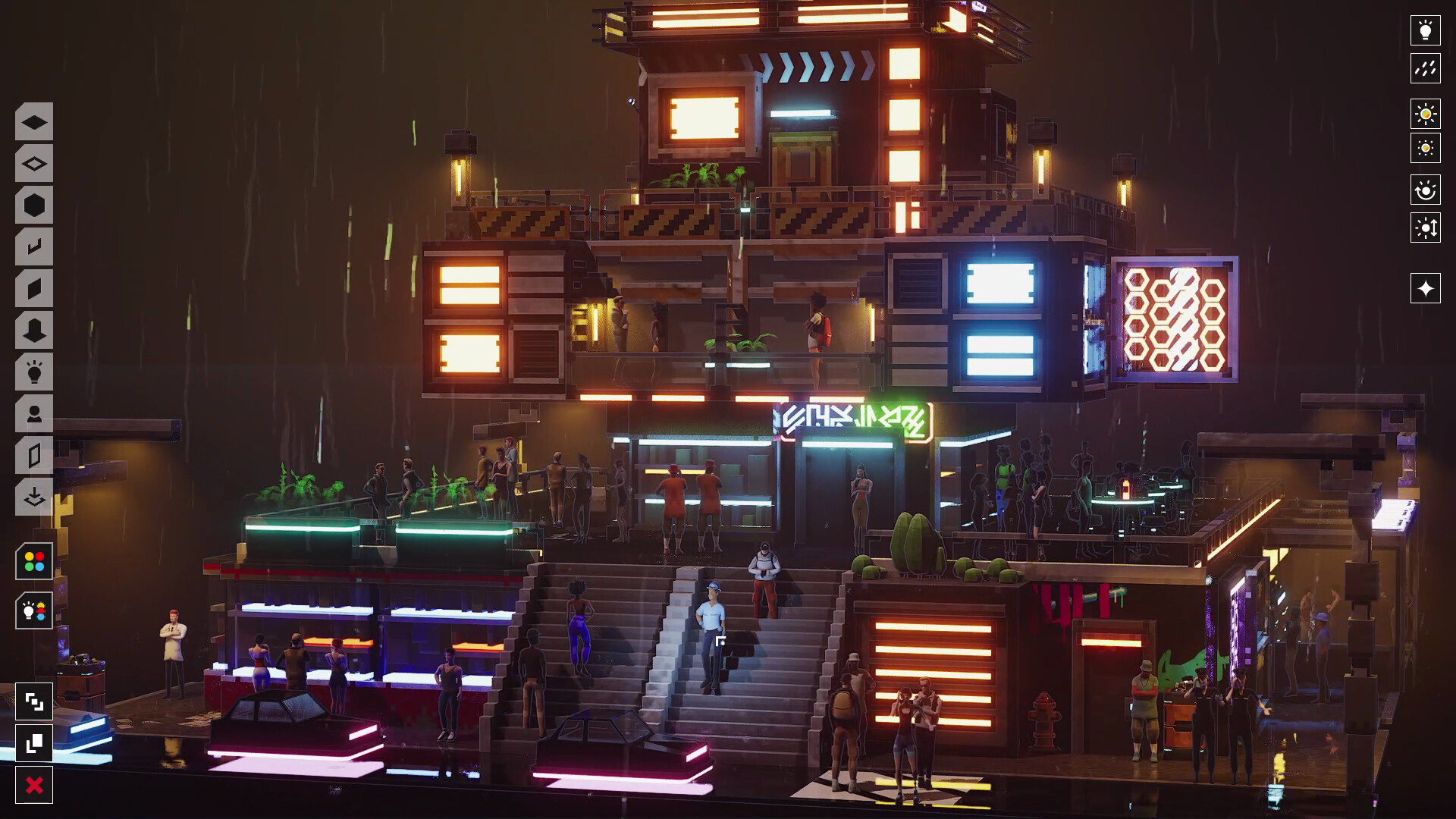
Rain continuously streaks down neon‑lit facades, and light pools beneath street lamps, creating a moody cyber‑punk vibe. Neon signs hang from facades, and antennae or garden plots dress rooftops, adding visual variety. The game’s camera lets you zoom in for detail or pull back for a broader view, emphasizing the atmospheric lighting and wet surfaces.
- Observe how light pools under lamps to decide where to place key visual elements.
- Adjust camera distance to appreciate both macro and micro details.
03 / THE GUIDE
Audio and Volume Controls
Midnight Moments includes custom volume controls, allowing you to set audio levels to suit your environment. The game also offers a “Camera Comfort” option, which can affect visual presentation without altering gameplay. These settings let you tailor the sensory experience while you build and observe your diorama.
- Lower ambient sounds if you prefer a quieter building session.
- Experiment with camera comfort settings for a smoother visual feel.
04 / THE GUIDE
Saving and Steam Cloud
You can save your progress at any time, and the game supports Steam Cloud, which stores your saved dioramas online. This means you can return to your creations later without losing work, and family sharing lets others access your saved worlds if they play on the same account.
- Save frequently when making major layout changes.
- Check Steam Cloud sync after switching devices.
05 / THE GUIDE
Play Pace and Accessibility
The game is labeled as “playable at your own pace” and “playable without timed input,” emphasizing a relaxed experience. It offers a mouse‑only option, ensuring that you can interact using just a mouse. These features remove pressure and make the sandbox accessible to a wide audience.
- Take breaks between building sessions to maintain the relaxed vibe.
- Use the mouse‑only mode if you prefer simple controls.

COMMUNITY
Player discussion