 GameWiki
GET YOUR BEARINGS
About Midnight Launch: A Gameshop Sim
Midnight Launch: A Gameshop Sim puts you behind the counter of an early‑2000s video‑game store. You can work from a first‑person or third‑person view while stocking shelves, handling the register, and answering customer questions.
The title supports solo play or online co‑op for up to four friends. Features such as save‑anytime, custom volume controls, and “playable without timed input” let you manage the shop at your own pace.
01 / THE GUIDE
Co‑op Play
The game offers online co‑op for up to four participants, allowing friends to share duties like ordering stock, decorating, and ringing up sales. The description repeatedly reminds players they are “supposed to work together.”
Co‑op sessions occur in the same store environment, so each player contributes to the same inventory and cash flow while the store persists across the session.
- Assign specific tasks to each player at the start of a session to keep workflow smooth.
- Use voice chat or another quick method to alert teammates when a customer needs help.
02 / THE GUIDE
Store Customization
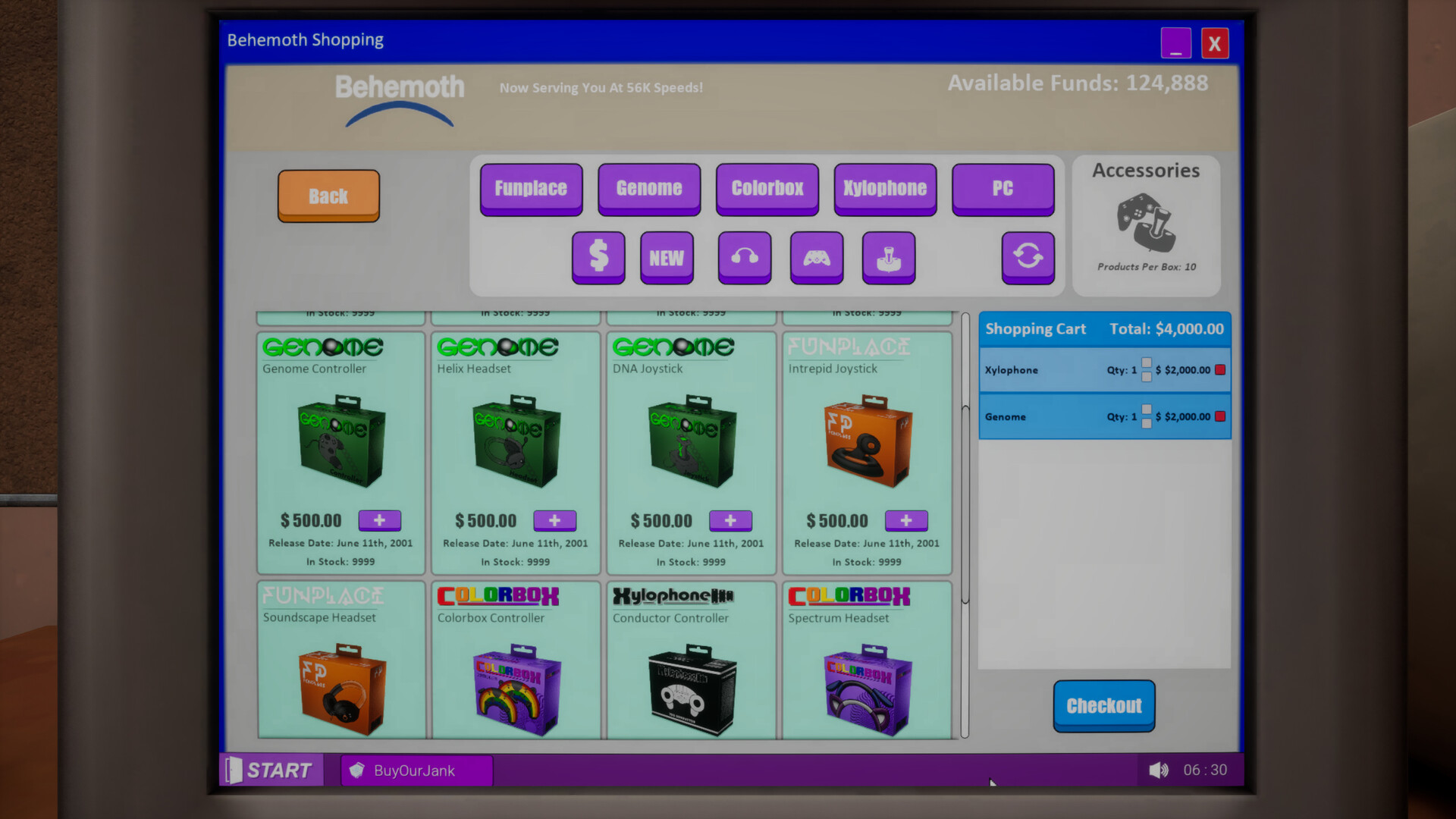
Players can order furniture, games, consoles, and accessories, then arrange them on shelves. Visual upgrades such as walls, floors, posters, and giant cardboard cutouts become available as you progress.
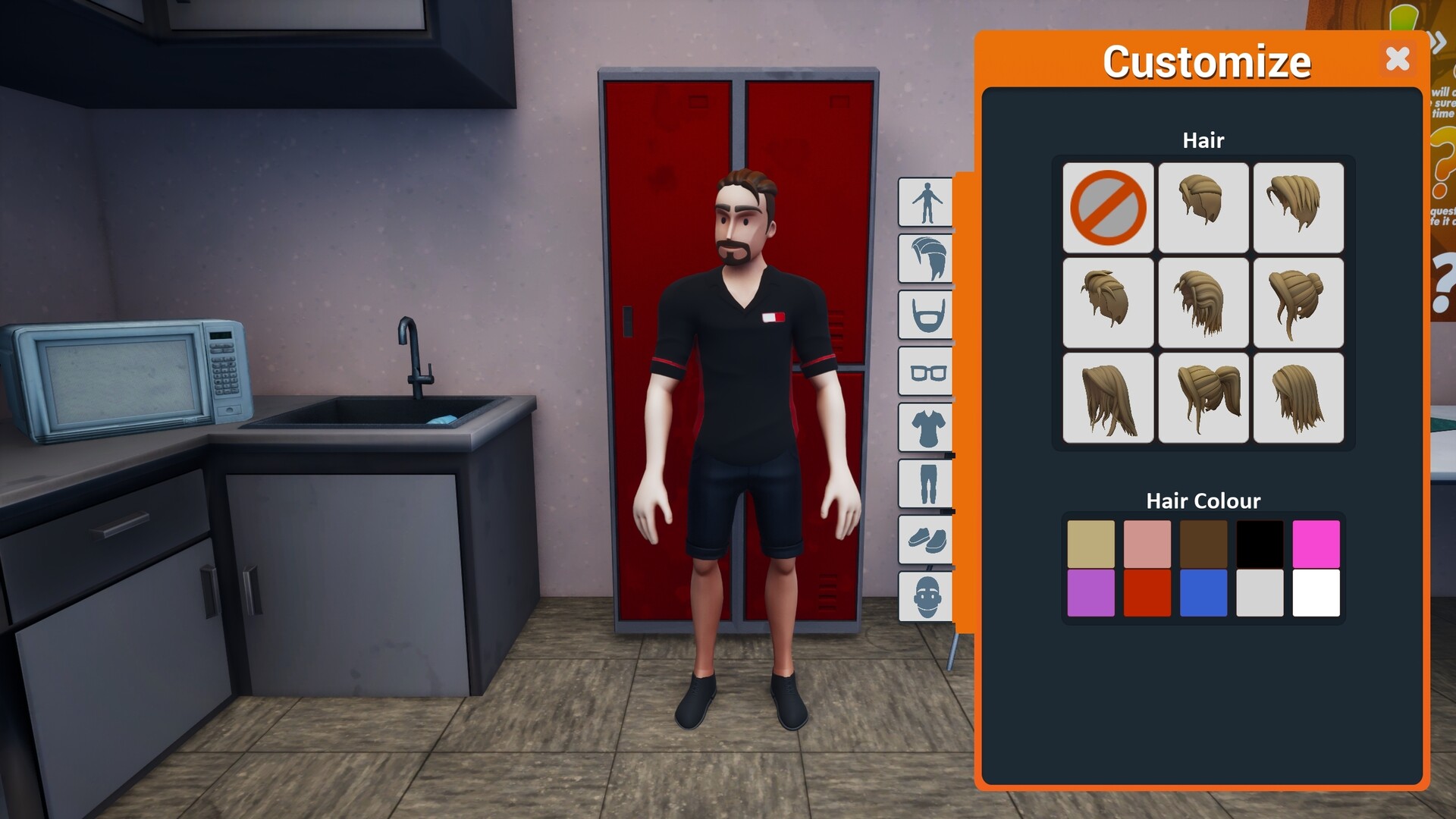
Character appearance can be changed with outfits, hairstyles, and accessories, giving each staff member a distinct look while they work in the shop.
- Mix different wall and floor styles to see which layout feels most navigable.
- Place decorative cutouts near high‑traffic areas to draw customer attention.

03 / THE GUIDE
Inventory Management
The core loop involves placing orders for furniture, games, consoles, and accessories, then keeping shelves stocked. A computer email shows the release schedule for upcoming titles, helping you anticipate demand.
Players set prices for each item, aiming to balance profit with customer satisfaction as described in the game’s objectives.
- Check the email release schedule regularly to stock new titles before demand spikes.
- Adjust prices after a major release to capture early‑buyer interest.
04 / THE GUIDE
Customer Interaction
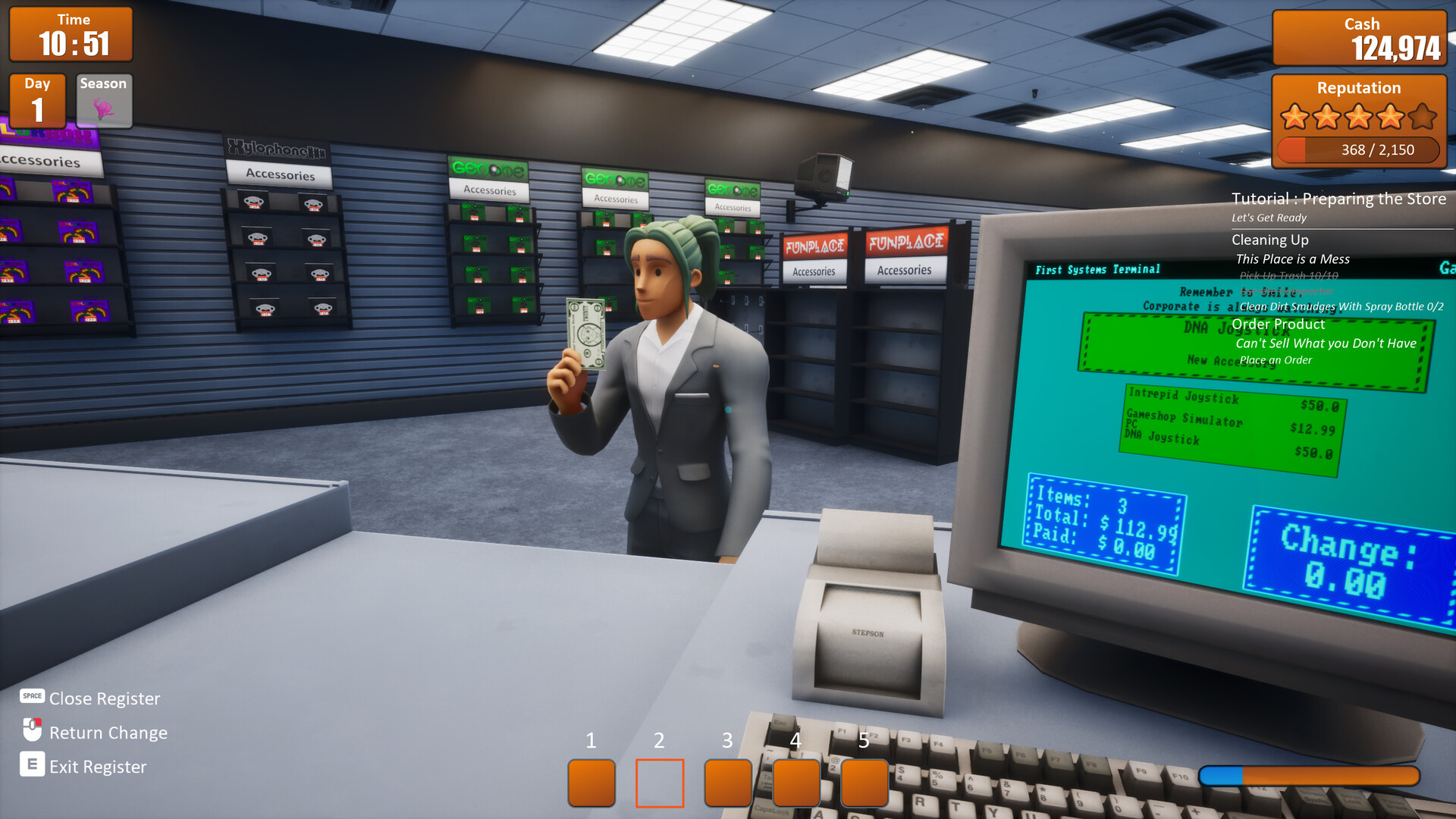
Customers may ask questions, need help navigating aisles, or arrive to pick up phone orders. When they are ready to pay, you move to the register to complete the transaction.
The description notes occasional challenges such as handling return requests without a receipt, adding decision‑making to each interaction.
- Prioritize customers waiting at the register to keep lines moving.
- Offer clear directions to new shoppers to reduce confusion.
05 / THE GUIDE
Pricing & Profit
Setting the “perfect price” is highlighted as a way to maximize both profits and customer satisfaction. Prices can be changed as you see fit during play.
Profit and satisfaction are tracked together, encouraging a balance rather than a single focus on revenue.
- Start with moderate pricing and tweak after observing sales trends.
- Lower prices on slow‑moving stock to free shelf space.

COMMUNITY
Player discussion