 GameWiki

GET YOUR BEARINGS
About Microsoft Flight Simulator X: Steam Edition
Microsoft Flight Simulator X: Steam Edition brings the award‑winning simulator to Steam, letting players launch from any of more than 24,000 airports. The game includes a wide roster of aircraft, from the Boeing 747‑400 to the AirCreation 582L ultralight, and supports both single‑player and multiplayer flights.
Players can set the time of day, season, and weather before takeoff, and choose to act as pilot, co‑pilot, or air‑traffic controller. Updated multiplayer, racing modes, and over 80 missions add structured challenges while Windows 8.1 support and partial controller support broaden accessibility.
01 / THE GUIDE
Aircraft Roster
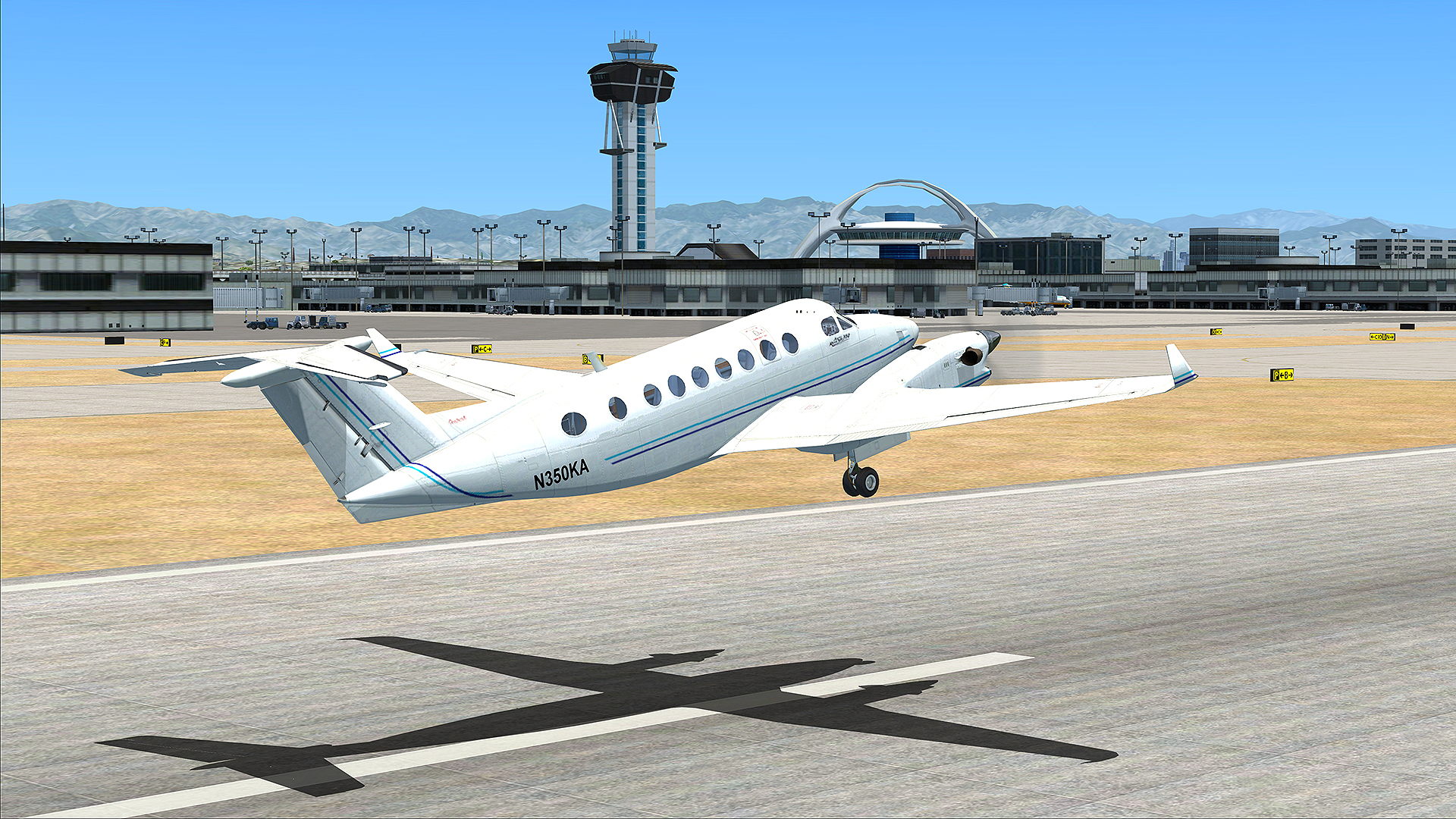
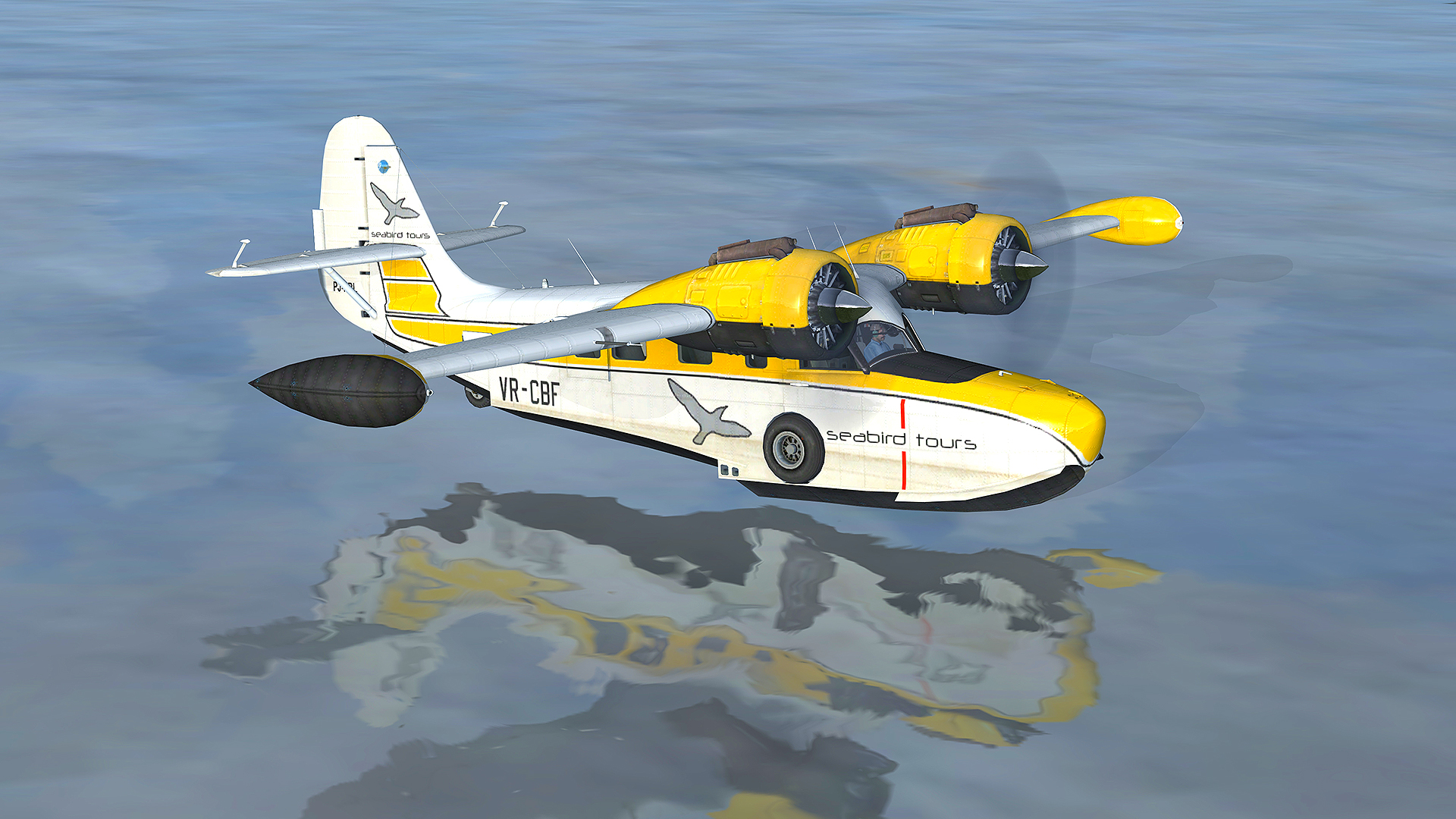
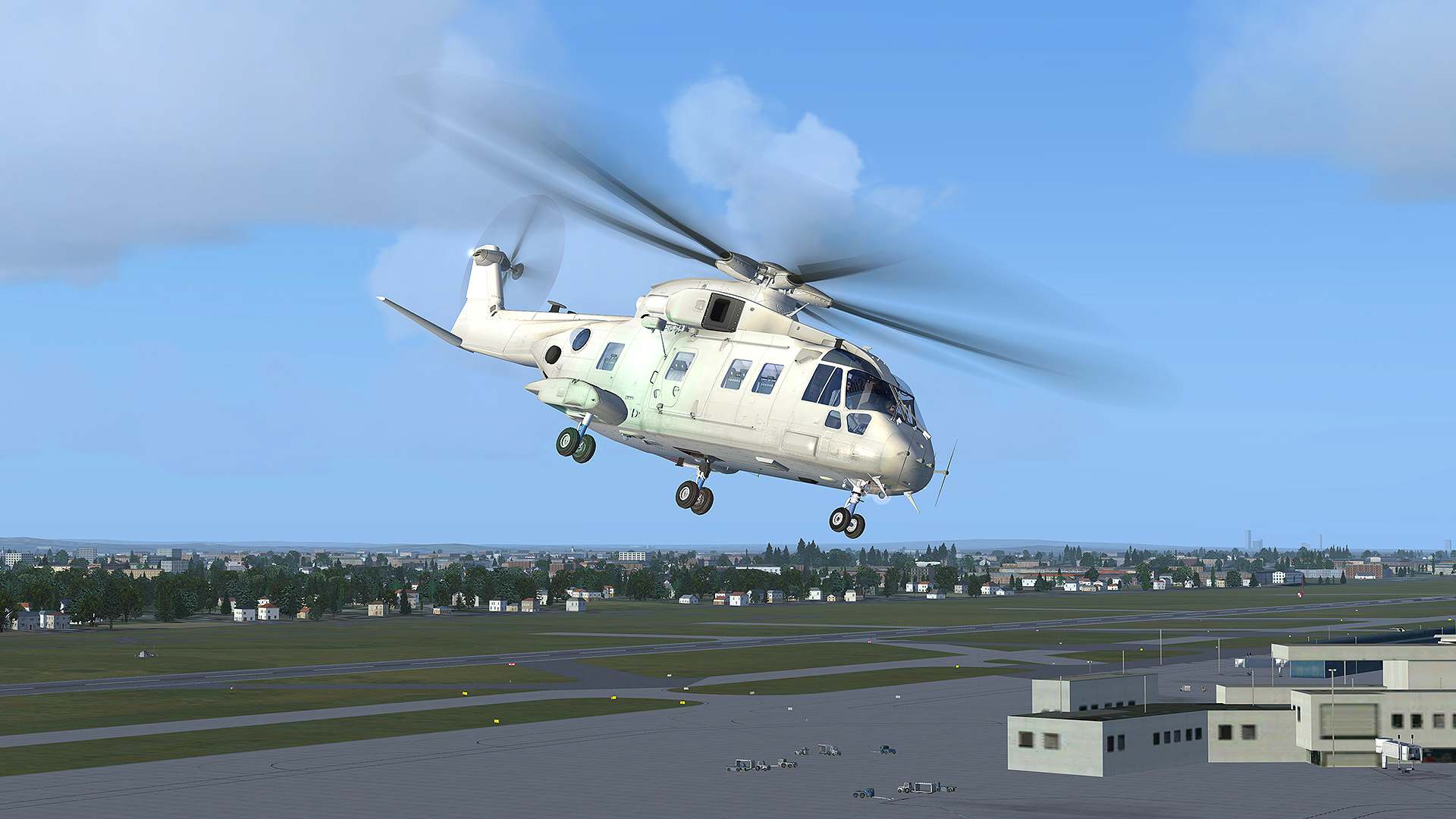
The Steam edition ships with dozens of aircraft, including the 747‑400 jumbo jet, F/A‑18 Hornet, P‑51D Mustang, EH‑101 helicopter, and a range of light planes such as the AirCreation 582L ultralight and De Havilland DHC‑2 Beaver. Each model reflects its real‑world flight characteristics.
Additional planes can be added through FSX Add‑ons, but the description notes that existing third‑party content may not work automatically with the Steam version.
- Start with a familiar aircraft to learn basic controls.
- Verify add‑on compatibility before installing new models.
02 / THE GUIDE
World and Weather Settings
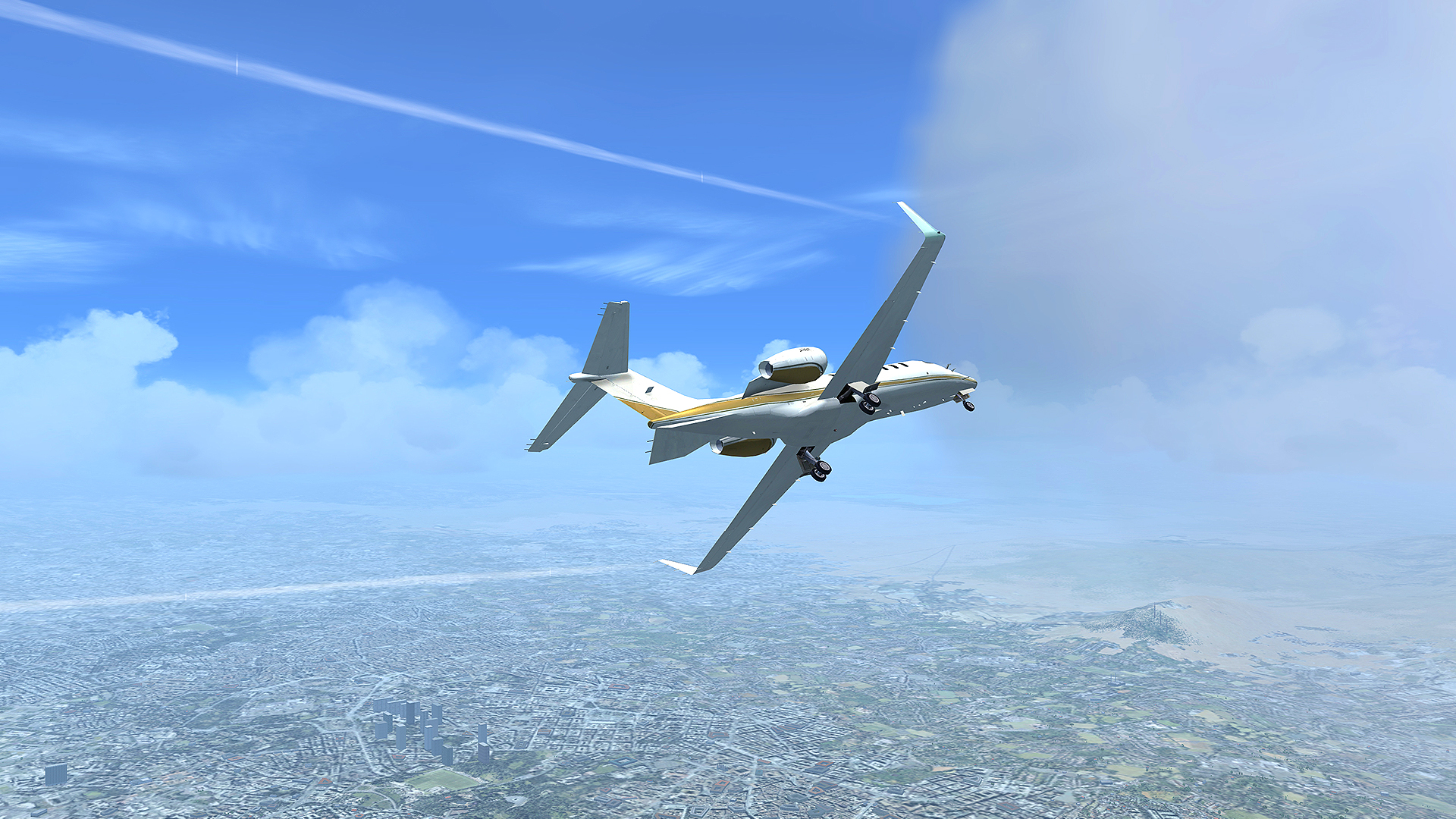
Players may choose any of the 24,000+ airports as a departure point and then adjust the time of day, season, and weather. These settings directly affect visibility and aircraft handling during the flight.
The combination of a massive airport network and selectable weather creates a dynamic environment that can be tailored for casual sightseeing or demanding practice.
- Experiment with different weather to see its effect on handling.
- Use the season selector to observe landscape changes.
03 / THE GUIDE
Multiplayer and Role Options
FSX Steam Edition includes updated multiplayer that lets users join a shared world as pilots, co‑pilots, or air‑traffic controllers, enabling cooperative flights and shared airspace management.
Family Sharing is supported, allowing multiple accounts on the same device to access the game, though the description does not detail session limits.
- Coordinate roles with friends for smoother sessions.
- Use Family Sharing to let household members try different aircraft.
04 / THE GUIDE
Racing Modes and Missions
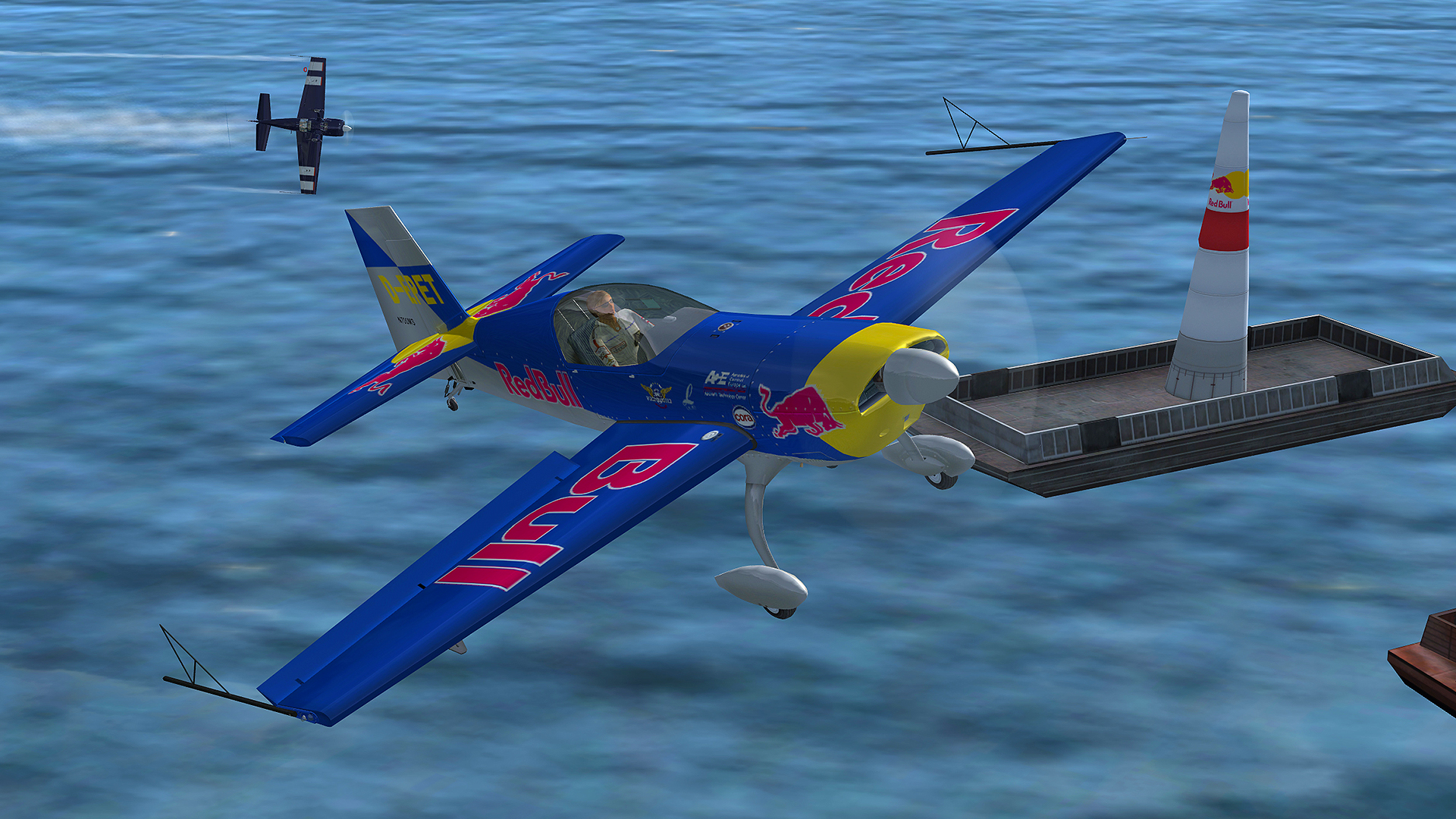
Four racing types—Red Bull Air Race, Reno National Championship, cross‑country, and fictional courses—let players compete with friends, and three difficulty levels range from simple pylon races to challenging weather‑laden courses.
Over 80 missions cover Search & Rescue, Test Pilot, Carrier Operations, and more, with performance tracking that encourages skill improvement.
- Begin with simple pylon races before tackling harder courses.
- Review mission scores to identify practice areas.
05 / THE GUIDE
Technical Notes and Compatibility
The Steam edition runs on Windows, including Windows 8.1, and offers partial controller support and Family Sharing. It is functionally similar to the boxed version, but existing add‑ons are not duplicated between installations.
The Flight Simulator X SDK is not included, so creating new content requires external tools, and running both editions on the same PC may require separate installations.
- Install on a different machine if you already own the boxed version.
- Check Windows 8.1 compatibility before purchase.
COMMUNITY
Player discussion