 GameWiki
GET YOUR BEARINGS
About Microsoft Flight Simulator (2020) 40th Anniversary Edition
Microsoft Flight Simulator 40th Anniversary Edition lets players pilot a wide range of aircraft—from light planes to jets, gliders, and helicopters—across a meticulously rendered planet. The simulation features live weather, real‑time traffic and a checklist system that supports both beginners and seasoned pilots.
The edition adds historic planes, classic missions, and new handcrafted airports, while offering single‑player, multiplayer, VR, and full controller support. It also includes HDR visuals and in‑app purchases for additional content.
01 / THE GUIDE
Aircraft Variety
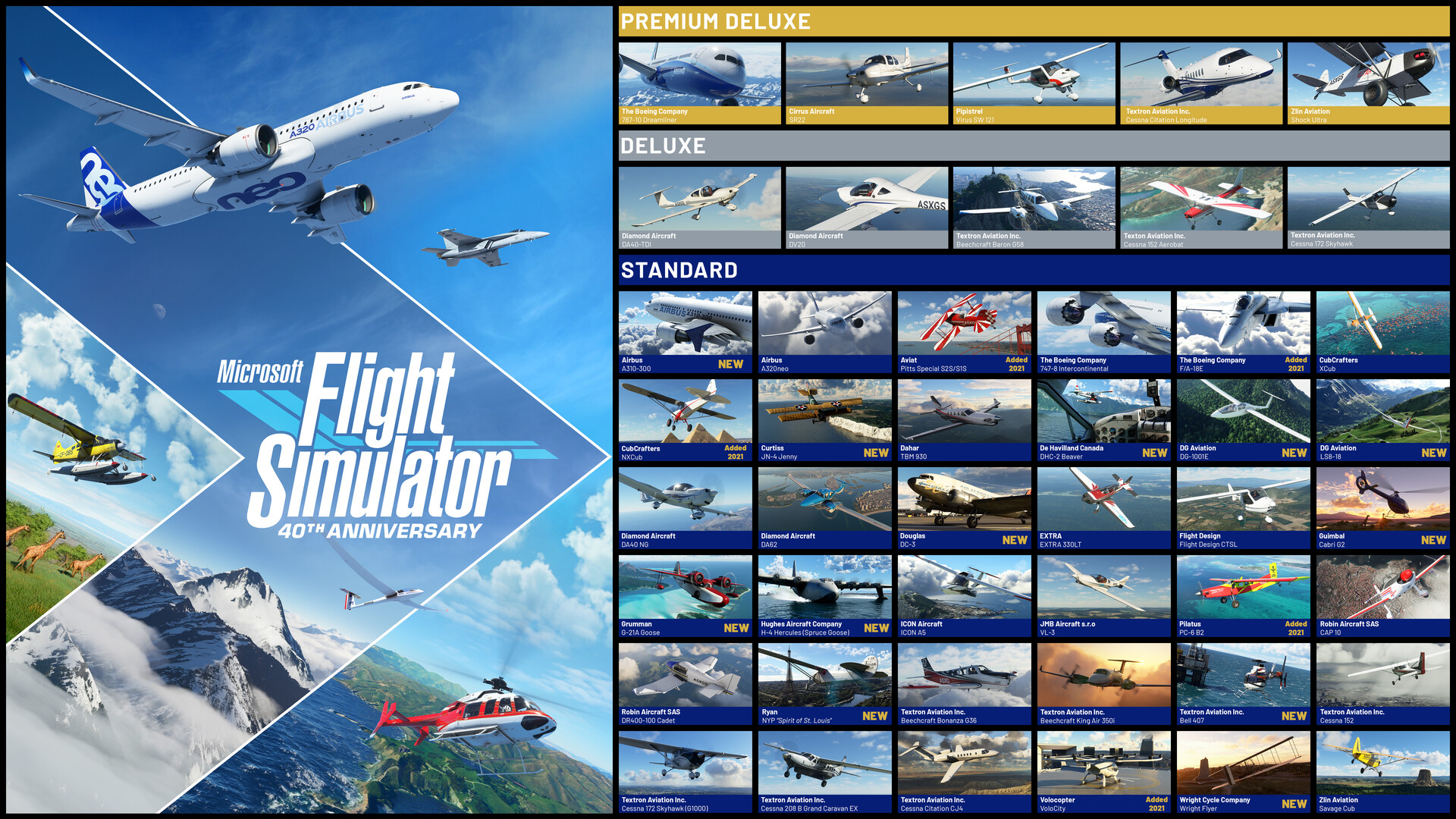
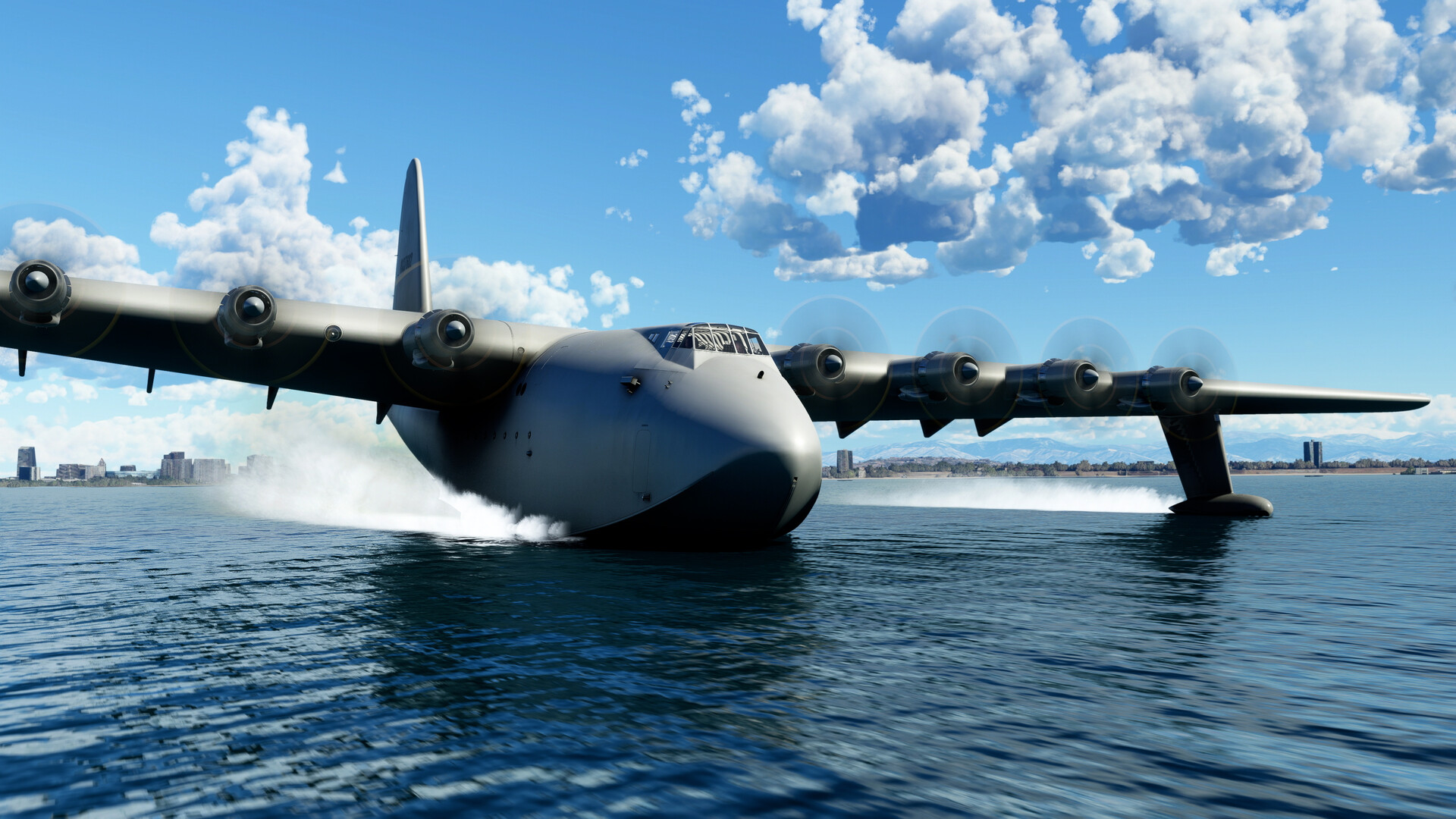
The edition ships with 37 aircraft, including light planes, wide‑body jets, gliders and helicopters, each with a unique flight model and detailed cockpit. New historic aircraft such as the Hughes H‑4 Hercules expand the roster.
Additional tiers add more planes: the Deluxe adds five, and the Premium Deluxe adds another five, bringing the total to 47 in the highest edition. All aircraft feature realistic instrumentation.
- Start with a light plane to become familiar with the checklist system before tackling a jet.
- Use the historic aircraft for a visual change; flight dynamics remain realistic.
02 / THE GUIDE
Handcrafted Airports
Players can land at 25 handcrafted airports, plus 4 classic commercial airports, 14 heliports and 15 glider airports. Deluxe and Premium Deluxe editions each add five international airports, expanding the selection.
These airports are modeled with precise layouts and visual detail, offering varied environments from Amsterdam Schiphol to Denver International.
- Practice approaches at a smaller heliport before attempting a busy international airport.
- Use the classic missions to explore the historic airport settings.
03 / THE GUIDE
Live Weather System
The weather engine provides real‑time conditions, including wind speed, direction, temperature, humidity and precipitation. Users can enable live weather to experience dynamic atmospheric changes during flight.
Day and night cycles are also simulated, allowing VFR or navigation at any time of day or year.
- Enable live weather for a more immersive training experience.
- Check the temperature and wind before takeoff to plan fuel consumption.
04 / THE GUIDE
Interactive Checklist System
A built‑in checklist guides pilots from full manual control to full assist, highlighting instruments and steps needed for each phase of flight. This system scales to suit both beginners and experts.
The system integrates with the aircraft’s cockpit, ensuring that each action is reflected in the simulation’s instrumentation.
- Follow the highlighted checklist prompts when learning a new aircraft.
- Use the full‑assist mode to focus on navigation while the system handles routine steps.
05 / THE GUIDE
Platform Features
The game supports single‑player, multiplayer, VR, full controller input and HDR visuals. It also offers Steam achievements, family sharing and optional in‑app purchases for extra content.
Supported platforms include Windows; macOS and Linux are not listed as supported.
- Try VR mode for an immersive cockpit view.
- Enable HDR if your monitor supports it for richer scenery.


COMMUNITY
Player discussion