 GameWiki
GET YOUR BEARINGS
About METRO QUESTER
METRO QUESTER is a single‑player dungeon‑exploration RPG set in a post‑apocalyptic futuristic Tokyo. Created by manga artist Kazushi Hagiwara and designed by Hironori Kato, it blends hack‑and‑slash combat with a deep, turn‑based system reminiscent of 1980s computer games. The game features auto‑mapping, breakable walls, resource spots, and vaults as you descend deeper. Players manage Action Points, Hate values, and equipment drops while enjoying full controller support, Steam Achievements, and cloud‑saved progress.
01 / THE GUIDE
Dungeon Exploration
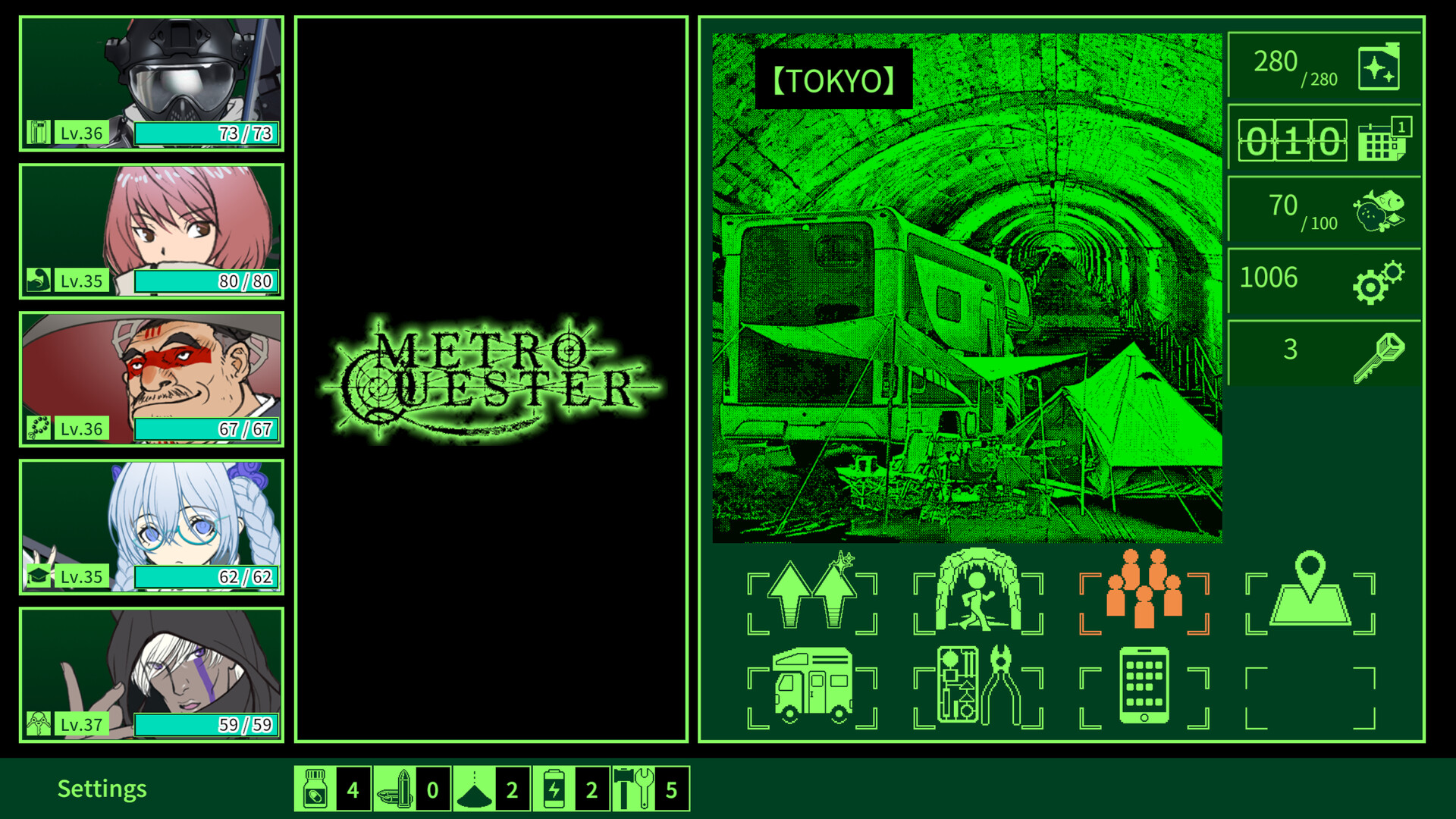
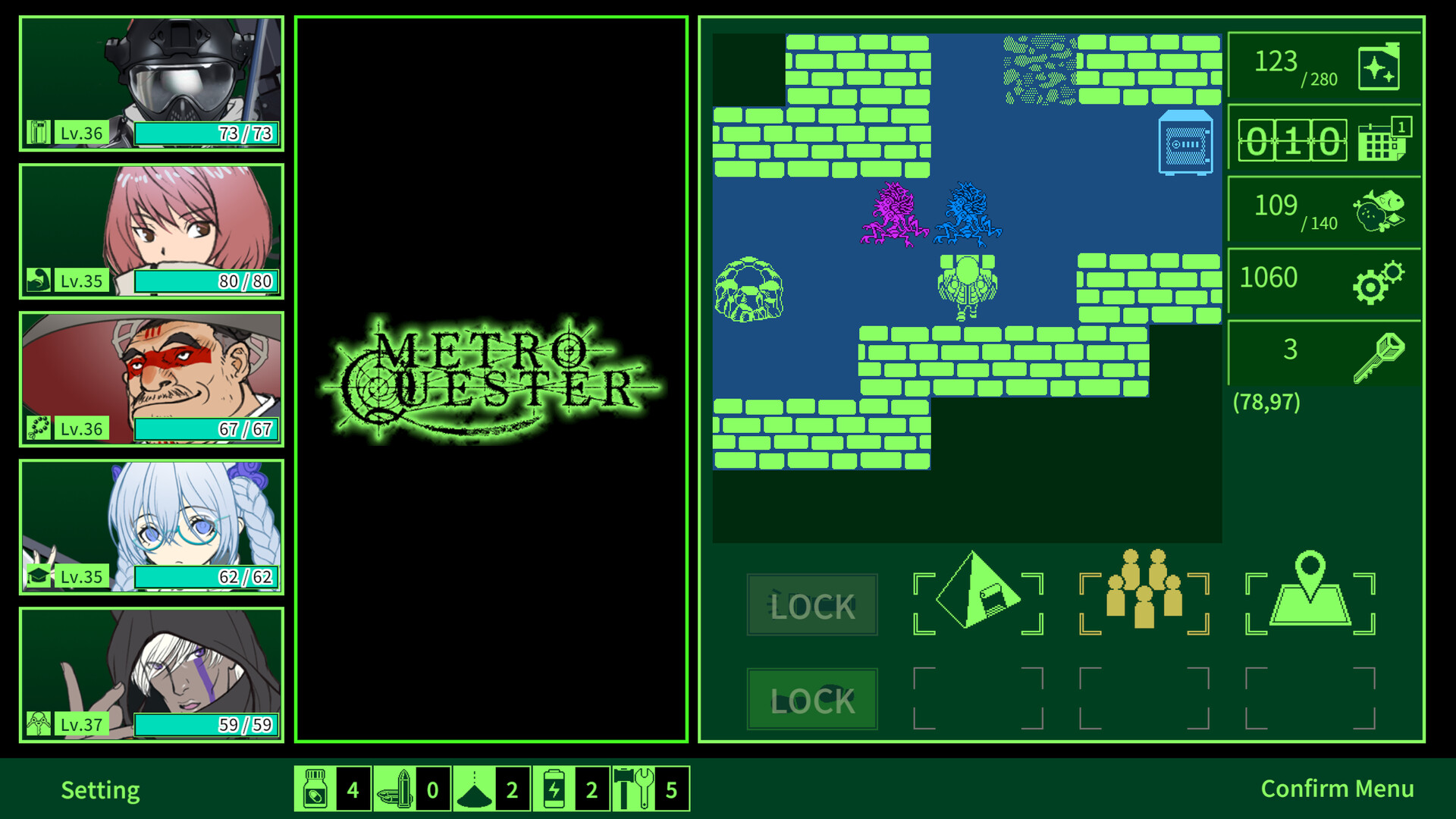
Explore desolate Tokyo dungeons with an auto‑mapping system that records discovered corridors. Within each level you’ll find breakable walls, creature nests, food, resources, and vaults awaiting discovery.
Collect "Purification Fuel" for actions and "food" for survival while uncovering new bases and allies. The goal is to reach the deepest part of the dungeon.
- Compare wall‑break locations to find hidden resource clusters.
- Track where vaults appear to plan efficient routes.
02 / THE GUIDE
Hack and Slash
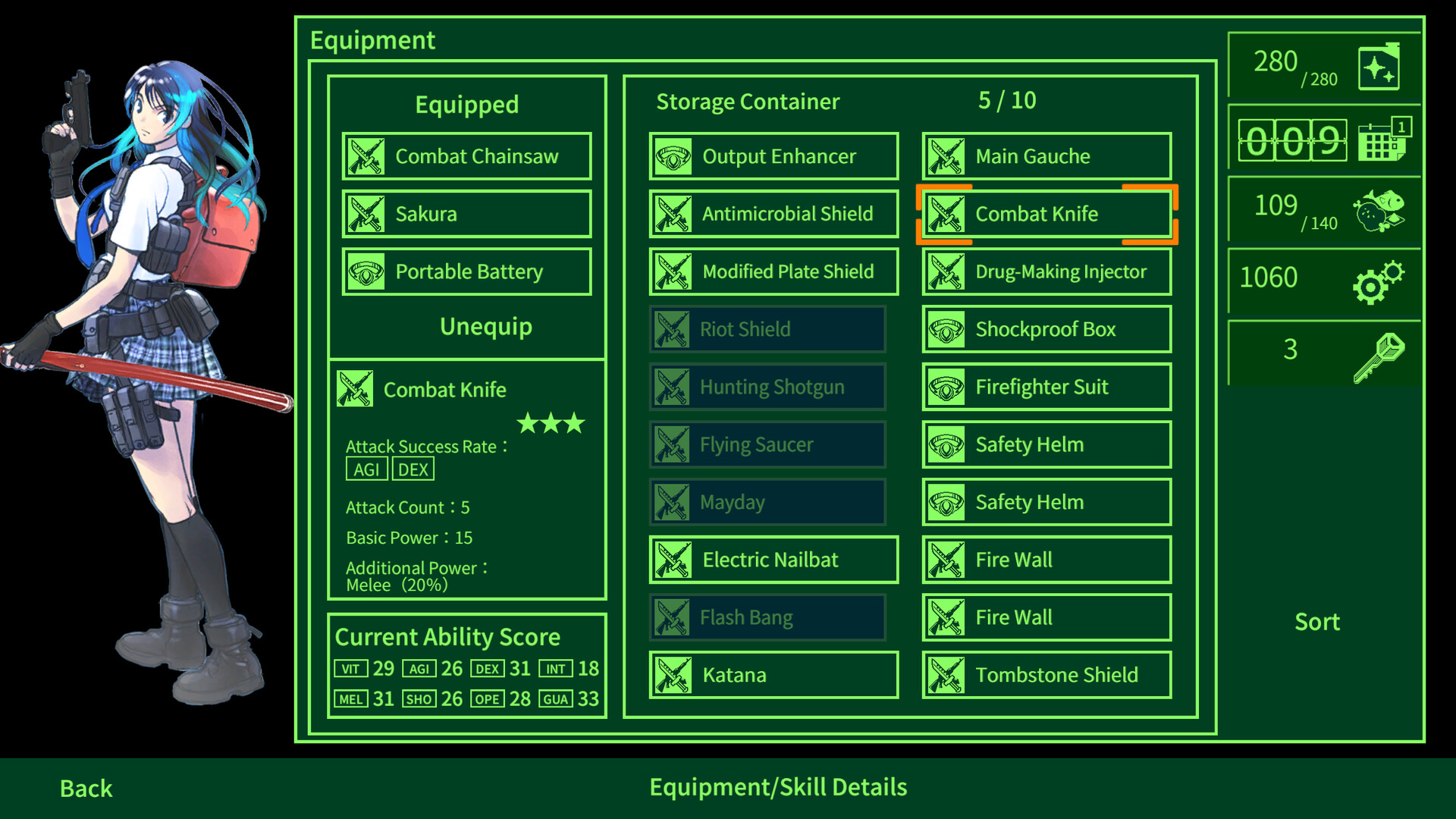
The dungeon is filled with equipment drops from enemies and safes. Rare items may appear, offering choices to equip, modify, strengthen, or disassemble for resources.
Equipment variety supports different playstyles, letting you tailor your approach to formidable foes.
- Weigh the benefit of disassembling versus equipping rare gear.
- Observe which enemies drop the most useful items.
03 / THE GUIDE
Battle System
Each turn allows up to three commands limited by Action Points (AP). Enemies also act multiple times per turn, creating overlapping action windows.
The battle screen shows expected turn order and Hate values, enabling targeted combos and role‑specific strategies for tanks and attackers.
- Plan combos by watching the displayed turn order.
- Manage Hate to keep enemies focused on tank characters.
04 / THE GUIDE
Full Controller Support
The game includes full controller support, allowing players to navigate menus, move, and execute actions using a gamepad. This aligns with the "Gamepad Recommended" tag.
Controller input works alongside other supported features such as custom volume controls.
- Test the controller's movement and button combos for smoother combat.
- Adjust controller sensitivity in the settings if available.
05 / THE GUIDE
Steam Cloud Saves
Progress is stored via Steam Cloud, helping your dungeon runs and equipment persist across sessions.
Family Sharing is also listed among the game's supported Steam features.
- Verify cloud sync after major progress milestones.
- Use family sharing to let friends try the game without losing your save.

COMMUNITY
Player discussion