 GameWiki
GET YOUR BEARINGS
About METAL SLUG
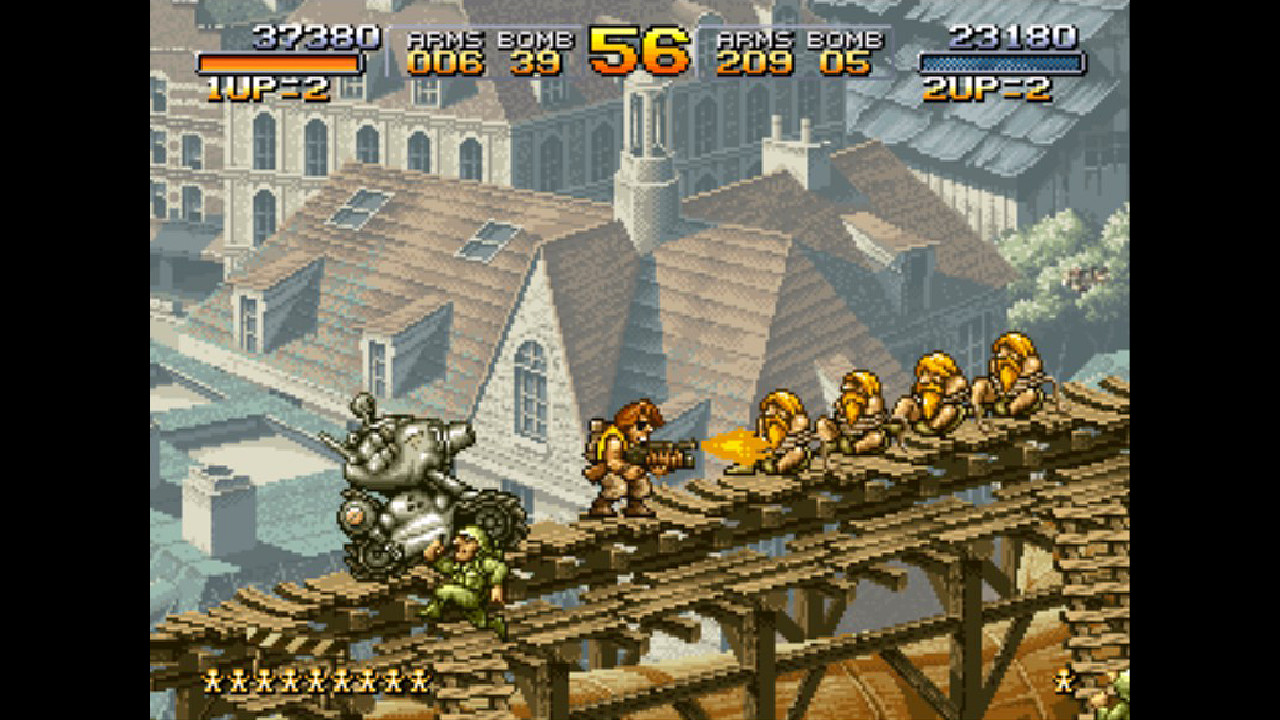
Metal Slug returns to Steam as the inaugural entry of SNK’s classic 2‑D run‑and‑gun series. Players guide the iconic soldiers Marco and Tarma, piloting the titular tank across six arcade missions to stop General Morden’s plans. The port adds modern conveniences such as online co‑op, leaderboards, and full controller support while preserving the original arcade experience.
Beyond the main arcade campaign, the game offers selectable stages, solo or partnered play, and a suite of settings for control, language, video, and audio. It runs on Windows PCs (excluding Windows XP) and integrates Steam features like achievements, trading cards, and remote play options.
01 / THE GUIDE
Arcade Mode (Main Mission)
Arcade Mode reproduces the original arcade version, letting players control Marco and Tarma through six distinct missions. The mode emphasizes the classic run‑and‑gun formula, including the use of the Metal Slug tank to overcome enemy forces.
Progression follows a linear path, with each mission presenting new obstacles and enemy types. The goal is to defeat General Morden’s schemes by completing all six stages, staying true to the series’ original design.
- Focus on mastering the tank’s firepower for tougher enemy waves.
- Learn each mission’s layout to anticipate hidden power‑ups.
02 / THE GUIDE
Mission Mode (Stage Select)
Mission Mode unlocks individual stages for selection, allowing players to replay favorite levels at any time. This mode supports solo practice or cooperative play with a partner on any cleared stage.
Players can train on specific missions without progressing through the entire arcade sequence, making it useful for mastering particular sections or experimenting with strategies.
- Use stage select to practice difficult sections before tackling the full arcade run.
- Coordinate with a partner to cover different enemy types simultaneously.
03 / THE GUIDE
Online Mission (Online Multiplayer)
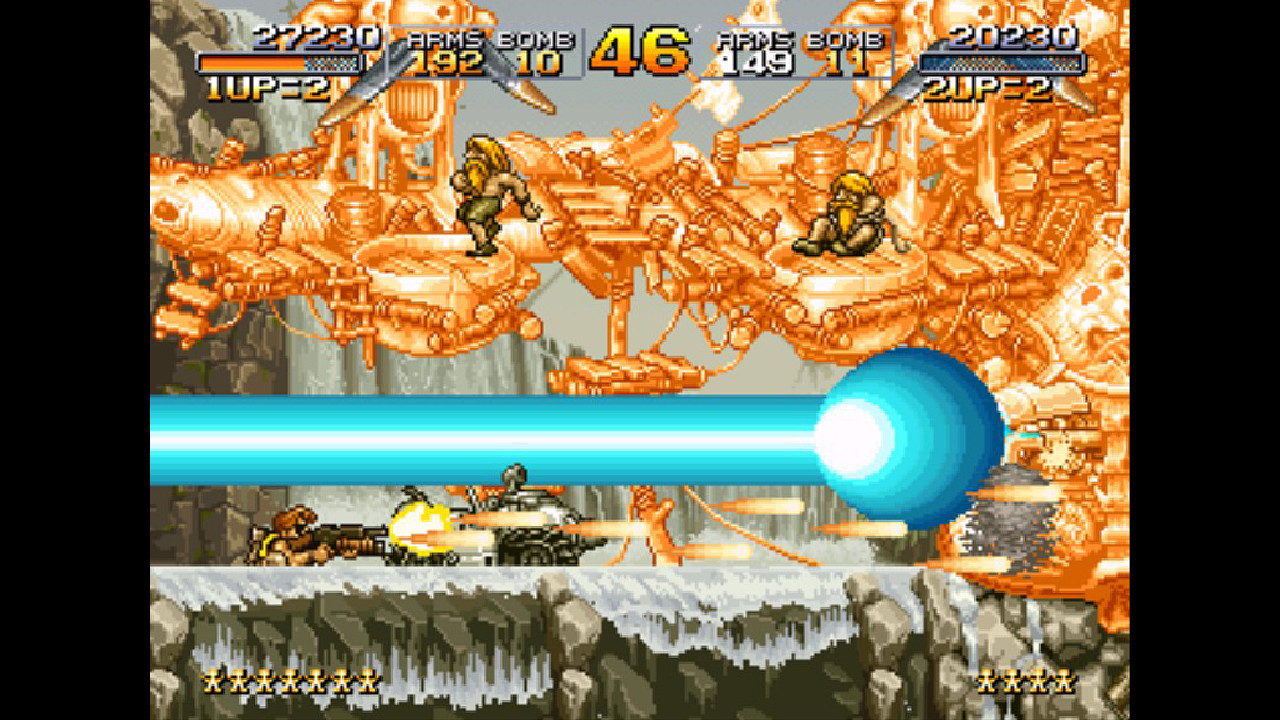
Online Mission connects players via Steam for cooperative play across distances. Two players can join forces to clear missions together, sharing the same controls and objectives as local co‑op.
The feature requires an internet connection and utilizes Steam’s online infrastructure, enabling collaboration with friends or strangers worldwide.
- Ensure a stable internet connection before starting an online session.
- Communicate with your partner to synchronize attacks and tank usage.
04 / THE GUIDE
Settings & Leaderboards
The Settings menu lets players adjust control schemes, language, video display, and sound volume to suit their PC setup. Full controller support is included, offering flexibility for different input devices.
Leaderboards display current rank and scores, allowing players to compare their performance globally and challenge others for higher placement.
- Fine‑tune controller sensitivity for smoother movement.
- Check leaderboards after each run to gauge improvement.
05 / THE GUIDE
Steam Integration Features
Metal Slug incorporates several Steam services: achievements track milestones, trading cards provide collectible artwork, and remote play options let the game stream to phones, tablets, TVs, or shared sessions. Family Sharing permits other accounts on the same device to access the game.
These features enhance replayability and community interaction without altering core gameplay.
- Earn achievements by completing all six arcade missions.
- Use Remote Play Together to invite friends who lack the game locally.

COMMUNITY
Player discussion