 GameWiki
GET YOUR BEARINGS
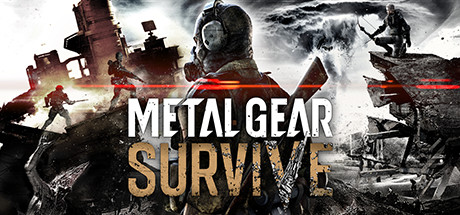
About METAL GEAR SURVIVE
Metal Gear Survive expands the stealth action roots of Metal Gear Solid V with exploration and survival mechanics. Set in an alternate universe, players craft, build bases, and scavenge to endure hostile environments. A four‑player co‑op mode lets teams defend against creature hordes, emphasizing teamwork and resourcefulness. The game requires an internet connection and runs on Windows with full controller support and Steam features.
01 / THE GUIDE
Story and Setting
The game is a spin‑off from the Metal Gear Solid V narrative, taking place in a strange alternate universe. It does not continue the main storyline but offers a new backdrop for survival gameplay.
Players create their own character and must learn to survive in this hostile environment, exploring unknown areas while developing survival skills.
- Focus on learning the environment early to locate resource hotspots.
- Use character customization to match your preferred playstyle.
02 / THE GUIDE
Survival Mechanics
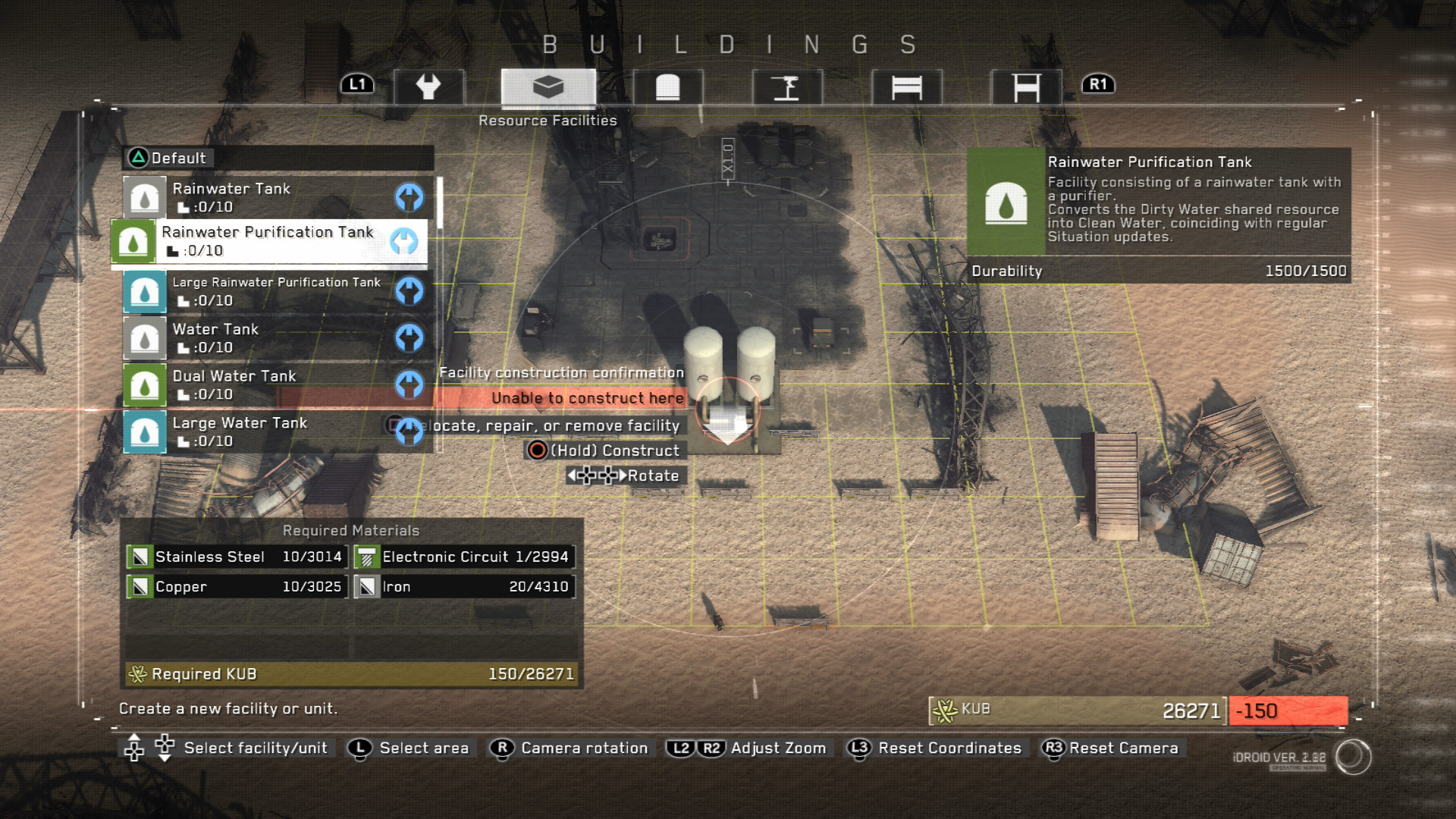
Survival centers on scavenging resources, crafting weapons, and building a base camp. These actions are essential to withstand the hostile world and its creatures.
The game blends exploration with survival, requiring players to develop skills such as resource management and base fortification.
- Prioritize gathering basic materials before attempting advanced crafting.
- Upgrade your base defenses as enemy intensity rises.
03 / THE GUIDE
Co‑op Mode
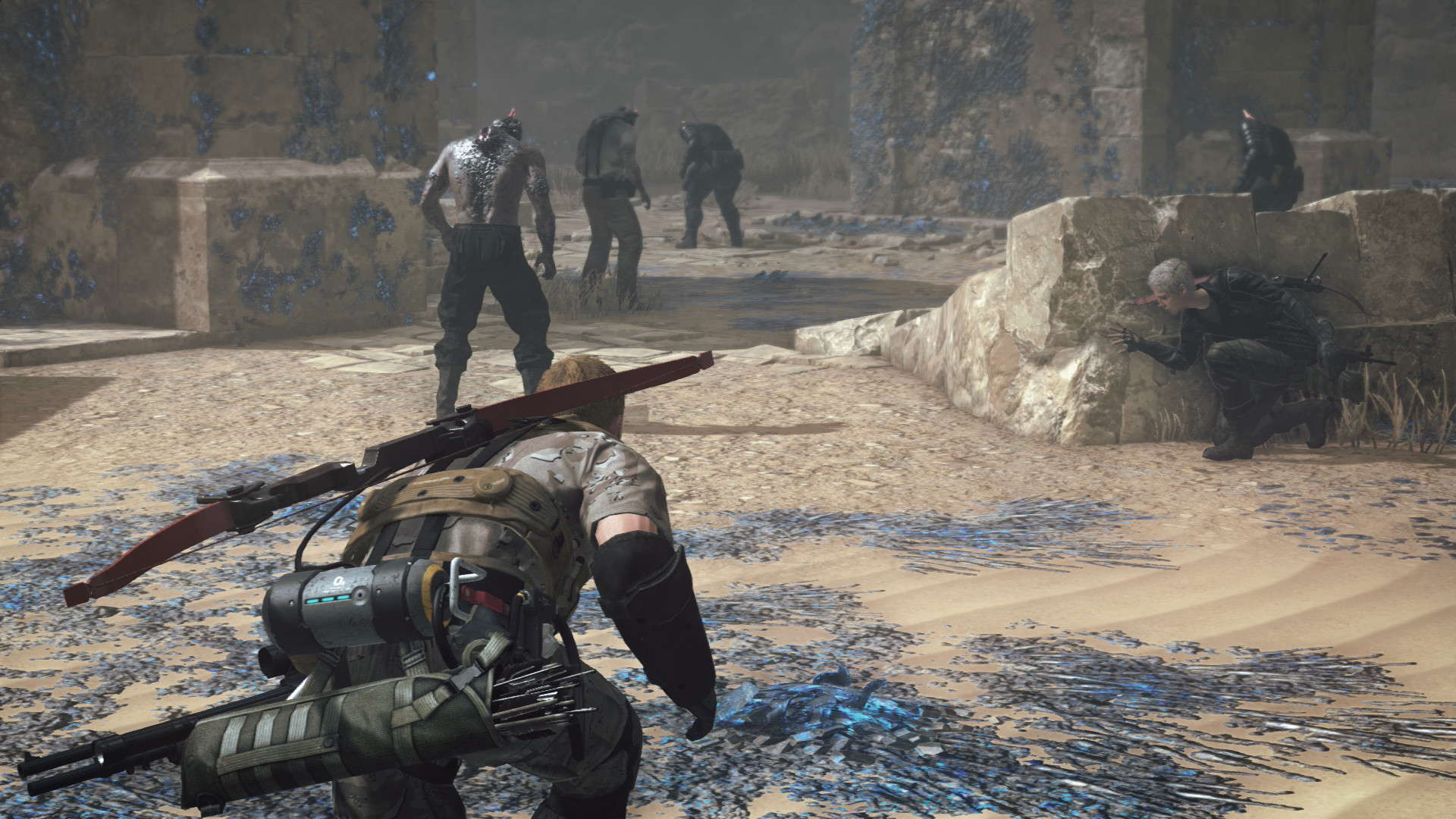
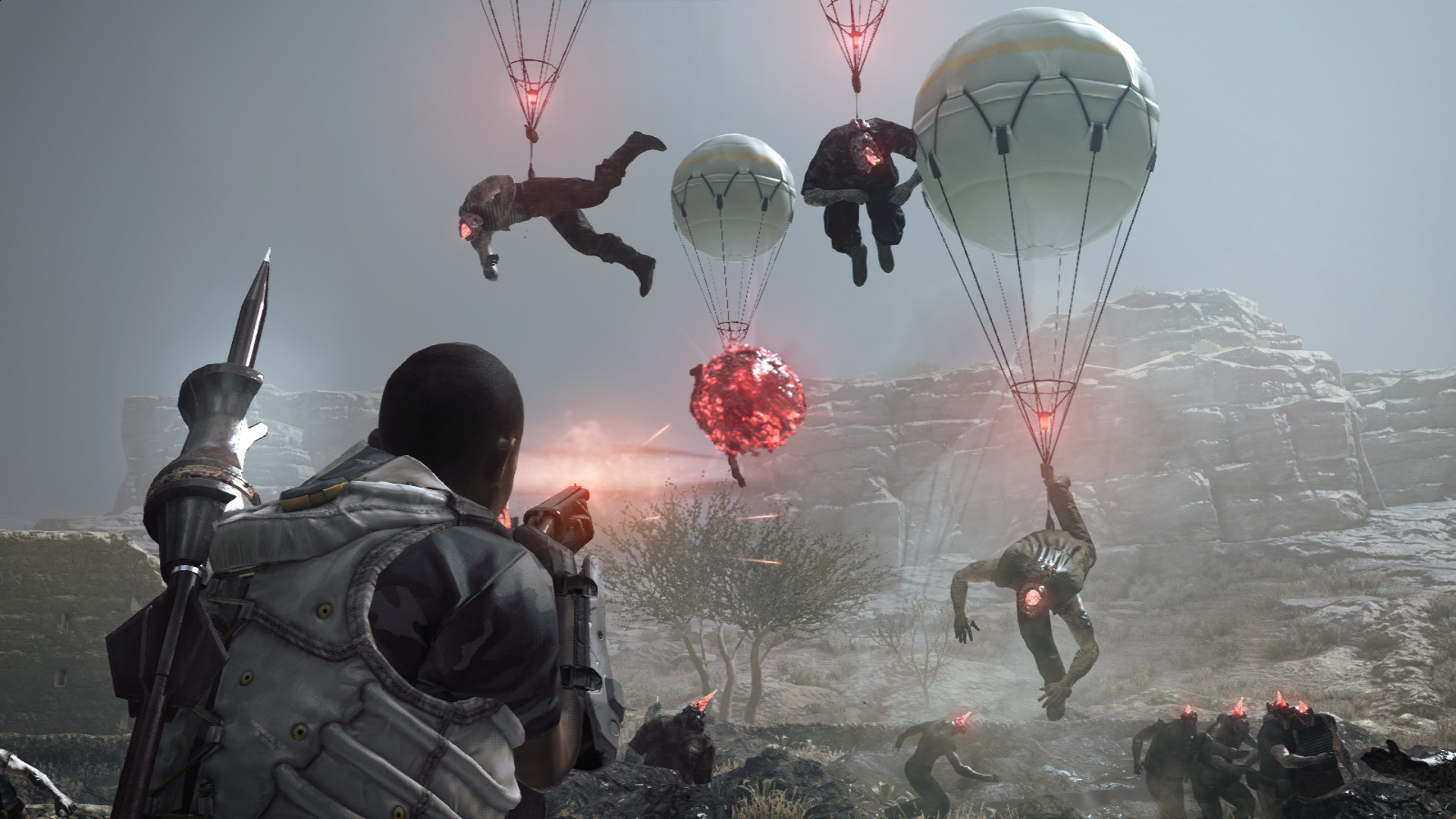
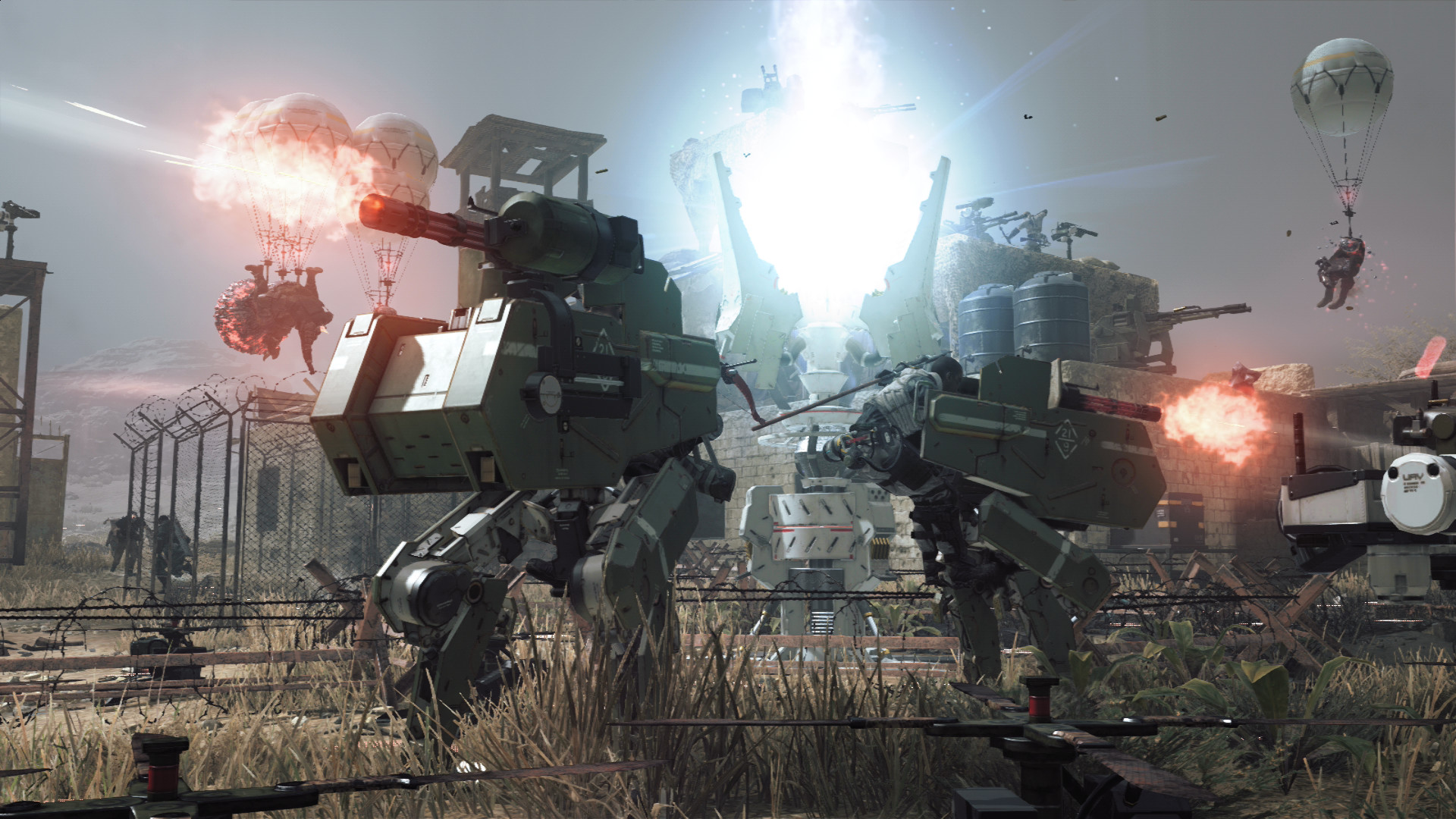
Co‑op supports up to four players who infiltrate and defend areas from creature hordes. Teams place fortifications and defensive weapons strategically.
Fast‑paced missions rely on teamwork and resourcefulness, with enemies intensifying over time.
- Communicate placement of fortifications to cover all approach angles.
- Balance offensive and defensive gear among teammates.
04 / THE GUIDE
Online Requirements
An active internet connection is mandatory to launch and play Metal Gear Survive. All multiplayer features, including co‑op and PvP, depend on this connection.
Steam services such as achievements, cloud saves, and family sharing are integrated, requiring a Steam account.
- Ensure a stable connection before starting a co‑op session.
- Enable Steam Cloud to preserve progress across devices.
05 / THE GUIDE
Platform and Accessibility
Metal Gear Survive is available on Windows only; macOS and Linux are not supported. The game offers full controller support and captions for accessibility.
Steam features include achievements, stats, and family sharing, providing additional ways to track and share progress.
- Use captions if you prefer visual dialogue cues.
- Test controller configuration before entering a mission.

COMMUNITY
Player discussion