 GameWiki

GET YOUR BEARINGS
About METAL GEAR SOLID 2: Sons of Liberty - Master Collection Version
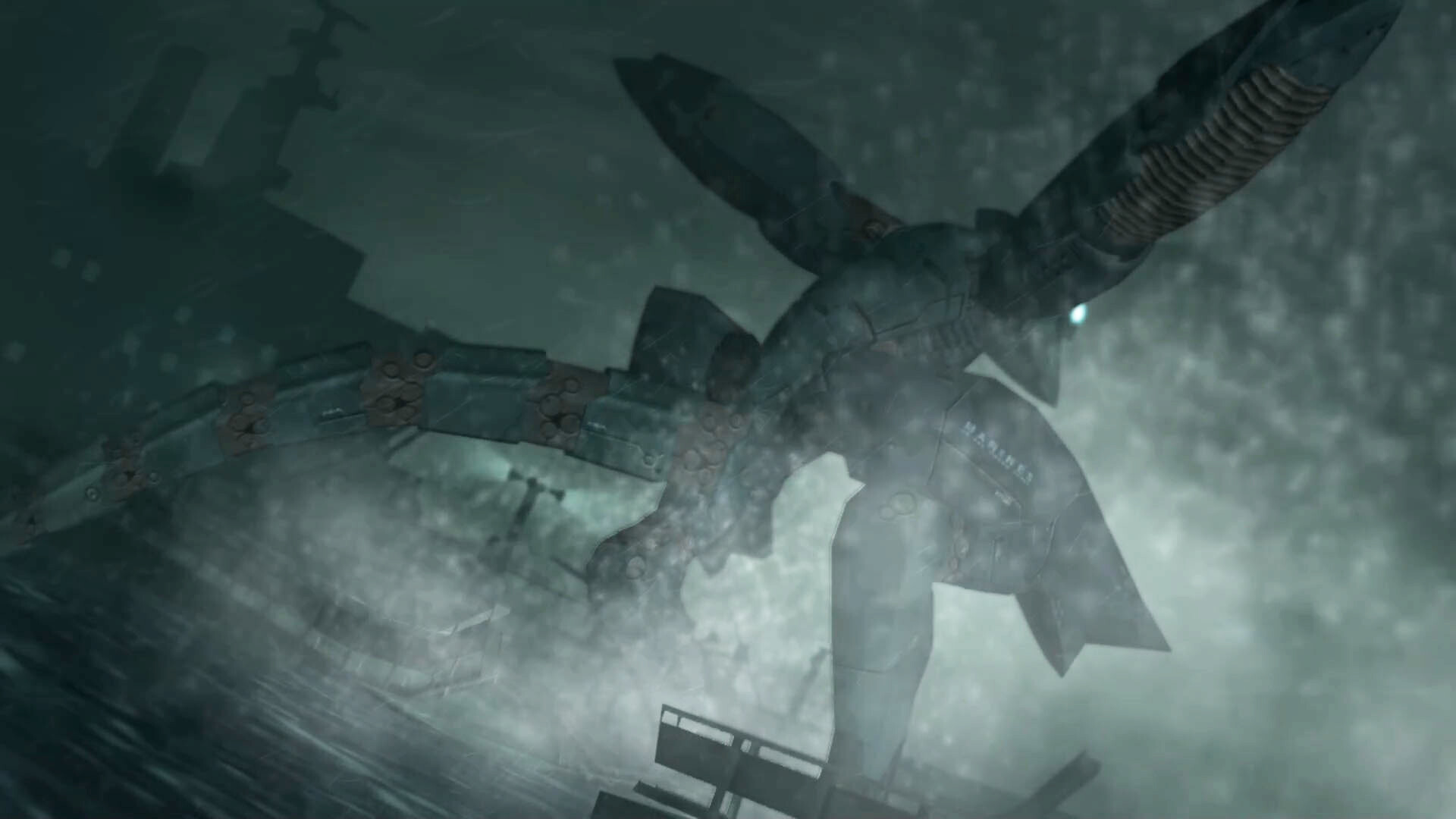
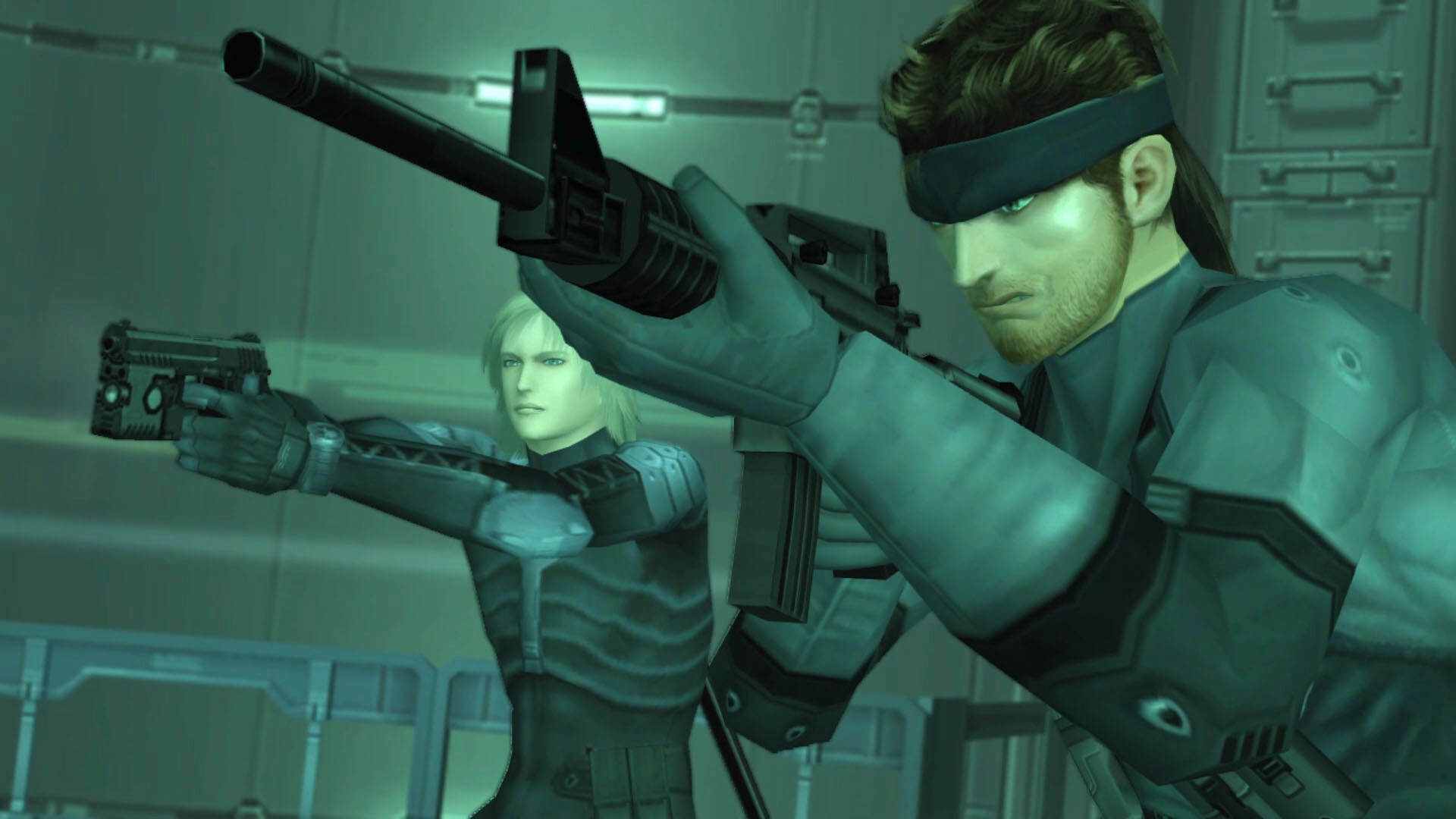
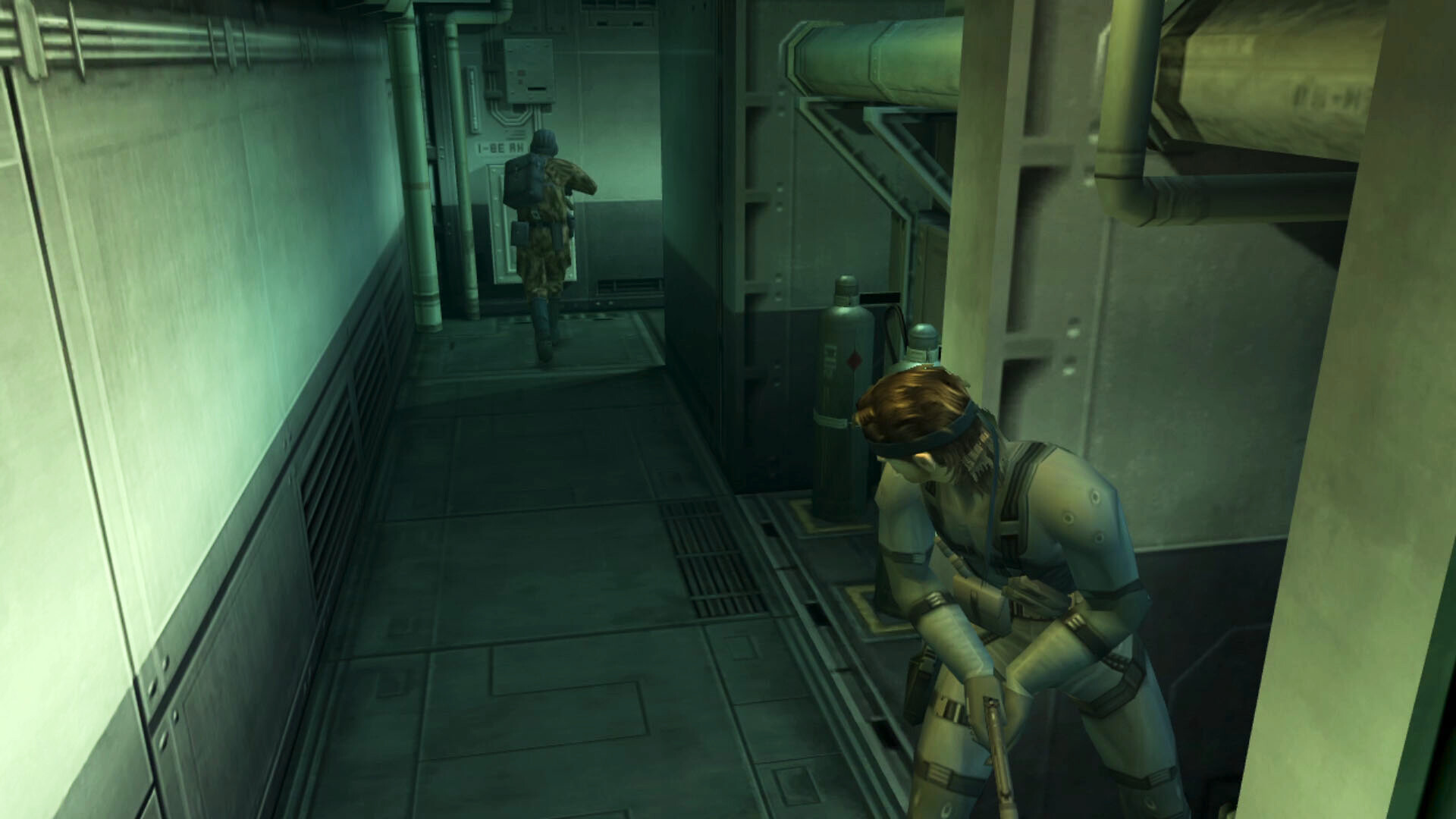
Metal Gear Solid 2: Sons of Liberty – Master Collection is the fourth entry in the Metal Gear series and is released for Windows. The plot is split between two missions: Solid Snake infiltrates a secret tanker, while Raiden attacks an offshore plant held by terrorists.
The collection adds first‑person weapon handling, the ability to threaten enemies with a gun, and the option to move incapacitated foes. It also bundles two digital books that describe the story and characters, reachable from the main‑menu screen.
01 / THE GUIDE
Story Structure
The narrative is divided into two distinct segments. In the tanker portion, Snake sneaks aboard a concealed vessel to investigate a new nuclear device known as Metal Gear. In the plant portion, Raiden of the new FOXHOUND unit penetrates an offshore facility occupied by hostile forces.
Both segments together form a single storyline, letting players experience two different protagonists, environments, and objectives while following the same overarching conflict surrounding the Metal Gear threat.
- Switch focus between Snake and Raiden to keep track of each character’s goals.
- Notice how each location reflects a different aspect of the Metal Gear plot.
02 / THE GUIDE
Gameplay Mechanics
New actions appear in this version, including aiming weapons from a first‑person perspective, forcing an opponent to surrender at gunpoint, and moving a downed enemy’s body to a new spot. These additions broaden the series’ stealth focus with more direct combat options.
The title remains a single‑player experience, so all of these mechanics can be explored without any multiplayer requirements, letting players experiment at their own pace.
- Use the first‑person view when you need precise targeting.
- Try dragging a fallen guard to open hidden routes.

03 / THE GUIDE
Digital Books
The Master Collection bundles two exclusive digital volumes: the Metal Gear Solid 2 Screenplay Book and the Metal Gear Solid 2 Master Book. Both provide detailed information about the story and its characters.
These books are opened from the game’s main‑menu screen, giving players a convenient way to review lore without leaving the application.
- Open the books before a new chapter to refresh plot details.
- Consult the Master Book for deeper background on supporting characters.
04 / THE GUIDE
Achievements and Family Sharing
The Windows version integrates with Steam Achievements, allowing players to earn recognitions for completing specific in‑game milestones. It also supports Steam Family Sharing, so multiple accounts can access the same purchase.
These features tie the game into the broader Steam ecosystem, offering extra incentives for players who enjoy tracking progress or sharing titles with friends.
- Review the achievement list early to set personal targets.
- Enable Family Sharing if you want others to try the game without buying a separate copy.
05 / THE GUIDE
Controller Support
Full controller compatibility is provided, with explicit mention of DualShock controller support. The game recommends using a gamepad for the best experience, though keyboard and mouse remain functional.
All gameplay actions, including the newly added first‑person mechanics, can be performed via a gamepad, giving players a consistent control scheme across the title.
- Connect a DualShock controller before launching to ensure immediate support.
- Adjust controller sensitivity in the options if aiming feels too fast or slow.

COMMUNITY
Player discussion