 GameWiki
GET YOUR BEARINGS
About Metal Bringer
Metal Bringer is a roguelike action‑adventure where players command humanoid androids called Labor or pilot massive machines known as Arms. The narrative follows Suria, a girl awakened after a thousand‑year cryosleep, as she builds Labor with her Buds to search for humanity. The game blends customizable mech construction, real‑time pixel art, and dynamic music, all presented in a retro‑styled world illuminated by ray tracing.
The title supports full controller use, Steam achievements, and cloud saves, allowing players to pause and resume at any time. Its single‑player focus emphasizes exploration, combat, and iterative upgrades through app disks and enemy‑derived parts, encouraging experimentation with each run.
01 / THE GUIDE
Highly Customizable Labor and Arms
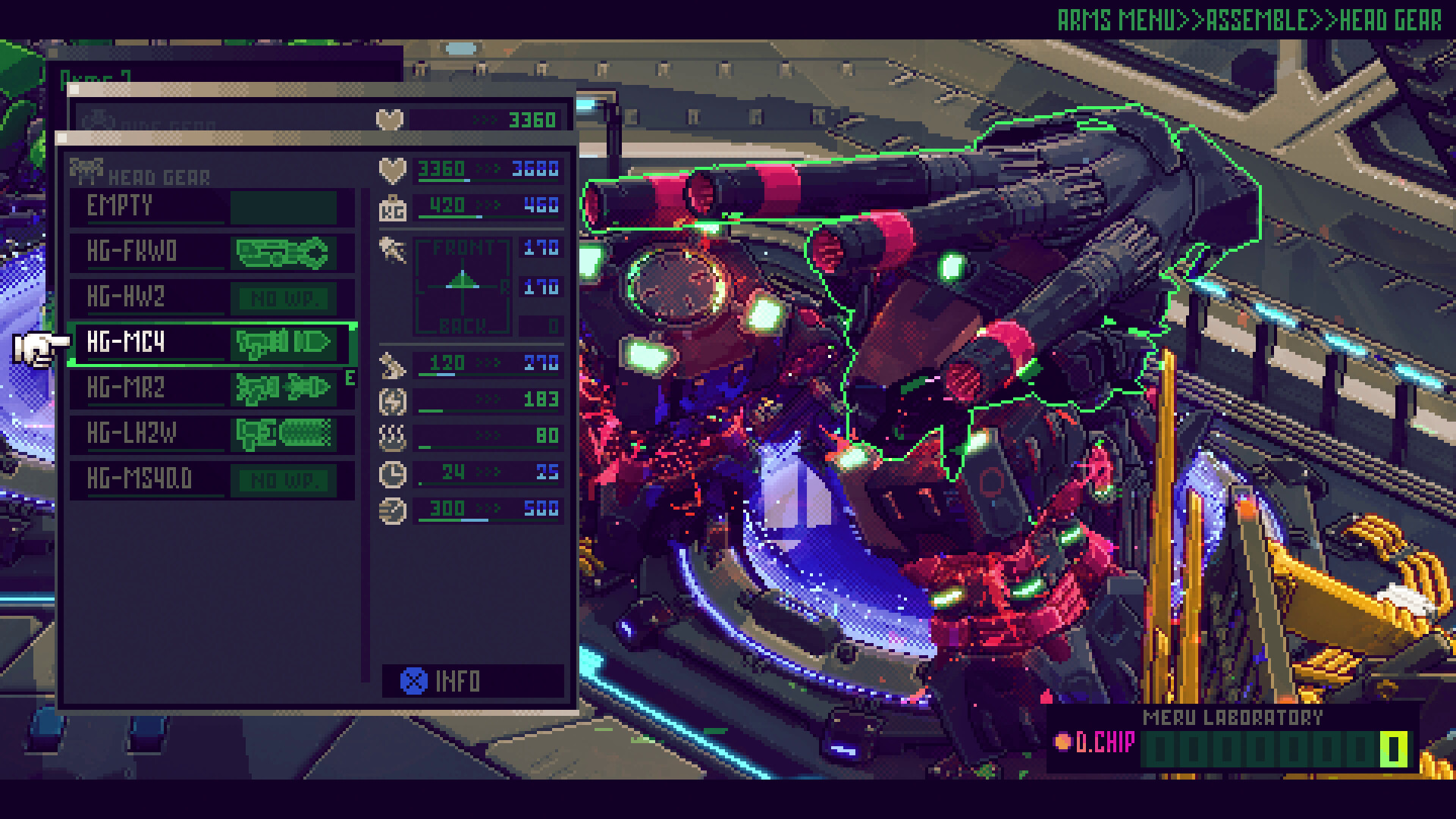
Players can alter the color, appearance, and component parts of both Labor and Arms, directly influencing fighting styles. Swapping parts lets you craft a mech that matches personal preferences.
Customization extends beyond aesthetics; different parts affect how each unit performs in combat, offering a range of tactical options for each run.
- Experiment with visual changes early to see how they affect combat flow.
- Mix and match parts from different sources to discover unexpected synergies.
02 / THE GUIDE
App Disks and Persistent Upgrades
Defeating enemies yields app disks that can be installed on Labor to boost abilities. If a Labor falls, installed apps are lost, but their data can be analyzed for future runs.
Analyzing app data lets you retain improvements across attempts, gradually strengthening Labor until you can dominate enemy hordes.
- Prioritize defeating enemies that drop app disks before risking a fall.
- Review app data after each run to plan the next build.
03 / THE GUIDE
Harvesting Enemy Arms Parts
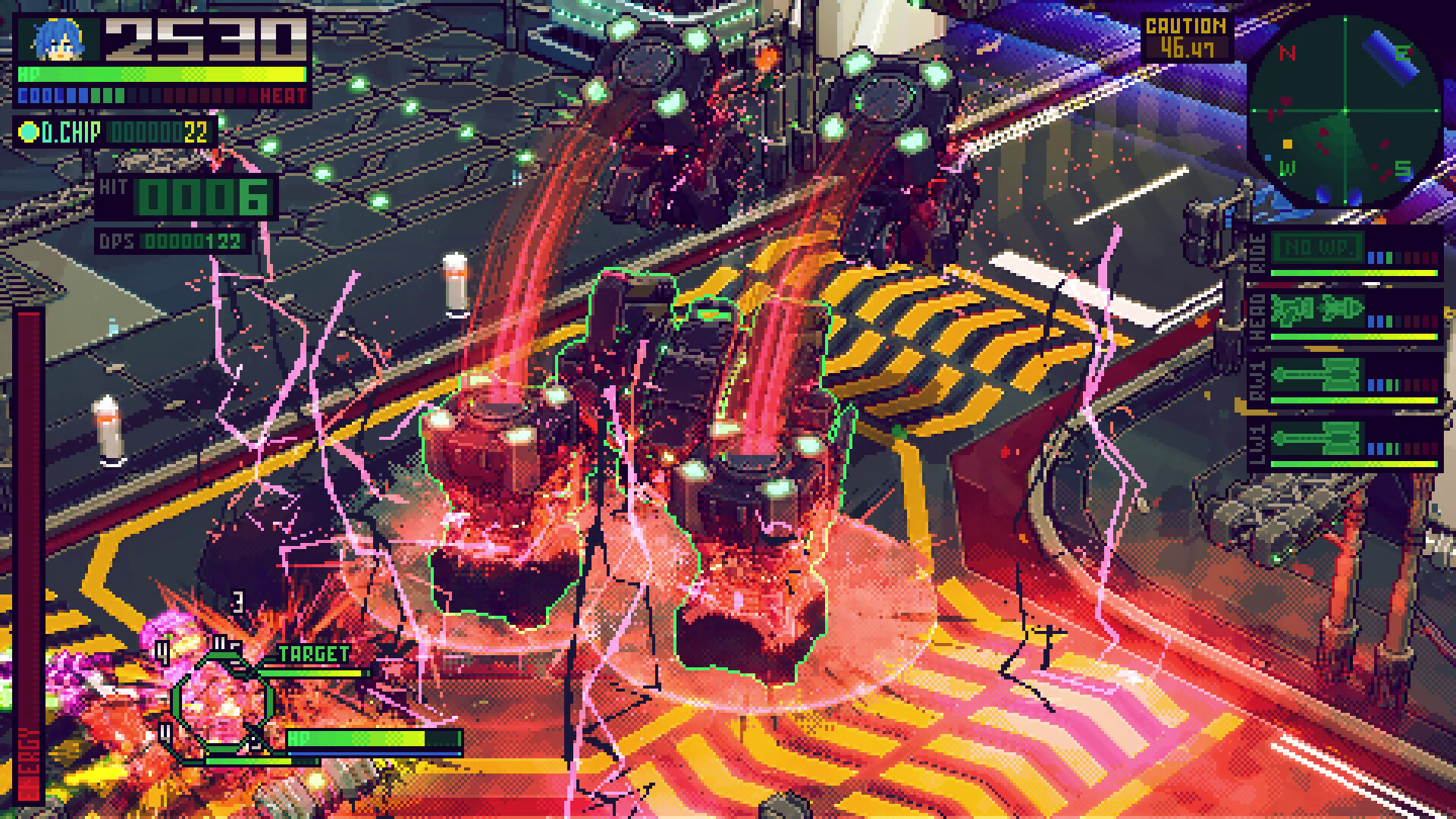
Arms degrade over time, but enemies leave behind parts that can be collected. These parts can replace worn components, extending the lifespan of your mech.
Blueprint analysis of collected parts unlocks additional customization options, allowing deeper refinement of your preferred combat style.
- Collect parts from defeated foes before exiting a battle zone.
- Use blueprint analysis to unlock advanced parts sooner.
04 / THE GUIDE
Ray Tracing and Adaptive Music
Metal Bringer employs real‑time pixel‑art generation paired with ray‑tracing, delivering richly lit environments while preserving a retro aesthetic. The soundtrack is generated live and shifts according to gameplay moments.
These technologies aim to enhance immersion without altering core gameplay mechanics.
- Adjust volume controls to balance dynamic music with sound effects.
- Enable ray‑tracing if your hardware supports it for optimal visual fidelity.
05 / THE GUIDE
Supported Platforms and Controls
Metal Bringer is available on Windows and includes full controller support, covering DualShock, DualSense, and generic gamepads. Features such as Steam Cloud, achievements, and save‑anytime enhance accessibility.
Additional options like camera comfort and custom volume controls let players tailor the experience to personal comfort levels.
- Use the save‑anytime feature to experiment without penalty.
- Enable camera comfort settings if you experience motion discomfort.

COMMUNITY
Player discussion