 GameWiki
GET YOUR BEARINGS
About Melody's Escape 2
Melody's Escape 2 lets you run, jump and slide through obstacle courses that pulse to the beat of any DRM‑free music file on your computer. The game reads tempo, intensity and vocal cues, turning each track into a synchronized level.
Three preset difficulty modes change the number of required inputs, and a custom mode lets you create your own difficulty setup. Steam Workshop adds community‑made skins, and full controller support lets you play with DualShock or DualSense gamepads.
01 / THE GUIDE
Music Library Integration
The game accepts a wide range of DRM‑free audio formats—including MP3, FLAC, OGG, WAV and M4A—so any track stored on your hard drive can be loaded. Its analysis algorithms translate tempo, intensity and vocal elements into synchronized jumps and slides.
This system works with almost all music genres, but it does not support files from online streaming services because those files cannot be accessed directly by the game.
- Start with a track that has a clear, steady beat to see how the game maps actions.
- Try several genres to notice how different musical styles affect the obstacle timing.
02 / THE GUIDE
Difficulty Levels
Melody's Escape 2 provides three preset difficulties: Relaxing (one‑button), Medium (four colored buttons) and Intense (eight buttons). Each level changes how many inputs you must perform in time with the music.
A Custom difficulty mode lets you create your own difficulty setup, offering flexibility without altering the core music‑driven timing.
- Begin with Relaxing to learn the beat‑to‑action relationship.
- Move to Intense after you feel comfortable with timing for a greater challenge.
03 / THE GUIDE
Visual Environments
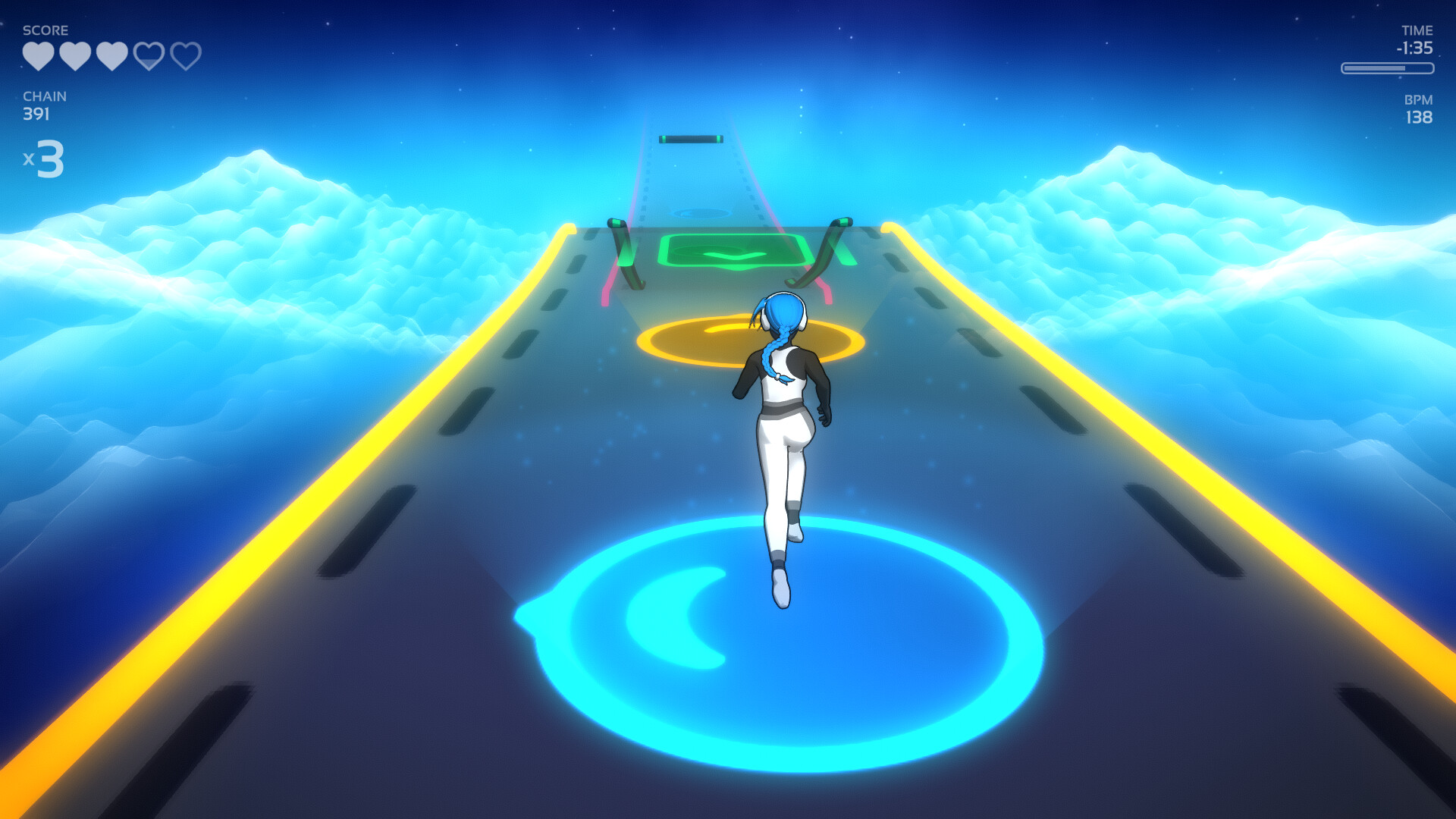
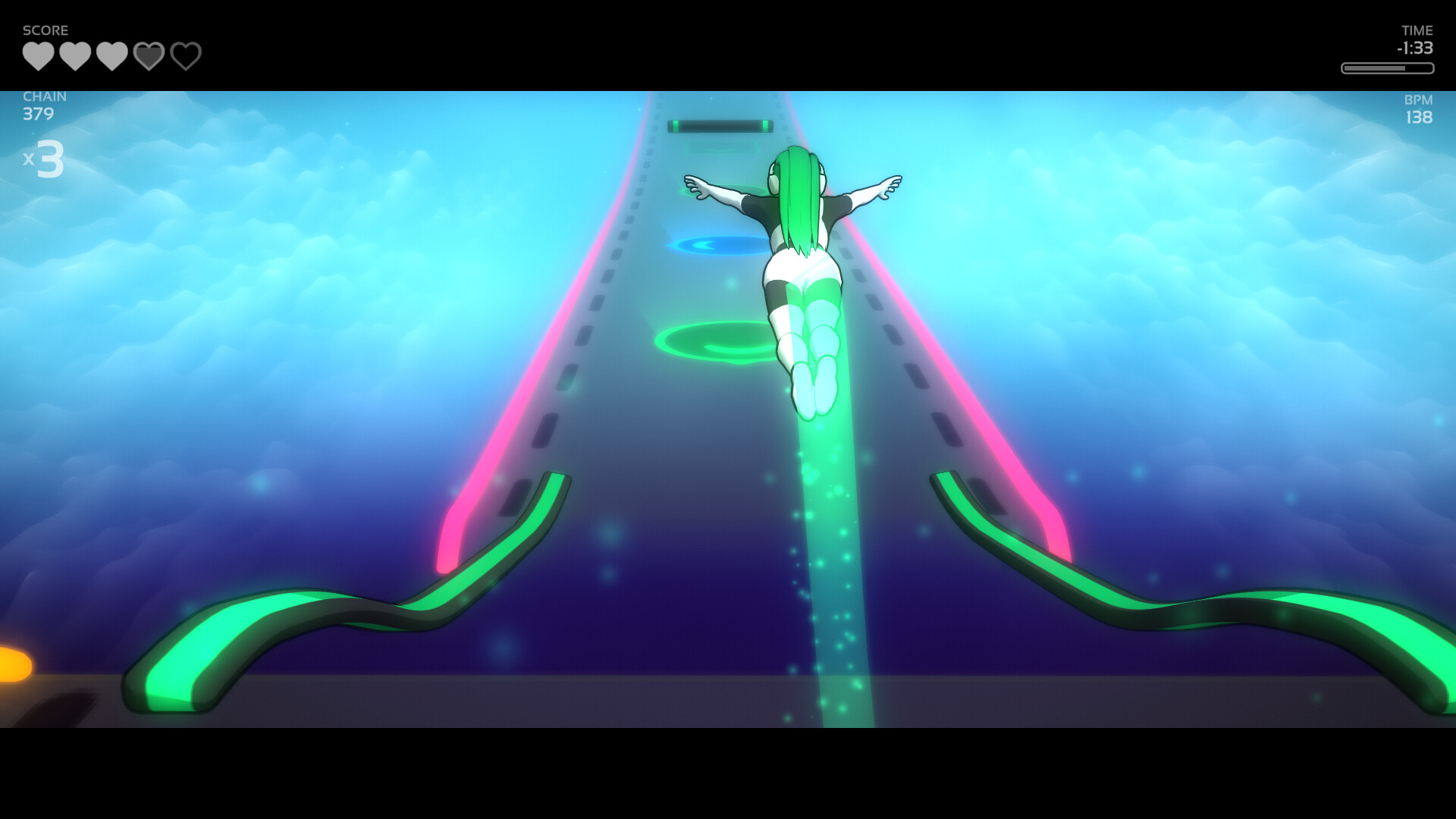
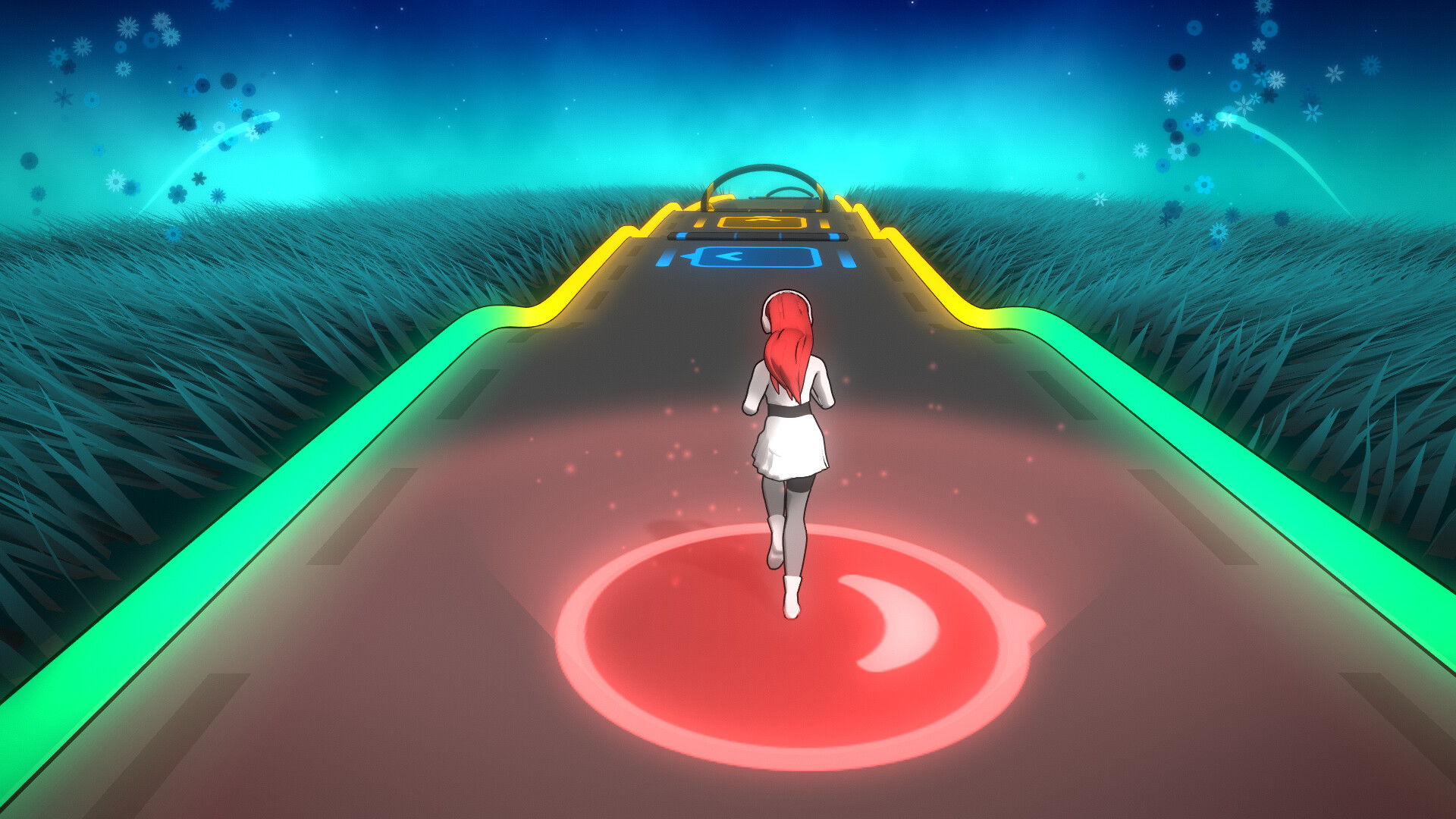
Multiple stage environments react visually to the music, each with its own style that mirrors the track’s energy. As intensity rises, scenery shifts to match the mood.
Fourteen licensed tracks come with hand‑mapped levels, showing how different musical styles influence the visual design of each stage.
- Watch how colors and effects change when the tempo accelerates.
- Compare a calm piece with an explosive one to see visual contrast.
04 / THE GUIDE
Character Customization
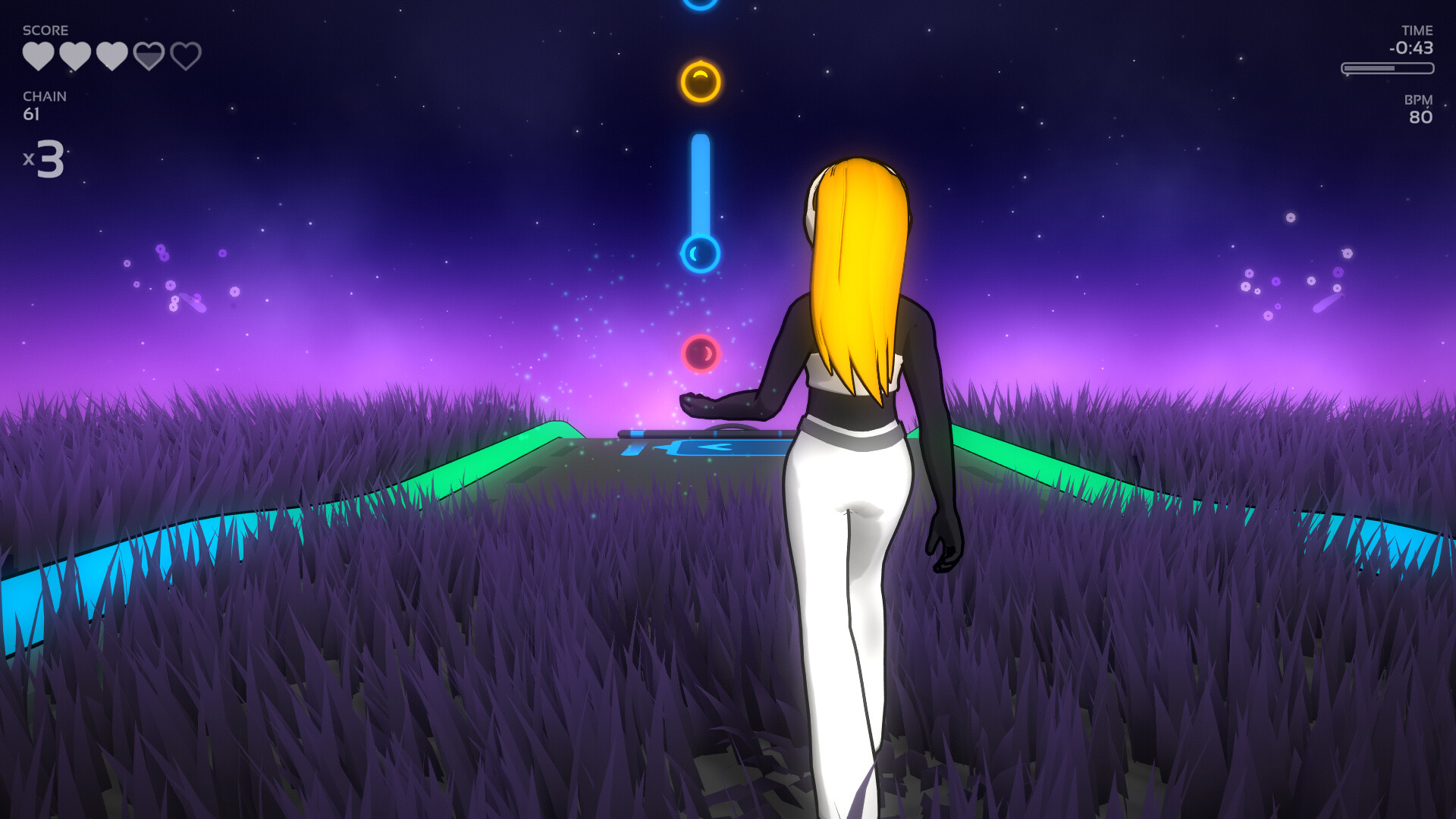
Players can change Melody’s appearance using a variety of skins and haircuts. These options let you personalize the character’s look for each session.
The Steam Workshop supports community‑made cosmetics, expanding the range of visual options beyond the base selections.
- Browse the Workshop for skins that match the vibe of your chosen music.
- Mix different haircuts and skins to create a look you enjoy.
05 / THE GUIDE
Controller Support
Melody's Escape 2 includes full support for DualShock and DualSense controllers, allowing all input actions to be performed via gamepad across every difficulty level.
This support covers the one‑button, four‑button and eight‑button schemes, letting you play without relying on a keyboard.
- Try both controller types to see which feels more comfortable for you.
- Check the controller’s button layout against the chosen difficulty.

COMMUNITY
Player discussion