 GameWiki
GET YOUR BEARINGS
About Megastore Simulator: Prologue
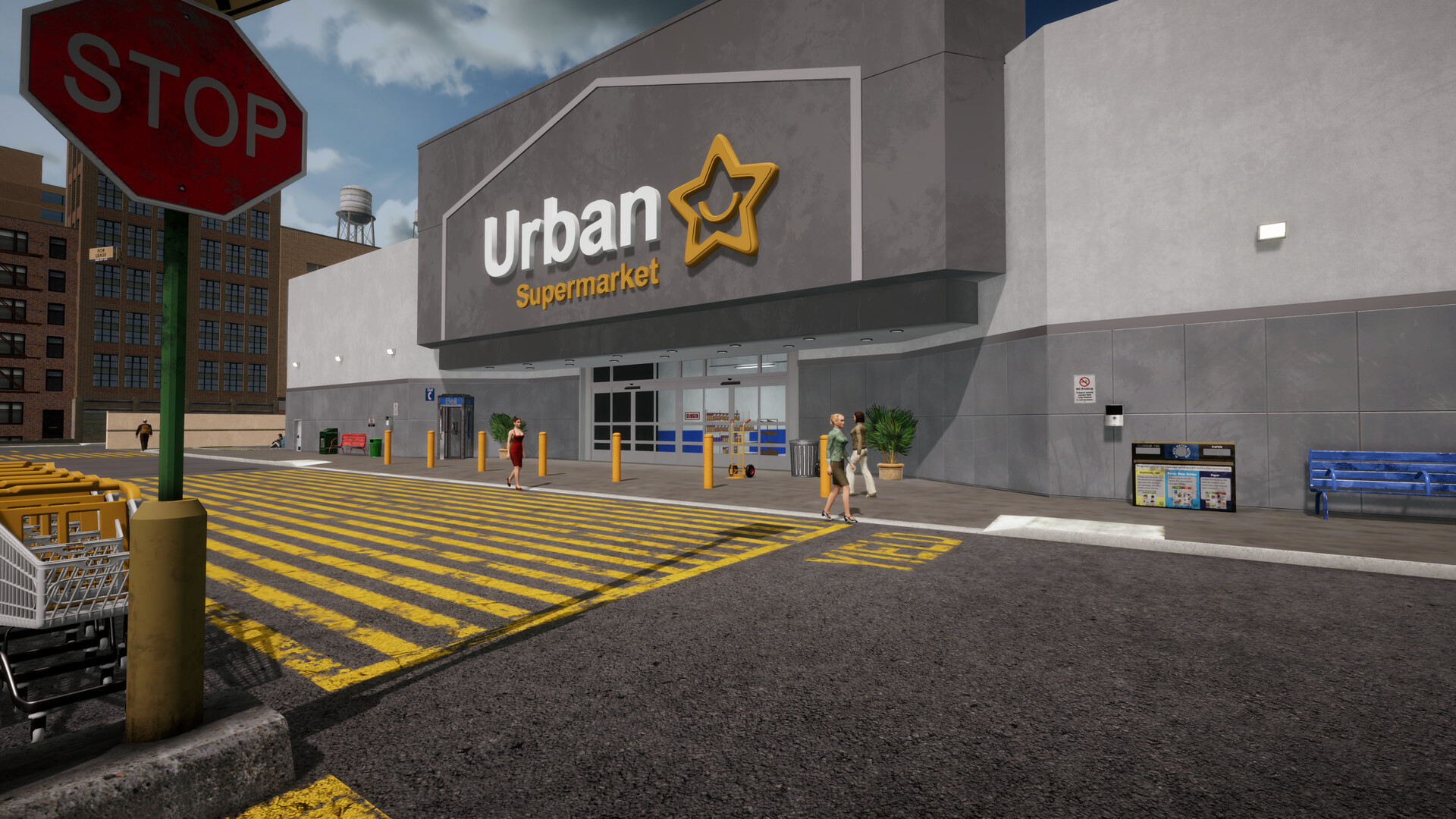
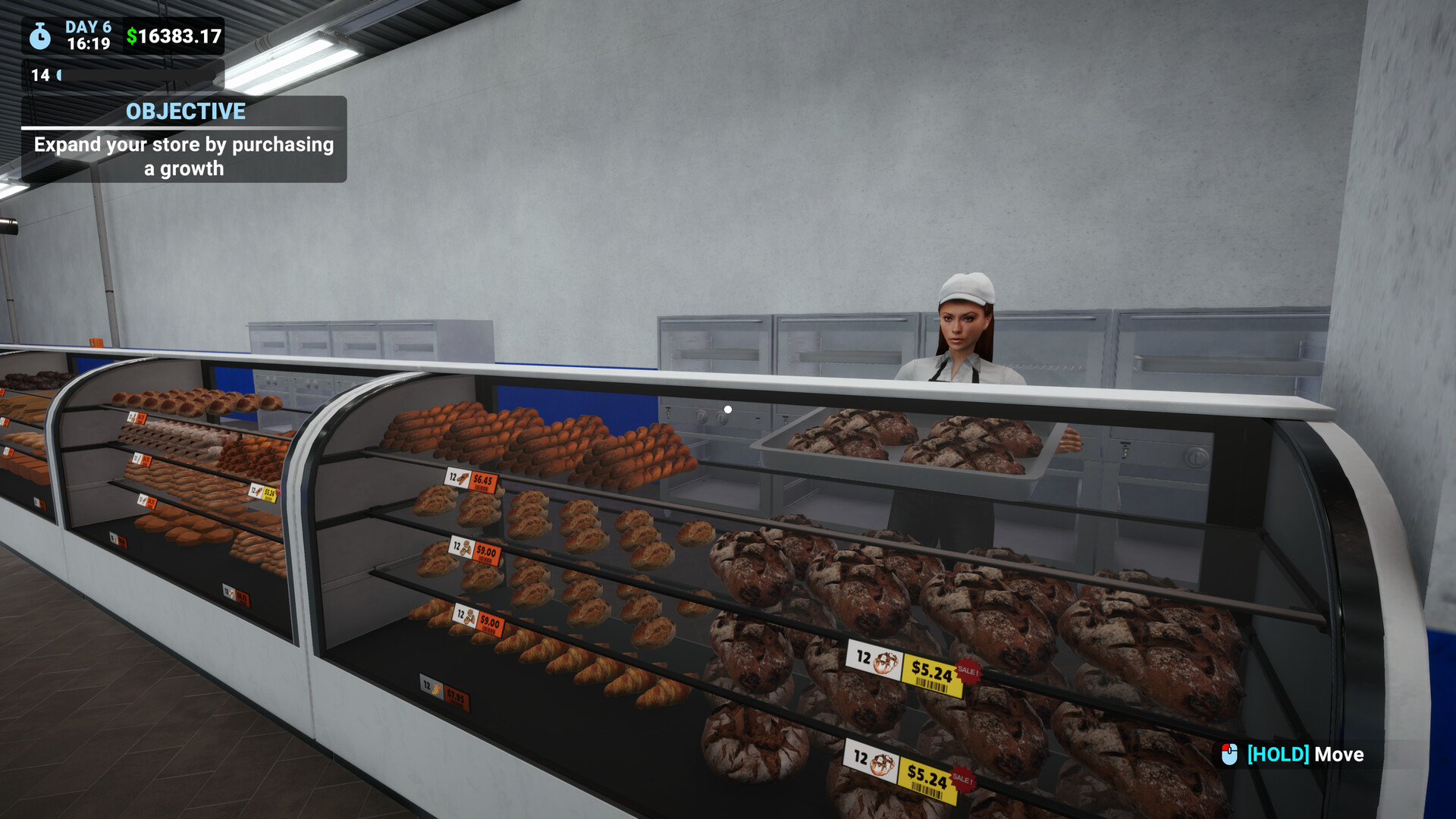
Megastore Simulator: Prologue lets you build a retail empire from a modest $400 start. Choose a department—clothing, toys, bakery, sports, grocery, or music—buy shelves, stock products, and open your doors to customers. The game focuses on real‑time stock control, team hiring, and gradual expansion, including a second floor, a large warehouse, and a service room. Advertising, promotions, and decorative options let you shape the store’s look and appeal while keeping operations running smoothly.
01 / THE GUIDE
Starting Capital and Department Choice
You begin with $400 and must select one of six departments to launch your megastore. Each department provides its own set of mechanics, influencing early gameplay decisions. The initial purchase includes shelves and the first batch of products, after which the store opens for business and you start generating revenue.
- Compare the unique mechanics of each department before spending your starter cash.
- Consider which department’s initial equipment costs align with your $400 budget.
02 / THE GUIDE
Stock Management
All shelves are tracked in real time, requiring you to refill shortages quickly to avoid missed sales. Trucks unload at the loading bays, and a hand truck helps move inventory onto the sales floor. Keeping every shelf stocked is essential for maintaining a steady flow of customers and revenue.
- Monitor the stock panels frequently to spot low items before they run out.
- Use the hand truck efficiently to speed up unloading from trucks.
03 / THE GUIDE
Expansion and Second Floor
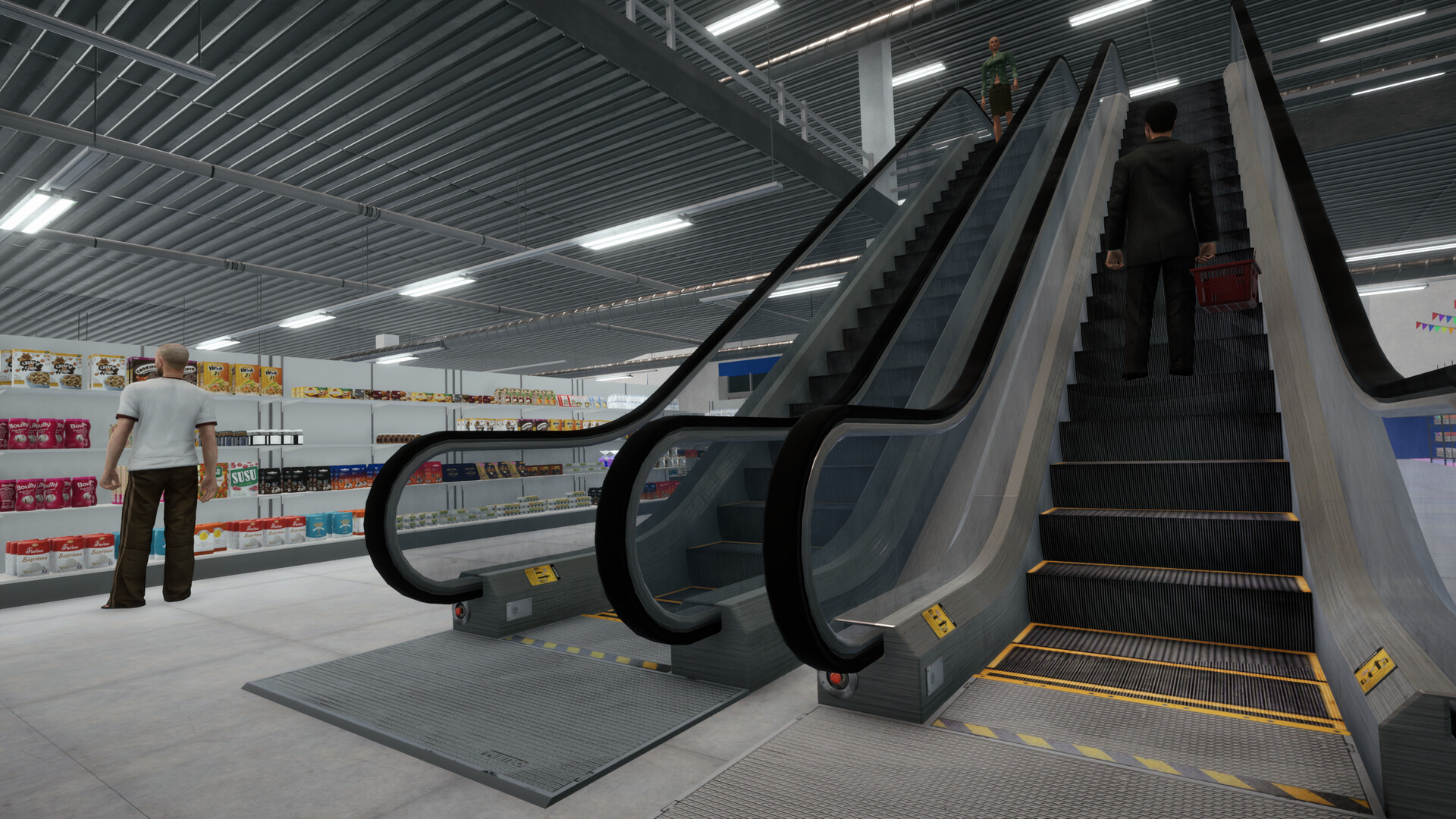
You can grow the megastore in any direction by purchasing new sections, allowing more departments and larger customer capacity. Opening the upper floor adds extra space for additional aisles and services. Placement is flexible, but ensure all areas stay accessible for staff and shoppers.
- Plan the layout so that new sections connect smoothly to existing pathways.
- Leave room for future expansions when positioning early departments.
04 / THE GUIDE
Team Management
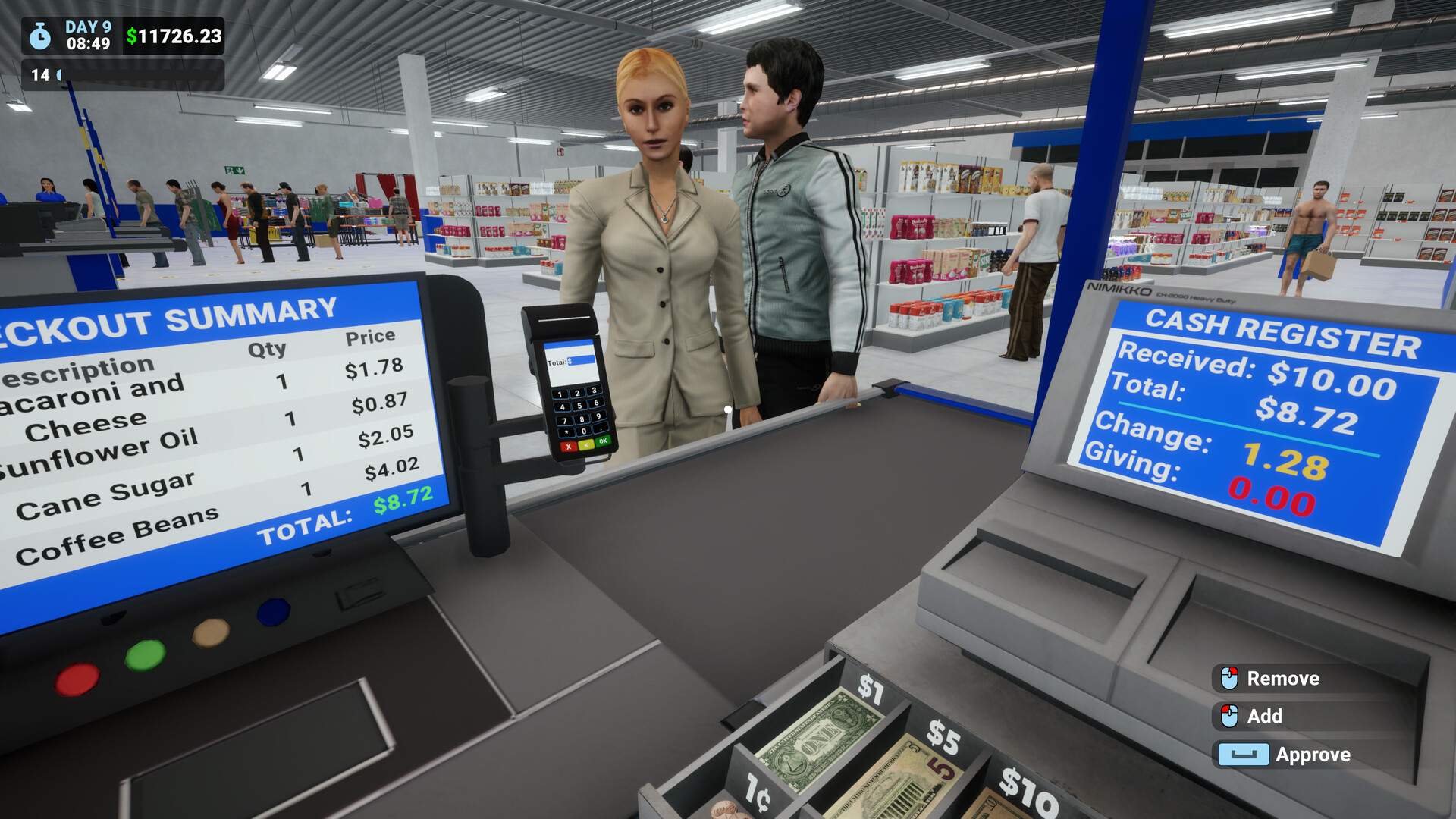
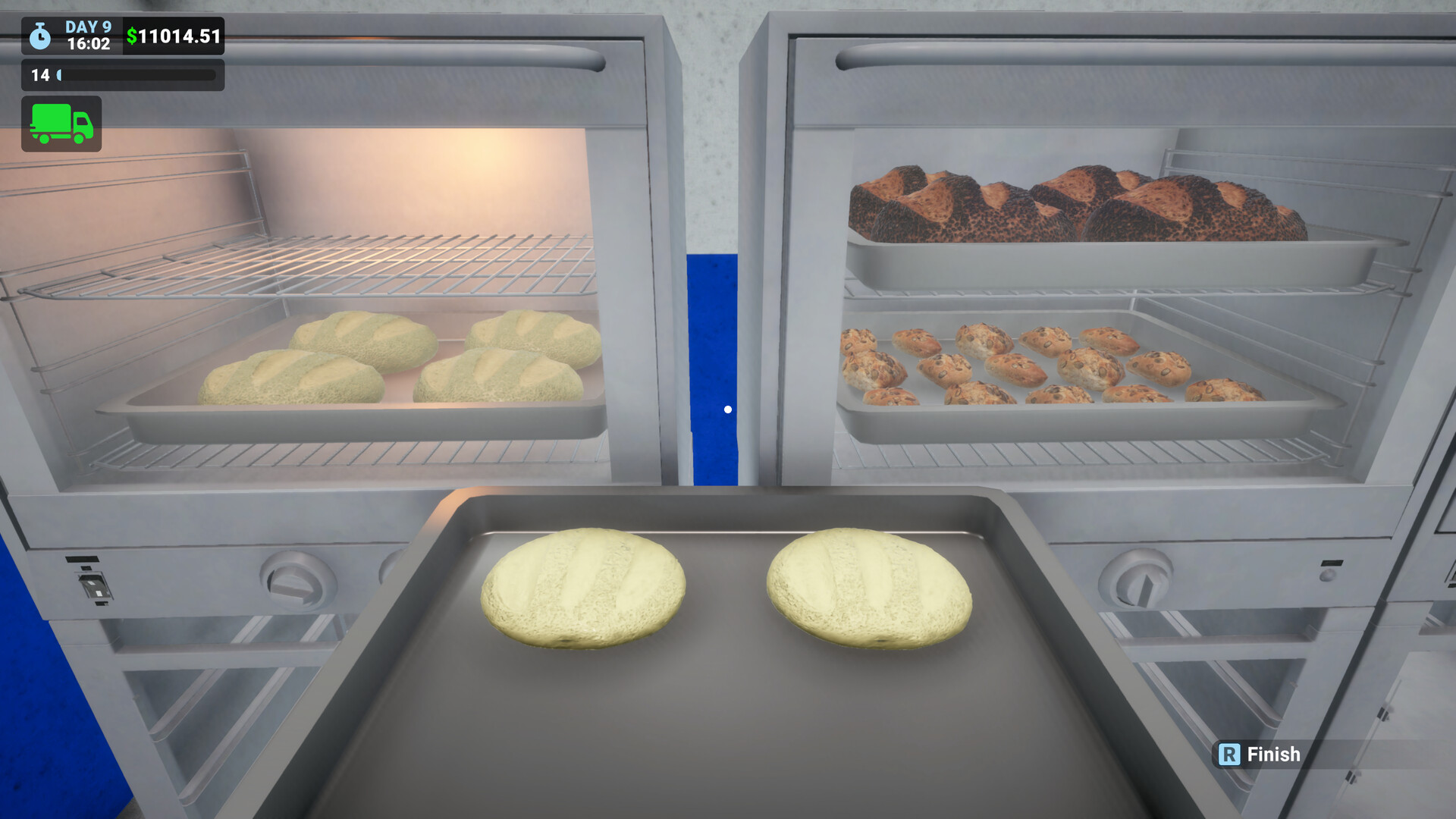
Hiring cashiers, stockers, bakers, and other staff lets you delegate tasks such as checkout, restocking, and baking. You can manage shifts and monitor performance to keep operations efficient. A well‑balanced team reduces bottlenecks and improves overall store satisfaction.
- Balance the number of cashiers with the expected customer flow.
- Assign bakers only if you have opened the bakery department.
05 / THE GUIDE
Service Room and Warehouse
The massive warehouse features four loading bays and access to both floors, supporting large deliveries. Equipment such as pallet robots, forklifts, and pallet jacks can be purchased to streamline handling. The service room stores items like computers and cleaning supplies for organization. Effective use of warehouse tools speeds up stock intake and keeps the sales floor tidy.
- Invest in a forklift if you frequently receive large shipments.
- Keep cleaning supplies in the service room to maintain a neat environment.
COMMUNITY
Player discussion