 GameWiki
GET YOUR BEARINGS
About Megastore Chaos
Megastore Chaos invites you to tidy a sprawling mall by turning chaotic shops into orderly spaces. The single‑player simulation removes timers, letting you work at a calm pace while arranging items by category.
You begin with a small store, earn money, and unlock five additional themed shops. A skill system lets you improve organizing speed and carrying efficiency, shaping each shop’s appearance without pressure.
01 / THE GUIDE
Six Themed Shops
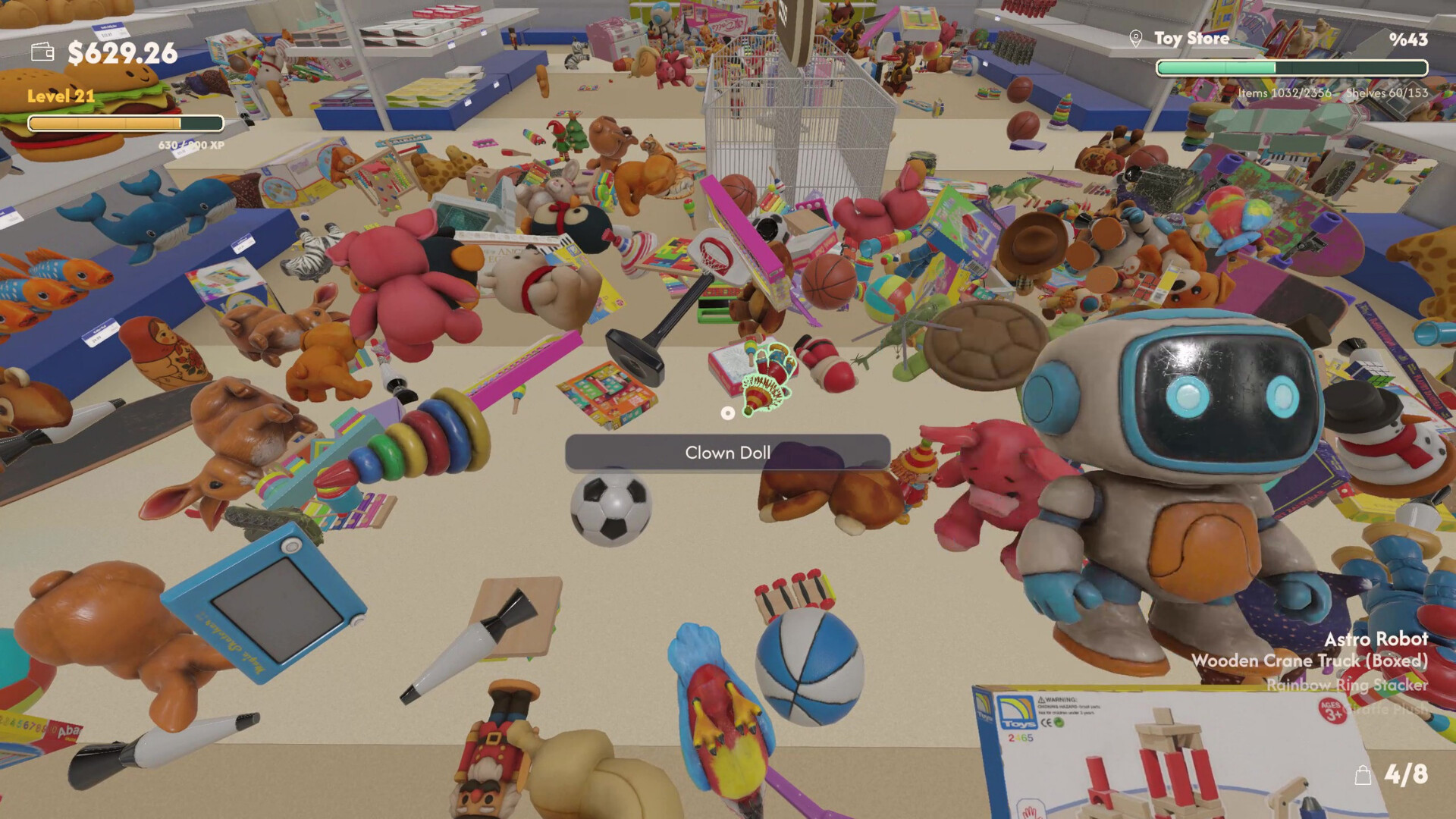
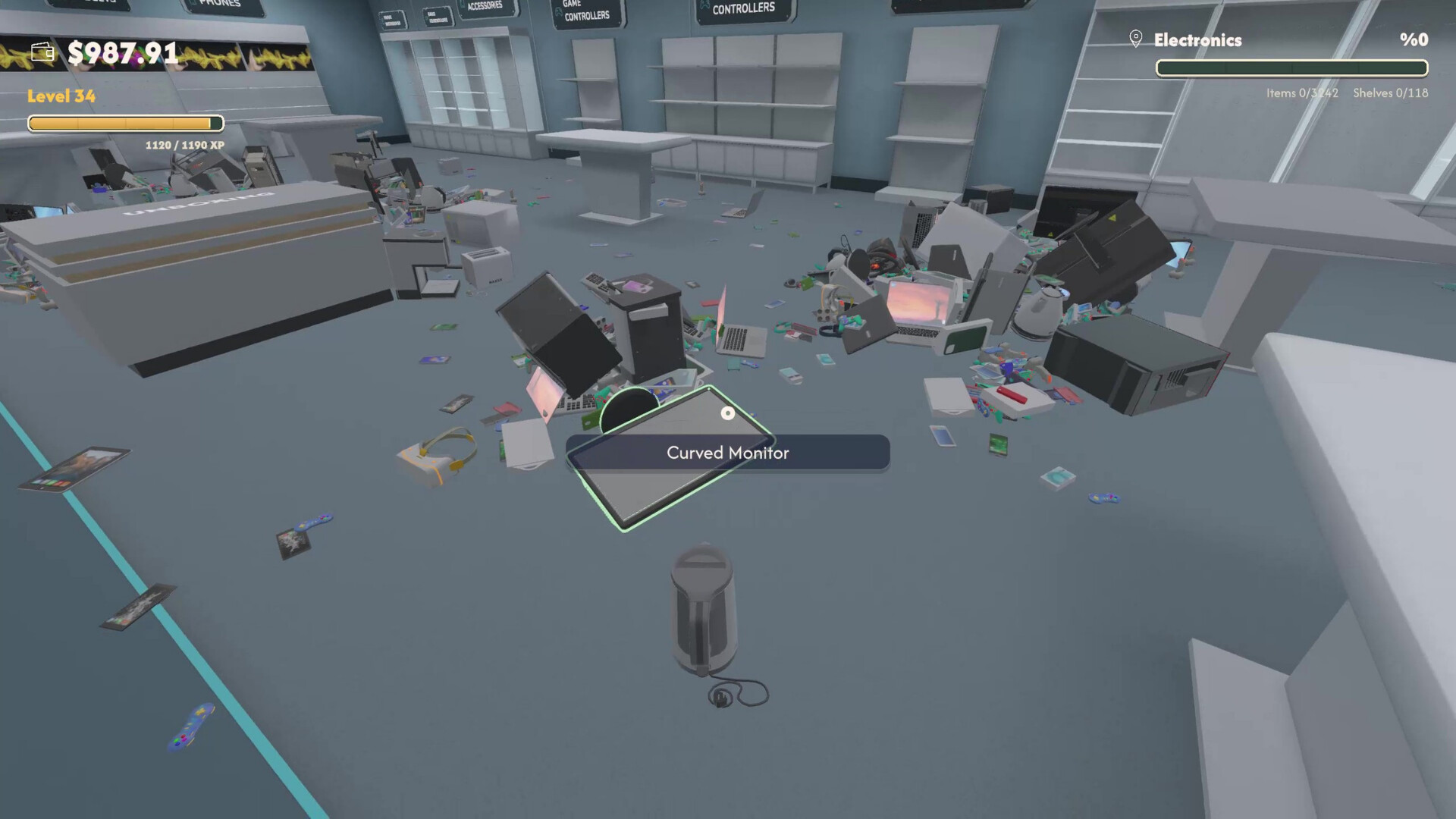
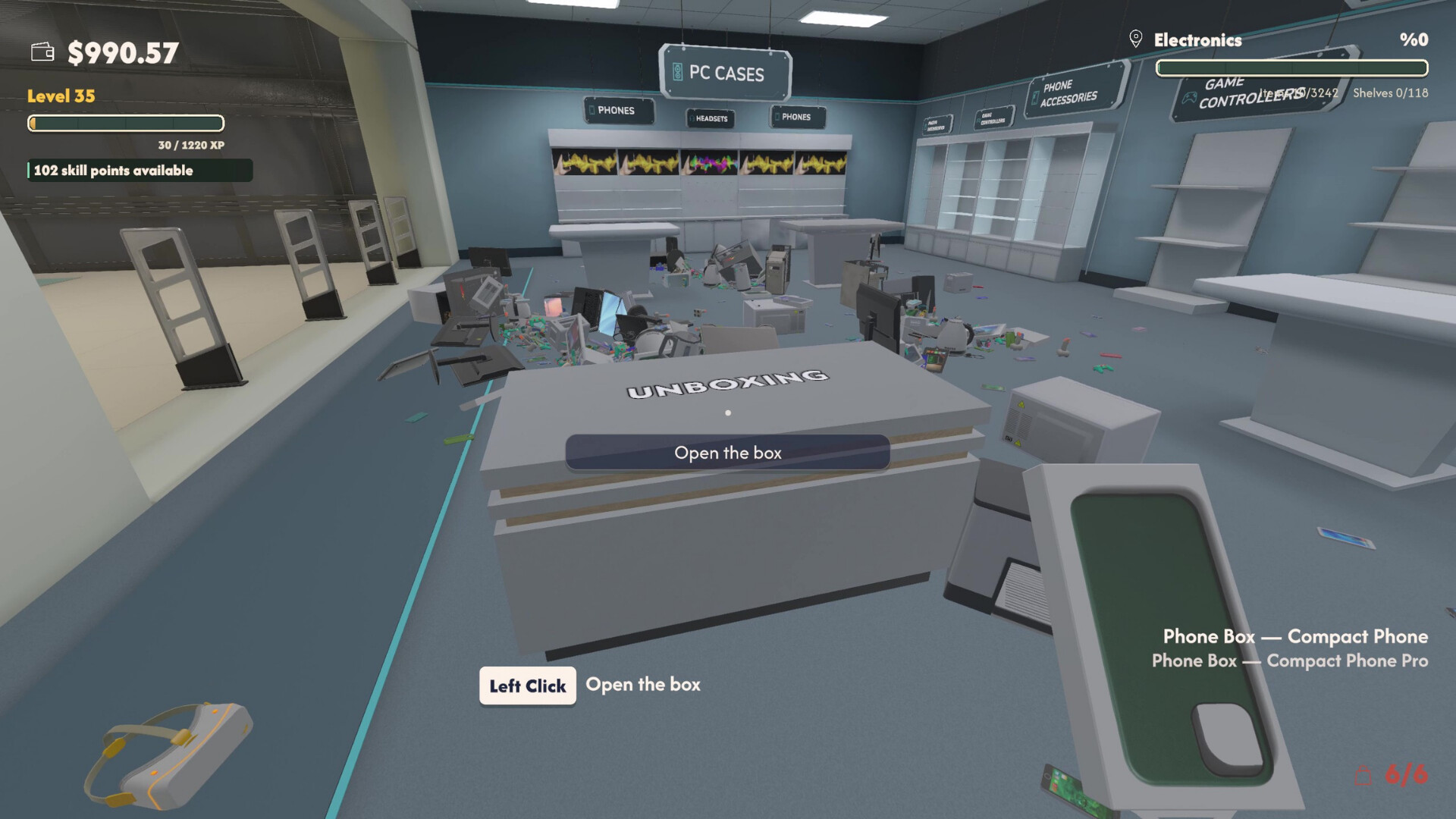
The mall contains six distinct locations: Supermarket, Game Store, Book Shop, Electronics, Wine Shop, and Toy Store. Each shop presents a unique mess and a specific item count, from 1,956 wine bottles to 10,386 supermarket products.
Shops become available as you earn money, expanding the area you can organize. The differing themes keep the core task of categorizing and shelving fresh across the mall.
- Compare item totals to decide which shop will need the most time.
- Notice visual themes; they may affect how easily you spot misplaced items.
02 / THE GUIDE
Stress‑Free Gameplay
There is no countdown or timed input, so you can arrange items without rush. The design encourages a calming rhythm as you gather messy objects and place them in correct categories.
You may pause and save at any moment, allowing short breaks or longer sessions that fit your schedule. This relaxed pacing is central to the game’s casual appeal.
- Use the save‑anytime feature for quick interruptions.
- Experiment with different organization orders since there is no time pressure.
03 / THE GUIDE
Character Skill Development
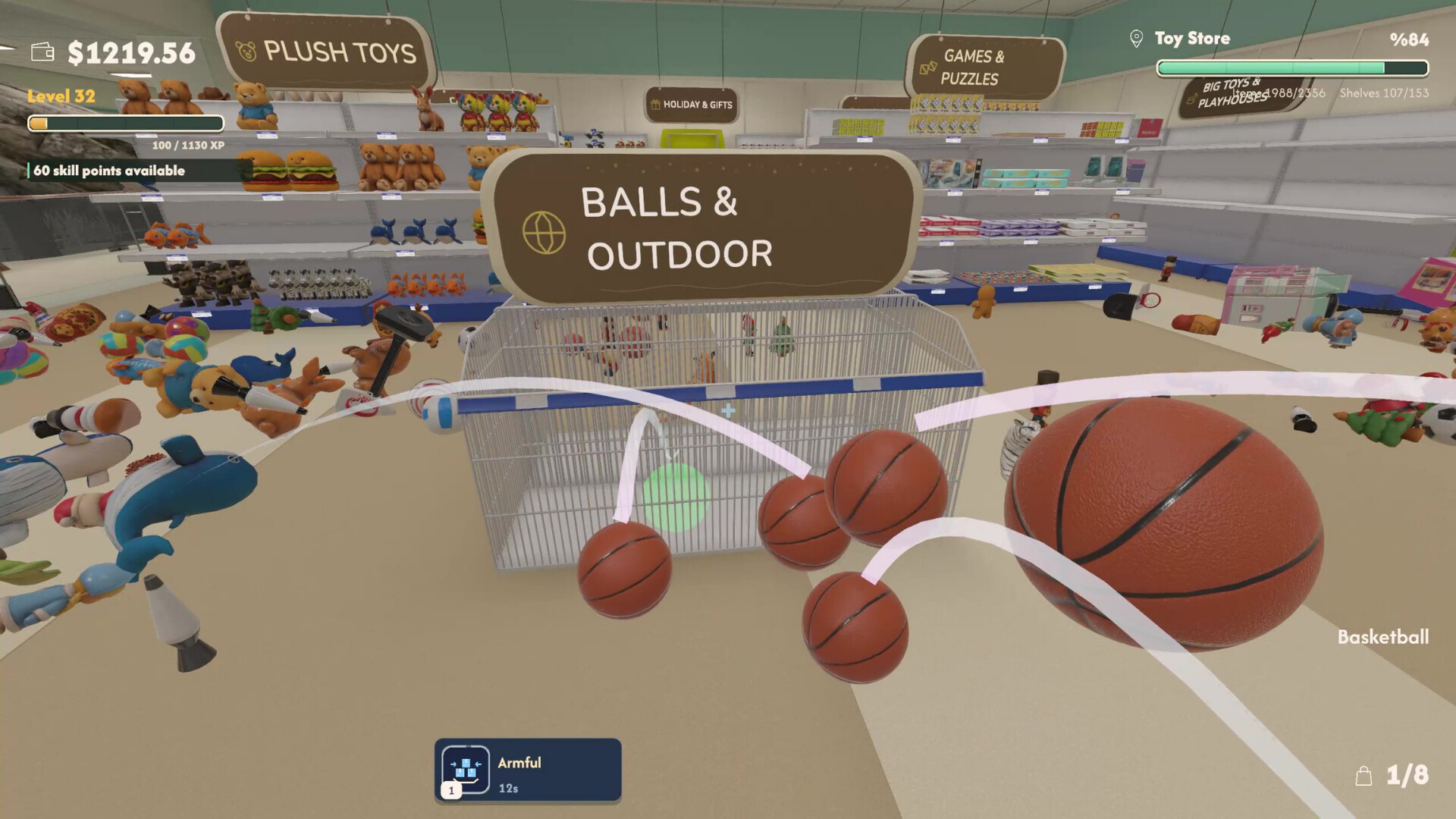
Experience points let you level up your character. Upgrades include faster organizing and more efficient item carrying, which affect how quickly you can handle larger inventories.
These abilities are optional and can be chosen to match your preferred approach, whether you value speed or capacity while tidying each shop.
- Prioritize speed upgrades if you enjoy rapid turnover.
- Choose carrying upgrades for shops with many small items, like the Toy Store.
04 / THE GUIDE
Full Controller Compatibility
The game works with DualShock and DualSense controllers and integrates the Steam Input API, offering flexible input options for players who prefer gamepads.
Additional features such as adjustable difficulty, custom volume controls, and HDR support are available, enhancing comfort and visual clarity during organization.
- Try both DualShock and DualSense to see which feels more natural for item selection.
- Enable HDR if your display supports it to improve item visibility.
05 / THE GUIDE
Massive Item Scale
Across all six shops you will handle a total of 29,992 individual items. The large number creates a clear sense of progress as each category is completed.
Planning becomes useful; breaking a shop’s inventory into smaller sections helps you manage the workload and see tangible results more quickly.
- Track item counts per shop to monitor your advancement.
- Divide large inventories into manageable batches.

COMMUNITY
Player discussion