 GameWiki
GET YOUR BEARINGS
About Mega Serval
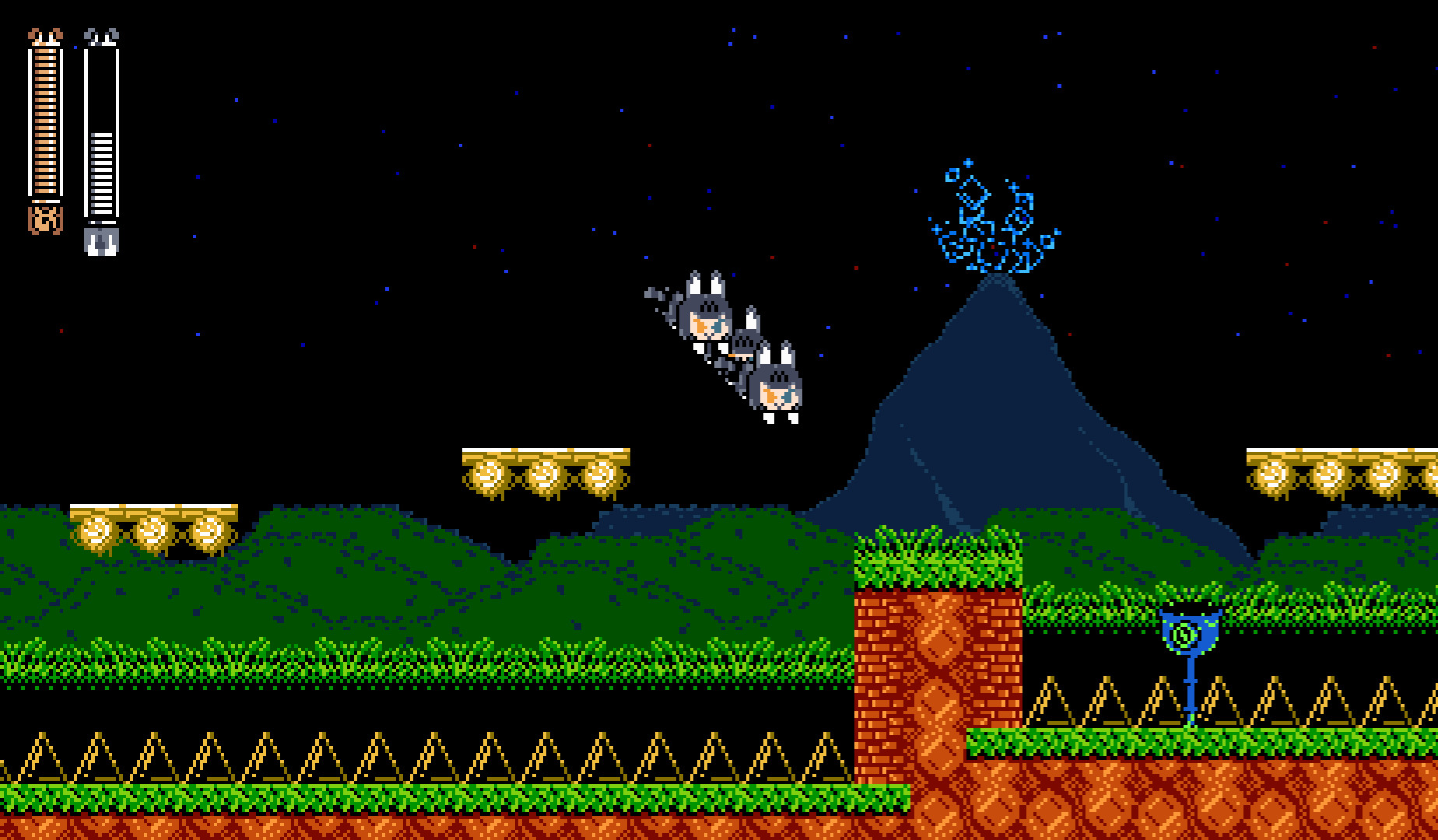
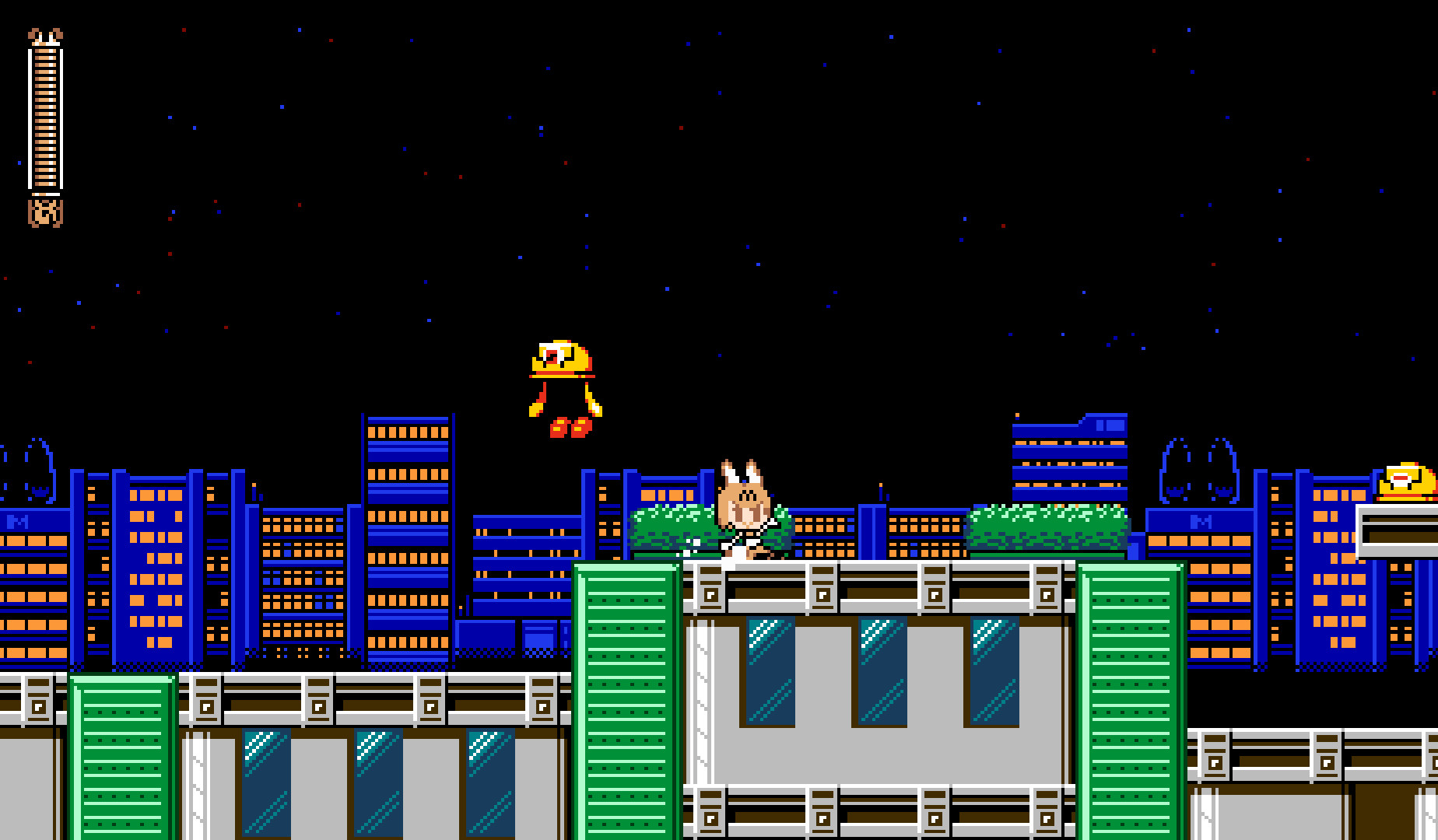
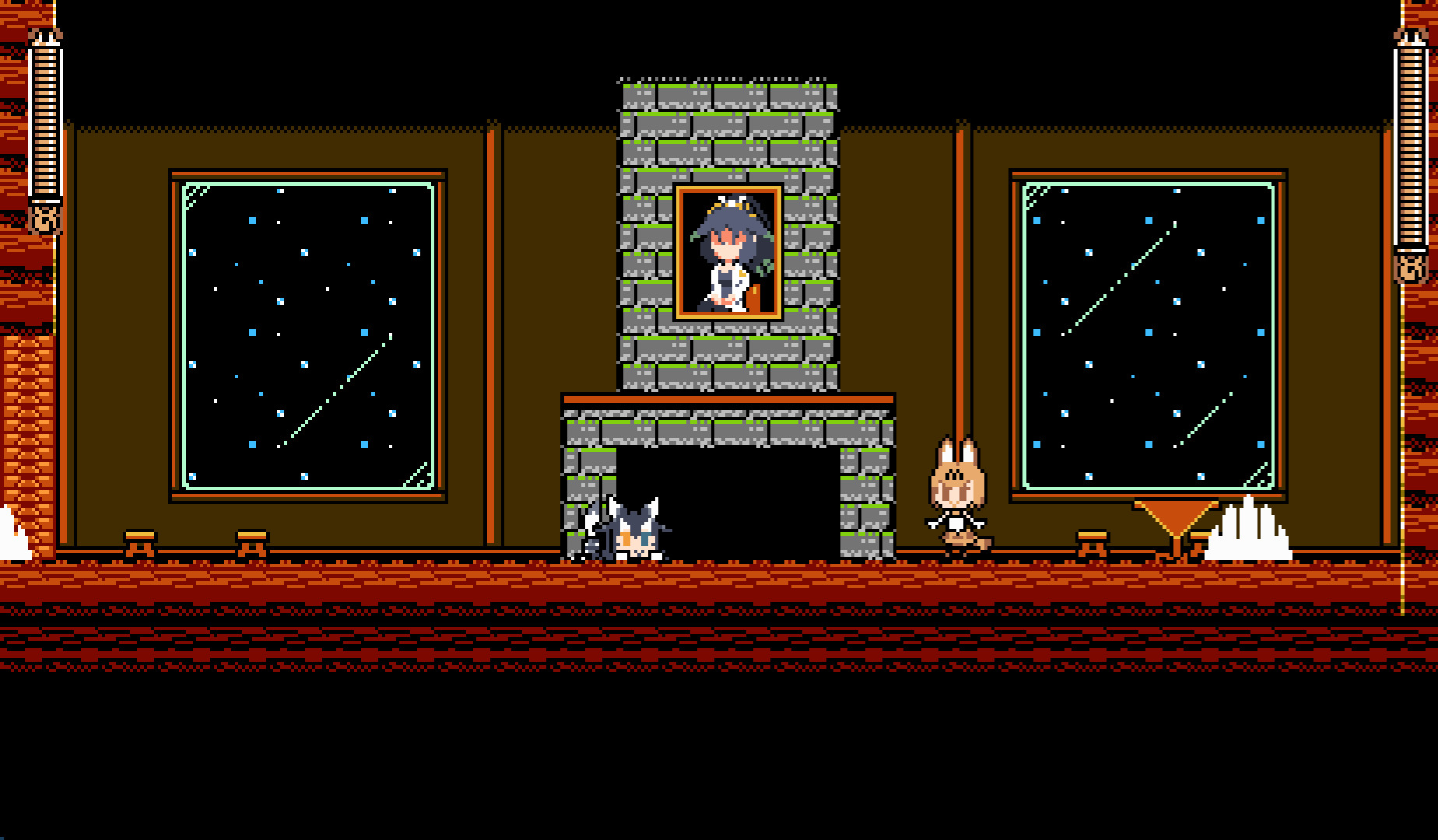
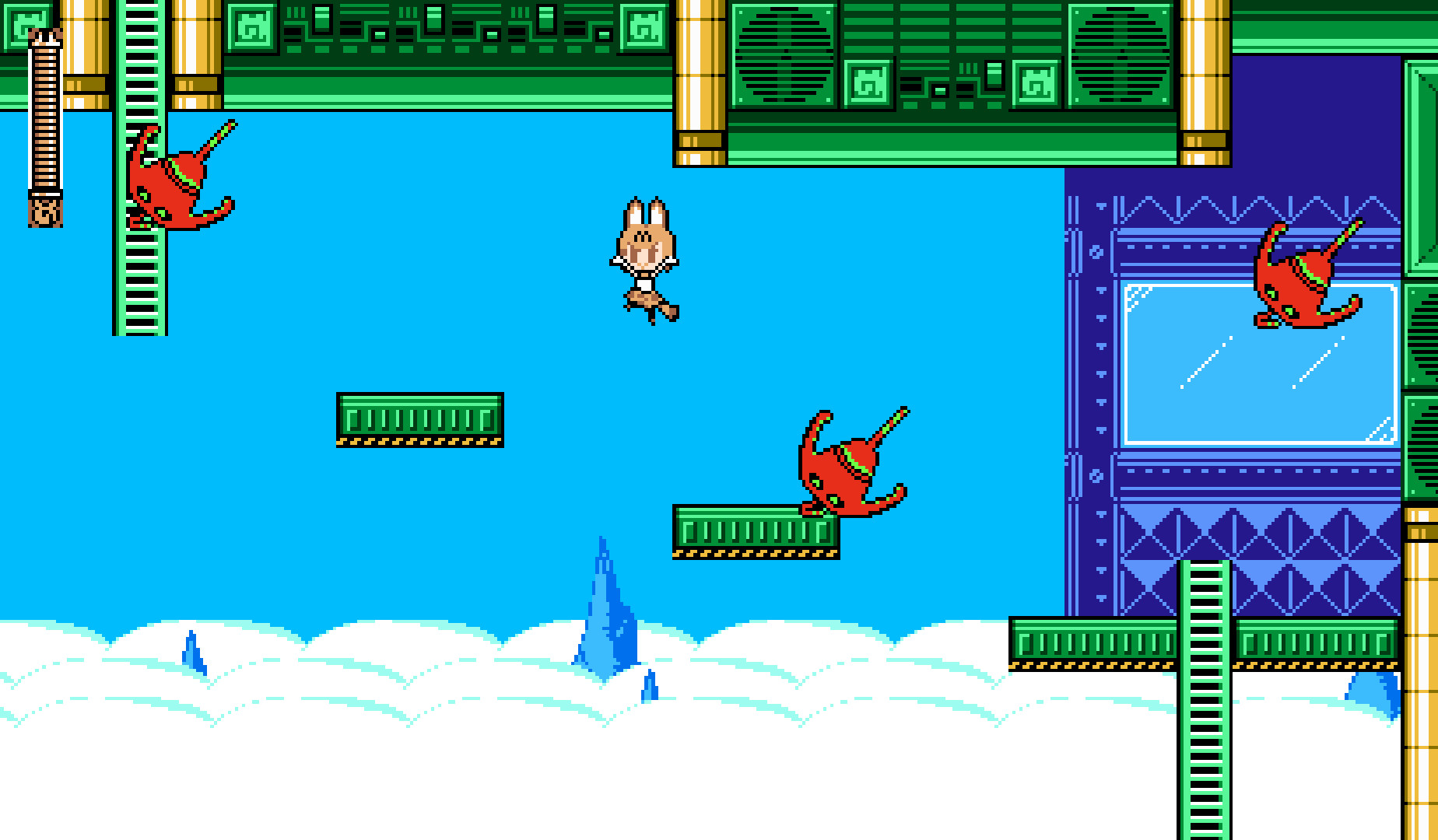
Mega Serval places you in Japari Park where Serval, a serval cat, runs, jumps and shoots through twelve distinct platforming stages. Stages can be tackled in any order, letting you decide which challenges to face first while rescuing hidden friends.
Rescued friends grant copy‑able abilities that expand offensive and defensive options, and the game offers many difficulty levels, Steam achievements and leaderboards for time‑based competition. Controls are configurable and the title supports full Xinput controllers on Windows.
01 / THE GUIDE
stage-selection
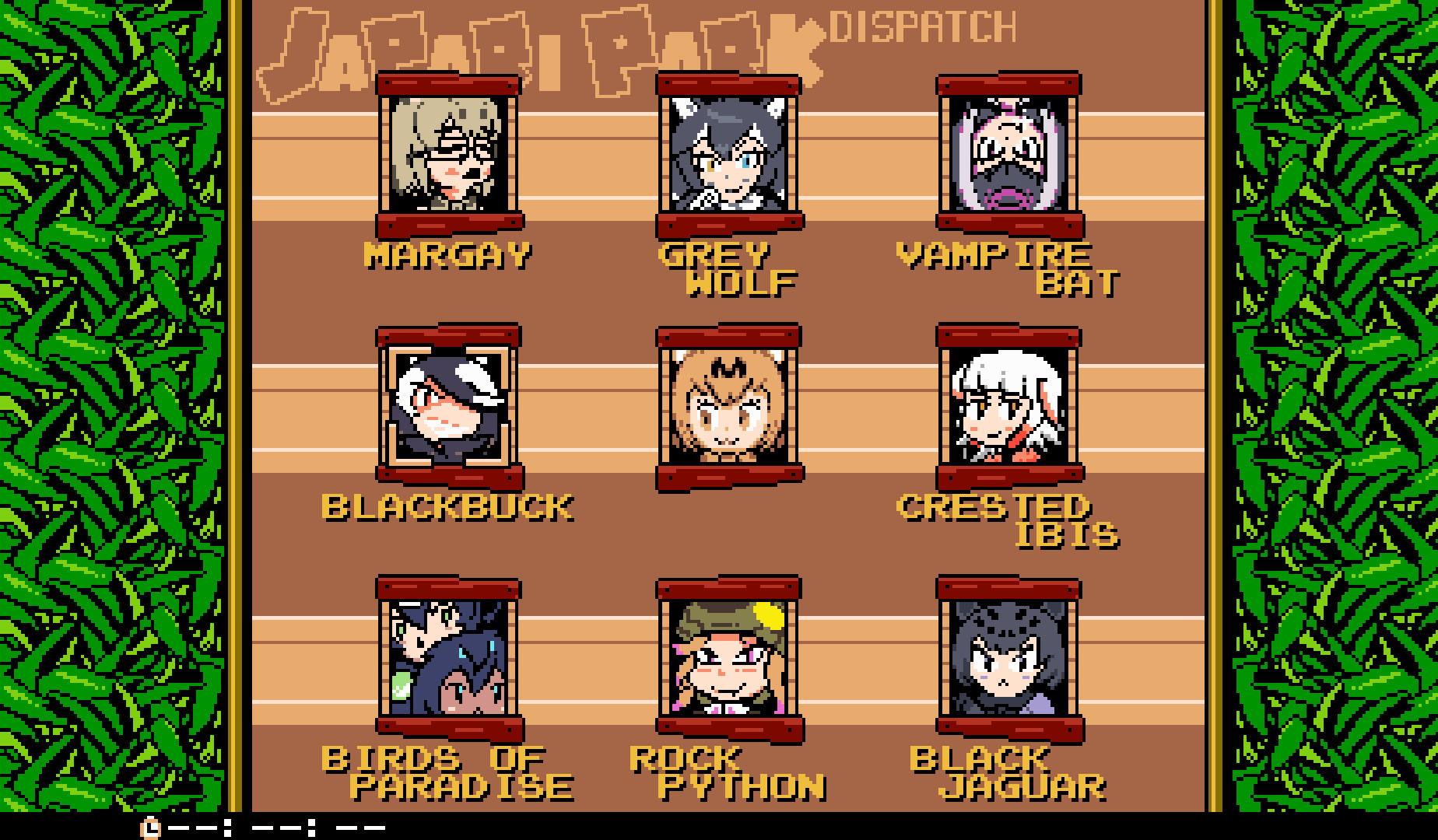
Twelve platforming stages are provided, each with its own layout, enemies and end‑of‑stage boss. Because the stages can be entered in any order, you may start with the layout that feels most approachable while learning core movement and shooting.
Choosing a later stage early can expose you to tougher boss patterns, but it also may reward you with hidden friends and health upgrades that simplify earlier areas when you return.
- Begin with a visually simple stage to get comfortable with movement.
- If you feel ready, jump to a later stage to test your skill.
02 / THE GUIDE
ability-copying
When you rescue a hidden friend, Serval gains the ability to copy that friend’s power. These copied abilities add new offensive or defensive options that can be used during traversal and boss fights.
Since abilities are collected throughout the stages, revisiting earlier levels with new powers can open shortcuts or make previously hard sections easier, encouraging a strategic approach to stage order.
- Notice which friend’s ability matches the obstacle you face next.
- Try using a newly‑copied ability in a familiar area to see its effect.
03 / THE GUIDE
difficulty-options
A plethora of difficulty options are provided to suit a variety of skill levels. The difficulty options let you tailor the challenge to your own skill level.
These settings let you tailor the challenge without altering the story order, so both newcomers and experienced players can enjoy the same content while still aiming for personal bests.
- Start on a lower difficulty to learn stage layouts.
- Raise the difficulty after mastering a stage for a fresh test.
04 / THE GUIDE
leaderboards-achievements
Steam Achievements record specific milestones, while a leaderboard tracks your best times. Both features add replay value for players who enjoy improving performance.
Comparing your times to the leaderboard or targeting particular achievements gives clear goals beyond simply finishing the story, encouraging faster runs and efficient use of copied abilities.
- Check the leaderboard after each run to see how you rank.
- Pick an achievement that matches a weak area and practice that skill.
05 / THE GUIDE
control-configuration
Controls can be configured to personal preference, and the game supports full Xinput‑compatible controllers on Windows. This flexibility allows you to choose button layouts that feel comfortable for fast platforming and boss encounters.
Customizing the layout before a full run can improve reaction speed, and Xinput compatibility means supported gamepads can be used for play.
- Map frequently used actions to the most reachable buttons.
- Test controller sensitivity in a short stage before a longer run.
COMMUNITY
Player discussion