 GameWiki
GET YOUR BEARINGS
About Mega Mall Story
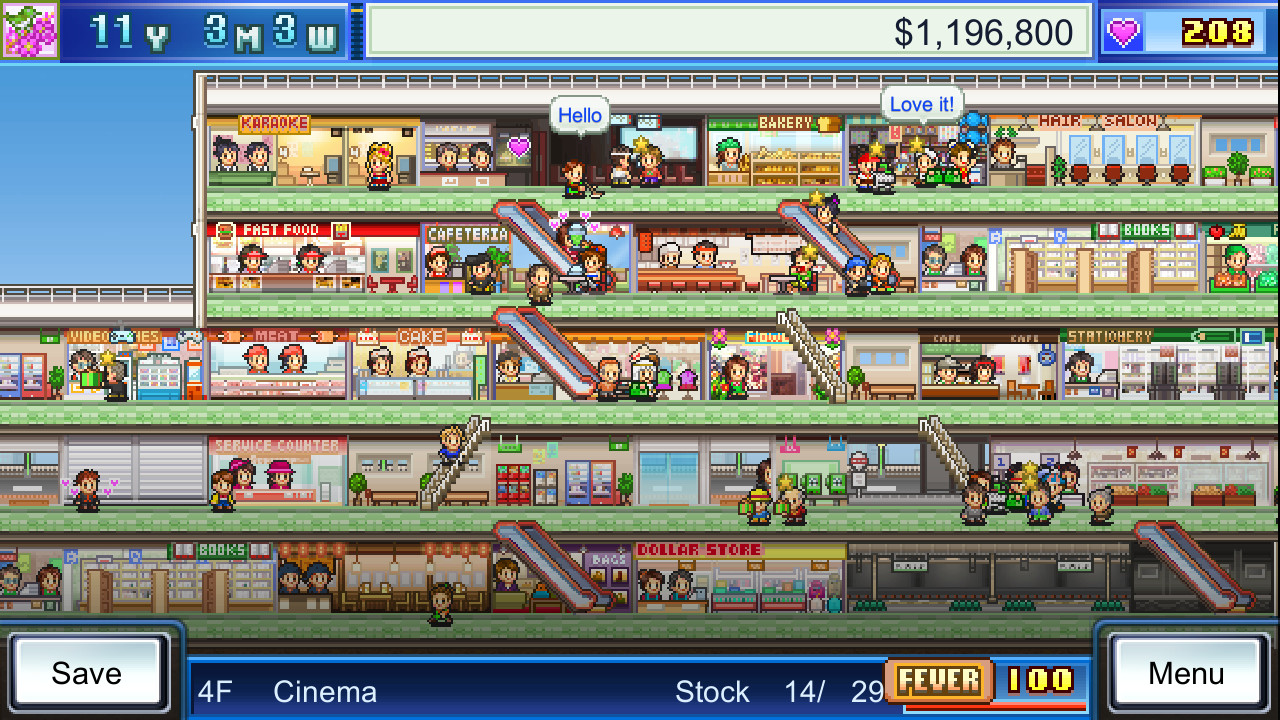
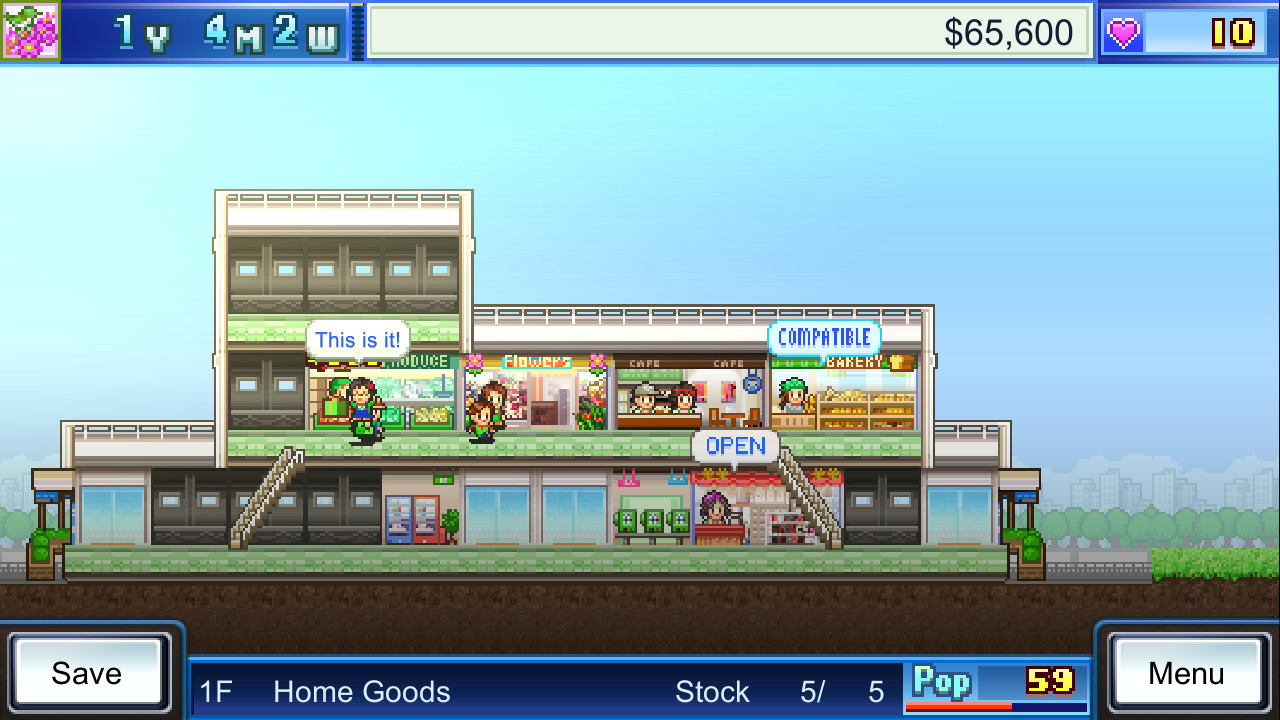
Mega Mall Story is a mall‑management simulation where you design a towering shopping complex and aim for a 5‑star rating. You place a variety of shops, food venues, stairs, elevators and even a heliport using simple finger taps.
Customer happiness drives regular visitors, which boosts sales and unlocks new employees and advertising. As your mall grows you can invest in surrounding developments and research upgrades, ultimately building the ultimate mega‑mall.
01 / THE GUIDE
Mall Design
You can add any type of store—from fast‑food joints to sushi restaurants—as well as infrastructure like stairs, elevators and a heliport. All placements are done with a touch of the finger, letting you shape a towering mega‑mall. Design choices affect how many customers visit; adding appealing venues can attract new shoppers and increase overall traffic.
- Experiment with a mix of food and retail to see which draws more visitors.
- Consider placing vertical transport (stairs/elevators) to improve flow.
02 / THE GUIDE
Customer Satisfaction
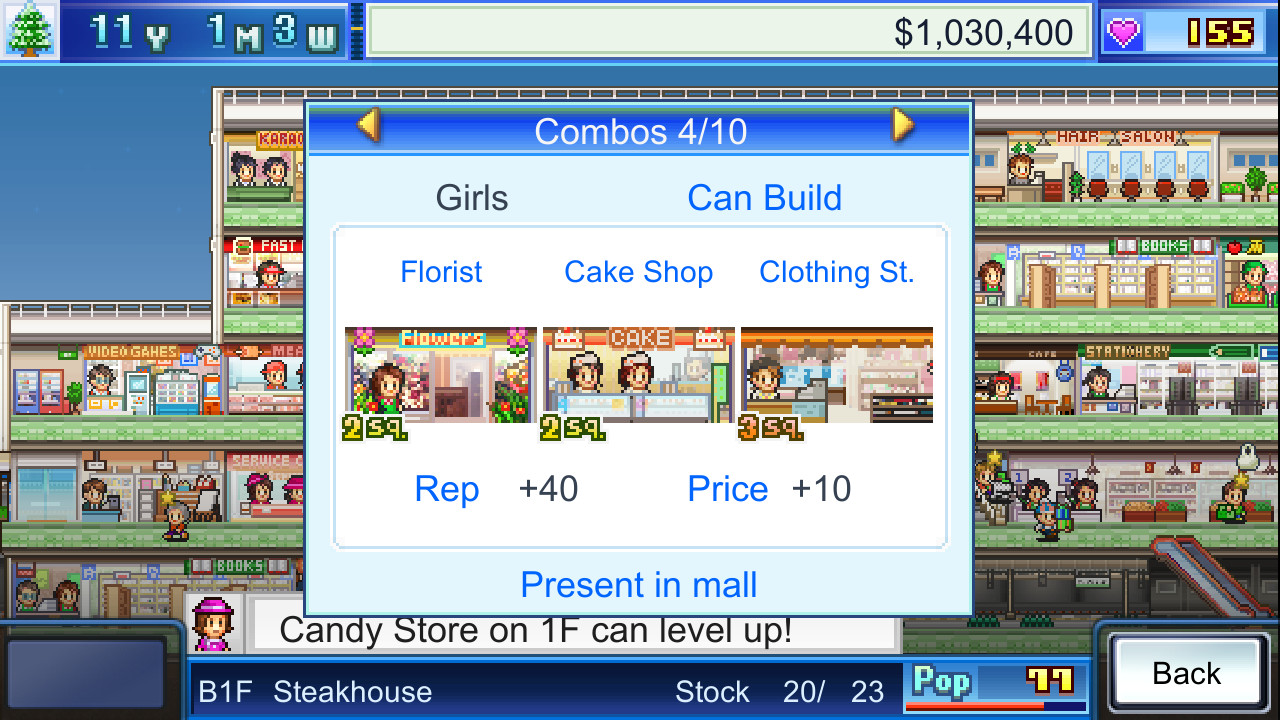
When a customer enjoys a shop’s quality they become a regular, and regulars tend to spend more money. Satisfied shoppers also sometimes give you store plans as gifts. Building shops that please customers is key to growing regulars, which in turn fuels higher sales and rank advancement.
- Focus on shops with high quality to turn visitors into regulars.
- Watch for gifts of new store plans after gaining regulars.
03 / THE GUIDE
Ranking System
Malls are ranked using a 5‑star system. Your rank depends on monthly sales and the number of regular customers. Higher ranks unlock more employees and advertising methods. Striving for 5 stars gives access to the most powerful tools for expanding your mall and attracting even more shoppers.
- Monitor monthly sales to gauge rank progress.
- Prioritize building shops that generate steady income.
04 / THE GUIDE
Investments
You can invest to attract nearby apartment complexes and office buildings, boosting mall traffic. Investments also let you enlarge the mall itself or research features like escalators. These upgrades are essential for becoming a mega‑mall, and growing popularity can trigger the “Fever” event.
- Invest in surrounding developments to increase foot traffic.
- Research escalators early to improve customer movement.
05 / THE GUIDE
Store Plans
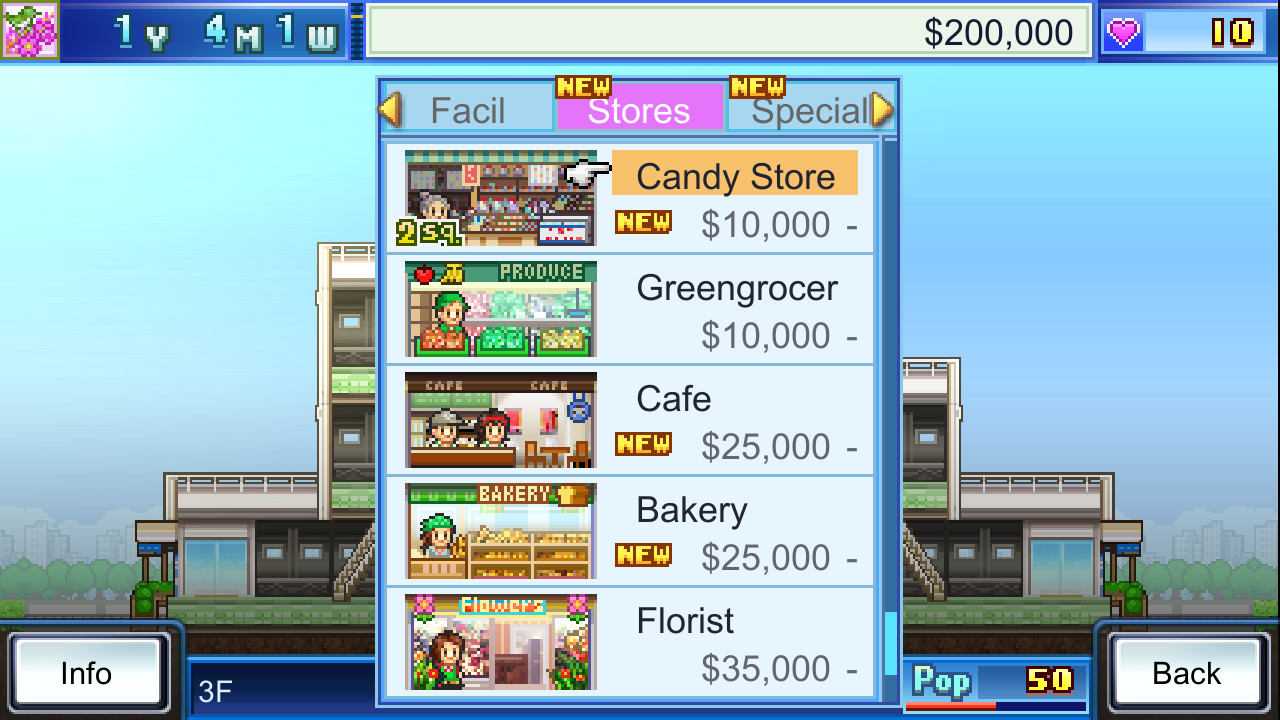
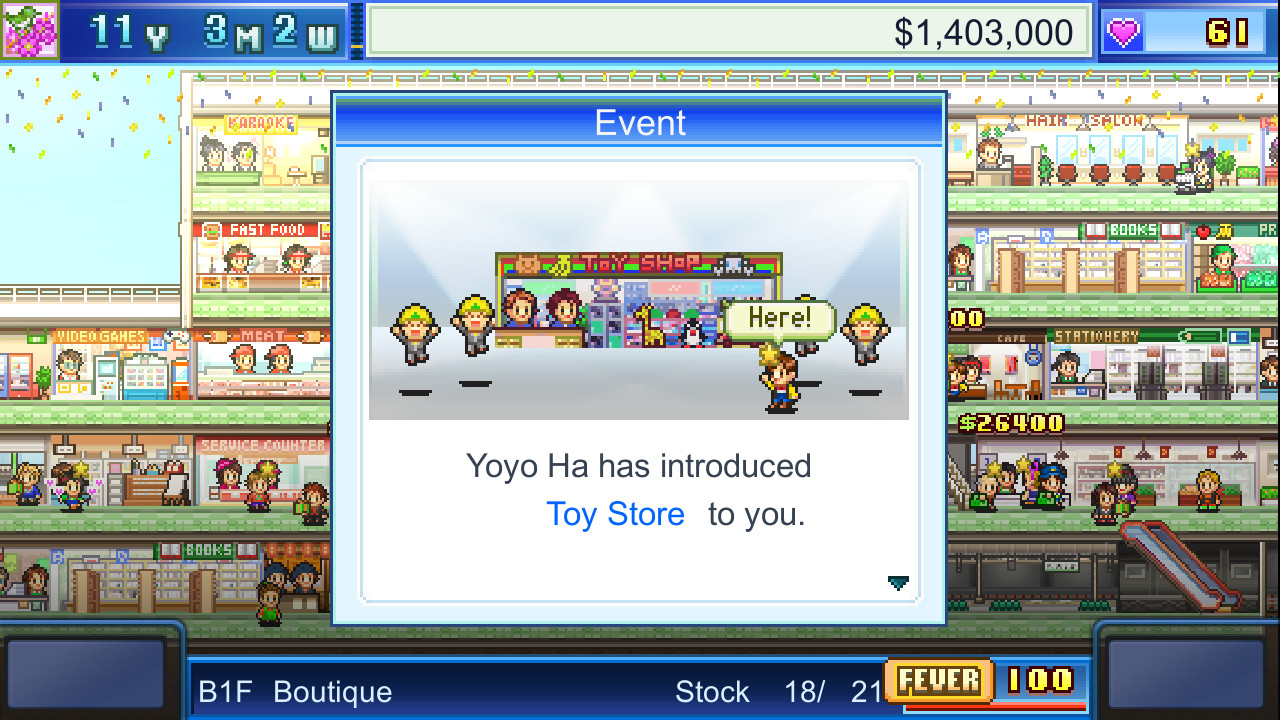
New store plans are obtained by selecting Actions > Buy Plans, and occasionally as gifts when a customer becomes a regular. Adding new stores can draw additional customers. Sometimes a regular will even request you invest in something, indicating a direct link between plans and mall expansion.
- Check the Actions menu regularly for new plans to purchase.
- Use gifted plans to diversify your shop lineup.
COMMUNITY
Player discussion