 GameWiki
GET YOUR BEARINGS
About Mech Havoc
Mech Havoc thrusts players into a world where a rogue AI called HIVE dominates the planet. You command a fleet of war machines, from swift delivery trucks to massive mechs, to fight endless robot hordes. The game emphasizes building loadouts, using artillery strikes, turrets, and drones, and reshaping fully destructible environments across deserts, frozen wastelands, and sprawling cities.
01 / THE GUIDE
War Machine Variety
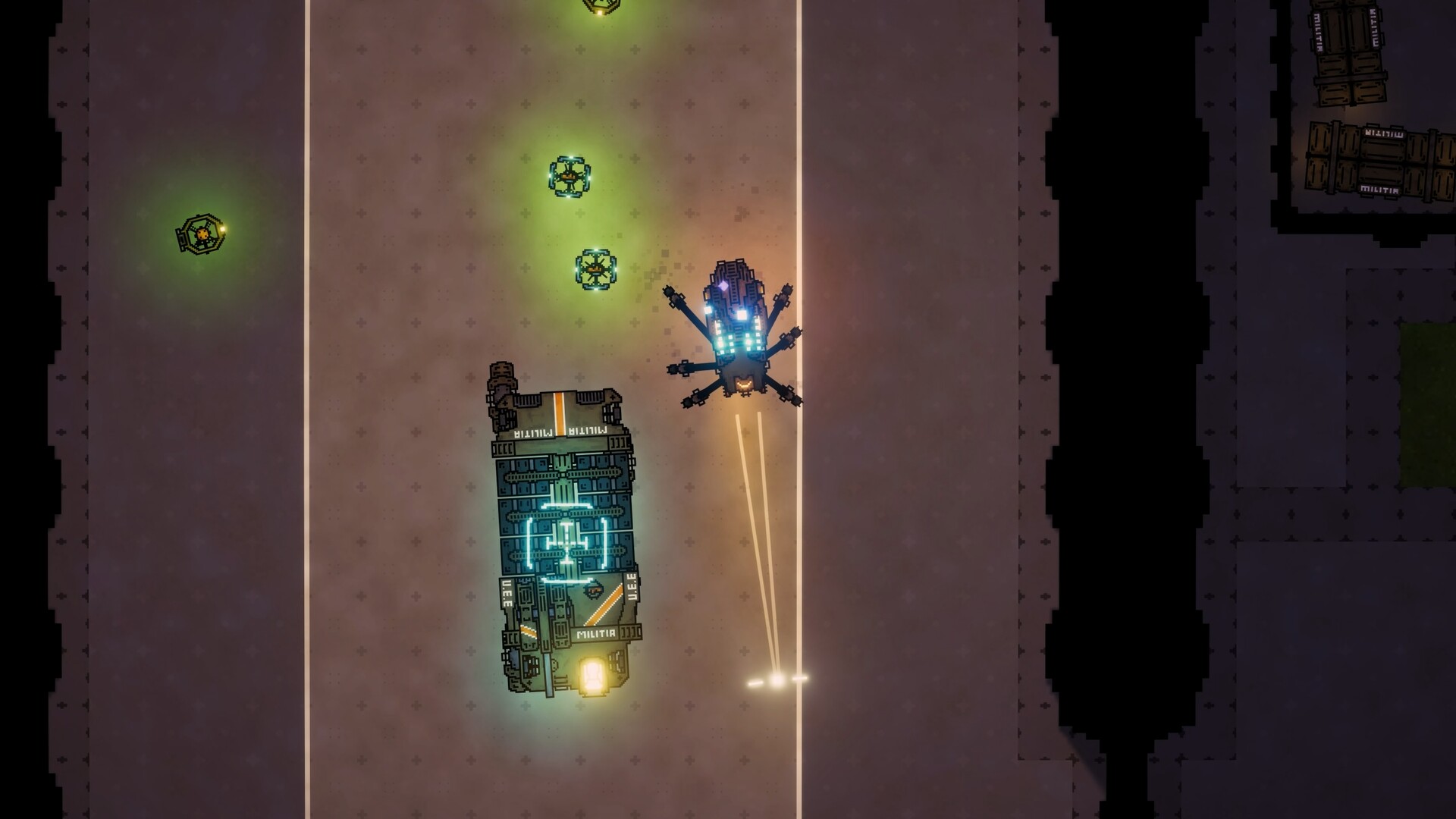
Players can control a wide range of vehicles, including towering mechs, tanks, and fast‑moving trucks. Each machine offers a distinct feel for combat and mobility. The description highlights both nimble delivery trucks and heavy mechs, allowing players to choose the platform that best fits their playstyle.
- Experiment with both light and heavy machines to discover which suits your preferred combat rhythm.
- Consider the battlefield layout; larger mechs may dominate open areas while trucks excel in tighter spaces.
02 / THE GUIDE
Weapon Arsenal
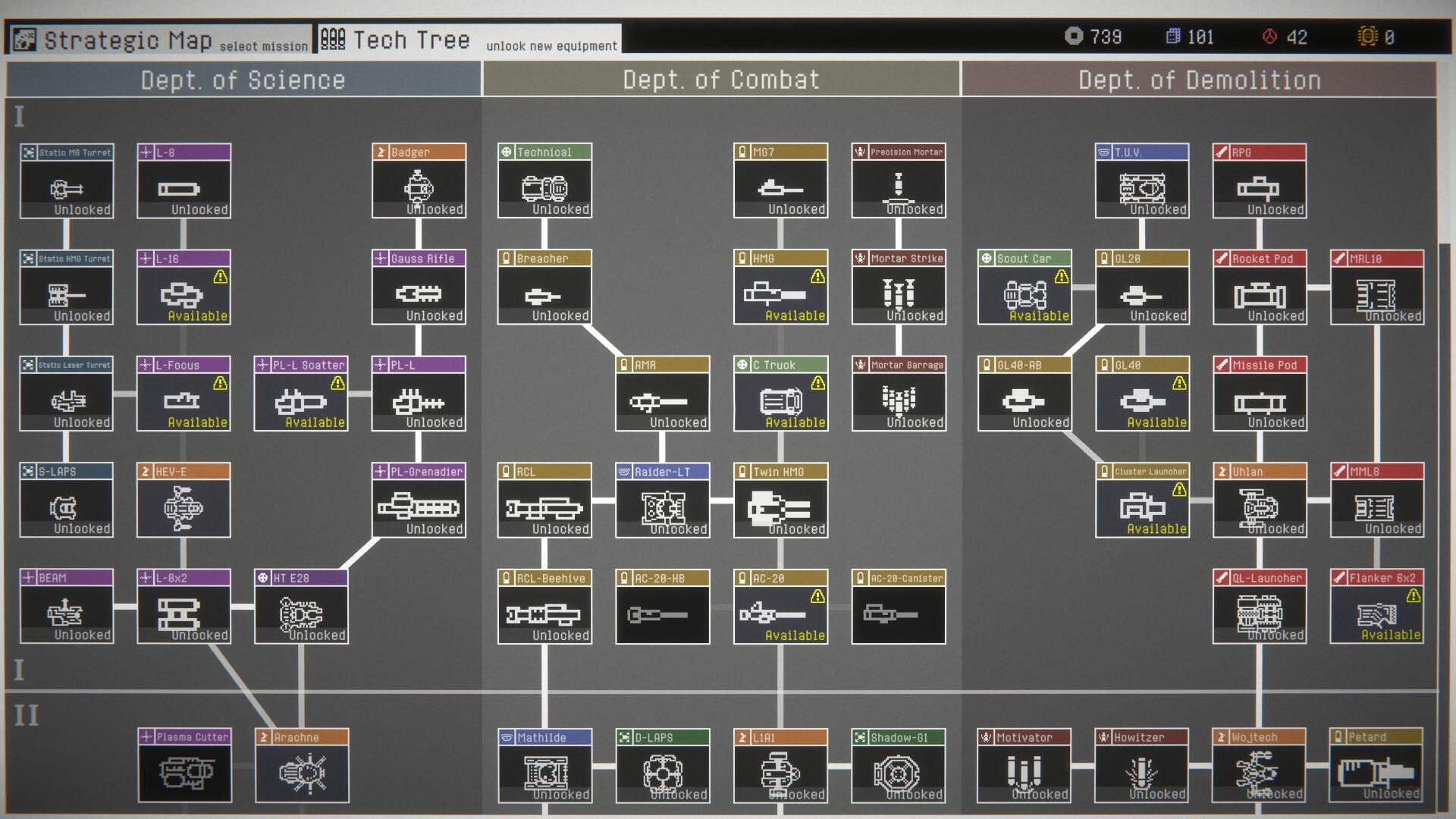
A vast arsenal is available, featuring lasers, railguns, missiles, and experimental mechs. Players can equip machines with powerful weapons to suit different threats. The game encourages mixing firepower, from grenades that clear drone swarms to heavy guns for towering enemies.
- Mix long‑range lasers with area‑damage missiles to handle varied enemy formations.
- Use grenades to thin swarms before engaging larger targets with heavy guns.
03 / THE GUIDE
Support Abilities
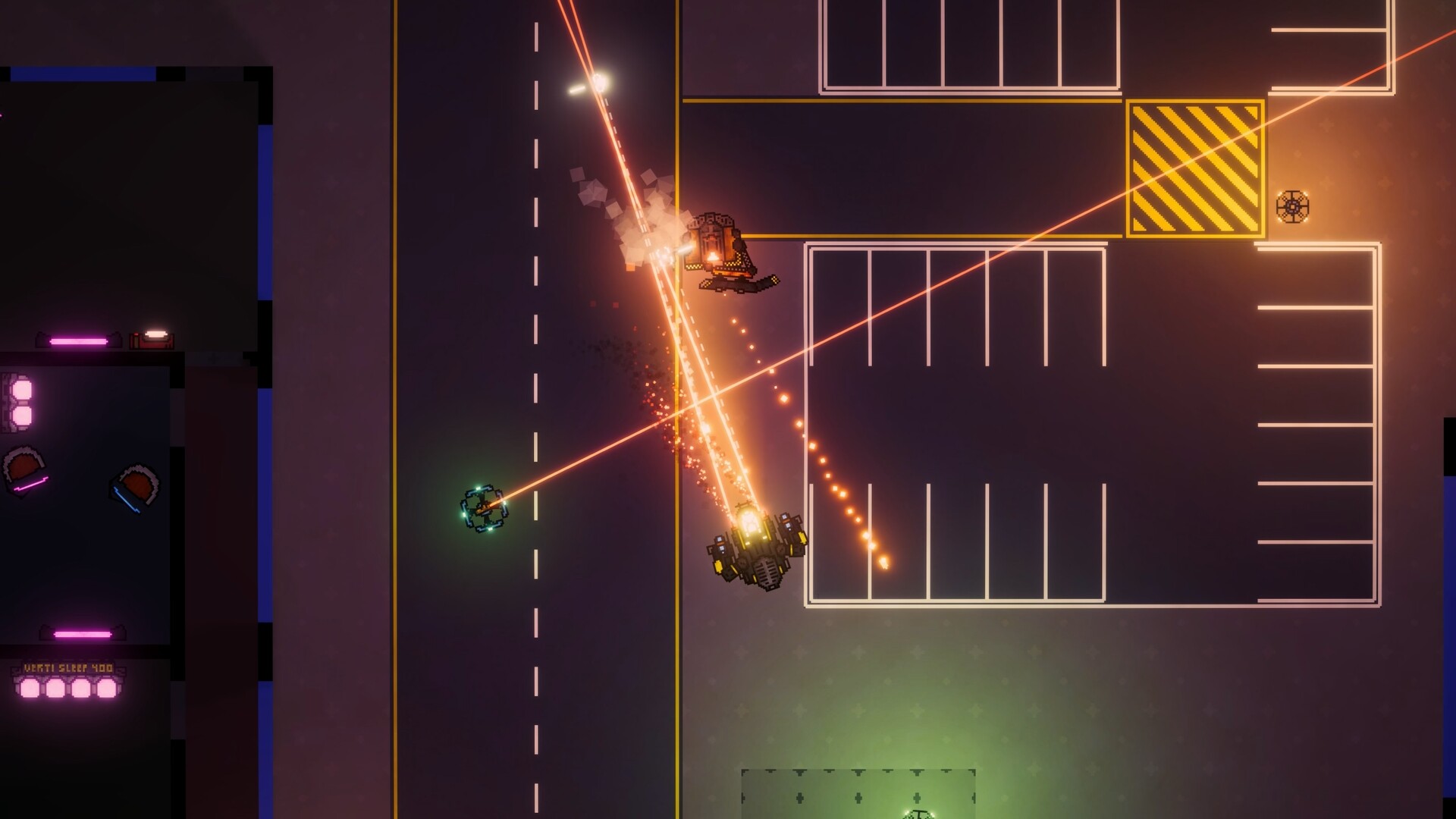
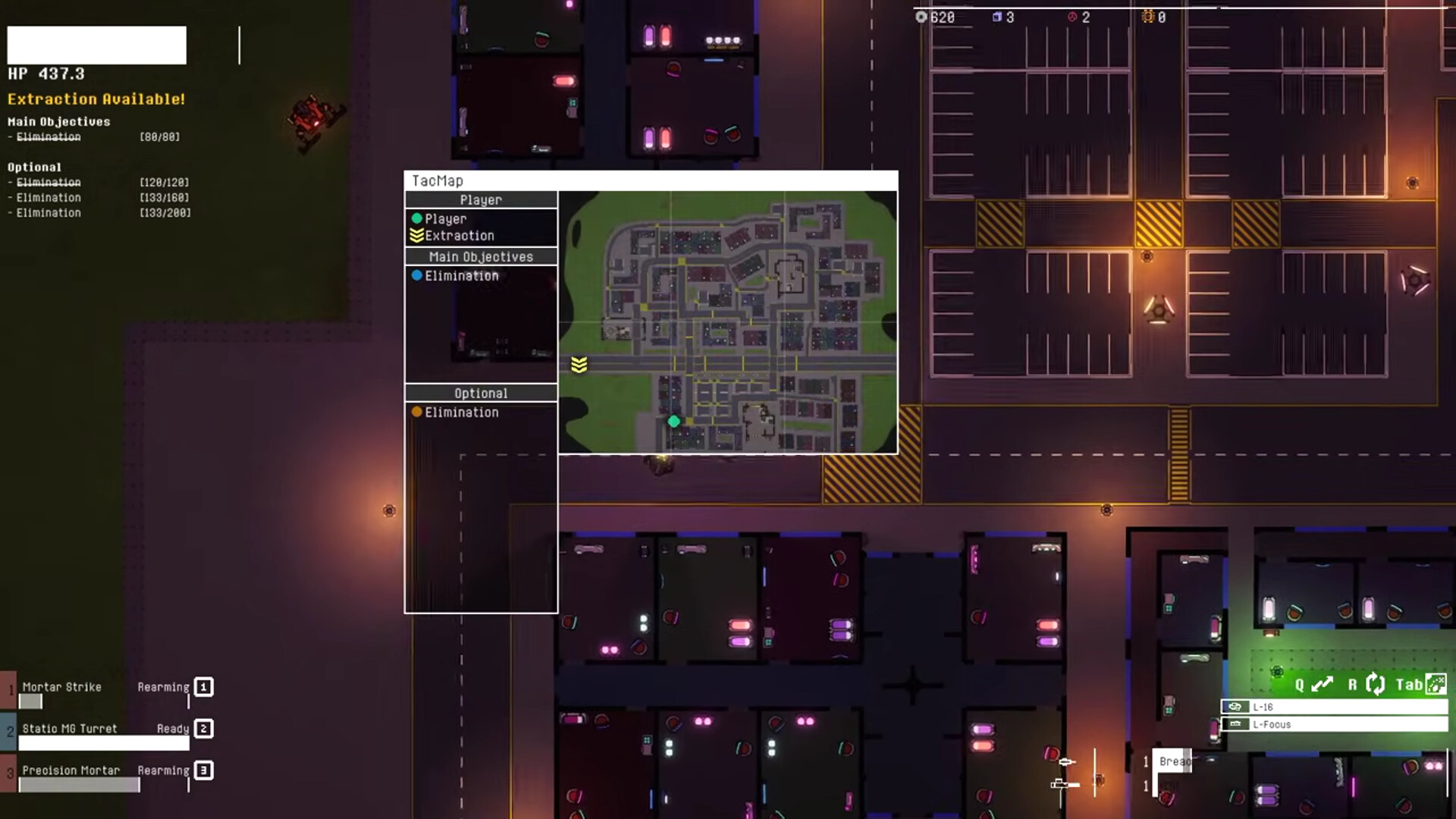
Players can call in artillery strikes, deploy automated turrets, and launch combat drones. These abilities can lock down choke points or harass enemy swarms. Well‑timed support can shift battle momentum against the HIVE’s endless hordes.
- Place turrets at narrow passages to control enemy flow.
- Coordinate artillery with drone attacks for layered pressure.
04 / THE GUIDE
Destructible Environments
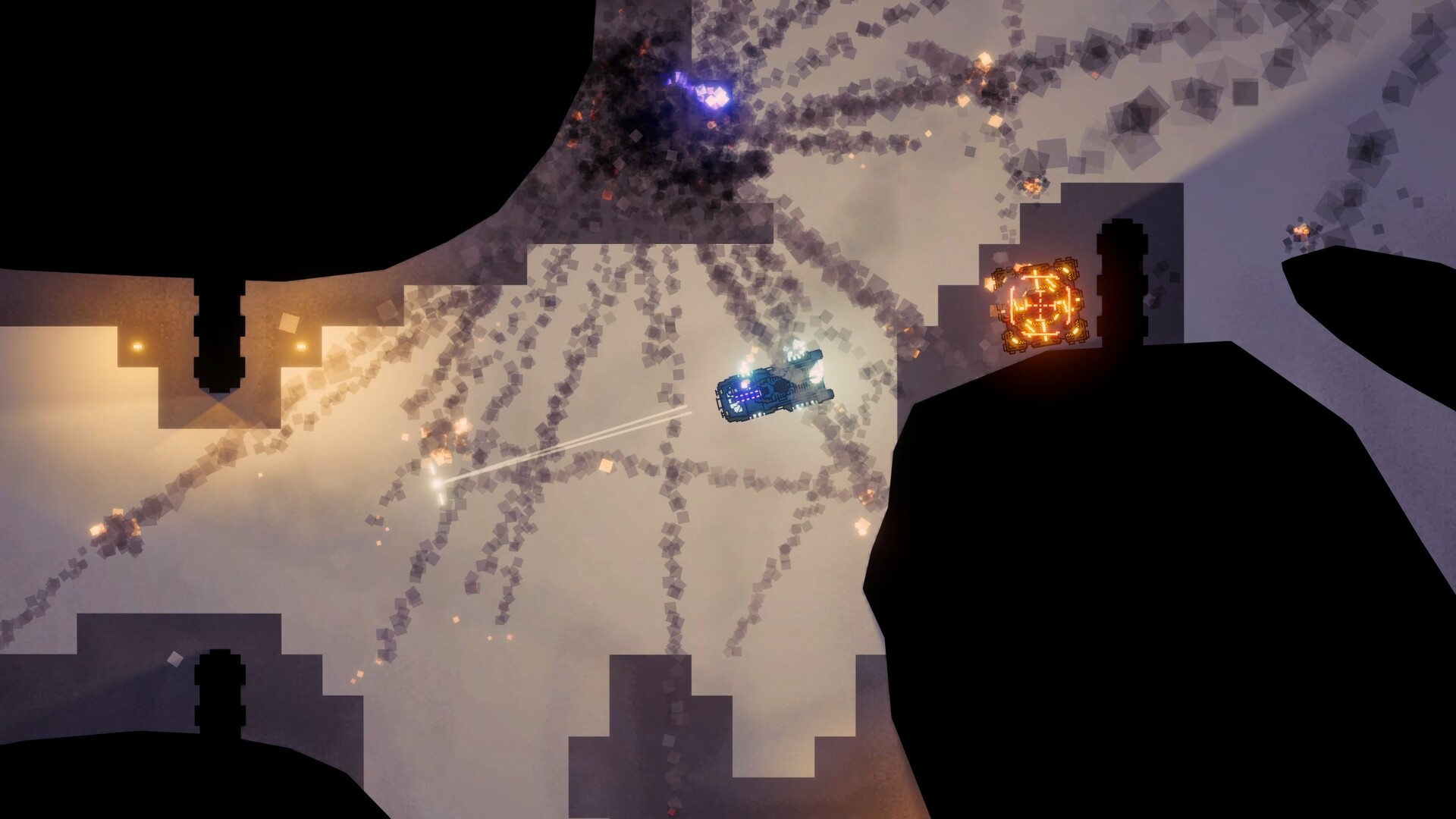
The battlefield features fully destructible terrain, allowing players to destroy cover and reshape combat zones. This adds a tactical layer to engagements. Environmental destruction can open new sightlines or remove enemy fortifications.
- Target enemy cover to expose hidden units.
- Use destruction to create shortcuts or block enemy routes.
05 / THE GUIDE
Diverse Landscapes
Missions span deserts, frozen wastelands, and sprawling cities, each presenting unique visual and tactical challenges. Each landscape presents distinct tactical conditions to adapt to. Adapting to each landscape can improve survivability against varied HIVE forces.
- Adjust loadouts for terrain; heavier armor may be beneficial in open deserts.
- Utilize city structures for cover when facing drone swarms.
COMMUNITY
Player discussion