 GameWiki
GET YOUR BEARINGS
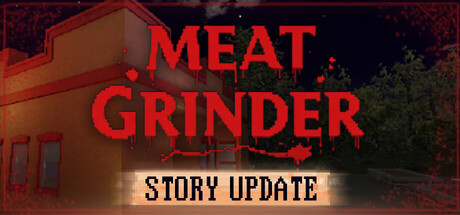
About Meat Grinder: Hotdog Simulator
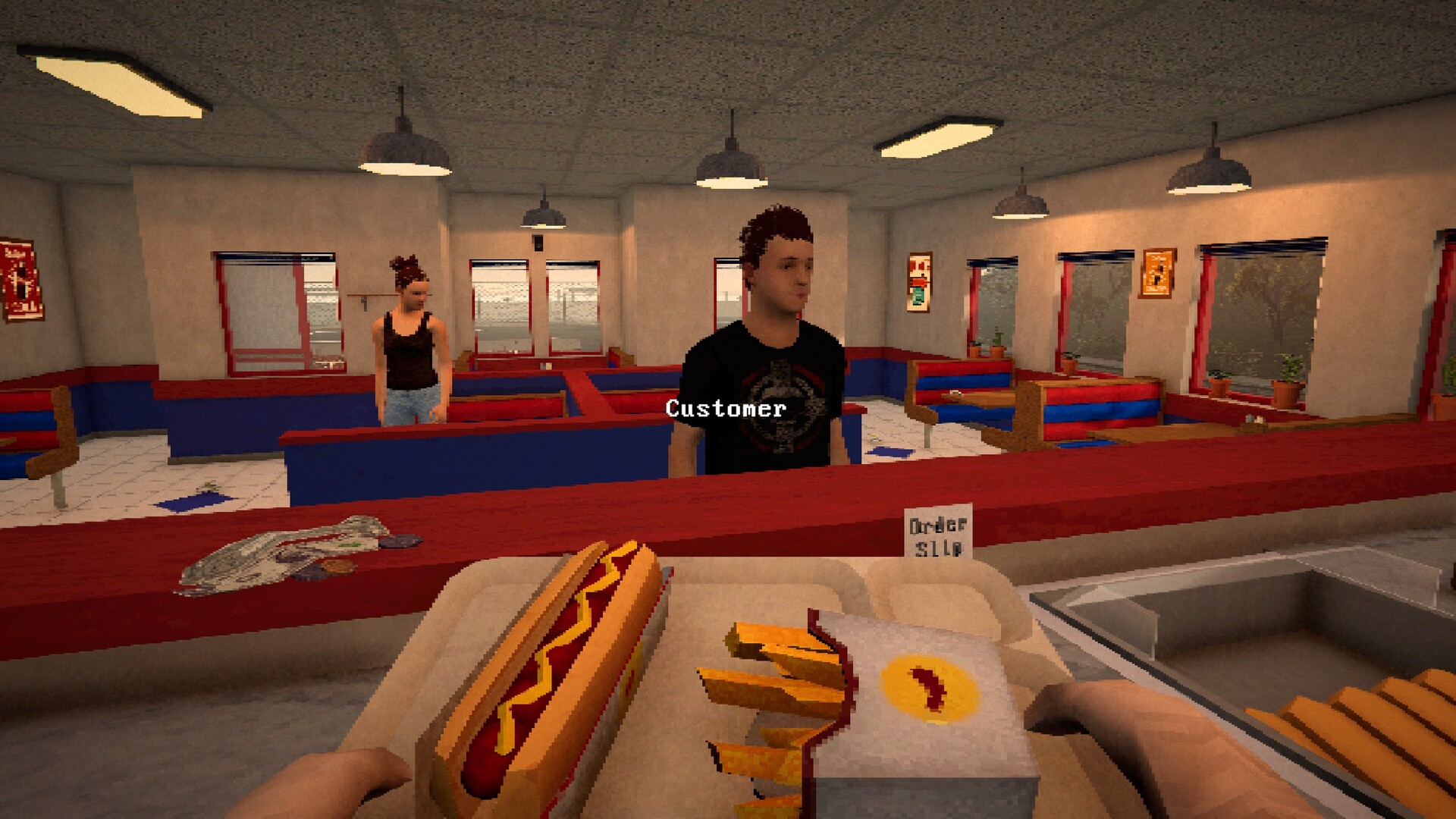
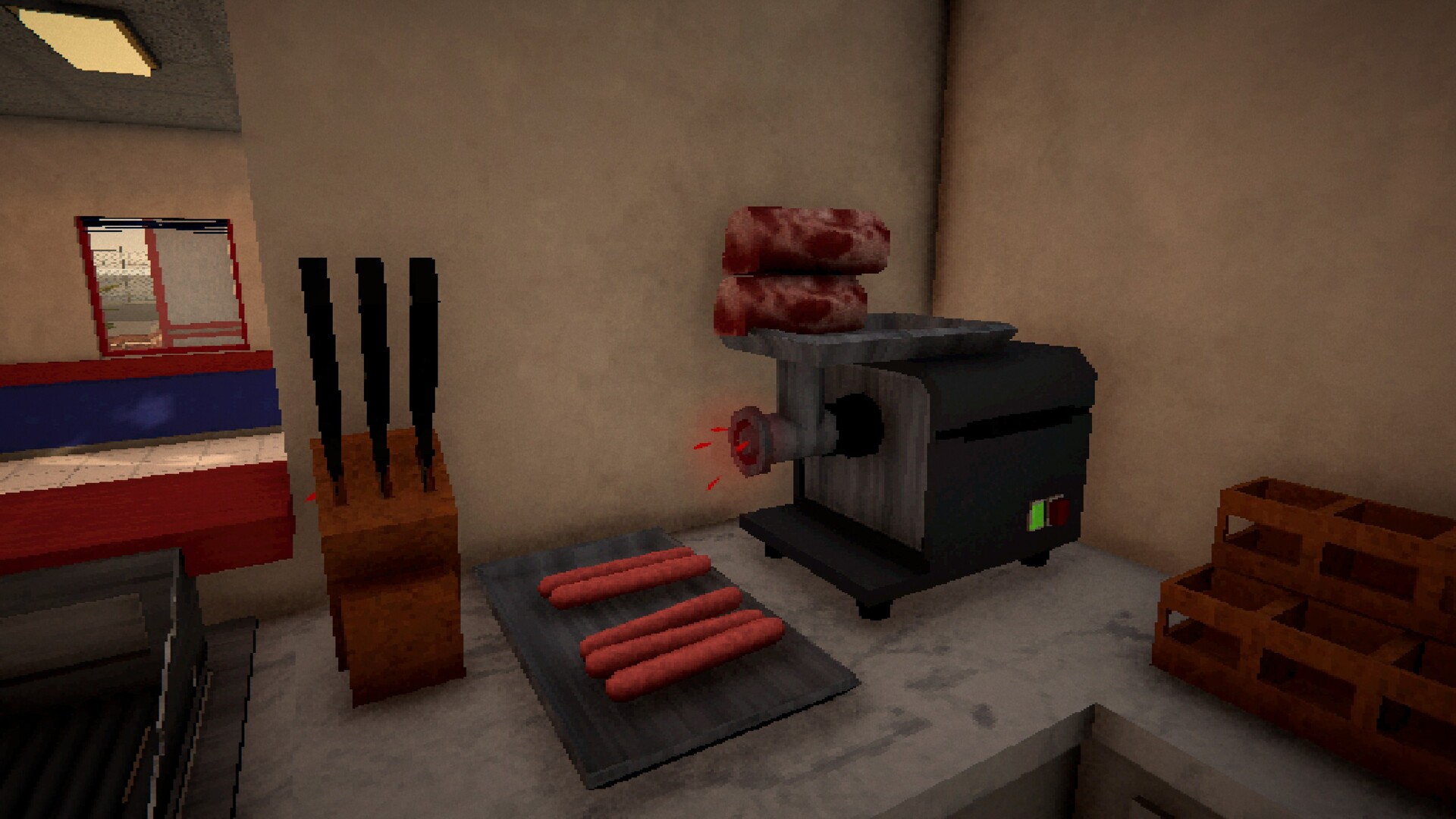
In Grimshore’s fog‑laden streets you run a hot‑dog stand, cooking and serving customers from a first‑person kitchen. By day you grill, slice buns, fry potatoes, add sauce and hand out orders while keeping cash flowing.
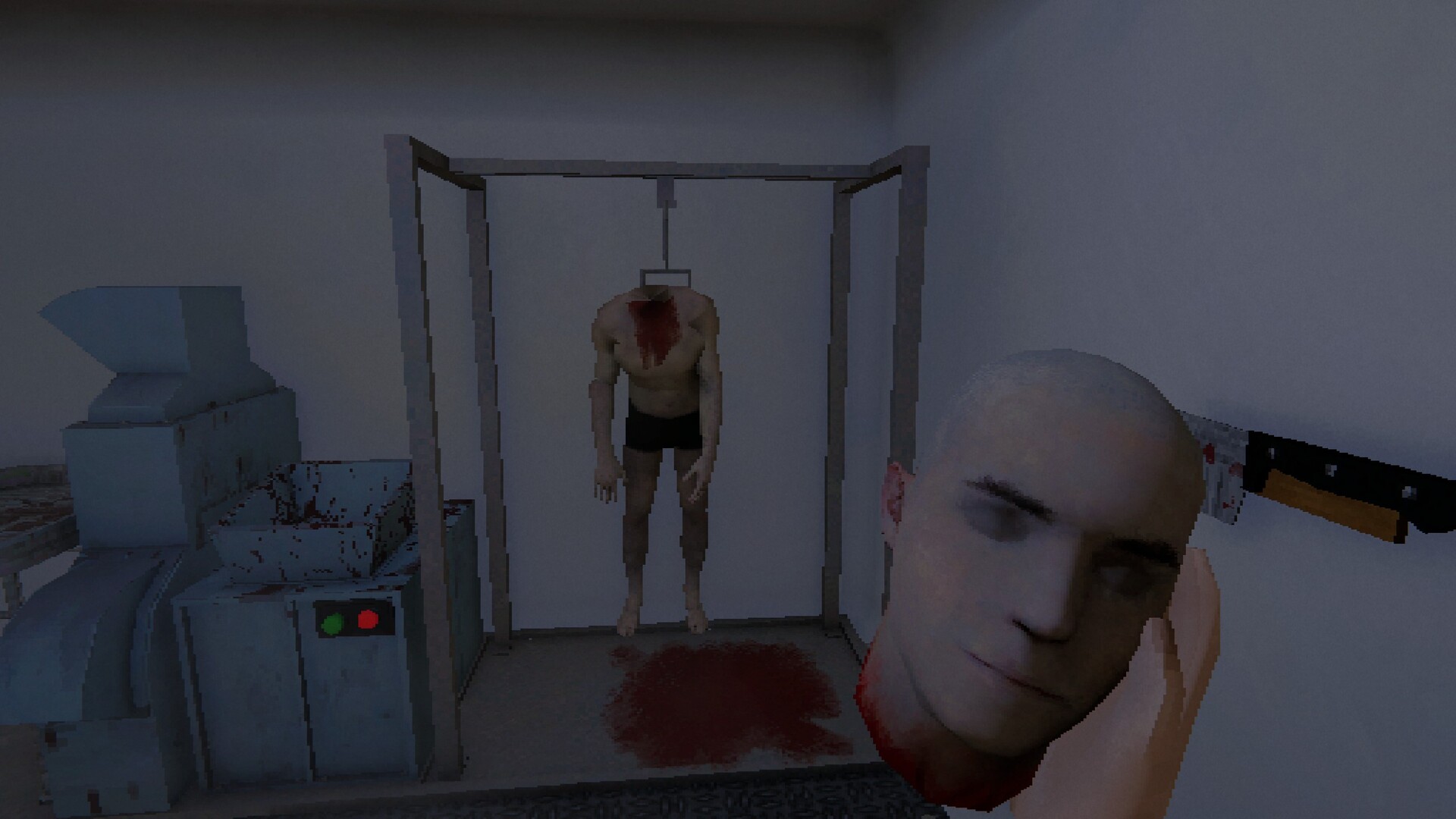
When night falls the meat freezer empties, so you must leave the shop, collect fresh carcasses from the town’s dark corners, and return before sunrise. The game mixes a cozy cooking loop with a low‑poly horror atmosphere.
01 / THE GUIDE
Daytime Shop Management
During daylight you operate the stand by cooking hot‑dogs, slicing buns, frying potatoes, squirting sauce and wrapping each order. Each action is performed in first‑person view, letting you see the food preparation directly.
Customers line up and their satisfaction influences the money earned. The revenue can be used to purchase more supplies or improve the stand for the next day’s service.
- Watch the order of preparation steps to see which sequence feels quickest.
- Notice how long customers wait before leaving; shorter waits usually increase earnings.
02 / THE GUIDE
Nighttime Restocking
When the freezer runs dry you exit the shop after dark to gather fresh meat. The town provides carcasses in locations such as the graveyard, and tools are described as cheap.
Collected ingredients must be brought back to the shop before opening time so the next day’s cooking can continue without interruption.
- Plan a route that visits the nearest resource spots first.
- Balance how much meat you carry with the time you have before sunrise.
03 / THE GUIDE
Open‑World Exploration
Grimshore is presented as a dark open world that can be explored at night. Foggy streets and unsettling corners encourage players to wander beyond the shop.
Exploring reveals hidden areas and locations that may aid future restocking runs or provide clues about the town’s background.
- Use visible landmarks to avoid getting lost during night runs.
- Pay attention to fog density; thicker fog often marks less‑traveled spots.
04 / THE GUIDE
Story and Side Quests
Side quests let you meet locals, follow narrative threads and uncover stories the town prefers to keep buried. These quests are optional but add context to the setting.
A main story line also delves into the protagonist’s past, offering additional narrative depth alongside the daily routine.
- Keep track of quest hints you encounter; they often point to later locations.
- Compare the tone of side quests with the main story to see thematic links.
05 / THE GUIDE
Visual Style and Atmosphere
The game uses retro low‑poly graphics, chunky textures and a grimy nostalgic vibe, creating an unsettling old‑school horror feel that contrasts with the bright shop interior.
Lighting shifts between day and night, and fog adds depth to the environment, reinforcing the uneasy mood while you cook or explore.
- Observe how lighting changes affect the visibility of objects at night.
- Notice recurring texture motifs; they sometimes hint at hidden story elements.


COMMUNITY
Player discussion