 GameWiki
GET YOUR BEARINGS
About Math-Havoc
Math‑Havoc is a fast‑paced mathematical action title that blends arcade‑style survival with mental agility. Players solve equations under pressure, racing against time while maintaining accuracy. The game’s design pushes reflexes, focus, and logical thinking, turning simple operations and advanced concepts into rapid challenges.
Three main modes and eight focused submodes provide varied structures and progression, while an upgrade system, in‑game shop, and visual themes add depth. Steam achievements, atmospheric sound, and quick sessions create a replayable experience that tests speed, concentration, and precision.
01 / THE GUIDE
Main Game Modes
Math‑Havoc offers three core modes: Havoc Mode, Architect Mode, and Oracle Mode. Each mode presents a distinct gameplay structure and progression style, allowing players to choose the experience that best fits their skill level.
These modes share the core mechanic of solving equations quickly, but differ in pacing and challenge intensity, giving players multiple pathways to test their mental speed.
- Try each mode to see which pacing matches your comfort level.
- Switch modes after a session to keep the experience fresh.
02 / THE GUIDE
Specialized Submodes
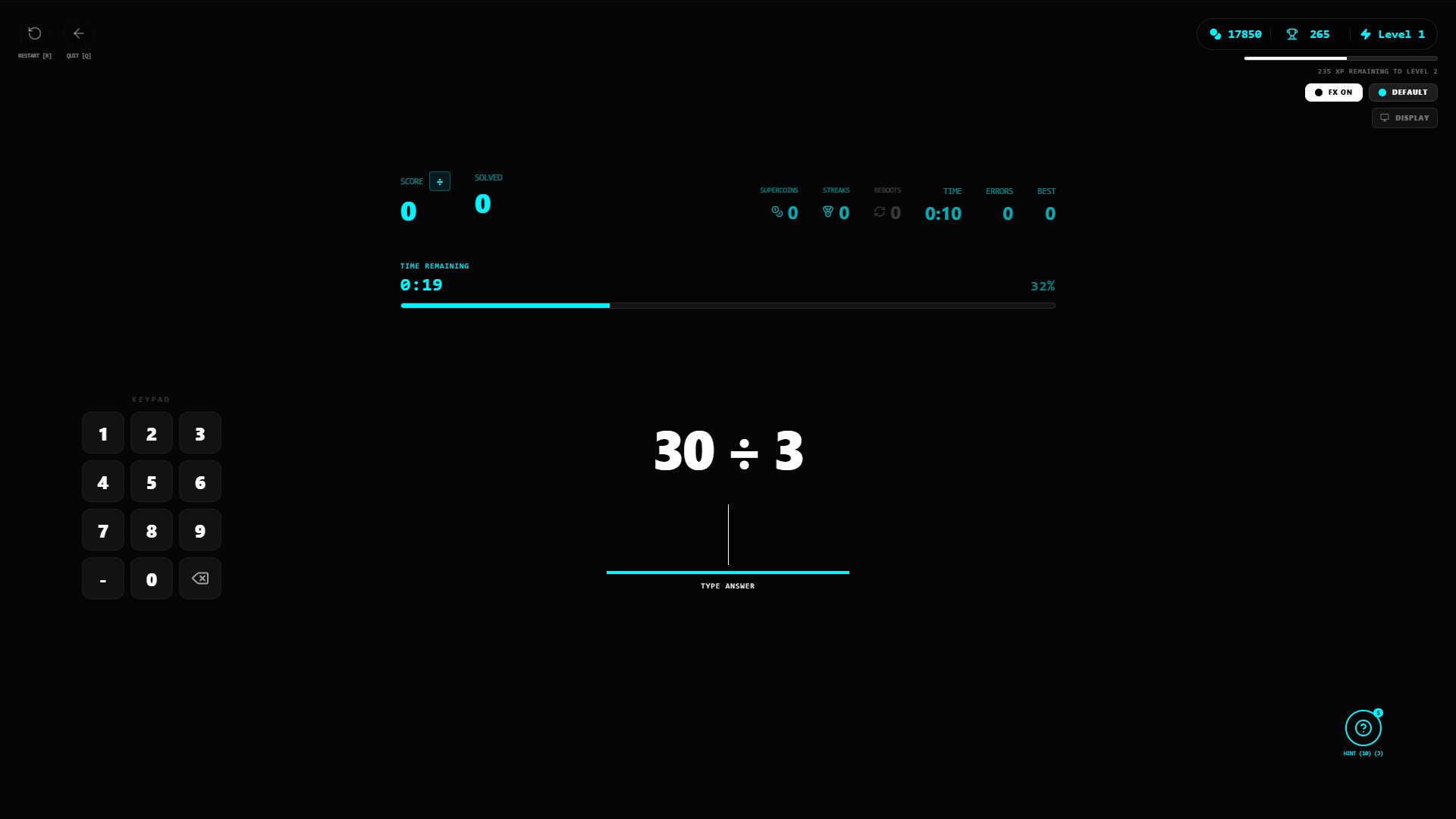
Eight submodes focus on specific mathematical operations: Sum Blitz, Minus Drift, Product Storm, Divide Flow, Factorial Frenzy, Linear Leap, Quadratic Quake, and Root Rush. Each submode isolates a particular concept, sharpening targeted skills.
The submodes increase difficulty progressively, ensuring that players face ever‑more intense challenges as they improve their speed and accuracy.
- Start with Sum Blitz to warm up basic addition.
- Progress to Quadratic Quake once you’re comfortable with linear equations.
03 / THE GUIDE
Upgrade System & In‑Game Shop
An upgrade system lets players evolve gameplay, while an in‑game shop provides unlockable improvements. These features let you customize your experience and enhance performance as you advance.
Upgrades are part of the game’s dynamic progression, encouraging continual development as you advance.
- Invest in upgrades that complement your preferred submode.
- Check the shop regularly for new improvements after each session.
04 / THE GUIDE
Visual Customization
Players can personalize themes and backgrounds, tailoring the visual atmosphere to their taste. This customization lets you tailor the visual atmosphere while you play.
Changing visual elements can help maintain focus and keep the experience visually engaging over repeated playthroughs.
- Select high‑contrast themes if you find the default visuals distracting.
- Experiment with different backgrounds to reduce visual fatigue.
05 / THE GUIDE
Optional Training Mode
A training mode offers unlimited time, allowing players to practice at their own pace without timed pressure. This mode is ideal for honing specific operations before tackling the main challenges.
Training mode supports skill development and confidence building, making it easier to transition into the faster, timed main modes.
- Use training mode to focus on submodes you find most difficult.
- Practice consistently to improve reaction speed before entering Havoc Mode.


COMMUNITY
Player discussion