 GameWiki
GET YOUR BEARINGS
About Master of Realms
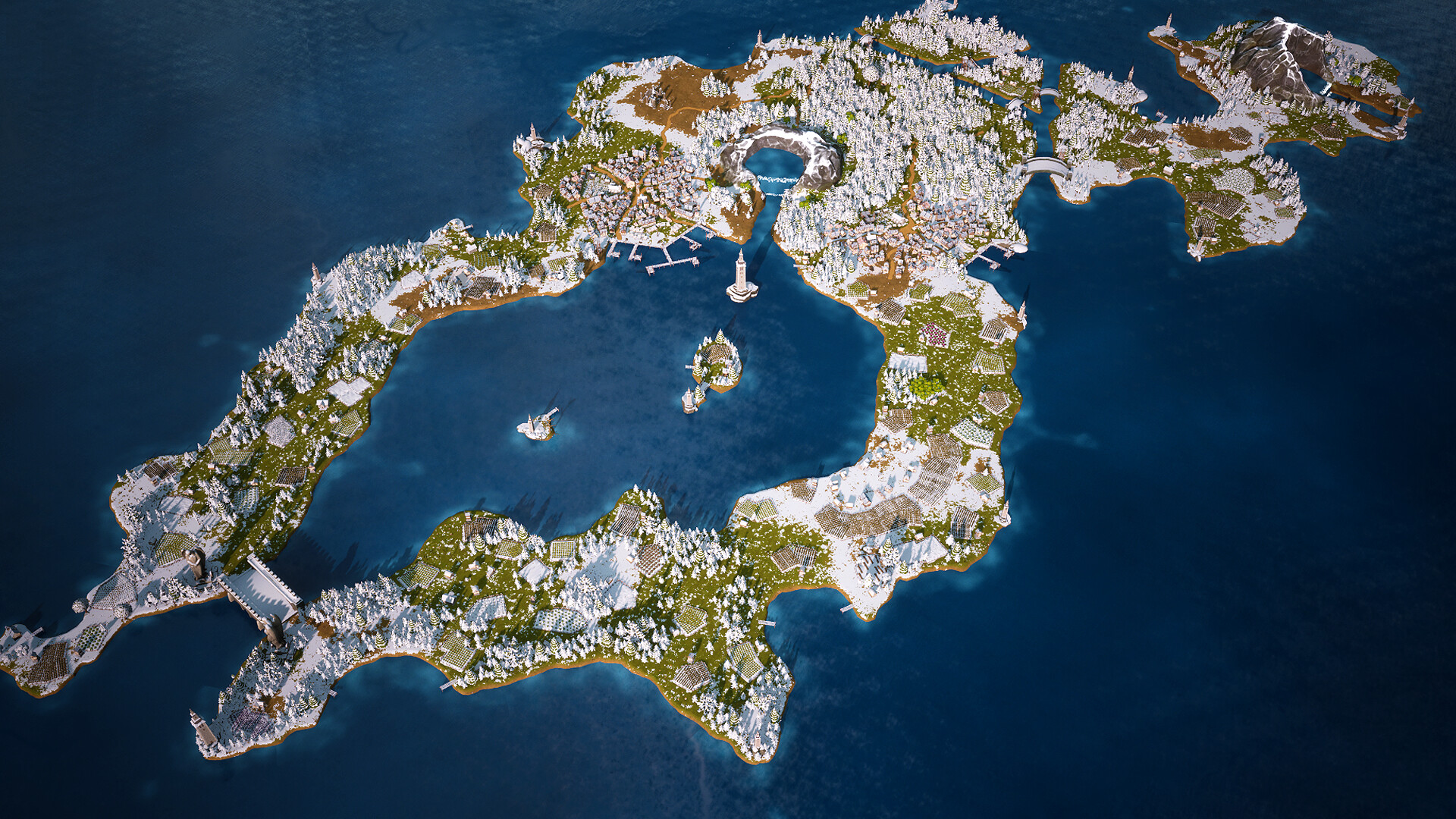
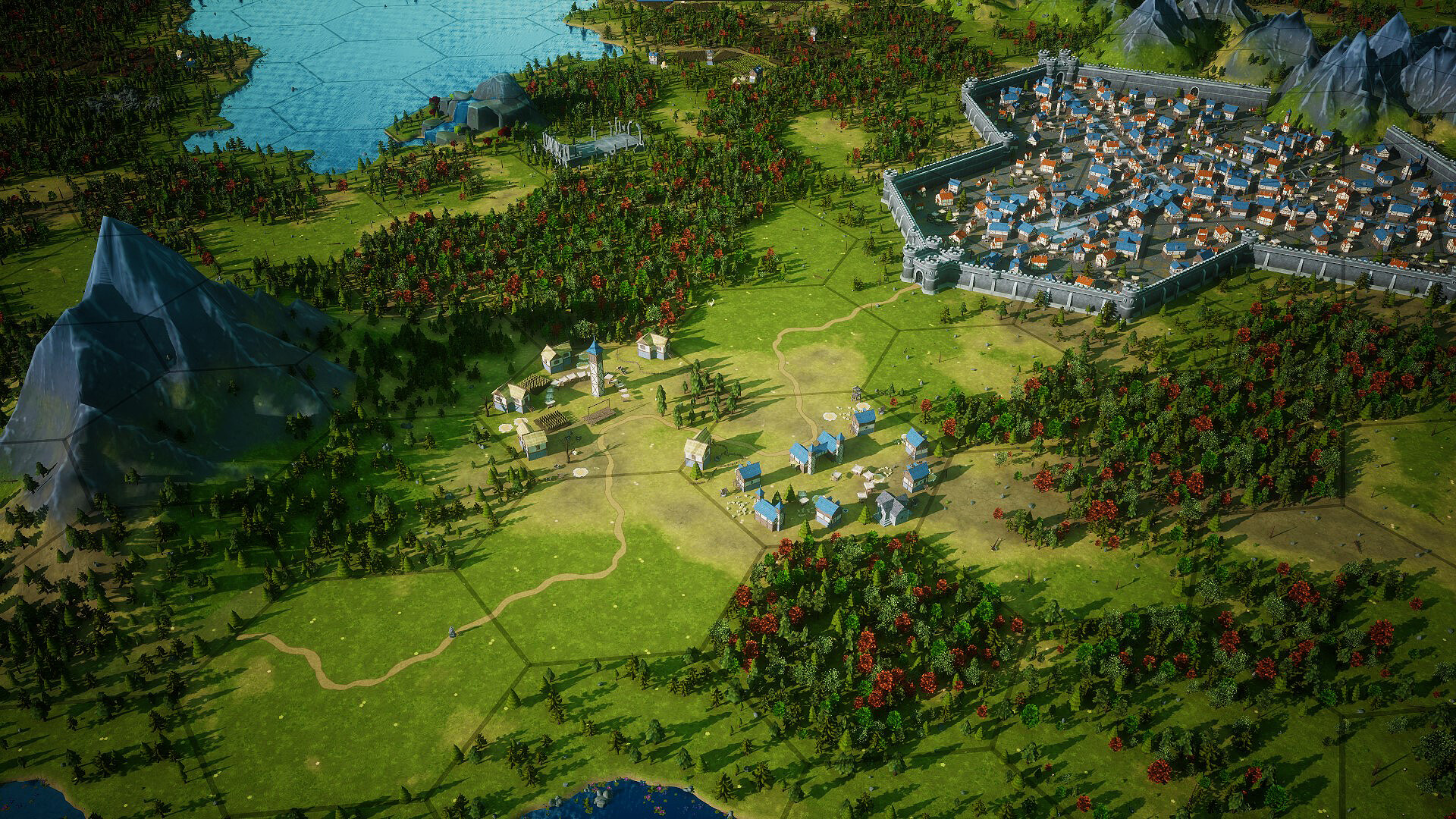
Master of Realms is a 3D Smart Hex Map Making Tool aimed at tabletop RPG fans. It lets you design world, regional, and city maps using hex or square grids, then export them for paper, virtual tabletops, or 3D printing. The tool runs on Windows, macOS, and Linux and supports single‑player creation at your own pace.
Beyond flat maps, you can craft custom tiles, place objects of any shape, and generate character tokens that can be viewed from a hero’s perspective. All assets can be saved anytime, shared via Steam Workshop, and even printed as STL files for physical displays.
01 / THE GUIDE
Map Creation
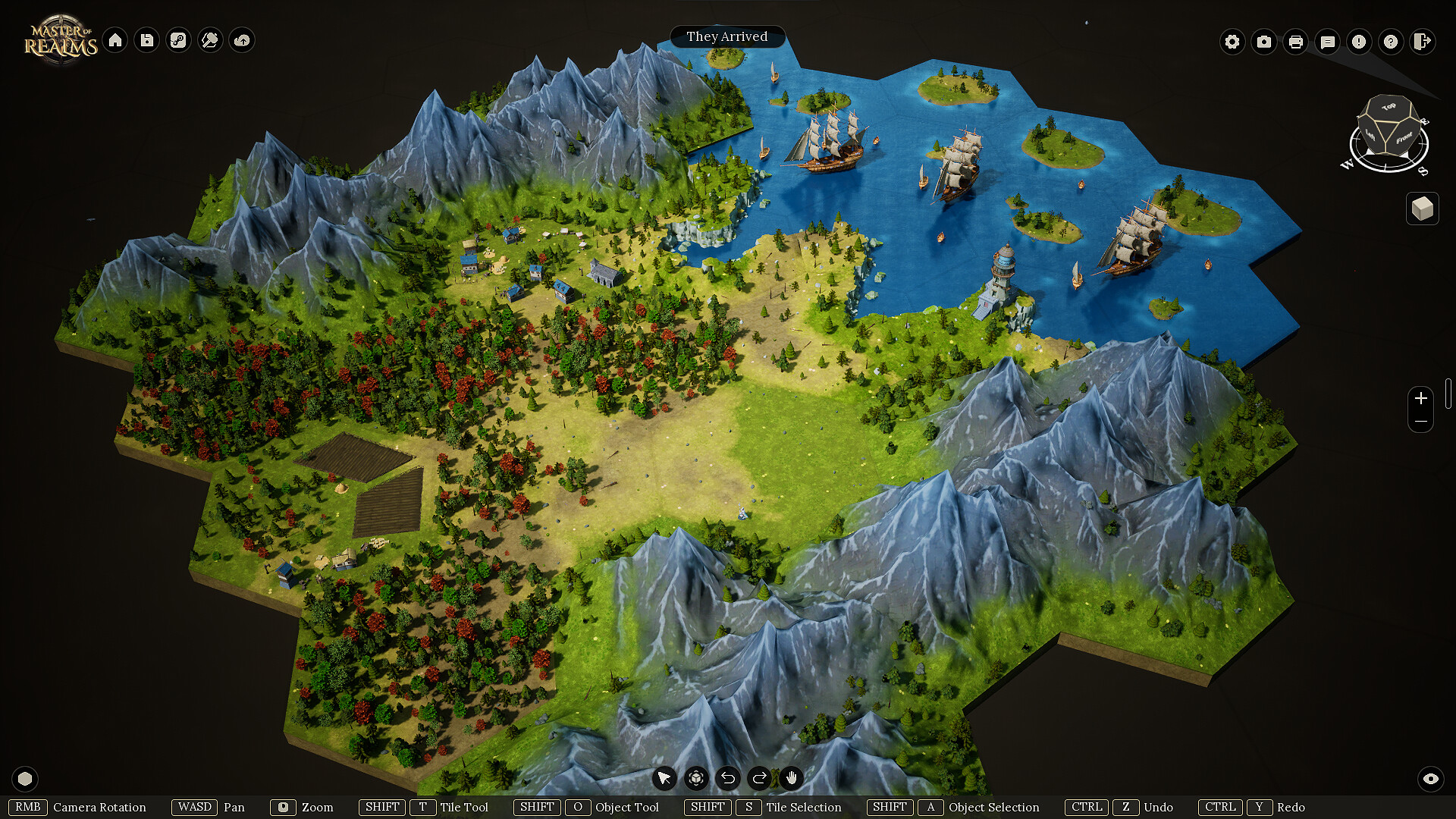
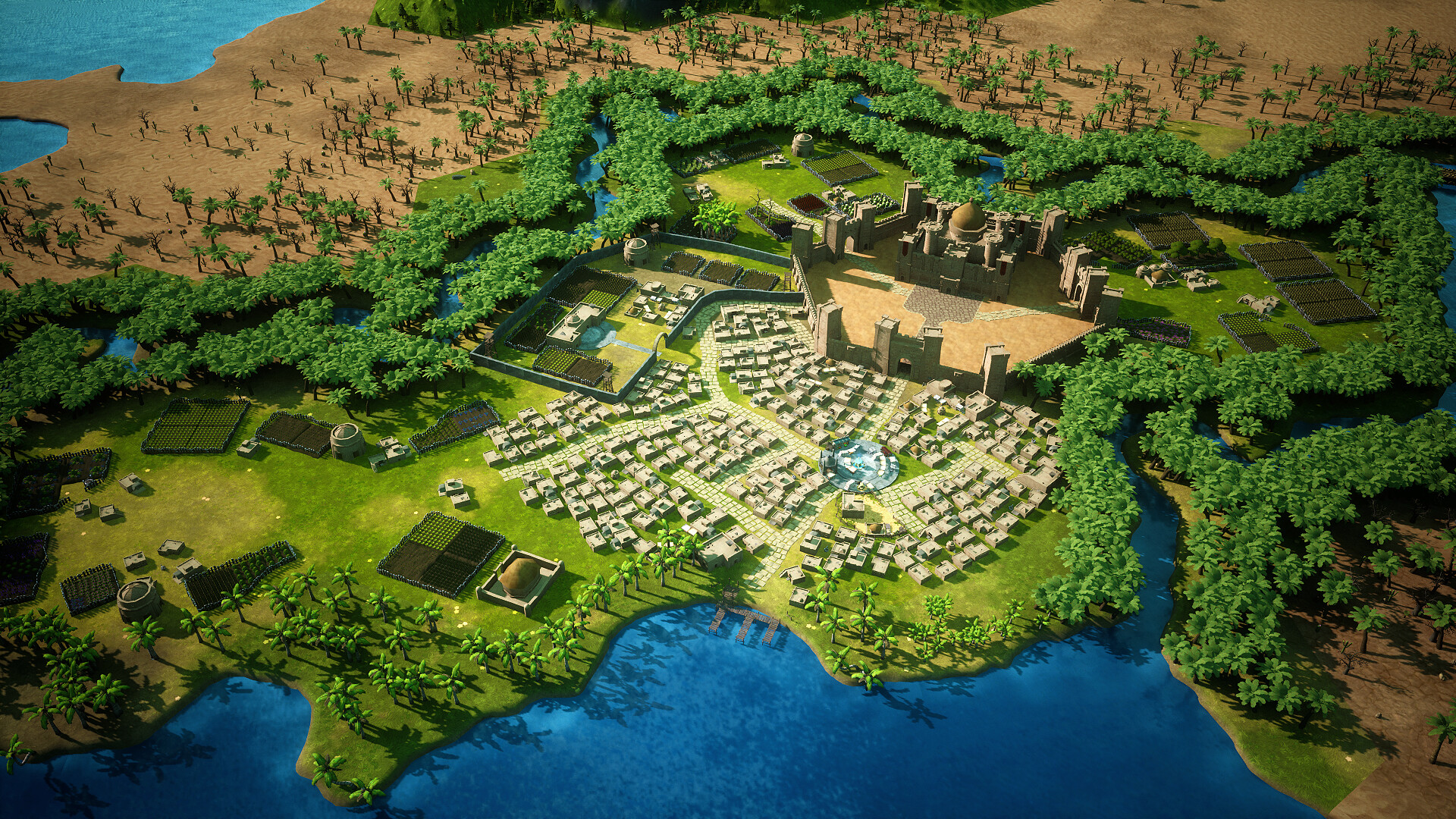
The editor provides hex and square grid overlays, allowing you to build world, regional, or city maps from scratch. Objects of any shape, size, or style can be placed precisely where you need them.
You can customize each map’s scale and layout without timed input, letting you work at your own pace. The level editor is included, so you can refine terrain and structures as you go.
- Experiment with both hex and square grids to see which best fits your campaign’s movement rules.
- Use the custom tile feature to create recurring landmarks that maintain visual consistency across maps.
02 / THE GUIDE
Export Options
Maps can be exported as 2D JPG or PNG files for printing, or as VTT‑compatible files for platforms like FoundryVTT. Full support for virtual tabletops lets you drop maps directly into online sessions.
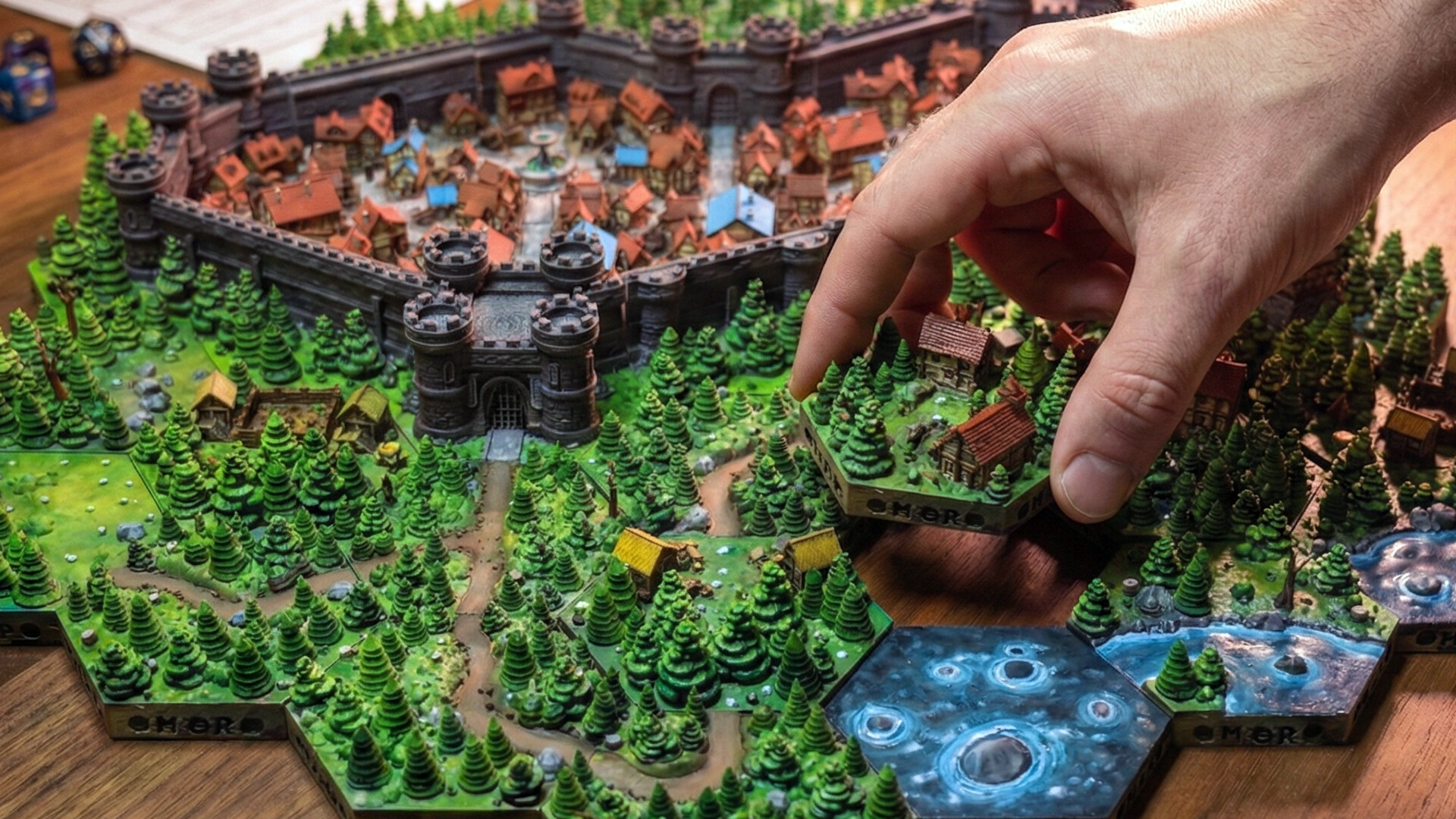
For 3D enthusiasts, the tool generates STL files that can be 3D‑printed, producing detailed physical models of your realms.
- Export a PNG version for quick sharing on forums before committing to a full VTT import.
- Create an STL of a key location to use as a tactile aid during in‑person sessions.
03 / THE GUIDE
Character Tokens
Character Tokens let you explore maps from a hero’s point of view, scaling up or down to match any encounter size. This feature supports both tactical and narrative play.
Tokens are also exportable as STL files, enabling you to 3D‑print physical representations of your characters for immersive tabletop use.
- Adjust token scale to match the grid size for clearer tactical positioning.
- Print tokens for key NPCs to give players a tangible reference during combat.
04 / THE GUIDE
Development Status
Master of Realms is currently in active development, with features being continuously implemented and optimized. This means the tool may receive updates that expand its capabilities over time.
Early Access labeling indicates the product is usable now while still evolving, so community feedback can influence future additions.
- Check the Steam Workshop for community‑created assets that may fill gaps while waiting for official updates.
- Provide feedback through the developer’s channels to help prioritize upcoming features.
05 / THE GUIDE
Platform and Sharing Features
The software runs on Windows, macOS, and Linux, offering single‑player creation without timed input. You can save your work at any moment and resume later.
Steam Workshop integration lets you distribute maps to friends or the broader community, and Family Sharing is also supported, while the level editor remains part of the core experience.
- Family Sharing is supported, letting household members access the game without extra purchases.
- Upload finished maps to Steam Workshop to showcase your work and inspire other creators.
COMMUNITY
Player discussion