 GameWiki
GET YOUR BEARINGS
About Master Of Pottery
Master of Pottery is a pottery‑themed creation and simulation title where players craft works from raw material through throwing, firing, painting and glazing. As a potter you expand an exhibition hall, attract visitors and earn thanks when tourists purchase favorite pieces. The game draws on traditional Chinese pottery techniques and lets you import custom images for unique patterns.
01 / THE GUIDE
Production Process
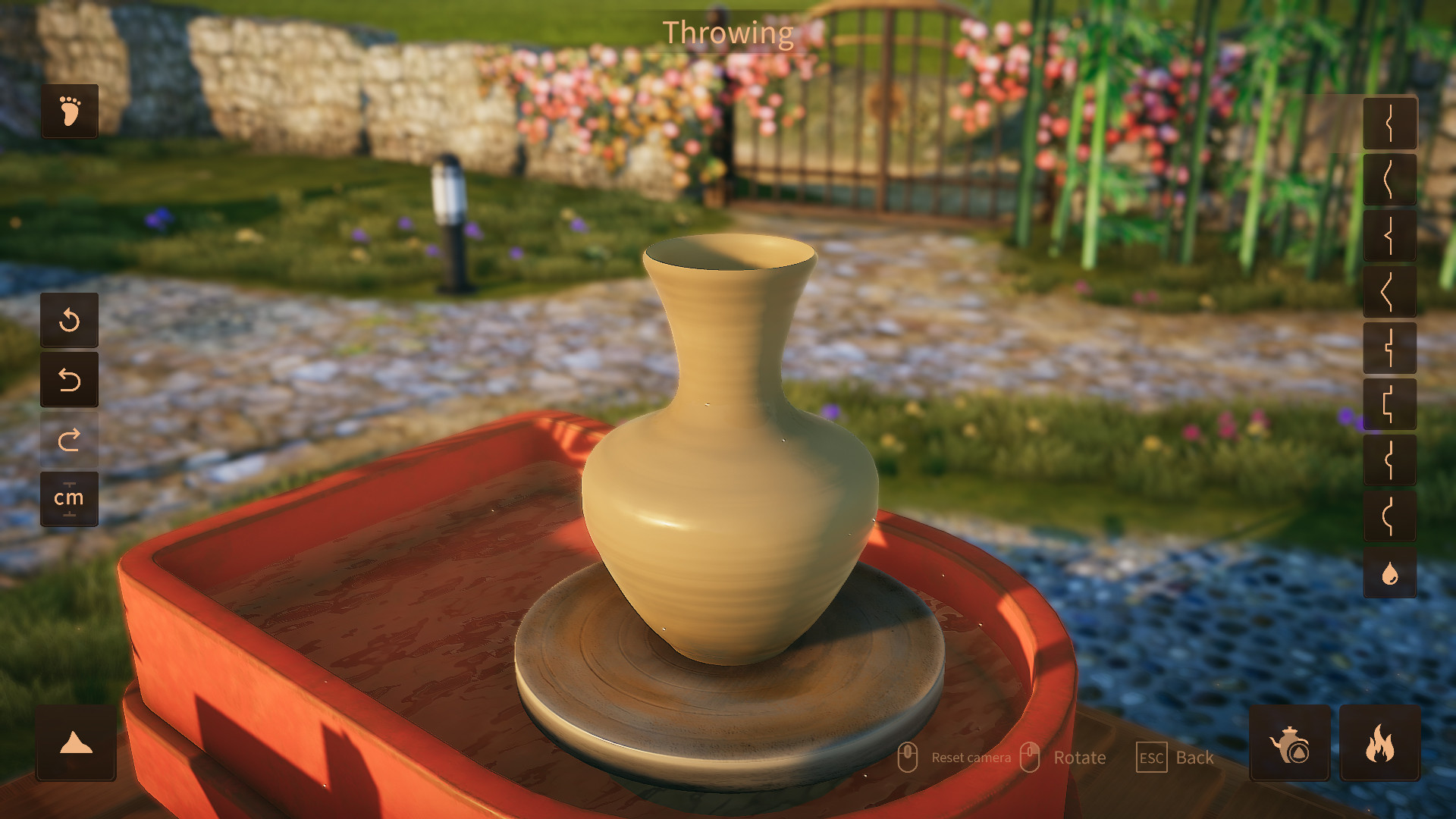
The game reproduces the basic steps of pottery making: throwing, drying, pre‑heating, high‑temperature firing, painting and glazing. Each stage is represented so players can follow a realistic workflow from raw clay to finished piece.
Materials are gathered to create works, and the finished items can be displayed in the showroom. The process mirrors traditional Chinese craftsmanship, offering an educational glimpse into historic methods.
- Experiment with each stage to see how changes affect the final look.
- Save progress before firing to avoid losing a piece.
02 / THE GUIDE
Custom Patterns
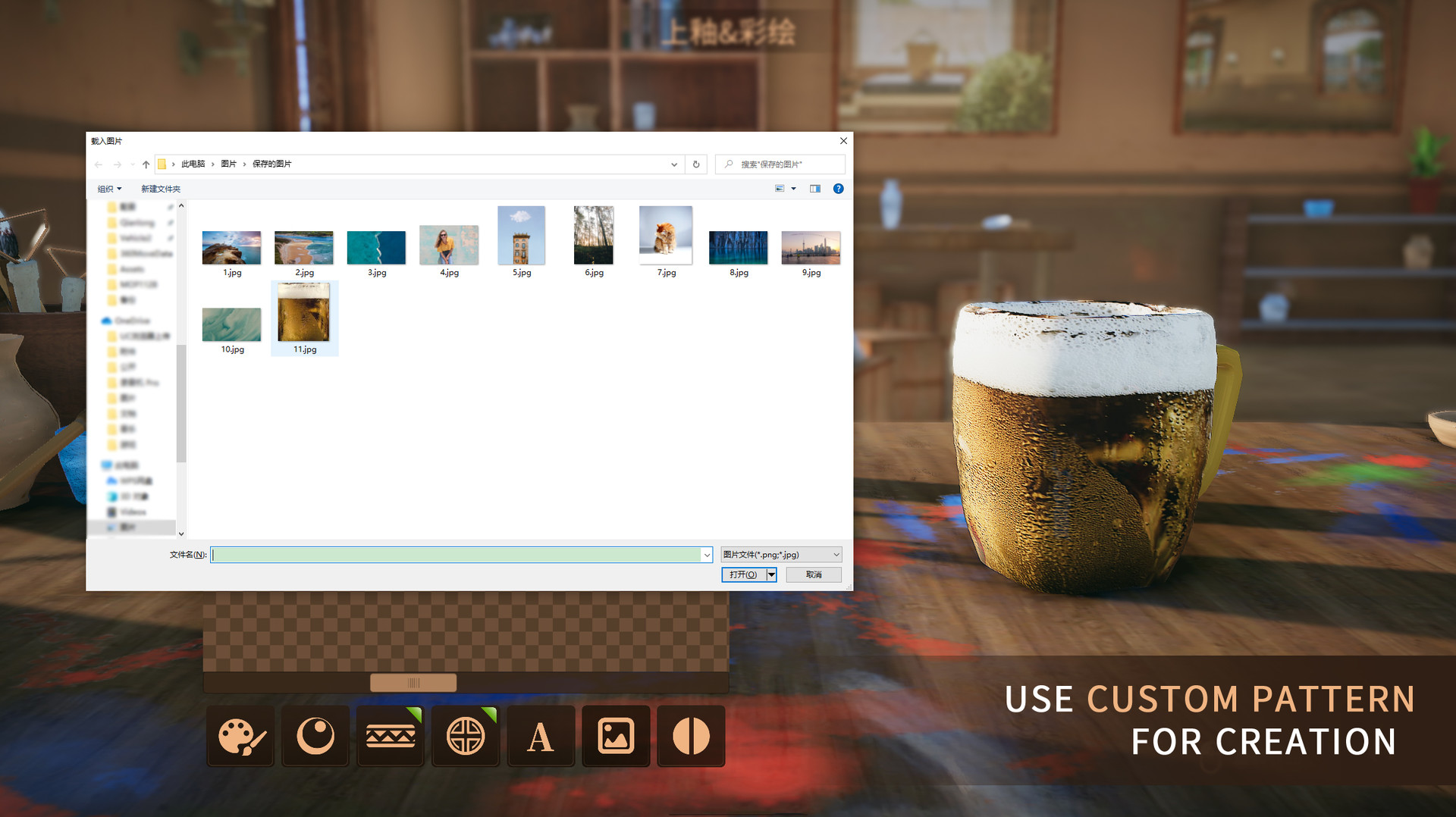
Players may use a custom pattern feature, allowing personal images to become paintable designs on pottery. This adds a personal touch and expands creative possibilities beyond preset motifs.
The custom pattern tool integrates directly with the painting stage, letting you apply your own artwork as a glaze or surface decoration.
- Choose high‑contrast images for clearer results.
- Test a small piece before applying a pattern to a large work.
03 / THE GUIDE
Showroom Expansion
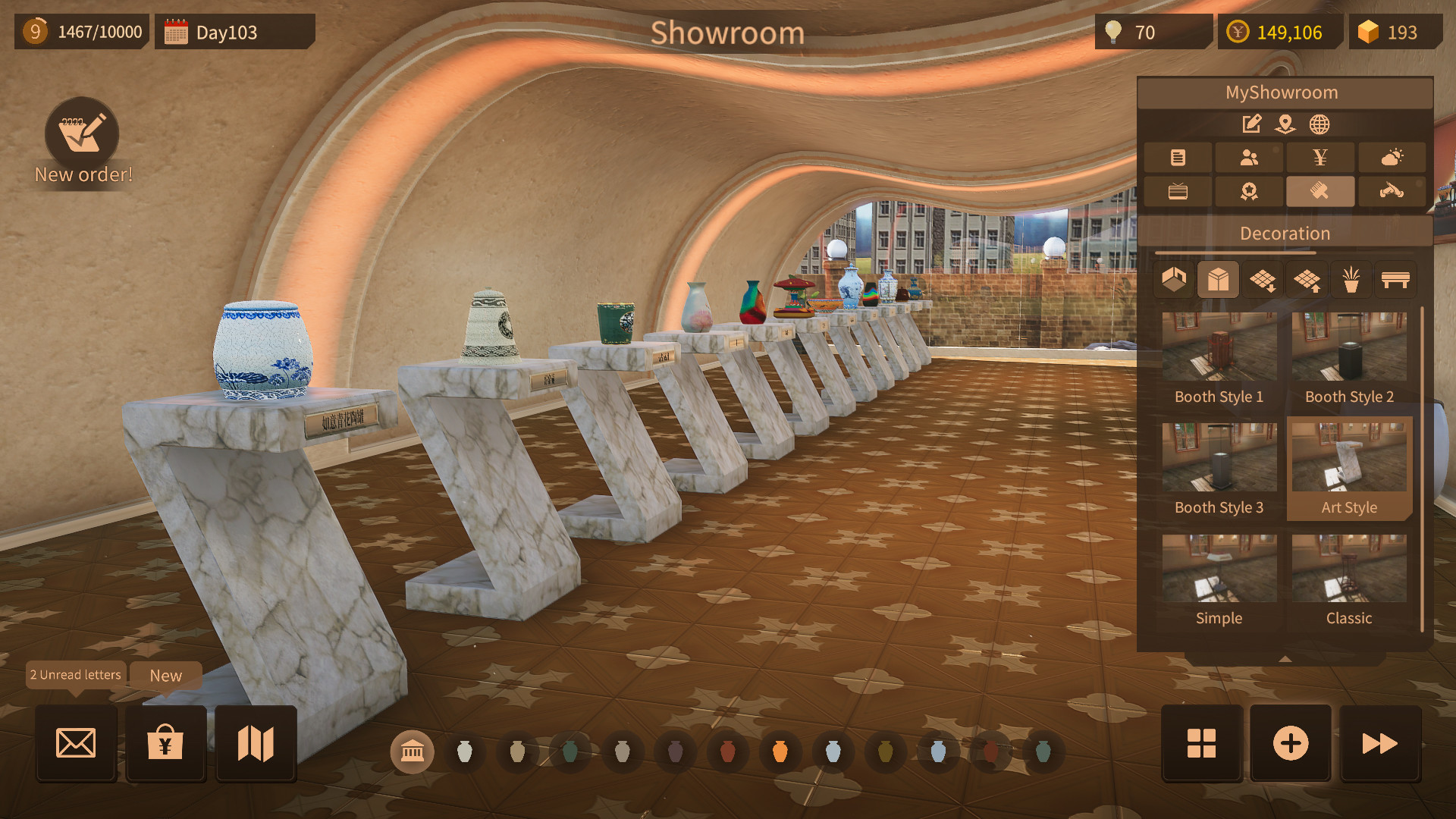
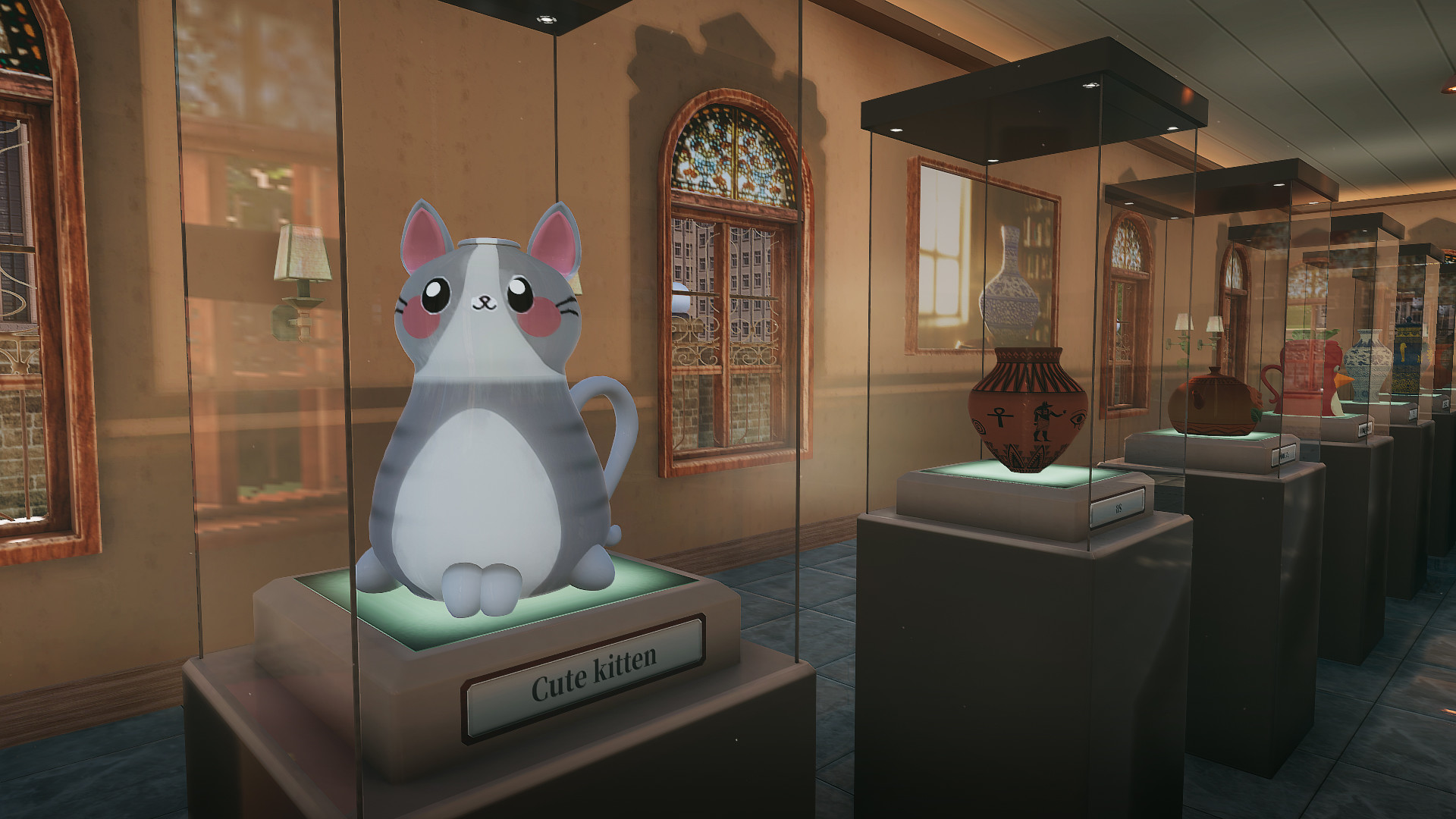
Each completed work can be placed in a personal exhibition hall. As the showroom grows, it draws more visitors and increases the chance of sales and thank‑you letters.
Expanding the showroom is tied to acquiring more materials and creating higher‑heat (popular) exhibits, encouraging continual production.
- Prioritize works that match visitor preferences.
- Balance new builds with space for existing pieces.
04 / THE GUIDE
Random Events
Tourists visiting the exhibition have individual preferences. When a visitor likes a piece, they may purchase it and send a thank‑you letter, adding a layer of unpredictability.
These events encourage players to diversify their portfolio to appeal to a broader audience.
- Track which styles generate more thank‑you letters.
- Rotate displayed works to keep the showroom fresh.
05 / THE GUIDE
Multiplayer Features
Master of Pottery supports both single‑player and multiplayer modes, allowing friends to share creations and visit each other's showrooms. Steam achievements and cloud saves are also available.
Family Sharing lets multiple accounts access the same game library, making it easy for households to enjoy the pottery experience together.
- Enable Steam Cloud to keep progress across devices.
- Invite friends to view your showroom for inspiration.
COMMUNITY
Player discussion