 GameWiki
GET YOUR BEARINGS
About Mashiroiro Symphony HD -Sana Edition-
Mashiroiro Symphony HD – Sana Edition is a standalone visual‑novel expansion that adds a single new route centered on Sana Inui. The game delivers fresh story scenes and new CG artwork by Tsubasu Izumi, while retaining the adventure‑genre presentation of the original title. It runs on Windows via Steam, supports single‑player play, Steam Cloud saves, and Family Sharing, letting players experience Sana’s romance at their own pace.
01 / THE GUIDE
Story Focus
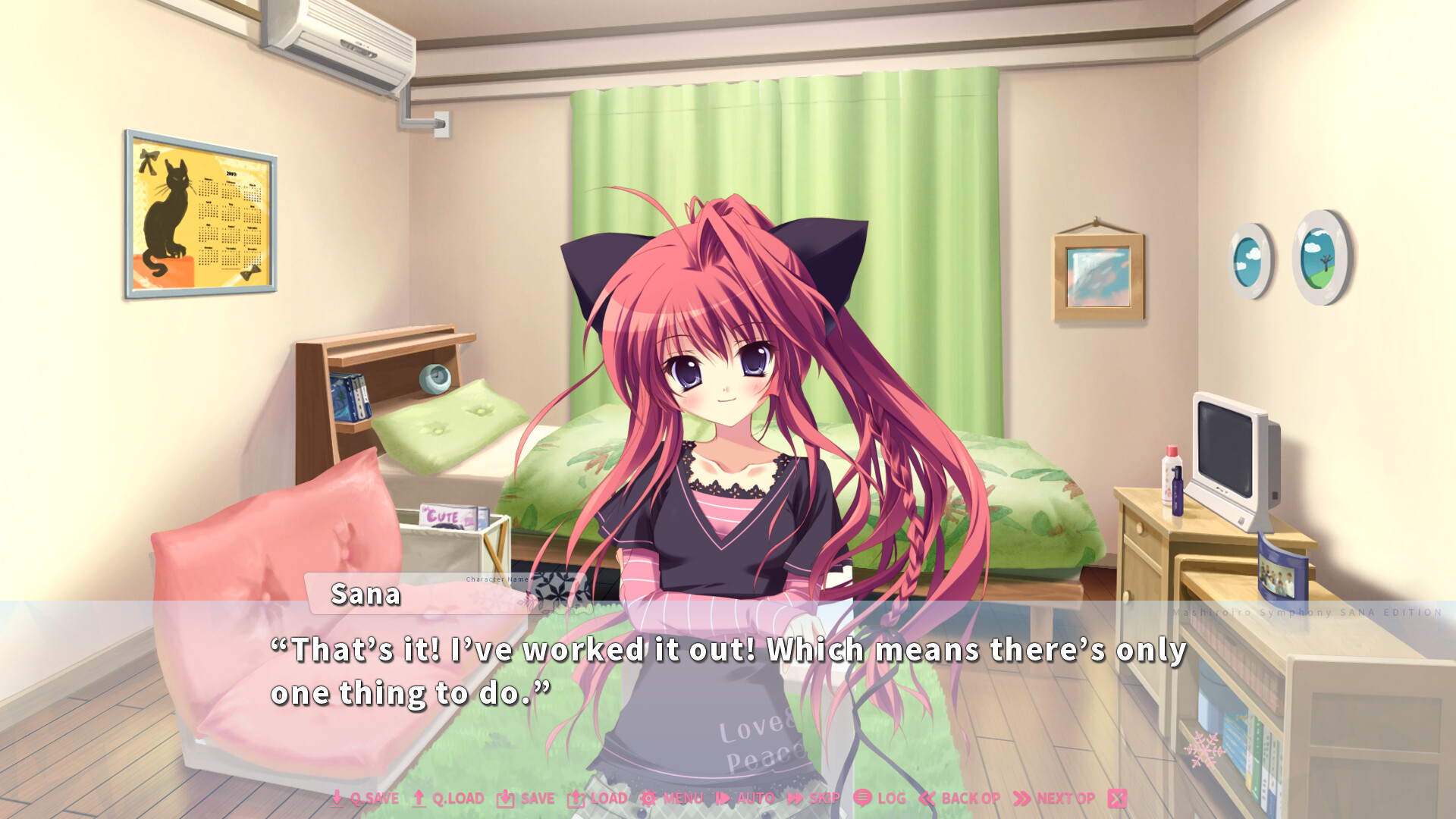
The narrative follows Sana Inui, a shy student at Yuihime Girls Private Academy, as her school merges with a nearby boys’ school. Placed in a combined class, she confronts rapid changes that challenge her feelings and relationships.
Amid the new environment, a new classmate captures Sana’s attention, setting the stage for a fresh love story that unfolds alongside the shifting school landscape.
- Observe how the school merger influences character interactions.
- Take note of Sana’s internal monologue for clues about her developing feelings.
02 / THE GUIDE
Artwork and CGs
Artist Tsubasu Izumi provides new CG illustrations that accompany the exclusive Sana route, enhancing key emotional moments with detailed visuals.
Additional chibi character art by Nagomi Tozakura offers lighter, stylized representations of the cast, adding visual variety throughout the game.
- Compare the new CGs with those from the original game to appreciate stylistic differences.
- Look for subtle background details that may reflect the story’s themes.

03 / THE GUIDE
Voice Acting
Sana Inui is voiced by Misono Moriya, delivering lines that convey her energetic yet conflicted personality.
The voice work aligns with the visual‑novel format, presenting dialogue in a straightforward, text‑driven presentation.
- Listen for tone shifts that indicate Sana’s emotional state.
- Notice how voice timing matches on‑screen text for pacing.
04 / THE GUIDE
Game Features
The title is marked as single‑player, meaning the experience is designed for one person without multiplayer components.
Steam Cloud integration allows progress to be saved online, and Family Sharing lets other Steam accounts on the same machine access the game.
- Enable Steam Cloud in settings to keep saves across installations.
- Use Family Sharing to let friends try the game without purchasing a separate copy.
05 / THE GUIDE
Platform Availability
Mashiroiro Symphony HD – Sana Edition is released for Windows via Steam, with no macOS or Linux versions listed.
The Windows build supports the standard Steam client, providing access to the game's cloud features.
- Check system requirements on the Steam store page before installing.
- Ensure your Steam client is up to date for optimal performance.



COMMUNITY
Player discussion