 GameWiki

GET YOUR BEARINGS
About Marvel's Spider-Man 2
Marvel’s Spider‑Man 2 brings Peter Parker and Miles Morales to PC, letting players swing through an expanded New York that now includes Brooklyn, Queens and Coney Island. The game blends action‑adventure combat with open‑world traversal, offering each Spider‑Man unique symbiote‑based powers and upgradeable gear.
Optimized by Nixxes Software, the title supports a range of graphics options, ray‑tracing, DLSS, FSR, XeSS and ultra‑wide monitors, while also providing extensive accessibility settings and full controller or mouse‑and‑keyboard play.
01 / THE GUIDE
Expanded New York
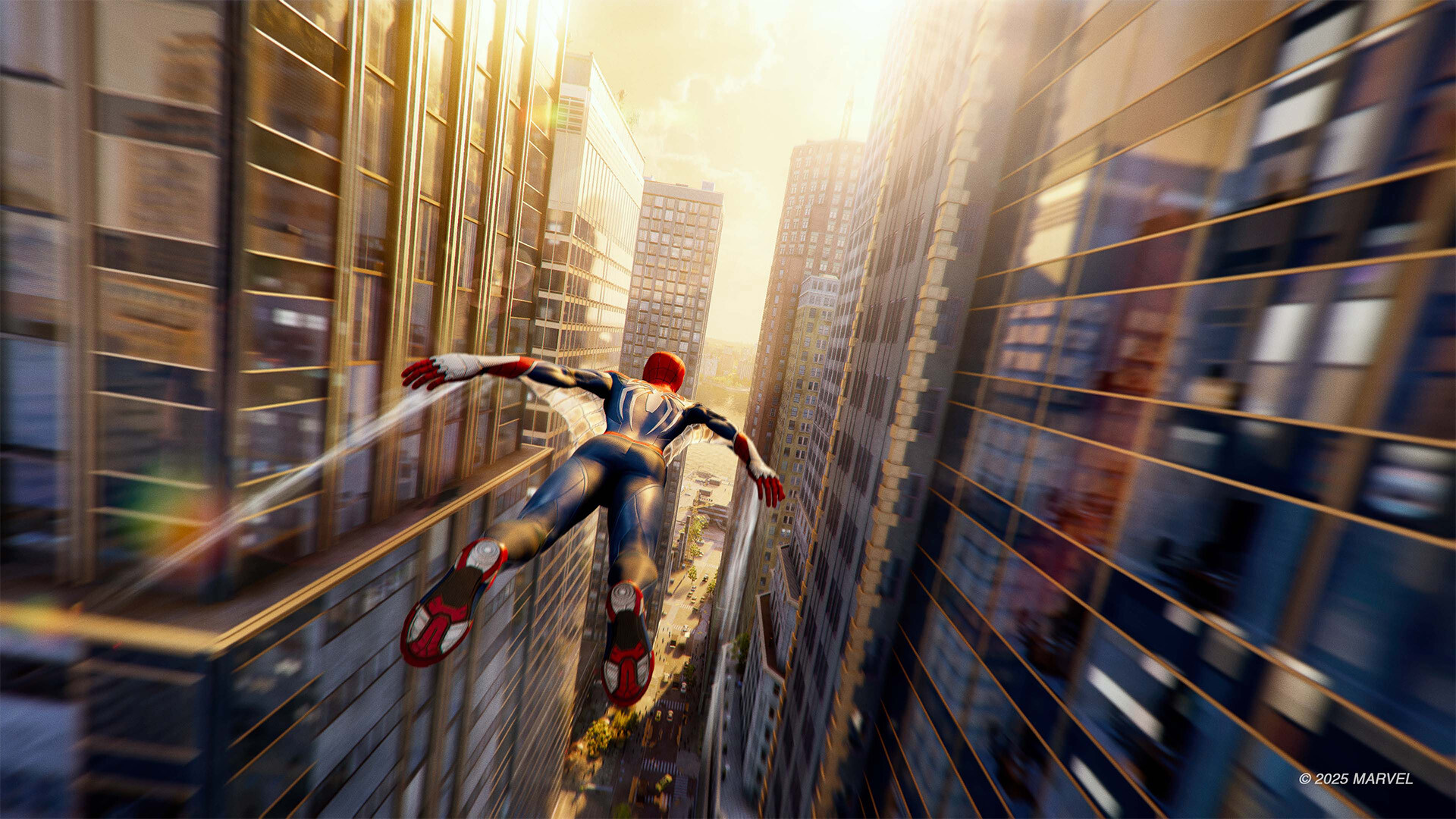
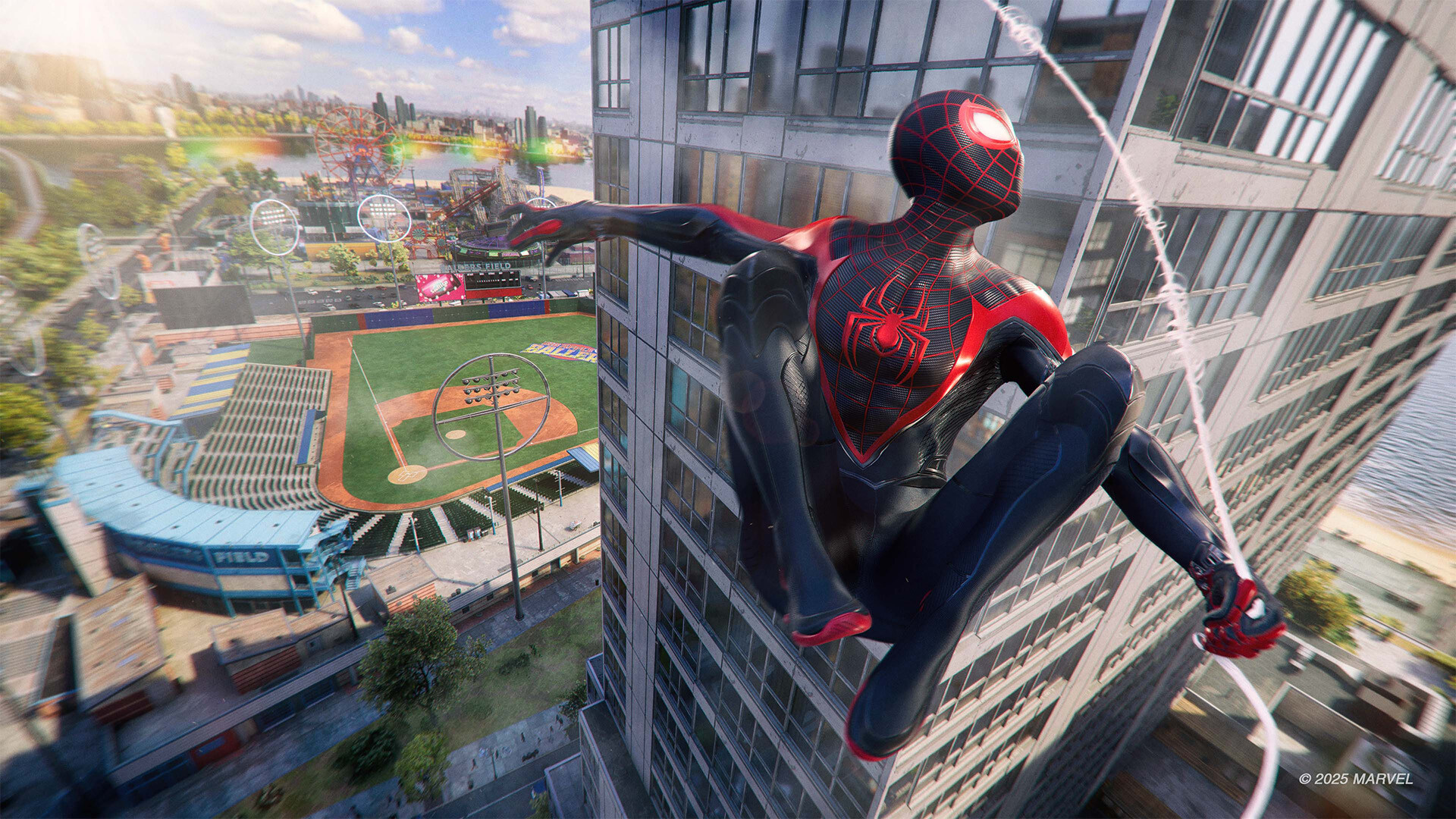
The map now covers Brooklyn and Queens in addition to Manhattan, adding locations such as Coney Island. Players can swing, jump and use Web Wings to travel across these new boroughs. Switching between Peter and Miles in open‑world exploration reveals different story beats and powers tied to each character.
- Use Web Wings to reach distant rooftops quickly.
- Explore each borough to discover hidden upgrades.
02 / THE GUIDE
Two Playable Spider‑Men
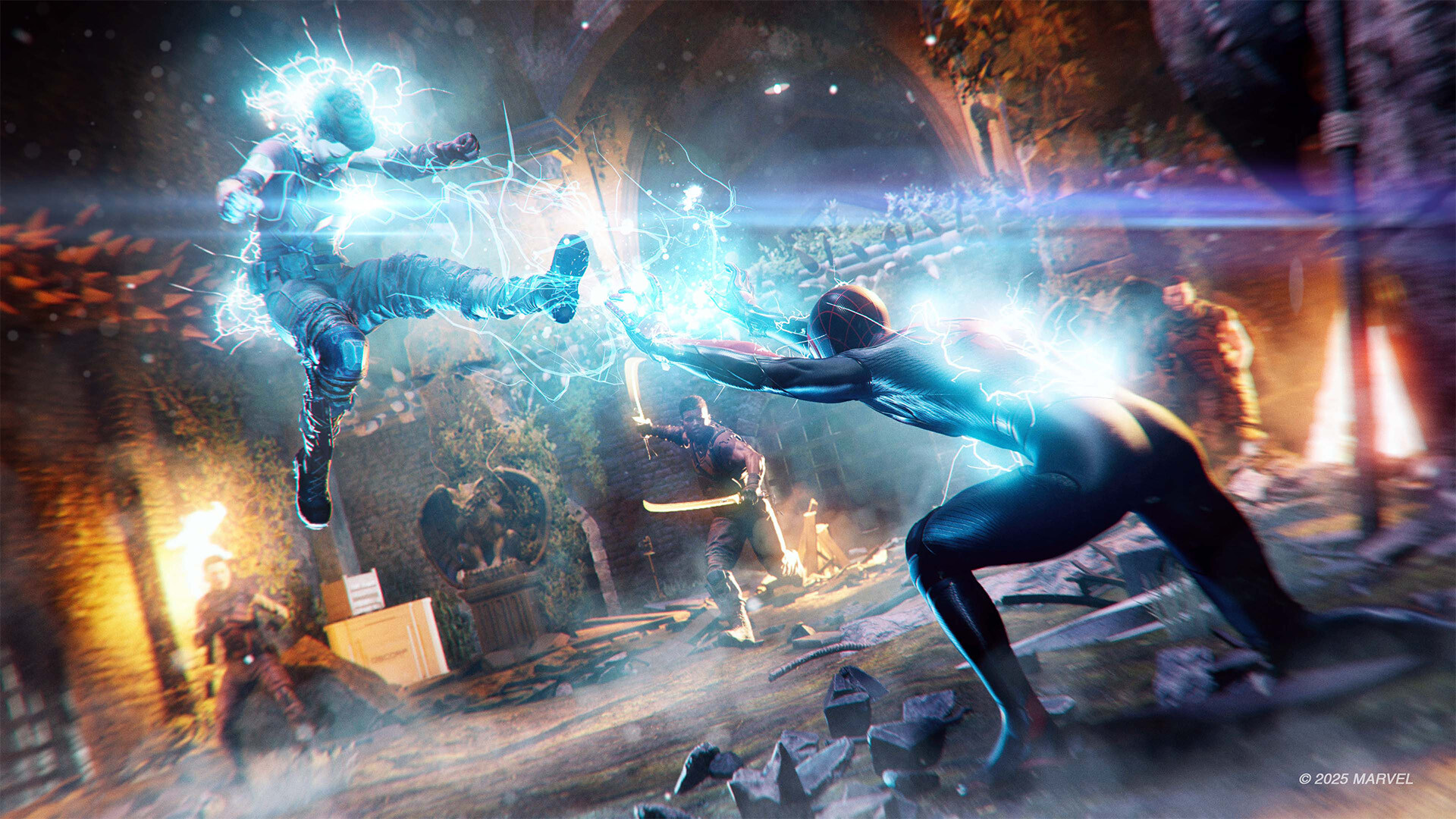
Players can control Peter Parker, who wields new symbiote abilities, and Miles Morales, who uses explosive bio‑electric venom powers. Both characters have upgradeable, high‑tech equipment that deepens combat variety. Switching between them during open‑world play lets you experience distinct narratives and power sets.
- Experiment with each hero’s powers to find a preferred combat style.
- Upgrade equipment for both characters to keep combat fresh.
03 / THE GUIDE
Iconic Villain Encounters
The game pits the Spider‑Men against a roster that includes a new take on Venom, Kraven the Hunter, the Lizard and other Marvel super‑villains. Each encounter is designed to test the heroes’ new abilities. These battles are integrated into the story and open‑world missions, offering varied challenges.
- Learn each villain’s pattern to use the appropriate hero’s power.
- Utilize upgraded gear to reduce difficulty.
04 / THE GUIDE
PC Graphics and Performance
Players can select graphical quality modes, unlocked framerates, and upscaling technologies such as NVIDIA DLSS 3, AMD FSR 3.1, and Intel XeSS. Ray‑traced reflections, shadows and ambient occlusion enhance visual fidelity. DLSS Ray Reconstruction is available for RTX GPUs, providing sharper ray‑traced images.
- Enable DLSS for higher framerates on supported hardware.
- Try ray‑traced settings on a monitor that supports high refresh rates.
05 / THE GUIDE
Accessibility and Controls
The title includes adjustable text size, subtitle options, custom volume controls, narrated menus and the ability to play without timed input. Full mouse‑and‑keyboard support and DualSense features such as haptic feedback and adaptive triggers are available via wired USB. A PlayStation overlay lets PC players earn trophies and access friends lists.
- Adjust text size and subtitles for clearer reading.
- Use the PlayStation overlay shortcut (Shift + F1) to view trophies.


COMMUNITY
Player discussion