 GameWiki
GET YOUR BEARINGS
About Marble World
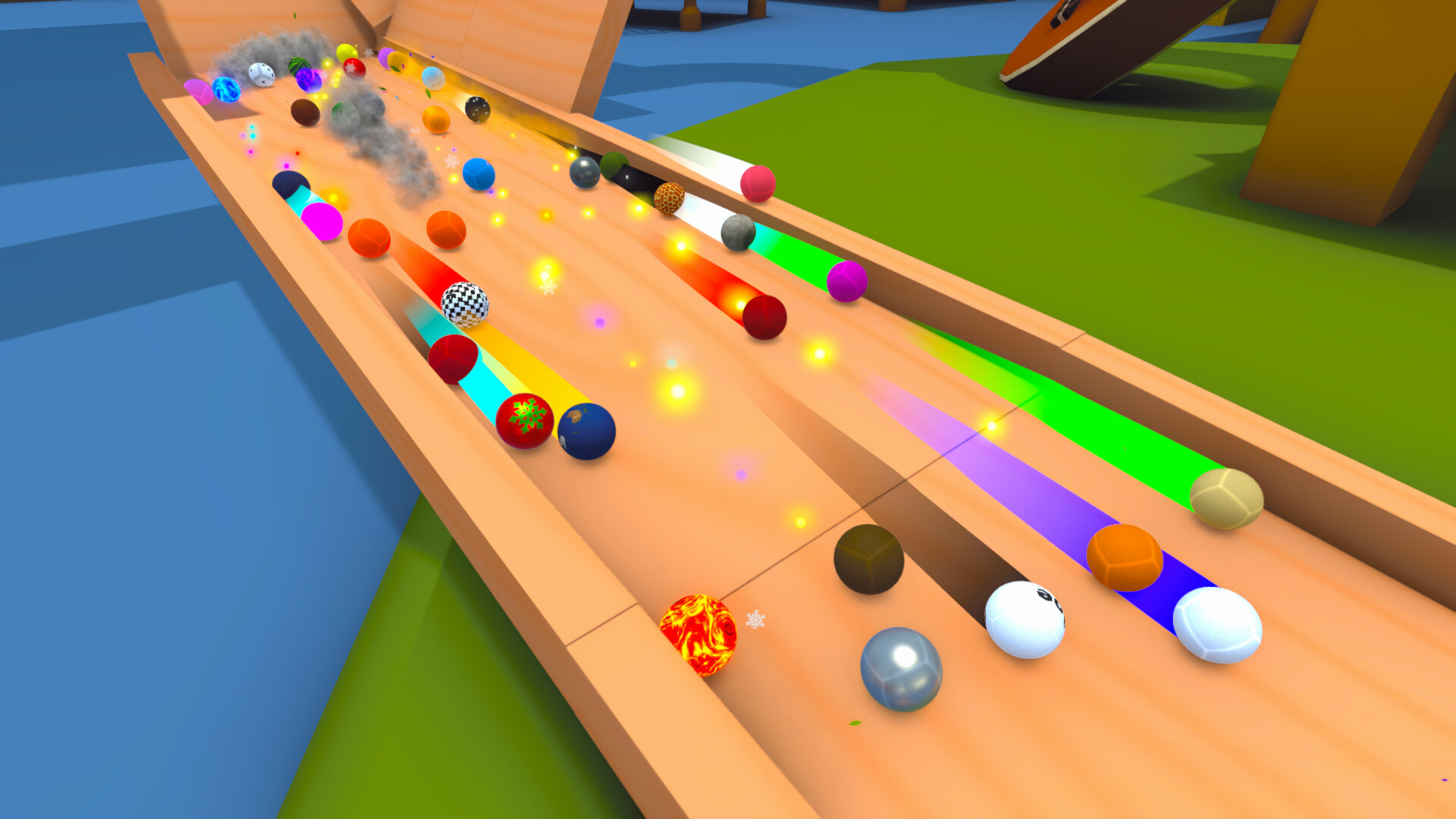
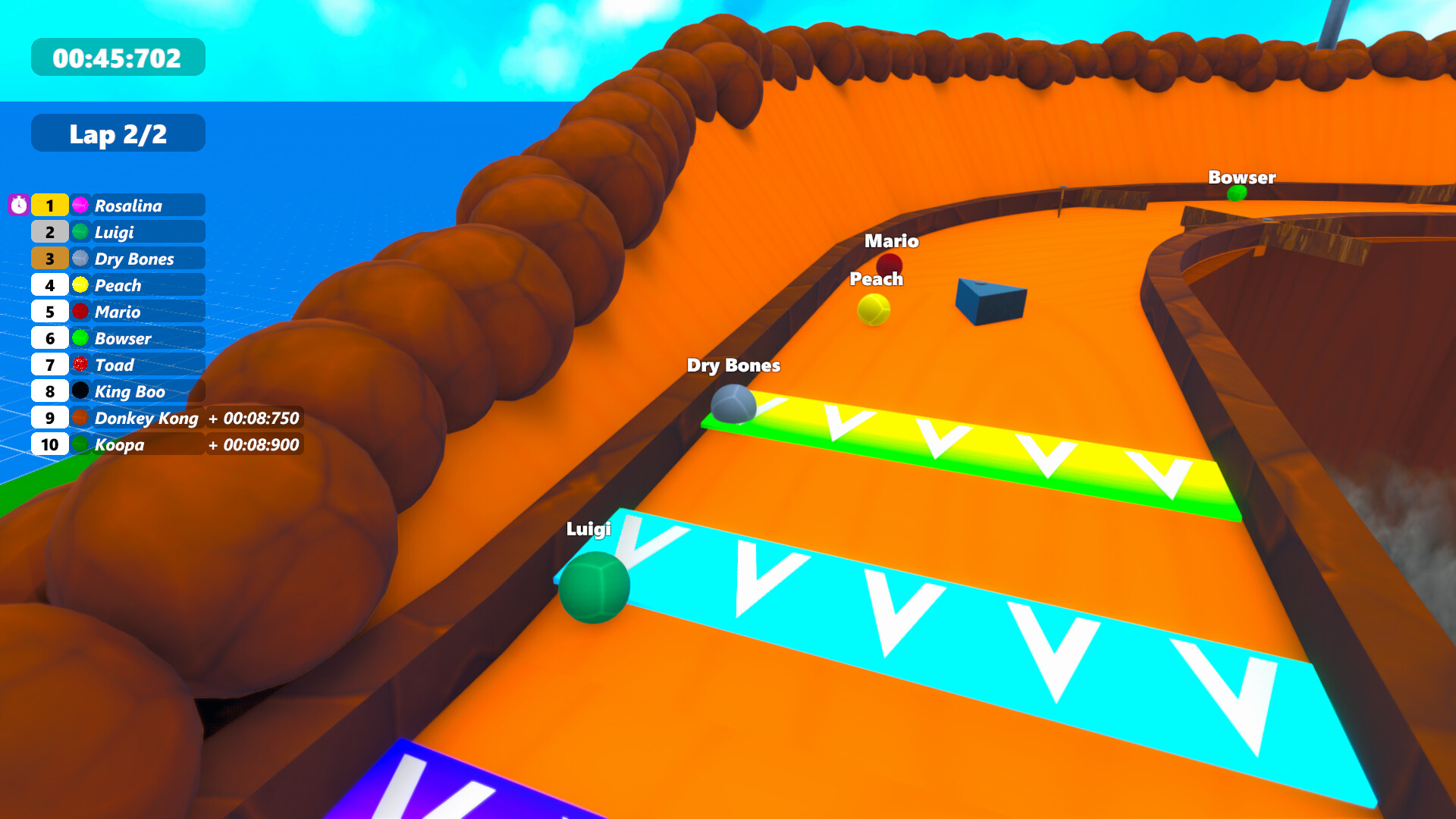
Marble World is a sandbox where you build marble runs, races, and looping machines using a large library of track pieces, decorations, and special objects. The game runs on realistic physics that can simulate more than ten thousand marbles at once, giving each creation a lively, authentic feel.
Beyond building, you can paint tracks, apply logic objects that change while marbles roll, and share your designs through Steam Workshop or Twitch integration. Customizable marbles let you add names, skins, and visual effects, while the editor works in real time or paused mode.
01 / THE GUIDE
Realistic Physics Sandbox
The core of Marble World is its physics engine, which accurately models gravity, collisions, and momentum for over ten thousand marbles simultaneously. This high‑count simulation ensures that each marble behaves naturally as it interacts with tracks and objects.
While building, you may pause, slow‑motion, or speed up time, letting you observe marble flow under different speeds and place components with precision. These time controls do not alter the underlying physics, only the playback rate.
- Pause the simulation when aligning complex mechanisms to see exact placement without marble movement.
- Use slow‑motion to watch how boosters affect speed before committing to a final layout.
02 / THE GUIDE
Versatile Track Building Tools
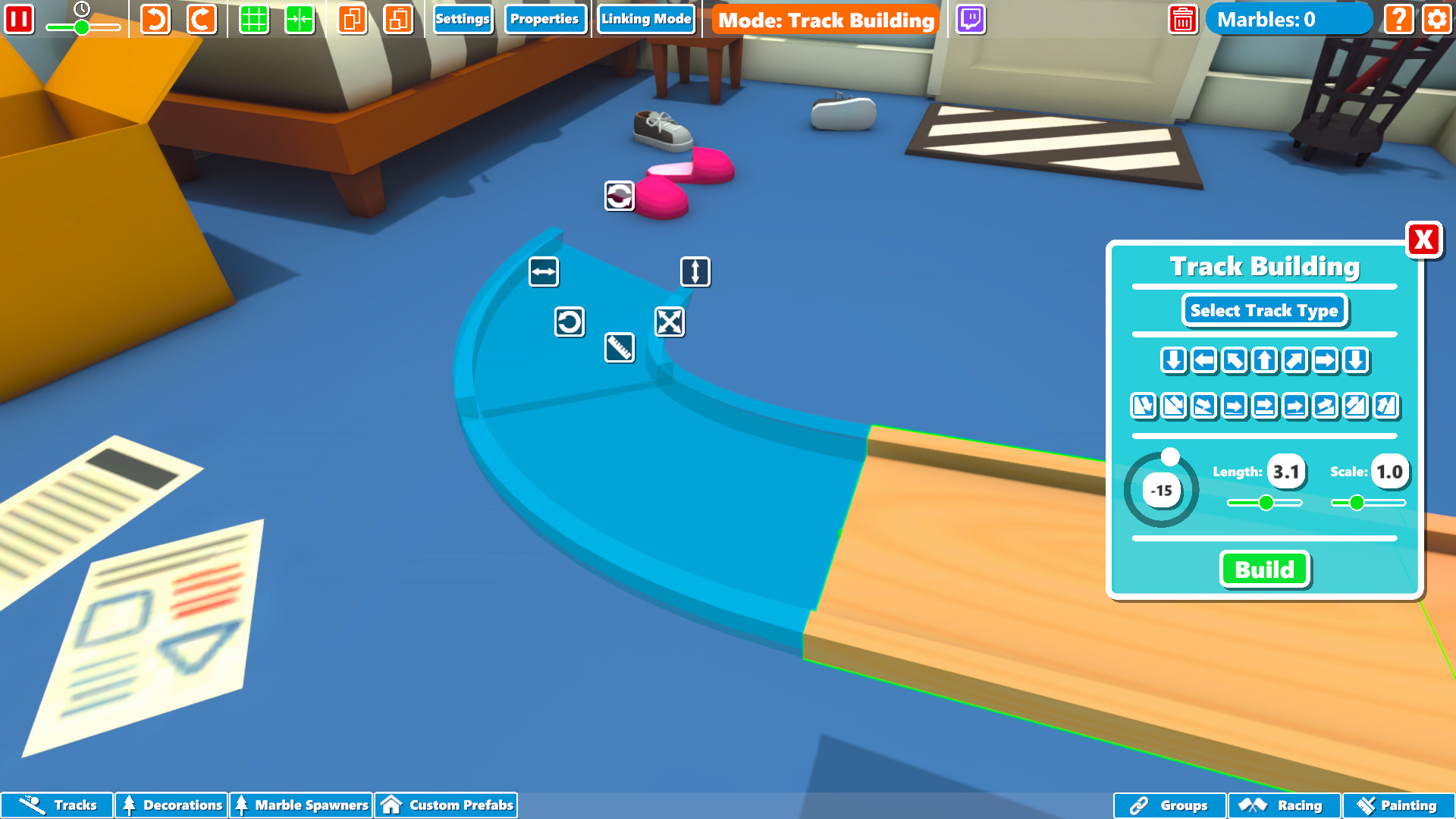
A broad set of track pieces is provided in multiple forms, sizes, and themes. Each piece can be moved, snapped, rotated, and scaled, allowing you to construct runs ranging from simple slopes to intricate loops.
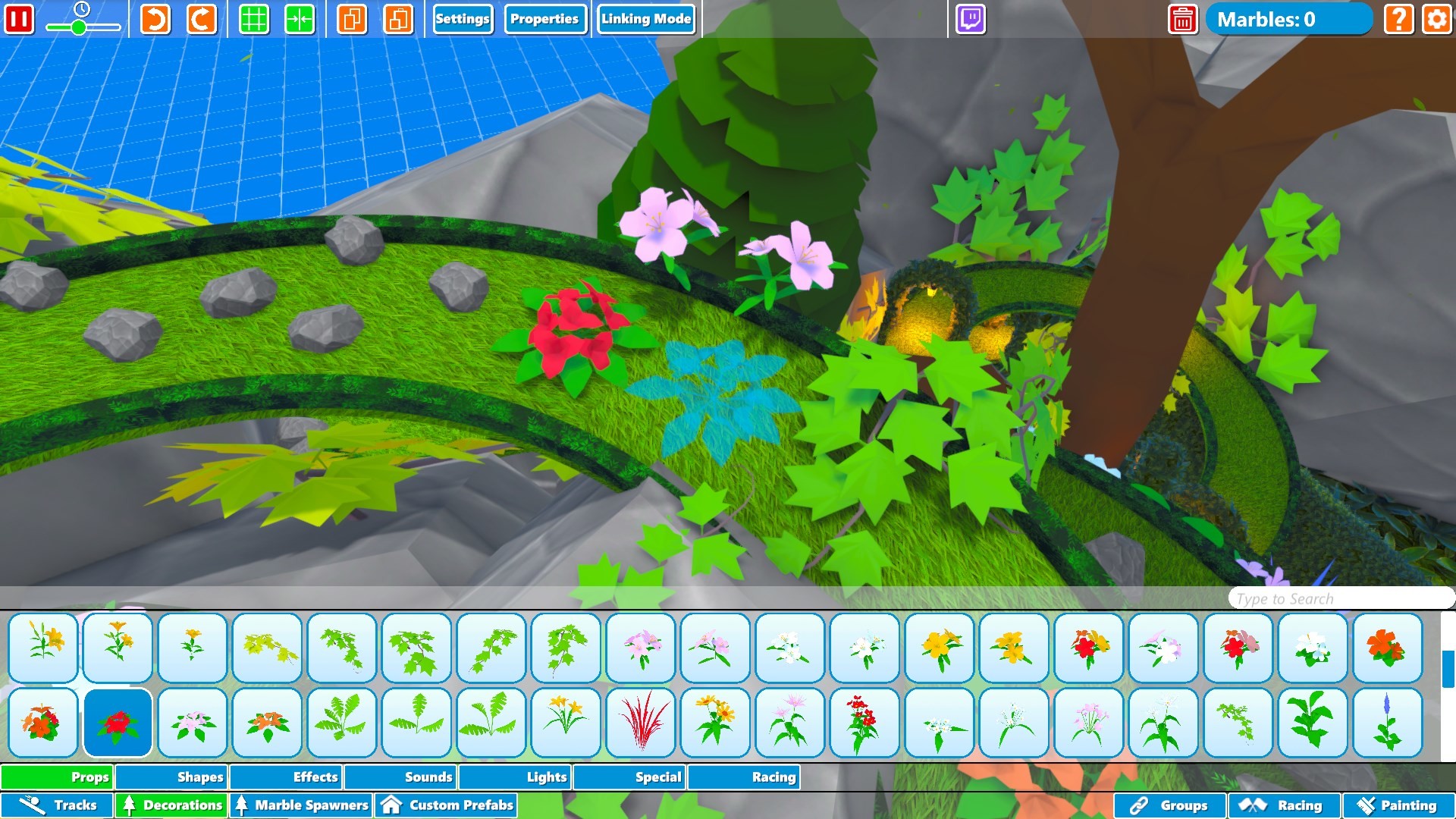
Special objects such as boosters, gravity pads, and spinners add functional variety, while a painting system lets you colour tracks and decorations to match any aesthetic you envision.
- Utilise the snap feature to keep pieces tightly aligned and avoid gaps that stop marble motion.
- Mix themed pieces for visual contrast, then test marble flow to ensure functional continuity.
03 / THE GUIDE
Customizable Marbles
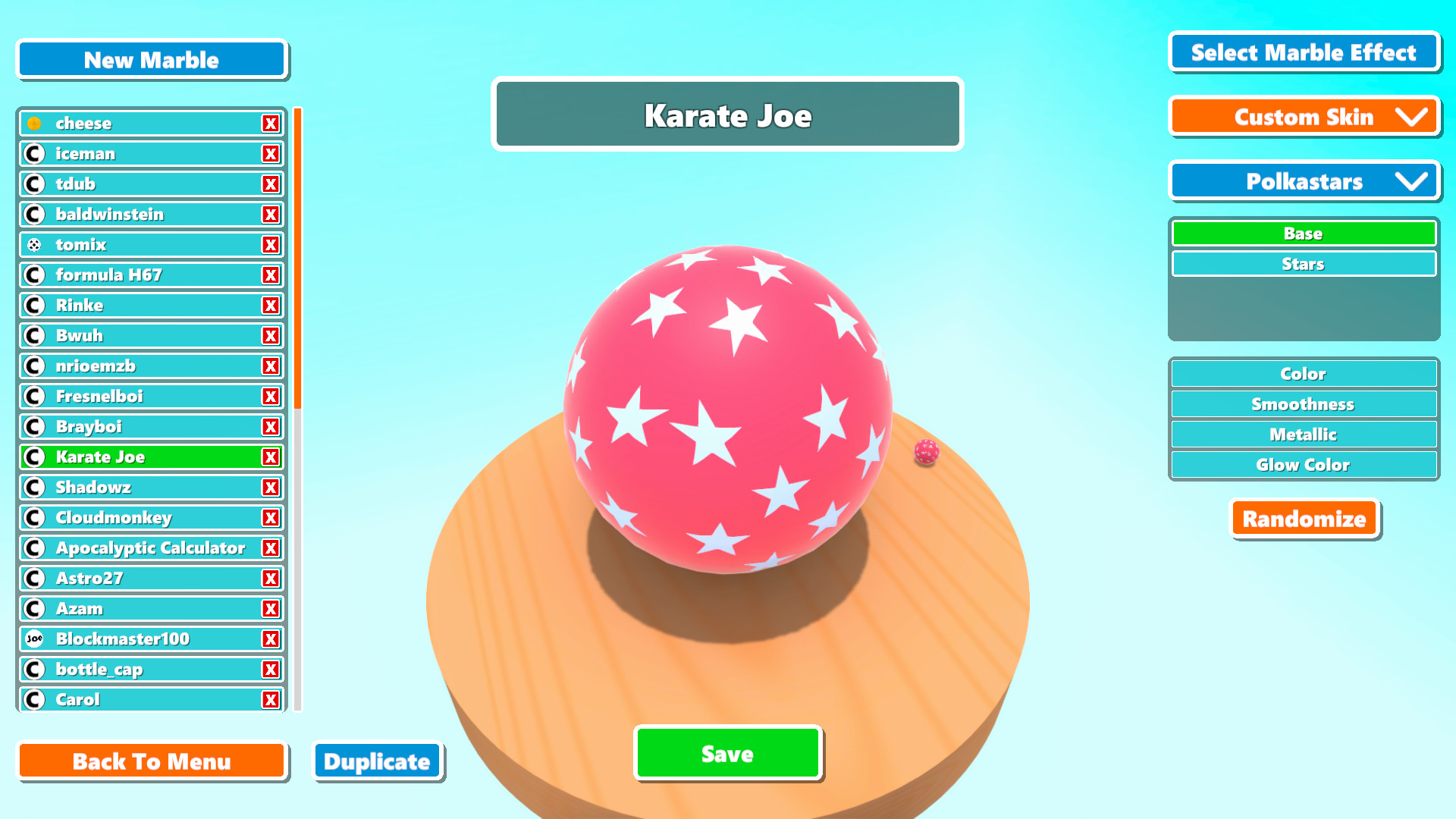
Marbles can be personalized with names, skins, and special visual effects, giving each ball a distinct appearance. The store description highlights names, skins, and special effects as customization options for your marbles.
You can also design and create your contraptions while the marbles are running, or stop time to build elaborate mechanisms.
- Give favorite marbles memorable names to track them in large‑scale runs.
- Choose high‑contrast skins to keep individual marbles distinguishable when many are on screen.
04 / THE GUIDE
Dynamic Logic Objects
Logic objects let you dynamically change tracks while marbles are rolling, adding an interactive layer to your creations. This adds a real‑time control layer to any creation.
Combining logic with boosters or gravity pads lets you design races that evolve, requiring players to adapt as the track changes during play.
- Test each logic trigger on a short segment before integrating it into a full run.
- Synchronise multiple logic objects to create smoother transitions between track sections.
05 / THE GUIDE
Sharing and Twitch Integration
Creations can be shared with others through the Steam Workshop, where other players can access them. This community hub encourages sharing of both simple runs and elaborate machines.
Twitch integration allows viewers to join live sessions, turning a build into an interactive broadcast experience.
- Publish polished runs to the Workshop for broader community feedback.
- During a Twitch stream, let viewers vote on a single track alteration to see immediate impact.
COMMUNITY
Player discussion