 GameWiki
GET YOUR BEARINGS
About Marble's Marbles
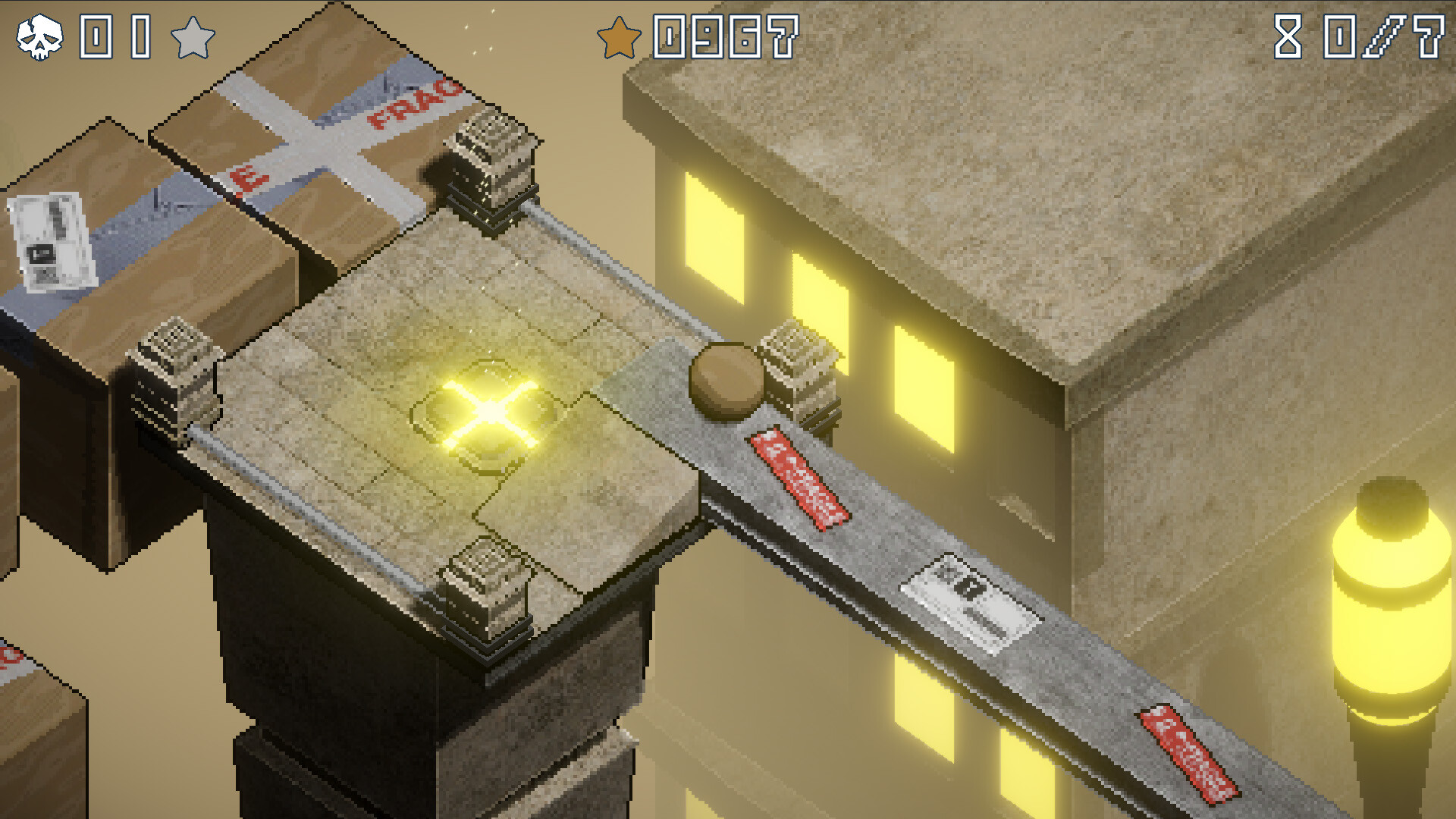
Marble’s Marbles asks you to guide Marble’s lost marbles back home through a series of physics‑driven stages. The game blends classic marble‑rolling ideas with modern visuals, delivering crisp environments and realistic bounce physics.
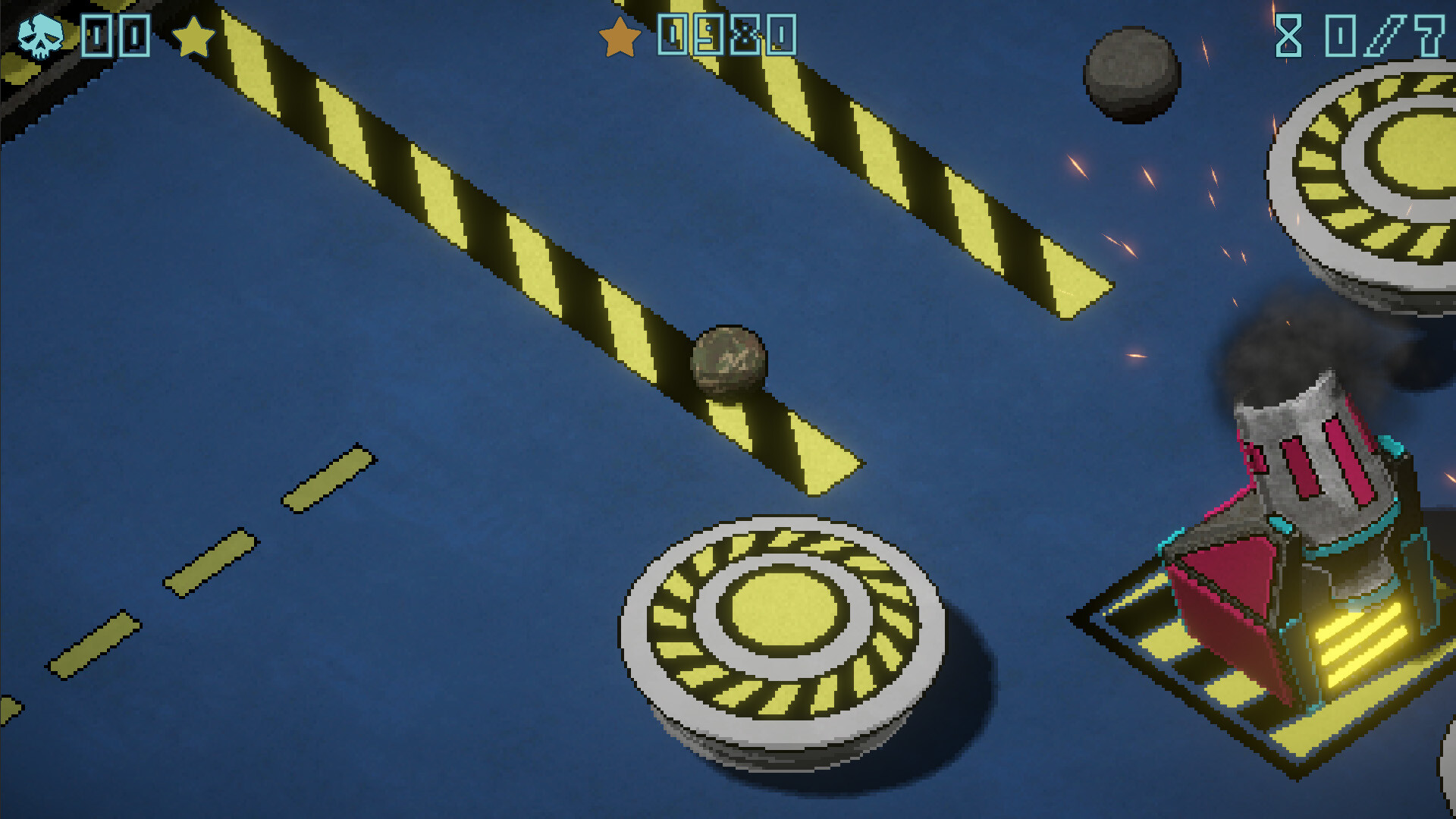
Each world adds fresh obstacles—crumbling platforms, moving machines, wild contraptions, and shifting landscapes—that test reflexes, quick thinking, and problem solving. The design encourages quick pick‑up play with intuitive controls and full controller support.
01 / THE GUIDE
Core Gameplay
The central activity is rolling, bouncing, and balancing marbles through varied levels. Physics‑powered movement means momentum and angles behave realistically, rewarding precise timing and spatial awareness.
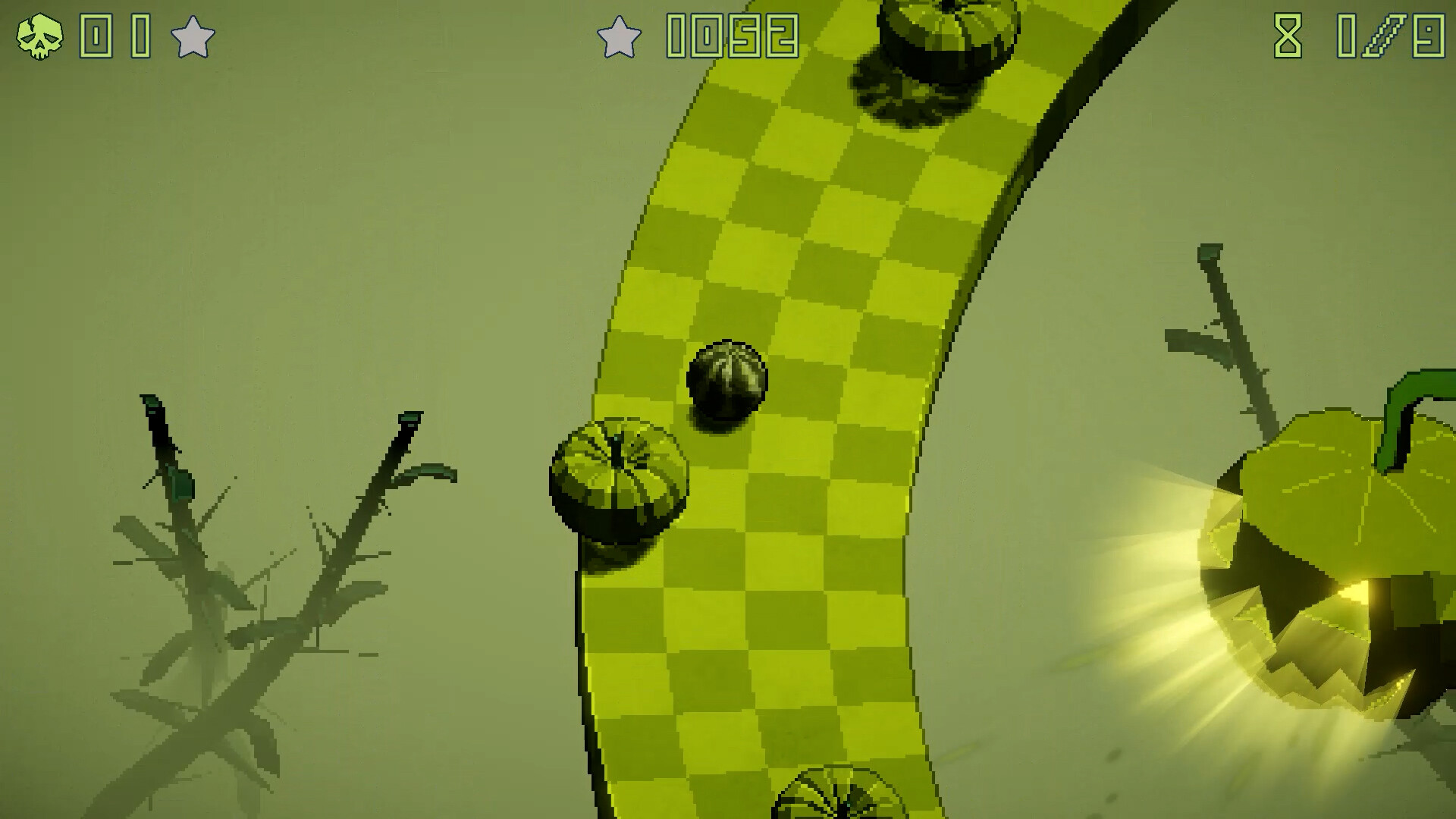
Levels are organized into distinct worlds, each introducing new environmental hazards such as moving machines or shifting platforms. Players must adapt their approach as the scenery evolves, keeping the experience fresh.
- Observe how momentum carries the marble before committing to a jump.
- Notice the shape of upcoming obstacles to plan your path early.
02 / THE GUIDE
World and Level Design
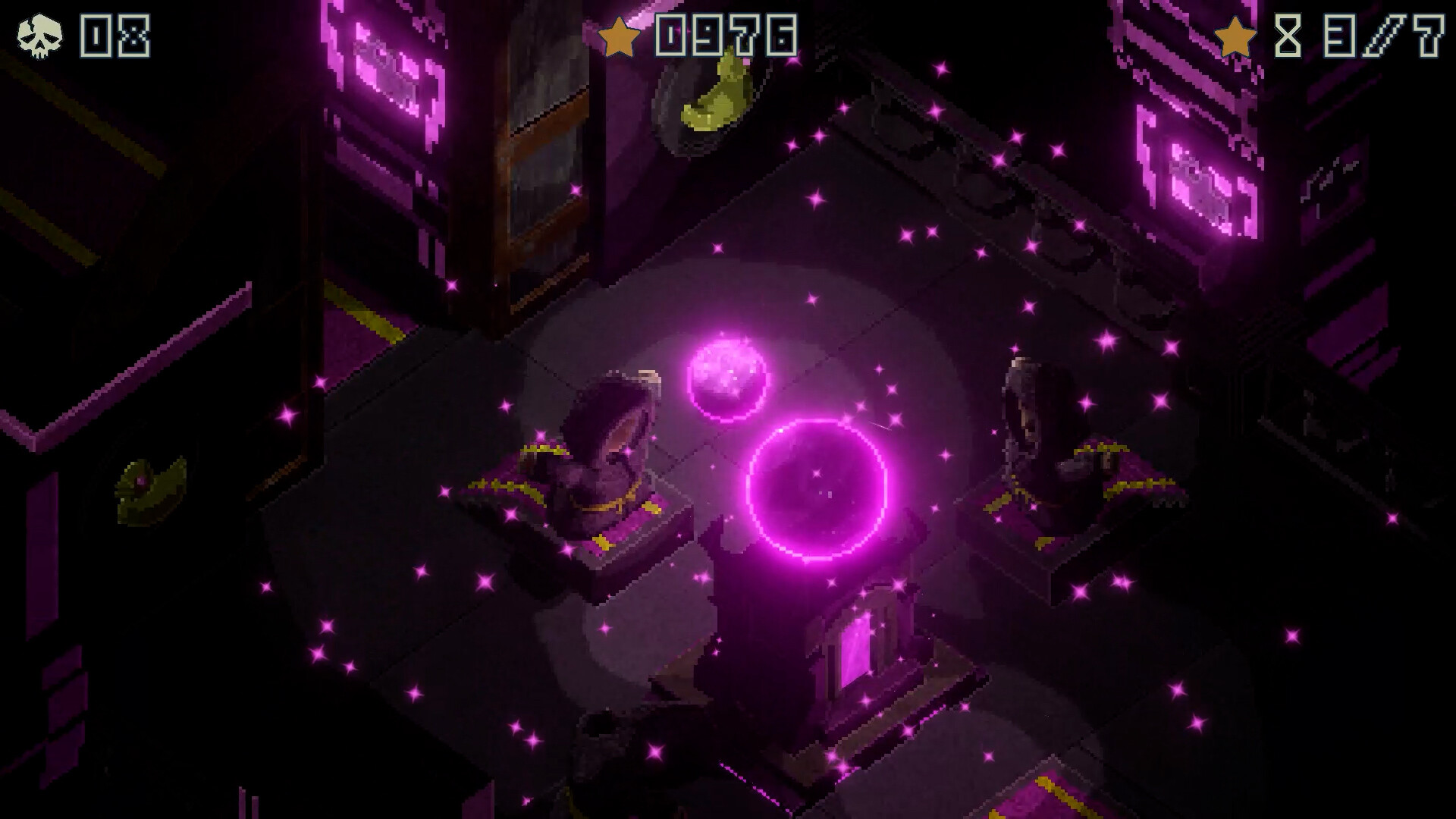
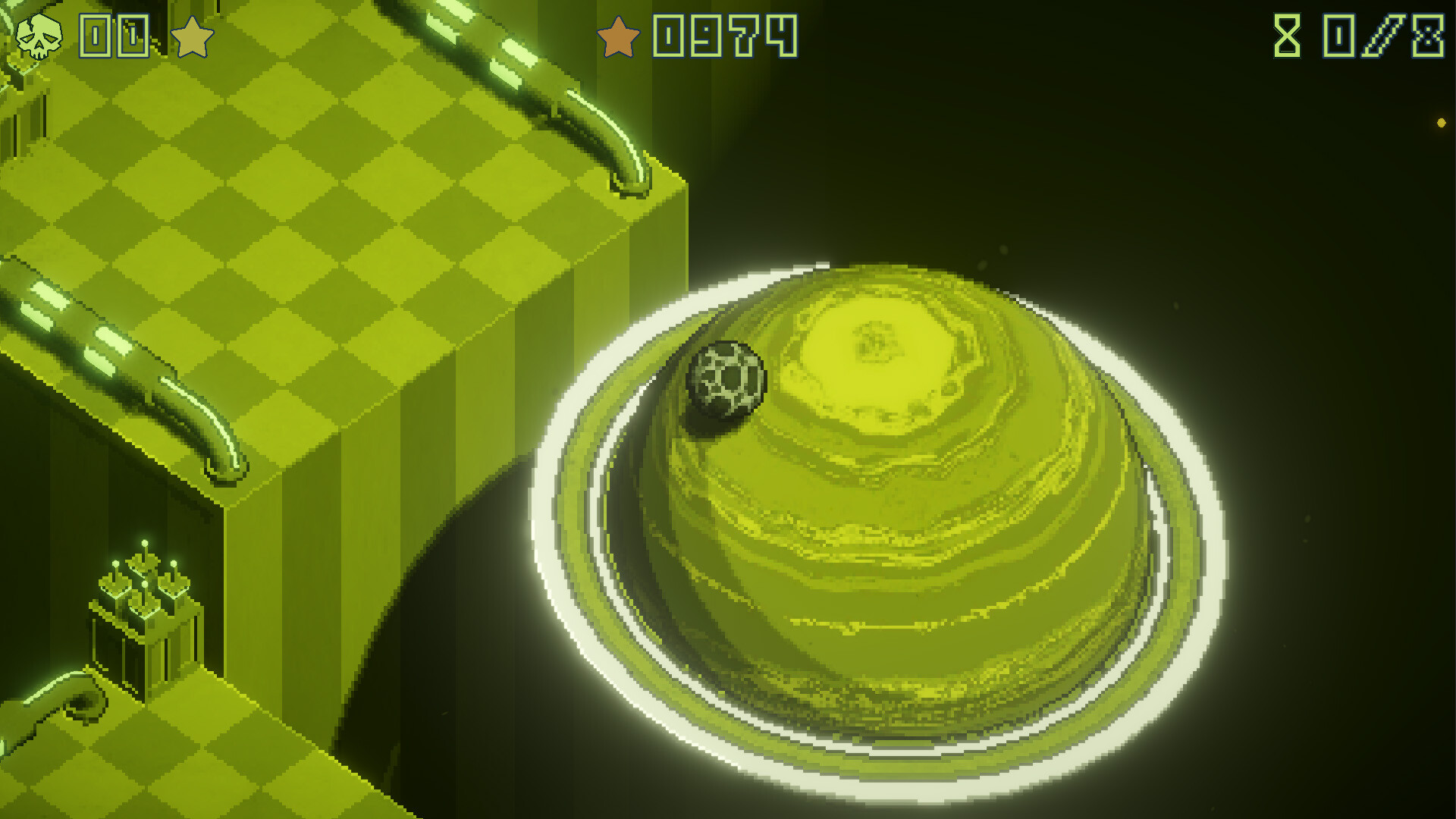
Every world features its own visual theme and mechanical twist, ranging from crumbling platforms to wild contraptions. These variations create a sense of progression as players move from one environment to the next.
Shifting landscapes and moving machines are built around the game’s physics engine, ensuring interactions feel consistent once mastered. This consistency helps players learn patterns across levels.
- Watch a moving machine complete a full cycle before crossing it.
- Look for visual cues that hint at upcoming platform behavior.
03 / THE GUIDE
Controls and Input Options
Marble’s Marbles provides intuitive controls that work with both keyboard and full controller setups. The store listing mentions a Keyboard Only Option and Full controller support, confirming both input methods are available.
The game’s description emphasizes easy pick‑up play, indicating that the control scheme is designed for quick learning regardless of the chosen device.
- Try the controller if analog sticks feel smoother for steering.
- Use the keyboard if you prefer precise key presses for fine adjustments.
04 / THE GUIDE
Saving and Cloud Features
The “Save Anytime” feature lets players record progress at any moment, offering flexibility to pause and resume without losing momentum. This manual save option is explicitly listed among the game’s features.
Steam Cloud integration stores saved data online, allowing access from any compatible device that runs the game. The feature is noted in the official feature list.
- Save before a particularly tricky segment to avoid replaying earlier sections.
- Check that Steam Cloud is enabled in your client settings to keep progress synced.
05 / THE GUIDE
Supported Platforms and Additional Features
The title runs on Windows, macOS, and Linux, covering the major desktop operating systems and ensuring most players can experience the game. These platforms are listed in the store information.
Additional features include Steam Achievements, Family Sharing, custom volume controls, and a Gamepad Recommended tag, enhancing the overall user experience.
- Explore the achievement list to set personal goals beyond level completion.
- Adjust volume settings to balance music and sound effects for comfortable play.
COMMUNITY
Player discussion