 GameWiki
GET YOUR BEARINGS
About MapleStory M
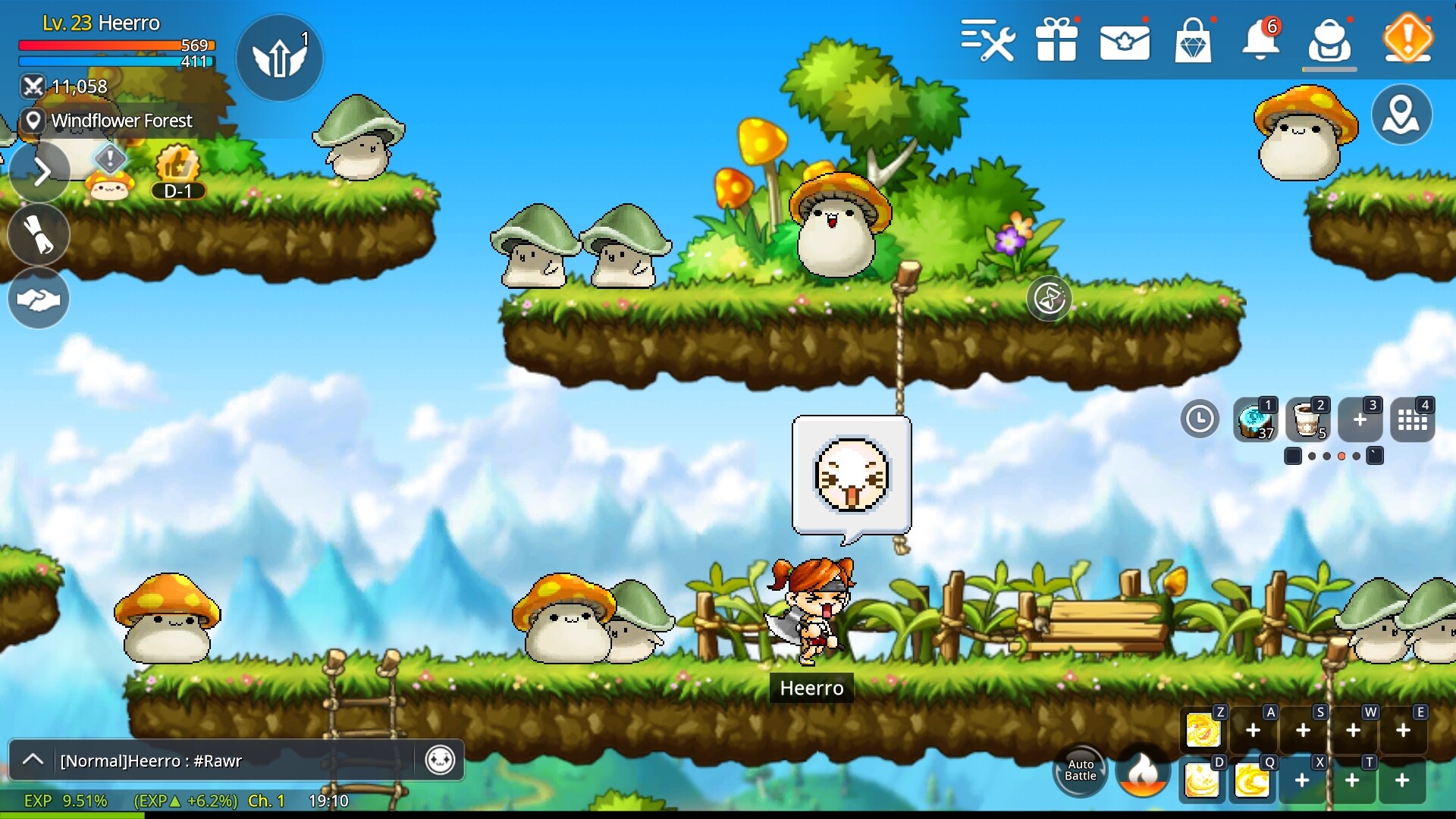
MapleStory M delivers the classic 2D side‑scrolling MMORPG experience, preserving the pixel art and lively world that long‑time fans recognize. Players traverse Maple World, complete story quests, hunt monsters, and engage in boss raids while enjoying a growth system aimed at newcomers and returning players.
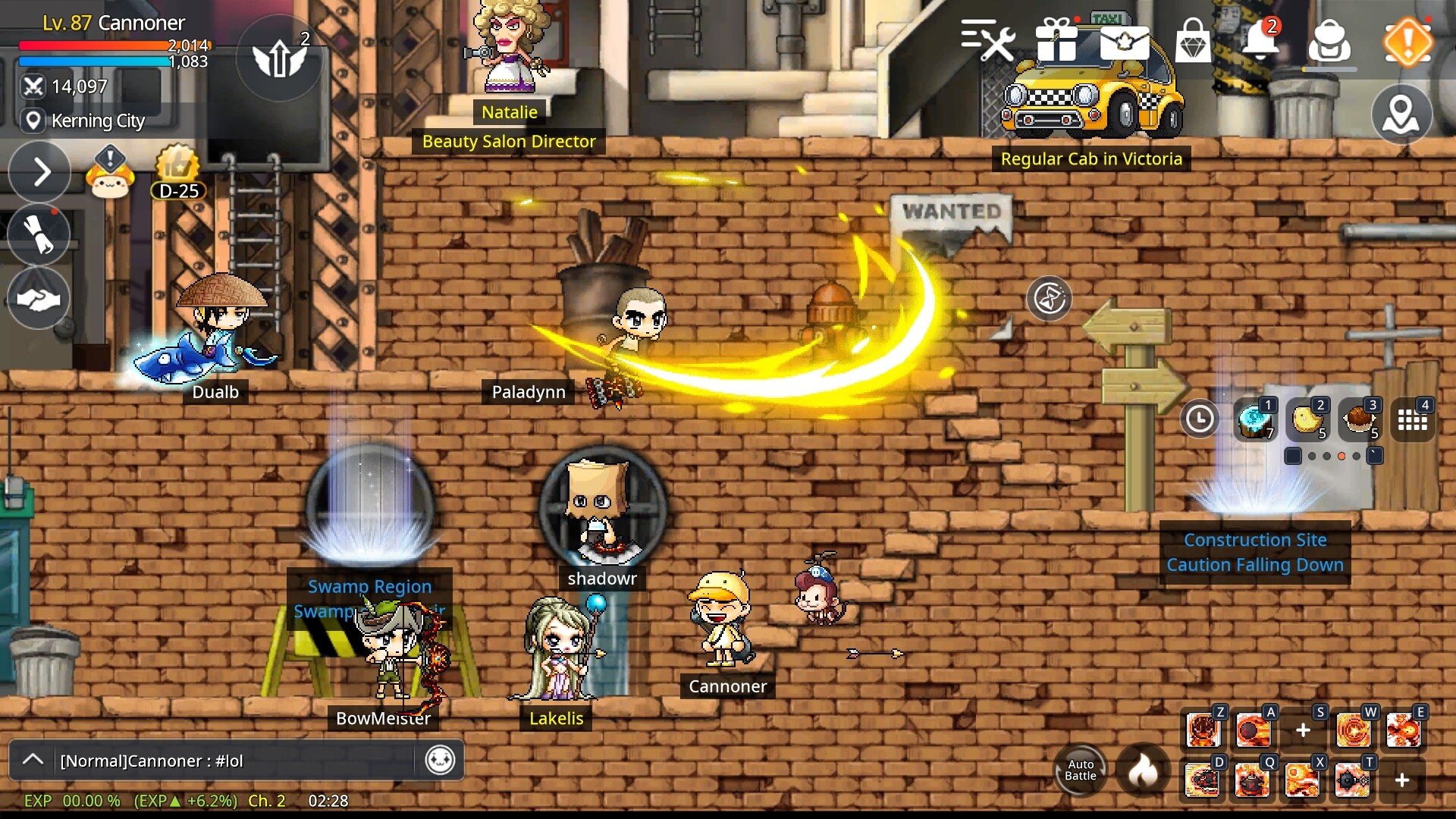
The game supports both solo play and online co‑op, letting you adventure alone or with friends. Seasonal updates add guild features, mini‑games, and other social content that keep the experience fresh over the long term.
01 / THE GUIDE
Jobs and Combat
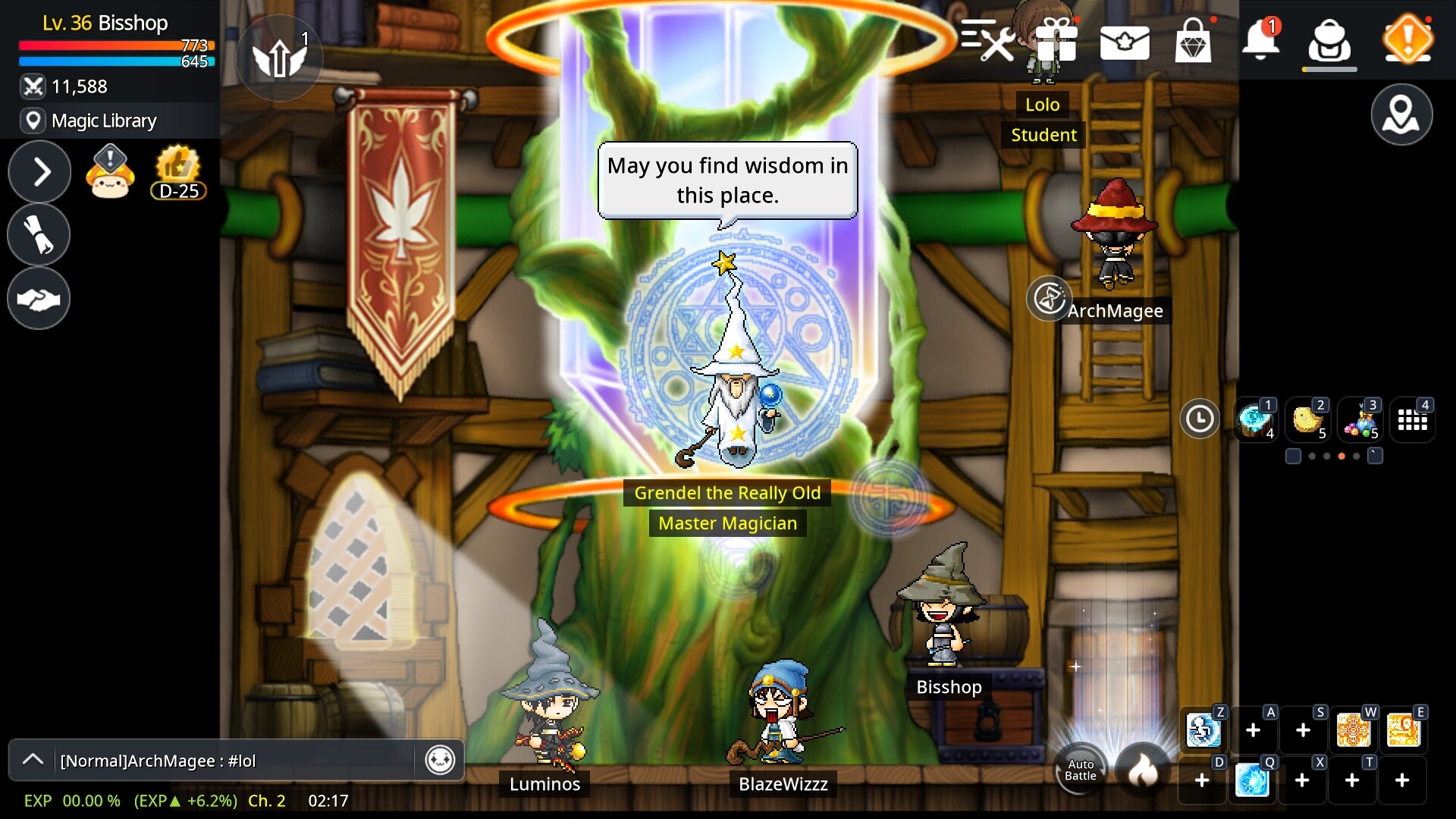
MapleStory M offers dozens of jobs such as Warrior, Magician, Thief, Pirate, and Archer, each described as having distinct skills and battle styles. The side‑scrolling combat lets players move through maps while attacking monsters and advancing story quests.
Progression occurs through story quests, hunting, and boss raids, allowing characters to gradually become stronger. The game lists both single‑player and multiplayer modes, so you can adventure alone or with friends.
- Choose a job whose skill pattern matches your preferred rhythm for smoother early progression.
- Mix solo hunting with occasional co‑op raids to experience both personal growth and teamwork.
02 / THE GUIDE
Character Customization
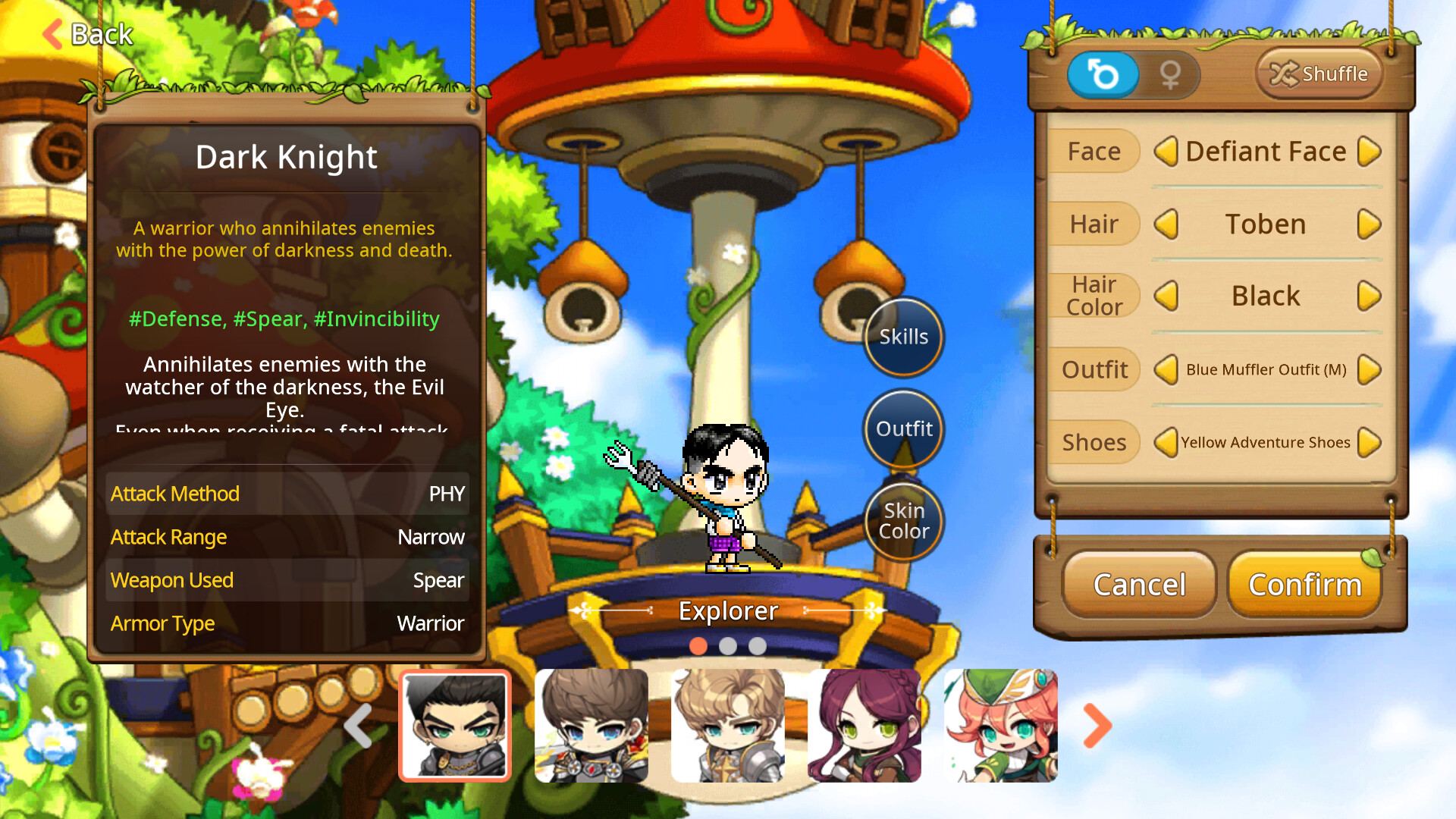
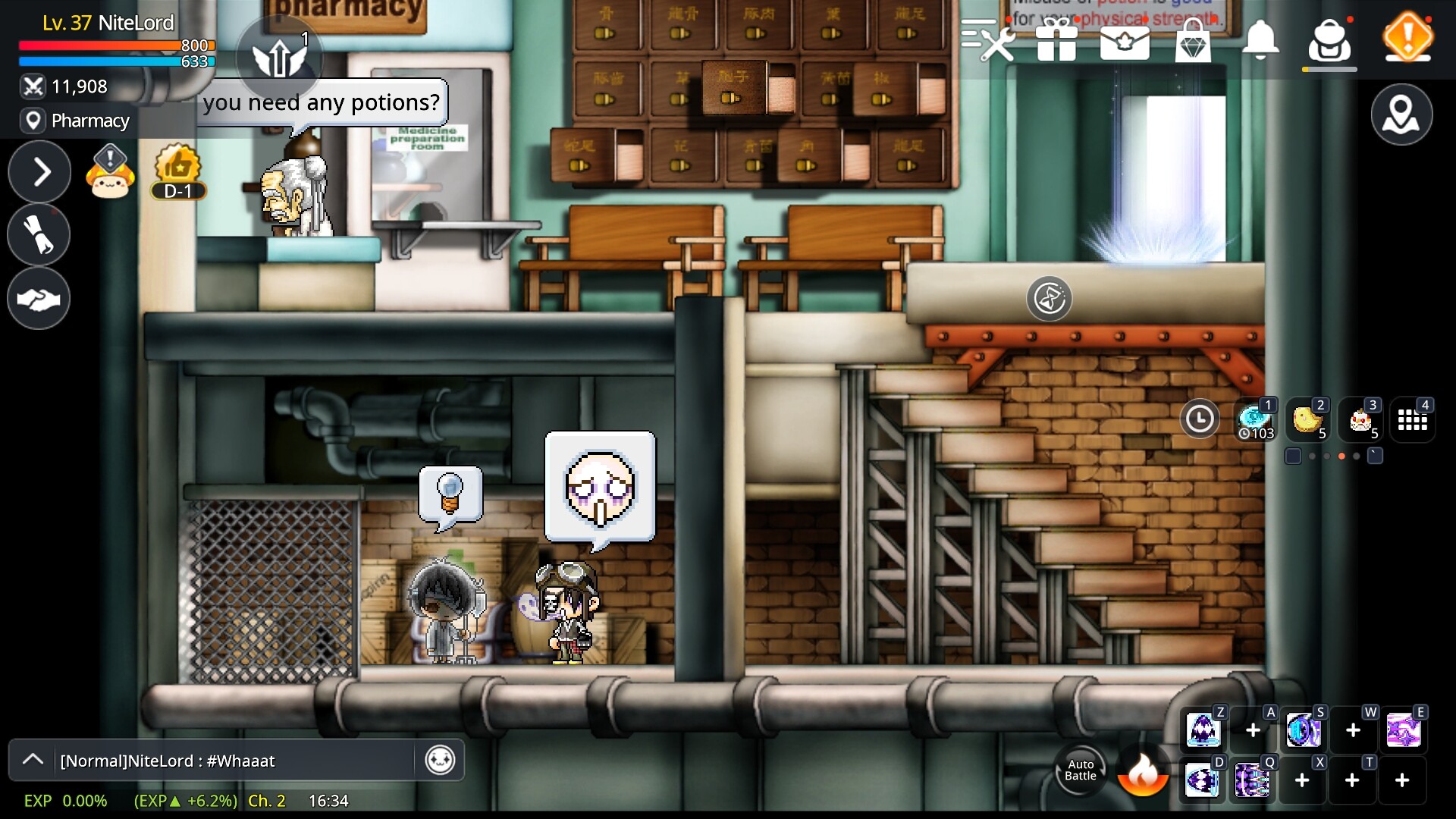
Players can create a unique avatar using extensive options for hair, face, outfits, and more, as stated in the description. The visual style stays true to the familiar pixel graphics of the original series.
Customization covers hair, face, outfits, and more, letting players shape a personal visual style for their character.
- Experiment with different outfit combinations early to establish a visual identity you enjoy.
- Take note of how certain outfits appear in crowded map areas for better visibility.
03 / THE GUIDE
Growth Systems
MapleStory M includes a simple growth system aimed at beginners and returning players, featuring auto‑battle options and a feature called Tera Burning to accelerate progress.
Equipment farming and story quests are described as the primary means of leveling up, while in‑app purchases are listed as an optional way to obtain enhancements.
- Activate auto‑battle during repetitive grinding to save time while still earning experience.
- Prioritize equipment farming after completing story quests for steady stat improvements.
04 / THE GUIDE
Boss Raids and Co‑op
Boss raids present challenging battle patterns that can be tackled solo or with a friend, and defeating powerful bosses yields rare items and rewards for equipment enhancement.
The description notes an online co‑op mode that lets players coordinate attacks, making raids a social highlight of the experience.
- Coordinate skill cooldowns with a partner to maximize damage during raids.
- Attempt raids after reaching a solid gear baseline to improve success rates.
05 / THE GUIDE
Seasonal and Social Content
Each season introduces new content such as guild systems, signature mini‑games, and event‑based updates, giving players reasons to keep leveling up over the long term.
The guild system and other social content are listed, fostering community interaction beyond the core combat loop.
- Join a guild early to access coordinated activities and social benefits.
- Try seasonal mini‑games for a change of pace from standard quests.
COMMUNITY
Player discussion