 GameWiki
GET YOUR BEARINGS
About MapCity
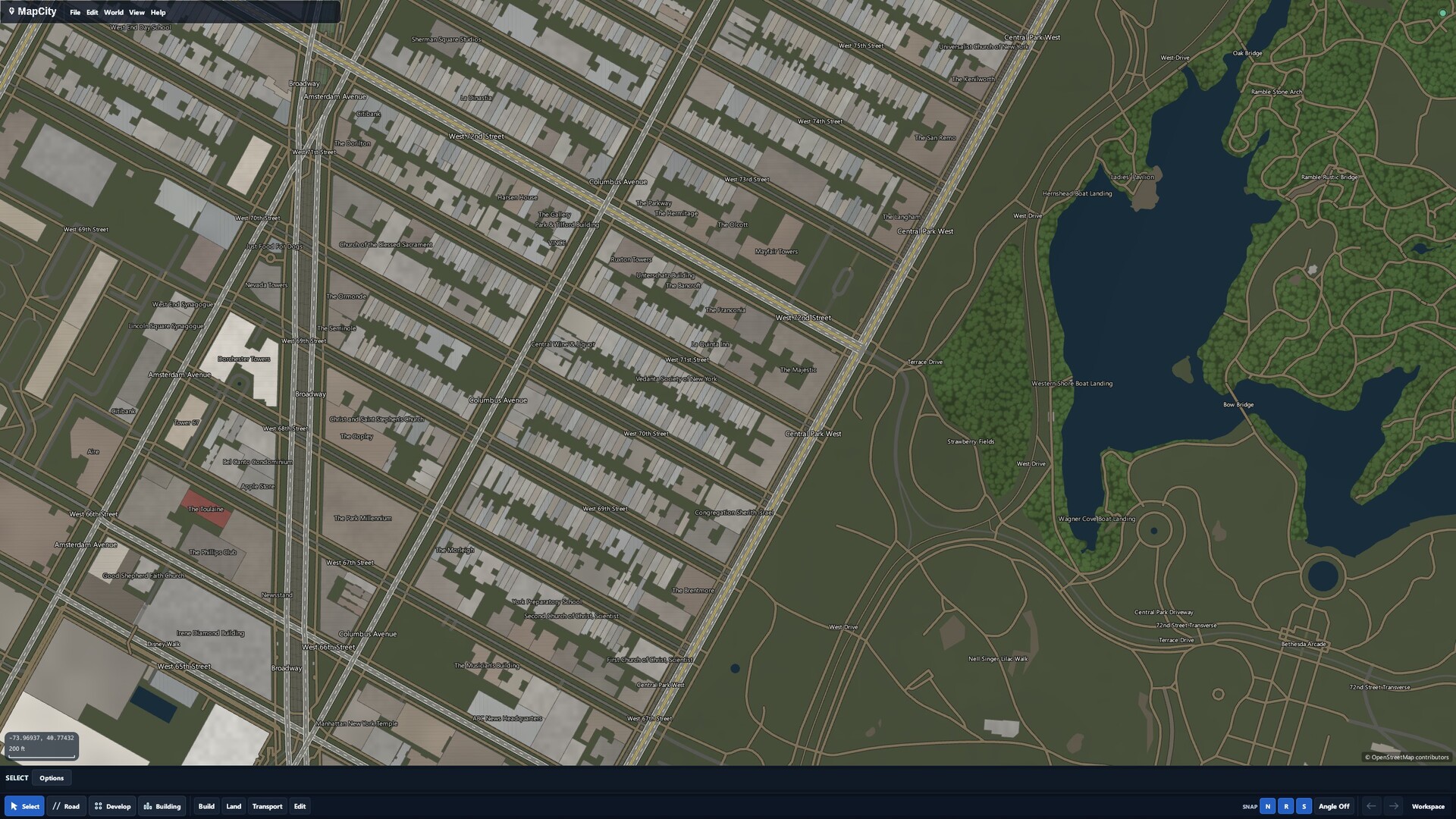
MapCity is an early‑access creative map sandbox where you draw, edit, and style city layouts yourself. It does not simulate economies or populations, focusing instead on hands‑on map construction. The base install is under 100 MB and runs on Windows and macOS. Optional free map DLCs add large real‑world places, but they are not required to create or save your own maps.
01 / THE GUIDE
Creative sandbox focus
MapCity is described as a toolbox for making maps rather than a traditional city‑management game. The current development plan does not include deep simulation of city economics or population.
Because it is early in development, expect rough edges and tools that need time to learn. The experience is suited to players who enjoy designing places and setting personal goals.
- Start by experimenting with simple layouts to become comfortable with the interface.
- Treat each session as a sandbox experiment rather than a goal‑oriented campaign.
02 / THE GUIDE
Road drawing and editing tools
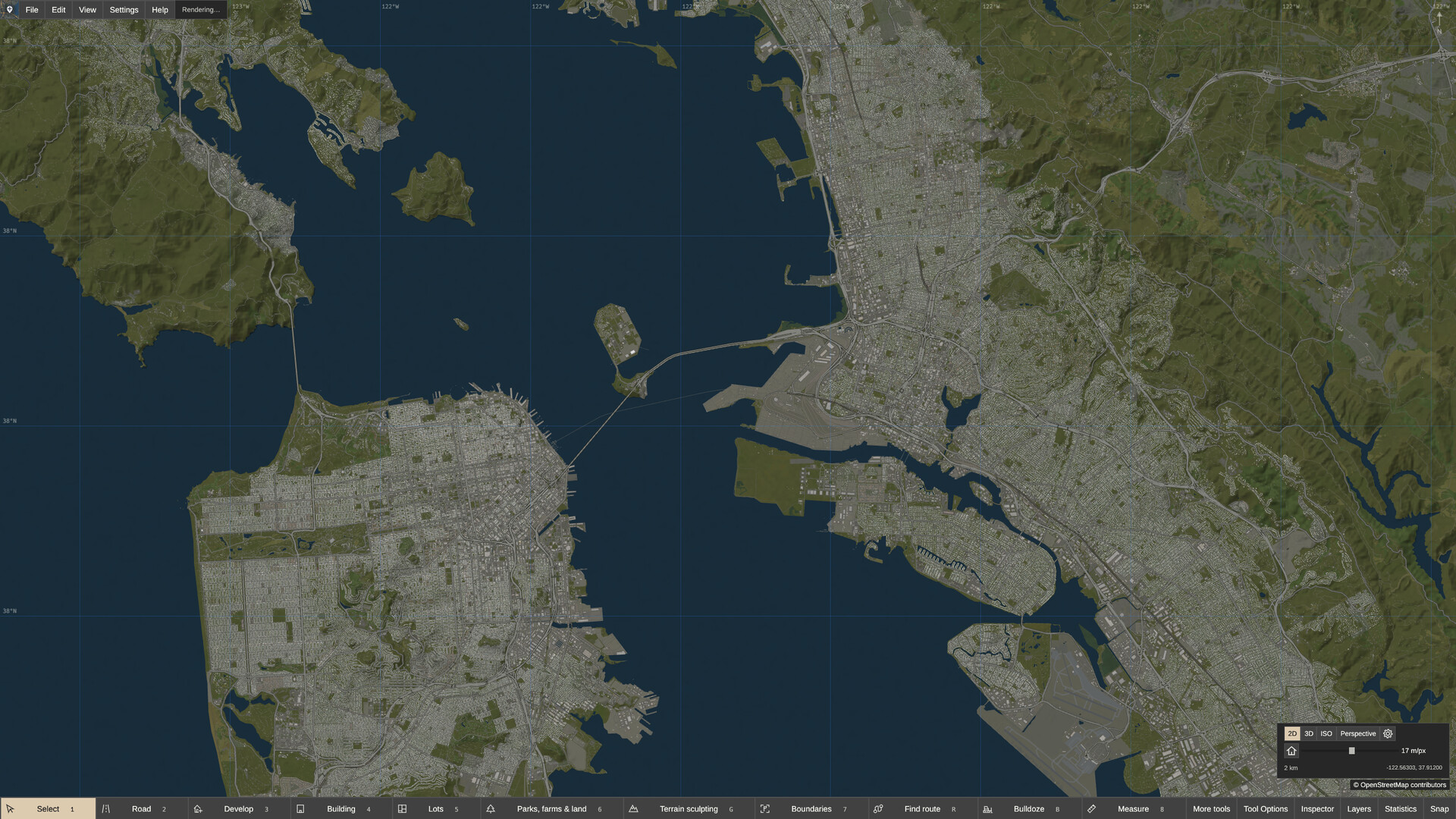
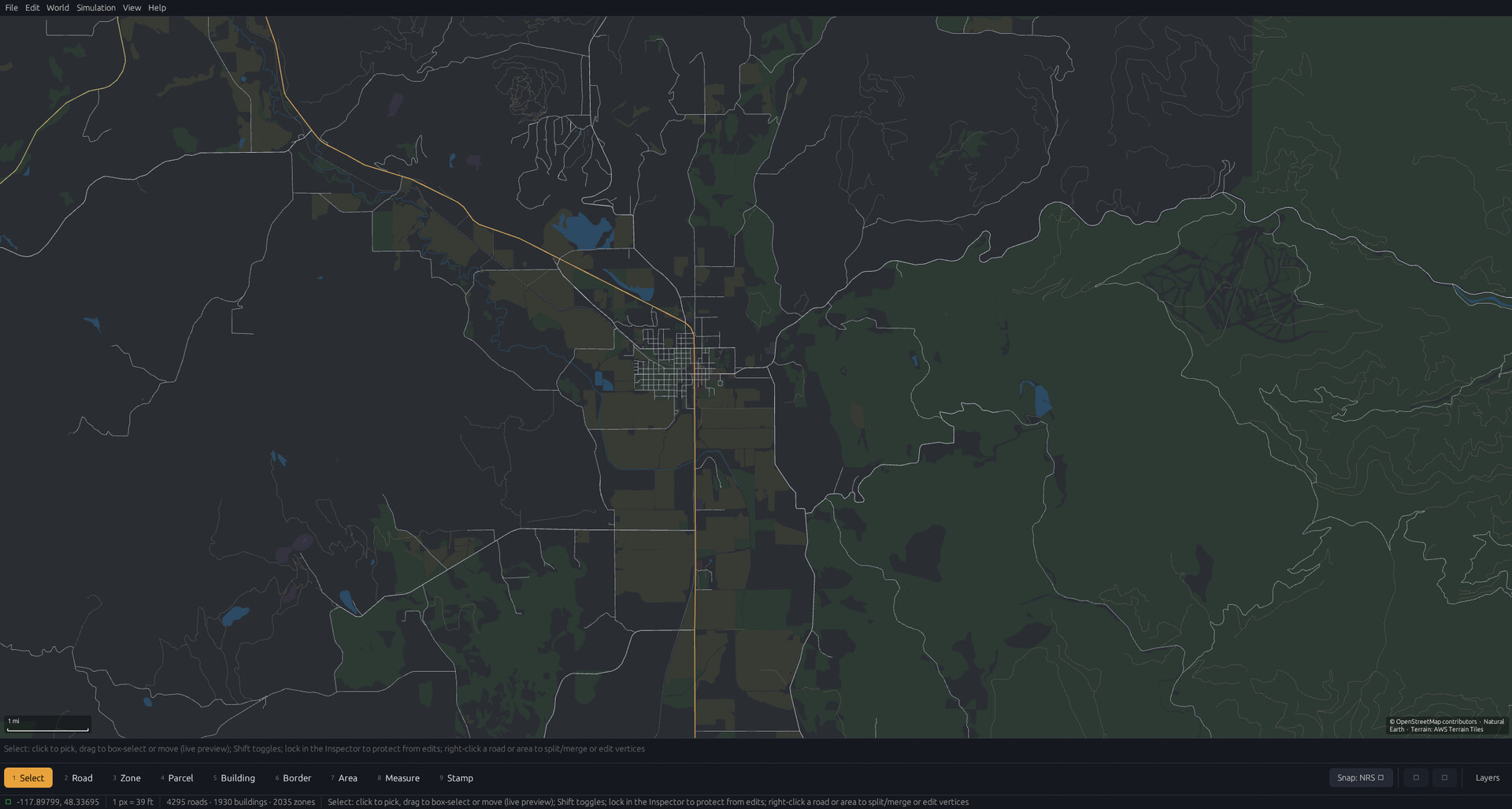
You can draw roads with curves, snapping, angle controls, and grids. Buildings, land, water, and boundaries can be placed and later moved or reshaped.
Layers, themes, and draw order let you adjust visual style, and all placed objects stay editable for later revisions.
- Use the grid to keep road angles consistent.
- Experiment with layer ordering to improve map readability.
03 / THE GUIDE
Neighborhood development tools
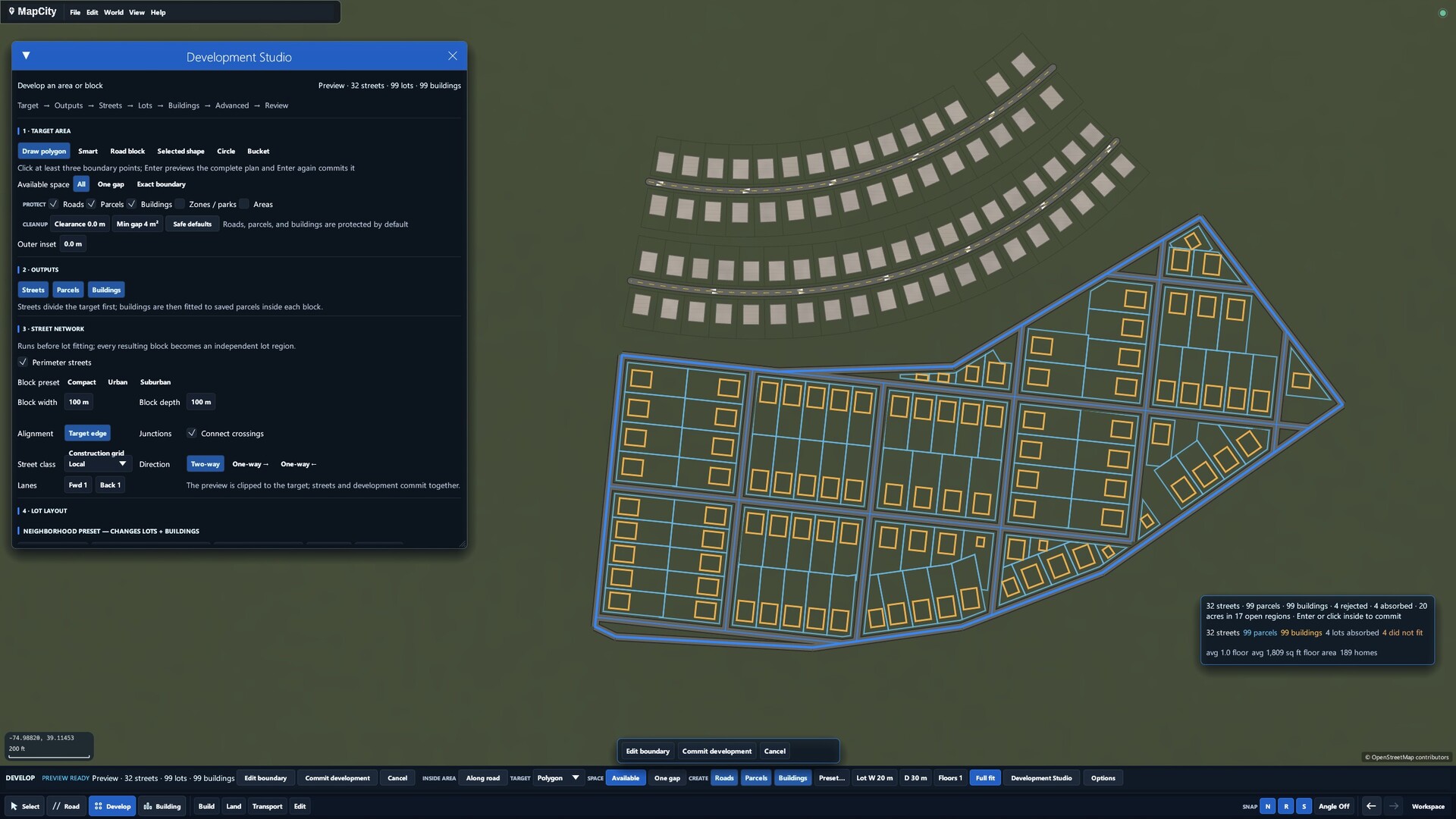
Development tools can generate roads, parcels, and buildings across a selected area or alongside existing streets. You preview the layout, adjust options, and then add it to the map.
Generated streets and buildings remain editable afterward, letting you refine the design after placement.
- Preview the generated block before confirming to avoid unwanted layouts.
- After generation, tweak individual buildings to add personal touches.
04 / THE GUIDE
Optional free map DLCs
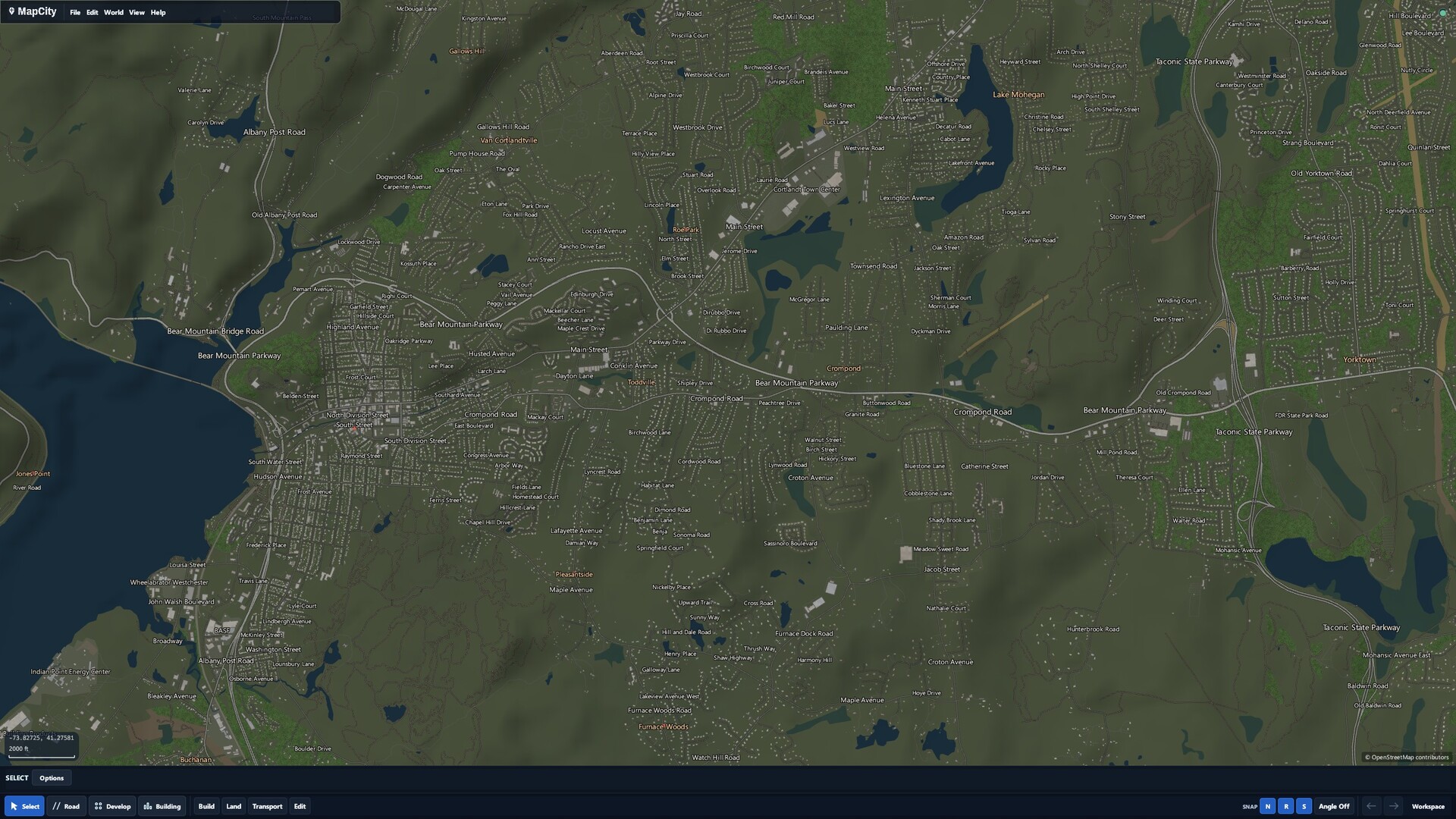
Free DLCs provide existing places that can be explored and edited with the same tools used on a blank map. These downloads are large (e.g., North America ~114 GB) and not required for core gameplay.
Because the DLC data is processed locally, they demand substantial storage and more capable hardware; performance may suffer on lower‑end PCs.
- Check Steam’s size estimate before downloading a DLC.
- Start with the base blank map if your PC has limited resources.
05 / THE GUIDE
Experimental 3D views and performance
MapCity includes a 3D view feature that can be enabled in Settings. This view is still experimental and intended for exploring creations from another perspective.
Performance depends on map size and detail; larger or DLC‑based maps may cause slower loading or limited playability on lower‑end hardware.
- Enable 3D view only after you are comfortable with 2D editing.
- Monitor performance when working on large maps, since demands grow with map size and detail.
COMMUNITY
Player discussion