 GameWiki

GET YOUR BEARINGS
About Maltese's Fluffy Onsen
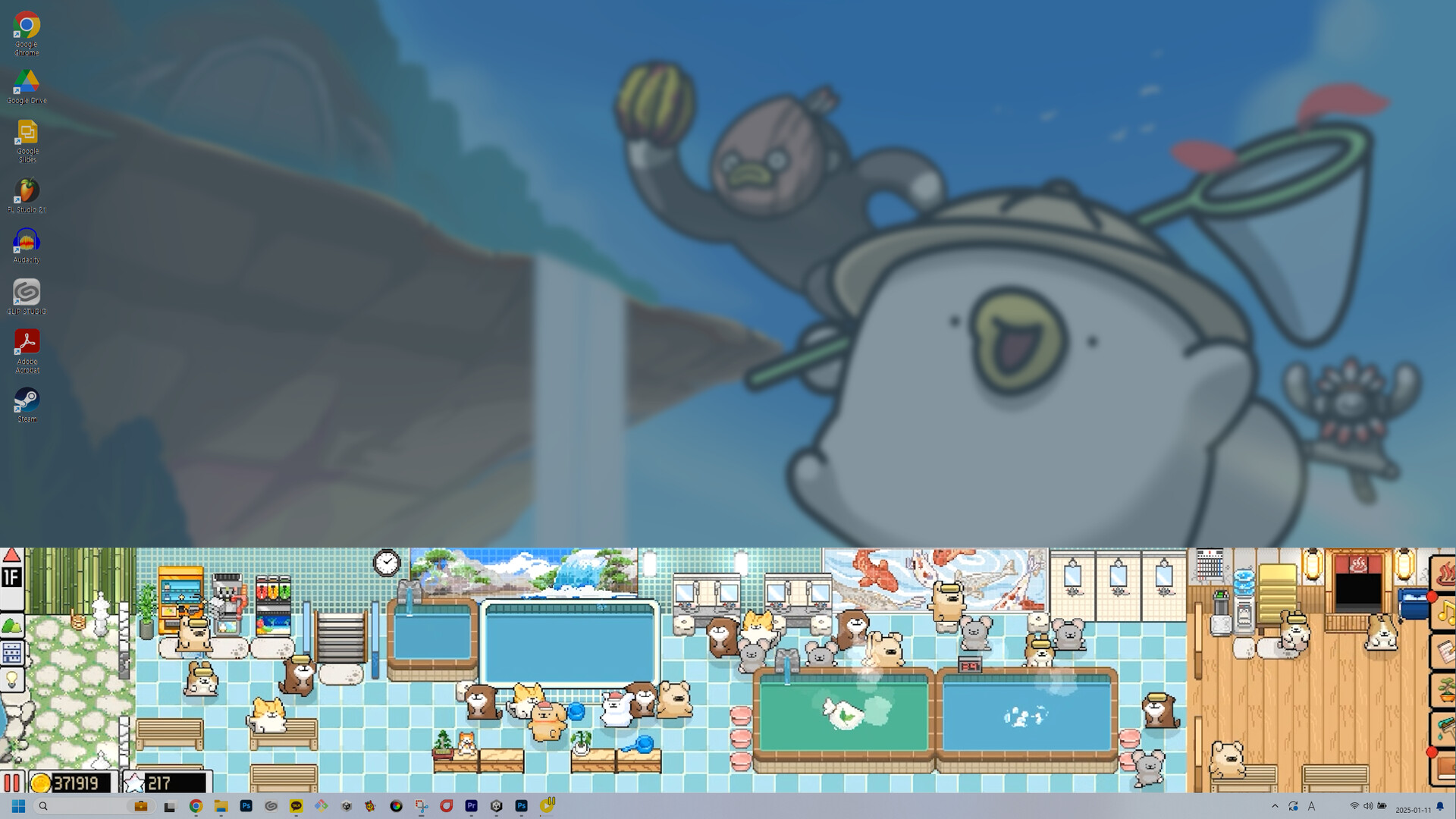
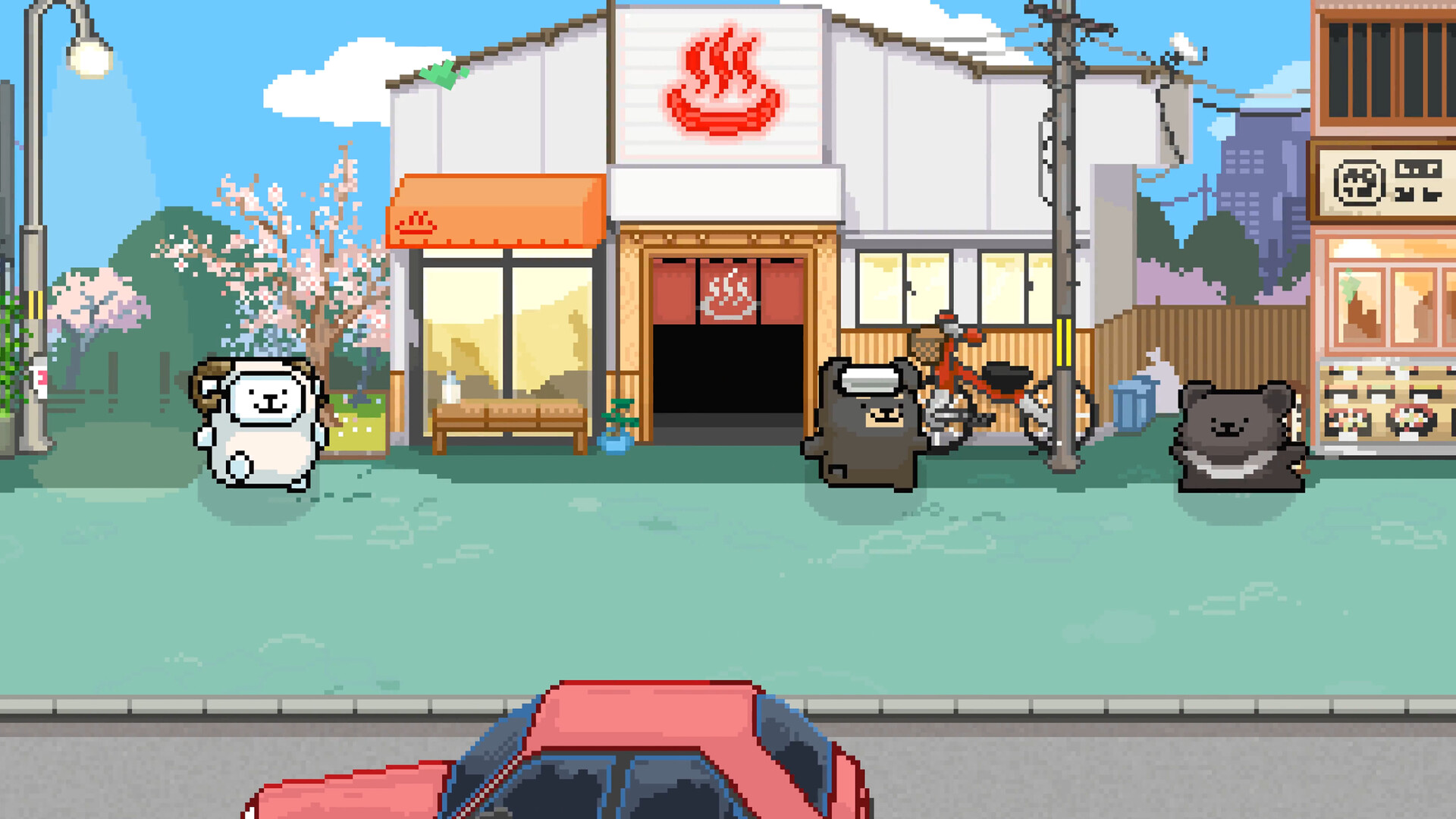
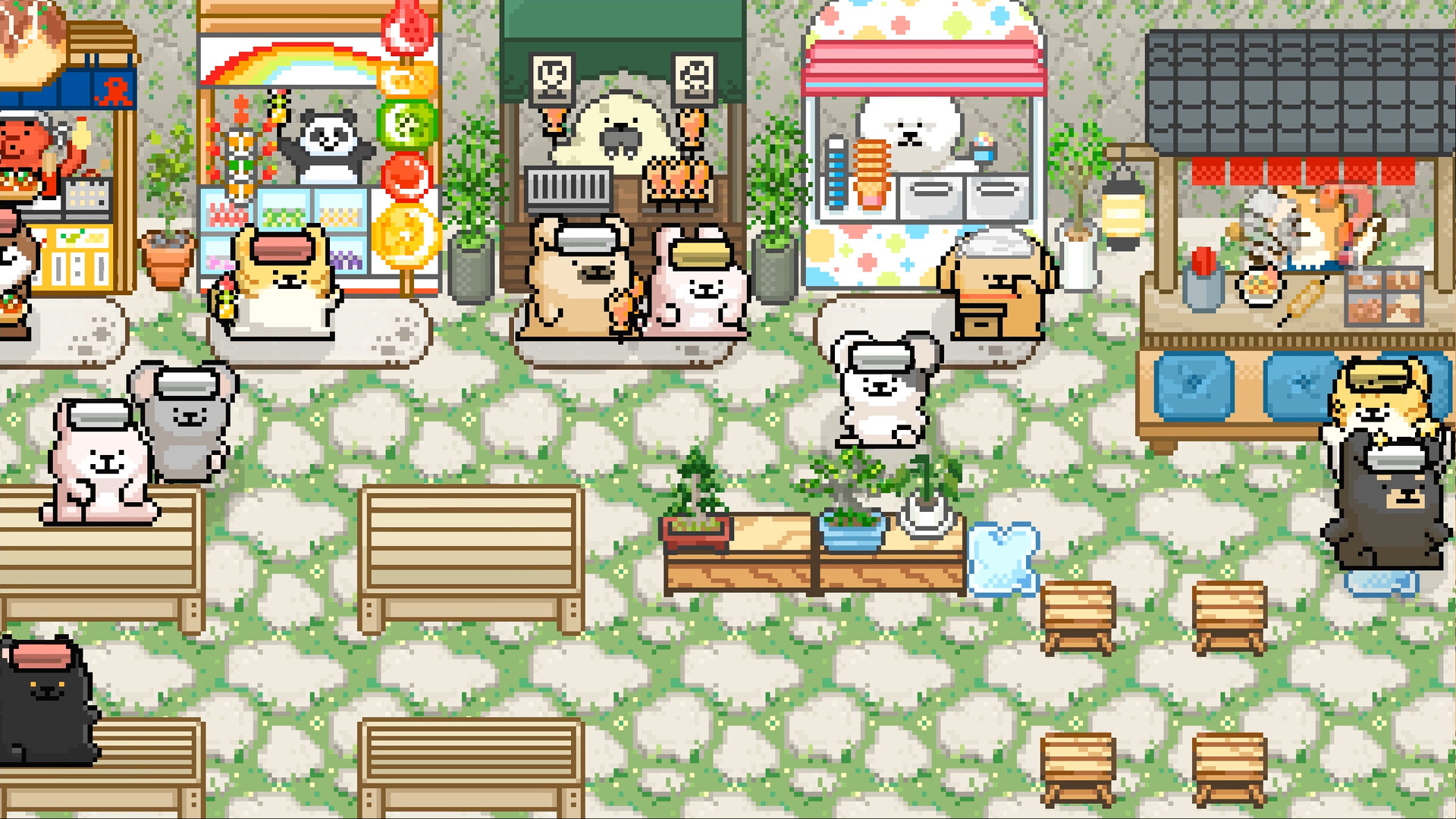
Maltese's Fluffy Onsen is a casual indie simulation where you run a tiny bathhouse for animal visitors. The game stays at the bottom of your screen, letting you play while doing other tasks. You place baths of varying temperatures, add rest areas, and serve drinks and snacks to keep guests relaxed. Design your own cozy interior or open‑air baths, hire staff, and watch cats, dogs, rabbits and more enjoy a soothing soak.
01 / THE GUIDE
Bath Placement
You can place baths with cold, warm, or hot water, as well as special baths that use bubble machines and herbal bags. Each bath helps animal guests unwind in its own way.
Rest areas can be added alongside baths, giving guests a place to relax after soaking. The layout influences how comfortably guests can move around the bathhouse.
- Try mixing hot and cold baths to give guests variety.
- Leave space between baths and rest areas for smoother guest flow.
02 / THE GUIDE
Drinks and Snacks
Vending machines provide thirst‑quenching drinks, while snack stands offer food to fill guests’ tummies. Both keep animal visitors happy after a soak.
You can choose how many machines to place, balancing space with the need to keep guests satisfied.
- Position a drink machine near each bath cluster.
- Add a snack stand close to rest areas for easy access.
03 / THE GUIDE
Bathhouse Design
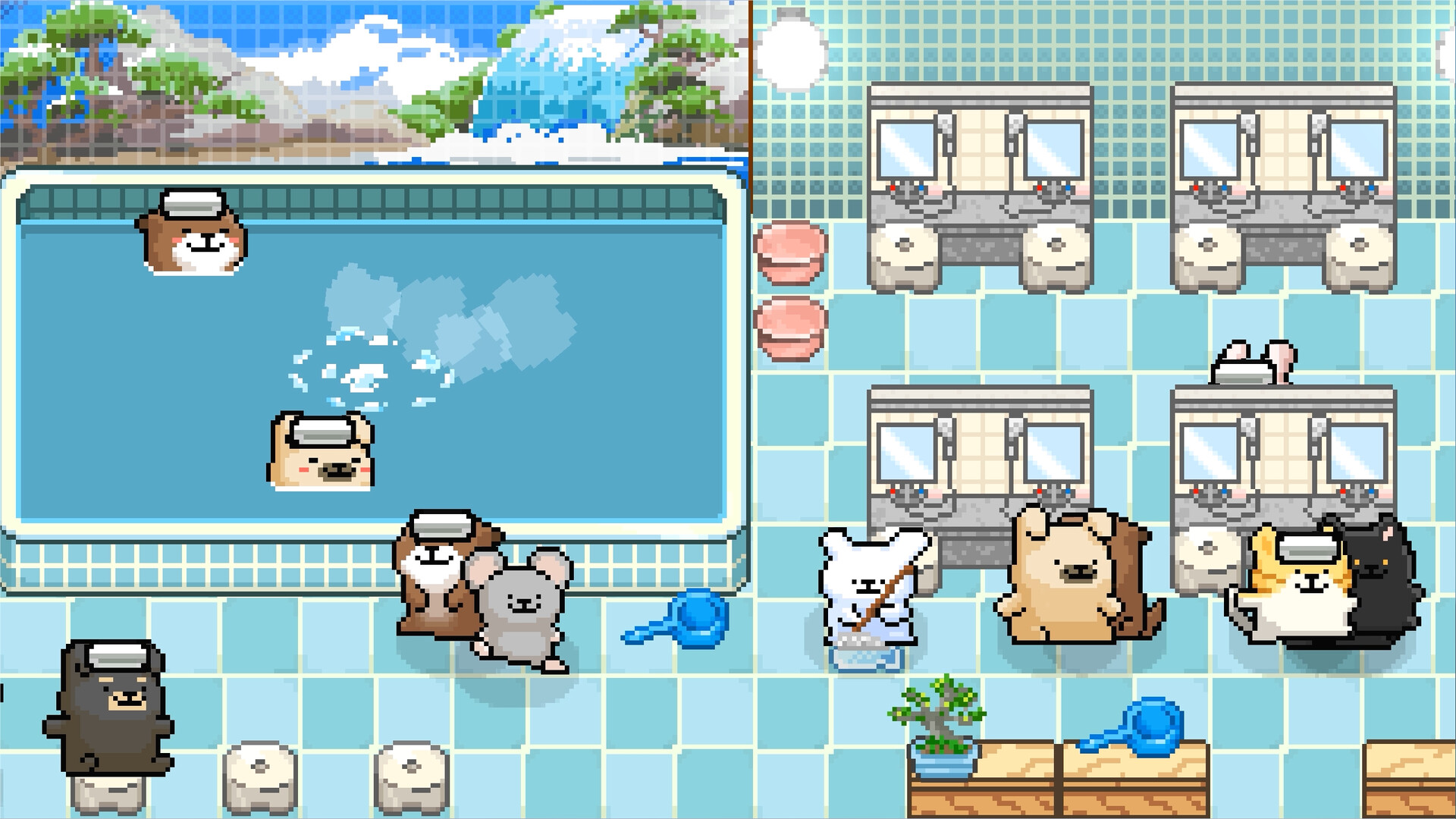
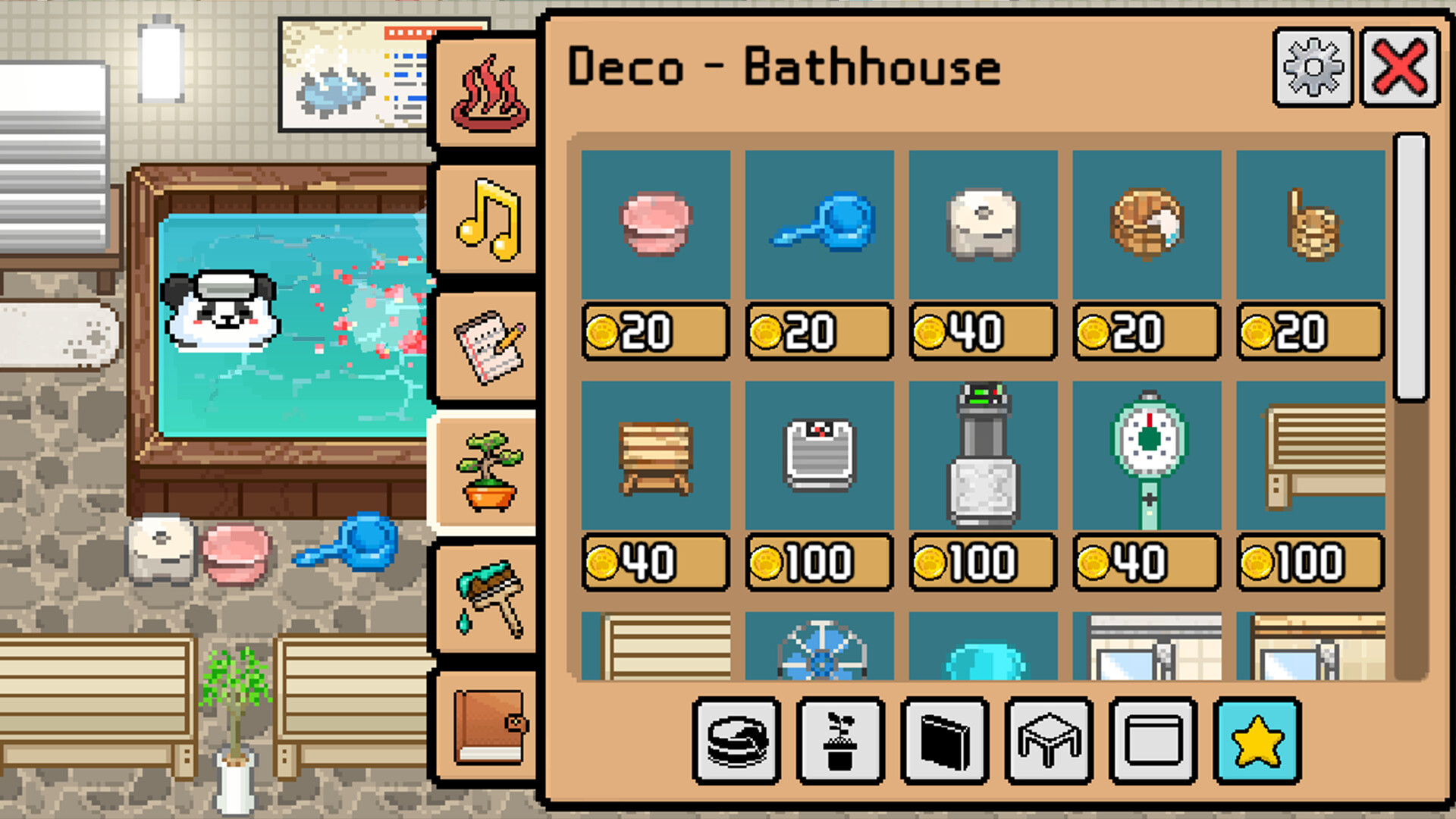
The game lets you design the interior, from nostalgic tiled walls to open‑air baths that feel warm just thinking about them. Your choices shape the overall atmosphere.
Design decisions do not affect gameplay mechanics beyond visual style, allowing you to create a space that feels personal.
- Use tiled interiors for a classic look.
- Open‑air baths add a relaxing visual contrast.
04 / THE GUIDE
Animal Guests
A variety of animal friends visit, including cats, dogs, rabbits, hamsters and more. Each species enjoys the baths and refreshments you provide.
The game notes that animal bathing habits may differ from real life, so expectations are purely in‑game.
- Observe which animals prefer hotter baths.
- Offer a mix of drinks to cater to different tastes.
05 / THE GUIDE
Staff Management
You can assign staff to keep floors dry, restock supplies, and maintain a safe environment for guests. Proper staffing ensures a smooth operation.
Staff actions are limited to housekeeping and supply duties; they do not affect guest preferences directly.
- Keep at least one staff member on each shift.
- Check supply levels regularly to avoid shortages.
COMMUNITY
Player discussion