 GameWiki
GET YOUR BEARINGS
About Mall Rivals
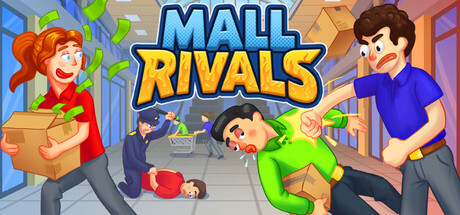
Mall Rivals is a simulation where you design and run a shop inside a busy mall. You can pick a store type, decorate it, fill shelves, and hire staff to attract customers.
The game supports solo play and matches of up to eight players, offering both competitive PvP and cooperative modes over online or LAN connections. Features such as Steam Achievements, Steam Cloud, and Family Sharing are included.
01 / THE GUIDE
Shop Building
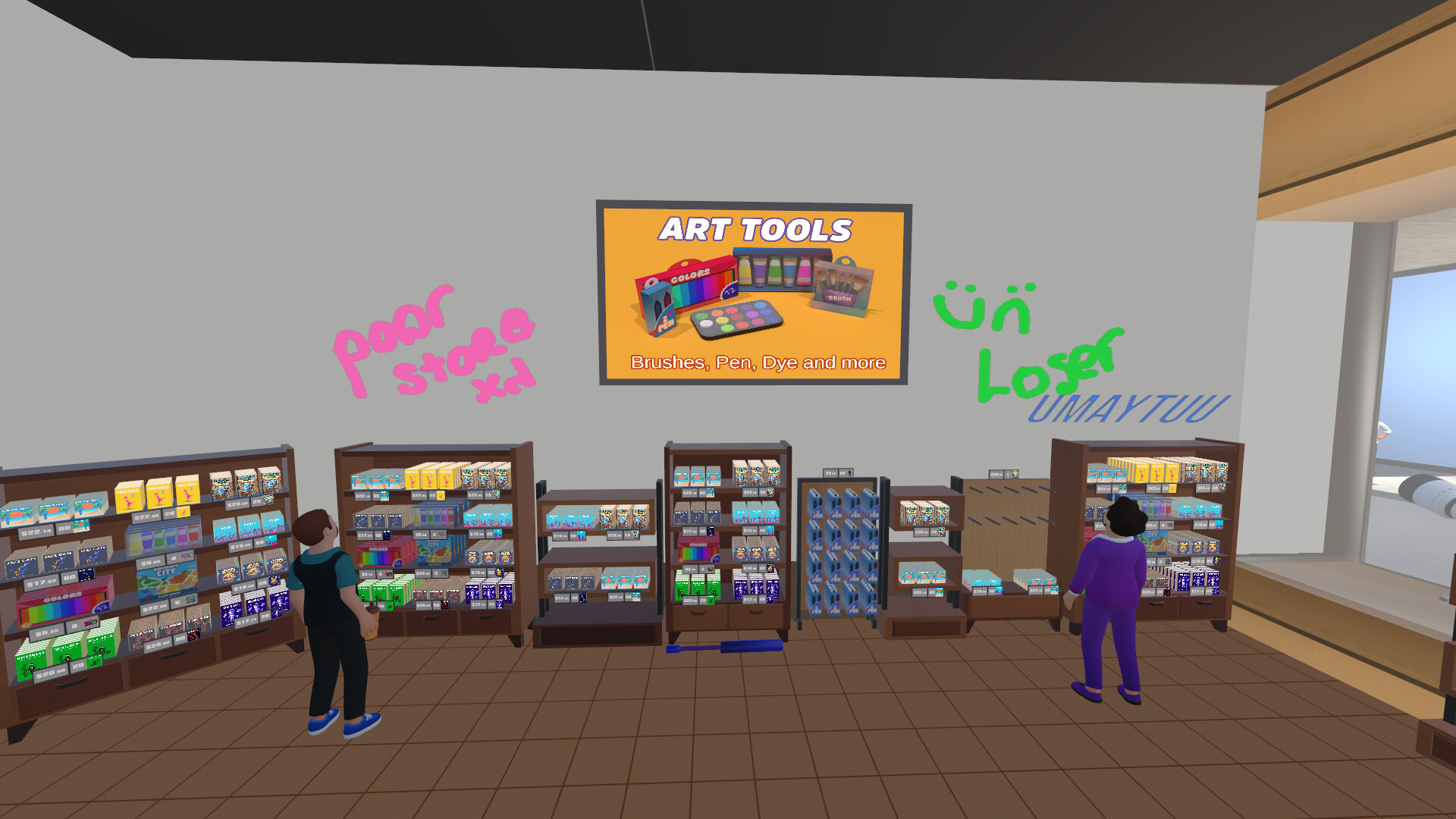
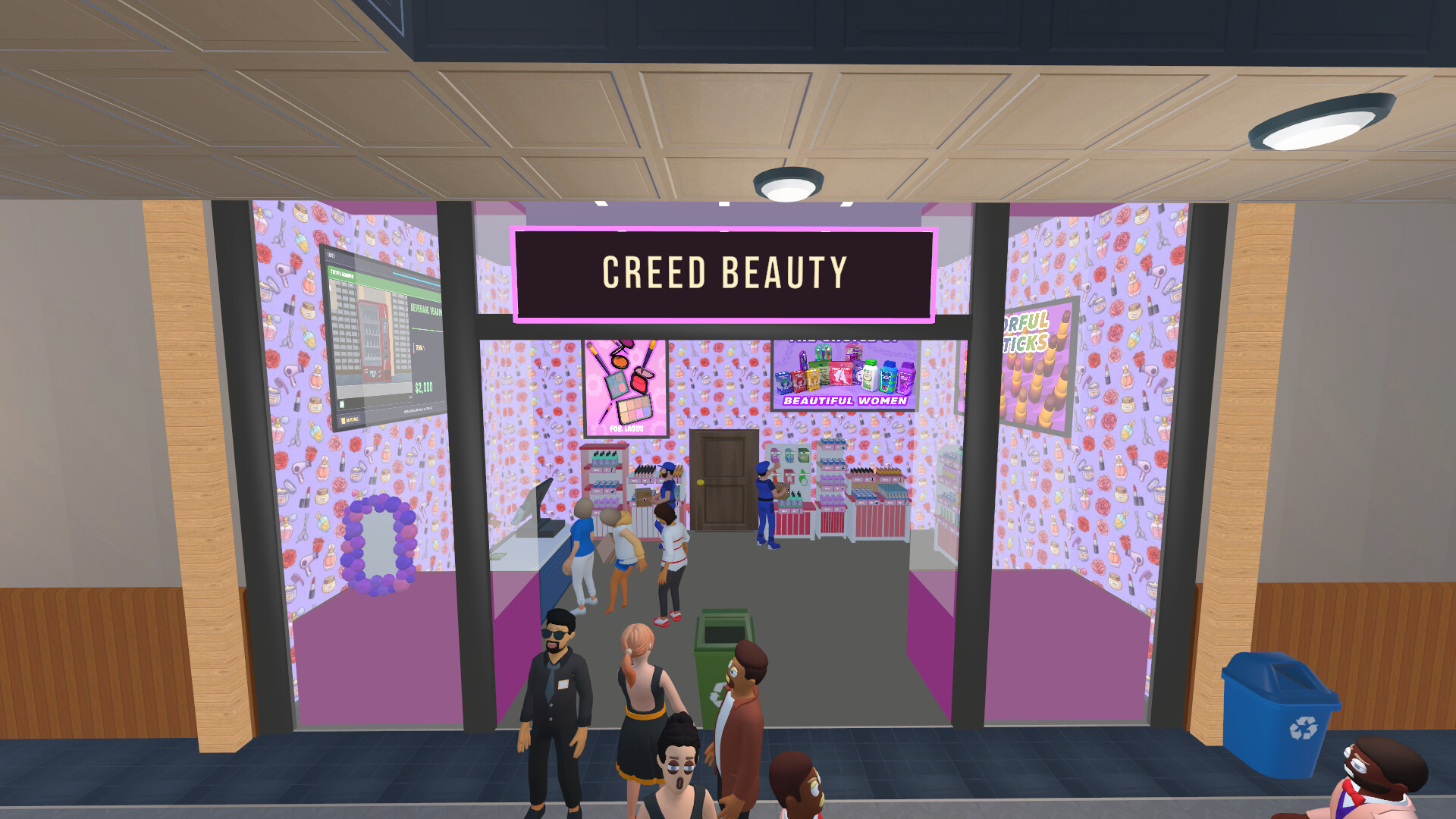
Players choose a store that matches their preferred style, then arrange décor, shelves, and stock. The description emphasizes that you can “decorate it however you want, fill your shelves and stock up your shop.”
These visual and inventory choices are the primary ways to influence shopper traffic, as the game’s premise is that success comes from smart business decisions within the shared mall.
- Experiment with different décor themes to see which draws more customers.
- Balance shelf space and product variety for steady sales.
02 / THE GUIDE
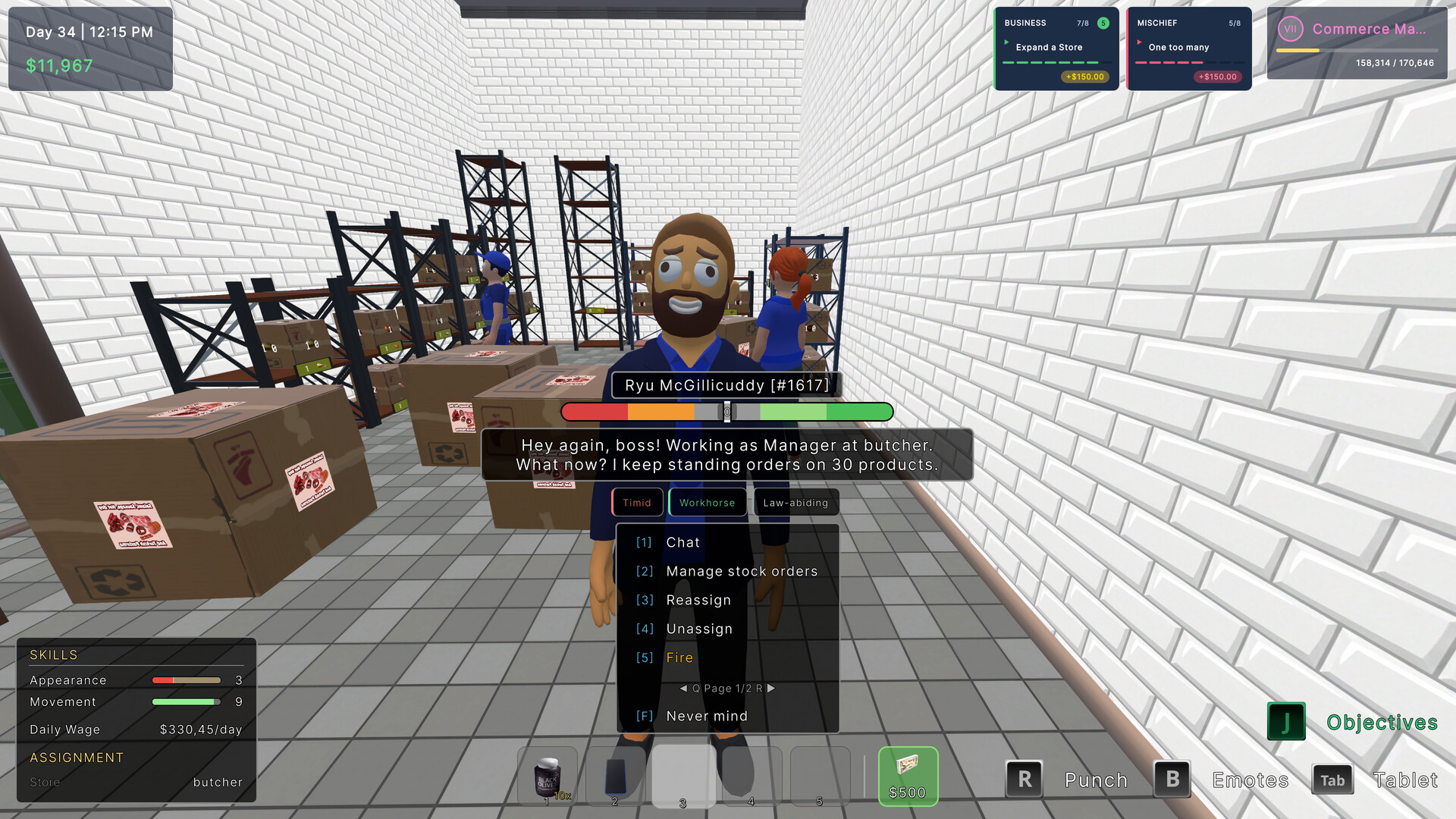
Employee Management
Hiring employees is presented as a way to “support you on your rise.” While specific duties are not listed, staff are positioned as a growth aid for your shop.
Because the game focuses on competition, adding employees can help you keep up with rivals by handling tasks that arise as your store expands.
- Consider hiring early to establish a stable operation.
- Observe how staff affect your ability to respond to rivals.

03 / THE GUIDE
Sabotage Options
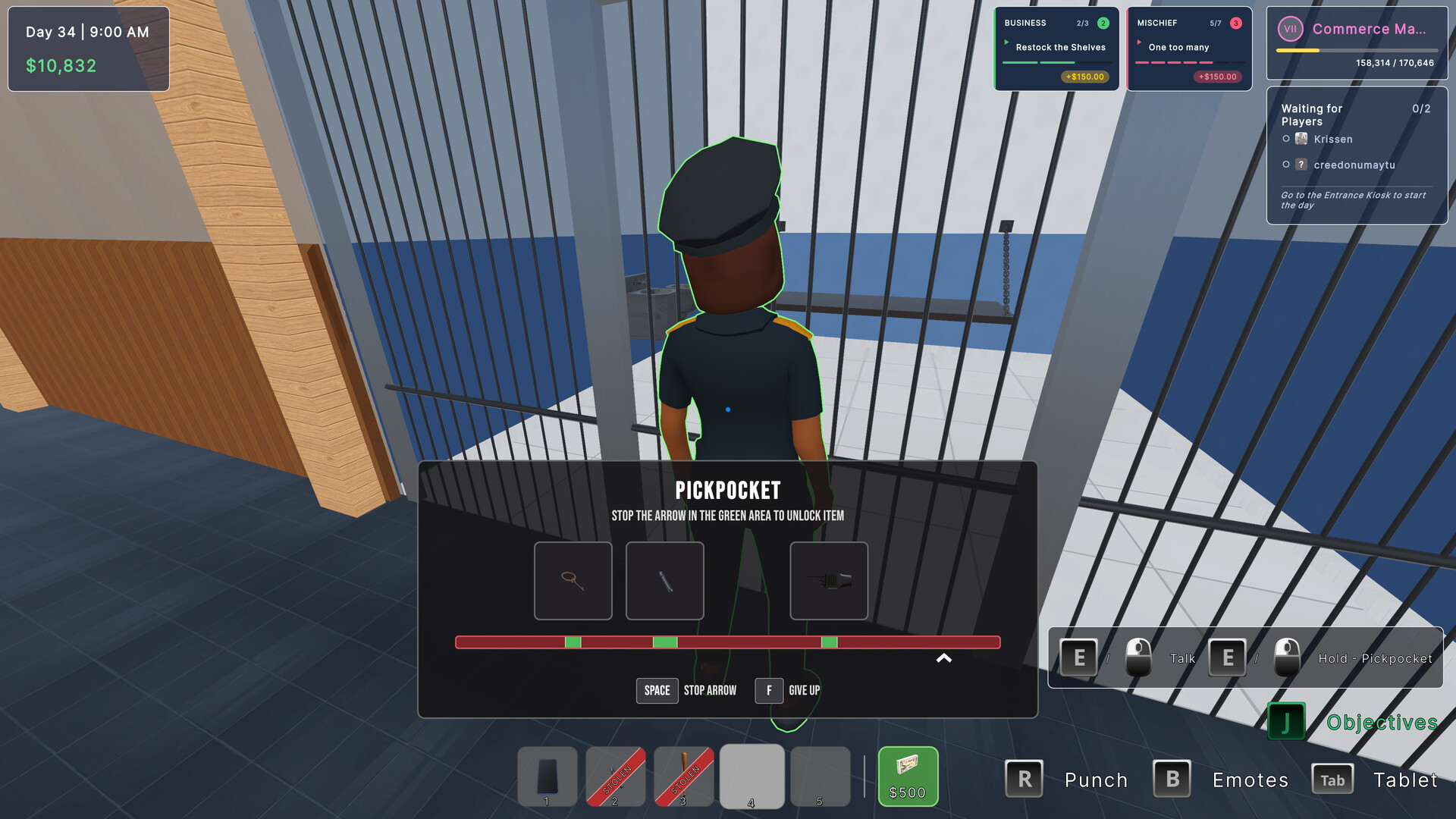
The description states that “undercut prices, steal strategies, or take a shadier route” are always possible, indicating that direct competitive actions are built into gameplay.
These options give players a choice between aggressive tactics and more conventional business strategies, adding a layer of risk versus reward.
- Weigh the immediate gain of price undercutting against potential backlash.
- Mix sabotage with solid store management for balanced play.
04 / THE GUIDE
Multiplayer Setup
Up to eight players can share the same mall, competing for the same customers. The game lists online PvP, LAN PvP, online co‑op, and LAN co‑op as supported modes.
Additional features such as Steam Achievements, Steam Cloud, and Family Sharing are available, allowing progress to be saved and shared across accounts.
- Check your network settings before starting a LAN match.
- Use Steam Cloud to keep your shop data consistent across devices.
05 / THE GUIDE
Character Customization
Players can “customize your character and bring your style into the game,” indicating that avatar appearance is adjustable.
While the impact on gameplay isn’t detailed, visual personalization lets you express individuality while managing your shop.
- Choose a look that reflects your preferred play approach.
- Experiment with different outfits to keep the experience fresh.
COMMUNITY
Player discussion