 GameWiki
GET YOUR BEARINGS
About MakeRoom
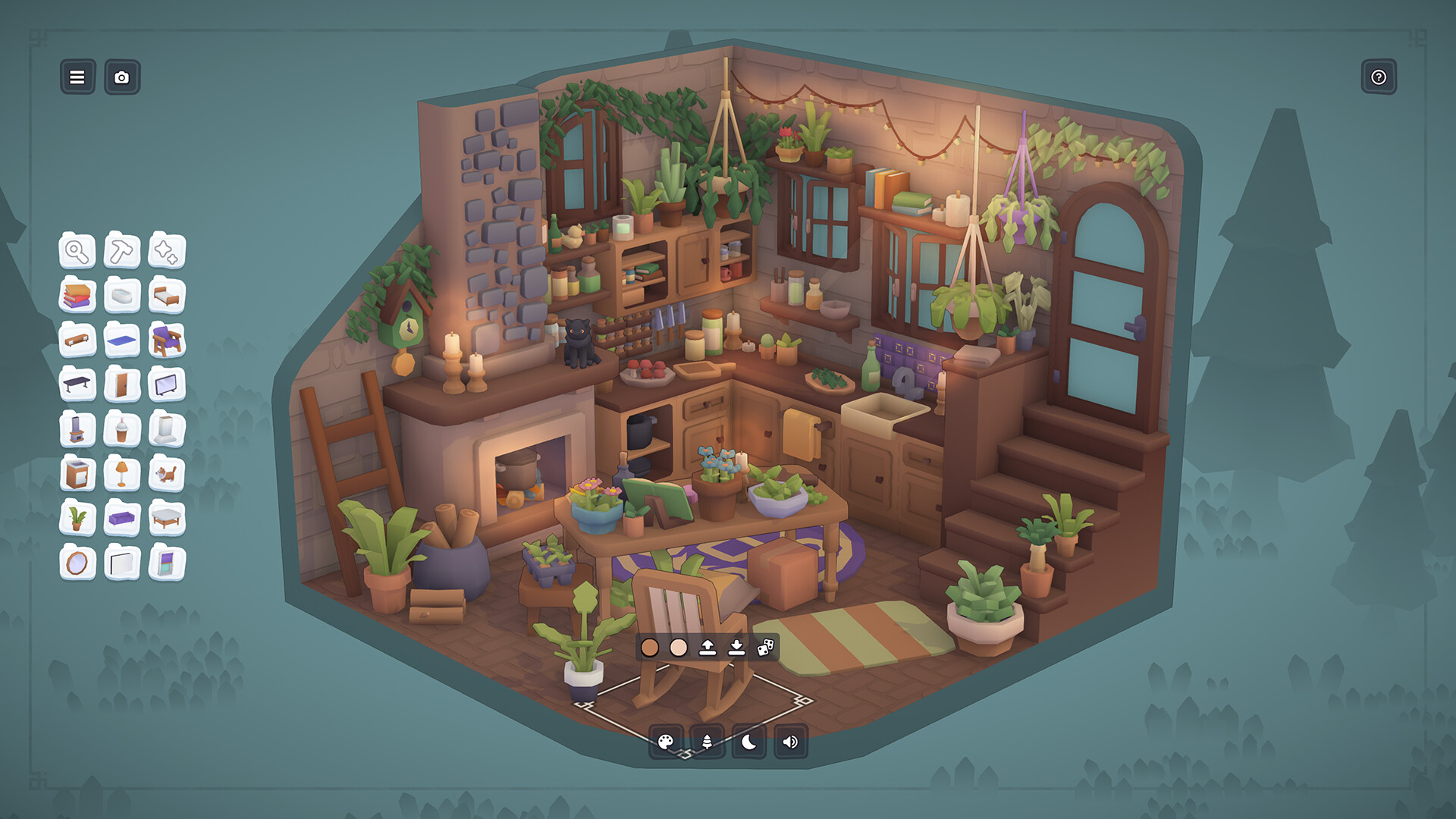
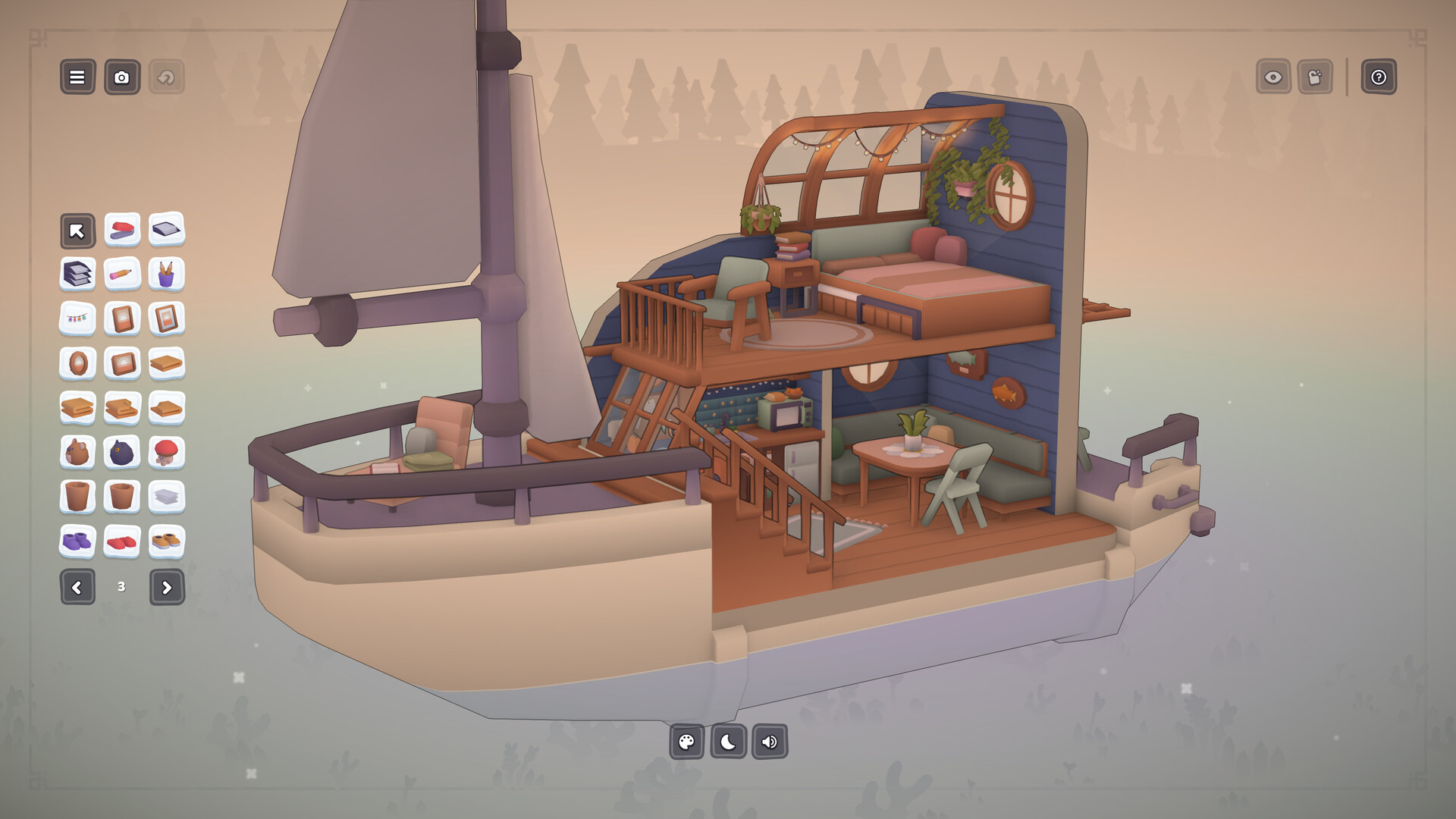
MakeRoom is a sandbox building game that lets players design dioramas using over 1,100 objects. Players can start with gentle guided requests to learn the tools or jump straight into freeform creation. The game offers four base settings—Room, Camper, Boat, and Garden—plus the ability to craft custom furniture from scratch.
Beyond building, MakeRoom supports sharing via Steam Workshop, snapping photos with visual filters, and adding ambient sounds or pets. The single‑player experience includes adjustable text size, camera comfort, and multiple input options, making it accessible for a wide audience.
01 / THE GUIDE
Gentle Guided Requests
The game begins with simple design prompts that introduce the building tools and the extensive furniture catalog. These requests act as tutorials, showing how to place, move, and recolor objects while keeping the experience relaxed.
After completing a few prompts, players can transition to unrestricted design, applying the learned techniques to any of the four diorama settings. The guided approach ensures newcomers understand the workflow before tackling larger projects.
- Try the first few prompts to become comfortable with object manipulation before starting a large scene.
- Use the guided requests as a reference for how to combine objects creatively.
02 / THE GUIDE
Extensive Object Catalog
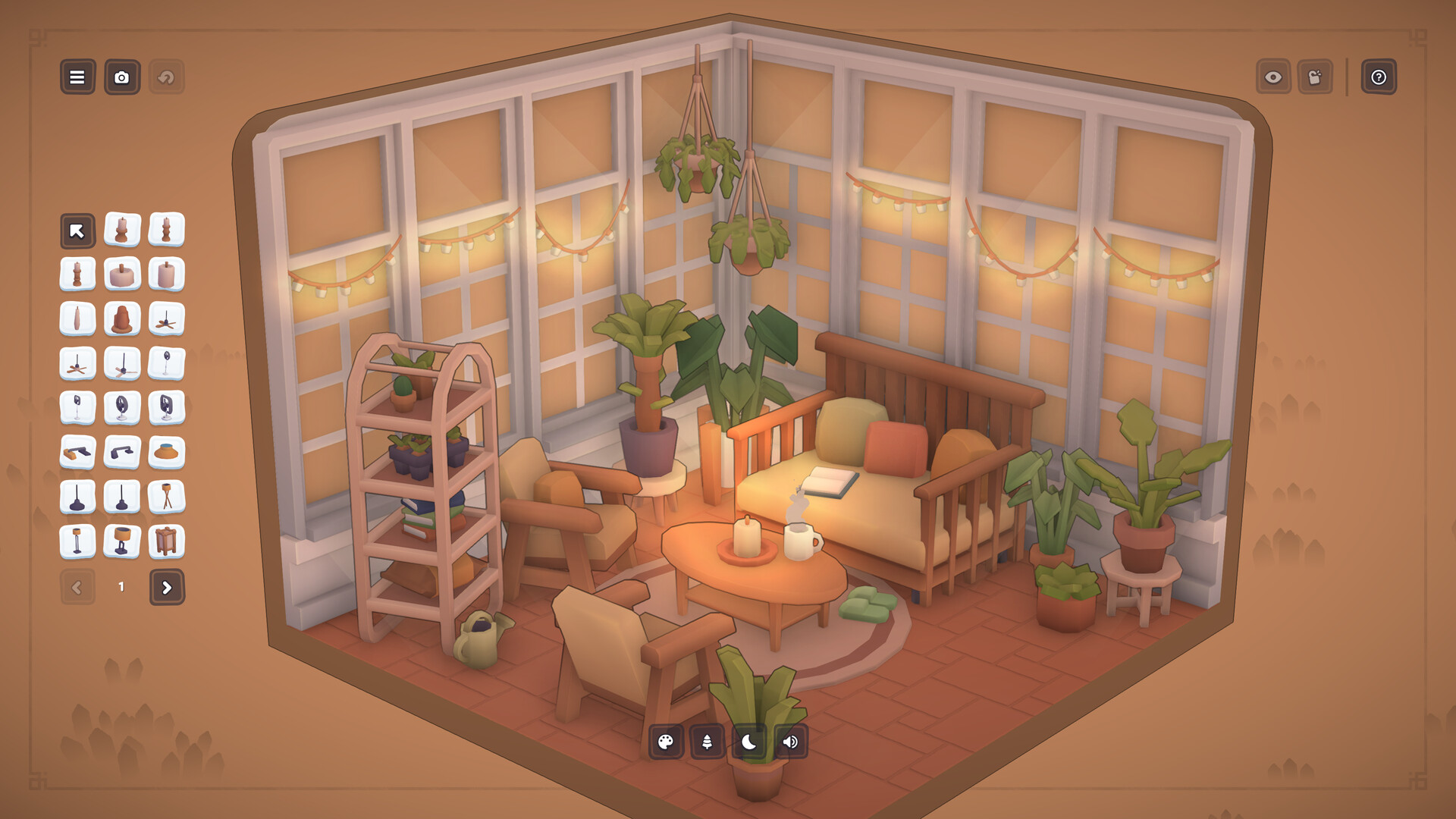
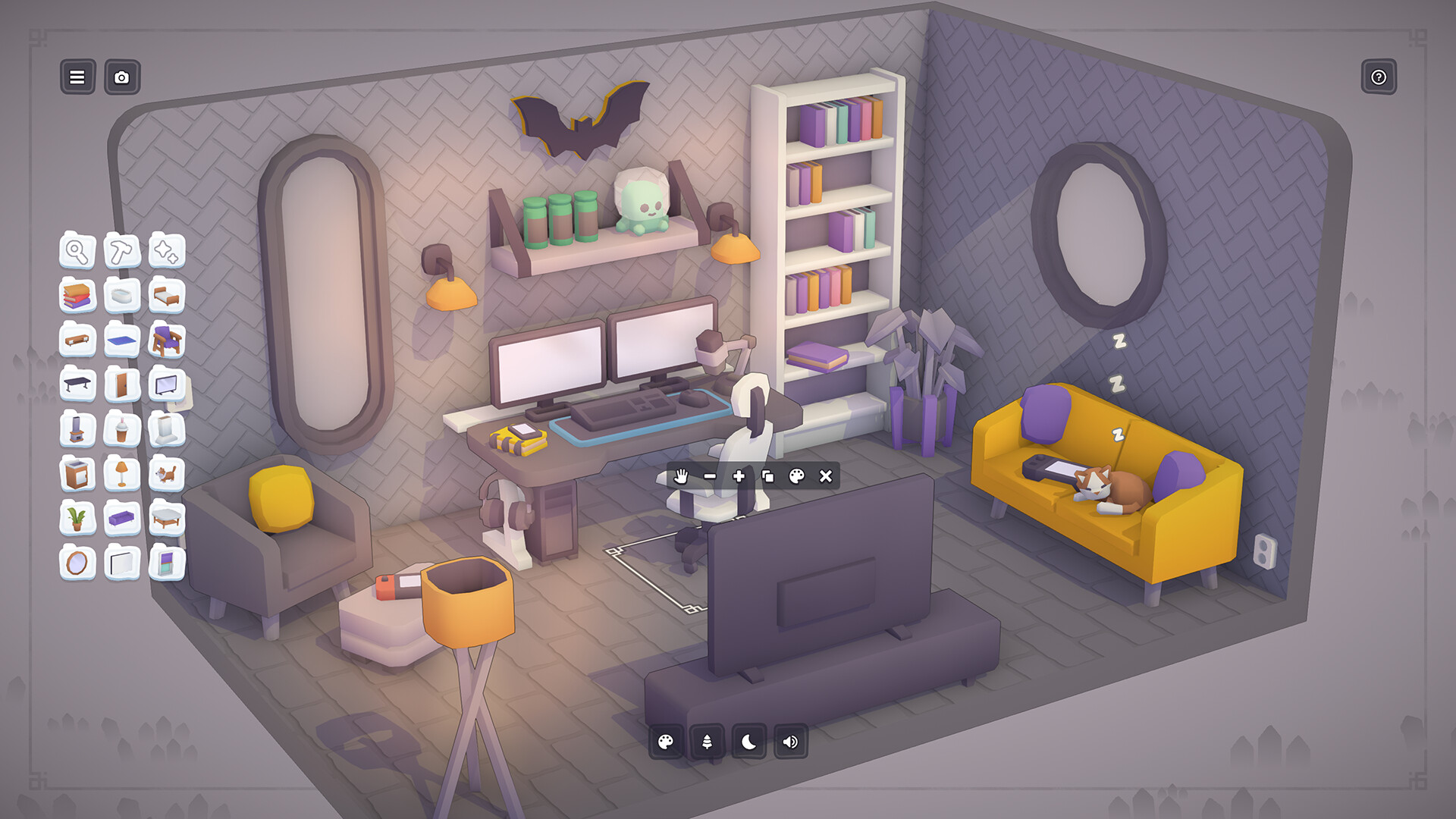
MakeRoom provides more than 1,100 objects ranging from furniture to decorative items. Players can move, rotate, resize, and recolor each piece to fit their vision. The catalog includes categories like “Pets” for adding animal companions.
The sheer variety supports themes such as a cozy cat room or a moody vampire hideaway. Objects are organized for easy browsing, allowing quick selection during building sessions.
- Browse the catalog by category to discover items that match your theme.
- Experiment with recoloring to give familiar objects a fresh look.
03 / THE GUIDE
Custom Furniture Creation
Players can design furniture from scratch using powerful design tools. These tools let you shape, resize, and recolor components, turning basic geometry into unique pieces. Custom items integrate seamlessly with the existing catalog.
Creating custom furniture expands the creative palette beyond the pre‑made objects, enabling truly personal dioramas. Once finished, the pieces can be placed, rotated, and adjusted like any other object.
- Start with simple shapes and gradually add details for complex furniture.
- Save your custom pieces frequently to avoid losing progress.
04 / THE GUIDE
Sharing via Steam Workshop
MakeRoom includes Steam Workshop integration, allowing players to upload screenshots and full diorama files. The community can explore over 6,000 creations, providing inspiration and a platform for feedback. Secret codes can unlock additional objects for shared projects.
Screenshots can be enhanced with filters and visual effects such as tilt‑shift before posting. This sharing loop encourages continual creativity and discovery within the player base.
- Apply a filter before uploading to make your diorama stand out.
- Browse the Workshop for ideas before starting a new build.
05 / THE GUIDE
Settings and Ambient Options
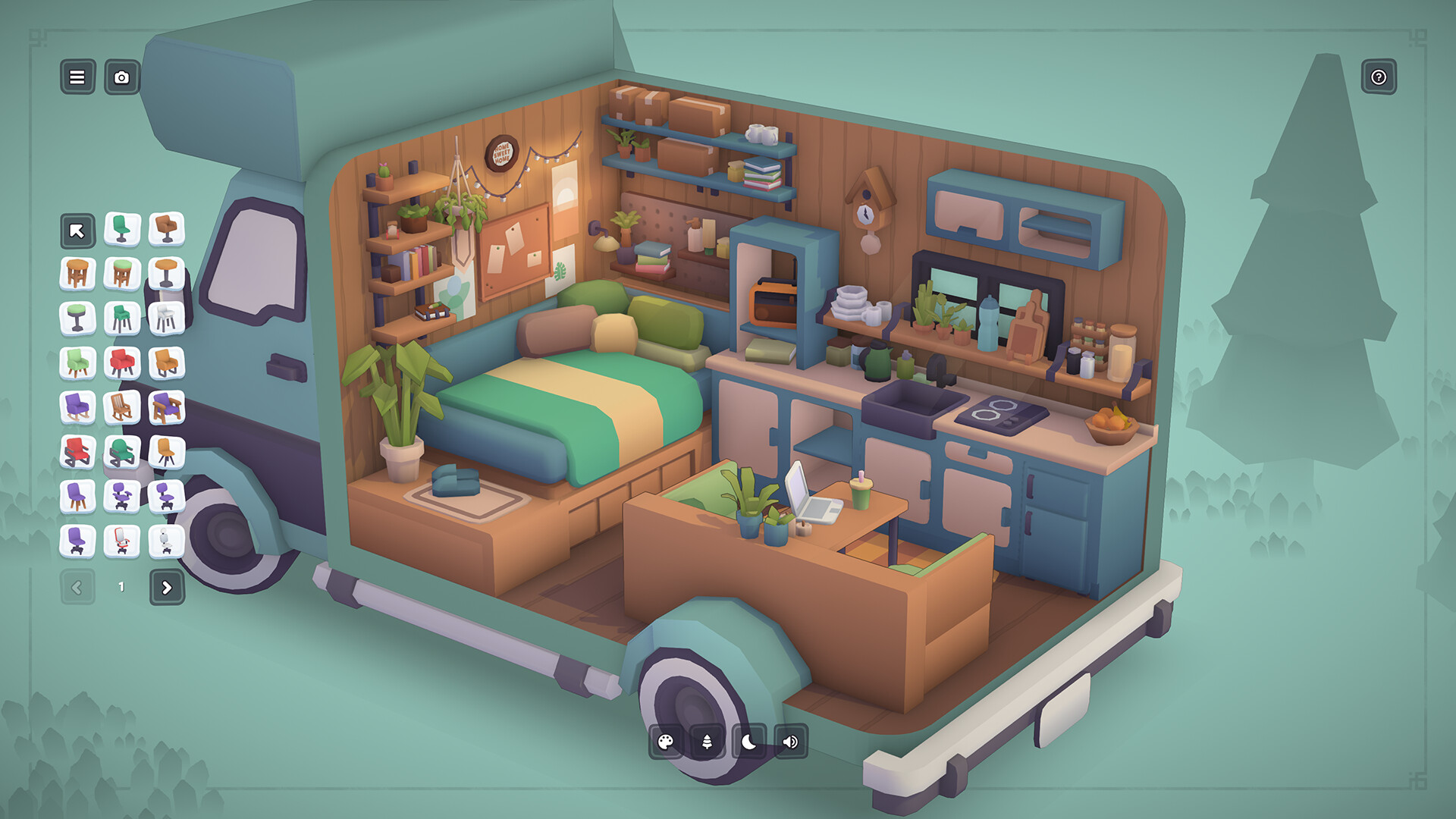
Four base settings—Room, Camper, Boat, and Garden—provide distinct backdrops for dioramas. Players can further customize scenes with dozens of backgrounds, environments, and ambient sound choices, adding mood and depth.
Additional tools like a mop, duster, or vacuum cleaner let players tidy or intentionally mess up spaces, enhancing the sandbox feel. Pets can also be added to any setting for extra personality.
- Select an ambient sound that matches the visual theme for a cohesive feel.
- Use cleaning tools to reset a scene before starting a new layout.
COMMUNITY
Player discussion