 GameWiki
GET YOUR BEARINGS
About Maitetsu
Maitetsu follows Migita Sotetsu as he returns to his hometown of Ohitoyo to oppose a proposed industrial factory that could pollute the local river. He seeks a fiscally independent solution and discovers an android‑like Raillord named Hachiroku, forming a partnership that drives their joint effort to revive the town.
The title is fully voiced in Japanese and offers dual‑language support, animated sprites, and a scene‑select feature. A gallery provides character poses, in‑game music, CG artwork, and scene viewing, while Steam integration adds achievements, cloud saves, and Family Sharing.
01 / THE GUIDE
Story premise
Sotetsu learns that a factory may be built along Ohitoyo’s landmark river, prompting his return to persuade town leaders to reject the plan. Half of the citizens support the mill for economic reasons, while the other half fear environmental damage.
To find an alternative to the factory, Sotetsu discovers Hachiroku, a Raillord, among his late adoptive father's belongings. Their bond becomes the catalyst for a plan aimed at fiscal independence and restoring the town’s former glory.
- Observe how the two citizen groups are described to gauge the narrative conflict.
- Consider the role of the Raillord in shaping Sotetsu’s alternative solution.
02 / THE GUIDE
Voice acting and language options
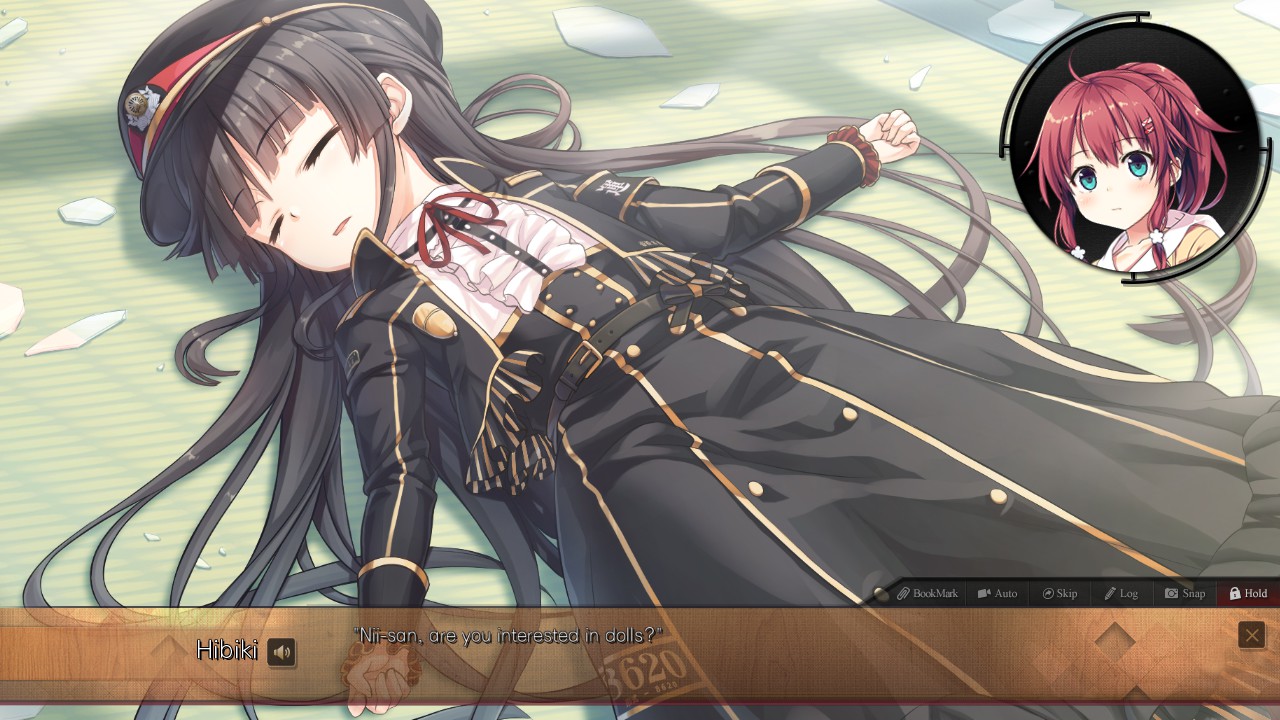
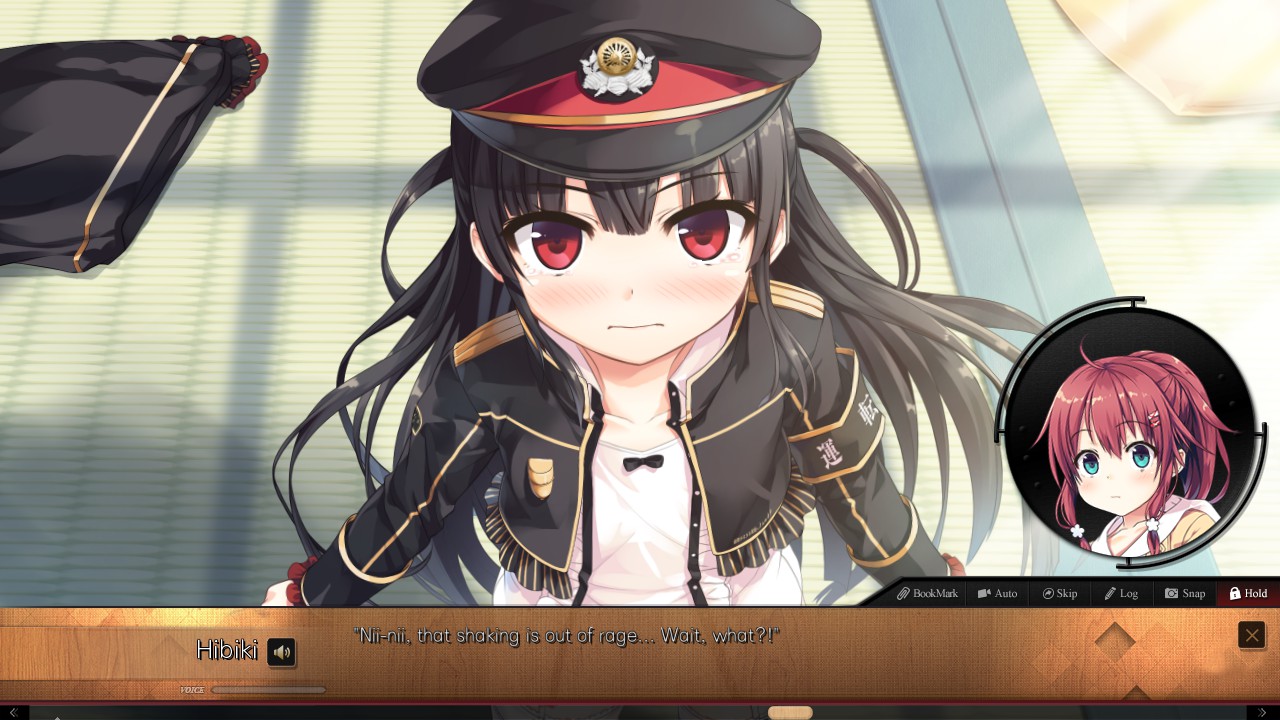
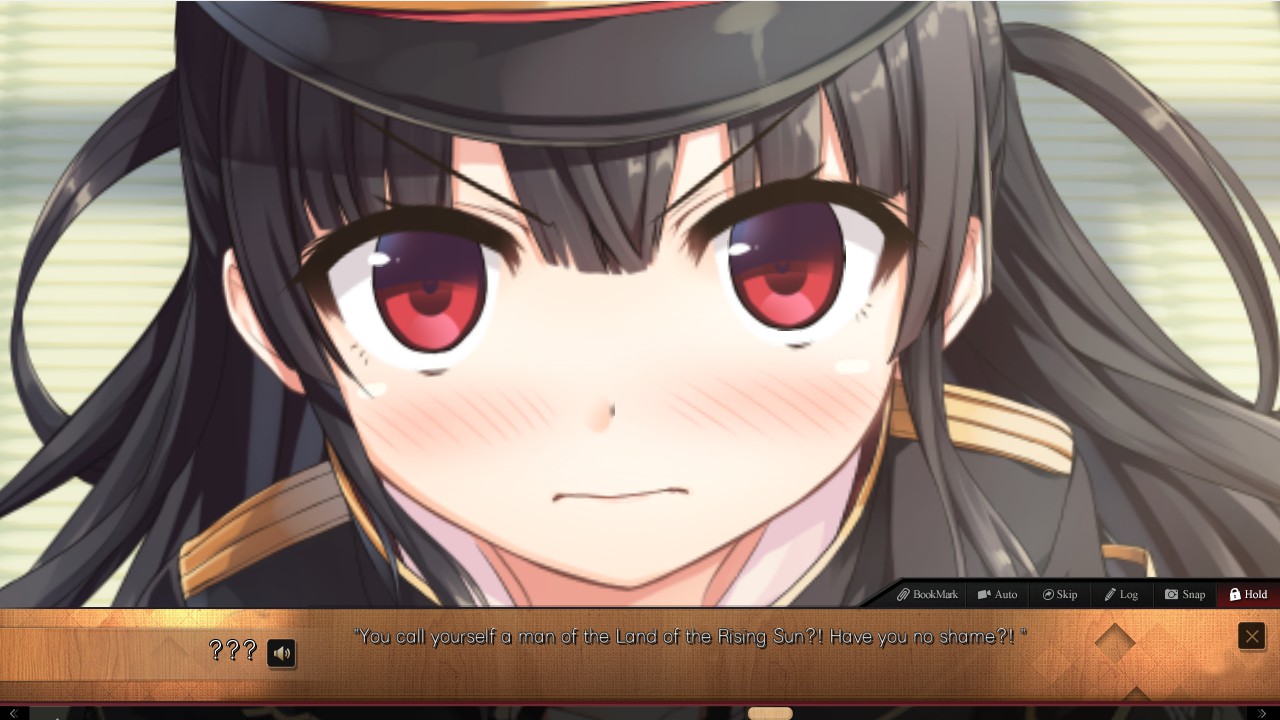
All dialogue, including the protagonist’s lines, is fully voiced in Japanese. The game also provides dual‑language support, allowing players to choose between Japanese voice with subtitles or an alternative language presentation.
This setup lets players experience the story in its original vocal performance while still offering accessibility for those who prefer reading subtitles or using another language option.
- Switch between language modes to compare how subtitles convey nuance.
- Listen to the Japanese voice track to appreciate the full performance.
03 / THE GUIDE
Scene selection system
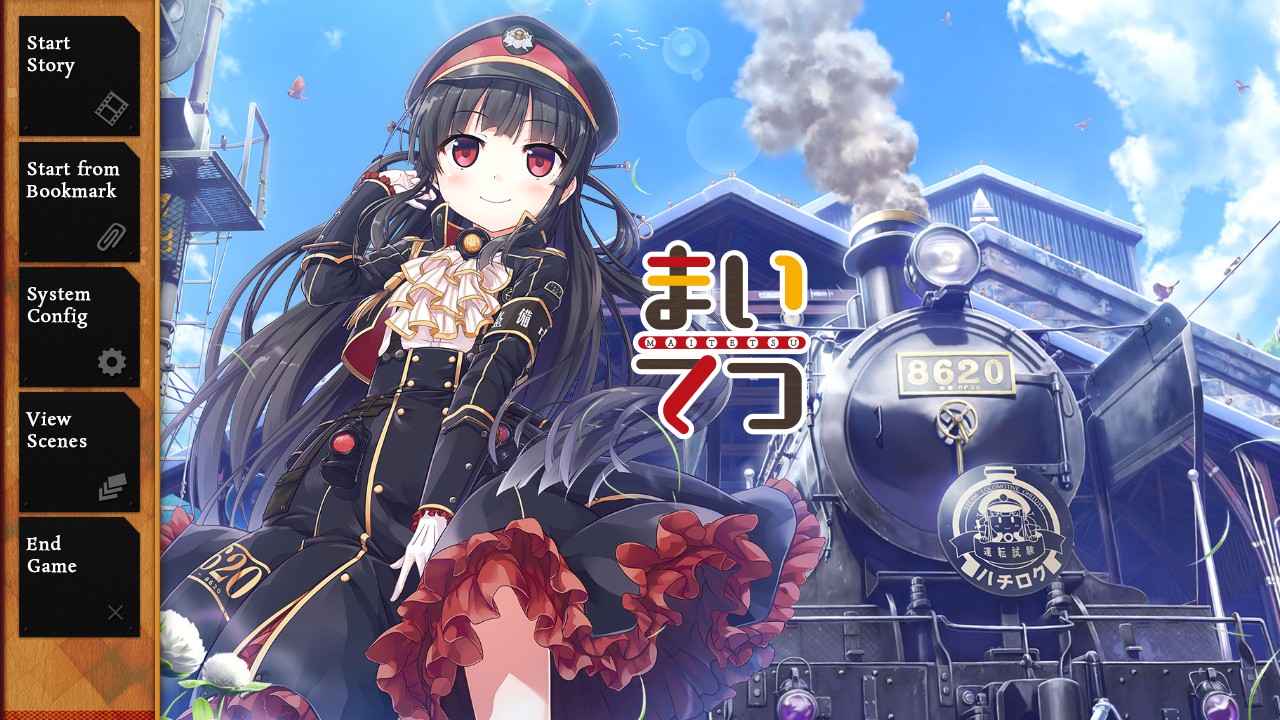
Maitetsu includes a scene‑select feature that lets players jump directly to specific in‑game scenes. This enables quick access to key moments without replaying earlier content.
The system can be used to review story points, compare visual details, or revisit favorite events for reference during later play sessions.
- Use scene select to view moments in any order you prefer.
- Select multiple scenes to compare visual or narrative differences.
04 / THE GUIDE
Gallery and extra media
The gallery offers character stand poses, in‑game music playback, CG artwork, and the ability to view scenes. It serves as a hub for visual and auditory extras beyond the main narrative.
Exploring these assets lets players notice recurring motifs, hear thematic tracks, and appreciate the artistic style that supports the game’s themes of restoration and partnership.
- Play each music track to notice connections to specific scenes.
- Examine CGs for background details that reference story elements.
05 / THE GUIDE
Steam integration
Maitetsu supports Steam achievements, Steam Cloud, and Family Sharing. Achievements record milestones, while Cloud saves preserve progress across installations on the same account.
Family Sharing allows other Steam accounts on the same device to launch the game without purchasing a separate copy, extending accessibility within a household.
- Check the achievement list to set personal goals.
- Enable Cloud sync to keep progress safe after reinstalling.

COMMUNITY
Player discussion