 GameWiki
GET YOUR BEARINGS
About MageQuit
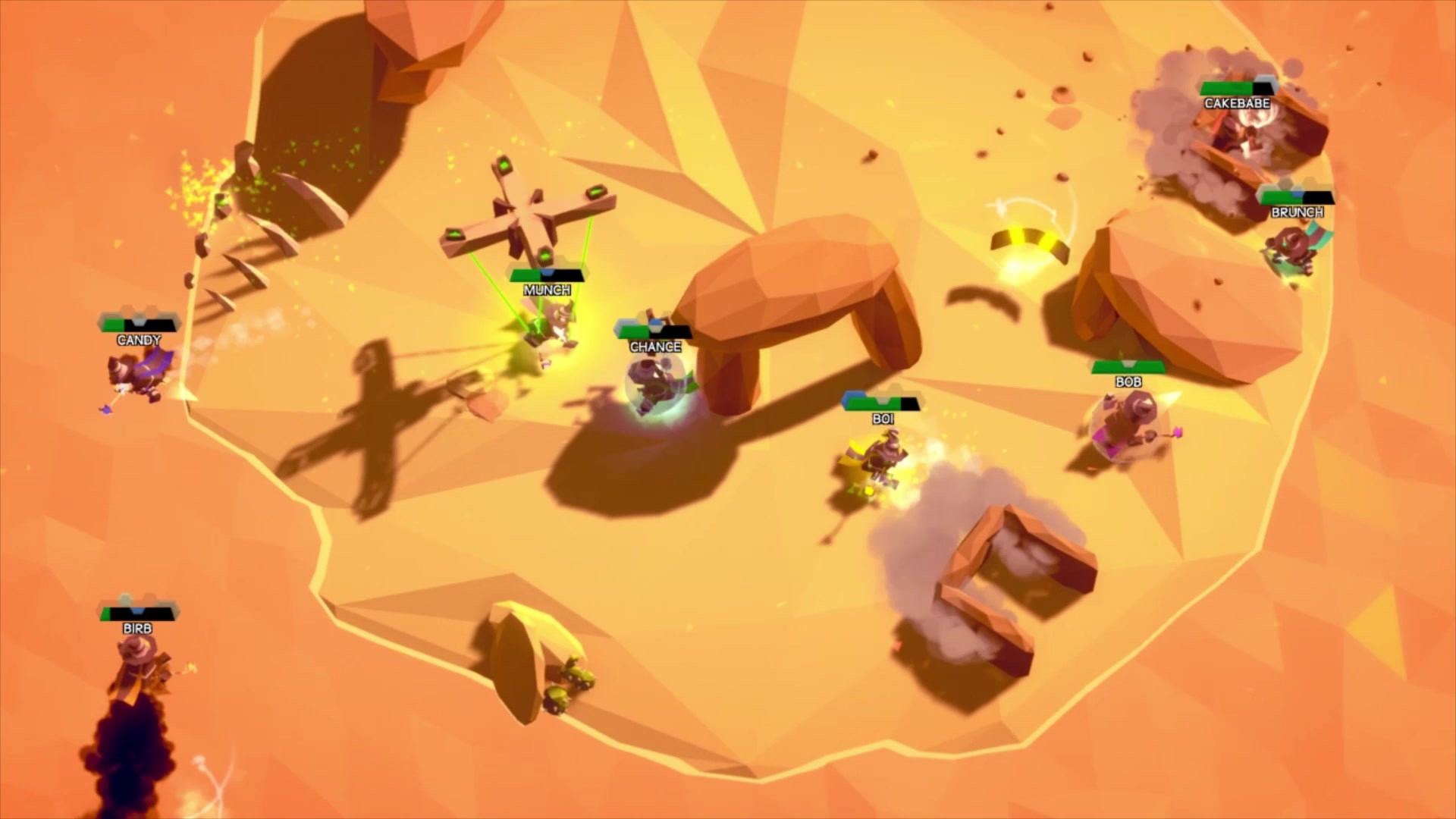
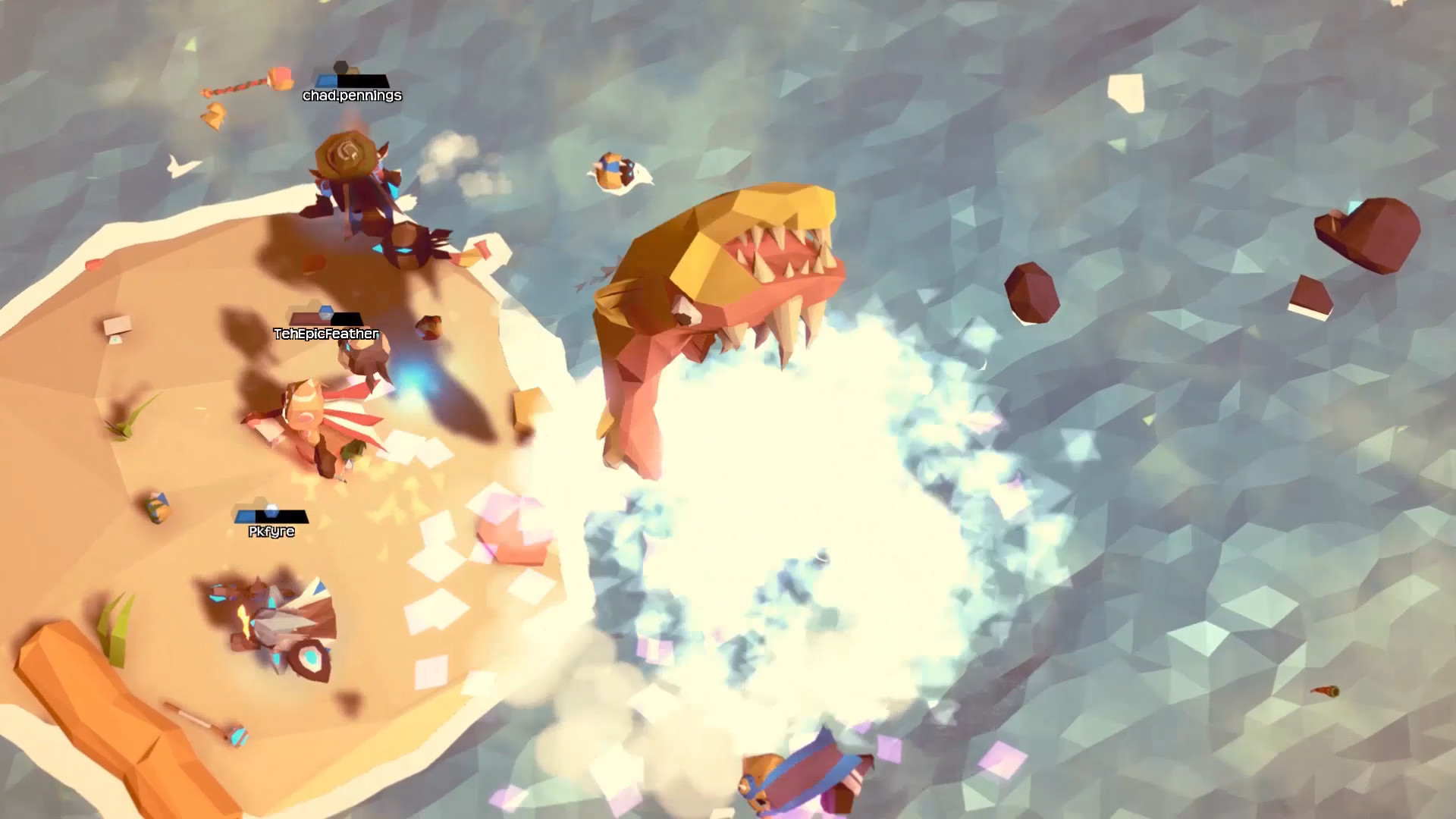
MageQuit is a wizard‑themed brawler where up to ten mages draft spells and grow beards with each kill. After nine rounds the mage with the longest beard wins. The game runs on Windows, macOS and Linux and supports both online and local play, and the feature list includes cross‑play.
Matches can be free‑for‑all, team‑based, or 1v1. Players may use mouse and keyboard or a supported DualShock/DualSense controller. A pool of seventy spells and custom bots give plenty of variety for solo practice or group competition.
01 / THE GUIDE
Spell Drafting
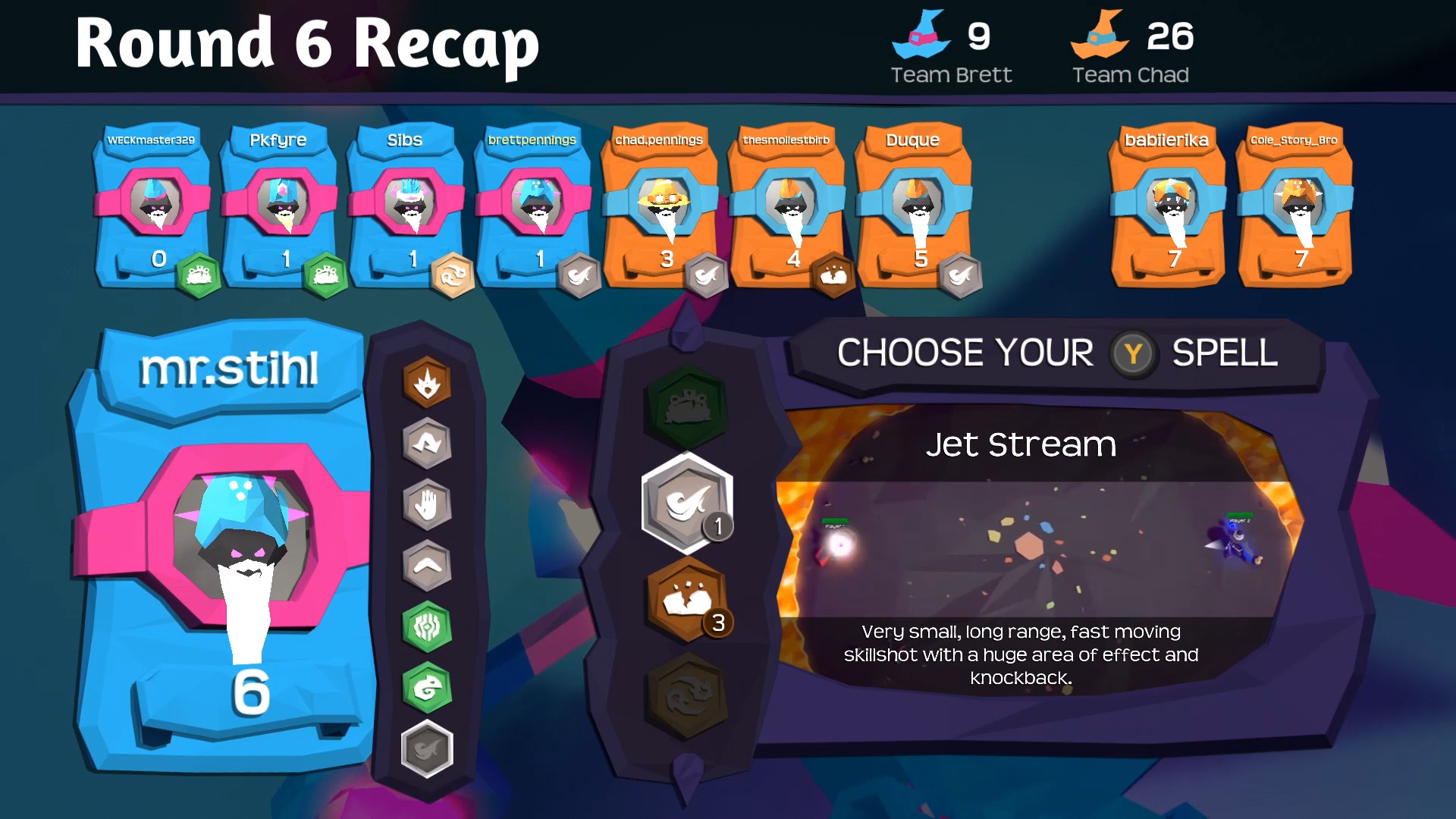
Before each match, each player selects spells from a pool of seventy. The draft occurs at the start of the bout and the chosen spells remain available for the entire nine‑round battle.
The game lists "Spell drafting" as a feature, indicating that the selection process is a defined part of the match setup rather than a later in‑game action.
- Try different spell combinations in offline bot matches to see which feel reliable.
- Note which spells you tend to pick when playing free‑for‑all versus team modes.
02 / THE GUIDE
Beard Growth Mechanics
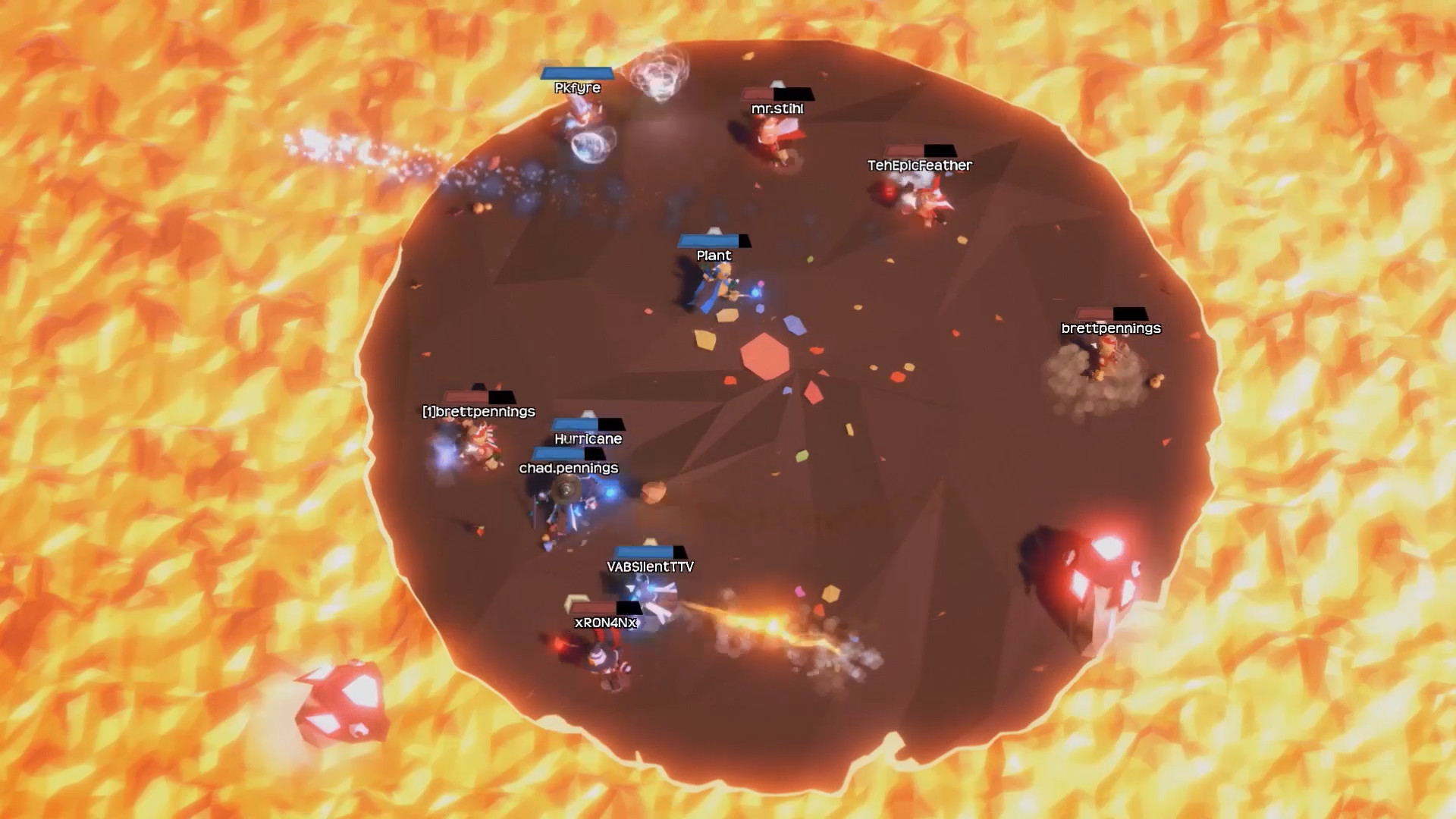
Each kill adds length to a wizard’s beard, and the beard length is tracked across the nine rounds. The longest beard at the end of the final round determines the match winner.
The description "Beards grow longer with each kill; the wizard with the longest beard after 9 rounds wins!" confirms that beard length is the sole victory condition.
- Early kills can create a beard advantage that forces opponents to play more defensively.
- Watch opponent beard meters to decide when to press the attack or fall back.
03 / THE GUIDE
Multiplayer Modes
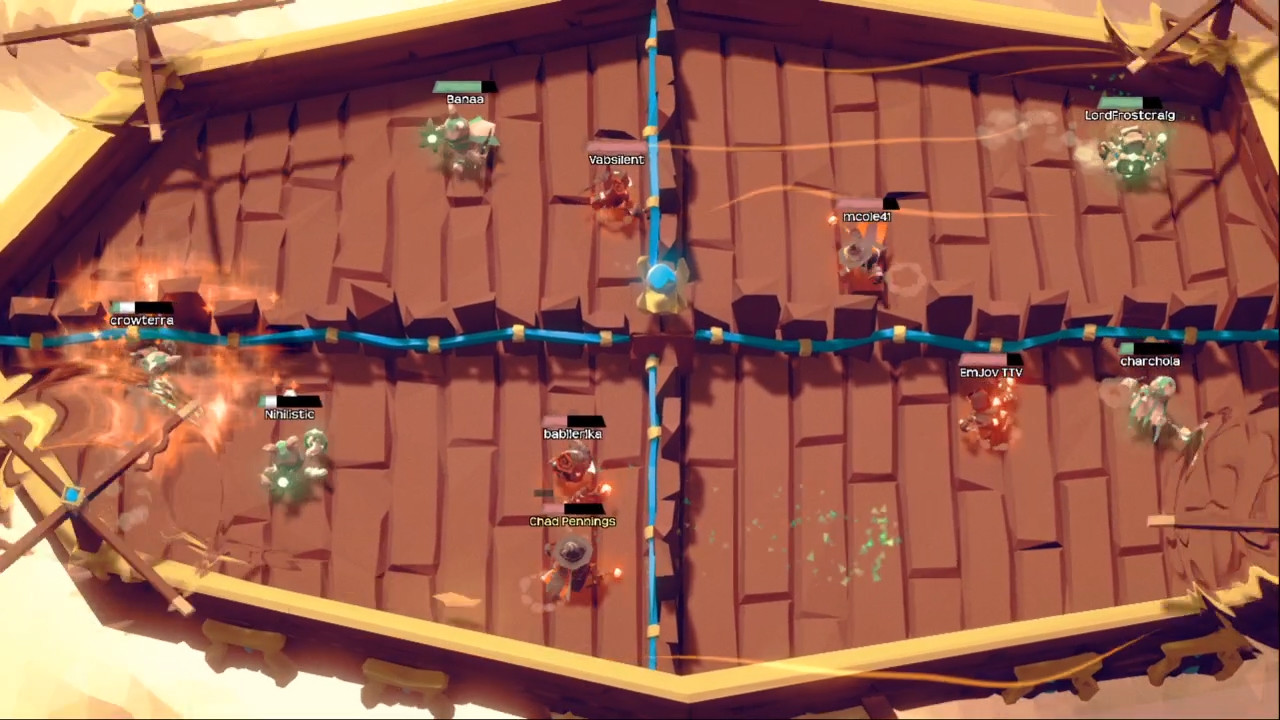
MageQuit supports 1‑10 players locally or online, and the feature list includes cross‑play.
Match types include free‑for‑all, teams, and 1v1. Players can join quickplay solo, form premade parties of up to ten, or queue with parties of up to five, and split‑screen is available on a single PC.
- Use split‑screen when hosting a local tournament to maximize a single display.
- In team matches, distribute spell roles so each teammate covers a different tactical niche.
04 / THE GUIDE
Input Options
The feature list mentions "Full controller support" together with "Mouse and keyboard support," indicating that both input methods are officially available.
Specific controllers named are DualShock and DualSense, showing that those gamepad families are confirmed compatible.
- If you own a DualShock or DualSense controller, try it to see whether it feels more natural for drafting spells.
- Switch between mouse‑and‑keyboard and controller in practice matches to compare selection speed.
05 / THE GUIDE
Official Tournaments
Semi‑monthly tournaments are streamed on the game’s Twitch channel and welcome players of all experience levels. Finalists receive game keys and winners receive in‑game rewards.
Sign‑up can be done directly in the game or with the "+signup" command in the official Discord, providing a built‑in method to enter competitive play.
- Enter a tournament to test your drafting and beard‑growth strategies against a varied player pool.
- Watch past tournament streams to observe common spell choices and pacing.
COMMUNITY
Player discussion