 GameWiki

GET YOUR BEARINGS
About Mage Arena
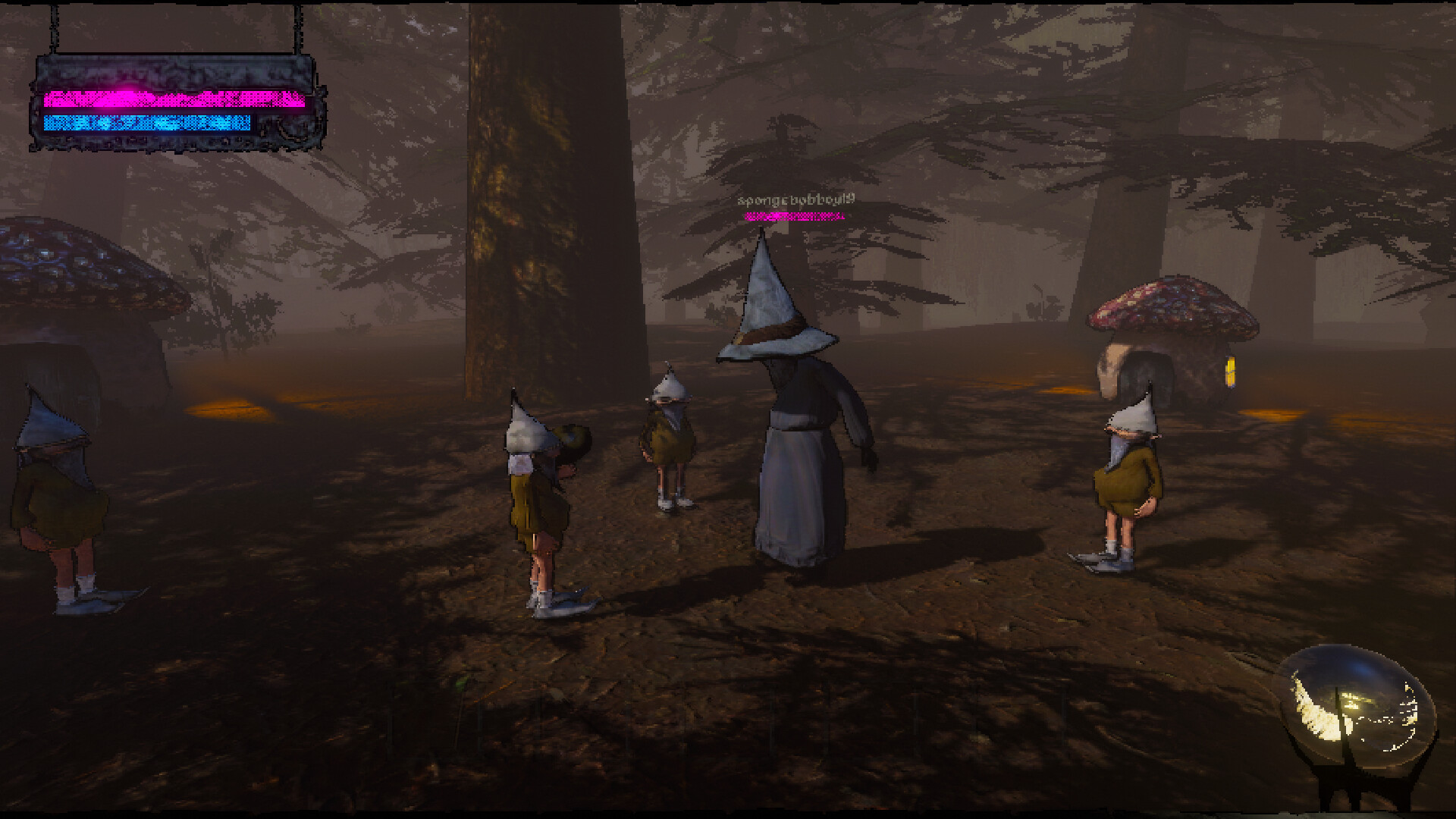
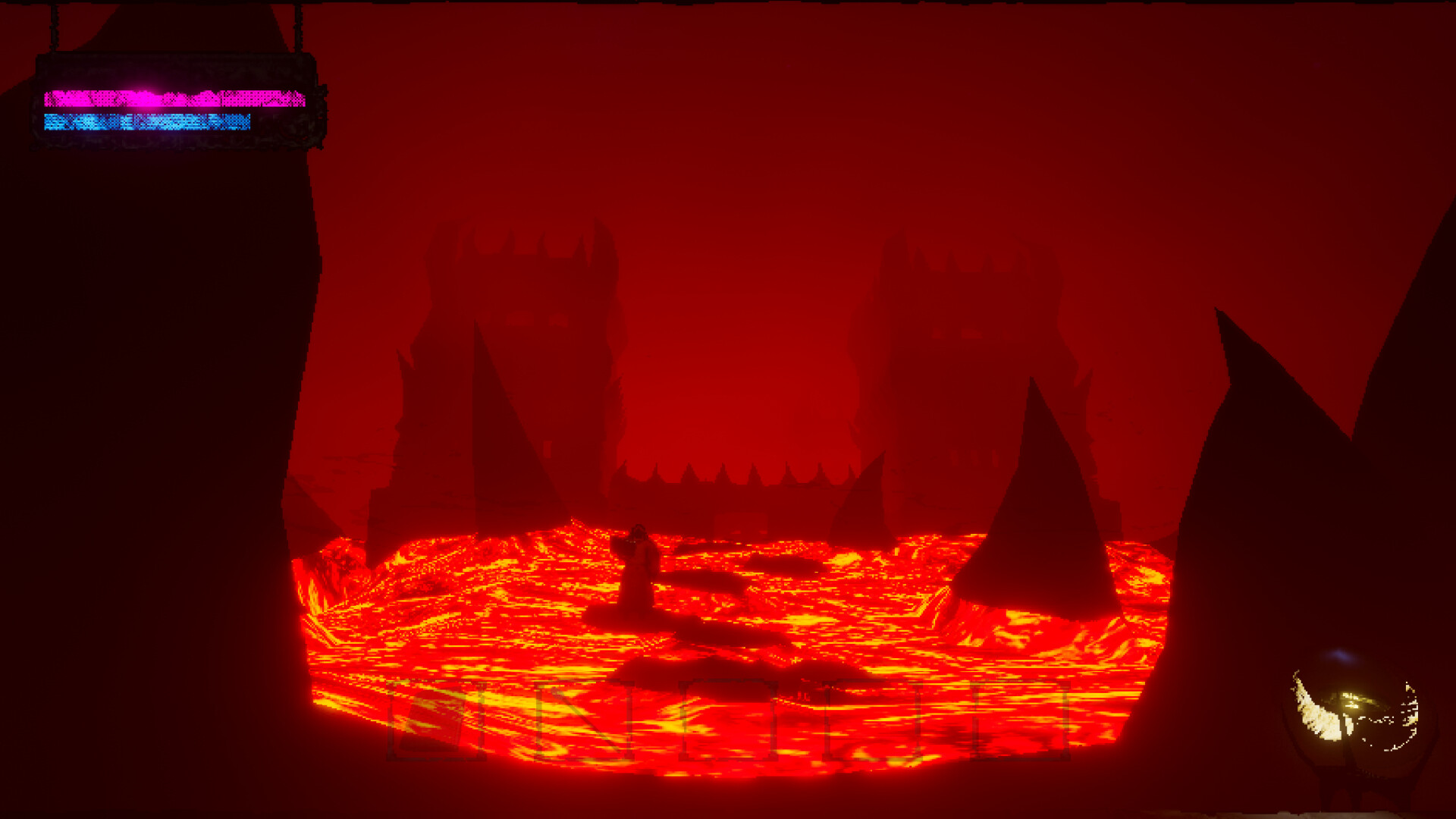
Mage Arena pits sorcerers against warlocks in voice‑controlled PvP battles. Players can join a team of up to four or duel one‑on‑one in the Mage Colosseum, casting spells by speaking specific words. The arena itself is an ever‑changing island filled with fantastical landscapes that can be explored during combat.
The Goblin Archmagus oversees each match, and teams must infiltrate the enemy base, capture the flag pole, and eliminate all opponents to claim victory. Resources found on the island can be used to craft items that give players an edge, and the game supports stereo and surround sound for an immersive experience.
01 / THE GUIDE
Game Modes
Mage Arena offers two distinct multiplayer formats. In the primary mode, up to four players per side battle in a 4v4 match, coordinating voice‑cast spells to dominate the opposing team. A secondary option, the Mage Colosseum, pits two players against each other in a focused 1v1 duel. Both modes are online and support cooperative play within teams, allowing friends to join together or face strangers in competitive matches.
- Communicate with teammates to synchronize spell usage for maximum effect.
- Practice the 1v1 mode to master timing and word recognition before joining larger teams.
02 / THE GUIDE
Voice Casting Mechanics
Spells are cast by speaking the correct words, turning vocal input into fireballs, frostbolts, wormholes, and arcane blasts. The system does not require timed input, allowing players to focus on articulation rather than rapid button presses. Successful casting depends on speaking the designated command clearly. The game’s design emphasizes voice as the primary control method, integrating it with the combat flow and making each spell a spoken action rather than a traditional key press.
- Find a quiet environment to reduce background noise that could interfere with spell recognition.
- Enunciate each command slowly at first to ensure the system registers the spell.
03 / THE GUIDE
Map and Resources
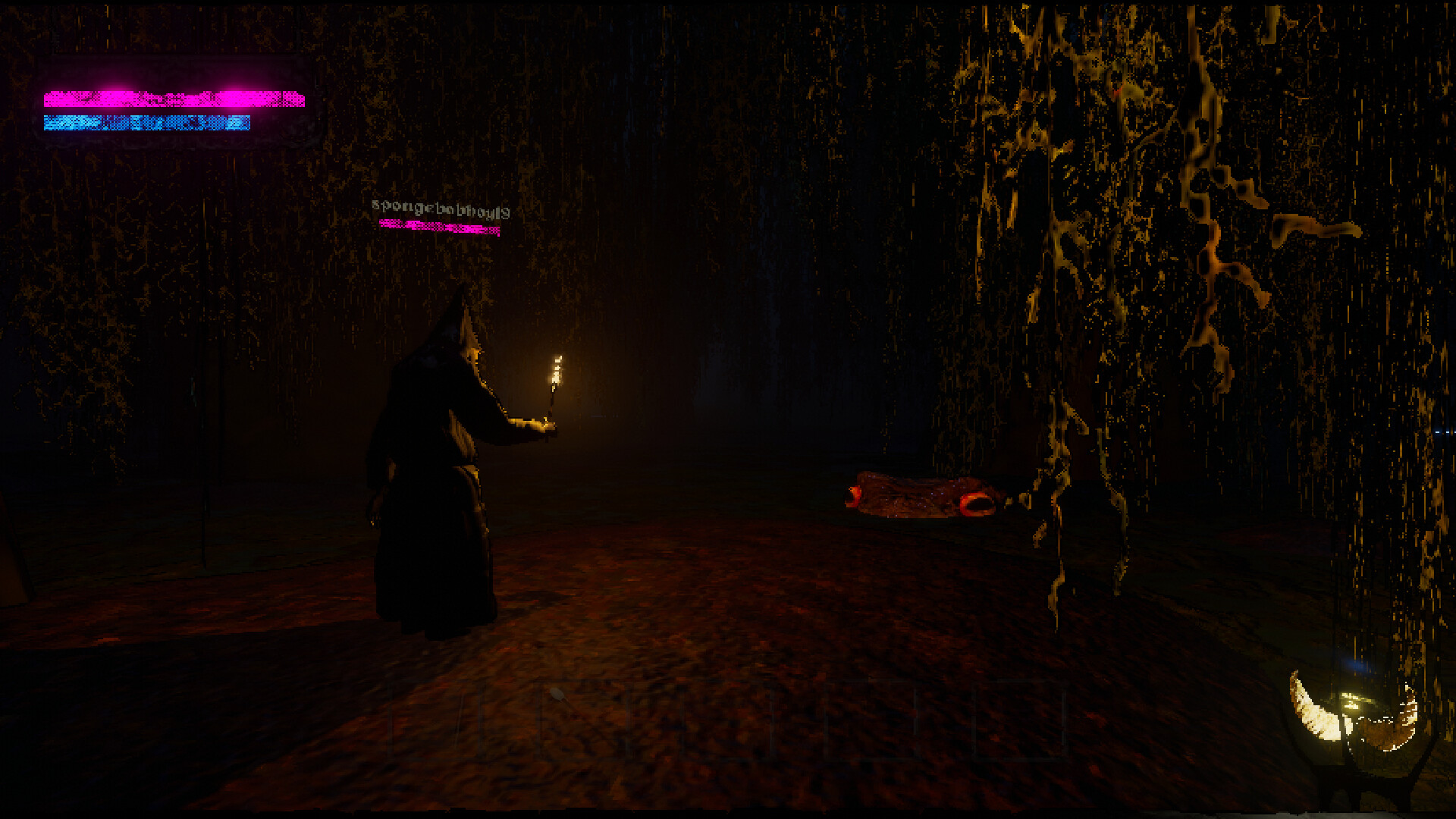
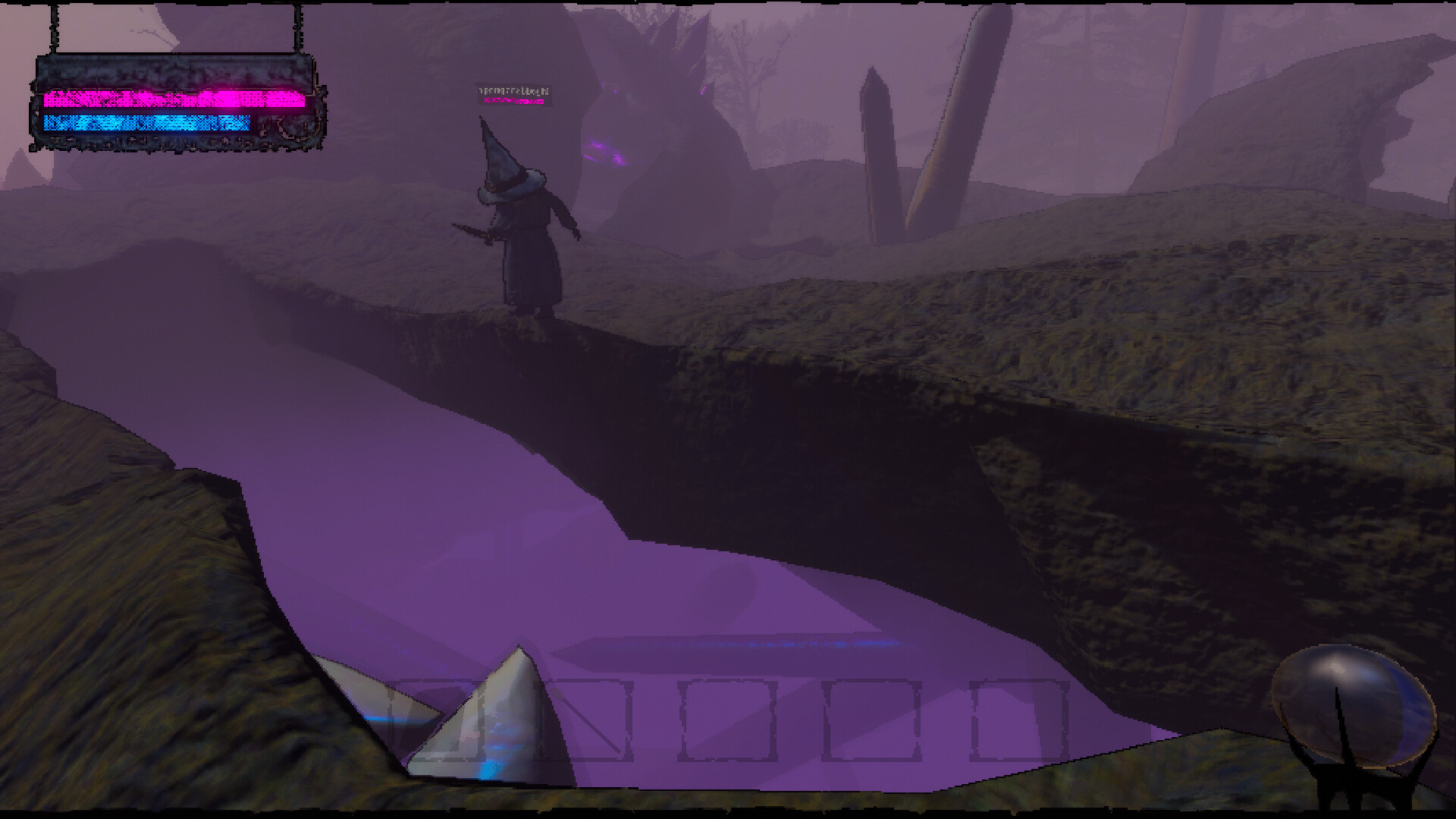
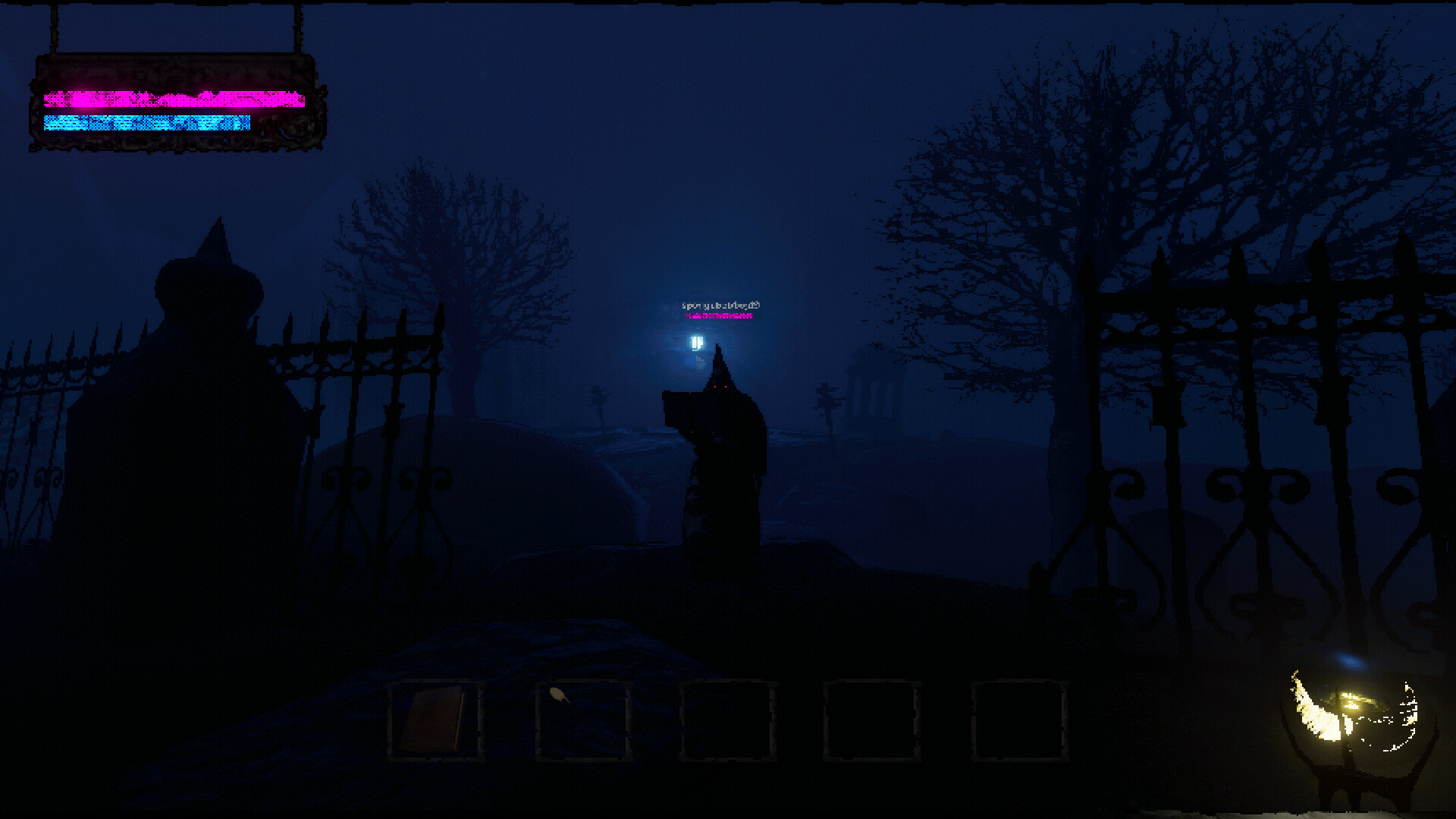
The Mage Arena is described as an ever‑changing island with fantastical landscapes to explore. Throughout the map, players can locate resources that can be used to craft useful items, providing strategic advantages during battles. These resources are integrated into the environment, encouraging movement and map awareness. Exploration is rewarded, as crafted items can influence the outcome of engagements, making control of resource‑rich areas a key tactical consideration for both teams.
- Prioritize scouting the map early to locate resource nodes before the enemy does.
- Coordinate with teammates to secure and defend resource points for sustained advantage.
04 / THE GUIDE
Objective and Victory Conditions
To win, a team must infiltrate the opponent’s base and capture their flag pole. Once the flag is secured, the Goblin Archmagus deems the opposing team unworthy of resurrection, meaning that eliminating every enemy member finalizes victory. The flag capture and total elimination are both required for a win. This dual condition creates a layered objective: teams must both control the flag and survive long enough to defeat all opponents, encouraging balanced offensive and defensive strategies.
- Assign a dedicated flag carrier while others provide protection and suppress enemy spells.
- Focus on eliminating key enemy spellcasters to reduce resistance during the flag capture.
05 / THE GUIDE
Platform and Audio Features
Mage Arena is available on Windows and supports family sharing, allowing multiple accounts to access the game on a single purchase. Audio is highlighted with both stereo and surround sound options, enhancing the immersive voice‑controlled combat experience. The game does not list macOS or Linux support, focusing its release on the Windows platform while providing robust audio configurations for players with compatible hardware.
- Enable surround sound if your setup supports it to better locate enemy spell casts.
- Use the family sharing feature to let household members try the game without extra purchases.
COMMUNITY
Player discussion