 GameWiki

GET YOUR BEARINGS
About Maestro
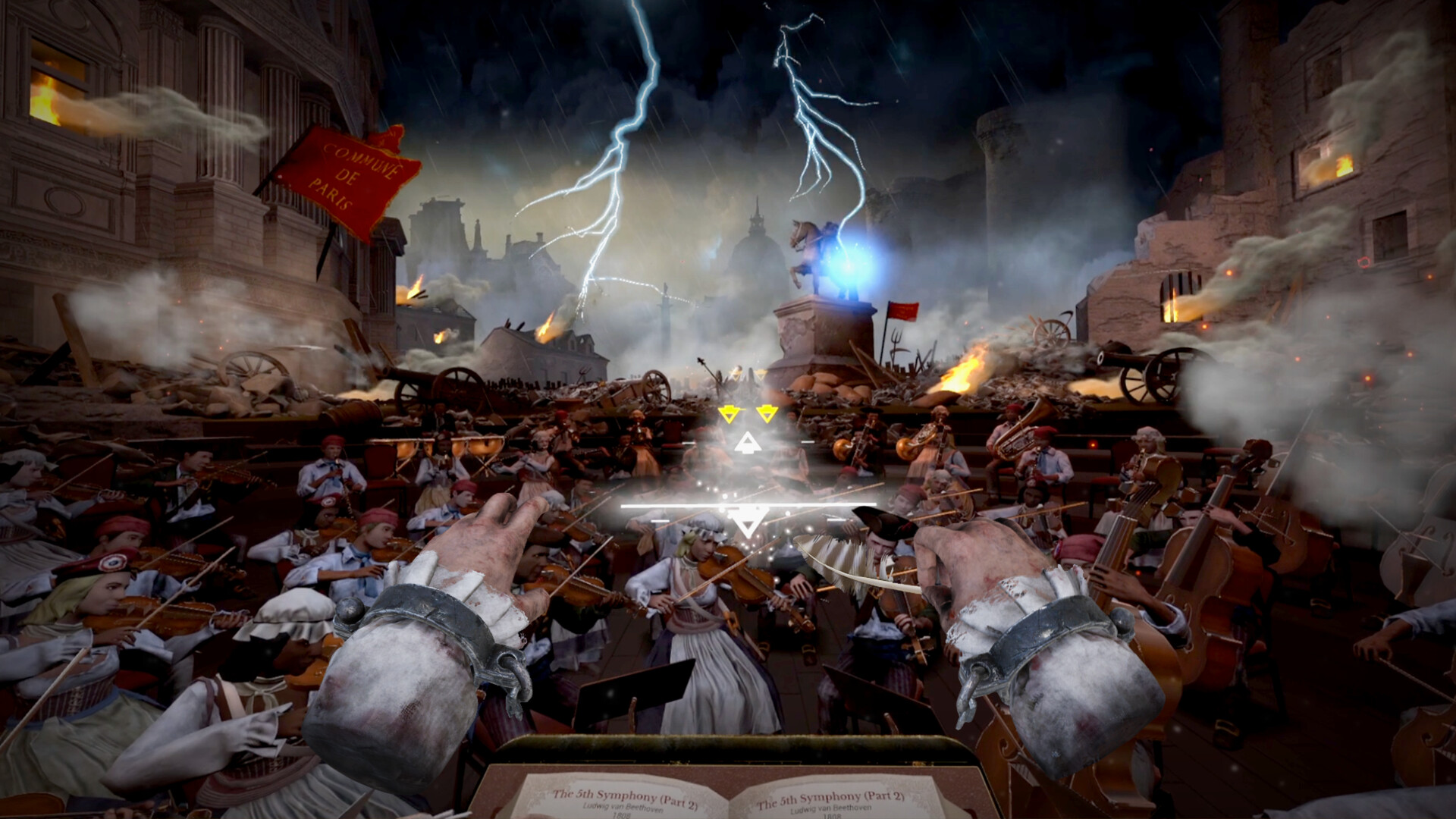
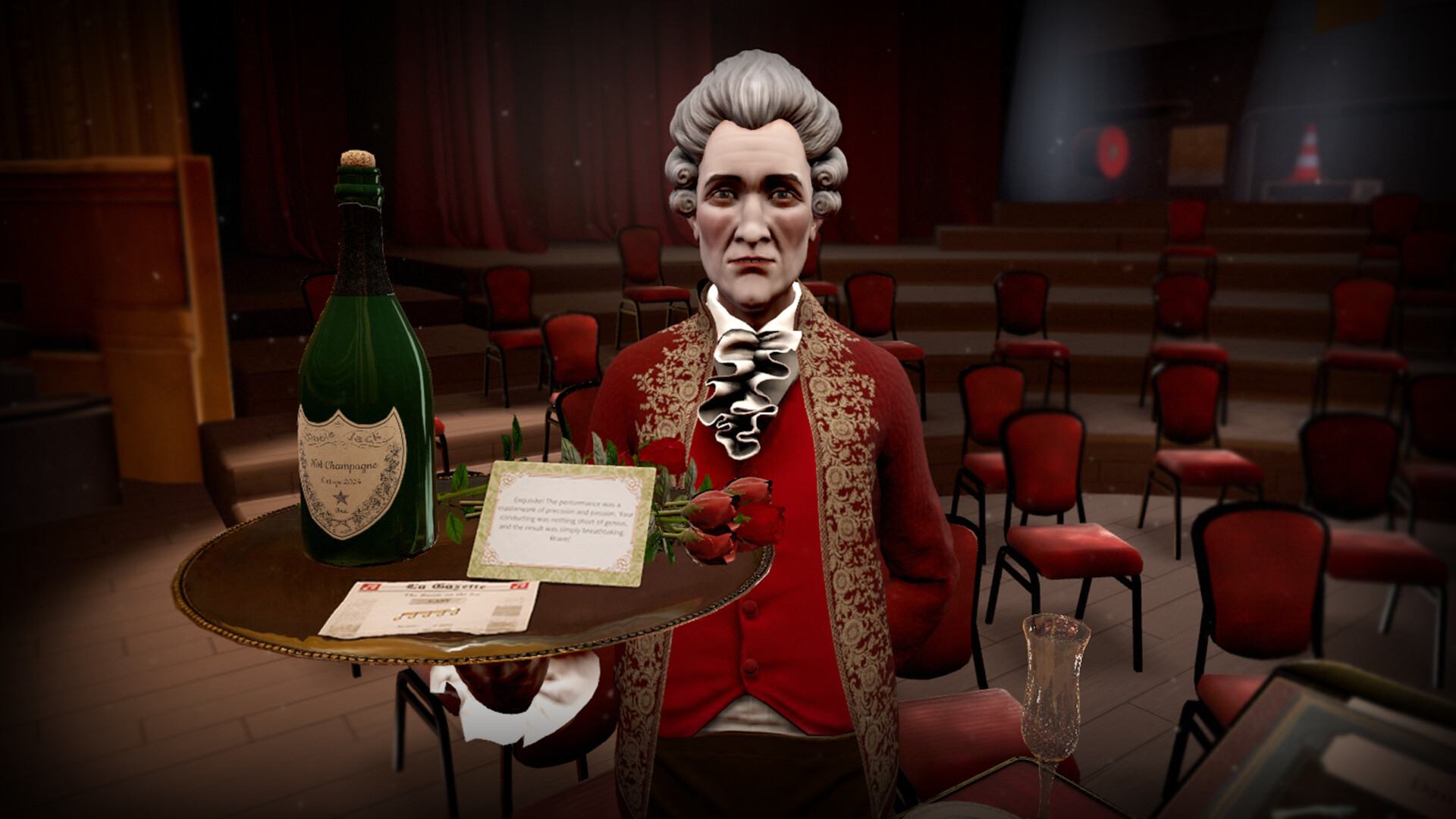
Maestro places you on a virtual stage where you conduct a full orchestra using the game’s hand‑tracking system. The experience is built for VR, offering visual and auditory immersion as you follow the music.
The base game includes 30 tracks that range from Beethoven and Vivaldi to Star Wars and Harry Potter. Dozens of stages, costumes, gloves and batons can be unlocked, and the title supports single‑player sessions and family sharing on Windows PCs.
01 / THE GUIDE
Hand‑Tracking Conducting
Maestro’s core mechanic relies on hand‑tracking, allowing you to conduct with real conducting technique. The system translates the position of your hands into the gestures required to lead the virtual orchestra.
Because the game is VR‑only, the hand‑tracking works with compatible headsets and controllers that support this feature, providing a direct way to shape each performance.
- Begin with slow, wide gestures to become comfortable with the tracking range.
- Keep your hands within the headset’s field of view for consistent detection.
02 / THE GUIDE
Track Library
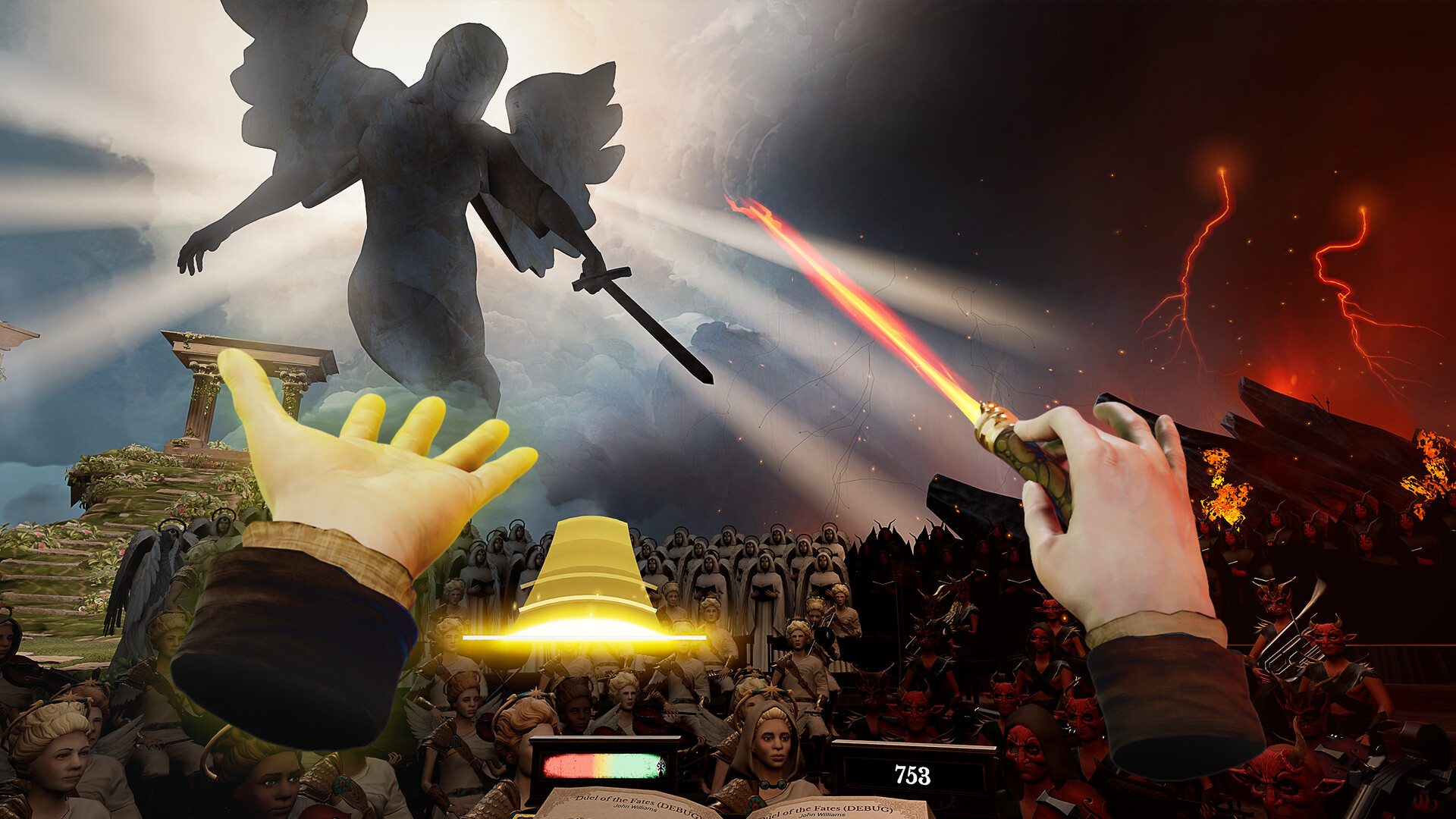
The title offers 30 tracks that cover classical pieces by Beethoven and Vivaldi, as well as cinematic and iconic themes such as Star Wars and Harry Potter. Each track is presented as an interactive concert.
All tracks are available from the start of the base game, and the library defines the musical variety you can conduct without needing additional content.
- Select a familiar piece first to focus on conducting gestures.
- Explore both classical and cinematic tracks to experience different styles.
03 / THE GUIDE
Customization Options
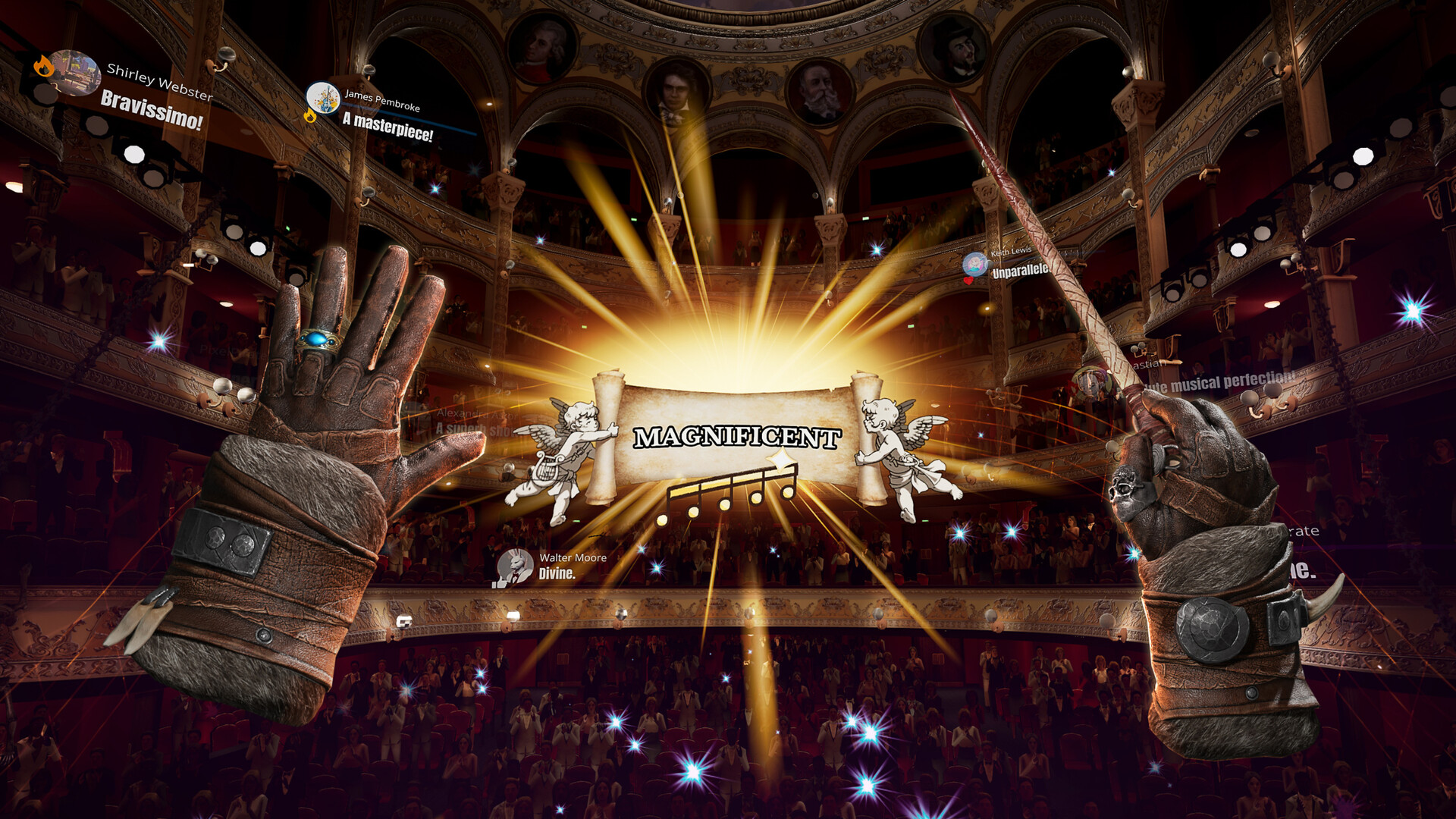
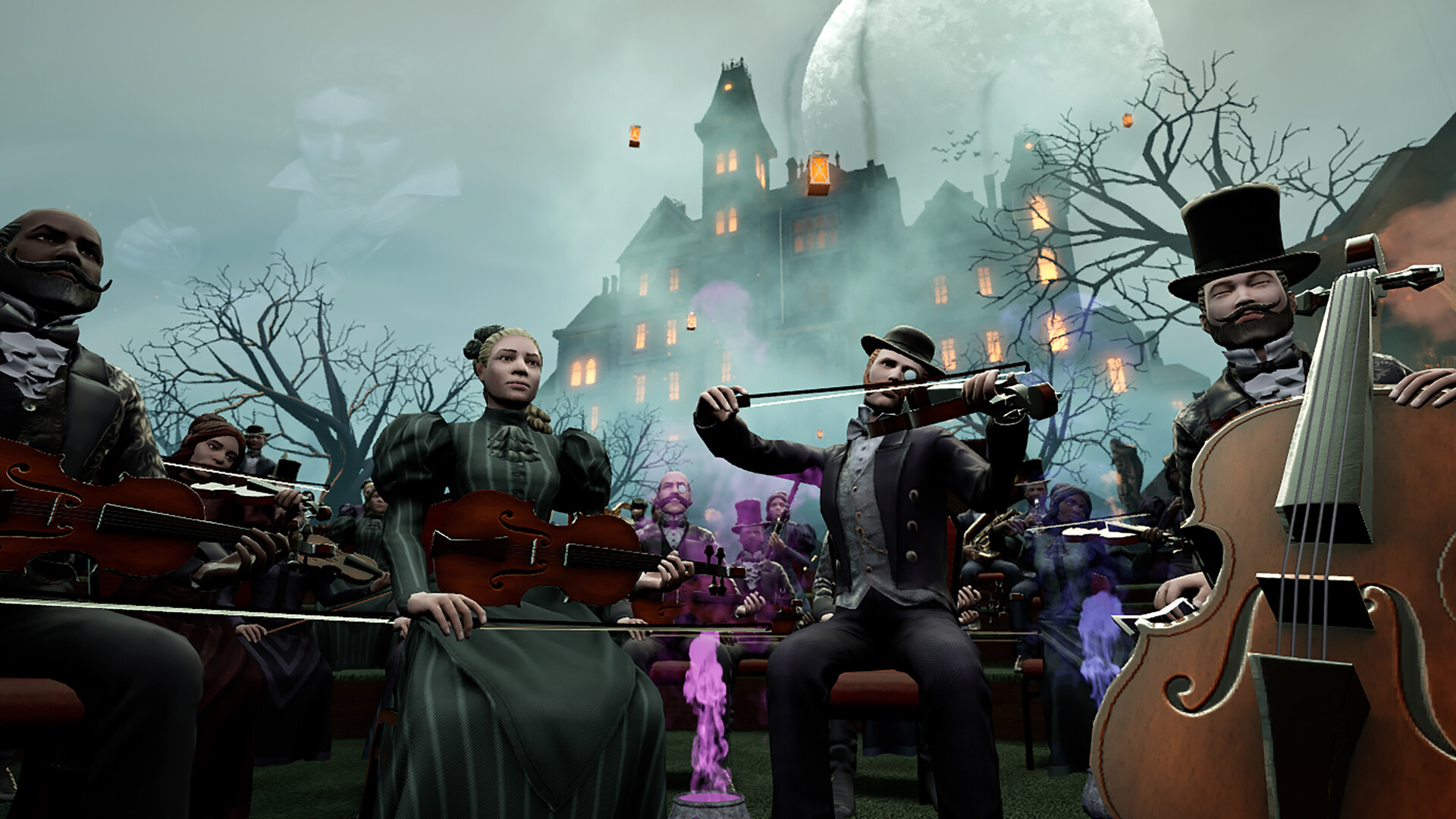
Players can unlock dozens of stages, costumes, gloves and batons, allowing visual personalization of each concert. These items change the appearance of the conductor and the surrounding environment.
Customization is optional and does not alter the core conducting mechanics, but it provides aesthetic variety for each performance.
- Choose a baton that contrasts with the stage lighting for clearer visual feedback.
- Pair costumes with matching gloves for a cohesive look.
04 / THE GUIDE
Single‑Player & Family Sharing
Maestro is a single‑player title, meaning each session is played individually. The game does not include multiplayer or cooperative modes.
Family sharing is supported, allowing multiple Windows accounts on the same system to access the same purchase without additional copies.
- Set up family sharing in the platform’s account settings before installing.
- Create separate save slots for each family member to keep progress distinct.
05 / THE GUIDE
Platform Availability
Maestro is released for Windows PCs with VR support. The official platform list shows Windows true, macOS false, Linux false, focusing development on the Windows VR ecosystem.
A compatible VR headset and hand‑tracking capable controllers are required for the game to function as intended.
- Verify headset compatibility with the game’s system requirements before purchase.
- Keep graphics drivers up to date to ensure smooth VR performance.
COMMUNITY
Player discussion