 GameWiki
GET YOUR BEARINGS
About Madrun
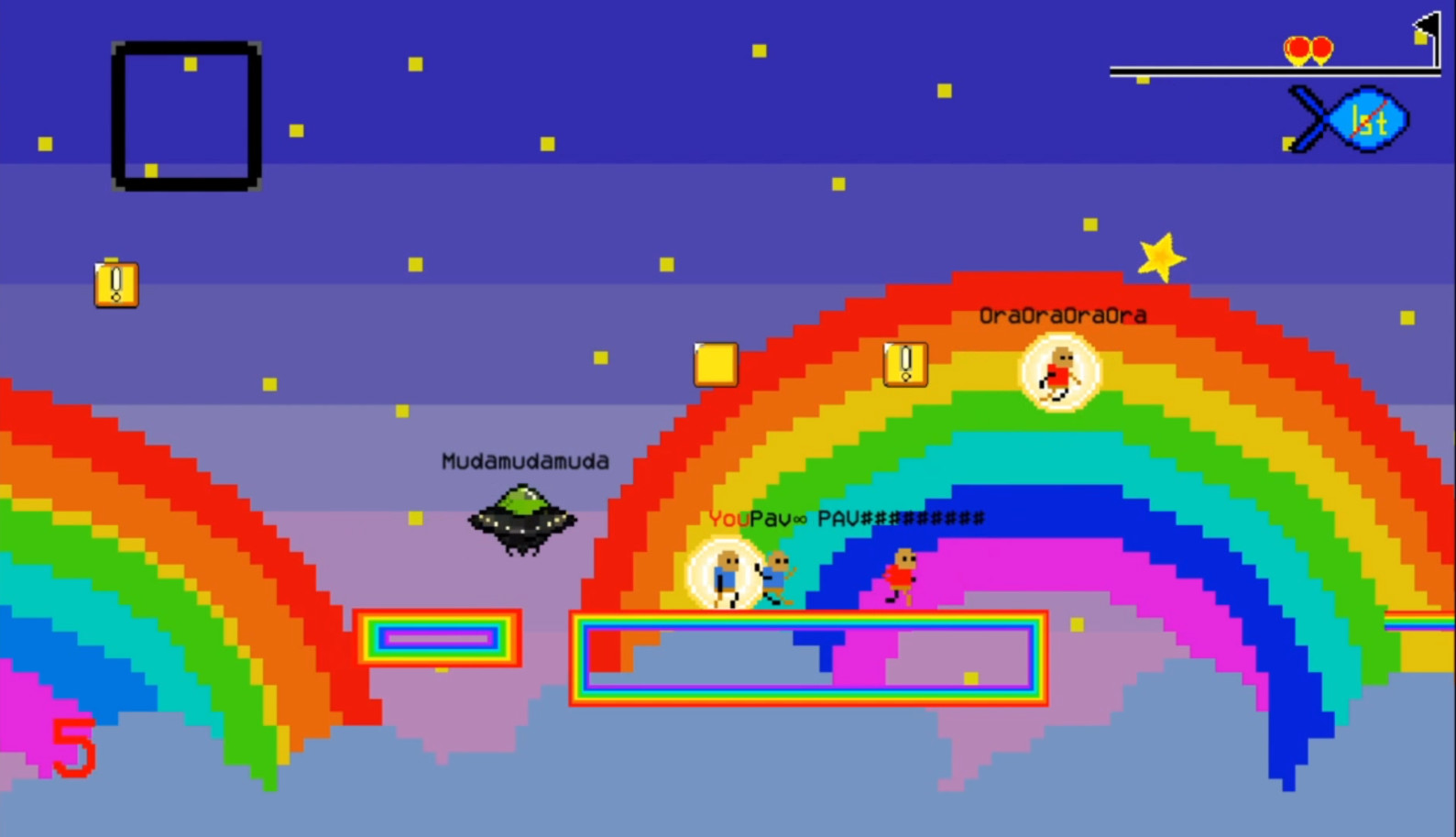
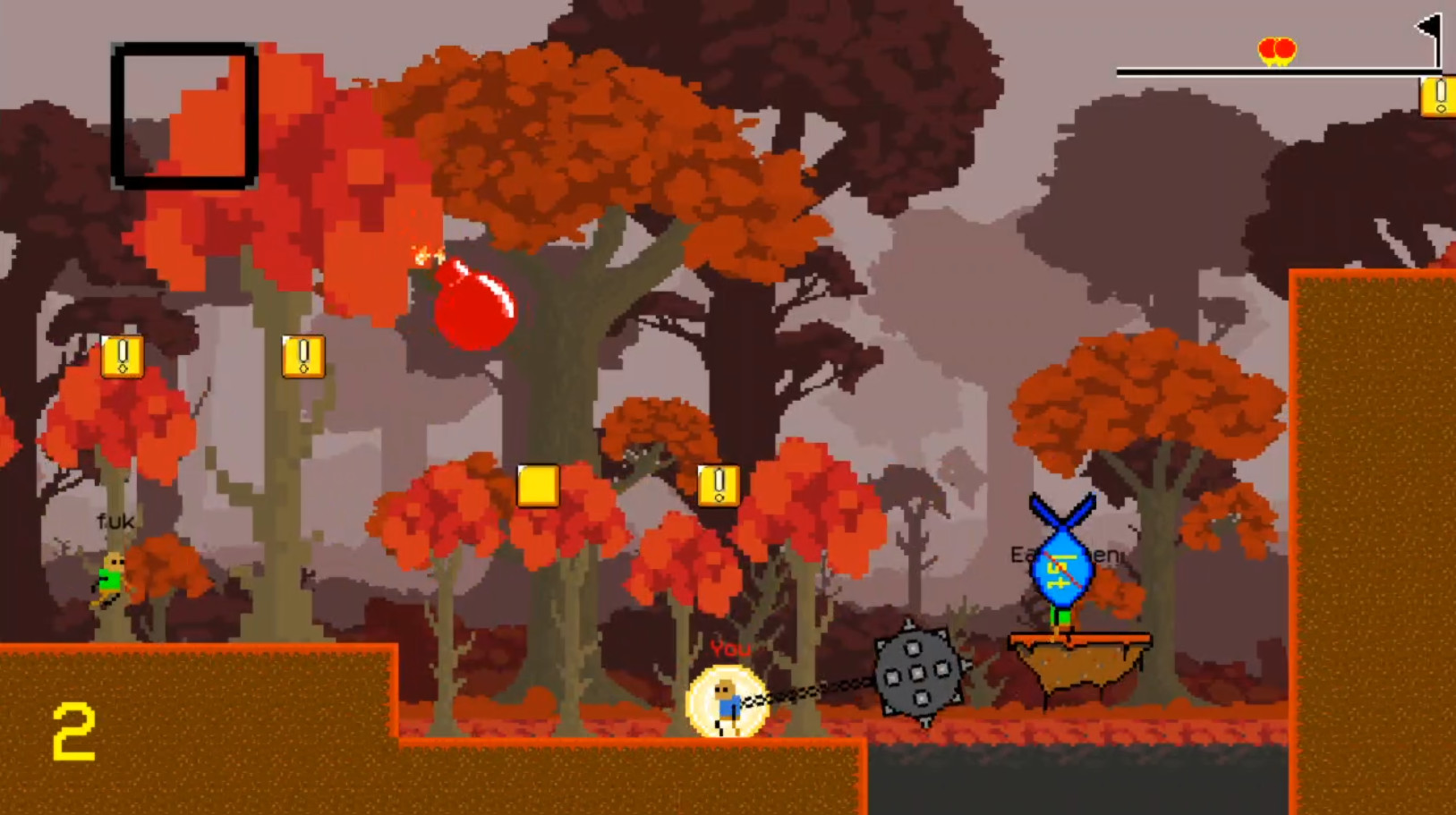
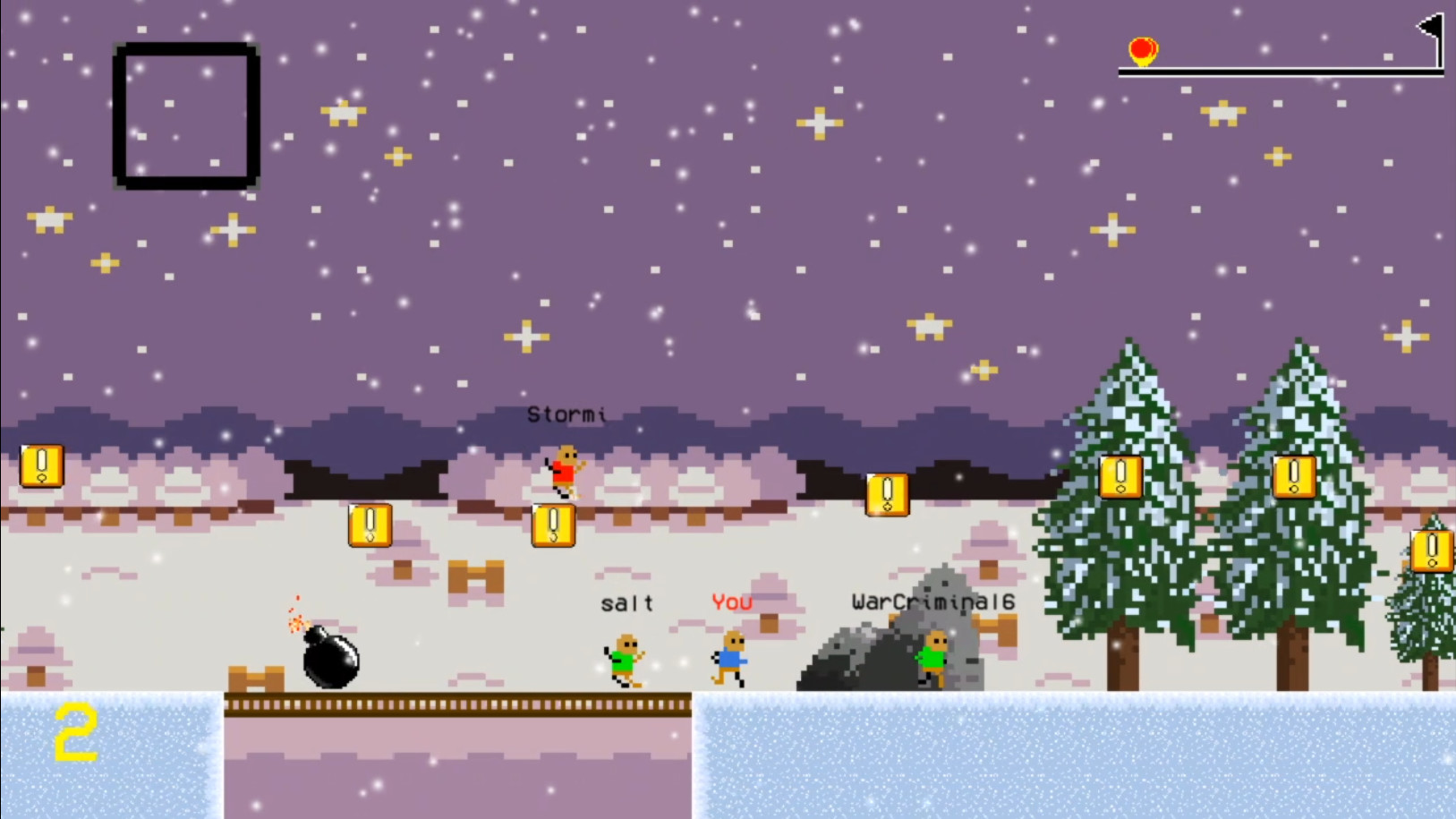
Madrun is a free 2D platform‑racing title where up to eight players compete online or locally. Each race features chaotic items that scale with your position, turning every match into an unpredictable scramble for the flag.
The game includes twenty themed levels plus a random‑level generator, guaranteeing fresh layouts each race. It runs on Windows with optional full‑screen or windowed display and supports split‑screen play on a single device.
01 / THE GUIDE
Gameplay and Levels
Madrun offers twenty distinct levels, each defined by its visual theme, mechanical gimmick, and difficulty level. The random level generator creates additional layouts, so even repeated play of a level can feel new.
Every race begins on a selected level and ends when a player reaches the flag. Platform obstacles and level‑specific gimmicks shape the path to the flag, requiring timing and navigation.
- Try a level you haven’t mastered yet; the random generator may pair you with unfamiliar obstacles that test different skills.
- Watch how each level’s gimmick influences item timing as you race toward the flag.
02 / THE GUIDE
Items and Power Distribution
Hitting a “!” block awards an item. The item you receive depends on your current race position and a random factor; players farther behind are more likely to obtain stronger items.
The game encourages quick use of items, as rapid deployment maximizes their chaotic effect and can shift the race toward the flag.
- If you fall behind, prioritize reaching a “!” block to gain a powerful item.
- Deploy items immediately after collection; delayed use reduces their impact.
03 / THE GUIDE
Racing Modes
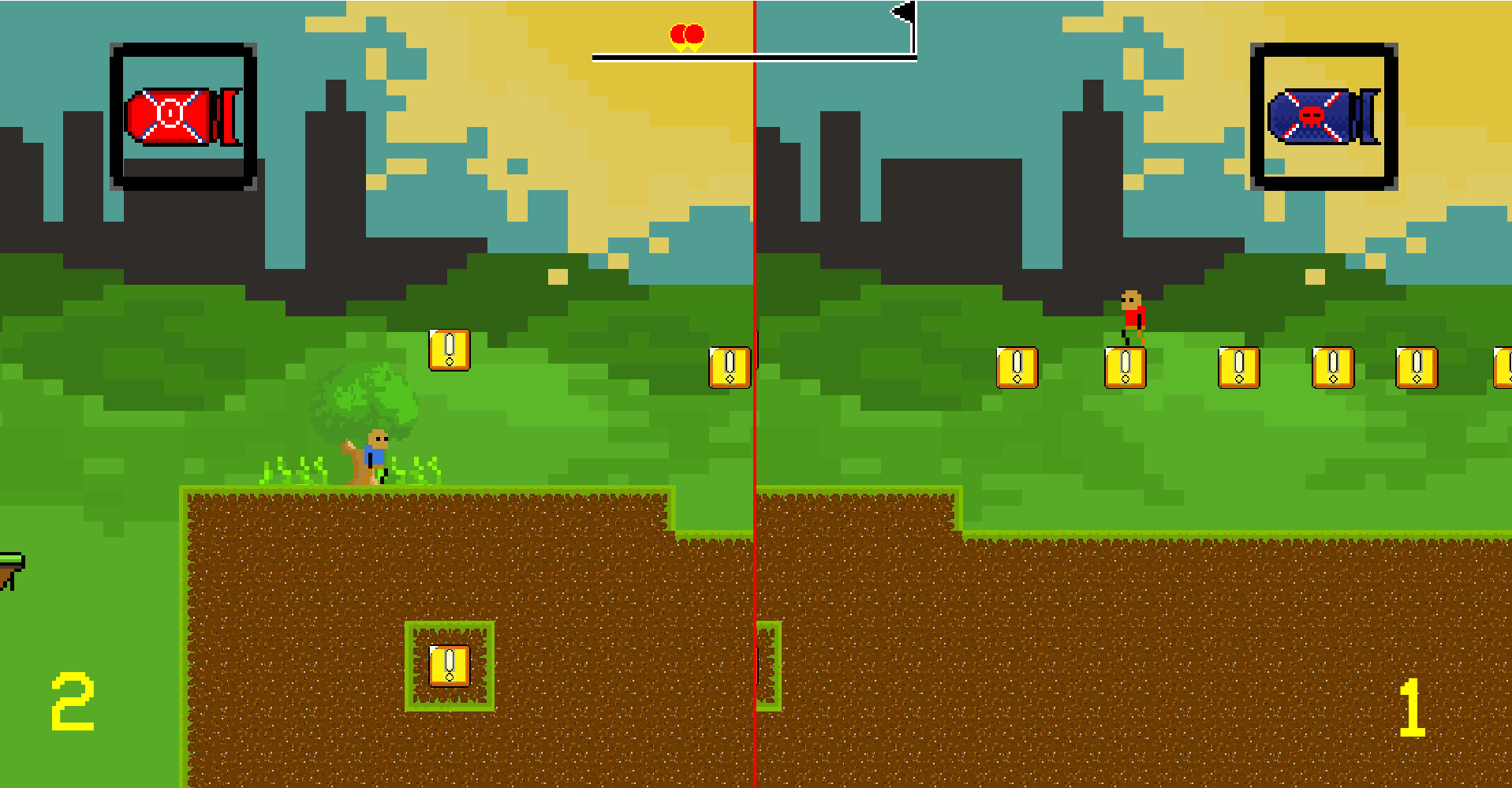
Madrun provides three modes: Online VS, Local Duel, and Time Attack. Online VS connects you with up to seven other players, while Local Duel splits the screen for two players on the same device using default WASD and arrow‑key controls.
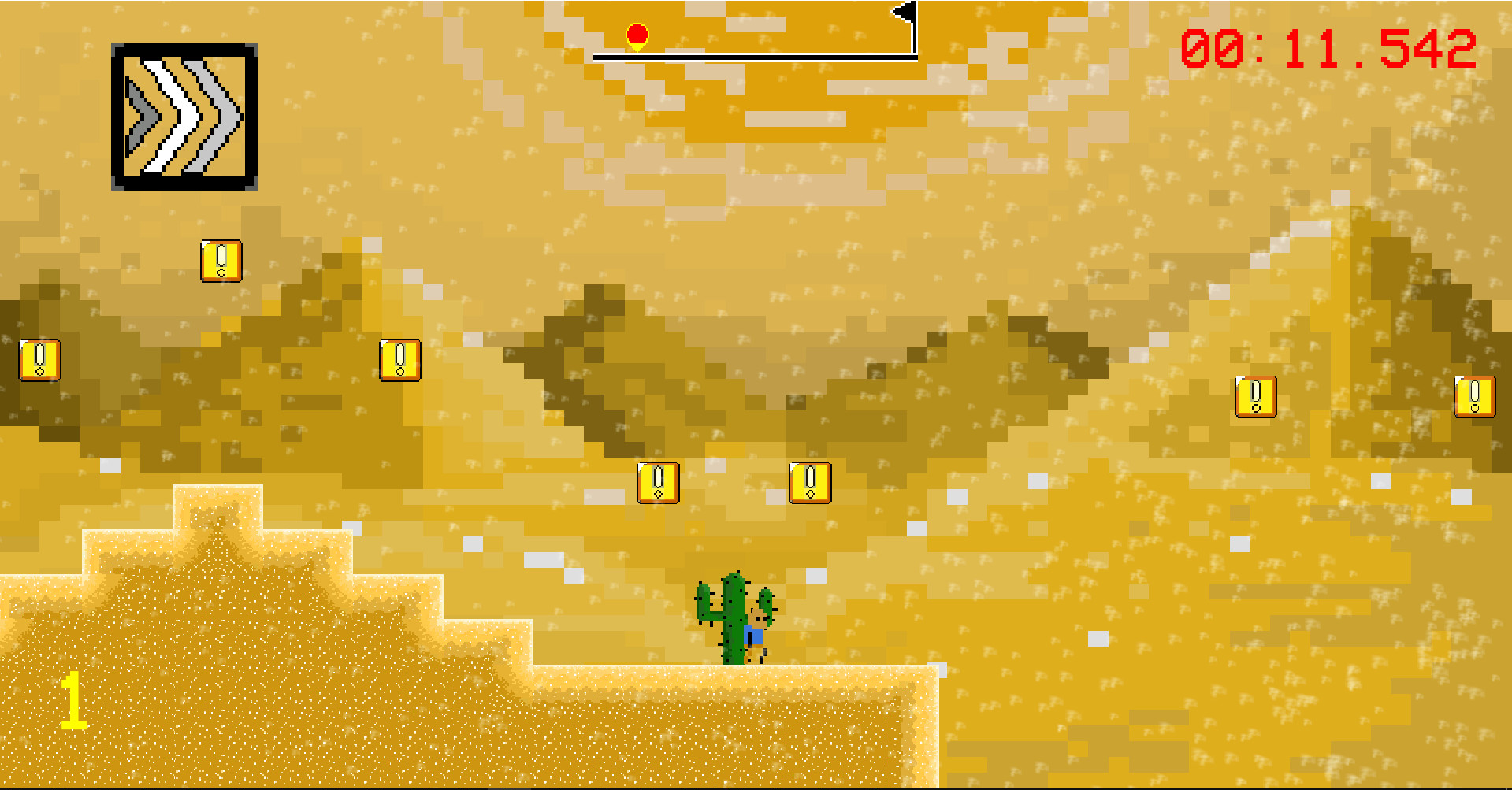
Time Attack lets a single player race alone to set personal bests on each level. Each mode focuses on multiplayer chaos, split‑screen competition, or solo speed‑running.
- Use Local Duel to practice item timing with a friend before entering Online VS.
- In Time Attack, focus on consistent routes to improve leaderboard rankings.
04 / THE GUIDE
Online VS Room System
In Online VS you can host a public room (anyone may join) or a private room (joinable only with the exact room name). Players can chat while waiting, and the host decides when the match starts.
After the host starts the match, all participants vote on a level; the chosen level is selected randomly from the votes. During the race you may pause with Enter, then continue or quit from the pause menu.
- When hosting a private room, share the exact name with friends to avoid unwanted participants.
- Encourage all players to vote on a level you all enjoy; the random selection keeps it fair.
05 / THE GUIDE
Settings and Controls
The default control scheme uses A/D for movement, W to jump, and S for items; player two in Local Duel uses the arrow keys. Controls can be changed in the settings menu, and you may toggle online region filters, player name visibility, and minimap display.
Display options include full‑screen or windowed mode. Menu navigation is mouse‑driven, while in‑game actions rely on the keyboard layout you configure.
- Adjust key bindings to suit your comfort before entering a competitive match.
- Turn off the minimap if you prefer a cleaner view of the race.
COMMUNITY
Player discussion