 GameWiki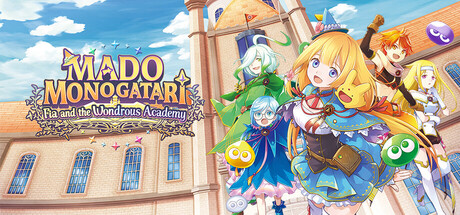
GET YOUR BEARINGS
About MADO MONOGATARI: Fia and the Wondrous Academy
MADO MONOGATARI: Fia and the Wondrous Academy follows a hopeful student, Fia, as she enrolls in the historic Ancient Magic Academy. She must master schoolwork, survive strict professors, and investigate mysterious events while aiming to become a Great Mage. The game blends randomly generated dungeons with real‑time turn‑based combat, letting players collect Elemental Orbs, unlock Magic Artes, and synthesize equipment. Between crawling floors, Fia can explore the academy grounds, check a bulletin board, cook curry, and interact with classmates.
01 / THE GUIDE
Dynamic Dungeons
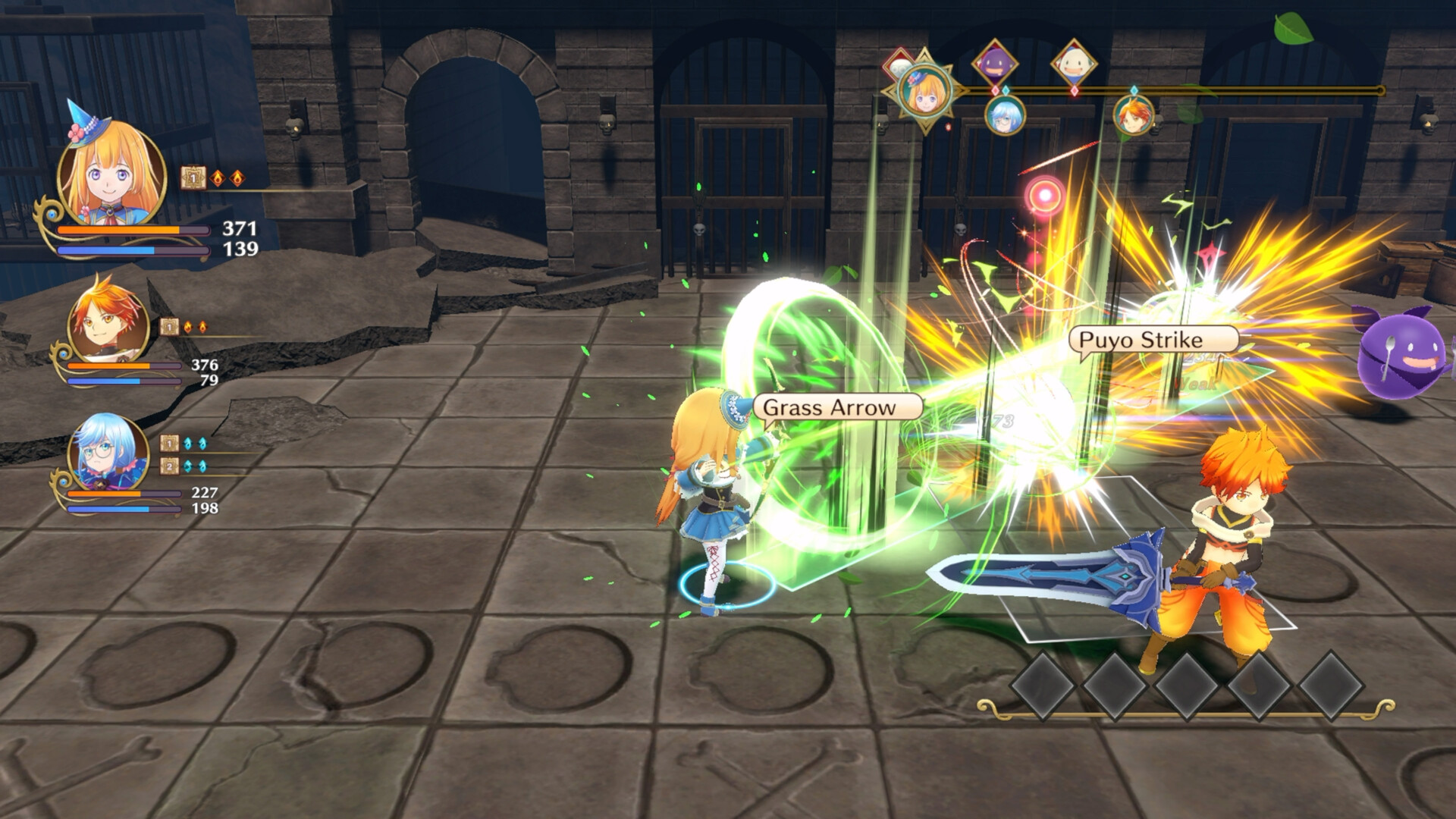
Dungeons are generated anew each run, offering fresh layouts of treasure, monsters, and obstacles. Players guide Fia through floor after floor, battling foes such as Puyo and Skeleton T while gathering loot.
Progress is tied to real‑time, turn‑based battles where Magic Artes and Elemental Orbs fill a gauge for powerful attacks. Success in these encounters raises Fia’s level and expands her capabilities.
- Observe enemy patterns early to plan Orb usage efficiently.
- Take note of recurring room types to anticipate resource needs.
02 / THE GUIDE
Grimoire System
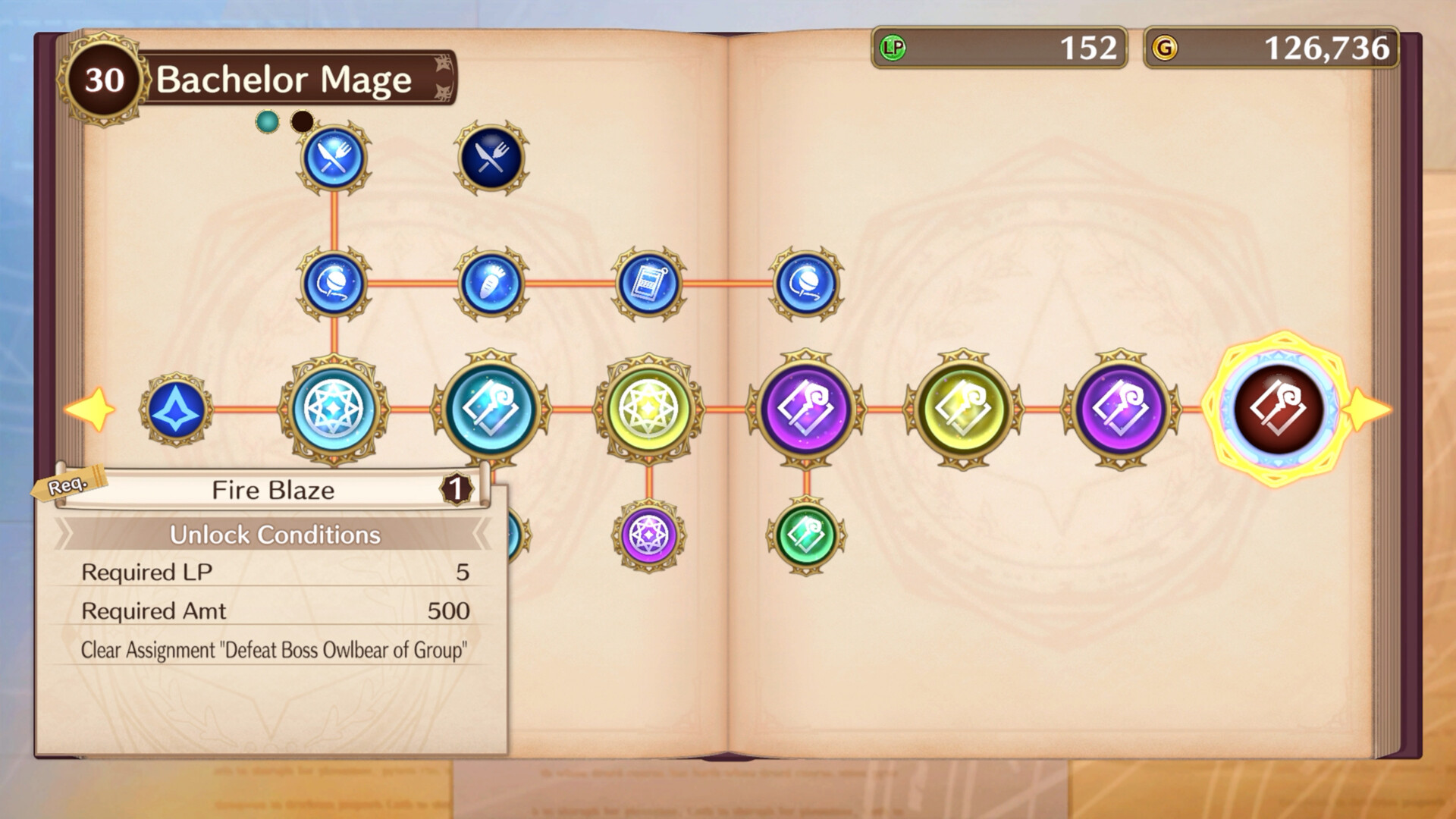
The Grimoire records every Magic Arte Fia unlocks, acting as a personal spellbook. It logs abilities as they are discovered through gameplay.
Learning Points earned from assignments and quests can be spent to unlock new nodes in the Grimoire, granting access to additional Magic Artes.
- Prioritize Learning Points on Artes that complement your current combat style.
- Review the Grimoire regularly to plan future unlocks.
03 / THE GUIDE
Academy Exploration
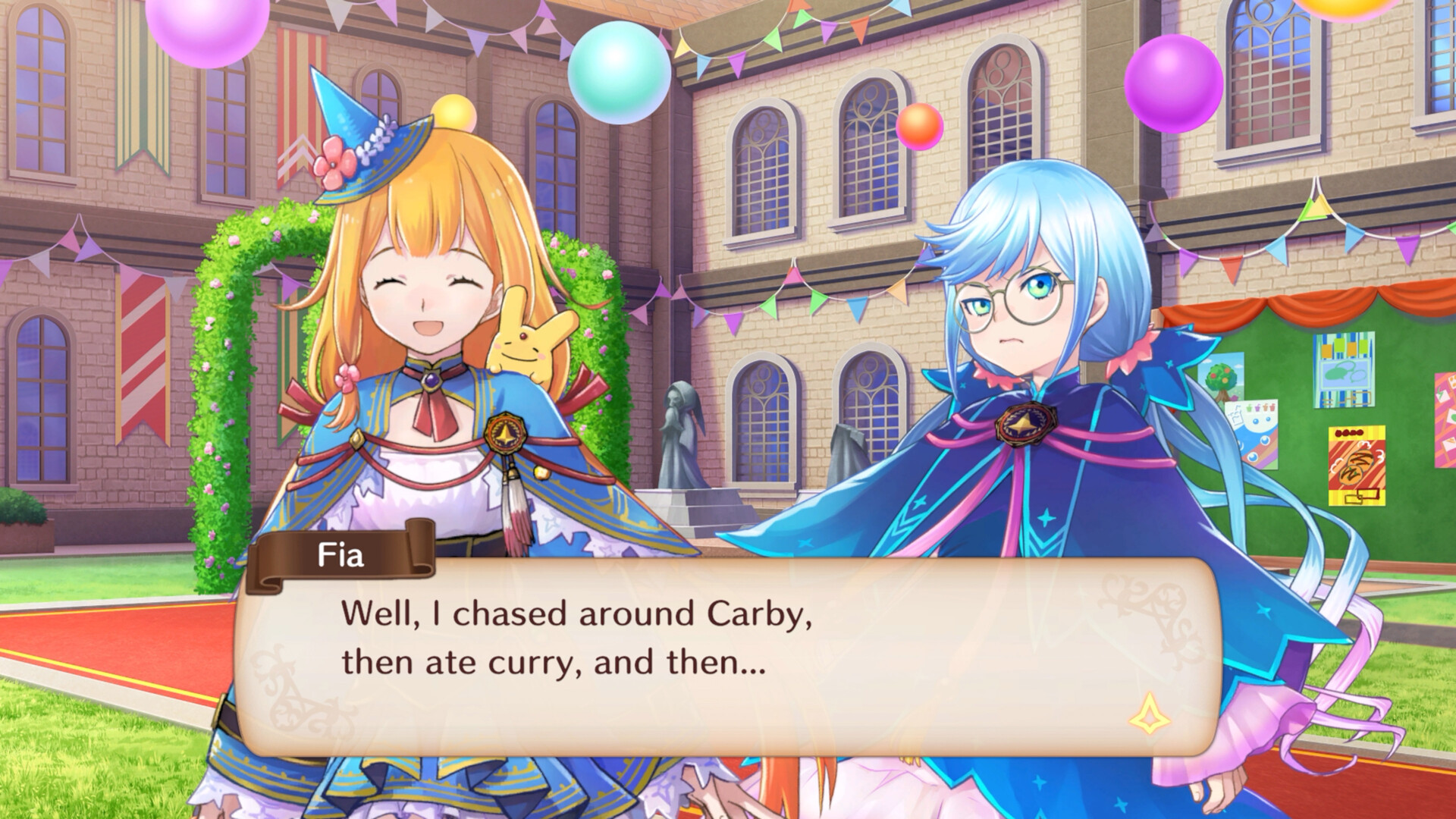
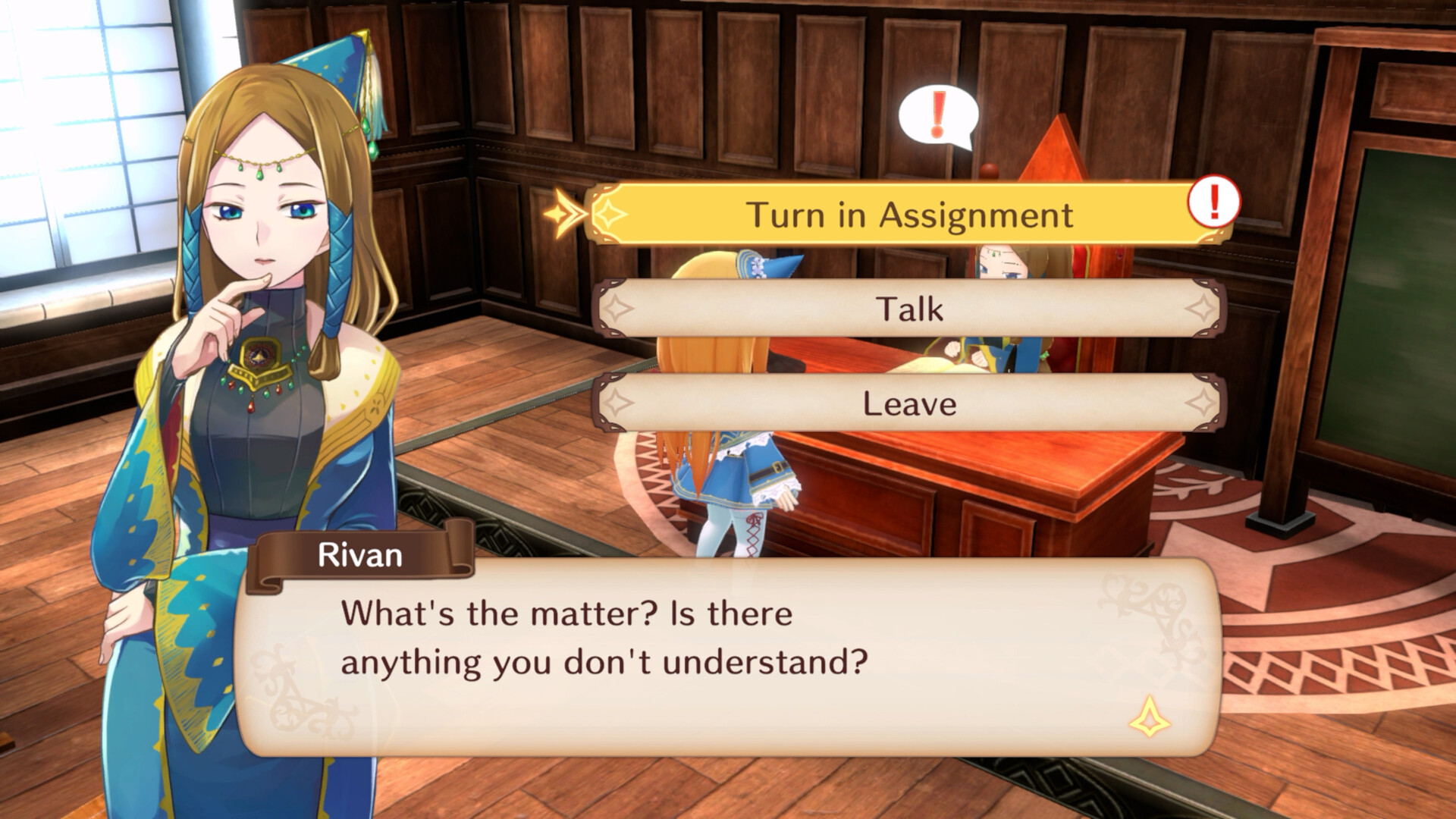
Outside of dungeons, Fia can roam the school grounds, where a bulletin board reveals mini‑games and side activities. Interaction with classmates adds narrative depth.
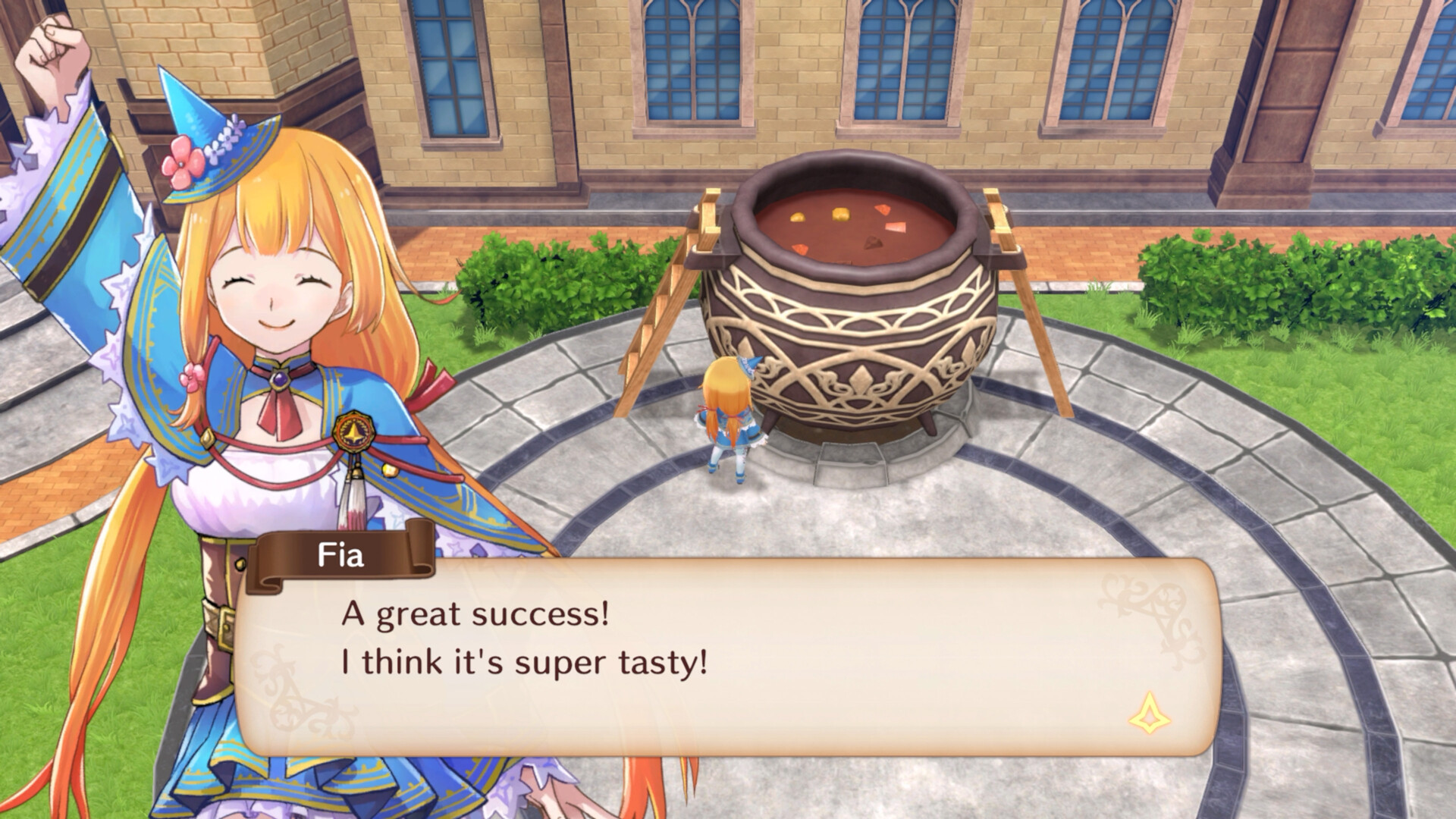
Players can grow ingredients and cook curry, which provides temporary boosts that affect subsequent dungeon runs.
- Check the bulletin board for unlocked mini‑games to see what activities are available.
- Experiment with different ingredients to discover the most effective curry buffs.
04 / THE GUIDE
Item Synthesis
The Storage Room on the academy grounds lets players combine items found in dungeons into upgraded equipment such as swords, shields, and armor.
Higher‑tier synthesis recipes become available after unlocking relevant nodes in the Grimoire, encouraging a loop between combat and crafting.
- Collect a variety of dungeon drops to keep synthesis options open.
- Track which synthesis recipes unlock later to plan inventory management.
05 / THE GUIDE
Platform Features
The game runs on Windows via Steam and supports full controller input, Steam Achievements, Trading Cards, Cloud saves, and adjustable difficulty settings.
Additional options include custom volume controls, a keyboard‑only mode, and family sharing, allowing flexible play styles.
- Enable Cloud sync to preserve progress across multiple Windows installations.
- Adjust difficulty early if you prefer a more relaxed or challenging experience.
COMMUNITY
Player discussion