 GameWiki
GET YOUR BEARINGS
About Mad Games Tycoon
Mad Games Tycoon lets you launch a game studio from a modest garage in the early 1980s and expand it into a worldwide operation. You manage hiring, research, and game creation while watching your company grow.
The simulation mixes business decisions with creative freedom, offering engine development, genre targeting, and the option to acquire rival studios. It runs in single‑player mode on Windows and macOS and supports Steam achievements.
01 / THE GUIDE
Starting Your Studio
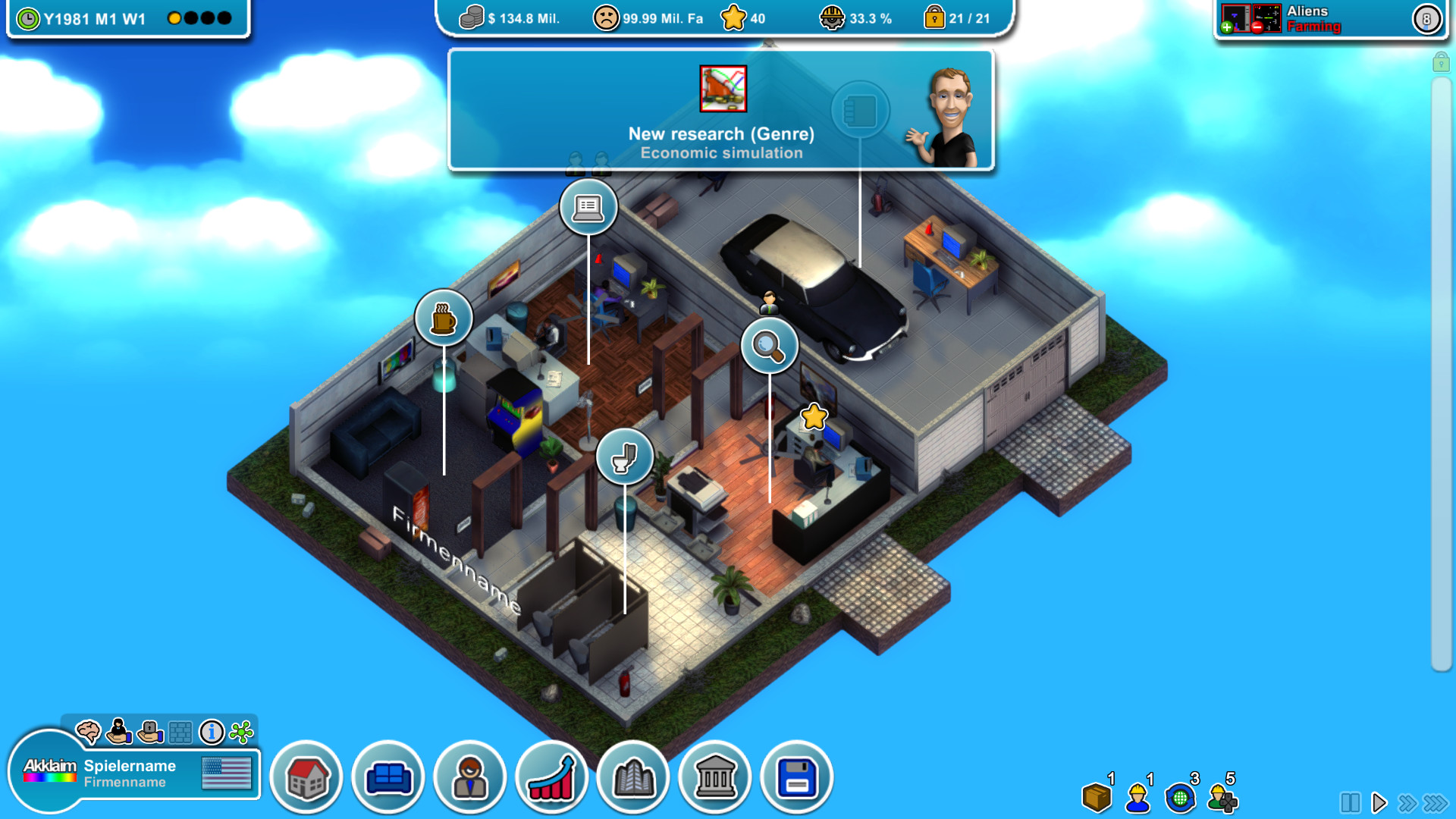
Your first location is a small garage in the early 1980s, providing limited space for development rooms and staff. This starting point forces you to choose early projects carefully and manage cash flow tightly.
Successful releases let you move to larger buildings, unlocking additional rooms and more employees. Each upgrade expands the range of actions you can take, such as adding production facilities or customer support.
- Focus on a balanced first game to generate steady income.
- Monitor early cash flow to afford the first office upgrade.
02 / THE GUIDE
Research and Staff Development
Researching new technologies is a core part of the game, and you can also set each game's main focus on graphics, sound, technique, or gameplay.
Training employees is part of building a stronger studio, helping you make industry-defining games.
- Invest in research that matches your target audience's preferences.
- Allocate training time during slower development cycles.
03 / THE GUIDE
Game Engine Creation
You may develop your own engine or purchase an existing one, then use it to build games ranging from simple platformers to large‑scale MMORPGs. Independently of engine choice, you can set your main focus on graphics, sound, technique, or gameplay.
Selling a finished engine to other companies provides an additional revenue stream, letting you profit beyond individual game sales.
- Start with a modest engine before tackling massive projects.
- Consider licensing options if you need advanced features quickly.
04 / THE GUIDE
Designing Your Office
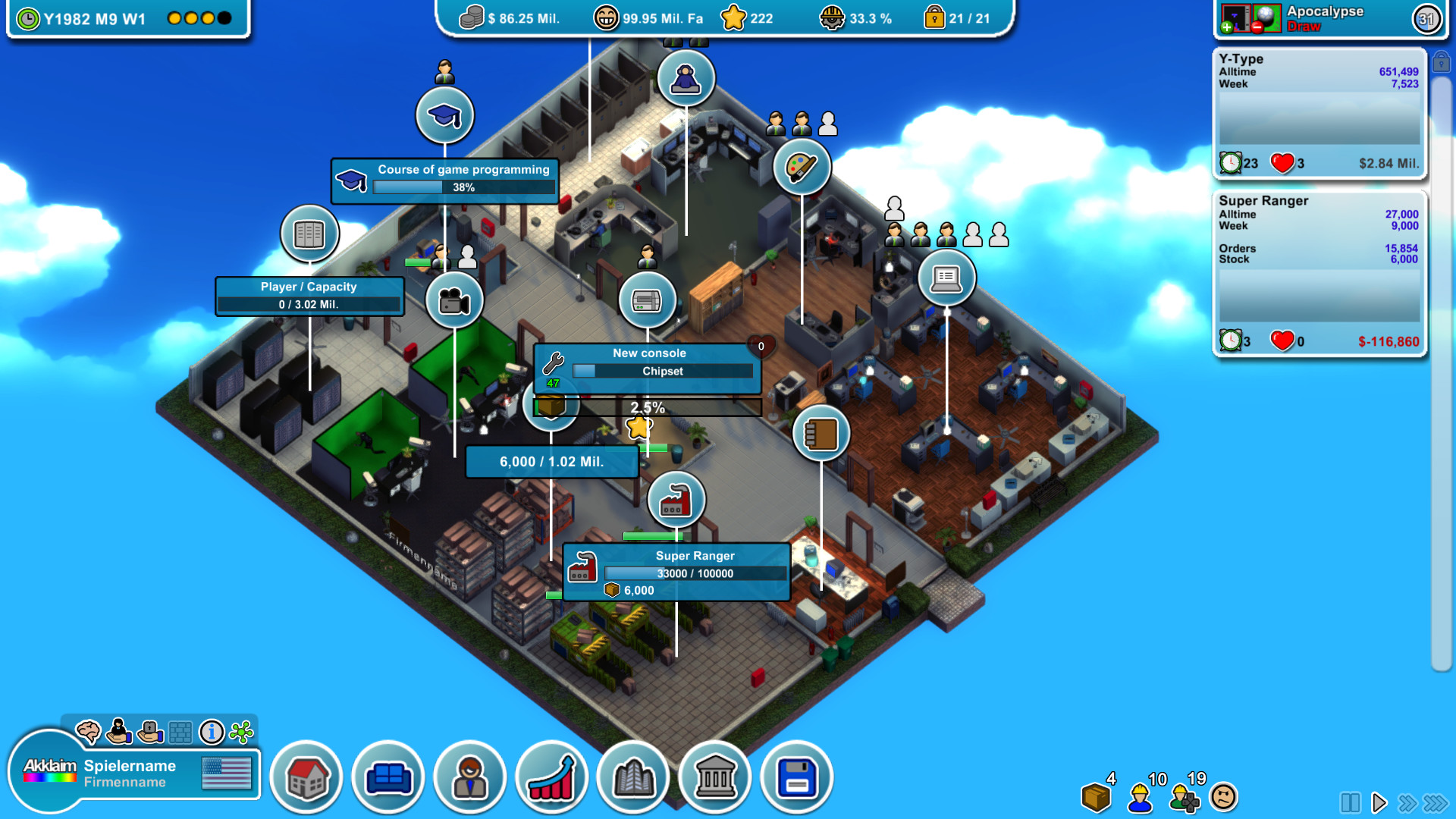
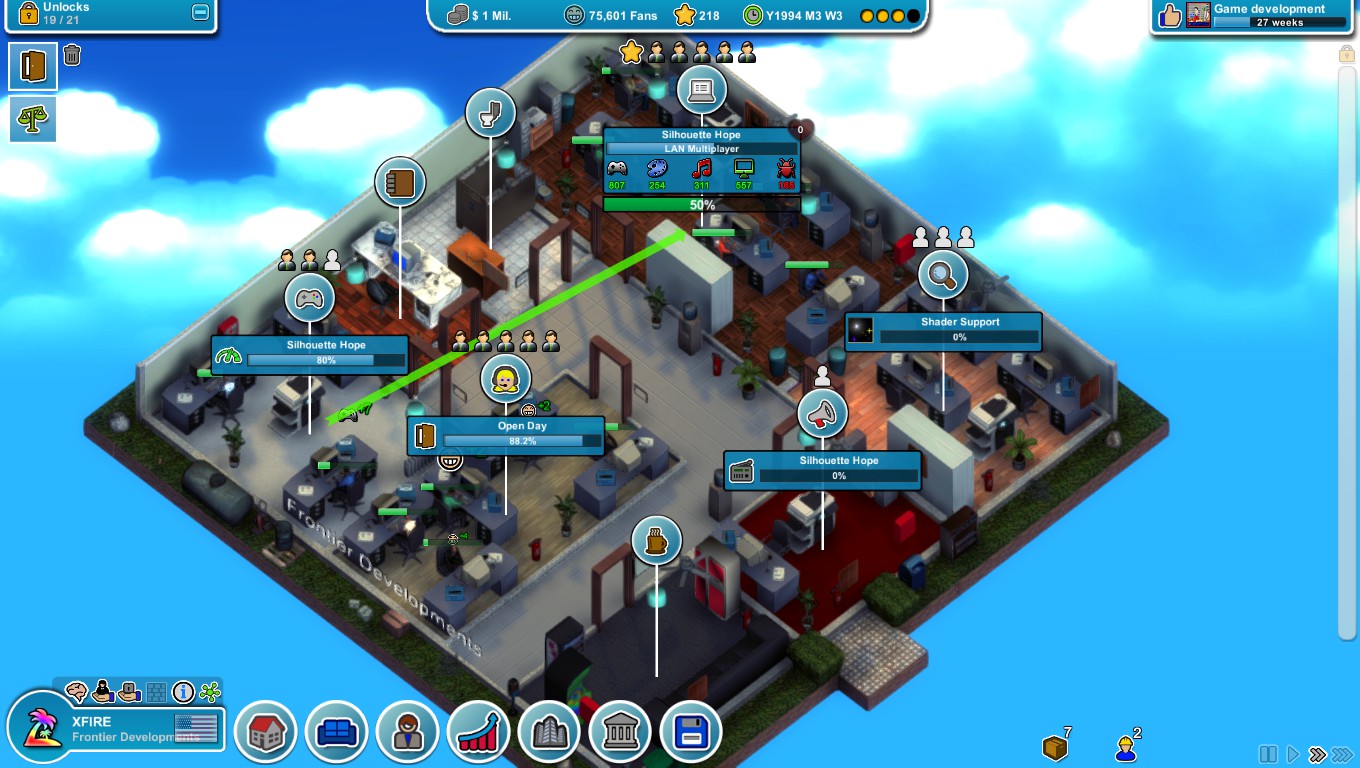
The game lets you arrange development, server, training, and production rooms, as well as executive offices, to suit your workflow. Adding desks, cabinets, and plants is optional but can affect employee satisfaction.
Expanding the office opens up rooms such as customer support and warehouses, which support large‑scale production and fan engagement.
- Place training rooms near development areas for easy skill upgrades.
- Balance decorative items with functional space to keep costs reasonable.
05 / THE GUIDE
Acquiring Competitors
You can buy out rival studios and have them make games for you, expanding your production capacity.
After a takeover you may improve the acquired studio’s processes, turning it into an additional production line for your portfolio.
- Evaluate a competitor’s existing projects before buying.
- Use acquisitions to fill gaps in your genre expertise.

COMMUNITY
Player discussion