 GameWiki
GET YOUR BEARINGS
About Lushfoil Photography Sim
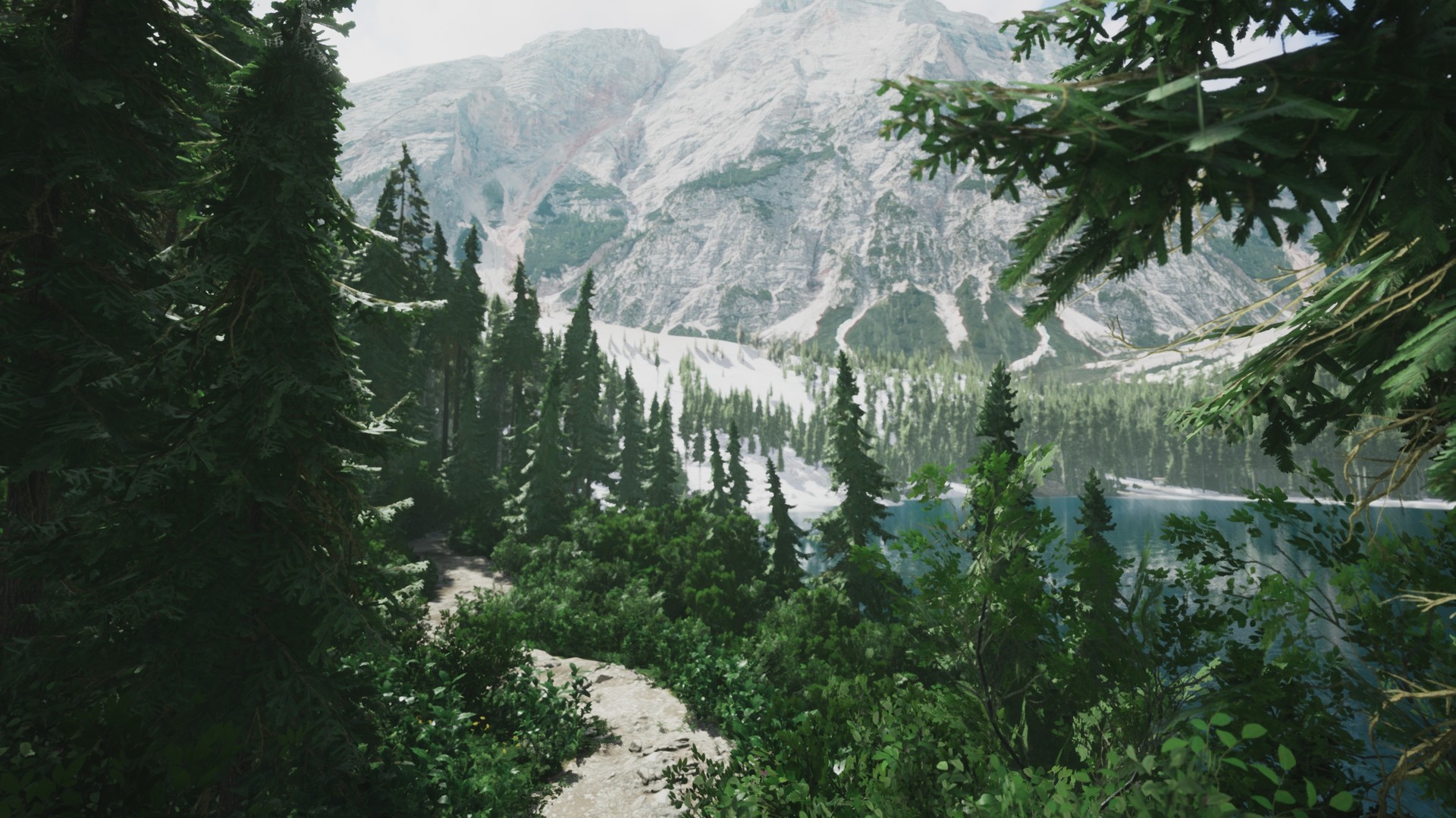
Lushfoil Photography Sim lets players wander meticulously crafted real‑world locations and capture them with a virtual DSLR. Each environment offers objectives and hidden secrets that reward careful composition and observation.
The game runs on Unreal Engine 5, providing high visual fidelity while offering extensive performance settings so it can run smoothly on a wide range of Windows PCs.
01 / THE GUIDE
Camera Settings
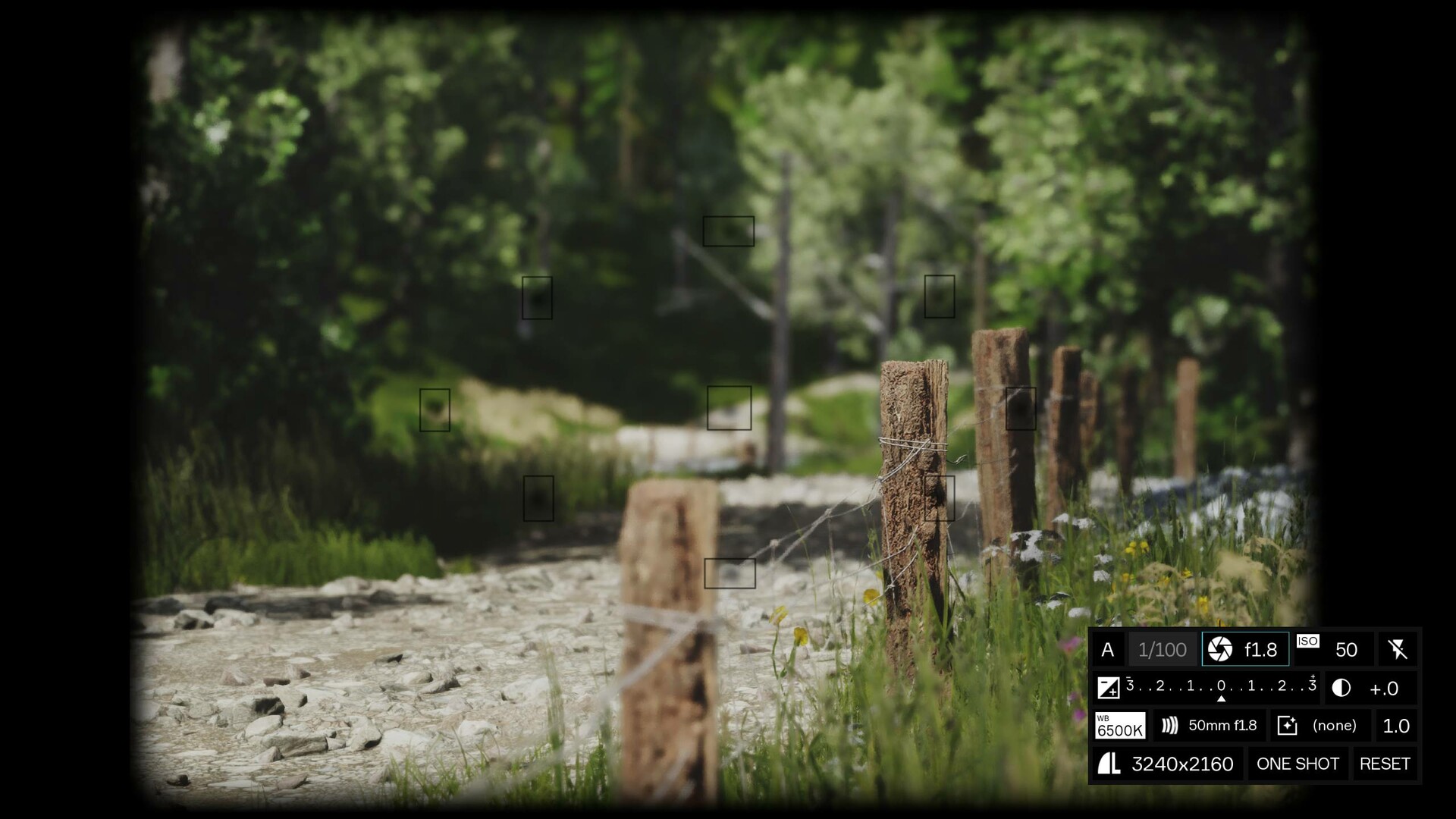
The in‑game camera mirrors a professional DSLR, providing Auto/Manual Focus, Flash, Exposure, Contrast, White Balance, Aperture, Burst Shot and other effects. These options let players adjust technical parameters for each photograph.
Changing these settings directly alters the resulting image, encouraging experimentation with depth of field, lighting balance and motion capture. Mastery of the controls is useful for completing location objectives.
- Try manual focus when subjects are at varying distances to control sharpness.
- Use burst mode for subjects that move quickly, such as wind‑blown foliage.
02 / THE GUIDE
Environmental Manipulation
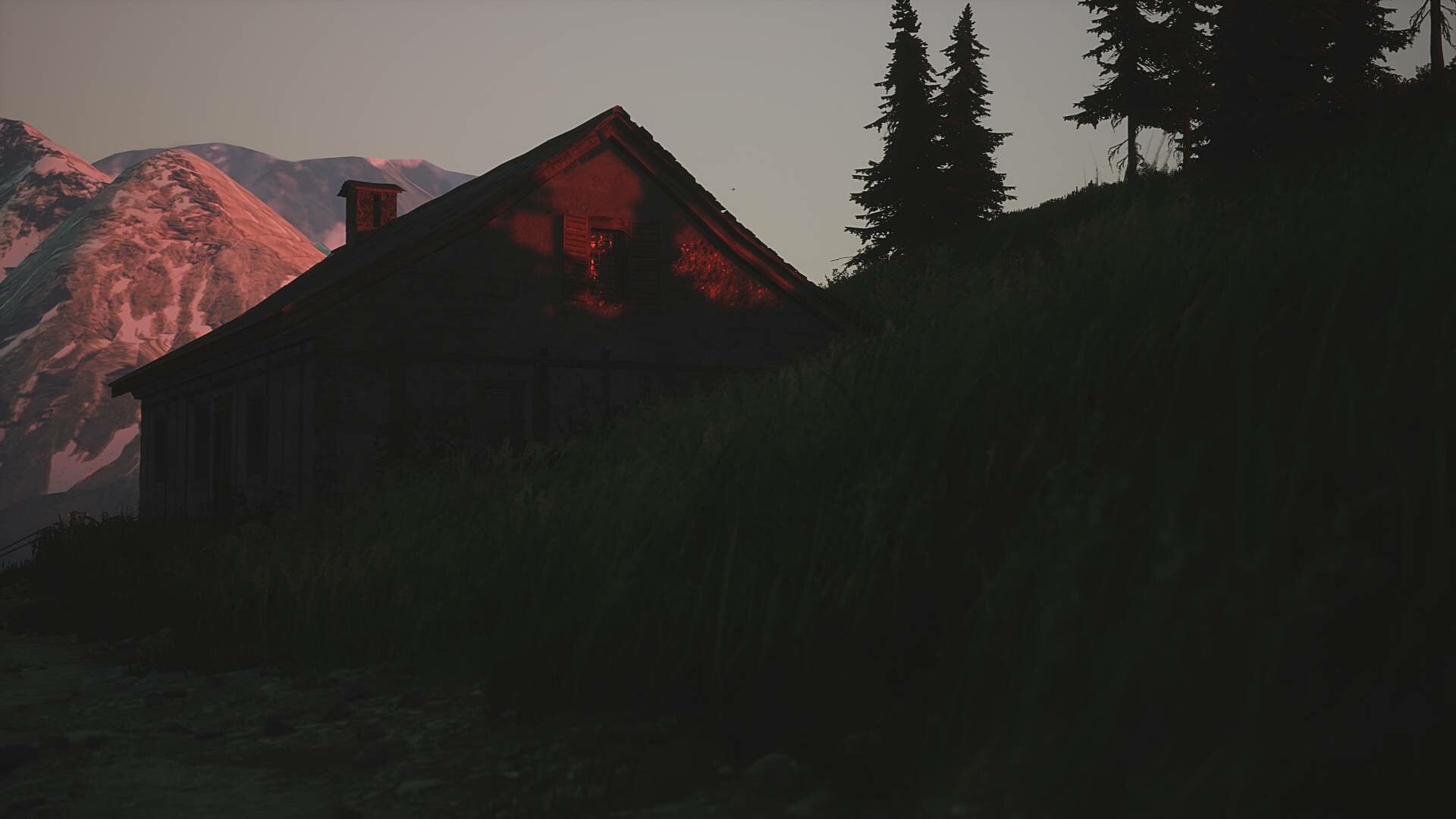
Players can manually adjust light angles, fog, snow, wind and rain, shaping the atmosphere for each shot. This system allows you to craft the desired mood without waiting for natural cycles.
These tools can be especially helpful when pursuing hidden objectives, rewarding patience and careful observation while exploring each locale.
- Increase fog density to add depth to distant mountains.
- Adjust wind strength to capture dynamic movement in foliage.
03 / THE GUIDE
Exploration & Unlockables
Each location contains hidden items such as unlockable cameras, a first‑person drone and a rowboat. Discovering these objects adds new photographic perspectives and tools.
Finding these hidden pieces encourages thorough investigation of every corner, as each unlockable offers a distinct way to frame the world.
- Explore off the main paths to increase chances of finding hidden equipment.
- Take note of landmarks that might indicate a concealed item nearby.
04 / THE GUIDE
Performance & Optimization
Built with Unreal Engine 5, each environment is optimized for both low‑end and high‑end PCs. Custom settings let players balance visual fidelity with frame‑rate stability.
These options make the game accessible across a wide hardware spectrum while preserving the detailed visual presentation of each location.
- Lower shadow resolution if frame‑rate dips in dense forests.
- Enable high‑resolution textures on systems with ample VRAM for sharper foliage.
05 / THE GUIDE
Platform & Controller Support
Lushfoil Photography Sim is a Windows‑only single‑player title that lists Full controller support, Tracked controller support, DualShock, DualSense and VR compatibility. Steam Cloud and Family Sharing are also noted features.
These listed features let players choose among several input configurations and retain progress through Steam’s cloud system, while the experience remains solo.
- Test both DualShock and DualSense controllers to see which feels more natural for camera adjustments.
- Enable Steam Cloud if you plan to reinstall or switch Windows machines.


COMMUNITY
Player discussion