 GameWiki
GET YOUR BEARINGS
About LUNARiA -Virtualized Moonchild-
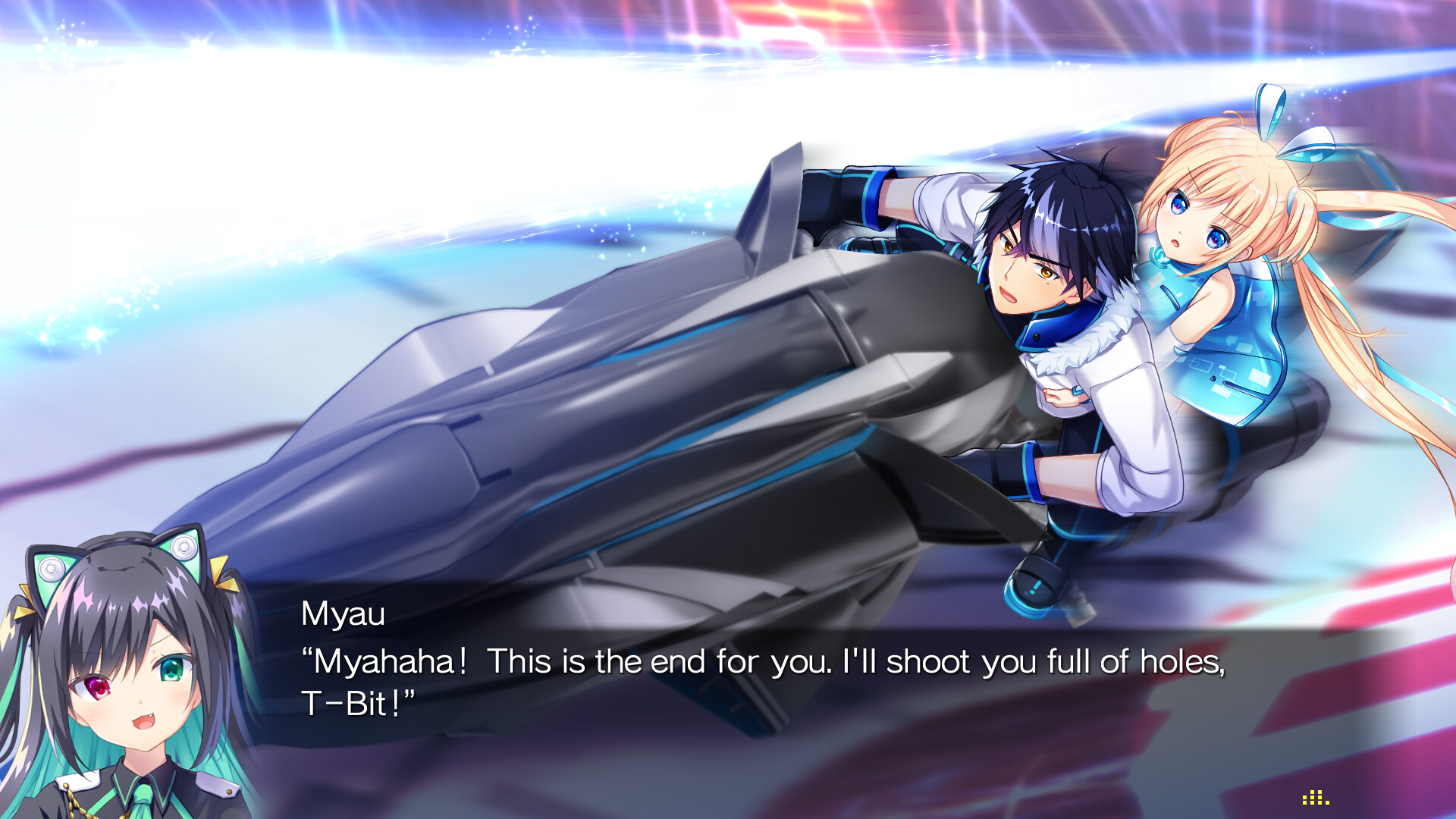
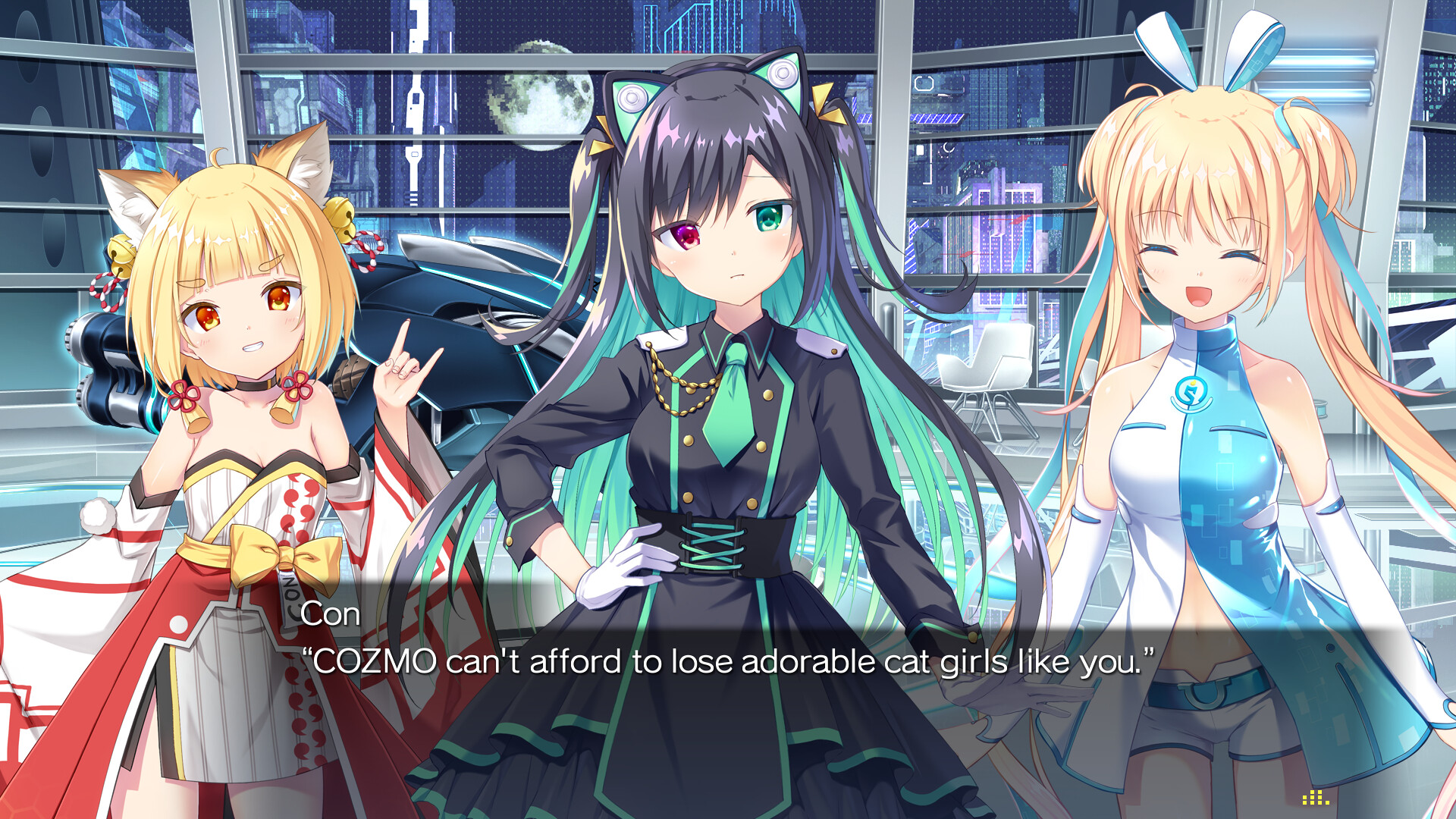
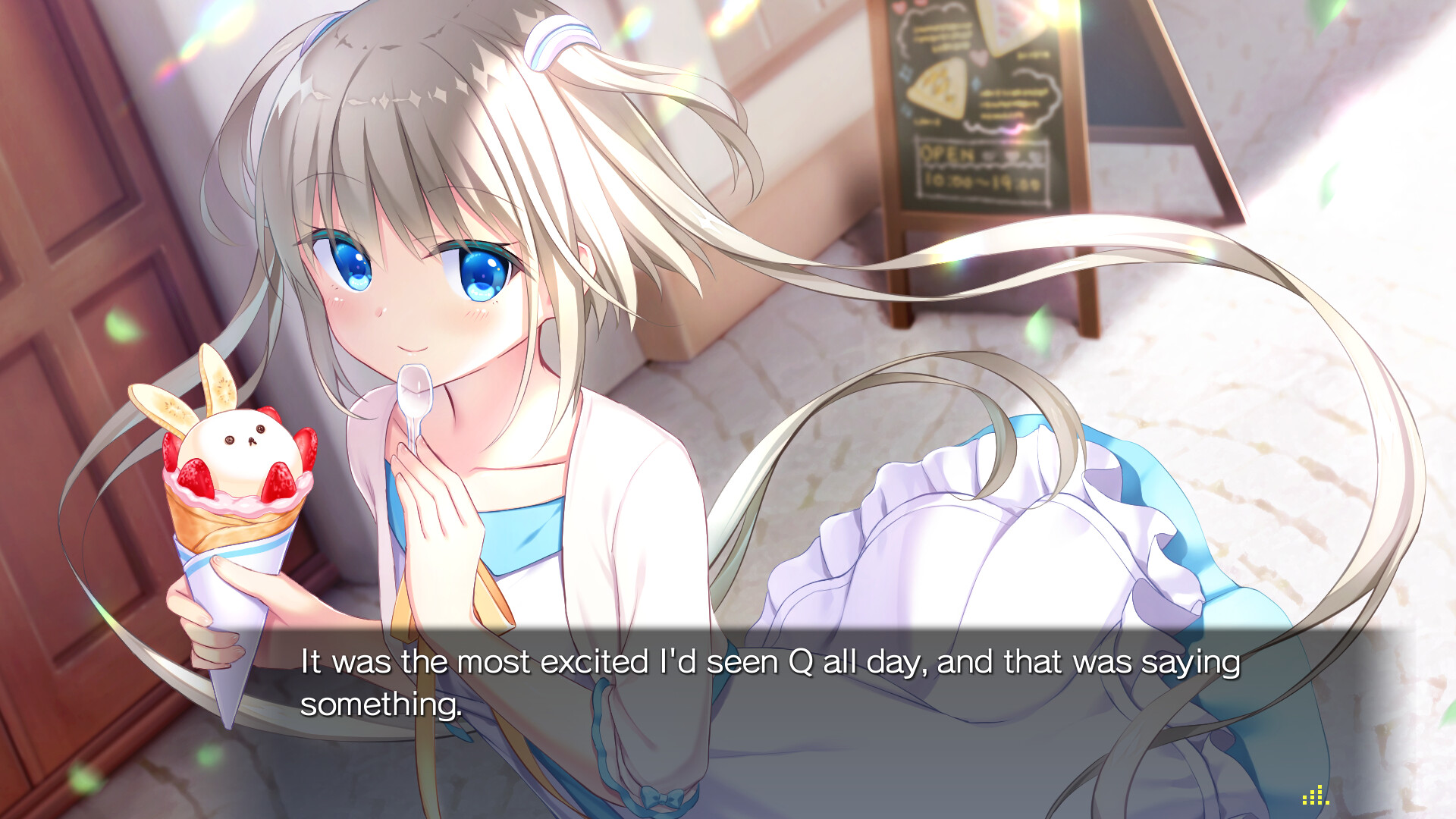
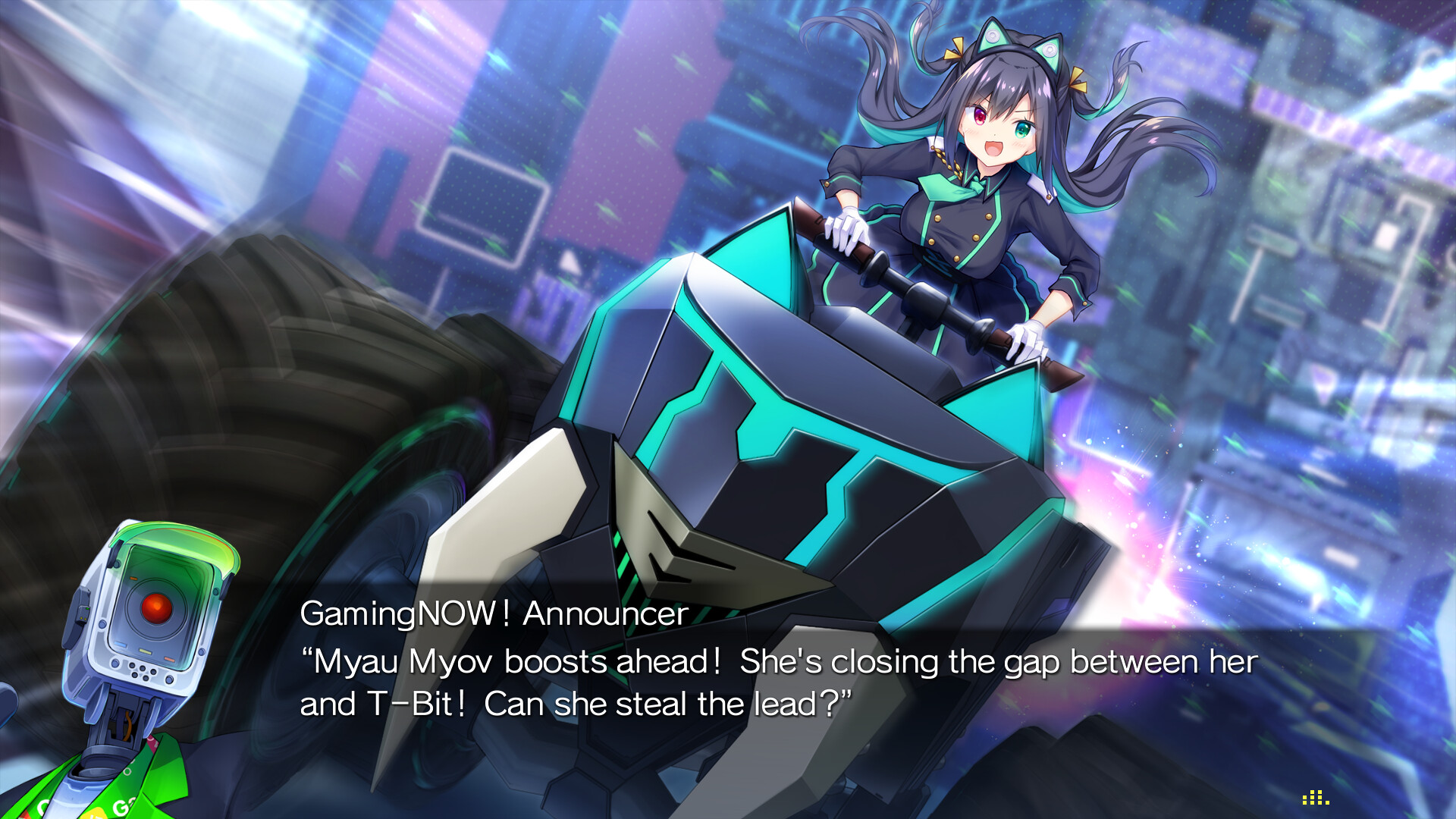
LUNARiA ‑ Virtualized Moonchild is a digital novel from Key that tells a single, linear story. The narrative unfolds without player choices, presenting the plot like an anime episode or a novel you turn page by page, accompanied by music, graphics, and Japanese voice acting.
The game runs at a native 1920×1080 resolution and lets you switch on‑screen text among English, Japanese, and Simplified Chinese at any moment. It supports full controller input, touch gestures on tablets or Steam Deck, and includes Steam achievements, cloud saves, and family sharing.
01 / THE GUIDE
Linear narrative presentation
The story proceeds without any branching options, so the plot moves forward continuously as if you were watching a film. This design fixes pacing and focuses on a single emotional arc.
Each scene is paired with background music, detailed artwork, and Japanese voice performances, creating a cinematic atmosphere within the visual‑novel format.
- Observe how the uninterrupted flow shapes character development.
- Compare the pacing to a traditional animated episode for perspective.
02 / THE GUIDE
Multilingual text support
In‑game text, options, and the digital manual can be set to English, Japanese, or Simplified Chinese, and the language can be changed at any time, even during play.
Audio remains Japanese‑only, so changing the text does not affect spoken dialogue but provides accessibility for speakers of the three supported languages.
- Toggle languages mid‑play to compare subtitle timing.
- Use English text if you prefer reading over Japanese subtitles.
03 / THE GUIDE
Full HD visual resolution
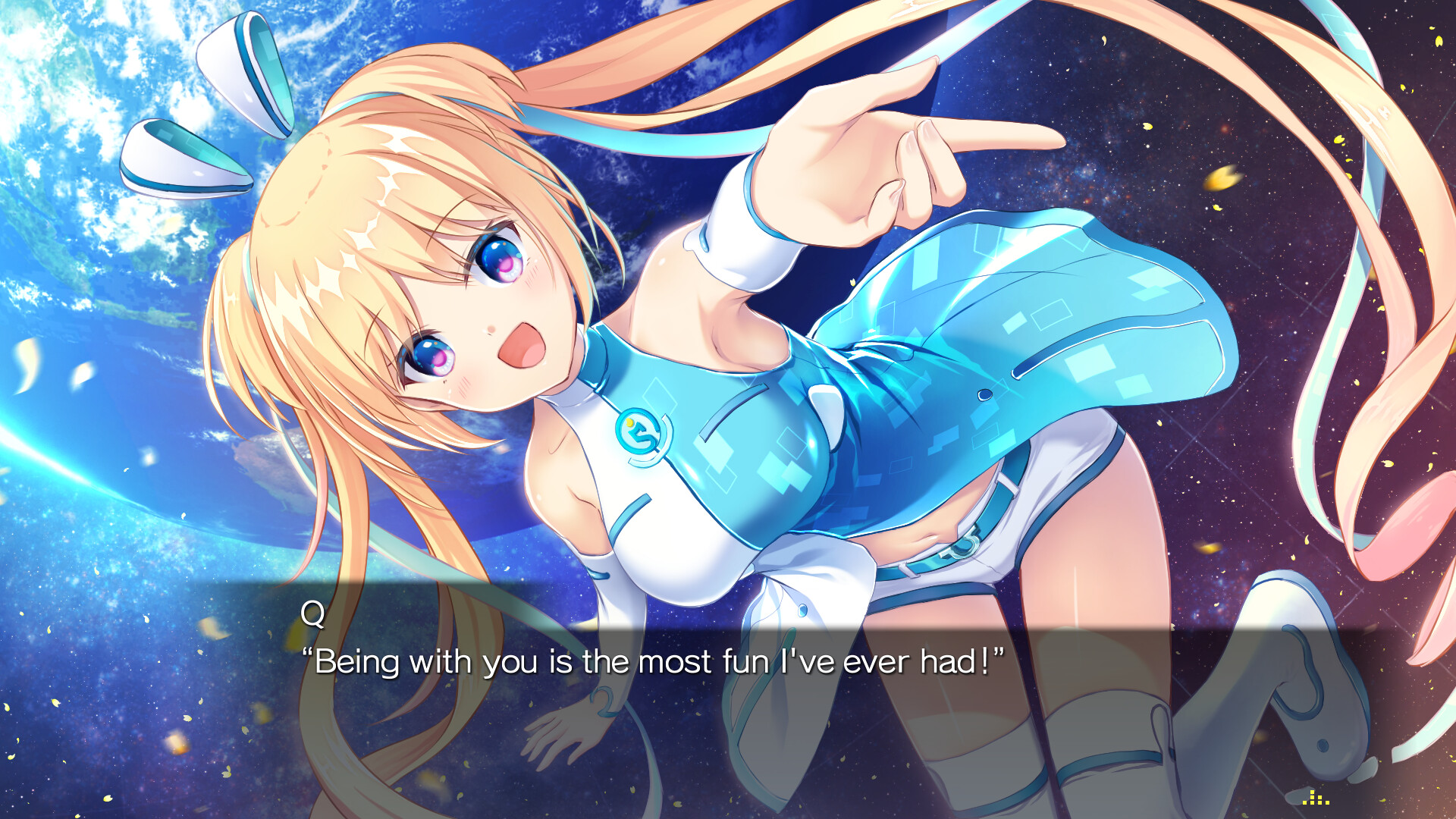
LUNARiA runs at a native 1920×1080 resolution, delivering crisp character art and detailed backgrounds intended for standard HD displays.
The resolution specification is stated directly in the store description, confirming that the visual presentation targets full‑HD output.
- Play on a monitor that supports 1080p for the intended clarity.
- Notice the sharpness compared to lower‑resolution visual novels.
04 / THE GUIDE
Input flexibility and controller support
The game includes full controller support, compatible with DualShock and DualSense devices and the Steam Input API, allowing navigation without a keyboard or mouse.
Touch gestures are also accepted on tablet PCs and the Steam Deck, providing an alternative method for advancing text and menus.
- Try both controller and touch input to see which feels smoother for advancing text.
- Check the controller layout in the Steam overlay if you need to confirm button assignments.
05 / THE GUIDE
Steam integration features
LUNARiA integrates with Steam services, offering achievements, cloud saves, and family sharing as listed Steam features.
No online multiplayer or additional modes are mentioned, so the core experience remains a solitary narrative adventure.
- Enable Steam Cloud to keep progress across installations.
- Track achievement progress as a personal completion metric.
COMMUNITY
Player discussion