 GameWiki

GET YOUR BEARINGS
About LUNAR Remastered Collection
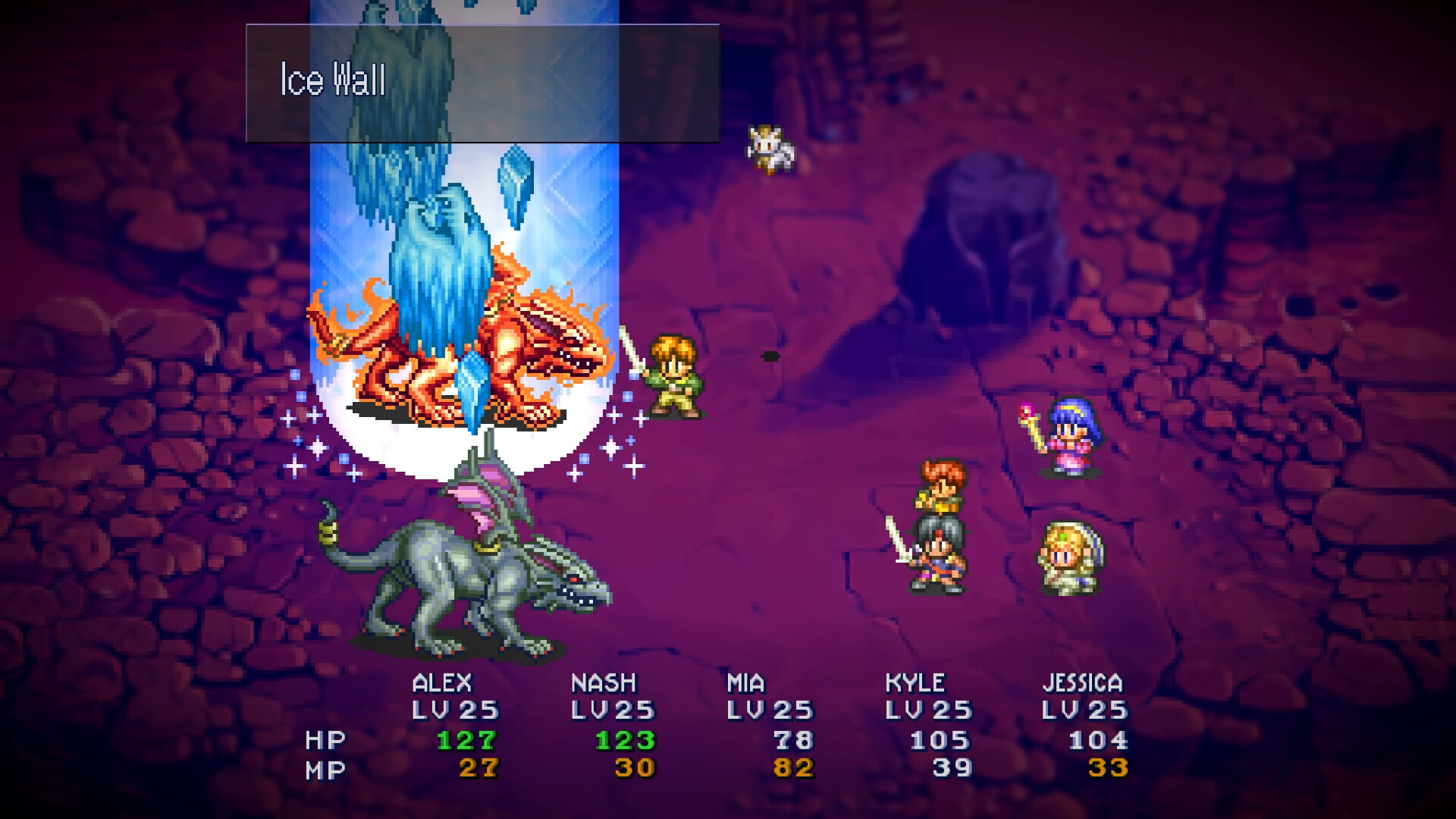
LUNAR Remastered Collection bundles two classic JRPGs—LUNAR: Silver Star Story Complete and LUNAR 2: Eternal Blue Complete—into a single Windows title. Both games retain their turn‑based combat and story‑driven exploration while adding remastered graphics, fully voiced cutscenes, and multilingual support. Players can switch between a modern widescreen Remastered Mode and a retro 4:3 Classic Mode, and benefit from quality‑of‑life updates such as adjustable battle speed, a shared inventory toggle, and customizable auto‑battle behavior.
01 / THE GUIDE
Storyline Overview
Silver Star follows Alex, an aspiring Dragonmaster, as he and his friends confront the Magic Emperor’s attempt to dominate the world.
Eternal Blue jumps a thousand years forward, tracking Hiro, Lucia, and their companions on a quest for the Goddess Althena while evading hunters such as Borgan and White Knight Leo.
- Read dialogue for hints about upcoming challenges.
- Notice recurring themes of destiny across both games.
02 / THE GUIDE
Turn‑Based Battle System
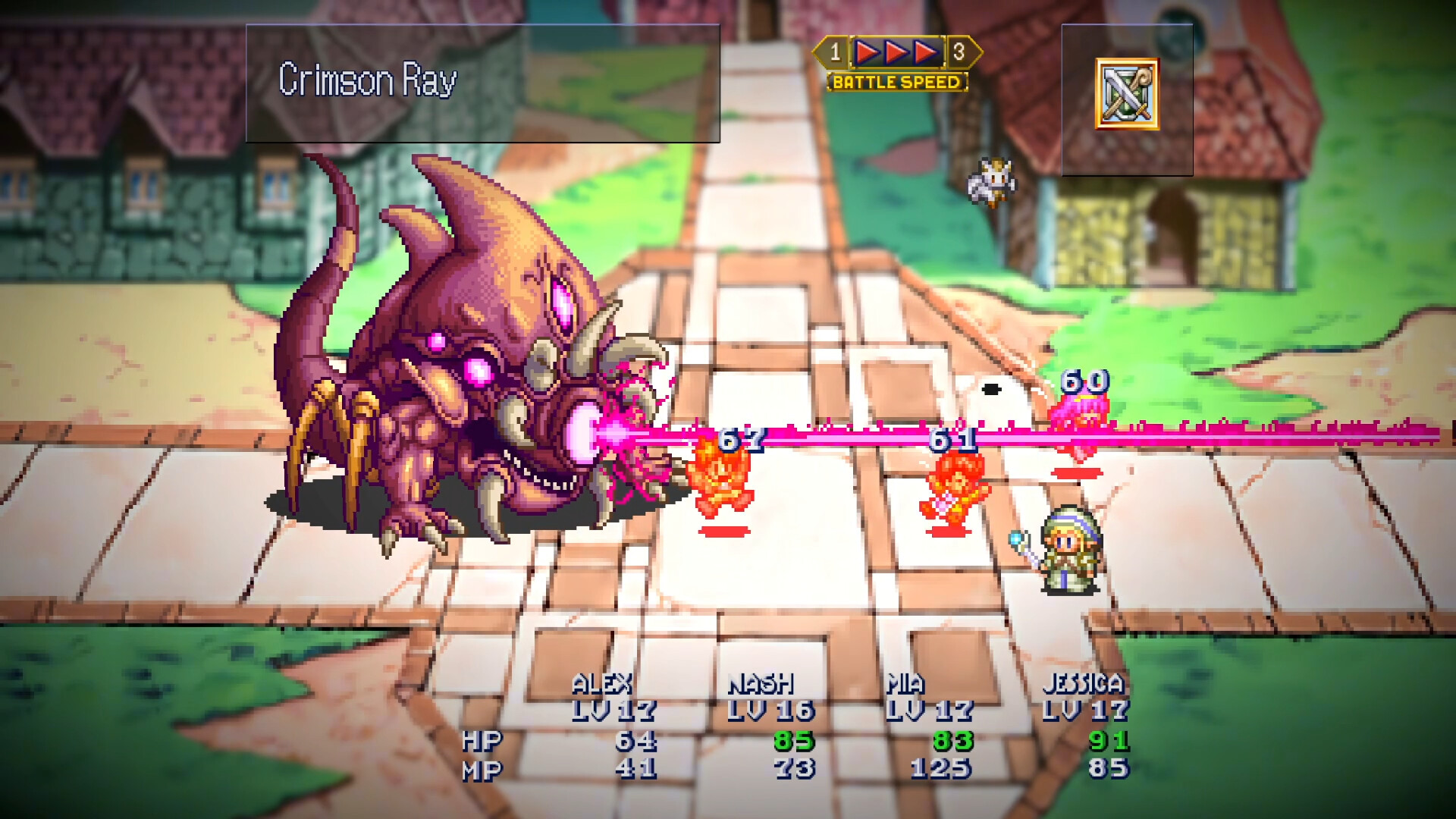
Combat proceeds in turns, allowing each party member to use magic, skills, and items. Characters have defined strengths and can level up unique abilities throughout the journey.
LUNAR 2: Eternal Blue Complete adds a Crest System that grants stat boosts and high‑level magic through crest synergies.
- Experiment with different crest combinations for stronger spells.
- Adjust battle speed using the three selectable settings to match your preferred pacing.
03 / THE GUIDE
Remastered vs Classic Modes
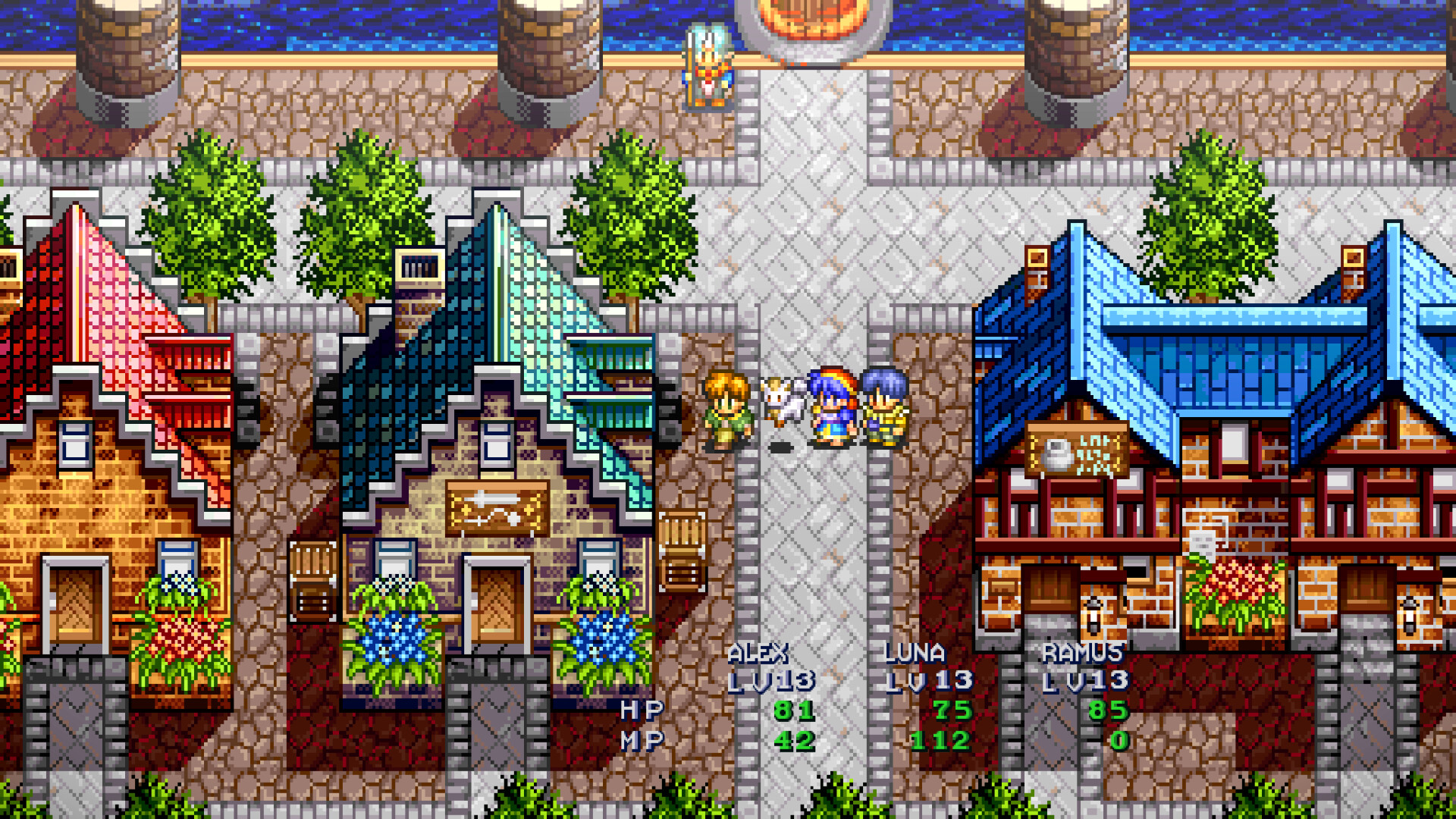
Remastered Mode provides a 16:9 widescreen layout, enhanced sound, updated character portraits, menu icons, and modernized bromides.
Classic Mode retains the original 4:3 aspect ratio, retro visuals, original cutscenes, effects, icons, and offers three CRT filter options.
- Select Classic Mode for a nostalgic visual feel.
- Choose Remastered Mode for clearer battle visuals.
04 / THE GUIDE
Inventory & Auto‑Battle Tweaks
In Silver Star, a toggleable shared inventory lets all party members draw from a single pool of items, simplifying resource distribution.
The Auto Battle system has been refined so players can set individual CPU behavior for each character.
- Enable shared inventory early to streamline item use.
- Customize auto‑battle for weaker characters to keep them safe.
05 / THE GUIDE
Platform Features & Support
The collection runs on Windows and includes full controller support for DualShock and DualSense devices.
Steam integration adds Achievements, Cloud saves, and Family Sharing, while language options cover English, Japanese, Simplified Chinese, Traditional Chinese, Korean, French, and German.
- Enable Steam Cloud to back up saves automatically.
- Select your preferred language before starting a new game.
COMMUNITY
Player discussion