 GameWiki
GET YOUR BEARINGS
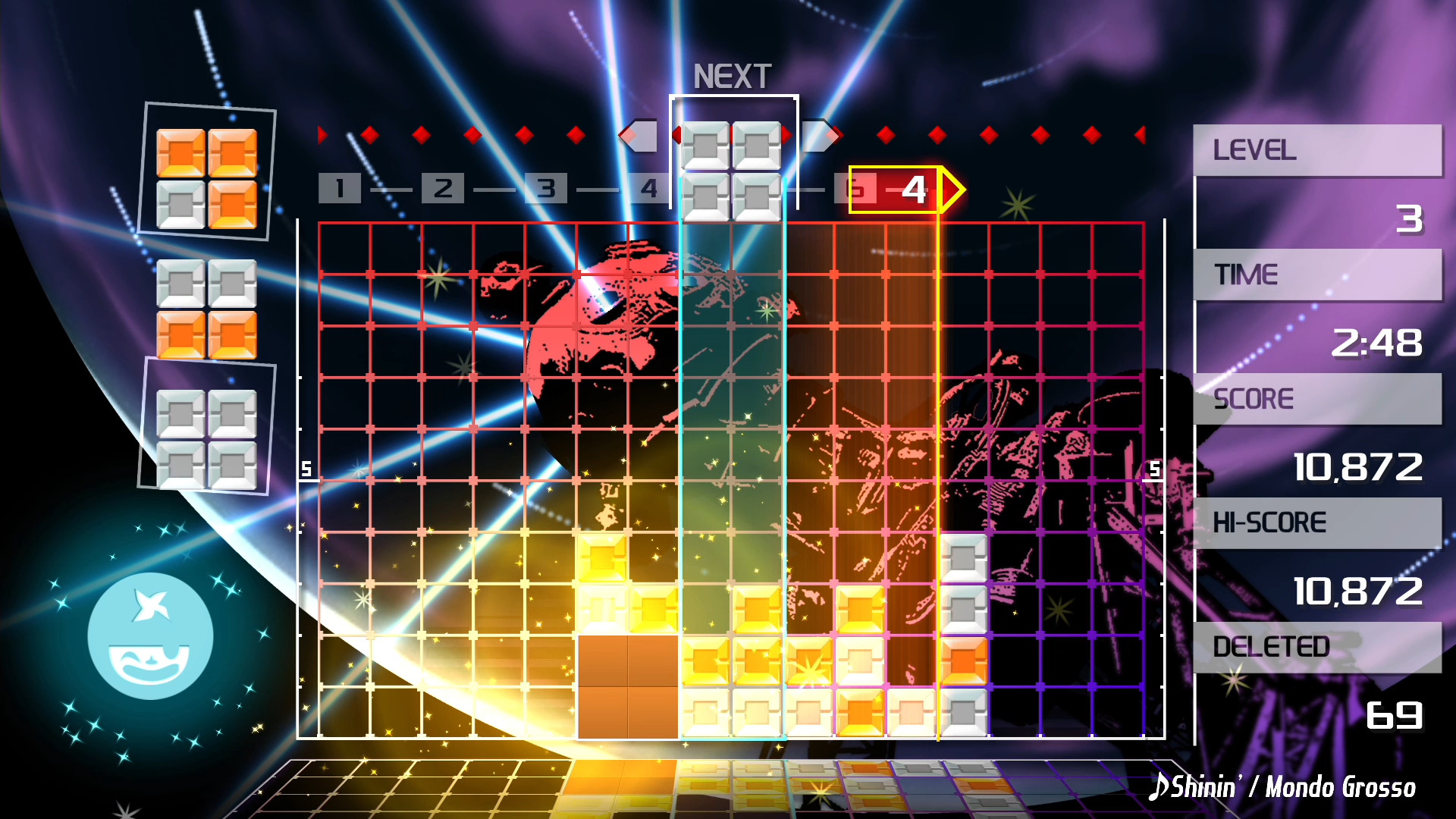
About LUMINES REMASTERED
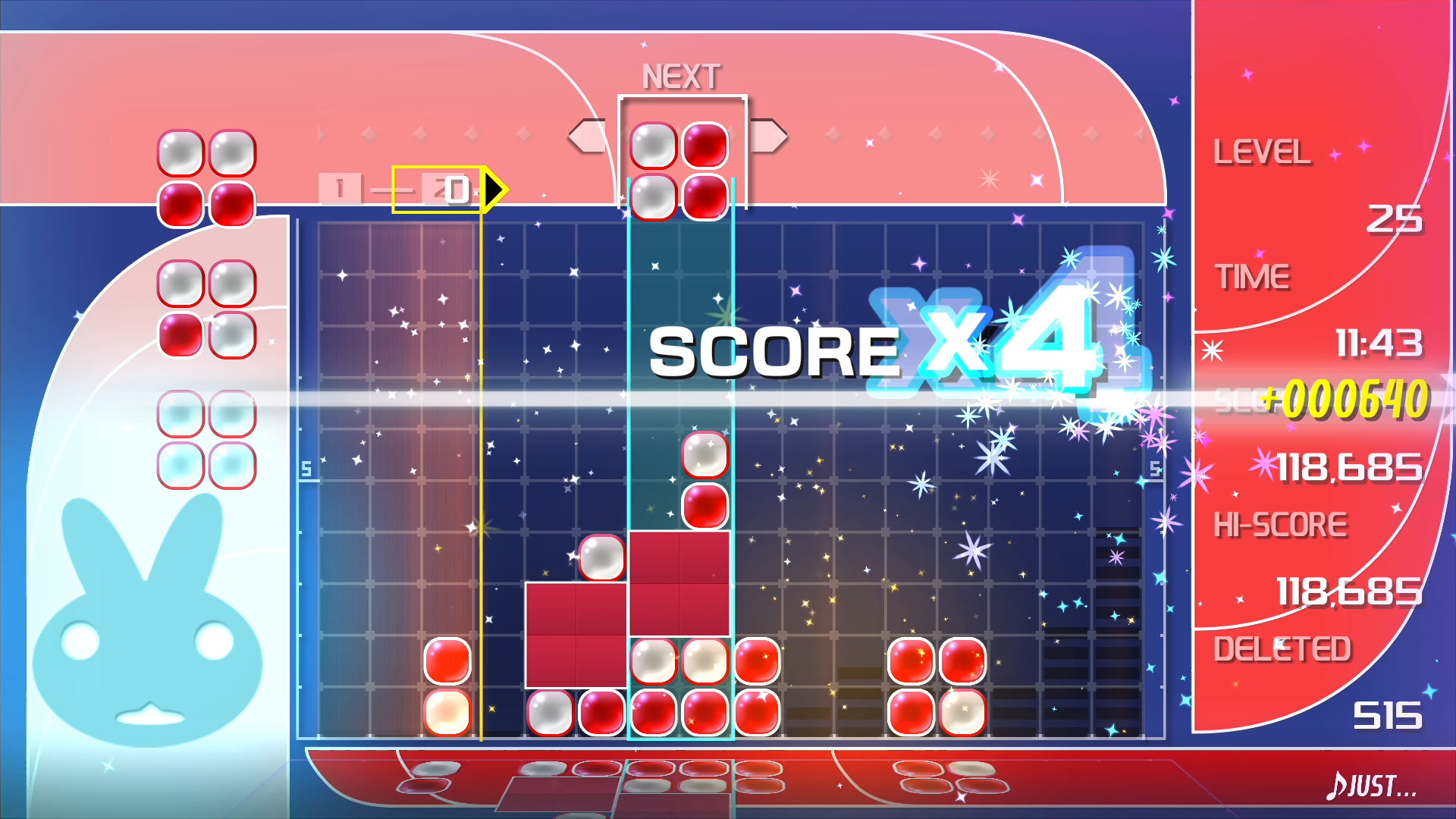
LUMINES REMASTERED reimagines the classic falling‑block puzzle by pairing two‑color blocks with electronic music. A BPM bar sweeps each measure, clearing combos built during the track while the game runs in HD and 4K, emphasizing a light‑and‑sound experience.
Players can select from over 40 skins, unlock additional skins and avatars, compete locally in a split‑screen versus mode, and see scores on Steam leaderboards. Full controller support includes optional rumble that can be synced across multiple controllers.
01 / THE GUIDE
Music and Skins
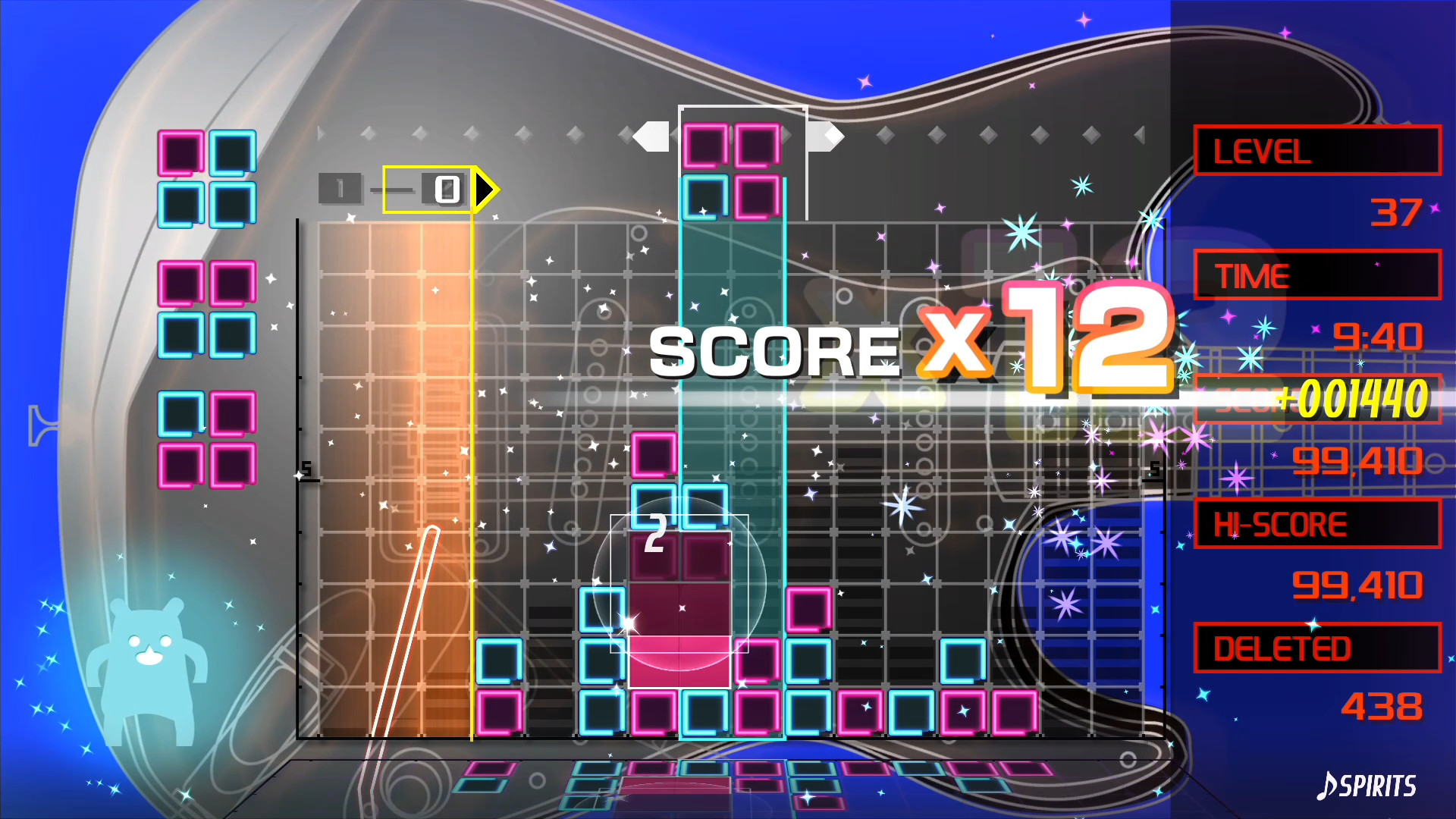
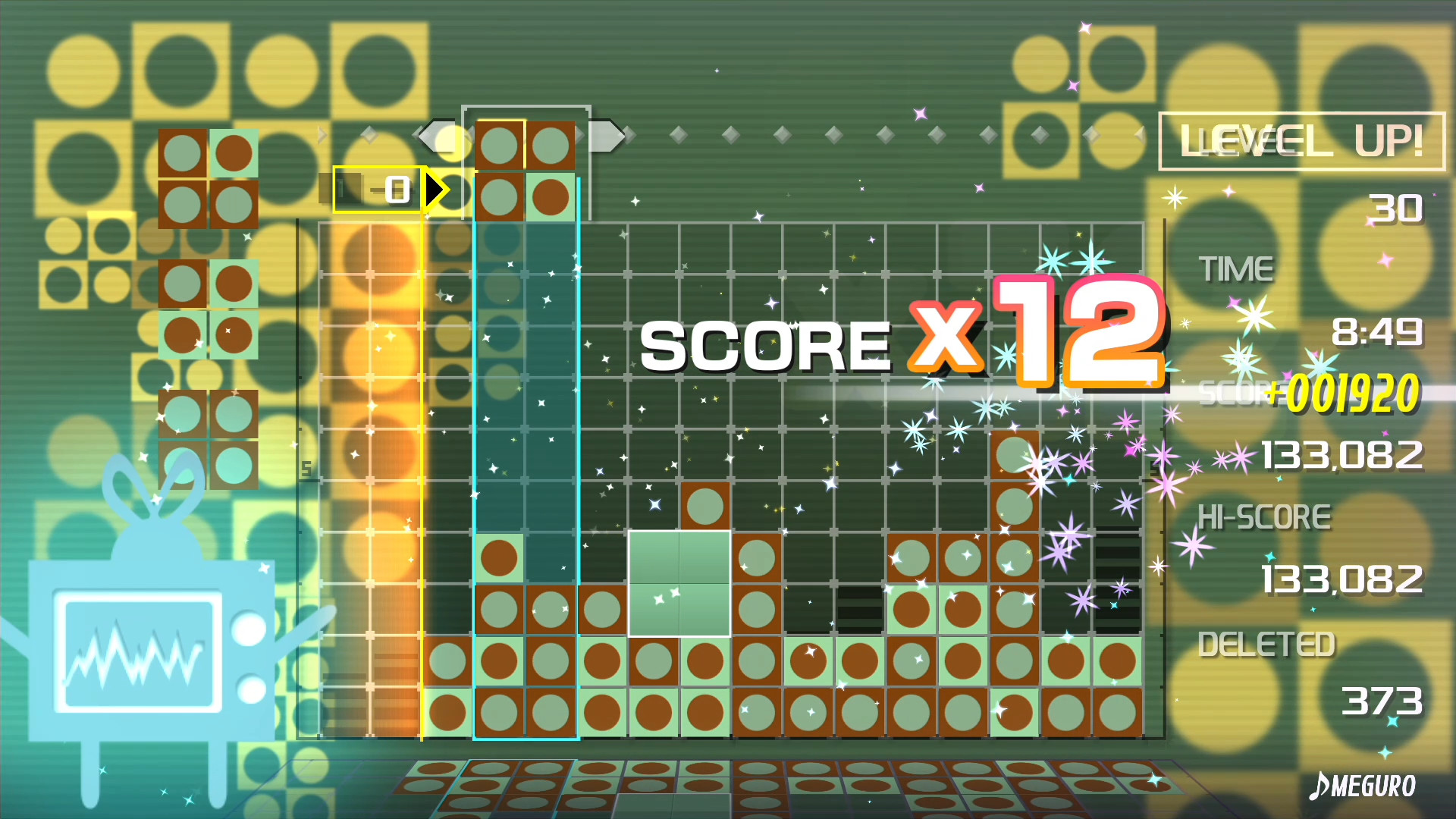
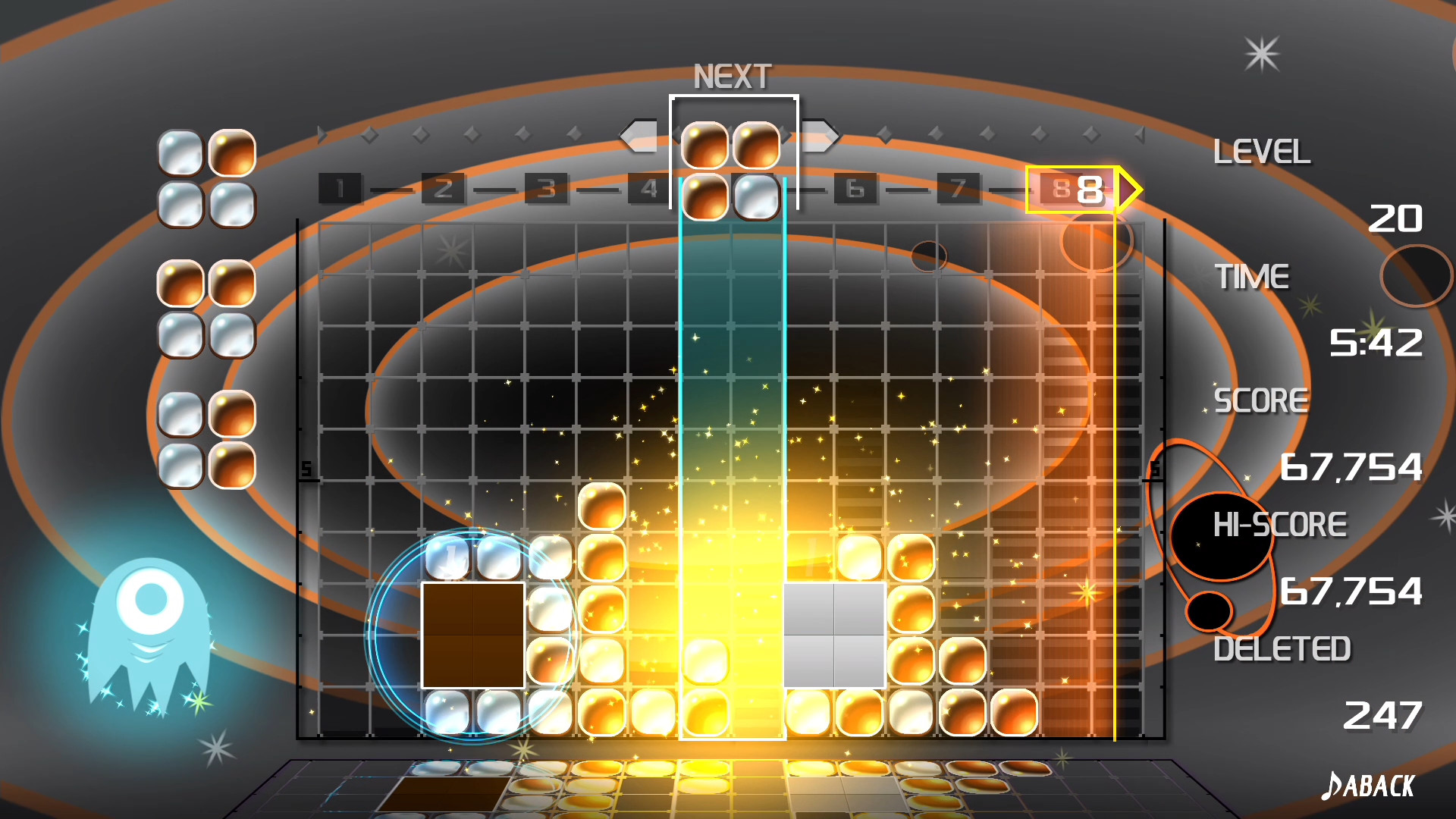
Each track in LUMINES REMASTERED is linked to a visual skin, creating a synchronized audio‑visual presentation. The skins cover electronic atmospheres ranging from chill to upbeat, and the source lists more than 40 of them for players to experience.
Unlocking skins expands the visual palette available during play. Unlocking skins expands the range of electronic atmospheres players can experience, letting them explore more of the game’s audio‑visual variety.
- Try slower‑tempo tracks first to become comfortable with block placement before moving to faster songs.
- After unlocking a new skin, play its associated track to notice how the visual style matches the music.
02 / THE GUIDE
Shuffle Mode
Shuffle mode functions like a music playlist, automatically cycling through skins that have already been unlocked. The description notes that skins are shuffled as more are unlocked, providing continuous variety without manual selection.
As more skins are unlocked, Shuffle mode keeps providing continuous variety, letting players experience multiple audio‑visual combinations in a single session without manual selection.
- Enable Shuffle mode to experience a range of skins without selecting each one individually.
- Observe which skins you prefer while Shuffle runs to guide future unlocking priorities.
03 / THE GUIDE
Local VS 2‑Player
Local VS allows two players to compete side‑by‑side on a shared screen, each managing an independent block grid. The split‑screen layout lets both participants drop blocks and form combos simultaneously.
The mode uses the game’s full controller support, so each player can use a rumble‑enabled controller. When Trance Vibration is active, both controllers can sync to the bass, adding tactile feedback for each participant.
- Arrange controllers so each player has clear access, reducing accidental input overlap.
- Try using the same skin for both players to focus on timing rather than visual differences.
04 / THE GUIDE
Online Leaderboards
Players can climb the ranks on the online leaderboards, comparing their performance with others worldwide, with stronger combo play helping them rise.
Leaderboards update whenever a new score is submitted, giving players ongoing feedback on how their timing and combo length compare to the community.
- Check the top scores to gauge the combo lengths needed for higher ranks.
- Aim for consistent performance across several tracks to improve overall standing.
05 / THE GUIDE
Trance Vibration
When Trance Vibration is enabled, rumble‑enabled controllers vibrate in sync with the bass of each track, providing tactile feedback that mirrors the music’s rhythm.
Multiple controllers can be linked, so all participants feel the same vibration pattern during solo or multiplayer sessions, adding a physical layer to the audio‑visual experience.
- Activate vibration on a quiet surface to better perceive subtle bass cues.
- Compare vibration intensity across tracks of different tempos to notice how rhythm influences feedback.
COMMUNITY
Player discussion