 GameWiki
GET YOUR BEARINGS
About LumbearJack
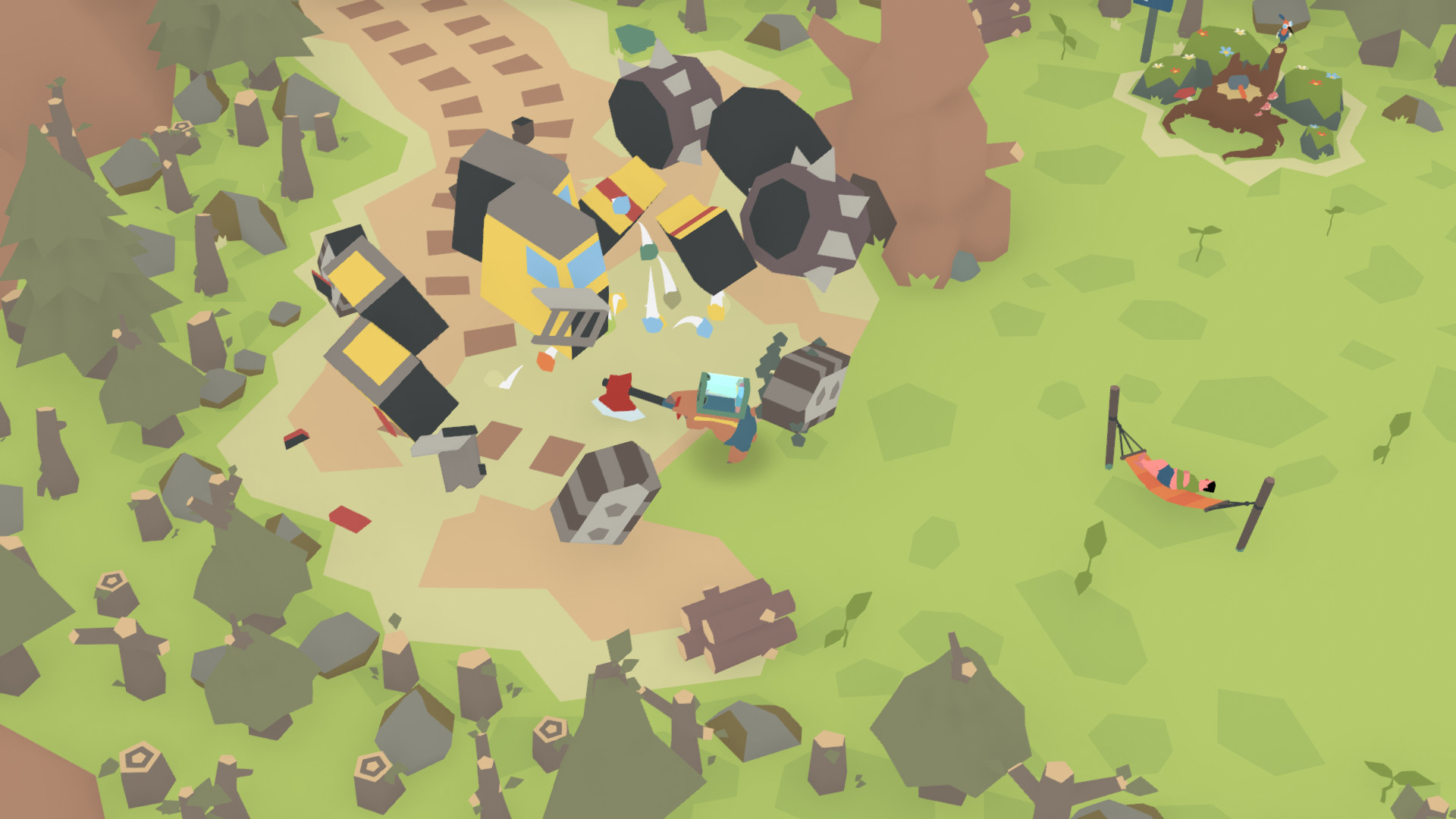
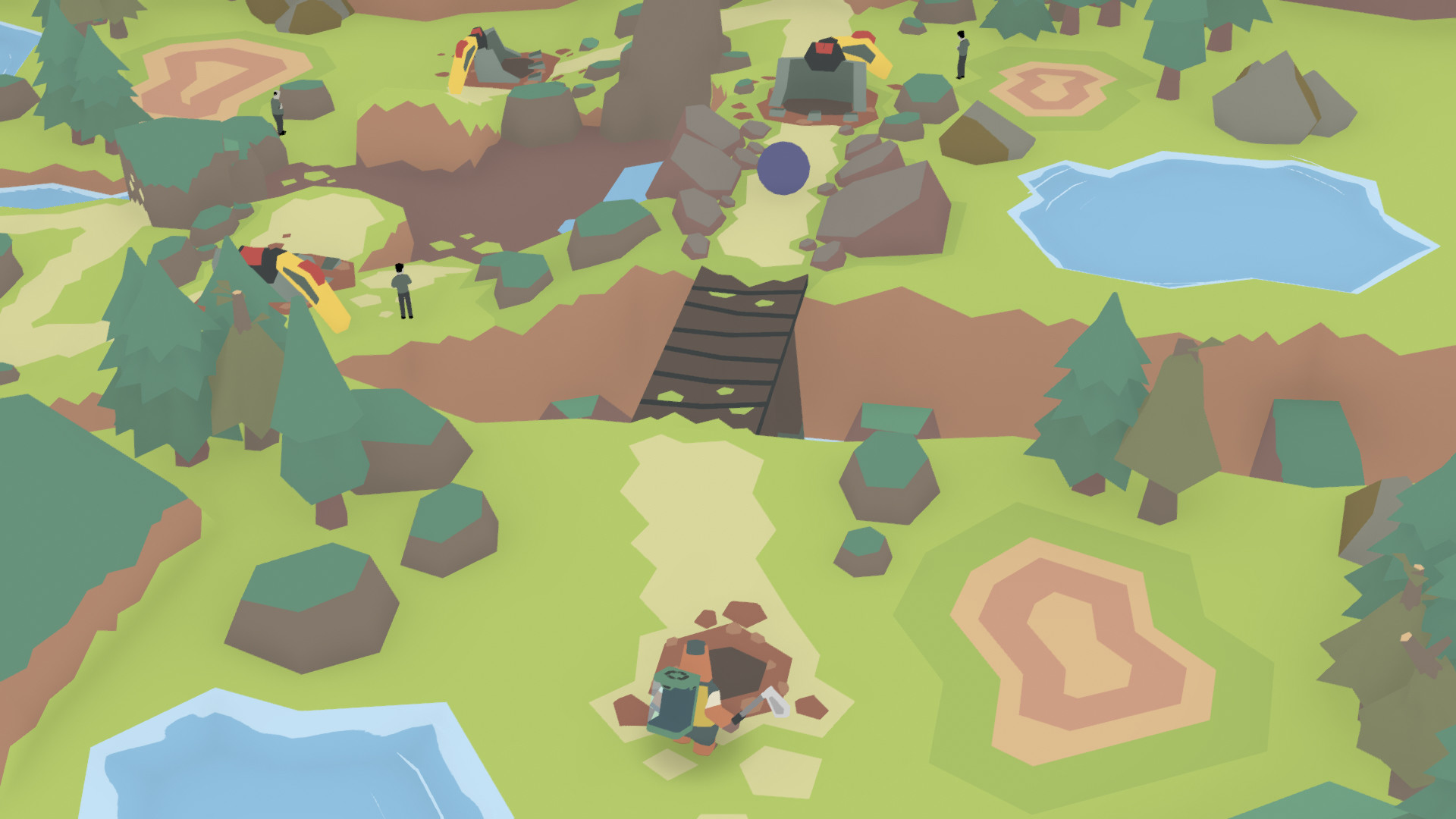
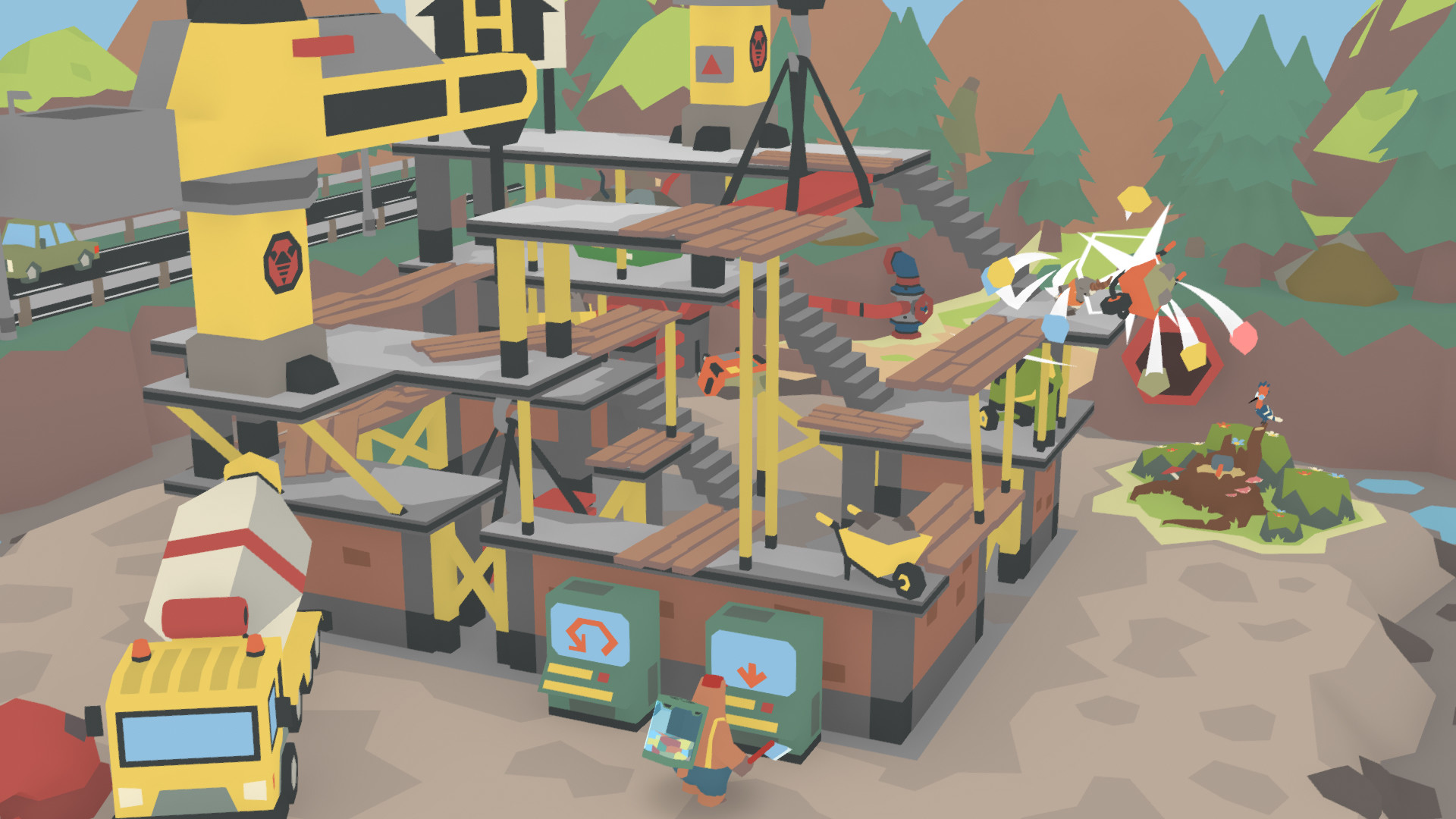
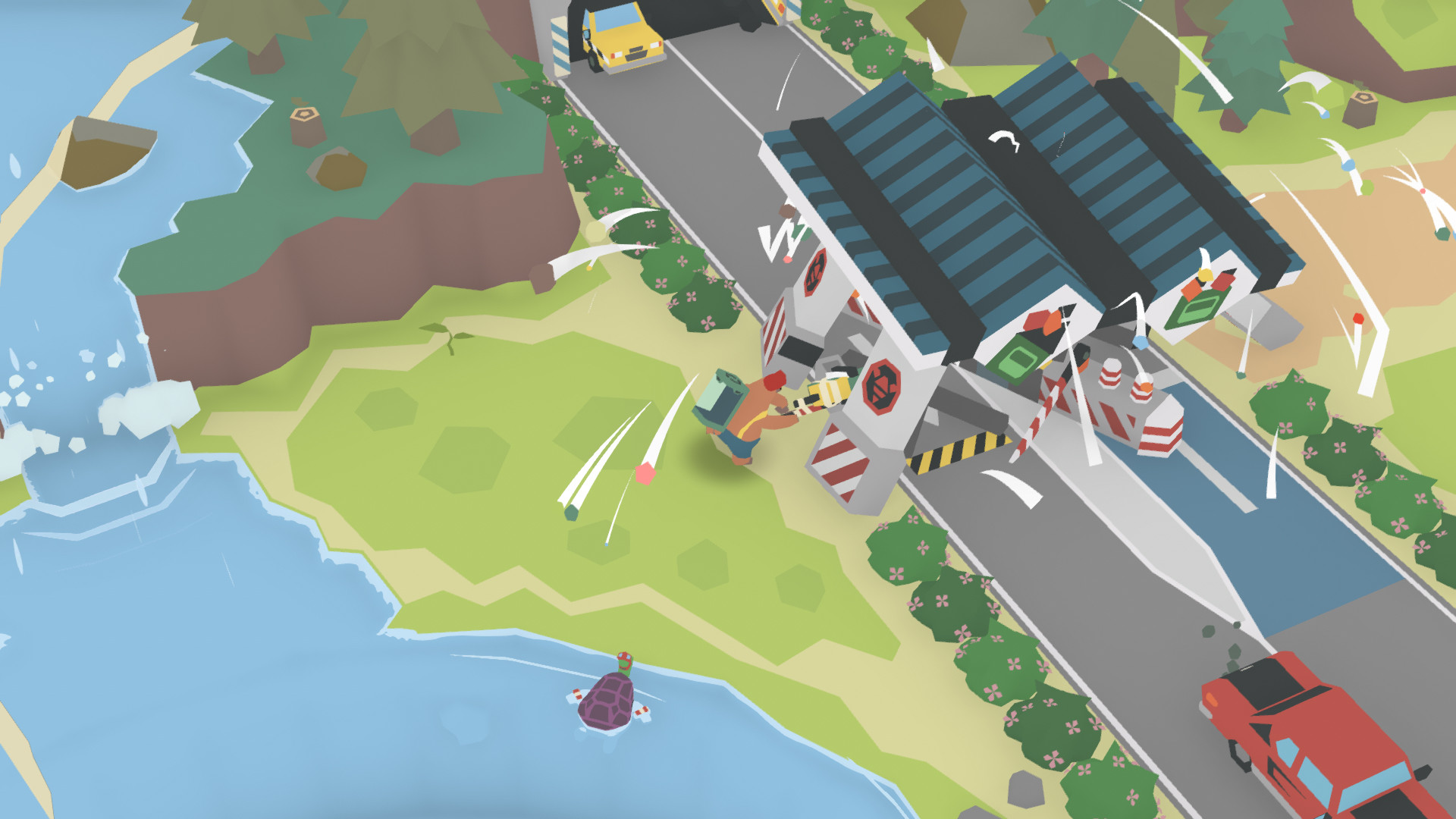
LumbearJack puts players in the role of Jack, a bear wielding an axe, who aims to restore nature by confronting the industrial threat of Evil Works. The game blends chopping action with environmental puzzles across forests, construction sites, and other locations.
Each level encourages players to manipulate surroundings, recycle waste for upgrades, and enlist quirky animal friends to aid in thwarting the corporation. The title supports single‑player play, achievements, and full controller input, and a portion of sales supports tree‑planting through Ecologi.
01 / THE GUIDE
Gameplay Mechanics
Players control Jack, a bear equipped with an axe, to cut through various environments. The core loop involves chopping obstacles and navigating puzzles that require interaction with world elements. The game emphasizes a simple input scheme, offering full controller support and a keyboard‑only option, allowing players to choose their preferred method without timed inputs.
- Experiment with both controller and keyboard to find the most comfortable rhythm for chopping.
- Observe how different obstacles react to axe strikes to plan efficient paths.
02 / THE GUIDE
Puzzle Solving
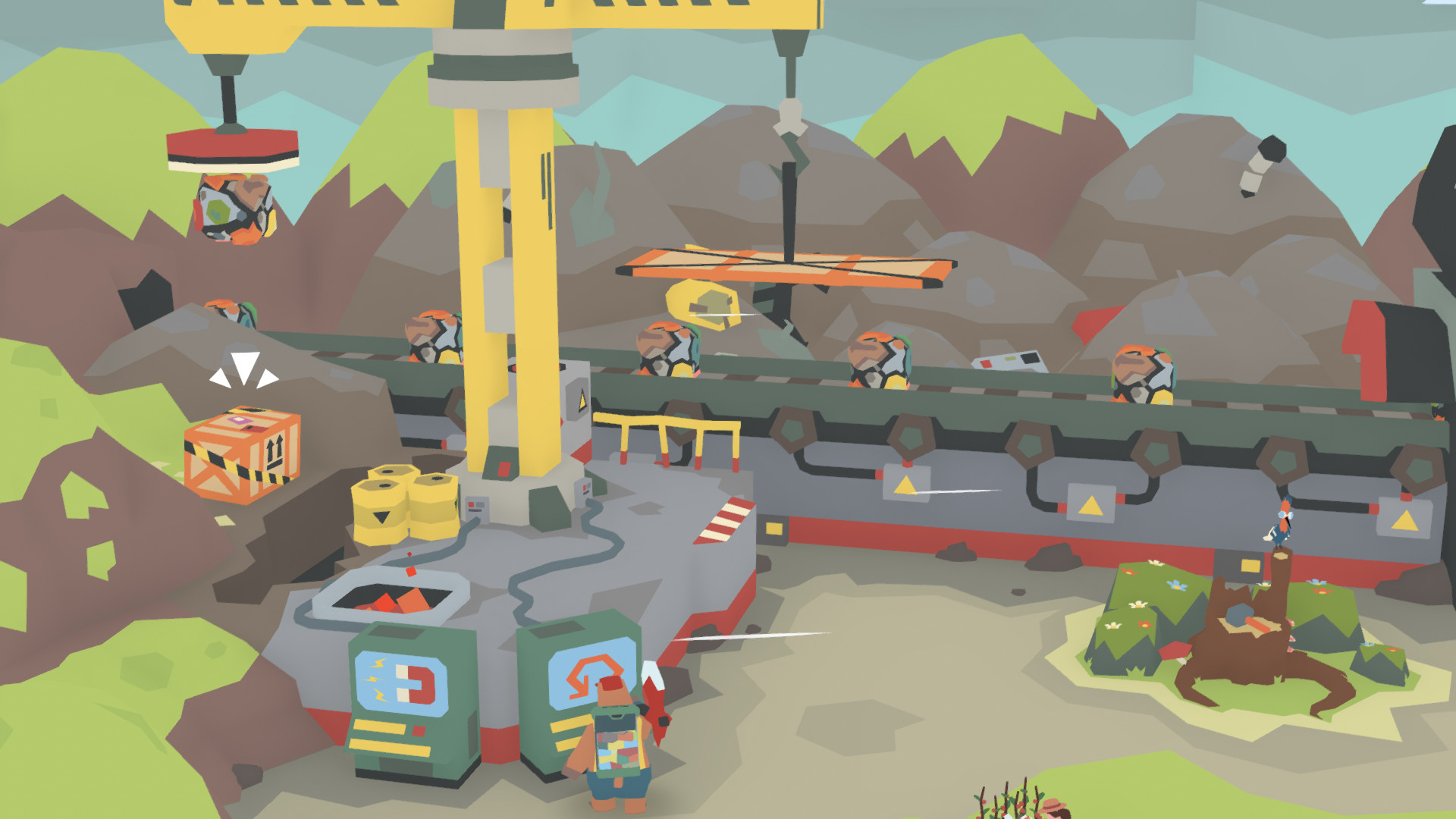
Levels contain puzzles that rely on tinkering with environmental elements. Players must manipulate objects, reduce waste, and reuse materials to progress. Recycling waste not only clears obstacles but also upgrades chopping capabilities, linking puzzle resolution to resource handling.
- Look for recyclable items that can be turned into upgrades before tackling a tough section.
- Try different environmental interactions to discover hidden solutions.
03 / THE GUIDE
Environmental Theme
The narrative centers on restoring nature against the industrial plans of Evil Works. Each location reflects a clash between natural settings and human‑made structures. The game’s partnership with Ecologi means a portion of each purchase contributes to planting trees, reinforcing its ecological message.
- Consider how the visual contrast between nature and machinery enhances the story.
- Reflect on the real‑world impact of the Ecologi partnership while playing.
04 / THE GUIDE
Animal Allies
Throughout the adventure, Jack encounters a quirky cast of animal friends. These characters can be rescued and later assist in overcoming challenges. Teamwork with these woodland critters forms part of the solution to thwart Evil Works’ schemes.
- Pay attention to each animal’s unique behavior when planning cooperative actions.
- Saving an animal early may provide useful assistance later.
05 / THE GUIDE
Platform Features
LumbearJack is available on Windows and includes Steam achievements, full controller support, custom volume controls, and a keyboard‑only option. Family sharing is also supported, allowing multiple accounts to access the game. The title does not require timed inputs, making it accessible for players who prefer a relaxed pace.
- Enable custom volume controls to balance music and sound effects to your liking.
- Use family sharing to let friends try the game without purchasing a separate copy.
COMMUNITY
Player discussion