 GameWiki
GET YOUR BEARINGS
About Lucy Dreaming
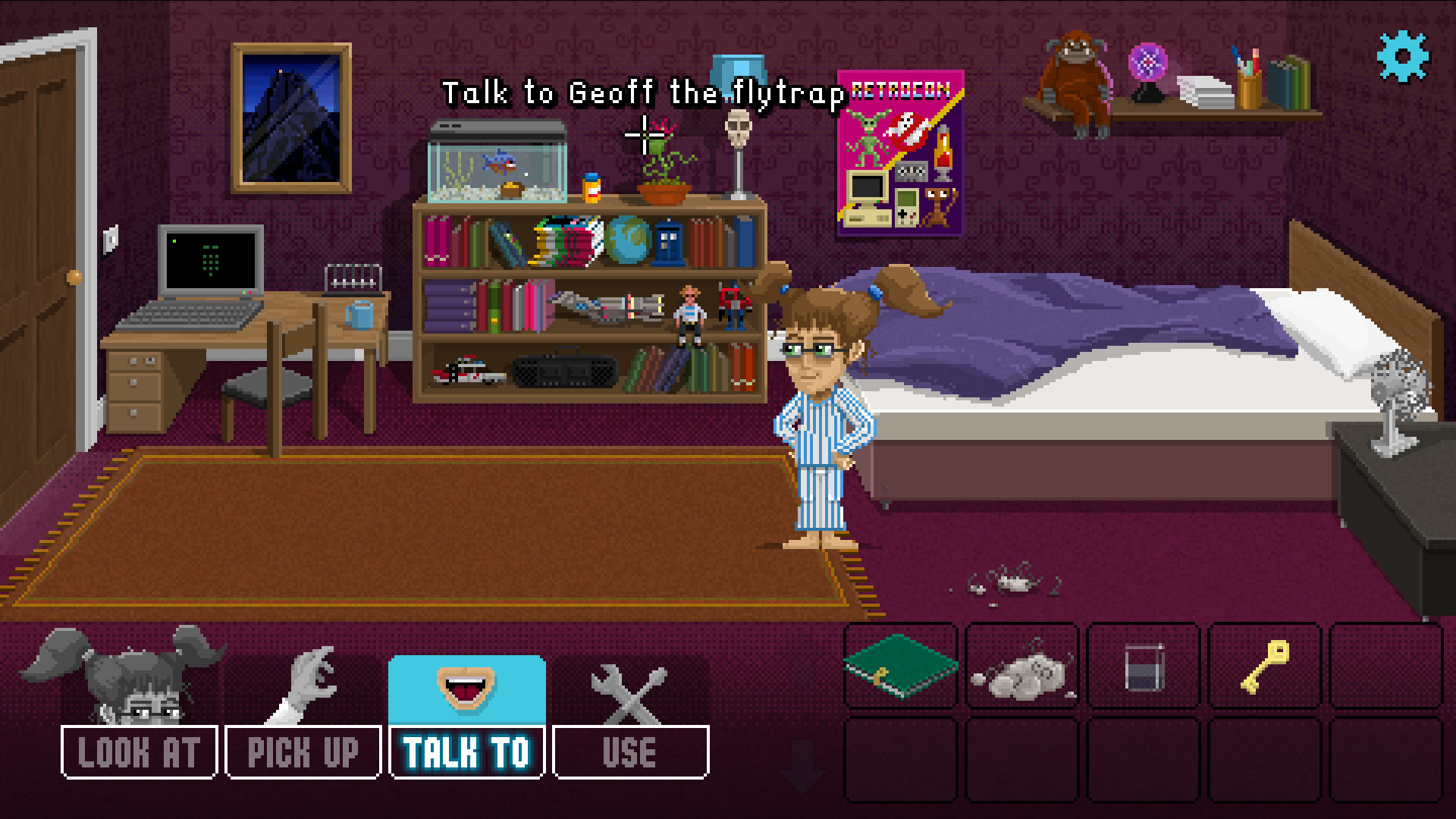
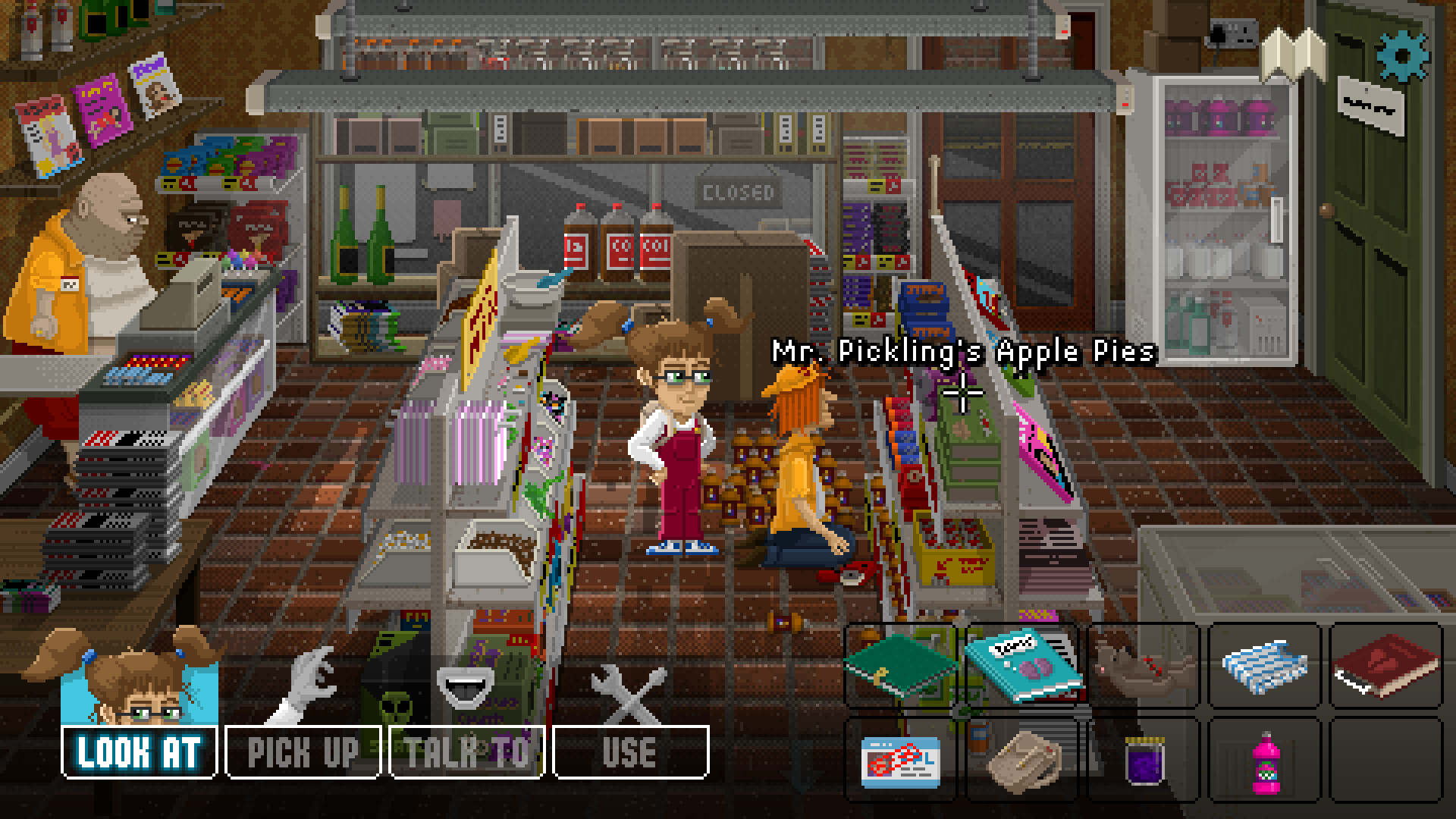
Lucy Dreaming is a British point‑and‑click adventure where you play as Lucy, a sharp‑witted girl investigating a family secret and her own nightmares. The game blends real‑world locations in the town of Figgington with surreal pixel‑art dreams, offering a comedic yet dark narrative.
Exploration is driven by a map, and puzzles require observation, logic and lateral thinking. A full voice cast, subtitles in English and German, and instant scene exit by double‑click round out the experience, while Steam achievements and cloud saves track progress.
01 / THE GUIDE
Dream Exploration
Lucy can enter her own mind using learned dream‑control techniques, unlocking hidden memories and confronting bizarre subconscious characters. These dreamscapes are rendered in varied pixel‑art styles that contrast with the town’s realism.
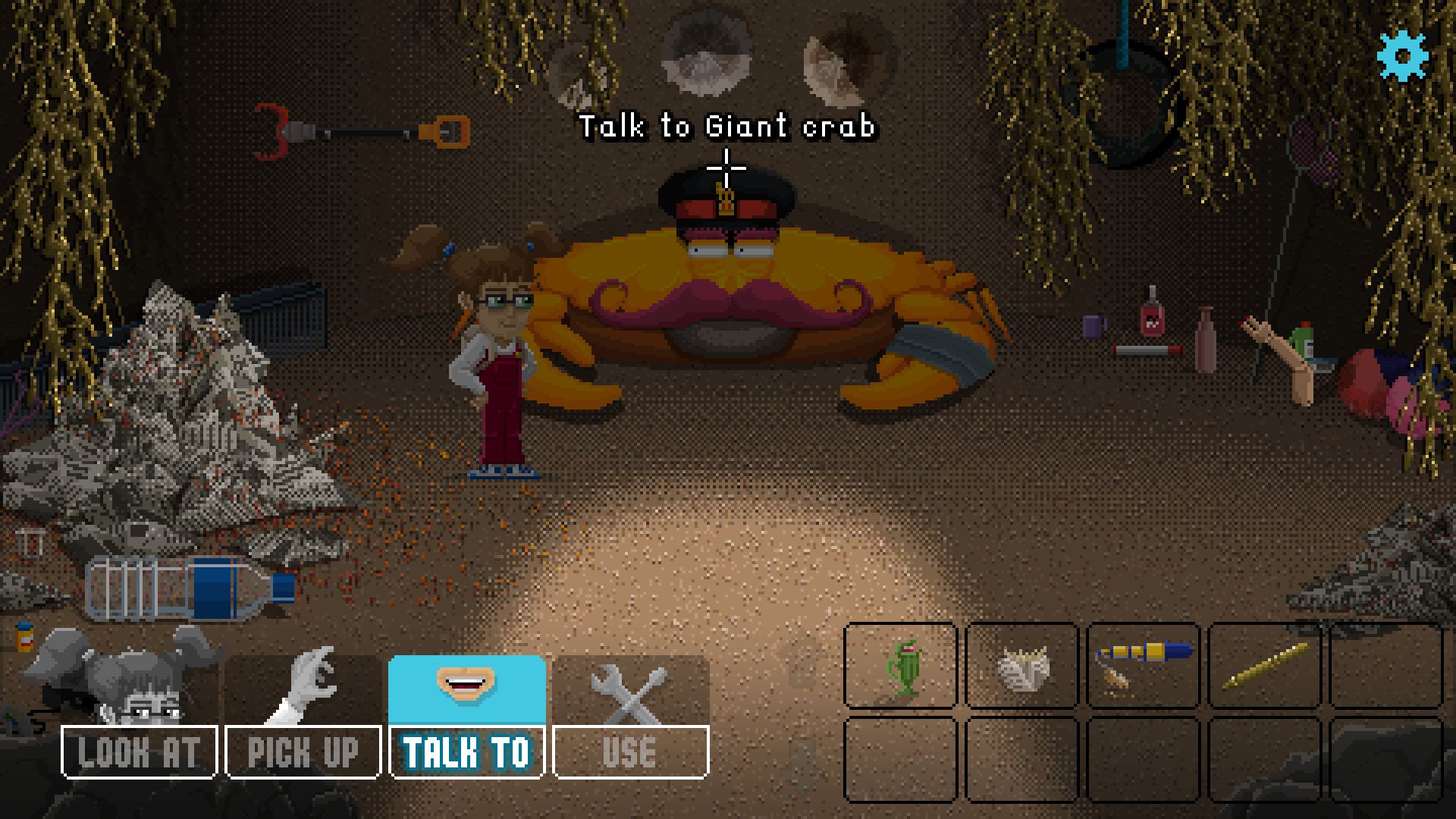
Inside dreams you’ll meet giant crabs, trolls and other extraordinary beings, each tied to clues about Lucy’s recurring nightmares. The dream world is navigable via point‑and‑click, and exiting a scene is instant with a double‑click.
- Observe each dream element; even small details often hint at puzzle solutions.
- Use the double‑click exit to quickly return to reality when a dream becomes overwhelming.
02 / THE GUIDE
Town Exploration
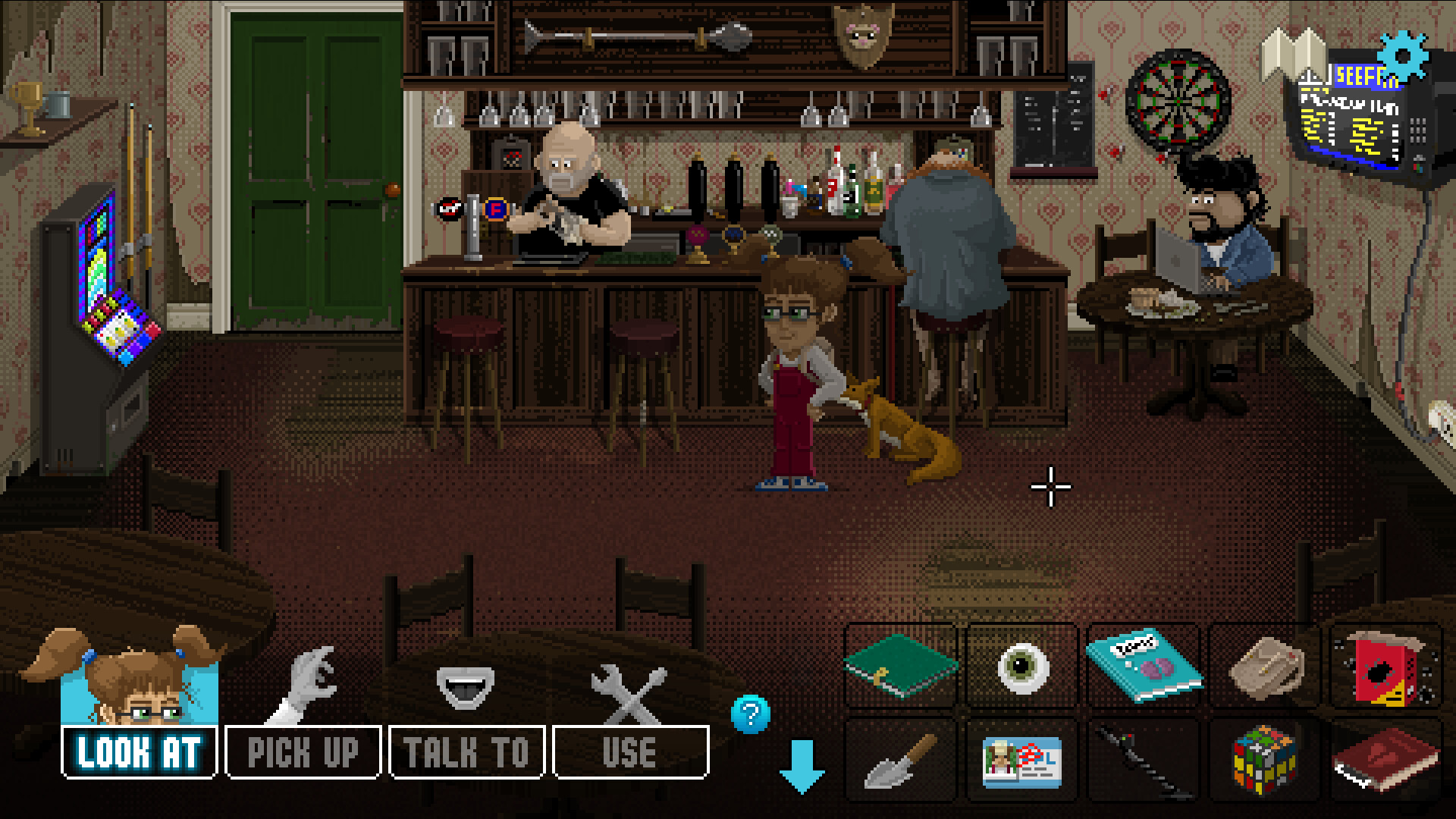
The map lets you ride a bike around Figgington, from the run‑down centre to the local pub. Each location hosts sardonic residents who provide dialogue, clues, or items needed for later puzzles.
Exploring the town is essential for gathering information about the murder mystery and Lucy’s family, and the bike travel adds a light sense of movement between scenes.
- Take time to talk to every resident; their witty responses often hide useful hints.
- Check both the town centre and the pub; each area contains unique characters.
03 / THE GUIDE
Puzzle Solving
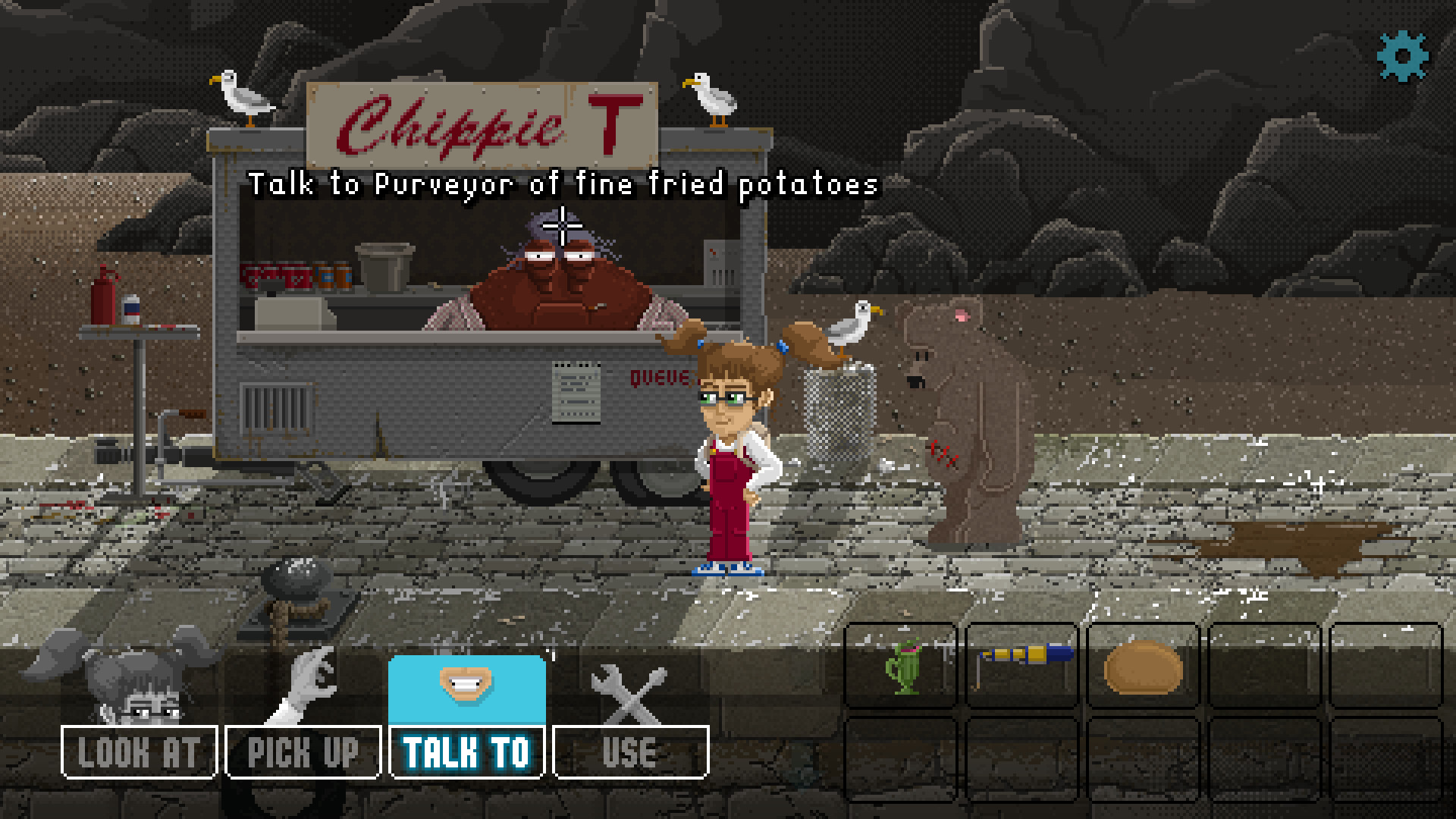
A huge variety of puzzles challenges your observation, logic and lateral thinking. Solutions may involve interrogating old ladies, bargaining with trolls, or satisfying toddlers, all presented through point‑and‑click interactions.
Puzzles are integrated with both dream and real‑world scenes, meaning clues can appear in either realm. Success often requires linking information gathered from different characters and locations.
- Keep a mental note of recurring symbols; they frequently reappear in later puzzles.
- When stuck, revisit earlier conversations for overlooked details.
04 / THE GUIDE
Voice Cast & Dialogue
The game features an exceptional voice cast, including Dominic Armato, known for Monkey Island. Dialogue is witty and responsive; almost everything you point at elicits a spoken reaction.
Subtitles are available in English and German, ensuring accessibility. The detailed scenes and voice work enhance the comedic tone while grounding the darker mystery.
- Enable subtitles if you want to catch every nuanced line.
- Listen for tonal changes; they can indicate hidden importance.
05 / THE GUIDE
Achievements & Subtitles
Steam achievements reward completion of specific tasks, while Steam Cloud preserves your progress across sessions. Subtitles support both English and German, catering to a broader audience.
These features do not affect core gameplay but provide convenient tracking and accessibility options for players who prefer visual text cues.
- Check the achievement list early to set personal goals.
- Use cloud saves to continue your adventure on another device.
COMMUNITY
Player discussion