 GameWiki
GET YOUR BEARINGS
About LuckLand
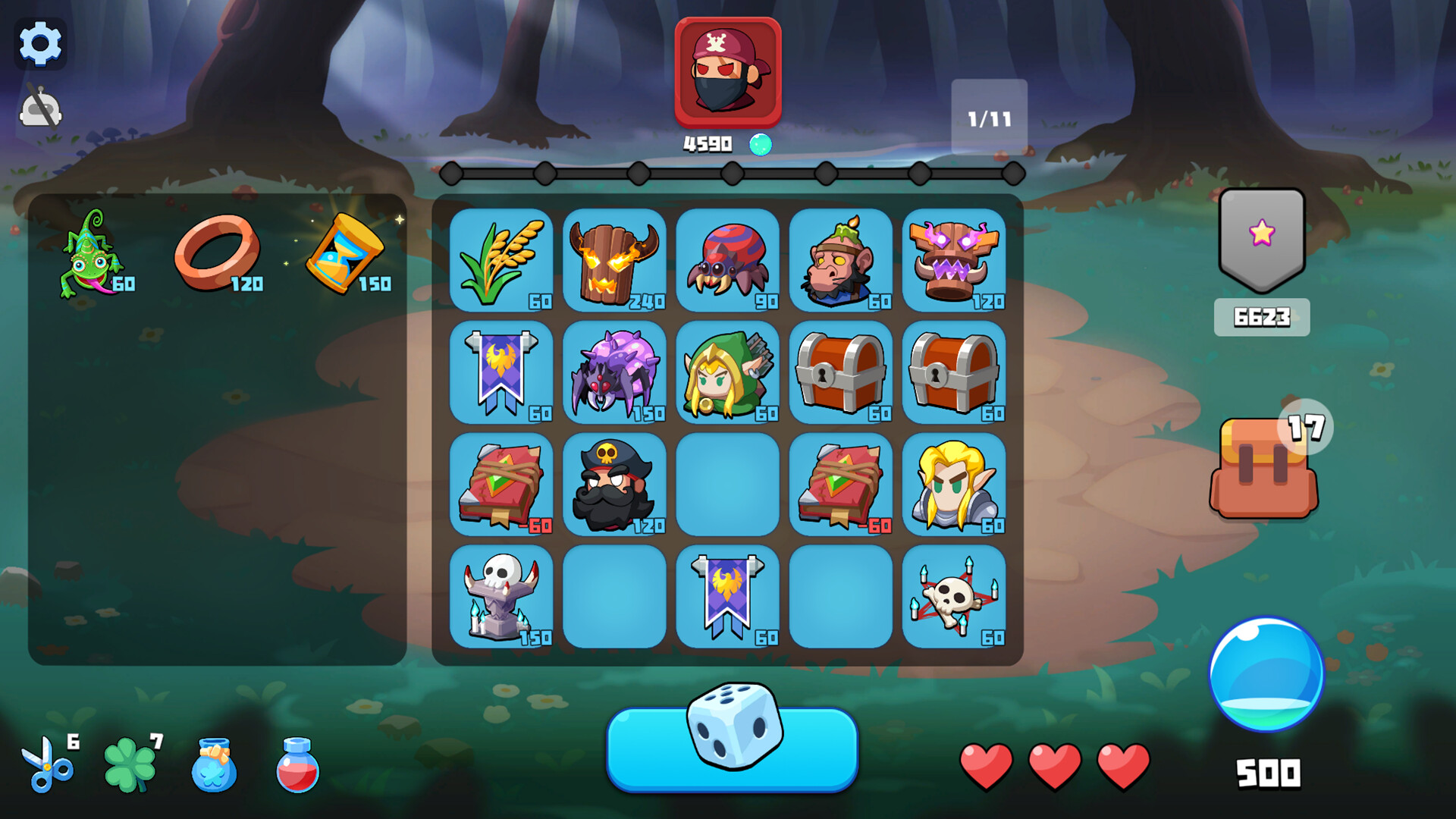
LuckLand is a casual strategy title that blends card‑building with roguelike progression. Players assemble pieces on a 4×5 chessboard, click a rotation button, and let the system calculate energy to battle foes that grow tougher over time. The core loop revolves around collecting pieces, forming high‑energy combos, and defeating enemies to unlock new treasures and talents.
The game runs in single‑player mode on Windows and supports Steam features such as achievements, cloud saves, leaderboards, and family sharing. Its design emphasizes simple input—primarily clicking—to manage battles, making it accessible while still rewarding thoughtful deck construction.
01 / THE GUIDE
Battle Mechanics
Each combat round takes place on a 4×5 board where players select pieces to place. After placement, the rotation button is clicked, prompting the system to compute energy based on the combination of pieces. This energy determines the outcome of the life‑and‑death clash against the enemy for that round.
Enemies increase in difficulty as the game progresses, requiring players to craft more effective piece combinations. Higher energy yields stronger attacks, allowing players to overcome tougher opponents and advance further in the adventure.
- Experiment with different piece groupings to discover which combos generate the most energy.
- Observe how enemy difficulty scales and adjust your deck before each encounter.
02 / THE GUIDE
Piece Collection
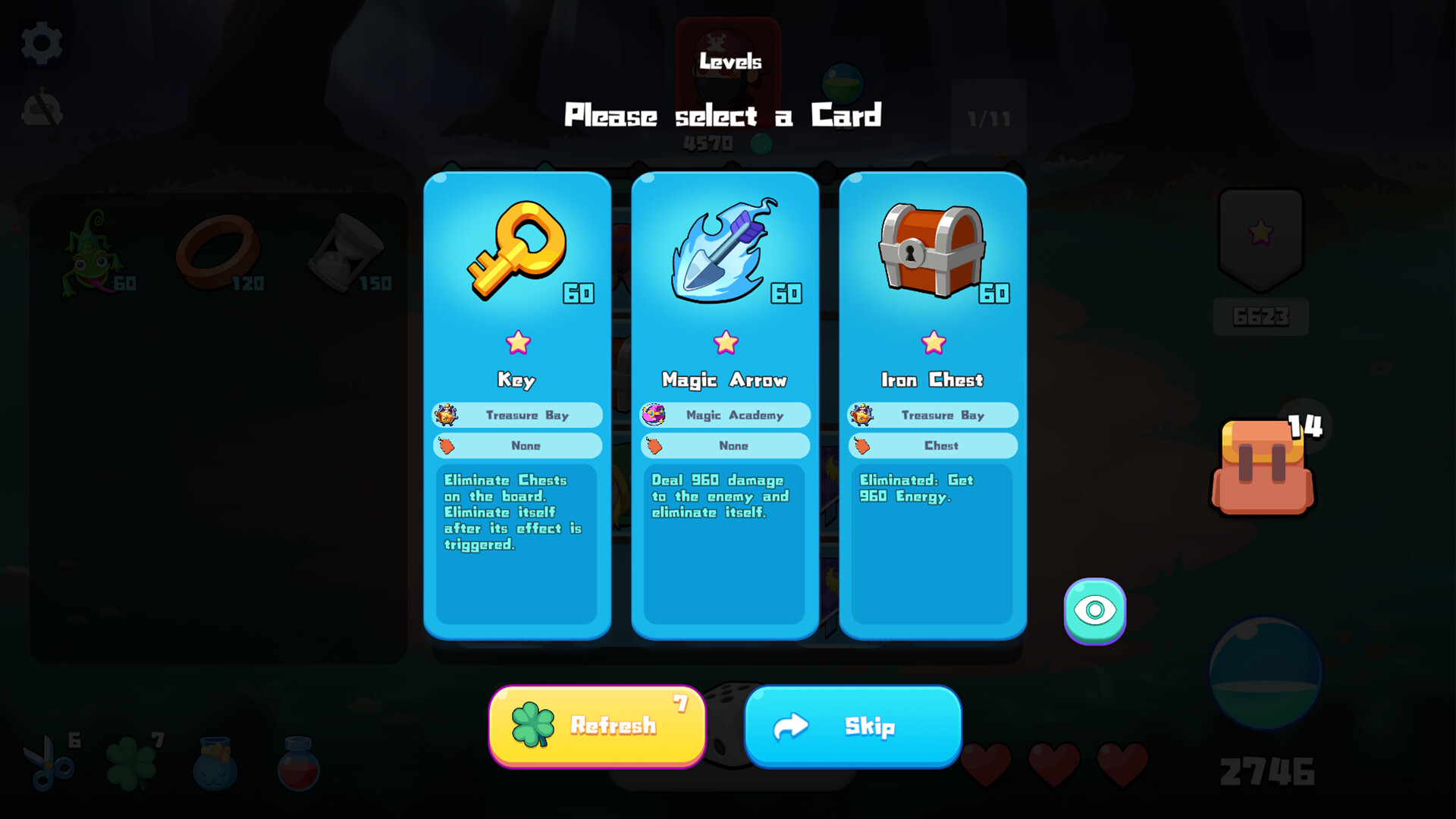
Players gather pieces and treasures from various regions, adding them to their deck. These pieces can be placed on the board in subsequent battles, expanding the range of possible combinations and influencing energy generation.
Collecting new pieces is essential for progression because it enables higher‑energy setups that are necessary to defeat increasingly difficult enemies and unlock exclusive treasures.
- Prioritize acquiring pieces that complement your existing deck for smoother energy scaling.
- Track which regions yield the most useful pieces for your current strategy.
03 / THE GUIDE
Region Activities
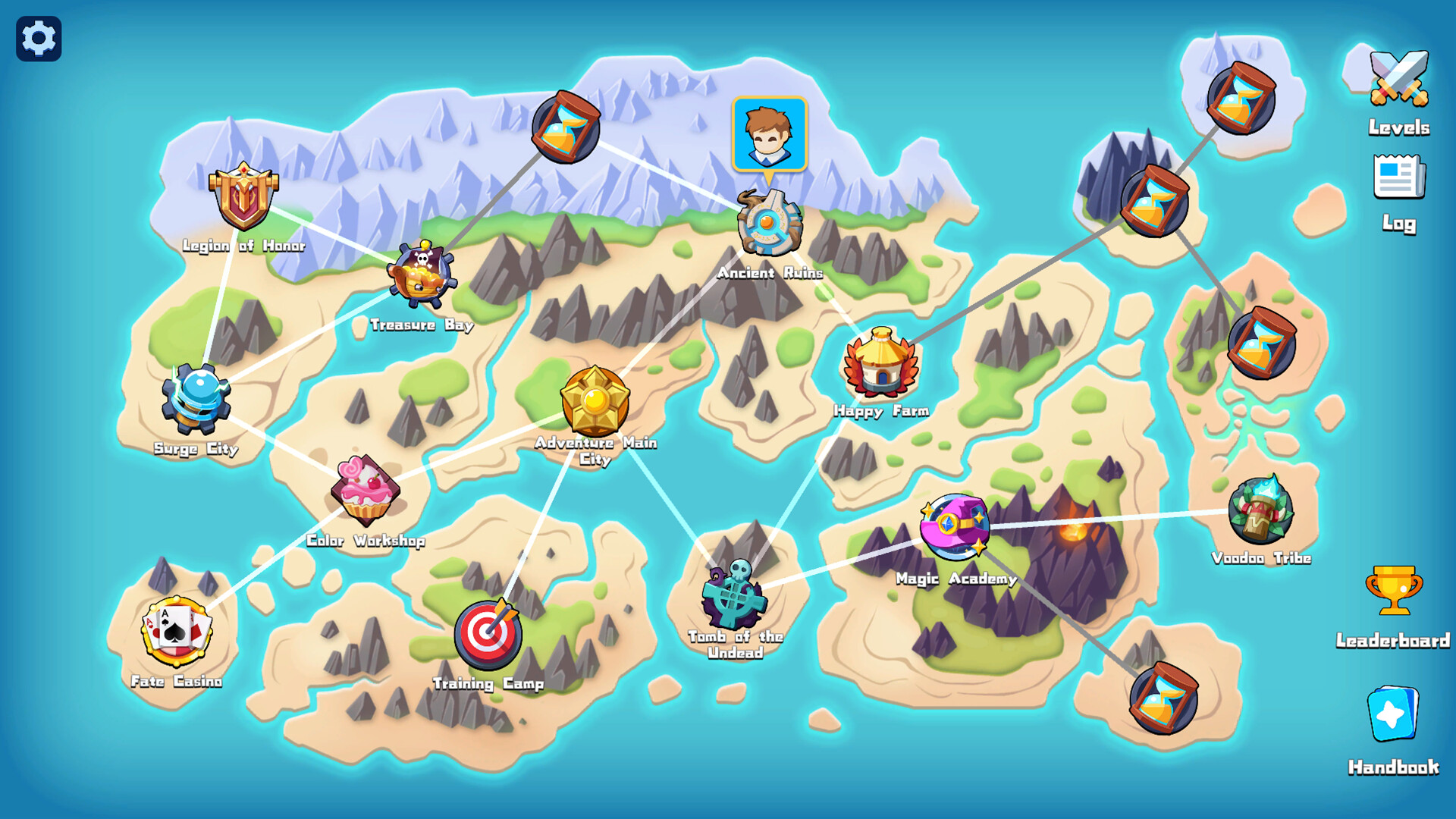
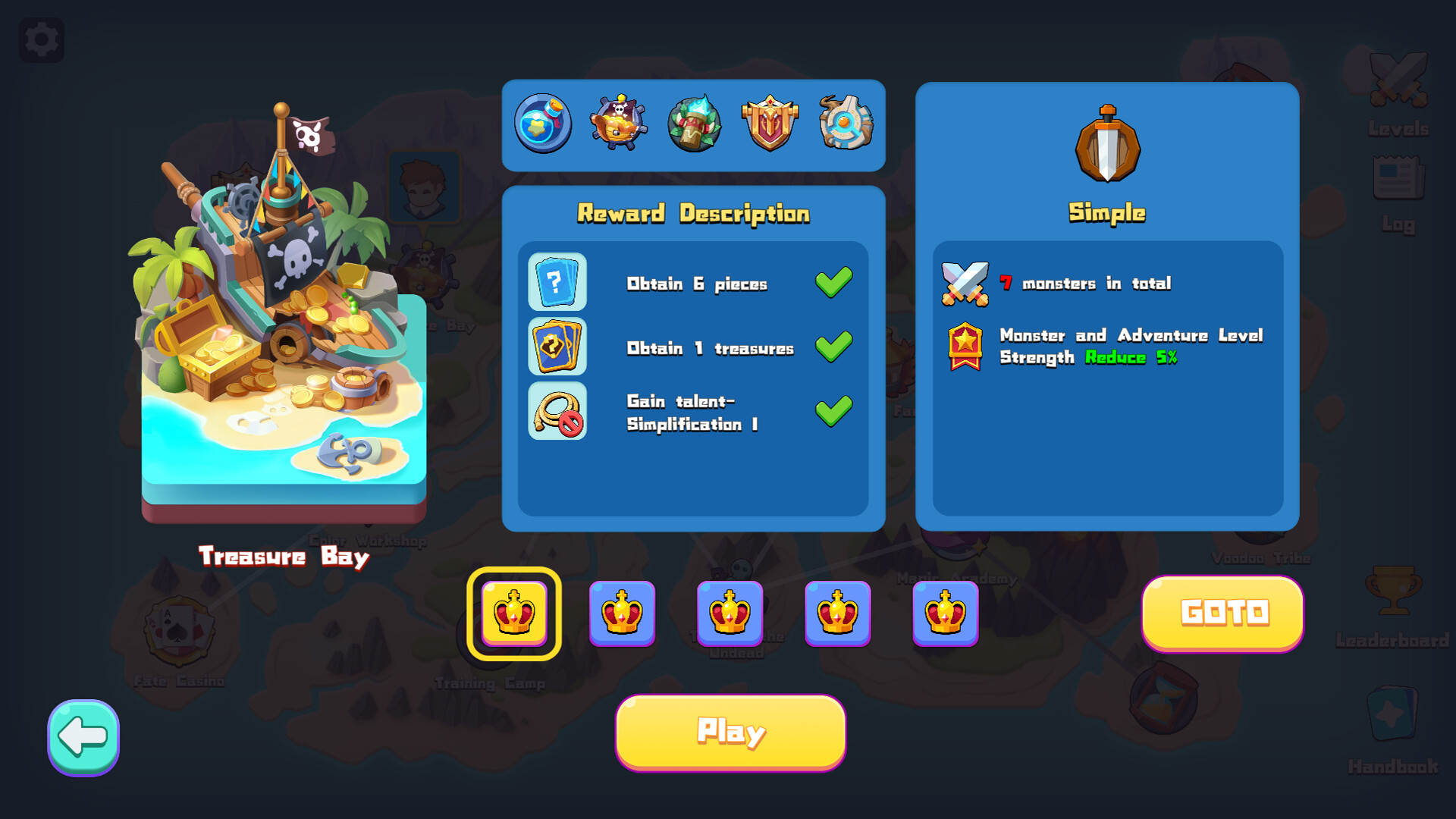
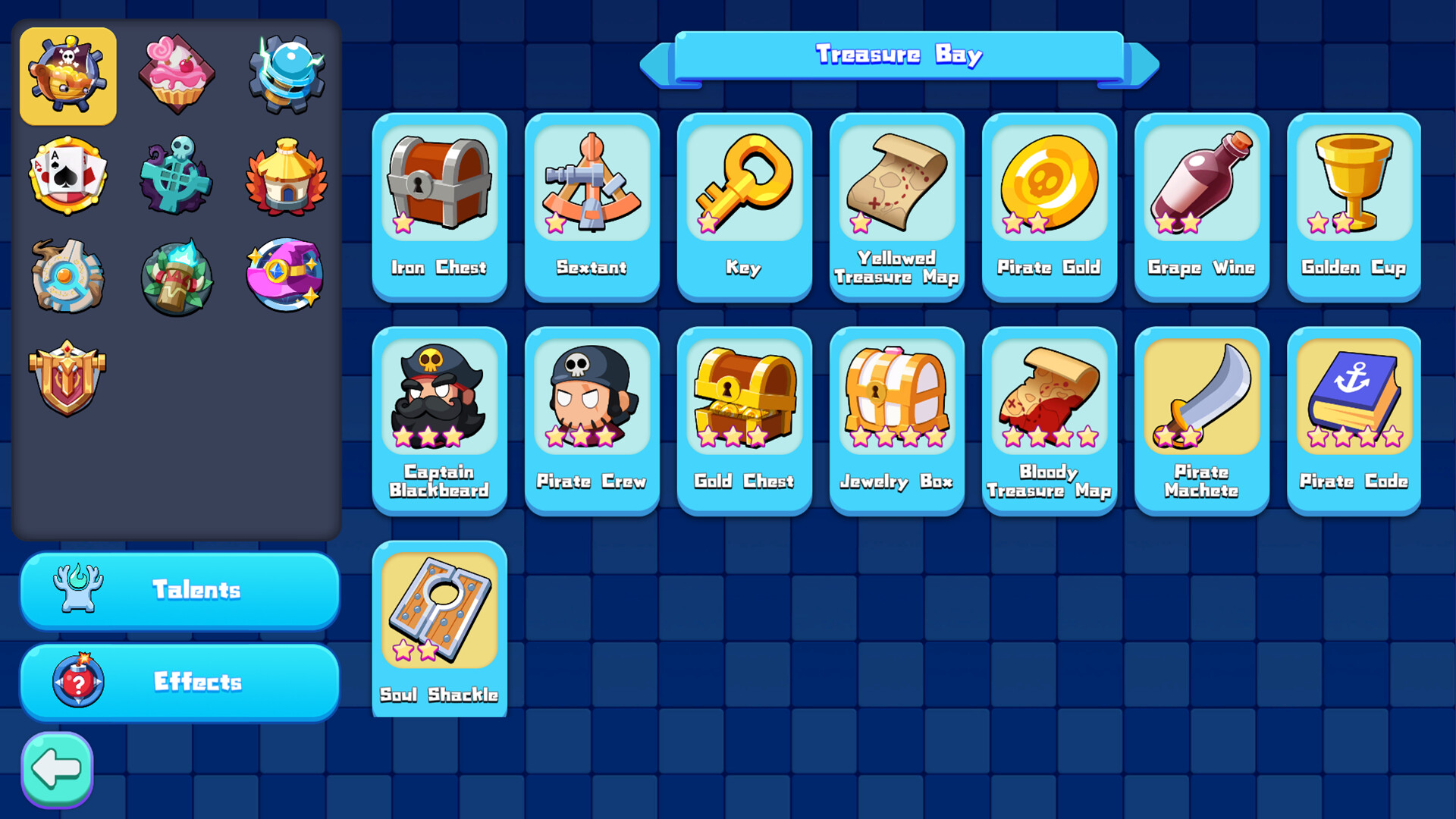
The game offers distinct activities such as the Color Workshop, Treasure Bay, and Destiny Casino. Each location provides a different way to earn pieces, treasures, or other rewards, giving players multiple avenues to strengthen their deck.
Choosing where to focus your efforts can affect the speed of deck improvement, as some regions may align better with the types of pieces you need for upcoming battles.
- Rotate between activities to maintain a balanced influx of pieces and treasures.
- Match the activity’s rewards to the gaps in your current deck composition.
04 / THE GUIDE
Progression and Treasures
As players defeat higher‑difficulty enemies, they unlock exclusive treasures that provide a qualitative leap to their deck. These treasures, along with powerful talents, enhance the player's ability to generate energy and survive tougher encounters.
The gradual increase in difficulty ensures that each new treasure or talent feels impactful, encouraging continued play to see how each unlock reshapes combat potential.
- Focus on unlocking talents that synergize with your most frequently used pieces.
- Use newly unlocked treasures promptly to gauge their effect on energy output.
05 / THE GUIDE
Steam Features
LuckLand integrates with Steam to provide achievements, cloud saves, leaderboards, and family sharing. Achievements give players milestones to aim for, while cloud saves preserve progress across installations.
Leaderboards allow comparison of results with other players, and family sharing lets multiple accounts access the game without additional purchases.
- Check the achievement list to set short‑term goals during play sessions.
- Enable cloud saves to ensure your deck progress isn’t lost after reinstalling.
COMMUNITY
Player discussion