 GameWiki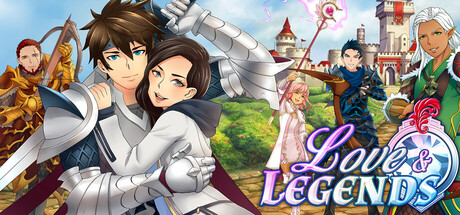
GET YOUR BEARINGS
About Love & Legends
Love & Legends is a romance visual novel that begins with a lightning strike, transporting the player from a modern commute into a medieval‑styled realm where they are accused of being the reincarnated Evil Witch Queen. The story follows the protagonist’s quest to clear their name while forming bonds with legendary heroes.
The PC edition bundles all main stories from Seasons 1‑5 of the original e‑reader app, offering seven distinct romance routes, controller compatibility, and a larger‑screen presentation that showcases the artwork and narrative in greater detail.
01 / THE GUIDE
Story Premise
The opening scene places the player in a strange new land reminiscent of medieval Europe after a bolt of lightning. Immediately, they are taken to the royal castle under the false accusation of being the Evil Witch Queen’s reincarnation.
From the castle, the player must select one of the enchanted heroes to act as a warden while they investigate why they were summoned and how the emerging romance will influence their fate.
- Pay attention to early dialogue that reflects the accusation, as it frames later choices.
- Notice how each hero’s introduction sets a different tone for the investigation.
02 / THE GUIDE
Character Routes
Seven unique heroes serve as potential partners, each with a distinct personality and storyline. Choosing a route determines the narrative arc, dialogue, and romantic outcome for that playthrough.
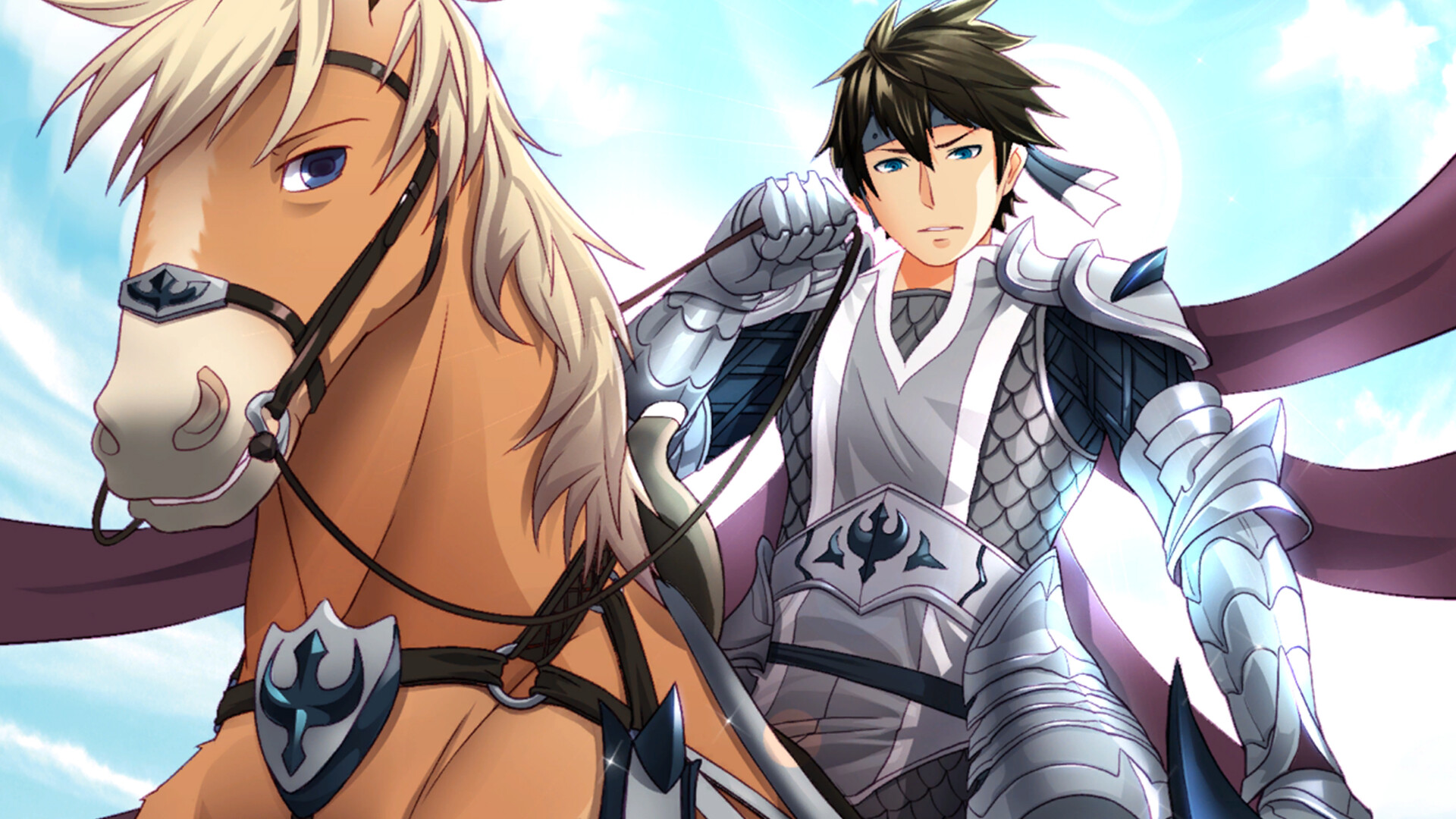
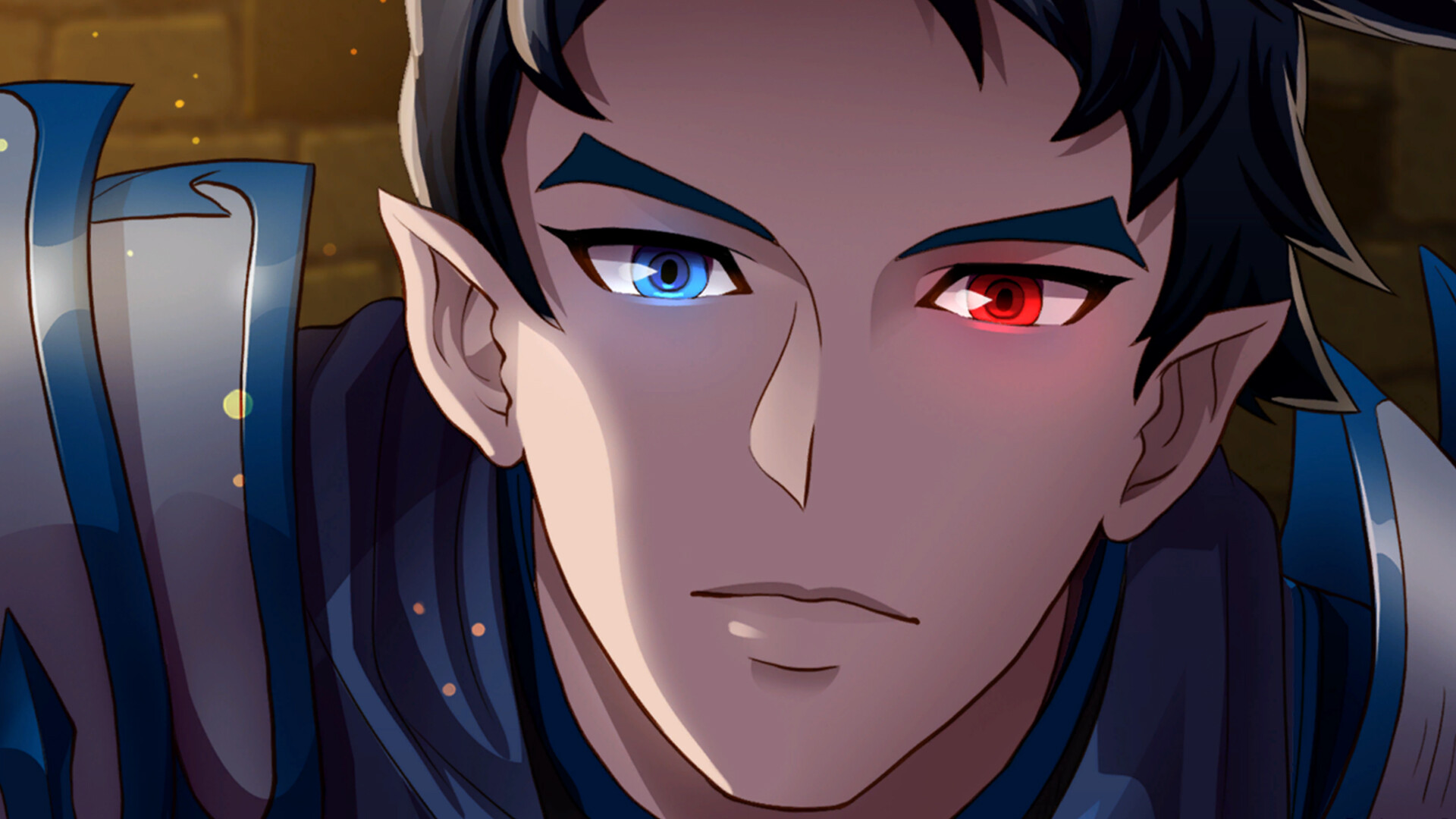
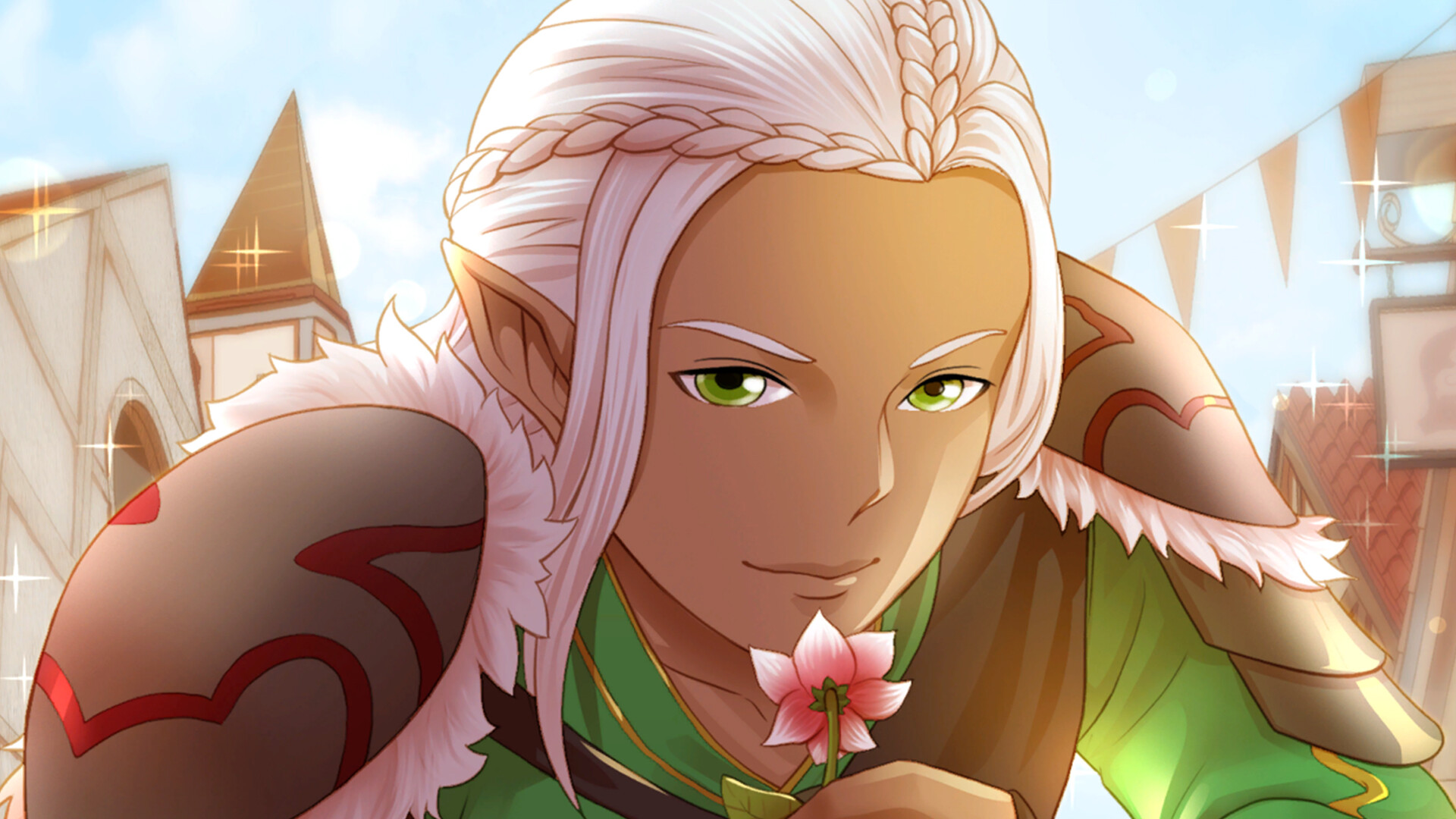
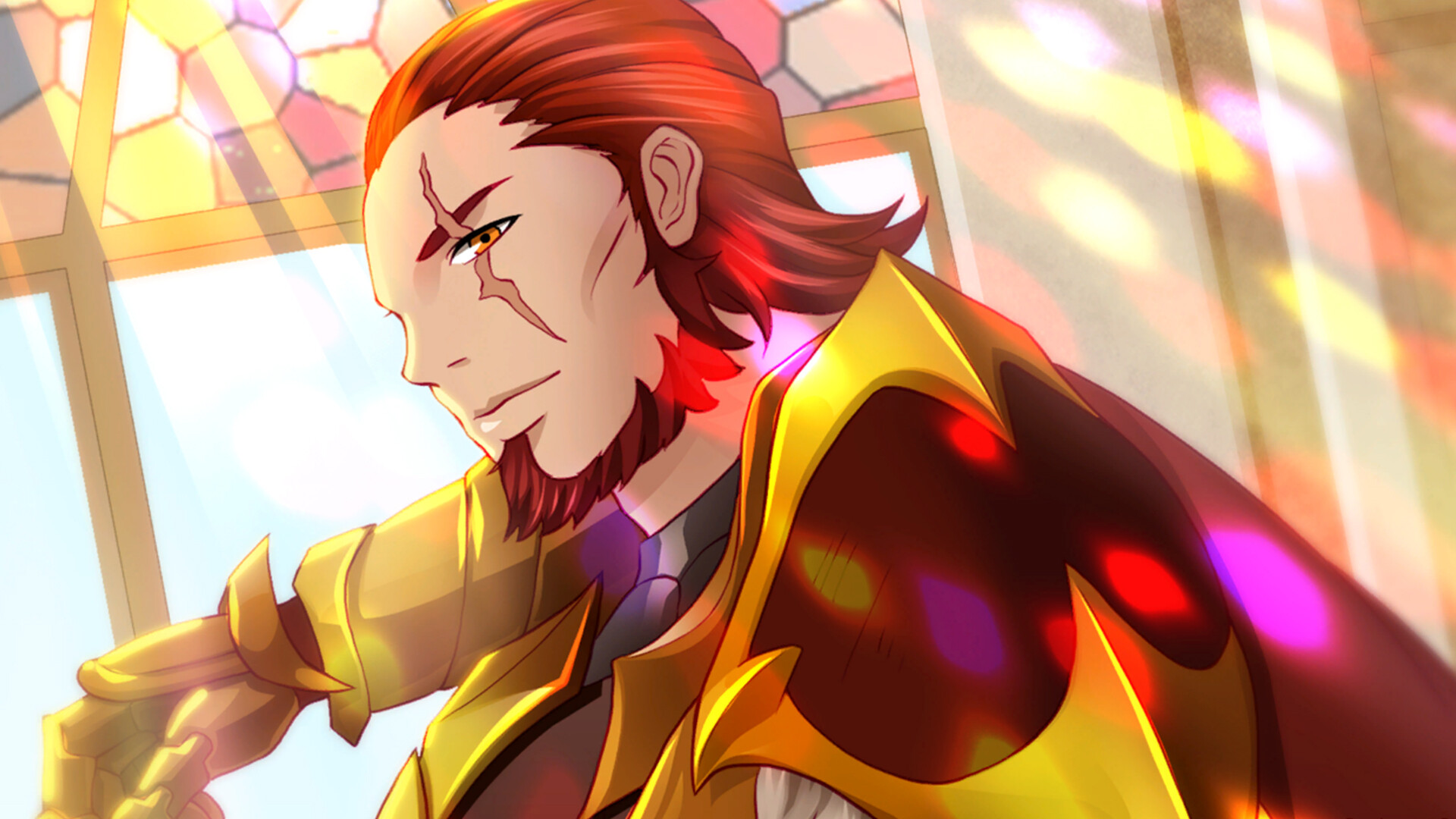
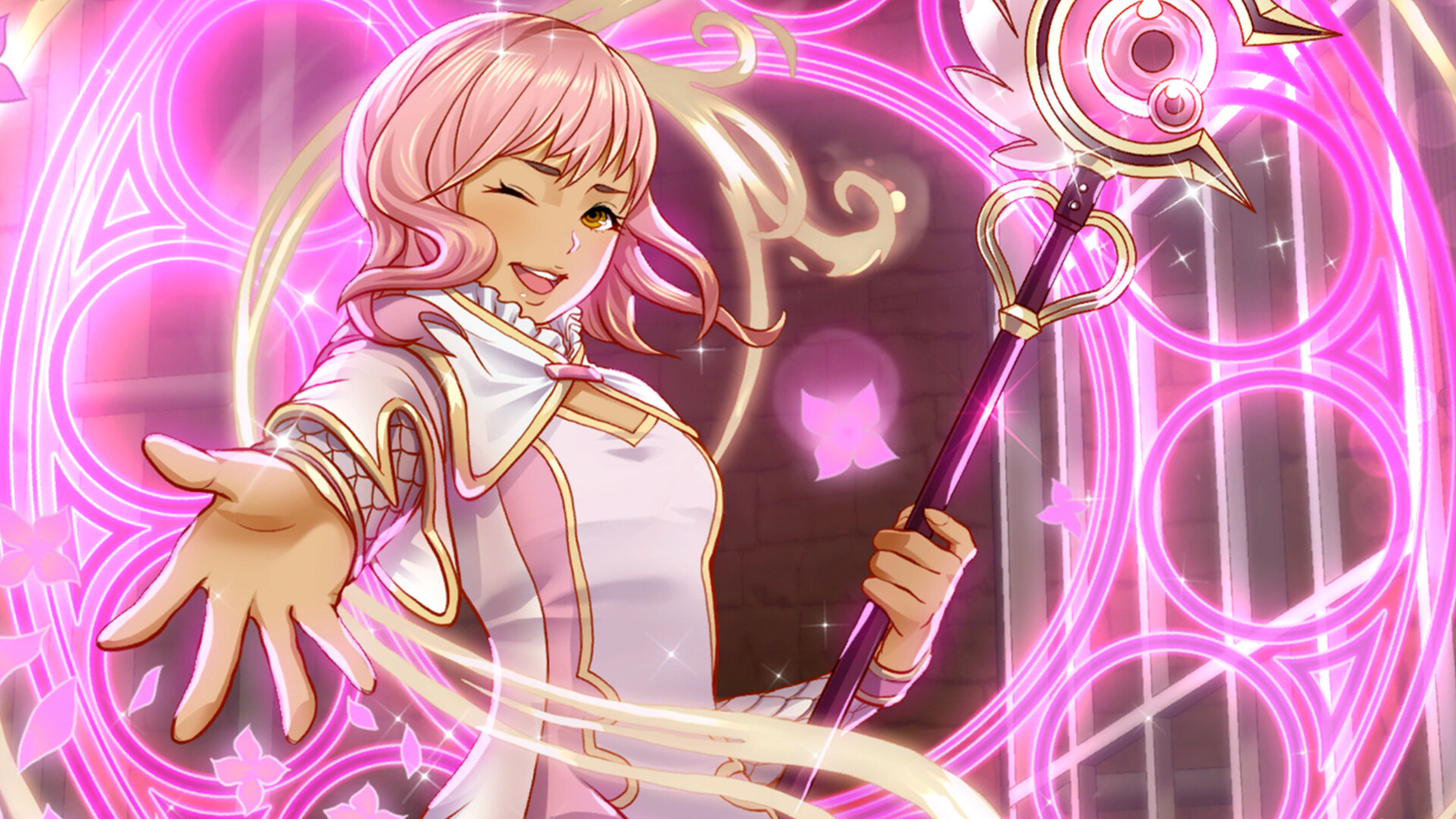
The available heroes are August the Knight, Iseul the Elf Prince, Saerys the Demon, Altea the Wizard, Reiner the Lord, Helena the Sorceress, and Alain the Knight General.
- Read each hero’s brief description to decide which storyline appeals most to you.
- Track the choices you make, as they shape the progression of the selected route.
03 / THE GUIDE
Controller Support
Love & Legends lists DualShock, DualSense, and Partial Controller Support, with partial controller support for compatible DualShock and DualSense gamepads on PC.
This support provides a console‑like experience without removing the ability to use standard PC input methods.
- If you own a DualShock or DualSense controller, try it to see which feels more comfortable for menu navigation.
- Switch between controller and mouse/keyboard to compare which method feels smoother for you.
04 / THE GUIDE
Family Sharing
The Family Sharing feature lets multiple Steam accounts on the same device access Love & Legends without each user purchasing a separate copy. Each family member can play on their own Steam account.
This enables family members to explore different romance routes on a shared PC on a shared PC.
- Create distinct Steam profiles for each player to maintain separate saves.
- Coordinate route selections among family members to avoid overlapping progress.
05 / THE GUIDE
Big Screen Experience
Optimized for PC, Love & Legends presents its artwork and narrative on larger displays, enhancing visual detail compared with the original e‑reader app.
The larger canvas showcases character illustrations and background art, making emotional moments more striking for the player.
- Adjust your monitor’s resolution to display the artwork as clearly as possible.
- Sit at a comfortable distance to fully appreciate the visual details.
COMMUNITY
Player discussion