 GameWiki
GET YOUR BEARINGS
About Lou's Lagoon
Lou’s Lagoon drops you into a storm‑tossed tropical archipelago after a distress call from Uncle Lou. You arrive in a seaplane, collect scrap, plants and wildlife drops, and help island communities rebuild while piecing together clues about his disappearance.
The game offers single‑player play with full controller support, Steam Cloud saves, and the ability to personalize your seaplane and avatar. You can also build and decorate a beach hut as a personal base.
01 / THE GUIDE
Exploring the Limbo Archipelago
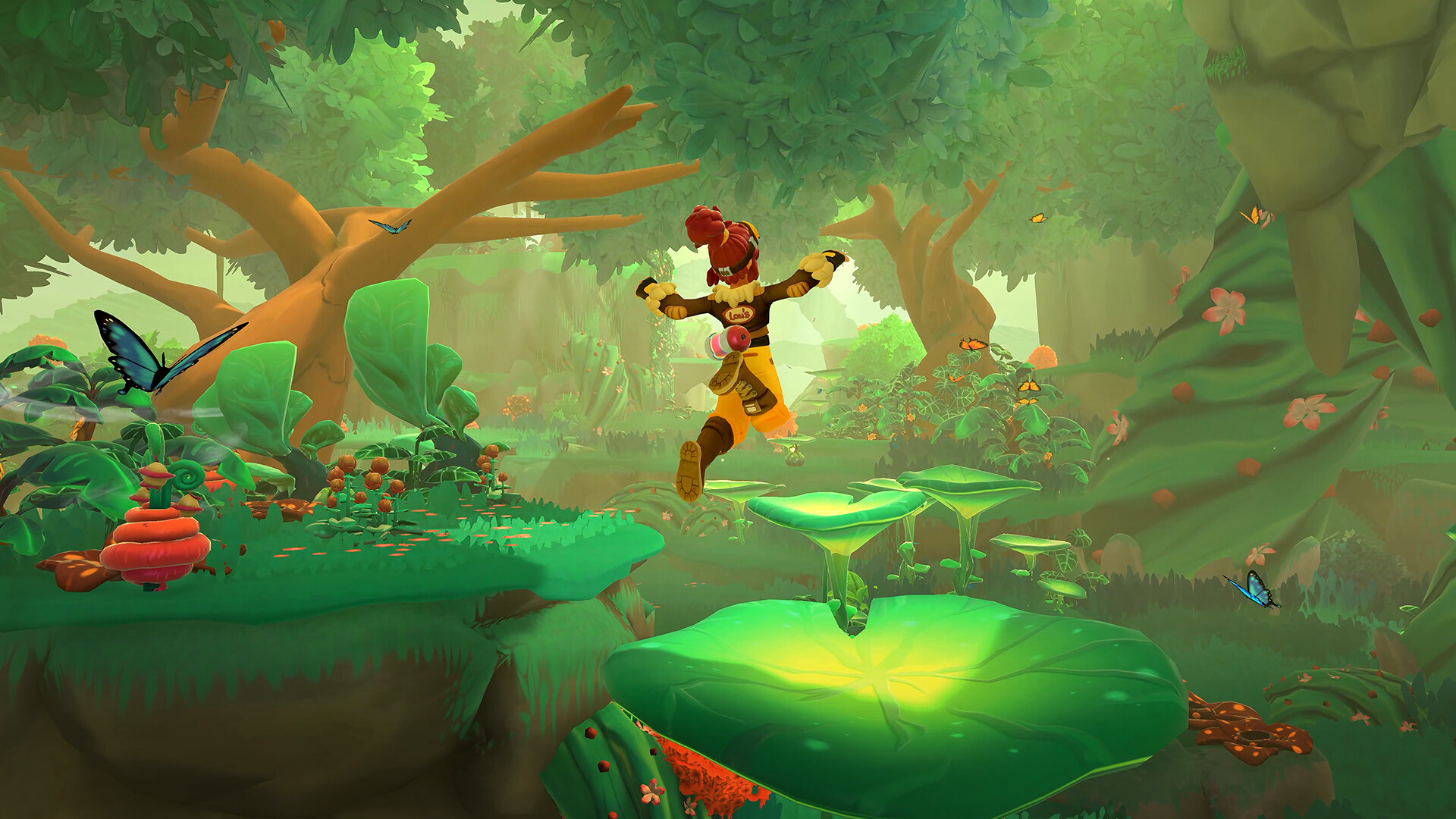
The archipelago consists of three distinct islands—Tangle Bloom, Gleam Reef, and Boulderia—each hosting its own community, wildlife, and hidden secrets. Traveling between them reveals unique visual details and environmental cues.
Exploration is tied to the central mystery; investigating ruins and landmarks provides clues about Uncle Lou while showcasing the vibrant island life.
- Take note of each island’s landmark shapes to aid later navigation.
- Observe flora differences to guess where specific resources may appear.
02 / THE GUIDE
Seaplane Piloting
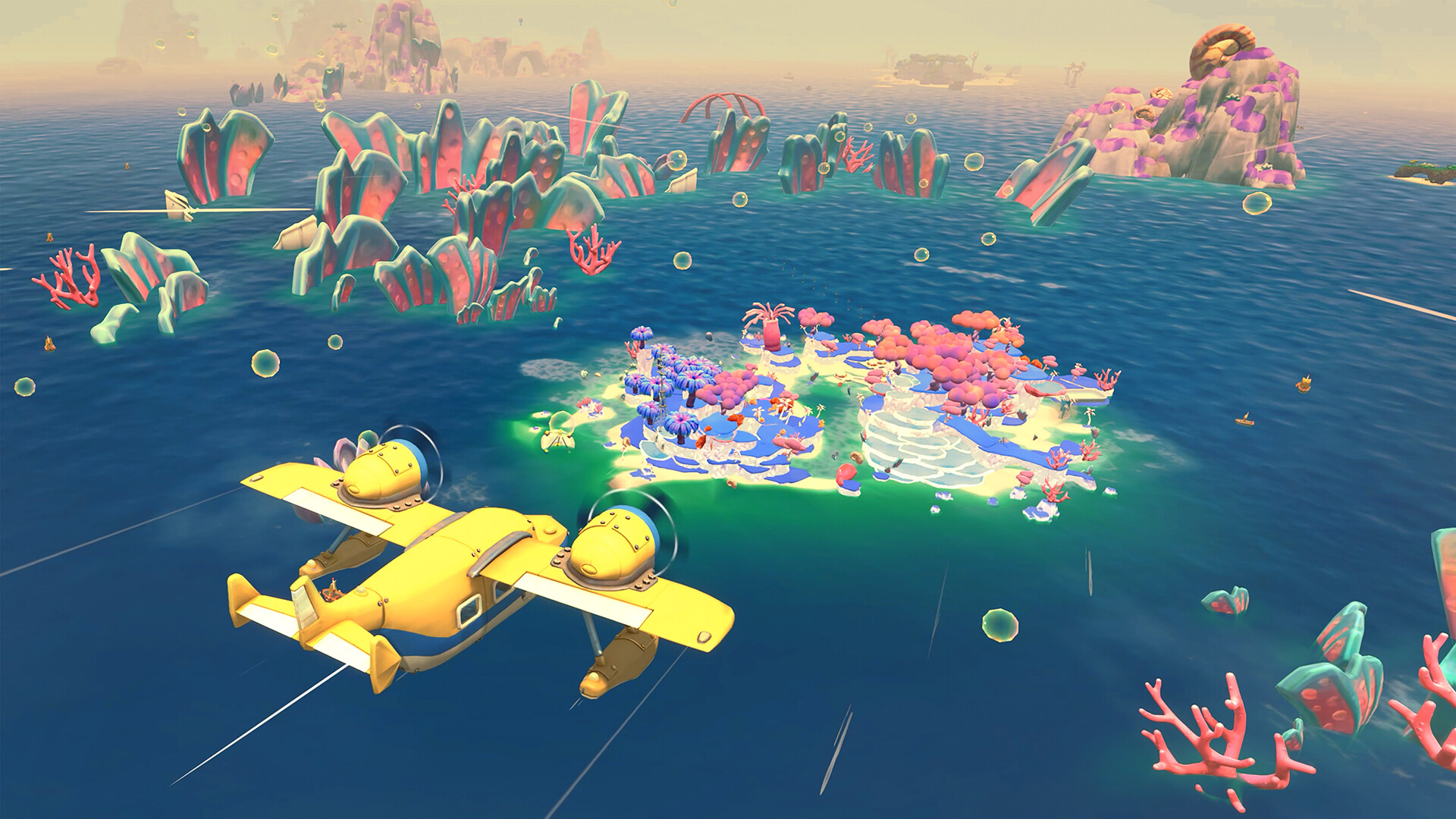
Your primary transport is a customizable seaplane that lets you fly across open skies. The game mentions ring challenges as optional navigation tests.
Skins and custom configuration options let you personalize the seaplane.
- Experiment with different skin colors to match island aesthetics.
- Use ring challenges as low‑pressure practice for flight routes.

03 / THE GUIDE
Swirler Multi‑Tool
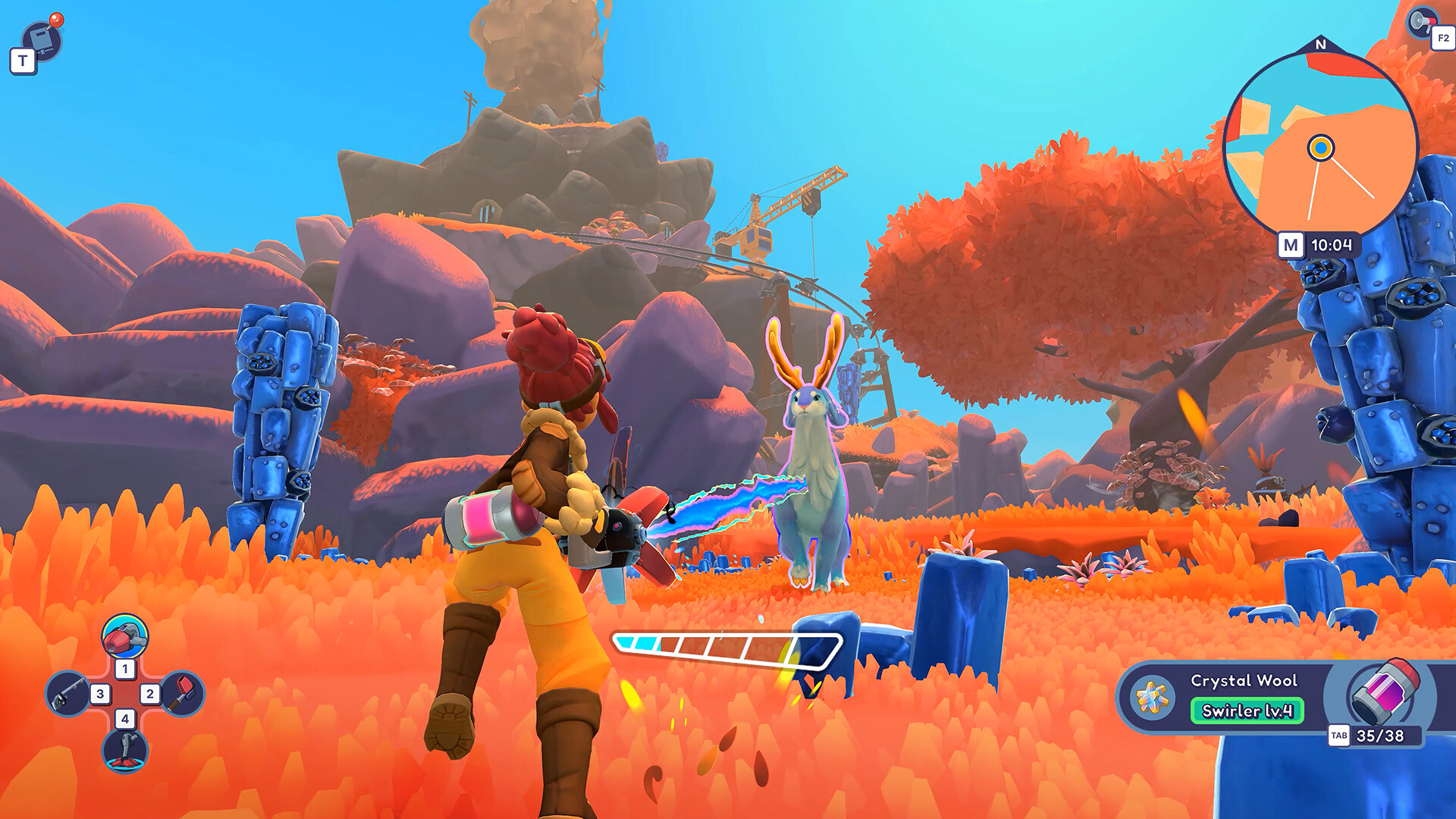
The Swirler is a vacuum‑style multi‑tool that collects scrap, native plants, and items dropped by Limbo’s wildlife. Gathered material feeds into building and crafting systems.
Its versatility makes it the central device for resource acquisition throughout the islands.
- Watch which wildlife drops materials to plan efficient routes.
- Balance plant and scrap pickups to keep inventory manageable.
04 / THE GUIDE
Community Building & Crafting
Collected resources can be used to repair buildings and craft goods that support each island’s daily life. Restoring structures helps communities thrive again.
Rebuilding supports the island communities while you continue piecing together clues about Uncle Lou.
- Prioritize repairs to help each community thrive while you follow the mystery.
- Balance functional items with decorative pieces for personal satisfaction.
05 / THE GUIDE
Character & Base Customization
Full character customization lets you adjust hairstyles, outfits, and accessories, creating a unique avatar. You can also build and decorate a beach hut as a personal base.
Customization options let you add a personal visual touch while exploring the islands.
- Mix accessories to reflect the island’s color palette.
- Arrange hut décor to showcase favorite crafted items.

COMMUNITY
Player discussion