 GameWiki
GET YOUR BEARINGS
About Lost in Vivo
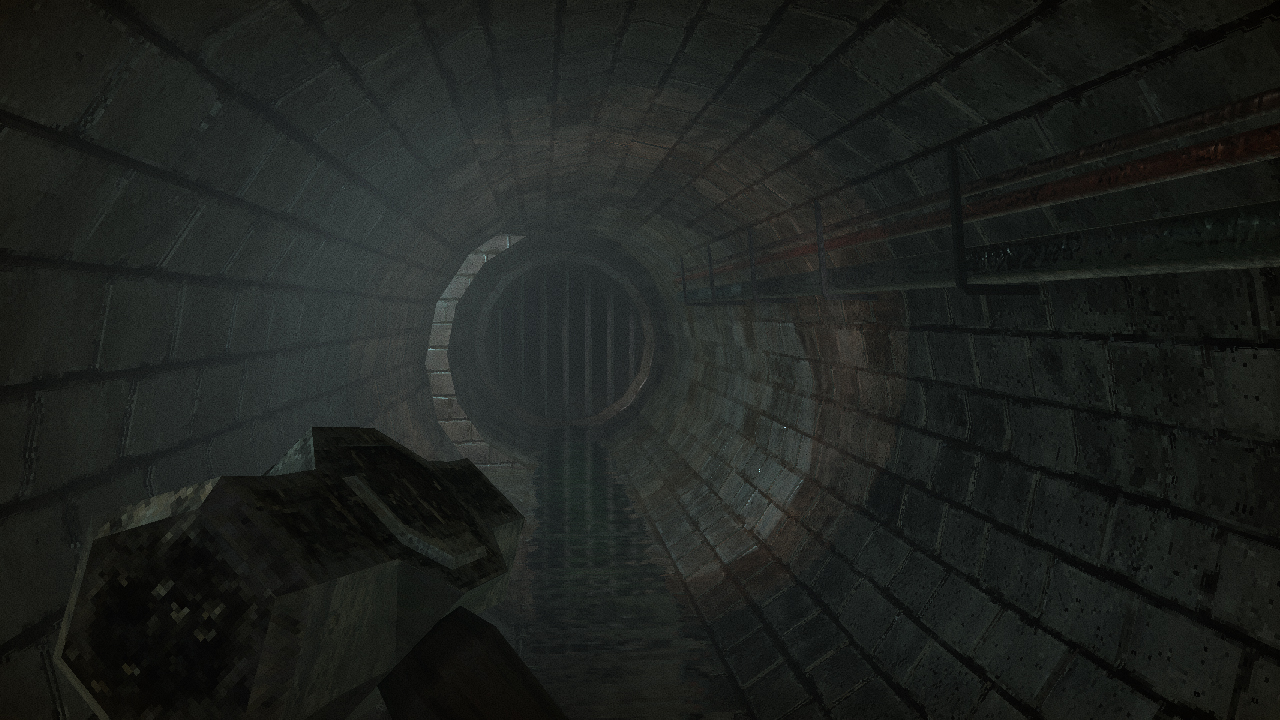
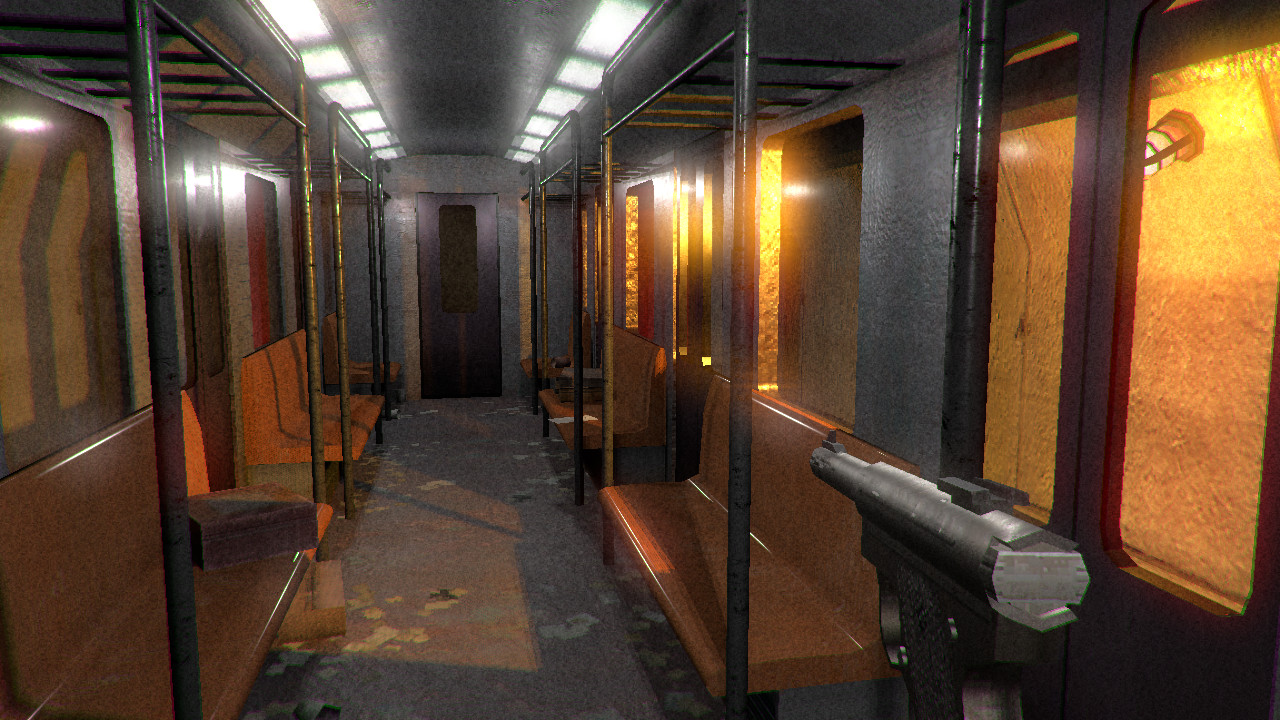
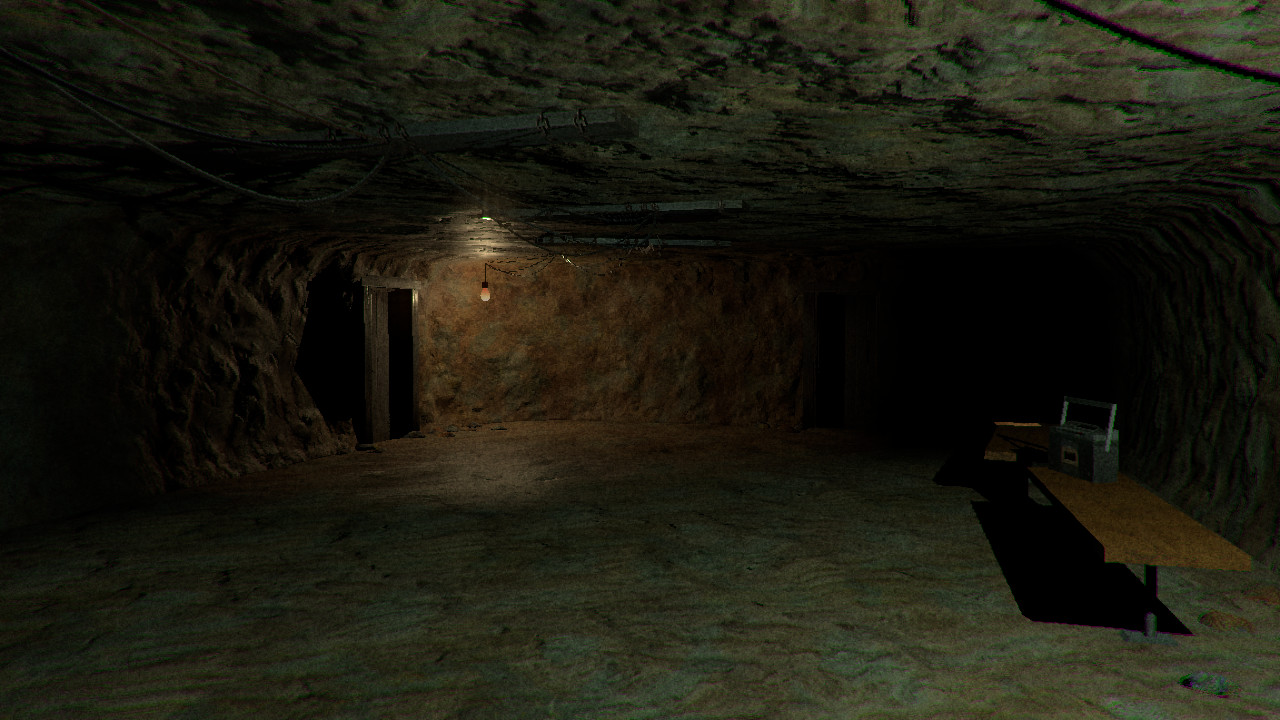
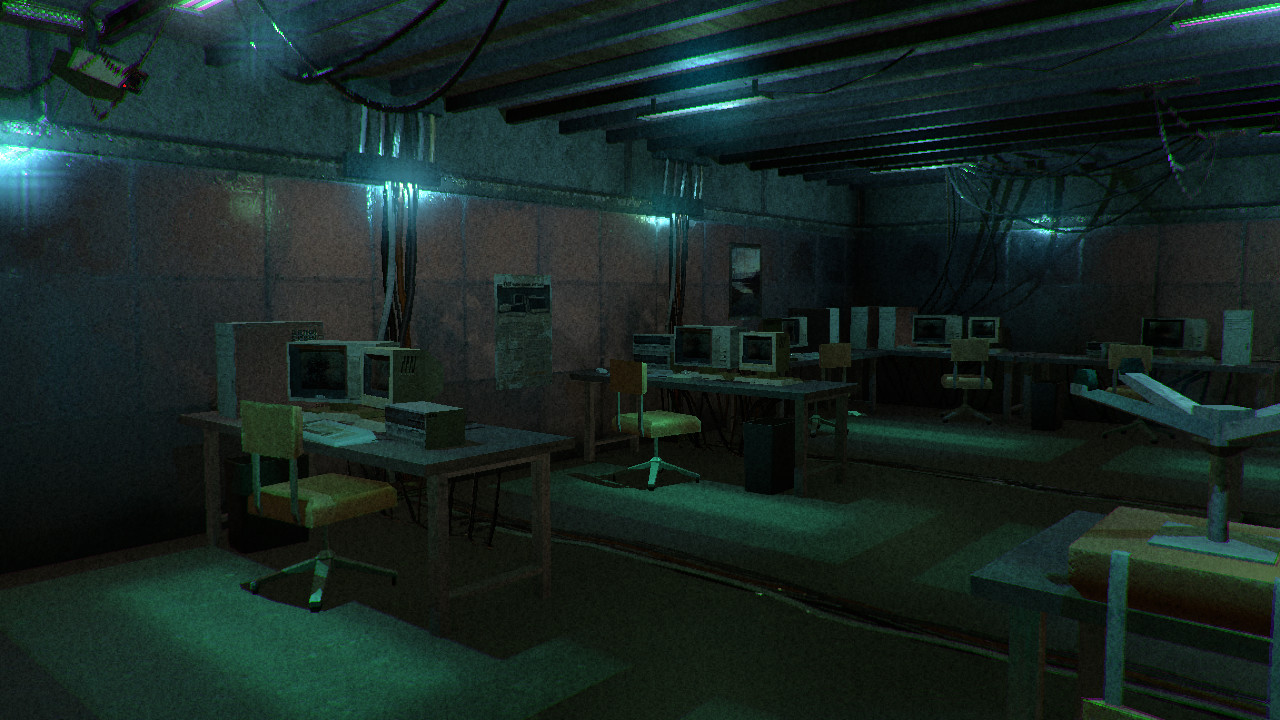
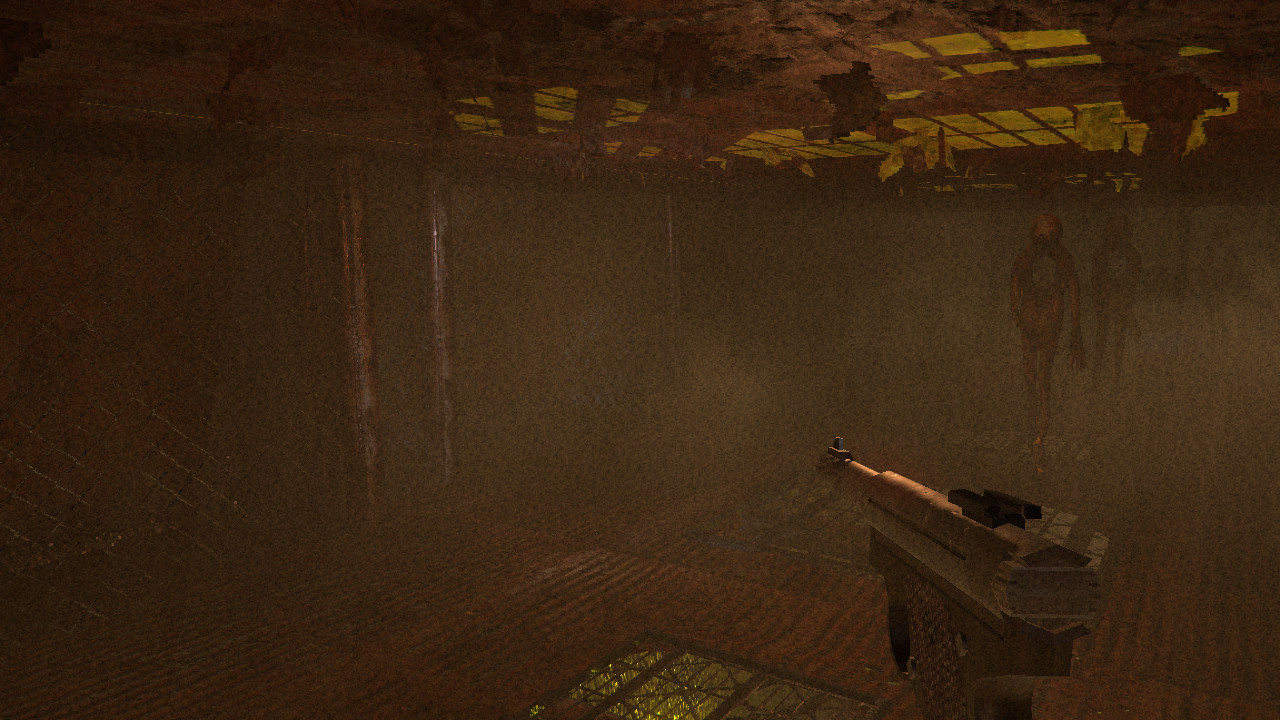
Lost in Vivo is an indie horror experience that centers on claustrophobic tension. A storm forces your service dog down a broken sewer drain, prompting you to chase after it through dark tunnels. Along the way you encounter other characters plagued by abnormal or psychological fears, offering chances for help or further peril. The game runs on Windows, supports a controller after navigating graphic options, and is designed for single‑player play with family‑sharing capability.
01 / THE GUIDE
Claustrophobic Horror
The core atmosphere of Lost in Vivo relies on tight, confined spaces that amplify fear. The narrative places you in a storm‑riven sewer system, emphasizing the sensation of being trapped.
Encountered characters also suffer from abnormal or psychological fears, reinforcing the game's focus on mental tension rather than external combat.
- Observe how the environment’s narrow corridors affect your sense of safety.
- Compare the feeling of darkness here to other horror titles you’ve played.
02 / THE GUIDE
Storm and Sewer Plot
A storm triggers the initial event, causing your service dog to fall down a broken sewer drain. You then locate the nearest entrance and pursue it, setting the game's primary objective.
The plot progresses as you navigate the sewer, meeting others whose fears may mirror or contrast your own, shaping the narrative direction.
- Note how the storm serves as a catalyst for the underground journey.
- Consider the symbolism of the sewer as a setting for hidden fears.
03 / THE GUIDE
Partial Controller Support
The game includes controller support, but you must first click past the graphic options menu. The controller inputs are hard‑programmed to the menu’s layout, not the button labels.
There is currently no ability to open the Steam overlay using the controller, so any overlay actions require alternative input methods.
- Test the controller after passing the graphic options to confirm responsiveness.
- If you need the Steam overlay, plan to use a keyboard or mouse temporarily.
04 / THE GUIDE
Single‑Player Mode
Lost in Vivo is designed for a single‑player experience, focusing on personal immersion in its horror setting. No multiplayer or co‑op elements are documented.
The solitary nature of the game encourages players to confront the psychological fears presented without external assistance.
- Take breaks if the claustrophobic tension becomes overwhelming.
- Track your progress through the sewer to maintain a sense of direction.
05 / THE GUIDE
Family Sharing Compatibility
The title supports family sharing, allowing multiple authorized accounts to access the same purchase. This feature does not affect gameplay mechanics.
Sharing does not alter the single‑player focus; each user experiences the game independently.
- Verify that your Steam family sharing settings include the account you intend to play with.
- Check your Steam family sharing settings before playing on another account.
COMMUNITY
Player discussion