 GameWiki
GET YOUR BEARINGS
About Lost For Swords
Lost For Swords is a roguelike deck‑builder where each card you collect determines the rooms you explore. You climb a tower, equip one‑use weapons and armor, cast spells, activate auras, gather loot and battle monsters on every floor.
Between floors you can upgrade equipment to strengthen your deck, seeking synergies among the 100+ cards. The game offers three heroes, six towers, a level editor and many difficulty modifiers, all wrapped in a simple click‑based UI.
01 / THE GUIDE
Deck Building and Playstyles
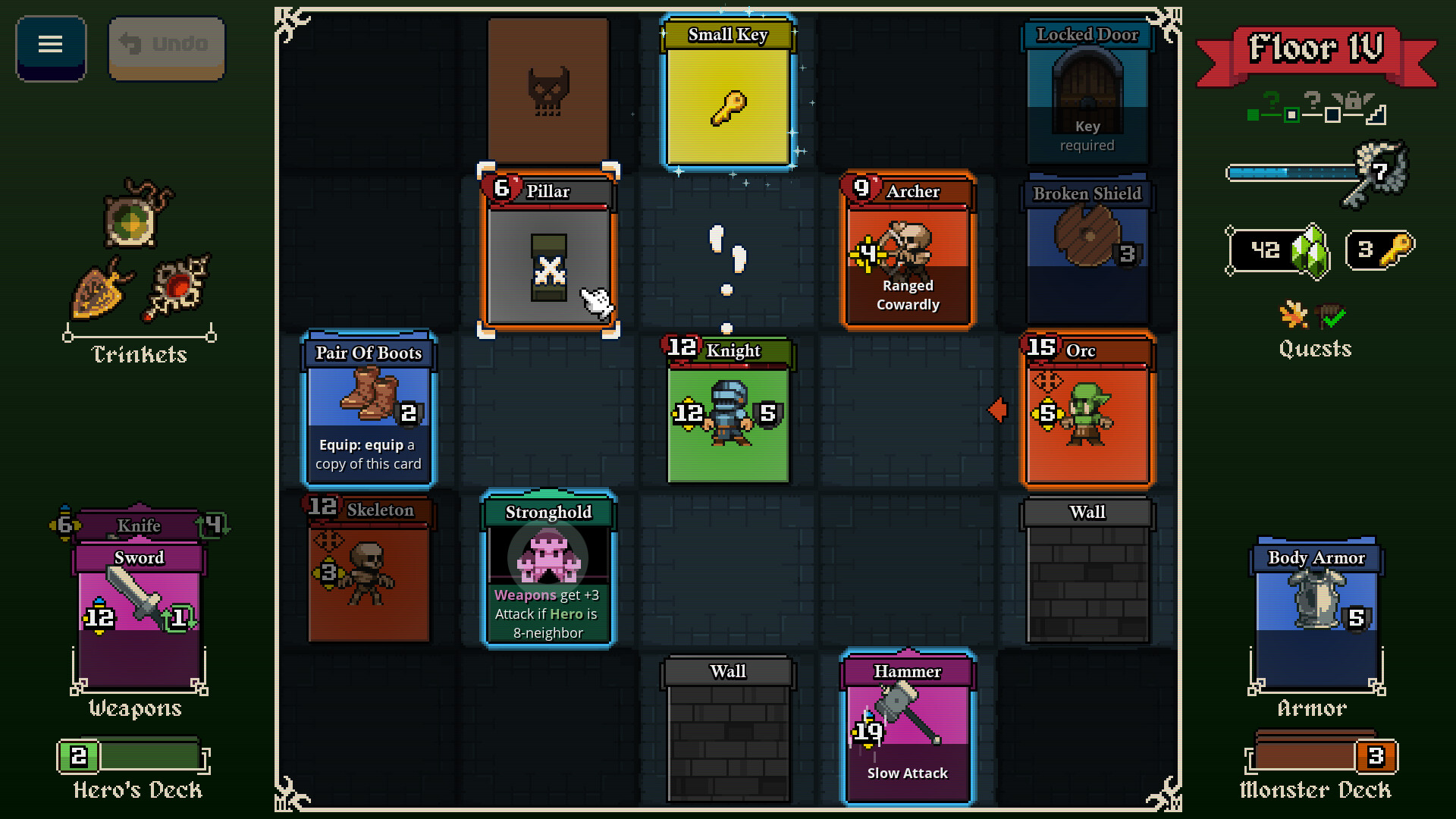
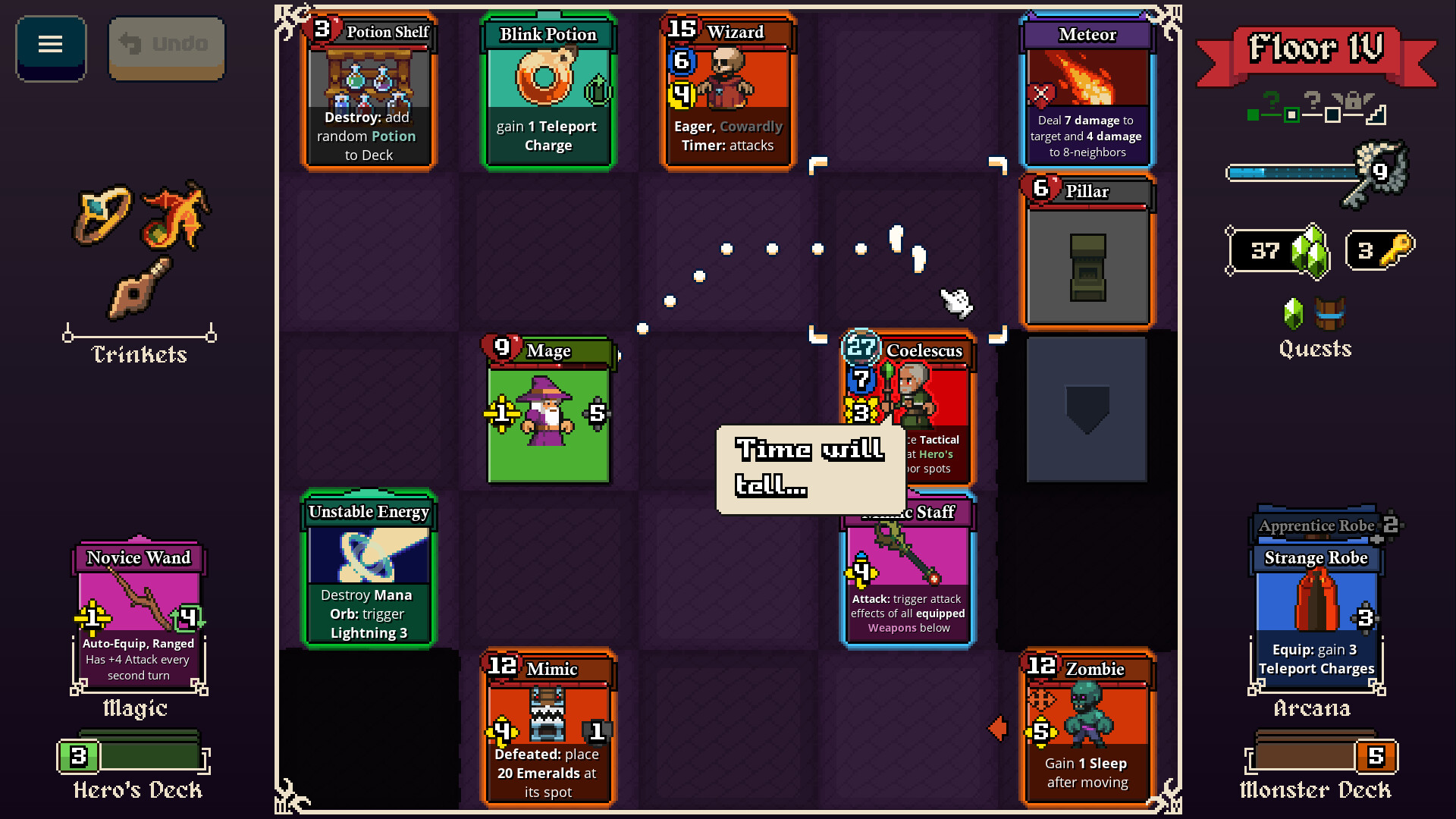
Your deck is assembled from over a hundred cards, including weapons, armor, spells, scrolls and auras. The cards you pick shape the challenges you face, as equipment cards and dungeon cards are shuffled together on the board.
You can craft offensive, defensive, sneaky or reckless strategies, and each run lets you refine the deck further. The goal is to build the strongest possible combination before advancing to the next floor.
- Experiment with different card mixes to discover unexpected synergies.
- Focus on balancing one‑use equipment with recurring spell cards for longer runs.
02 / THE GUIDE
Playable Characters
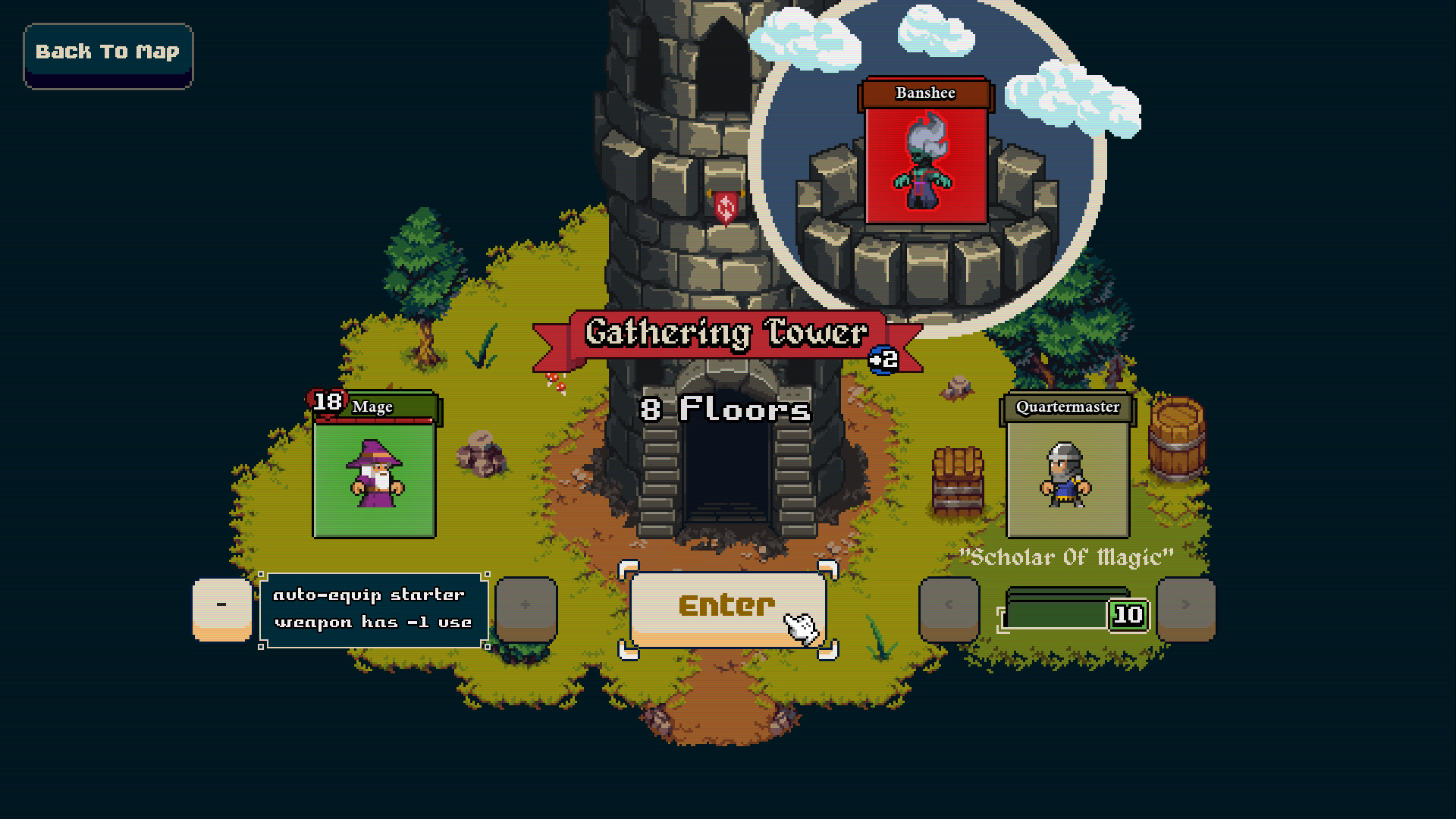
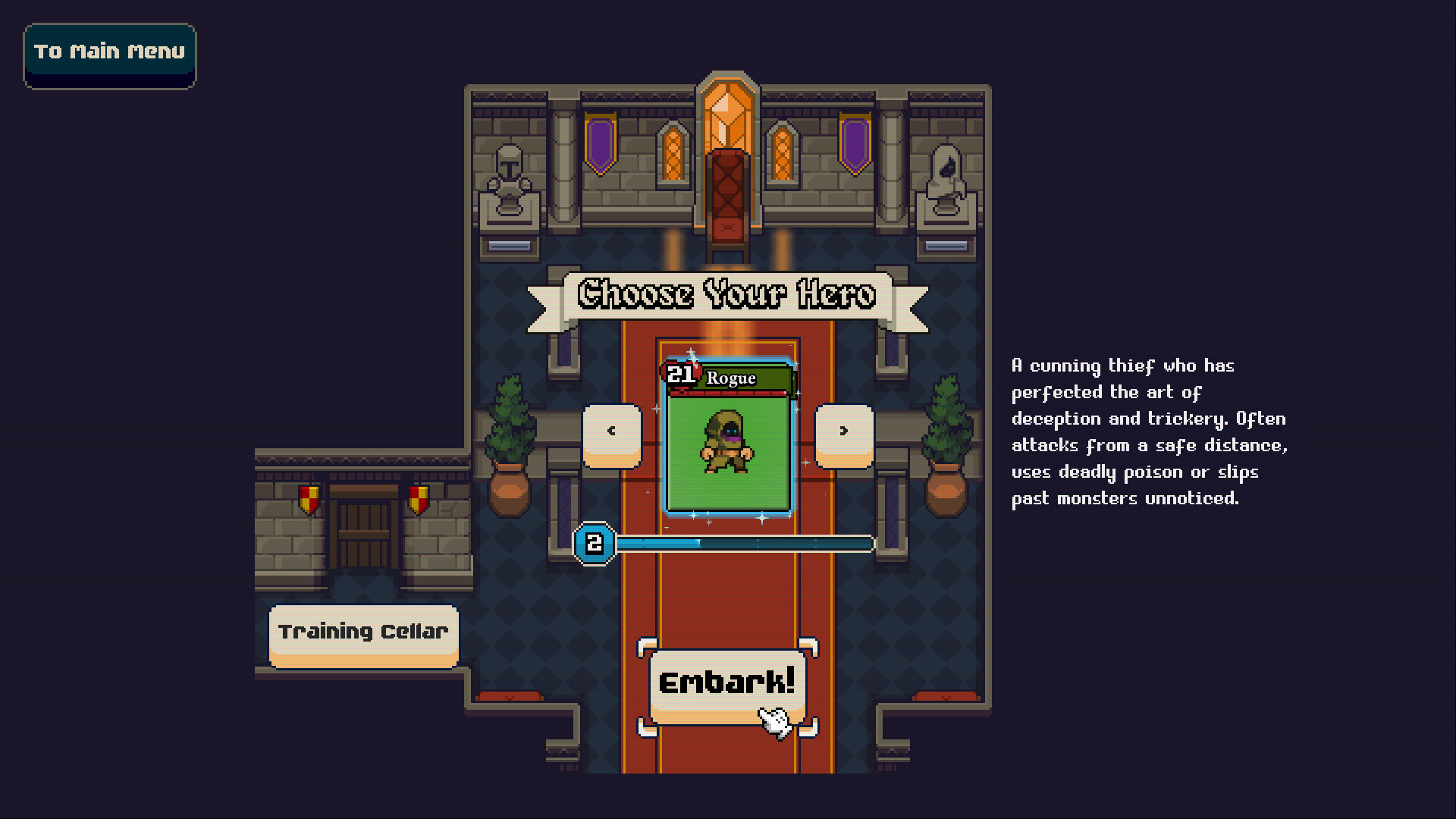
The game features three playable characters, each starting with a unique starter deck. Additional alternative starter decks can be unlocked for each hero, expanding early‑game options.
Choosing a hero determines the initial cards you receive, influencing how you approach each tower’s monsters, traps and bosses.
- Try each hero to see which starter deck aligns with your preferred playstyle.
- Unlock alternative starters to add variety without changing the core hero.
03 / THE GUIDE
Towers, Monsters and Bosses
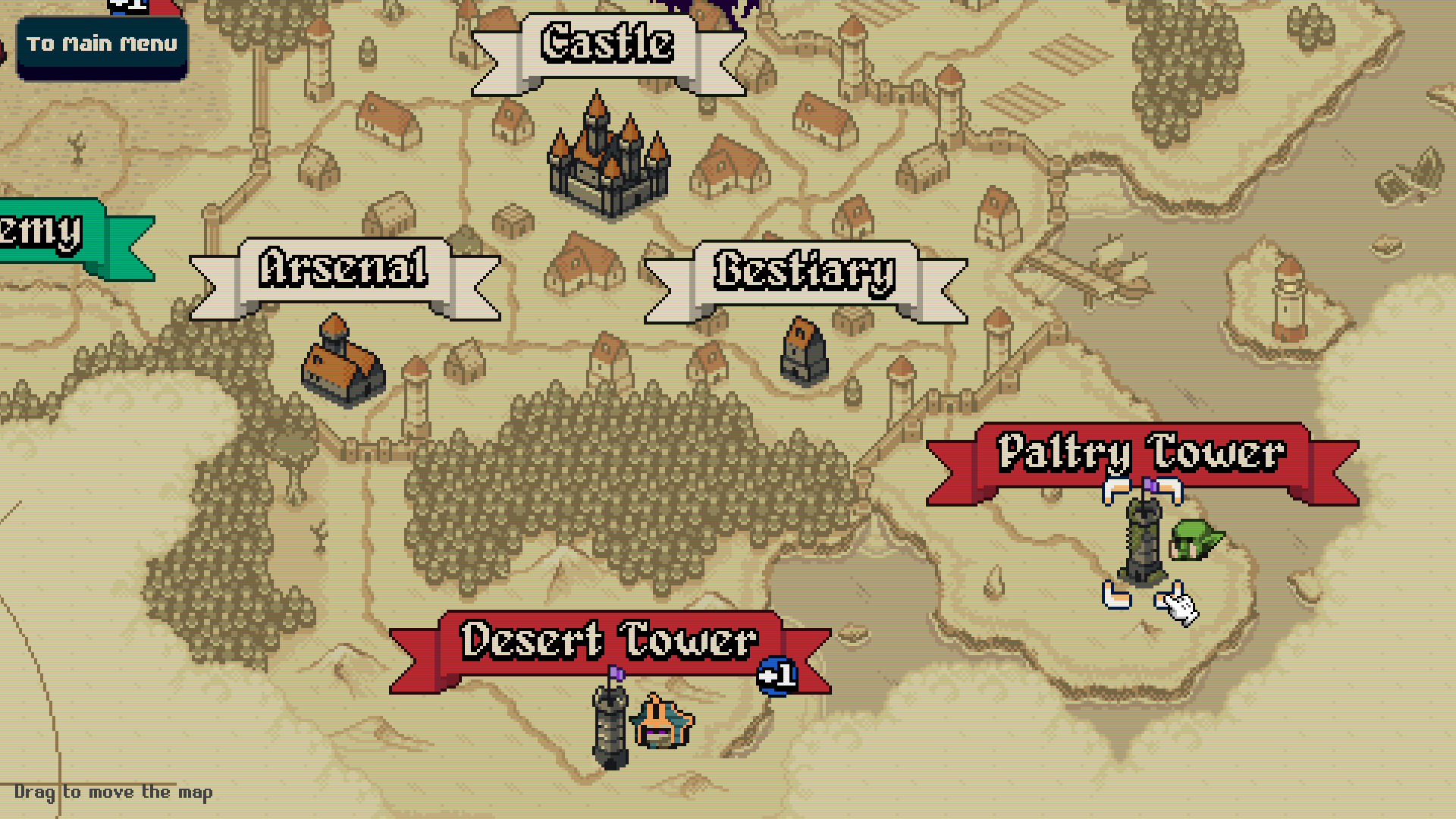
There are six distinct towers, each populated by unique monsters, traps and bosses. Floors are generated anew for every run, ensuring no two ascents are identical.
Random encounters and quests can appear during a run, potentially altering its direction.
- Observe which towers favor your deck’s strengths before committing to a run.
- Treat quests as opportunities that may change the course of a run in your favor.
04 / THE GUIDE
Level Editor and Sharing
Lost For Swords includes a level editor that lets players design their own floors. Created levels can be shared with the community, allowing others to play them.
The editor works alongside the core game, and created levels can be shared with and played by other players.
- Browse community‑made levels to experience fresh challenges.
- When designing, consider how one‑use equipment will affect player decisions.
05 / THE GUIDE
Difficulty Modifiers
A variety of difficulty modifiers are available, catering to casual and hardcore players alike. These modifiers adjust the challenge without changing the fundamental deck‑building loop.
Modifiers offer a scalable way to test deck efficiency and strategic planning.
- Start with a single modifier to gauge its impact before stacking multiple.
- Use modifiers that target your weaker deck aspects for balanced practice.
COMMUNITY
Player discussion